
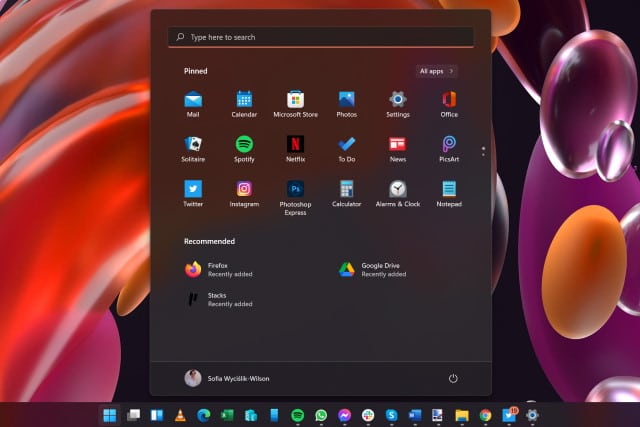
How to hide the Recommended panel in the Windows 11 Start menu
Windows 11 has generated a huge amount of interest and debate ahead of its official launch later this year. There's a lot to love in Microsoft's latest iteration of Windows but, as ever, there are also things that irritate users.
The revamped Start menu has proved controversial and divisive for numerous reasons, not least of which is the fact that it is centered by default (although this can be changed). But another thing that has upset some people is the inclusion of a Recommended panel in the lower half of the Start menu. At the moment it is used to highlight recently used files and recently installed apps, but some people fear that it will be used by Microsoft to spam users with other recommendations. If you don't like it, here's how to disable it.



