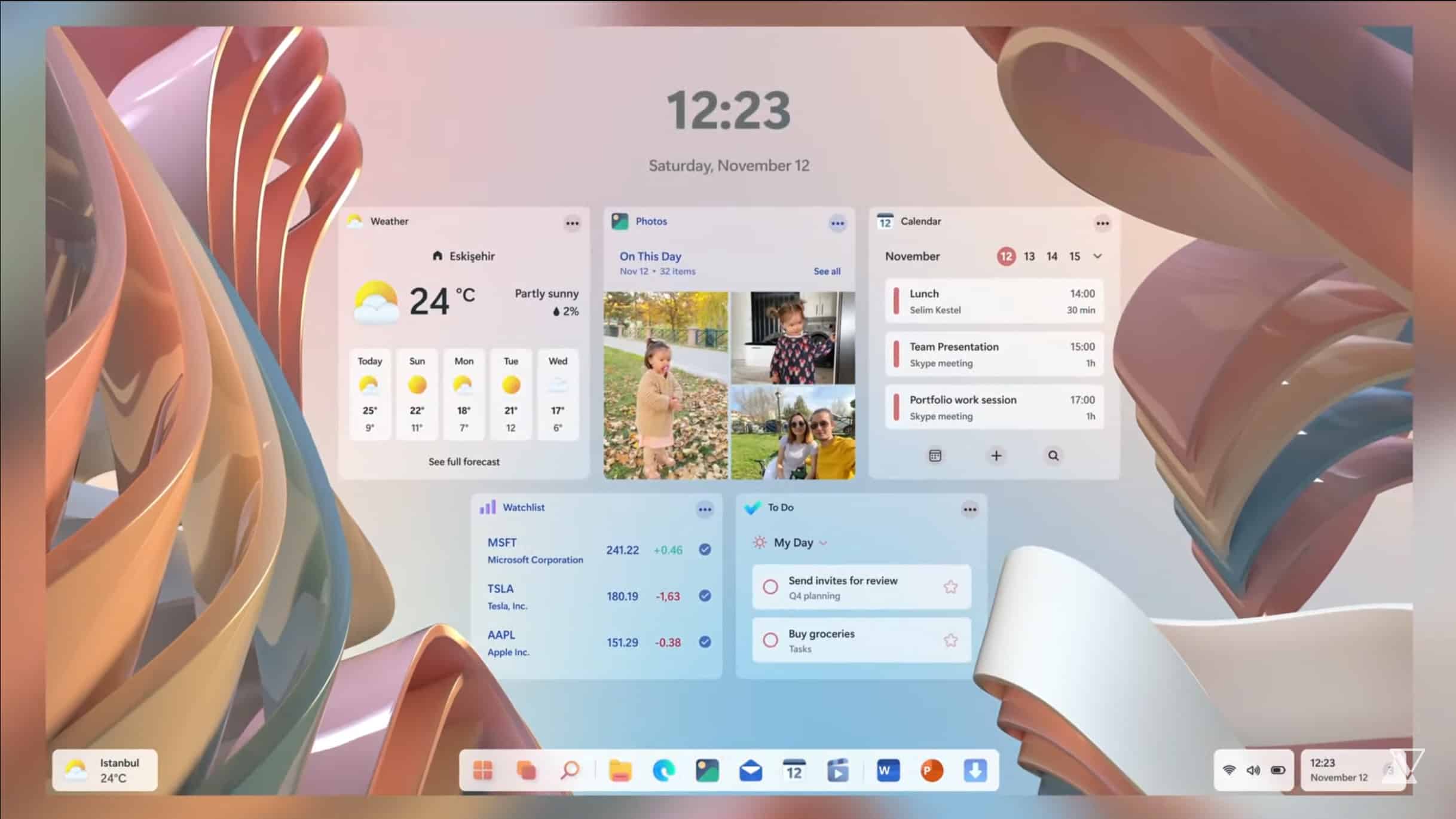
Forget buggy Windows 11, Windows 12 is the operating system we want
Windows 11 is a good operating system, for the most part, but it’s not without its problems. It seems every new update Microsoft rolls out these days introduces fresh annoyances. No wonder the vast majority of users are sticking with Windows 10.
Although Windows 11 has only been out for just over a year, talk of its successor, Windows 12, has been bubbling in the background for a few months now and if you were wondering how it might look when released, we have the answer.
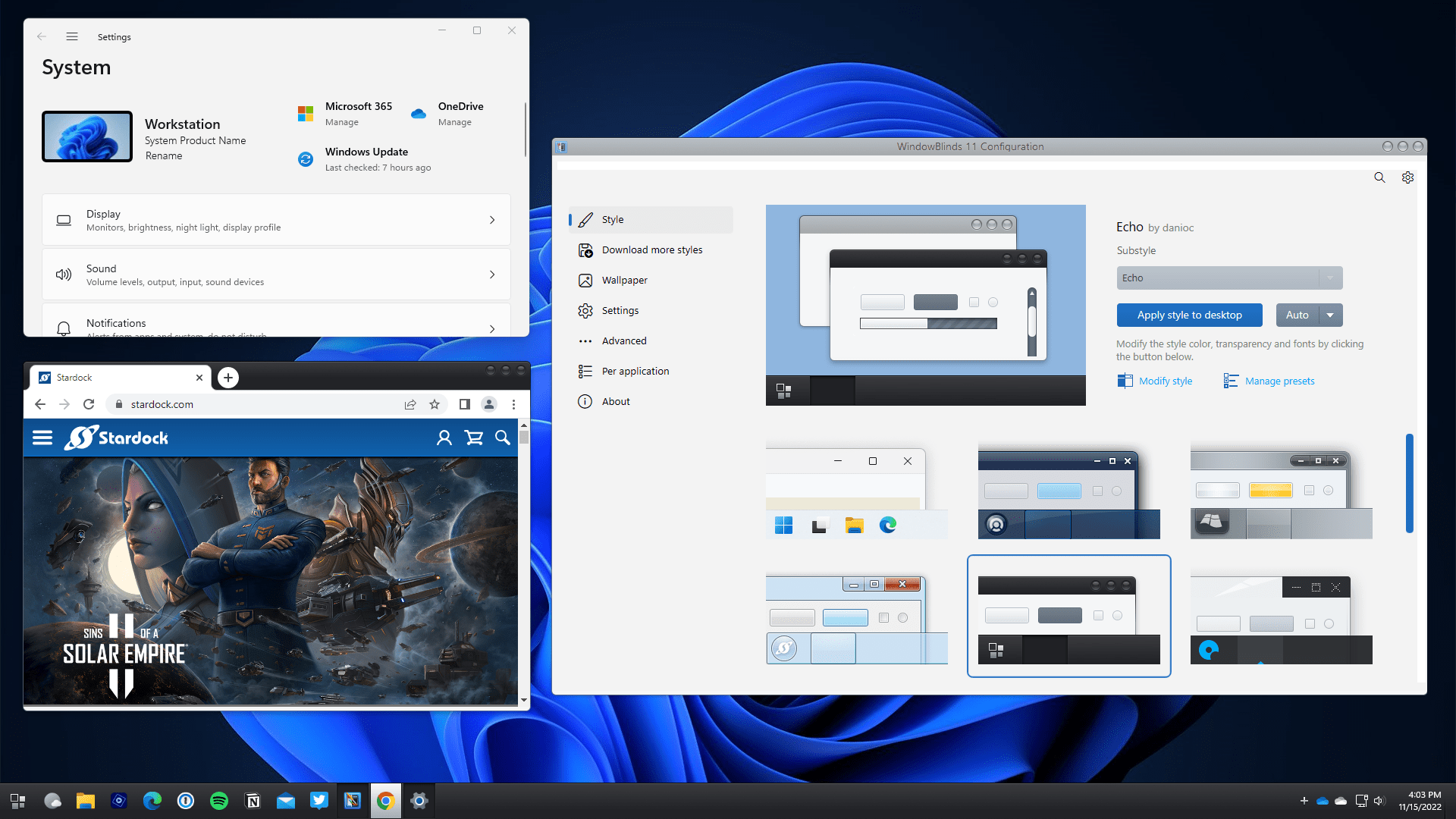
Best Windows apps this week
Five-hundred-and-nineteen in a series. Welcome to this week's overview of the best apps, games and extensions released for Windows 10 and 11 on the Microsoft Store and elsewhere in the past seven days.
Microsoft released a preview update for Windows 11 this week that fixed the game performance issues that some users experienced. The update did introduce an issue of its own though. It breaks the Task Manager for some users, apparently.

Windows 11 increases its usage share slightly, but still lags a long way behind Windows 10
If you want to use a supported version of Microsoft’s operating system you have two choices -- Windows 10 or Windows 11. Although people would usually opt to use the latest OS, especially given it’s a free upgrade, Windows 11 has struggled to find a meaningful audience despite being out for over a year now.
Its lack of adoption hasn’t been helped by the operating system's stricter system requirements.
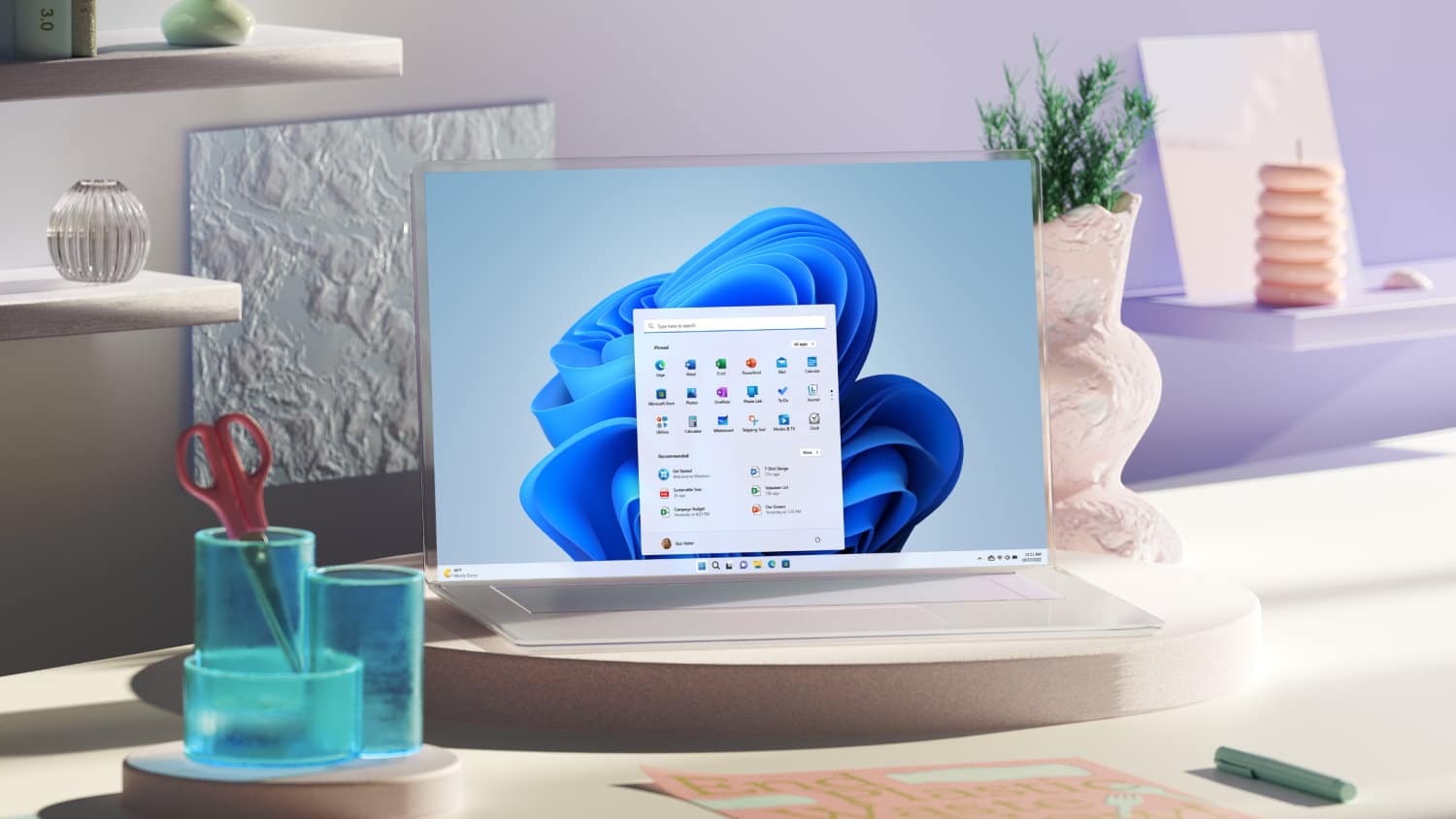
Microsoft releases KB5020044 update for Windows 11 -- before revealing that it breaks Task Manager
It is the time of the month when Microsoft release preview versions of Windows updates. True to form, the company has released the KB5020044 update for Windows 11 22H2.
As well as fixing various issues, this update also brings new features such as combining Windows Spotlight with Themes on the Personalization page, and helpful information for OneDrive users. It also fixes game performance issues which caused Microsoft to block upgrades to Windows 11 2022 Update for some users. And true to form, the update also breaks some things as well as fixing others; in this case, Task Manager.
Microsoft releases Windows 11 Build 25252 and highlights new known issues
Thanksgiving is done and dusted for another year, but Microsoft has something for Windows Insiders in the Dev Channel to be thankful for -- a new Windows 11 Build!
Build 25252 comes with a handful of improvements and fixes, but also highlights some new known issues.
Best Windows apps this week
Five-hundred-and-eighteen in a series. Welcome to this week's overview of the best apps, games and extensions released for Windows 10 and 11 on the Microsoft Store and elsewhere in the past seven days.
Microsoft confirmed a new Remote Desktop connection issue this week that is affecting Enterprise and business customers for the most part. Microsoft did adjust the safeguard hold for devices with certain games or apps, so that more devices may be able to upgrade to Windows 11 2022 Update.
Microsoft makes it easier for gamers to upgrade to Windows 11 22H2
There have been numerous compatibility holds put in place that have prevented large swathes of people from upgrading to Windows 11 2022 Update. One of the more recent blocks affected gamers, with Microsoft standing in the way of upgrades because of impaired game performance under Windows 11 22H2.
But now Microsoft has lifted the safeguard holding, meaning that more gamers are able to upgrade to the latest version of Windows 11. Sadly it is not good news for everyone, as the block has only been partially lifted.
MINISFORUM unveils NAD9 mini desktop PC
The Thanksgiving holiday is today, and I am thankful for many things this year, such as my health, family, and friends. As a self-proclaimed tech nerd, however, I would be remiss not to mention something technology-related I am thankful for. While there are many devices that bring me joy, one of my favorite things is the mini PC. For whatever reason, I just love seeing a lot of computing power crammed into a small chassis. It feels magical.
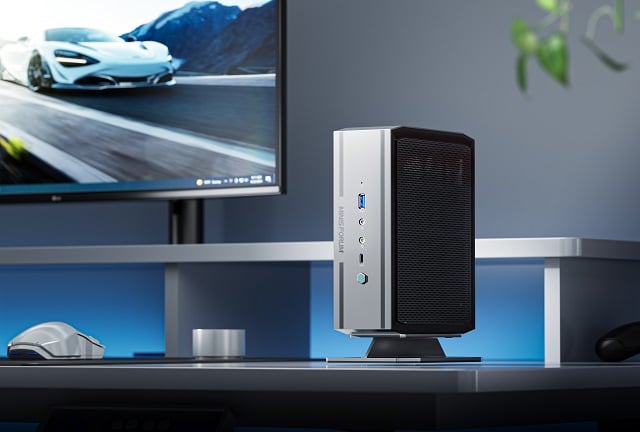
Speaking of mini PCs, today, MINISFORUM unveils its latest. Called "NAD9," this diminutive Windows 11 Pro computer is powered by an impressive 12th-gen Intel Core i9-12900H processor and can be ordered with up to 32GB of RAM (it supports up to 64GB). For storage, you can opt for either a 512GB or 1TB SSD. You can also order a barebones kit that comes without RAM, storage, or an operating system.
Microsoft confirms Remote Desktop Connection problem with Windows 11 22H2
The known issues with Windows 11 22H2 keep on coming thick and fast. Microsoft may want to move all Windows 10 users onto Windows 11, but the constant stream of problems is enough to put off just about anyone.
Now the company has confirmed yet another issue with the latest update to the operating system. Warning that "Connections may fail when using Remote Desktop Connection Brokers", Microsoft offers a workaround -- but not a fix -- for those affected.
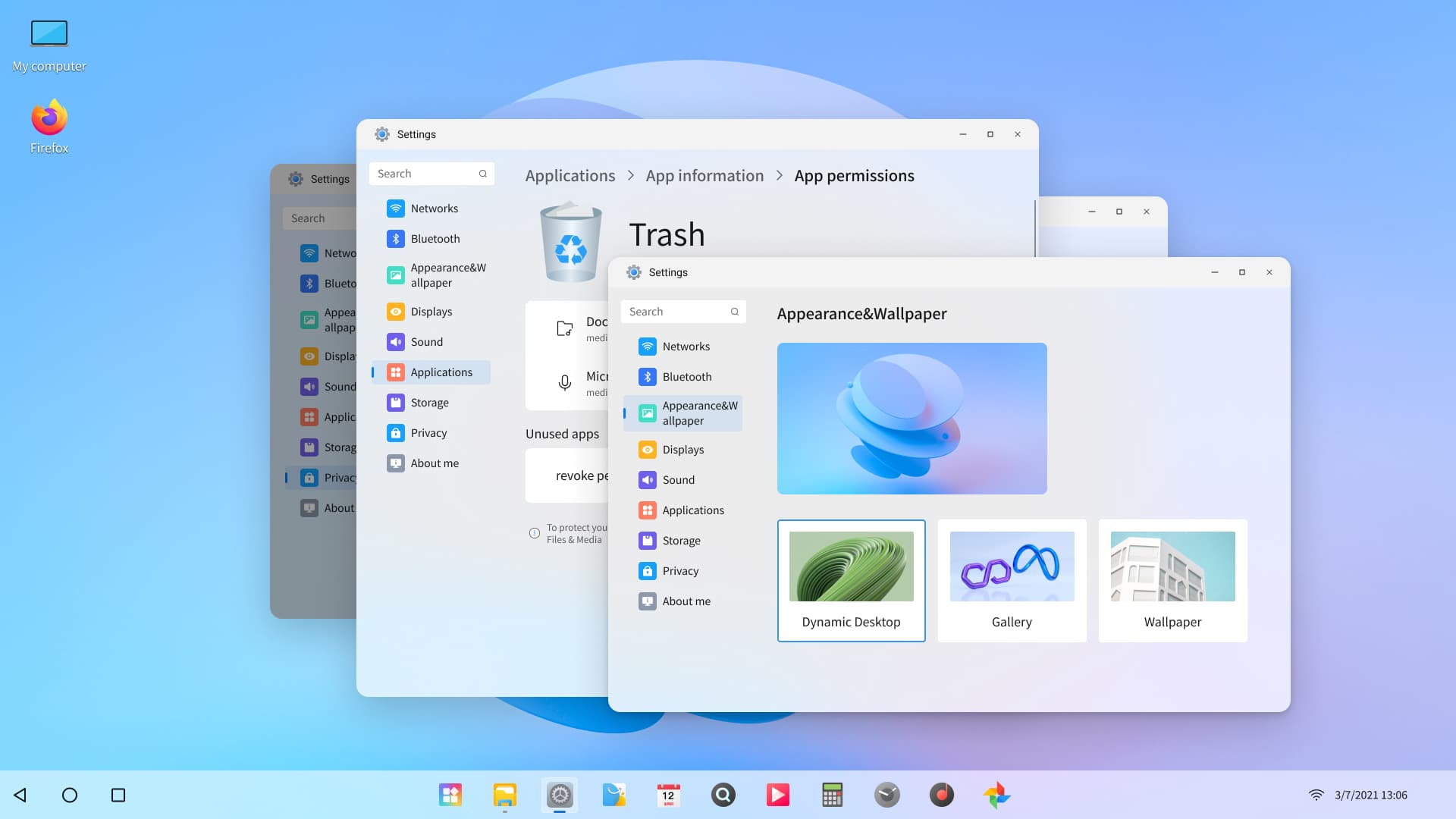
Android-based Orange Pi OS brings Windows 11's look and feel to Orange Pi computers
Orange Pi is an affordable alternative to the Raspberry Pi. There are several versions of the open-source computer available, including the recently released Orange Pi 5 and Orange Pi 800, and they can run a choice of operating systems, such as Android, Ubuntu, Debian Image and more.
There’s also now a dedicated Android-based operating system called Orange Pi OS which, as well as being able to run a large selection of Android applications, also offers quick switching between Windows 11 and macOS style themed desktops.
Windows Subsystem for Linux exits preview as Microsoft Store app becomes the default version for Windows 10 and 11
Microsoft has made two big announcements about Windows Subsystem for Linux. Not only is the Microsoft Store app the default version, it is also losing the Preview label as it is now generally available for Windows 10 and Windows 11.
The change means that Microsoft is switching away from offering WSL as an optional component of Windows itself. The company says that it has brought the app to the Microsoft Store for Windows 10 users following community requests, pointing out that this means that "Windows 10 can now run Linux GUI apps".

Windows 11 frozen? Try this secret keyboard shortcut
While -- thankfully -- not terribly common, it is certainly not unknown for Windows 11 to just hang. If you have found yourself with a frozen desktop, you may have thought there was no alternative but to restart your computer.
But no matter whether your system froze while you were in the middle of a gaming session, while you were given a presentation, or just surfing the web, there is something else you can try.

Microsoft is adding a handy VPN indicator to the Windows 11 taskbar
There have been complaints recently about Microsoft using the Start menu to promote its own OneDrive service as well as suggesting websites, but another upcoming addition to Windows 11 is likely be rather better received.
Hidden among the numerous new features of Windows 11 build 25247, is an update to the network connectivity icon that appears in the notification area of the taskbar. It provides at-a-glance information about whether your VPN is active.
Microsoft lifts printer-related safeguard hold blocking some Windows 11 upgrades
Around two months after acknowledging an issue with some printer drivers and Windows 11 2022 Update, Microsoft has addressed the problem and lifted the safeguard hold it had put in place.
The safeguard hold meant that people with printers using Microsoft IPP Class Driver or Universal Print Class Driver were blocked from upgrading to Windows 11 22H2. But in removing the block, Microsoft has opened up the latest version of Windows 11 to more people.
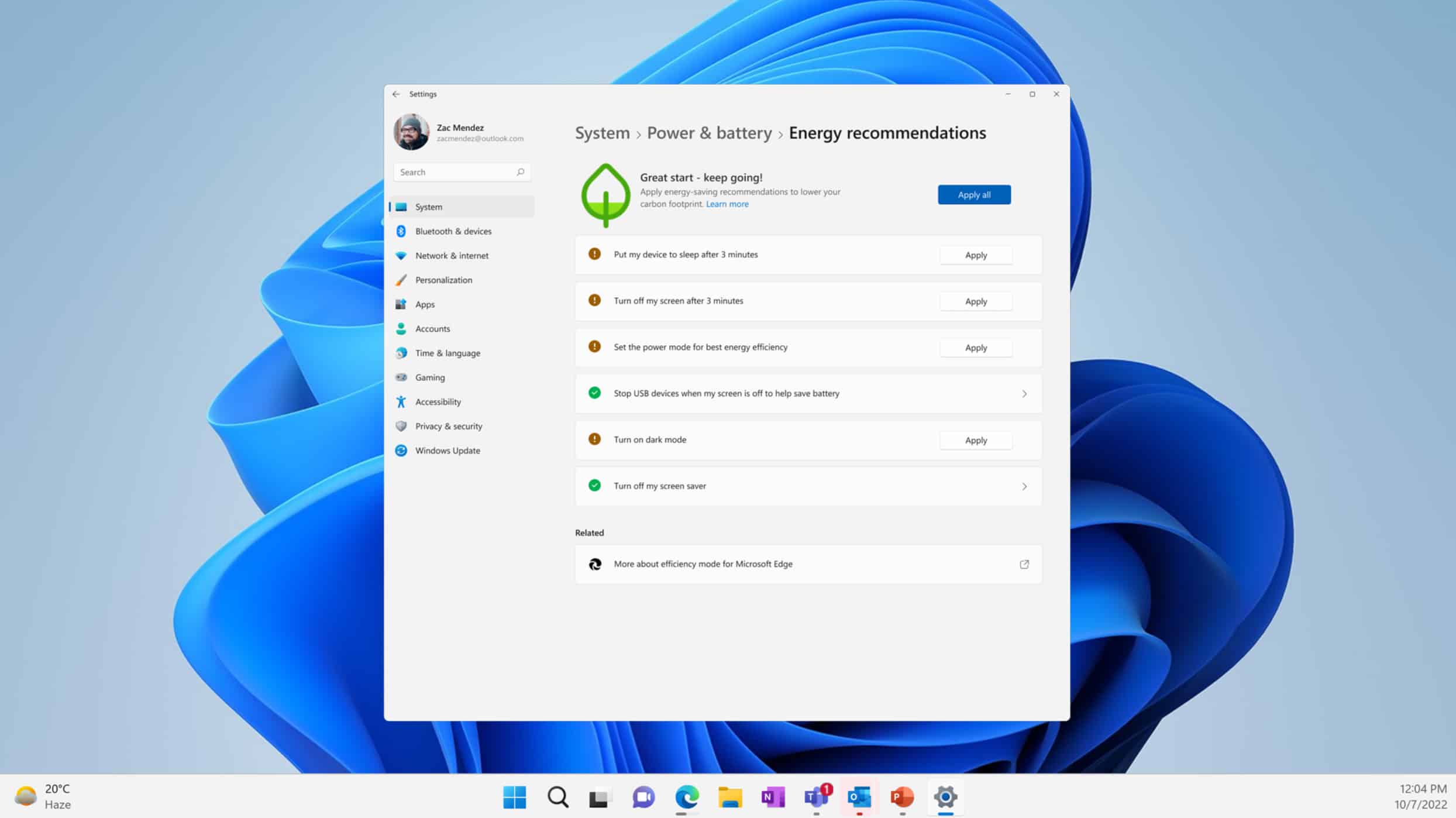
Microsoft releases action-packed Windows 11 Build 25247 with several new features including Energy Recommendations and Task Manager updates
It’s nearly the weekend and in celebration of that Microsoft has released a new Windows 11 build for Insiders in the Dev Channel.
It’s later in the week than usual, but worth the wait as Windows 11 Build 25247 comes with several new features including Energy Recommendations, improvements for Task Manager, and tweaks to the Account settings page. You can also now access Windows Studio Effects from Quick Settings.