Chrome 22 is available -- get it NOW!
Google has released Chrome 22 FINAL, with the promise of improvements for Windows 8 users, gamers and those using HiDPI and Retina screens.
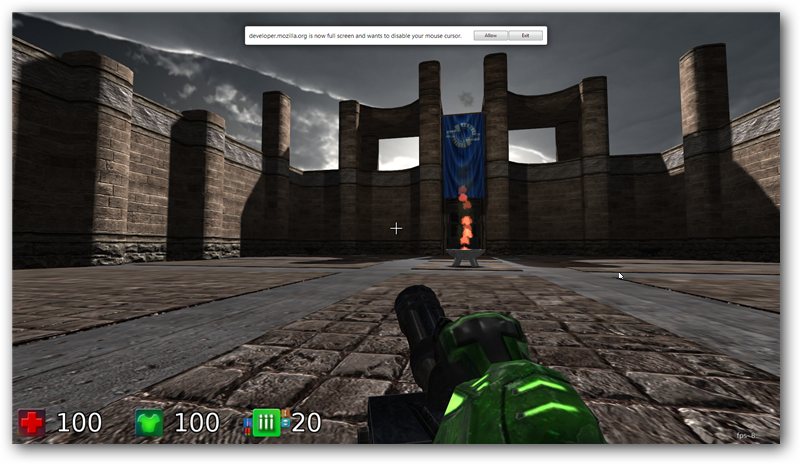
Chrome’s gaming enhancements revolve around support for the Pointer Lock JavaScript API. Otherwise known as "mouse lock", it allows sites to “capture” the mouse and provide the user with an immersive experience that isn’t constrained by the mouse cursor’s position relative to the edges of the browser window.
Internet Explorer zero-day exploit threatens huge chunk of IE users
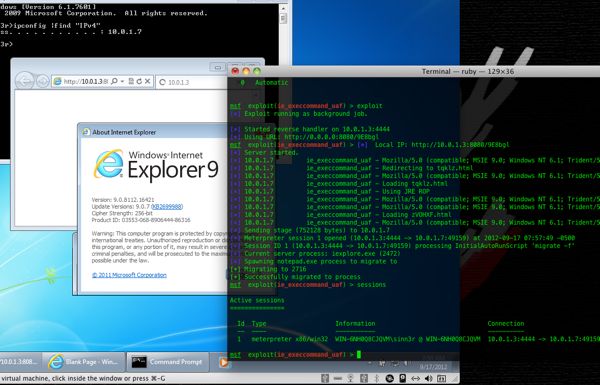
Security researchers this week uncovered a bug in Microsoft's Internet Explorer that is actively being exploited in targeted attacks and remote code execution. Microsoft responded by launching its own investigation of the vulnerability, but has no solution yet.
The vulnerability has been observed in Internet Explorer 6 through Internet Explorer 9 on Windows XP SP3, Vista, and Windows 7, and users can be infected simply by visiting a malicious website.

Pale Moon 15.1 fixes big bugs
Firefox-variant Pale Moon 15.1 for Windows has been released, promising to resolve a “fairly large number of issues with the initial version”. Version 15.1, also available as a dedicated 64-bit build, includes fixes for the mouse wheel scrolling preferences, memory inflation while playing some canvas games and a fix for private browsing mode.
Pale Moon, which is optimized for speed and efficiency, offers a lightweight, fast variant to Firefox. This latest build comes after version 15.0 was released at the end of last month.

Google ends Internet Explorer 8 support on Google Apps
Last year Venkat Panchapakesan, Google Vice President of Engineering announced the company's plan to limit support to modern browsers across Google Apps. To support modern web apps, support for browsers not supporting technologies like HTML5 had to be discontinued. Examples given at that time included desktop notifications or drag-and-drop file uploading, which both require browsers supporting HTML5.
For that reason, Google made the decision to support only the current and previous major version of a web browser. When a new major version of a browser gets released, support for the third oldest version gets discontinued automatically.
Opera 12 beta RC supports Retina Display
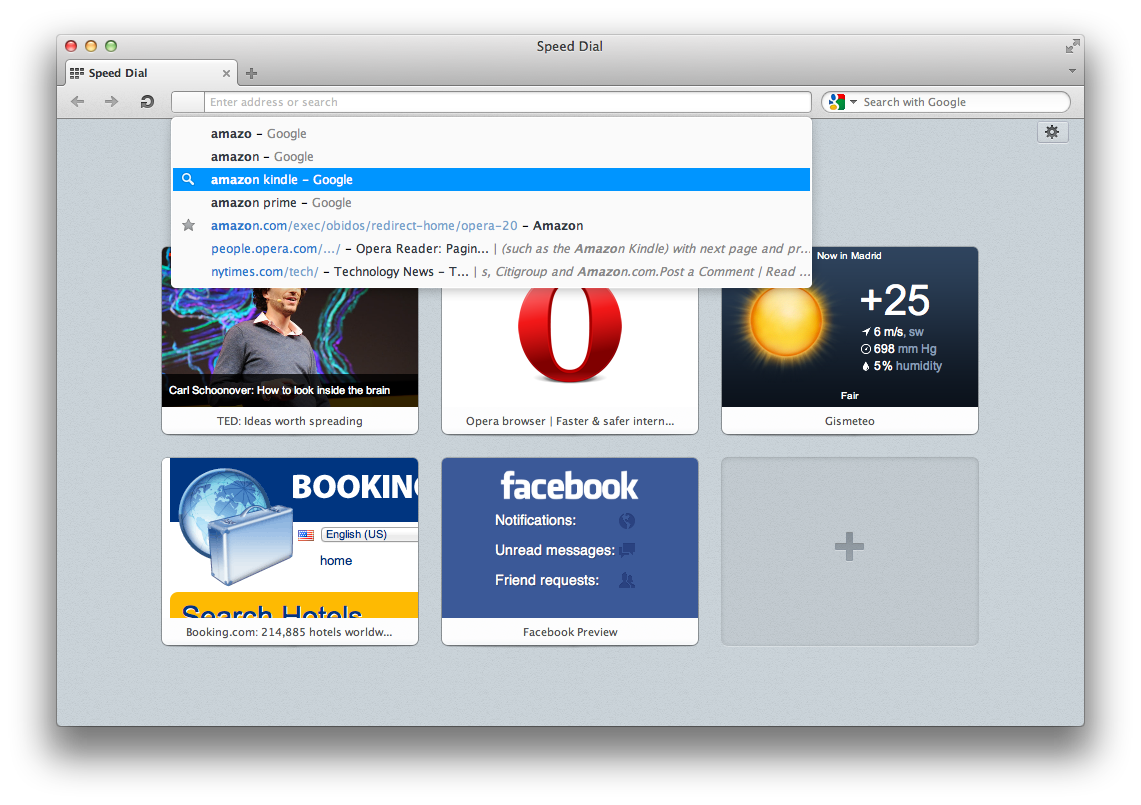
Retina Display support continues to be added to more and more applications as they are updated, and the latest update is for Opera 12.10 beta. This is one of the headline features of the latest build, but there are also a range of bug fixes as well as an update core – although it should be noted that this is a beta release.
The addition of Retina Display support helps to improve the appearance of web pages, particularly for text. Graphics, on the other hand, will appear slightly blurry unless the page administrator has taken the step of using double resolution images. The interface of the browser has also be updated with a new skin which includes new higher resolution icons.

Now you can open PDFs directly in Firefox
Do you want to know what’s annoyed me most about recently switching from Google Chrome to Firefox (or, more precisely, its 64-bit variant, Waterfox)? The lack of a built-in PDF viewer, that’s what.
In Chrome, you’d click on a PDF link, and it would open in Chrome: do the same in Firefox, and it would save the PDF to disk instead. Incredibly annoying. The development of a built-in PDF previewer was welcome news to my ears, but having appeared in Firefox 15 Beta, it disappeared from the final version. The good news is that it’s there, and you can switch it on. If you know how.

Tired of switching between browsers? Try Lunascape 6.8.0
Are you forced to run two or more web browsers on your PC for compatibility reasons? Perhaps your online banking doesn’t work properly unless you access it in Internet Explorer, while for day-to-day browsing you prefer Firefox.
Switching between browsers can be a real pain, which is where Lunascape 6.8.0 comes in. This freeware browser takes the browser engines from Internet Explorer, Chrome/Safari and Firefox, and wraps them up in a single program, letting you switch effortlessly between them.
Do you use Google Chrome?
To celebrate Chrome's fourth-anniversary -- well, in beta -- we're asking readers if and why they use Google's browser. The search and information giant released the first public test build, for Windows, on Sept. 1, 2008, with the one-oh release following just three months later. For a company renown for perpetual betas (wasn't it five years for Gmail), the rapid push to release build was uncharacteristic -- and foreshadowing. As Martin Brinkmann explains, Google set a rapid-release cycle -- new versions about every six weeks -- that transformed web browser development.
Yesterday, Tim Conneally told his personal story about using Chrome, starting from the beta. I would like to hear your story, too. You can comment to this post, or, better, email me -- joe at betanews.com. I'd like more than a comment, but your story to which we can put your byline, bio and photo.

You don't need Java
Java is one of those technologies that you find installed on the majority of computer systems despite the fact that average users do not come across many Java-powered websites or desktop applications. Sure, some may use desktop applications like JDownloader or the game Minecraft (which both require Java), but on the Internet? Seriously, when was the last time you went to a website that required the Java Runtime Environment to be installed for core functionality?
Statistics can be misleading, but according to Statowl, Java is installed on roughly 70 percent of Web browsers, which makes it the second most popular plugin behind Adobe Flash, and places it before heavyweights such as Quicktime, Windows Media Player, or Silverlight.
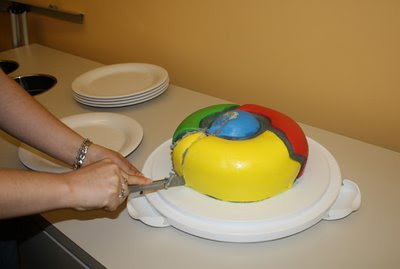
Four years with Google Chrome, and I'm never going back
Today is Labor Day in the United States. It's a federal holiday dedicated to the American workforce, celebrating, as the U.S. department of labor puts it, the "contributions workers have made to the strength, prosperity, and well-being of our country."
Every year, the Labor Day holiday falls very closely to the anniversary of Google's launch of the beta version of the Google Chrome Web browser. Released on September 1, 2008, Google Chrome is now four years old, and I am taking the opportunity on this holiday to celebrate the workhorse that is Chrome.
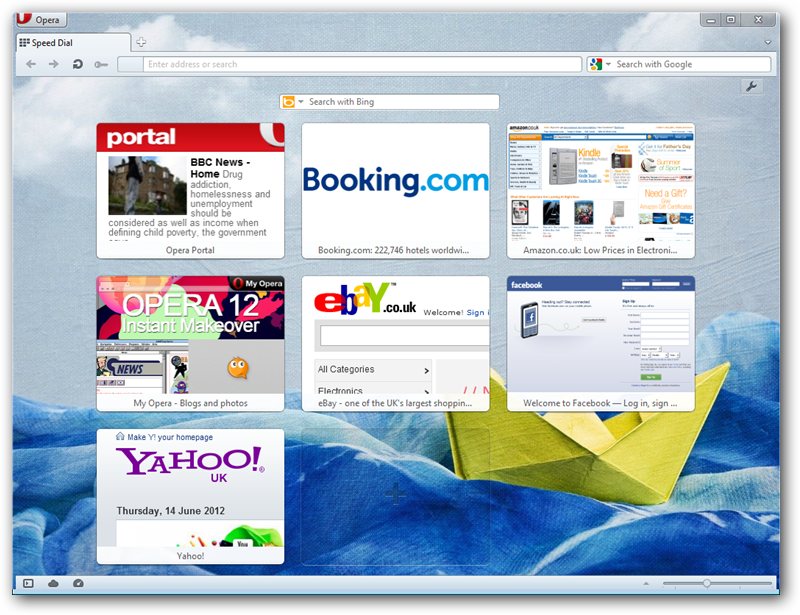
Opera 12.02 is an essential update
Norwegian browser developer Opera has updated its cross-platform browser. Opera 12.02 features minor security and stability updates, making it an essential update for all users.
The update comes less than 48 hours after Opera also released a new snapshot of its pre-release version of Opera NEXT 12.50 with a major core update, adding new features such as keyboard text selection and options for adding extensions to Opera’s context menus.

Which Firefox is right for you -- 15, 16, 17 or 18?
The recent release of Firefox 15 FINAL means the whole developmental cycle has moved on again with Mozilla’s web browser, and as expected versions 16 (Beta), 17 (Aurora) and 18 (Nightly/UX) have made their first appearances.
Sadly, there’s not an awful lot to get excited about in these new releases, but a handful of new features are worthy of attention. It seems to confirm what Mozilla developer Martin Best said on the release of Firefox 15, namely that Mozilla’s focus for the rest of 2012 will shift more to the Android and Firefox OS builds.
Do you know your web browser's version?
Microsoft's Internet Explorer was the uncrowned king back in 2008 with Mozilla's Firefox snagging away half a percent or so from IE's market share each month. Mozilla in that year released Firefox 3.0, a controversial version of the browser that divided the browser's user base into the Firefox 2.x and 3.x camp. Microsoft released Internet Explorer 8, a version of the browser that still fell short in many areas even though it was seen by many as a huge improvement over the company's previously released Internet browsers.
And in that year came the first public release of Google Chrome for Windows, and with it fundamental changes to the web browser landscape. Chrome's impact in the browser's first year of existence was limited, and while Google managed to increase the market share over the important 1 percent mark in 2008, it took the company another year to surpass Opera and Safari to take the coveted number three spot for the first time near the end of 2009.
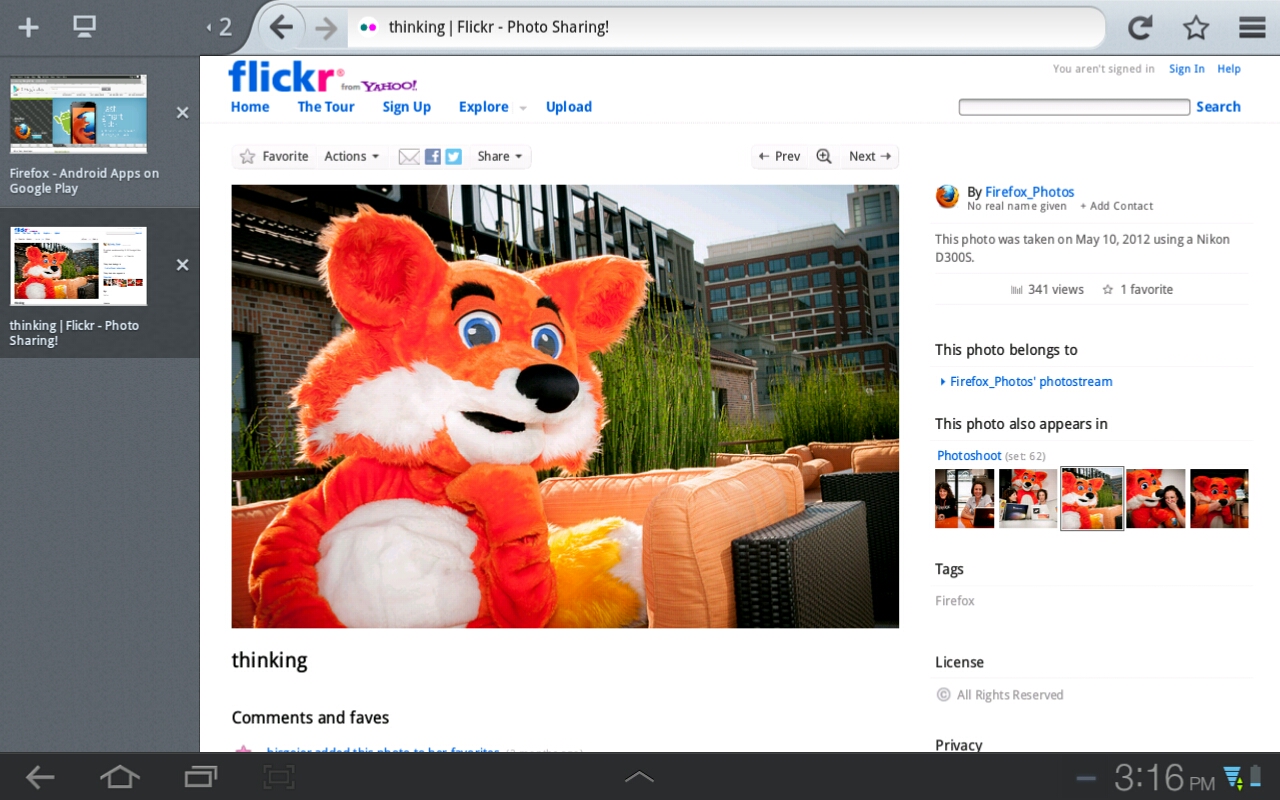
Firefox 15 for Android brings Honeycomb tablets a new UX
In addition to releasing Firefox and Thunderbird 15 Tuesday, Mozilla also released a new version of Firefox for Android tablets running ICS and Honeycomb!
Last year, I put together a list of what I believed were the ten best apps for Android Honeycomb, and I included both the Dolphin Browser and Opera Mobile in the list. At the time, not even the Nightly build of Firefox was available for Honeycomb devices. That did not come until five months later, and it was still in a very early UI form.

Download Firefox 15 and Thunderbird 15 NOW!
Mozilla has quietly placed major new versions of its open-source, cross-platform web browser and email client onto its download servers ahead of an official release.
Firefox 15 FINAL benefits largely from behind-the-scenes performance tweaks, while Thunderbird 15 FINAL introduces a few new features, including a new curvy user interface.