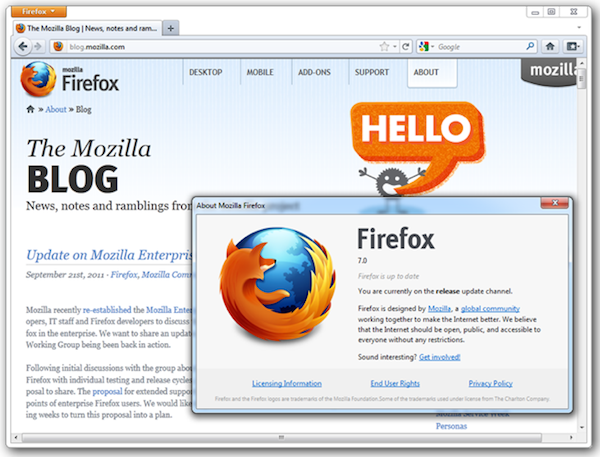
Firefox 7 was finally released this week, to promises of improved memory management and better performance than ever before.
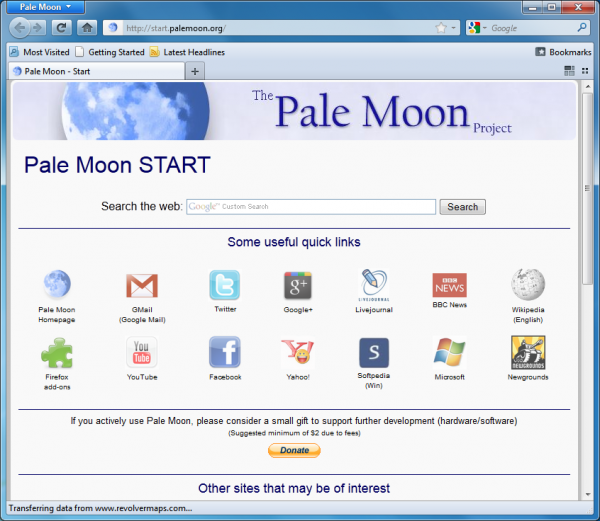
But if it still doesn’t quite deliver the speed you need then you could always turn to Pale Moon 7, a browser that takes the same Firefox source code and makes more use of compiler optimizations to increase its speed and efficiency.

Internet Explorer lost market share (again) in September, with Google Chrome collecting the difference. Meanwhile, Firefox share is stagnant, as Chrome pushes ever closer to the No. 2 spot in global browser usage share.
It's first day of the month, and that means new browser share data from Net Applications. Internet Explorer usage share is 54.39 percent, down from 60.35 percent in November 2010. Firefox fell to 22.48 percent from 23.52 percent during the same time period. September marked the fourth consecutive month of decline for Firefox. Meanwhile, Chrome usage share rose to 16.2 percent from 9.57 from November to September, consecutively gaining share for all 11 months.
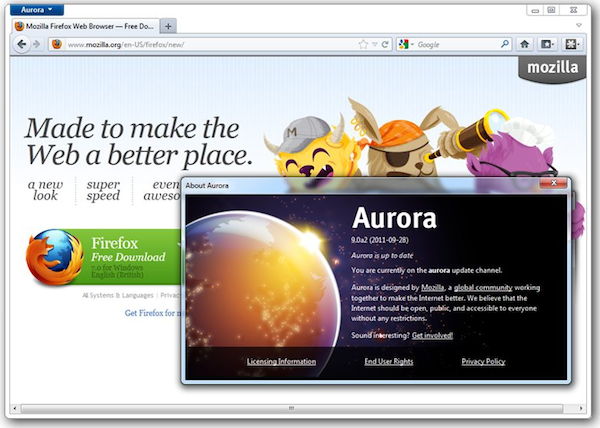
Mozilla has started the Firefox development merry-go-round again, updating its Beta, Aurora and Nightly builds to versions 8, 9 and 10, respectively.
The most significant changes between all three versions can be found in Firefox 8 Beta, which includes a number of notable improvements and new features. But there’s also an alternative Nightly build, called Firefox 10.0a1 UX. What is it, and what sets it apart from other releases? Which version should you install? Read on for our updated guide to what’s happening with Firefox.
Mozilla has placed the final, stable build of Firefox 7 on its FTP servers. This latest build has one major game-changing improvement to speak of, which should ensure that Firefox performs more efficiently and doesn’t gobble up system resources when left running in the background.
Version 7.0 also sees improved graphics performance in Windows, but as with the recent releases of Firefox 5 and 6, other changes are relatively minor, with a slightly tweaked Address Bar and faster bookmark and password changes during Firefox Sync operations being the most notable, visible tweaks of interest to end users.
Spending time browsing the Internet can be fulfilling, but it can also be fraught with dangers. Every web browser claims to have a wealth of security options built in, Comodo Dragon goes a little further aiming to not only ensure that life online is as safe as possible, but also that the experience is not dogged by poor performance. Based on a Chromium core, Comodo Dragon is a bloat-free browser that balances speed and security.
The installation of the browser gives you the option of installing a portable version of the application, while the option to import your history, password, cookies and other settings from your current browser means that it makes switching easy.
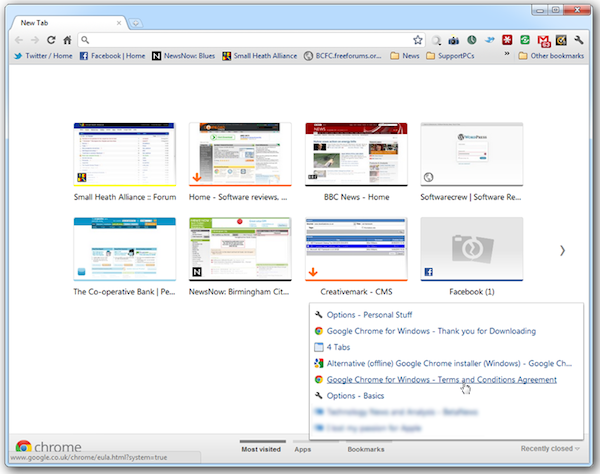
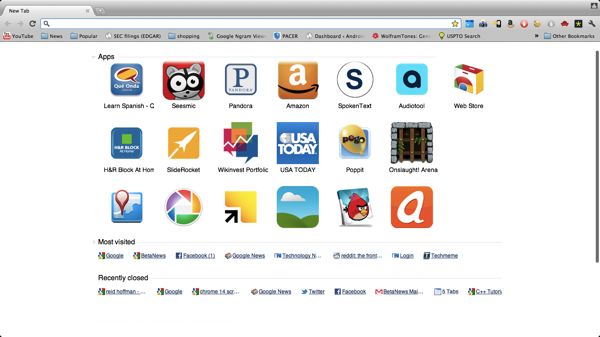
One week after releasing the first stable build of Google Chrome 14, both Beta and Dev channels have been updated, to versions 15 and 16 respectively. In terms of new features, Google Chrome 15 Beta sees the most radical developments with a redesigned new tab page and the ability to synchronize the Address/Search bar history across multiple installations.
Google Chrome 16 Dev offers one interesting new development in the fact that multi-user support, where users log into a single instance of Chrome with different accounts, has now been enabled by default on Windows and Mac machines.
Friday, Google rolled out the stable build of Google Chrome 14 (14.0.835.163) for all platforms, a more or less market-ready version of the beta channel release from August.
With this release, Google is highlighting two technologies that Chrome now supports; and fortunately, they're quite shiny and easy to appreciate.