
Microsoft starts the official rollout of Windows 11 25H2
We have known that the day was coming, and now it has arrived. Smack in the middle of H2, Microsoft has finally made Windows 11 25H2 available – for what it is worth.
While preview builds of Windows 11 25H2 have been available to Windows Insiders for a while, and to seekers more recently. But now the rollout to everyone and anyone is underway. What can you expect from this most recent “feature update” to Windows 11? Not – as even Microsoft admits – very much, really.
Microsoft releases Windows 11 25H2 ISOs
The rollout of Windows 11 25H2 is now underway – at least to anyone signed up for the Windows Insider Release Preview channel. When the rollout started, there was disappointment when Microsoft did not have the ISOs for the build ready, saying that they would be coming soon.
But now the company has released the Windows 11 25H2 ISOs which is great news for anyone who likes to keep an offline. It is also extremely useful for people looking to install Windows 11 25H2 on multiple machines – ISOs just make things easier.
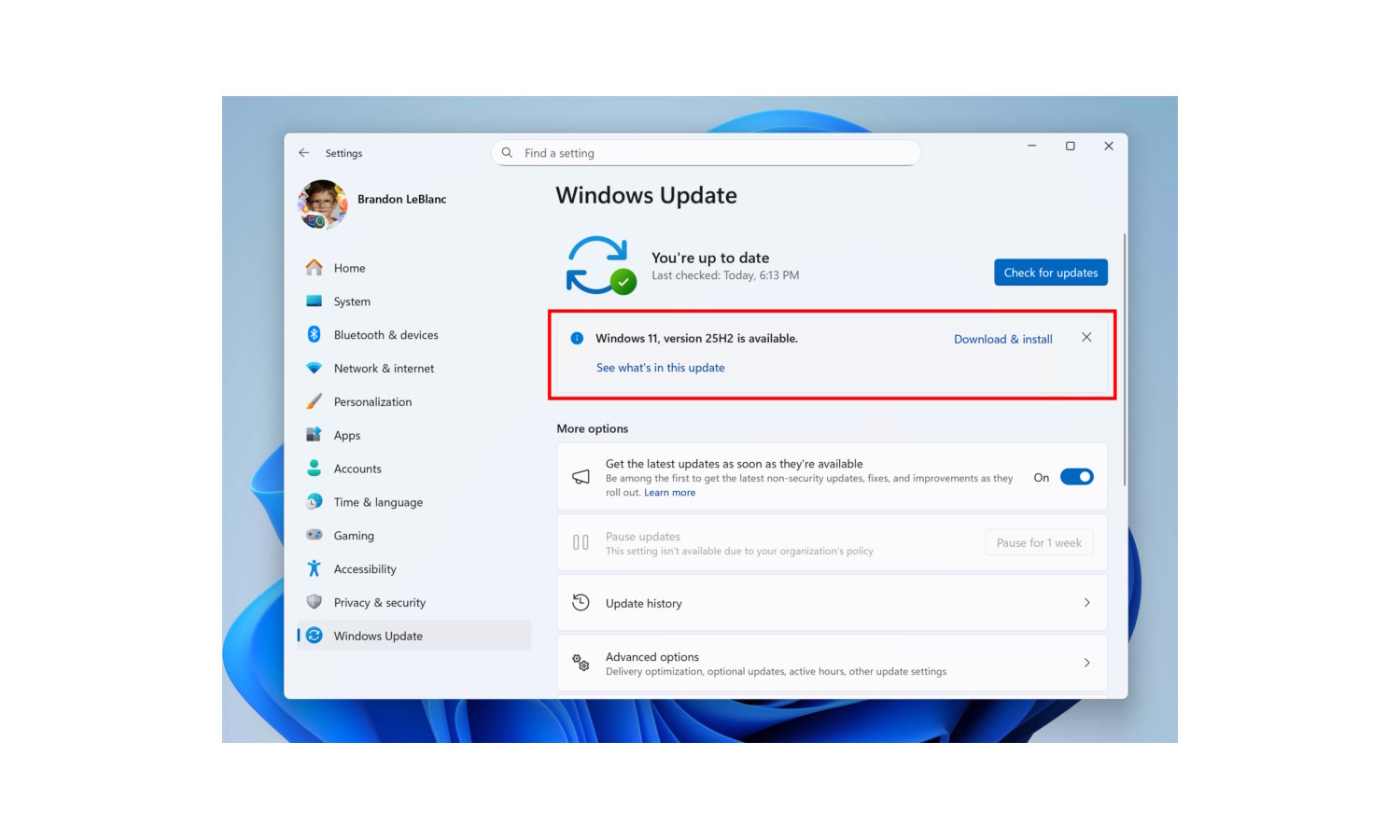
Microsoft is rolling out Windows 11 25H2
Microsoft is of the opinion that Windows 11 25H2 – the next big update for Windows 11 – is ready for public consumption. Although the update has not yet been given a full, formal release, it is now available as a public preview.
This means that Windows Insiders signed up to the Release Preview channel. However, Microsoft is yet to confirm just when the update will be made available to everyone. At the moment the company is not being any more specific than referring to “general availability later this calendar year”.
Microsoft will use snooping telemetry to help speed up Windows 11
Windows 11 users have something of a strained relationship with telemetry, with many people viewing Microsoft’s collection of data as invasive. This has not stopped the company from gathering more and more information from users, and in the most recent Insider builds of the operating system, things are being taken up a notch.
This time around, telemetry is not only optional, but its collection is for a good cause, one that just about everyone can get onside with – improving performance. In short, Microsoft is looking to speed up Windows 11.
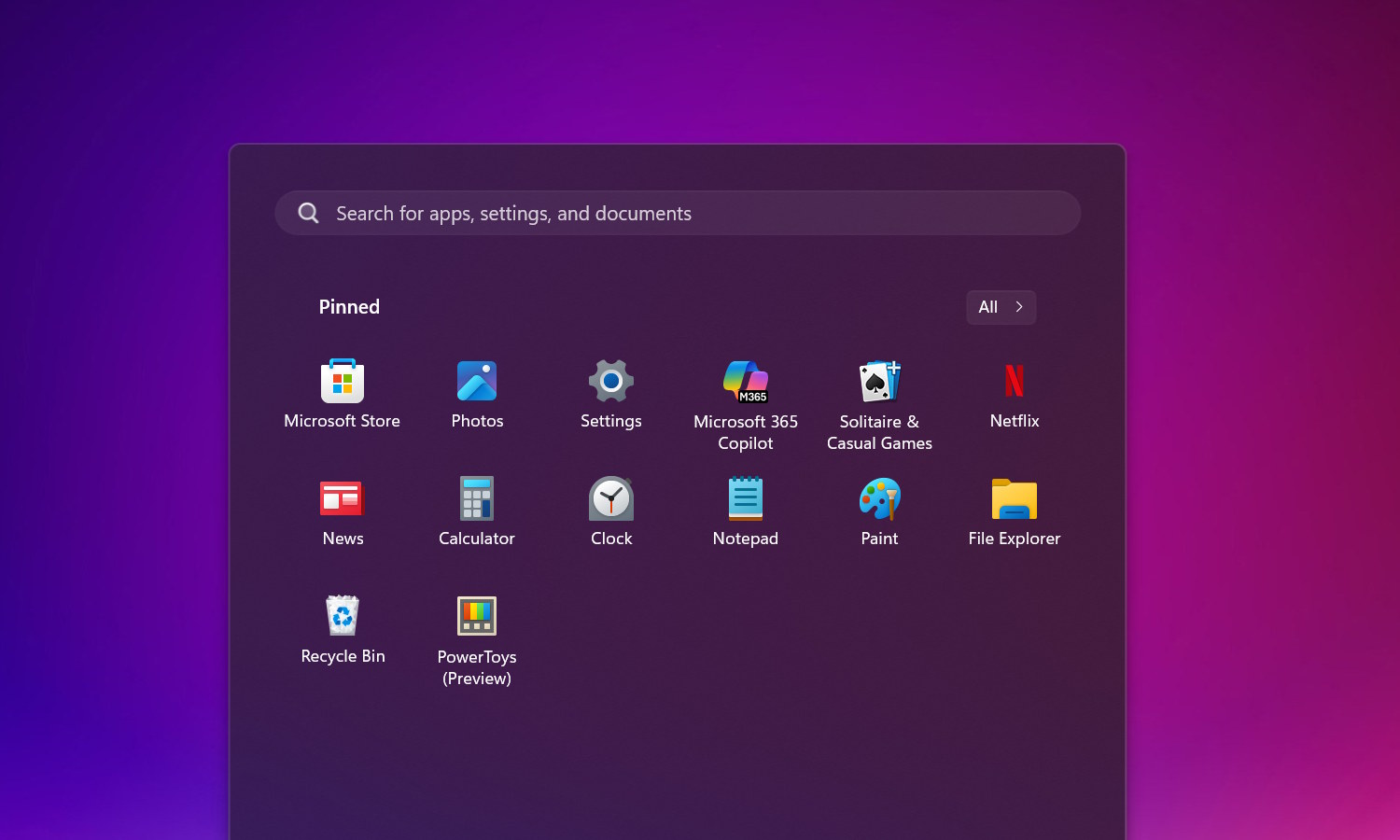
Windows 11 25H2 has a new option to remove all unwanted Microsoft apps
It is not long until the next big update for Windows 11 is released. We don’t yet have an exact date for the availability of Windows 11 25H2 (although October looks likely a candidate) but we already know a lot about what to expect from it.
One of the changes that will be welcomed by many users, but business and enterprise users in particular, is the arrival of a new way to remove all unwanted Microsoft apps in one fell swoop. Via Group Policy, the new Remove Default Microsoft Store Packages policy helps to debloat Windows 11 in a flash.

Ready or not, Microsoft is testing early builds of Windows 11 25H2 on users
No operating system is ever really finished, and this is certainly true of Windows 11. As well as the (very welcome) security fixes, Microsoft continues to make endless tweaks, changes and additions to the OS; now the company has just moved to the next big stage of development.
It may seem as though the most recent major update, Windows 11 24H2, has only just been released, but the company is already working away on Windows 11 25H2. What’s more, it’s available to try right now.



