Microsoft releases KB5016629 update to fix Windows 11 Start menu problems and security issues
It is that time of the month again -- the time that Microsoft releases updates for Windows 11. This time around, the company has released the KB5016629 update to not only fix a problem that prevented the Start menu from opening, but also to address various security issues.
This is a cumulative update which also includes the changes that were part of the KB5015882 update that was made available last month. This means that the KB5016629 update fixes problems with File Explorer as well as introducing new Focus Assist features and better Windows 11 updating.
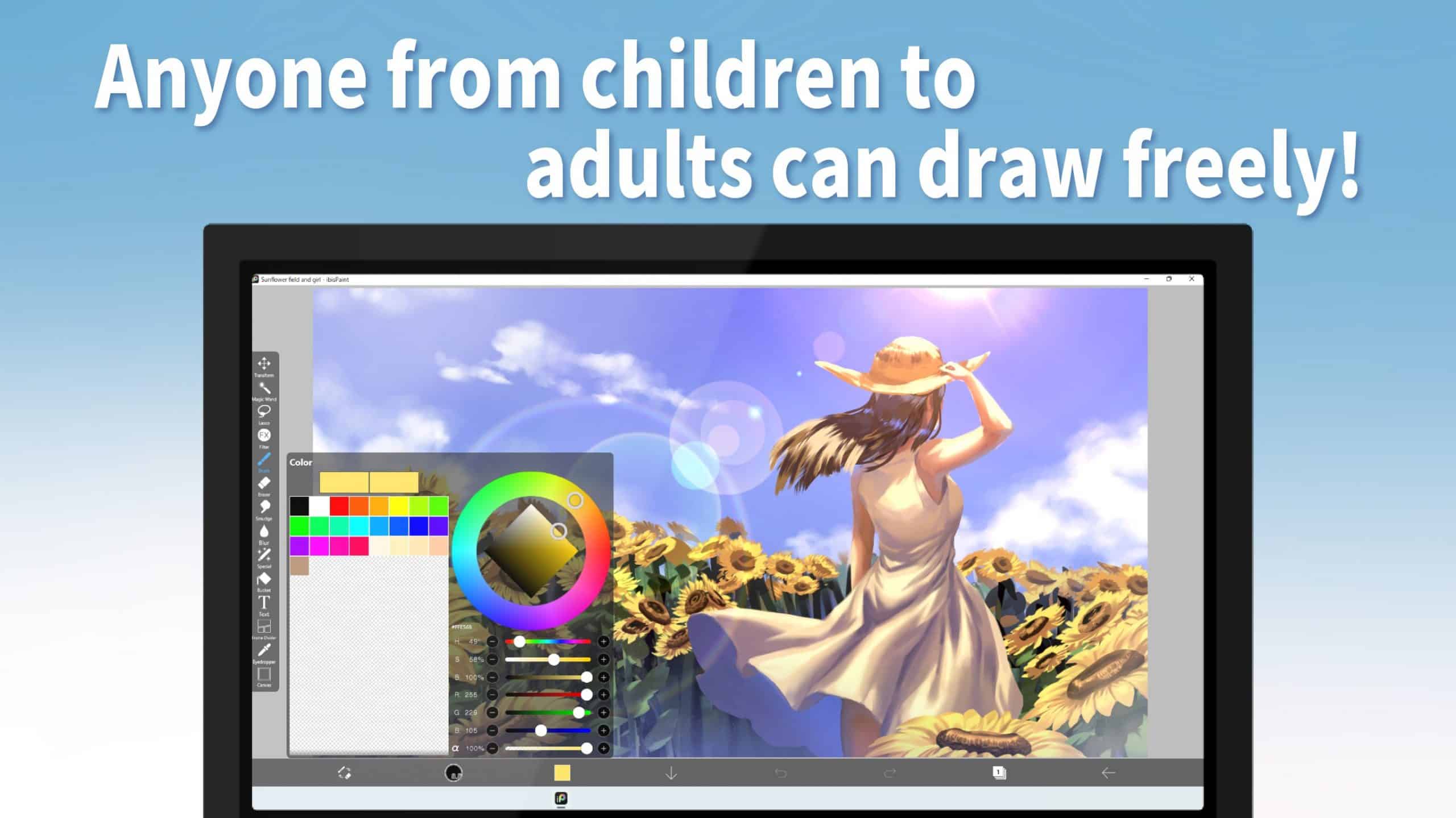
Best Windows apps this week
Five-hundred-and-two in a series. Welcome to this week's overview of the best apps, games and extensions released for Windows 10 and 11 on the Microsoft Store and elsewhere in the past seven days.
Universal Print, a solution for organizations to manage their print infrastructure through serverless cloud services from Microsoft, is now also available on Windows 10.
Microsoft releases PowerToys v0.61.0 with numerous 'quality of life improvements'
It is time for a new build of everyone's favorite Windows utility collection, PowerToys. Microsoft has just released version 0.61.0 of the tools, with the company saying that the v0.61 release cycle is focused on stability and improvements.
But don't let this somewhat self-deprecating description put you off -- there's actually quite a lot to this update. Key changes include updates to the ever-popular FancyZones, as well as Always on Top and PowerToys Run, and updates to the Windows 11 context menu.
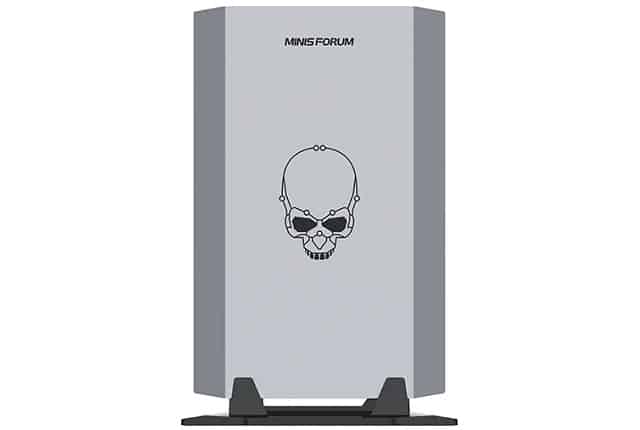
MINISFORUM NUCXI5 and NUCXI7 Windows 11 mini PCs have NVIDIA GeForce graphics
Mini desktop computers are all the rage these days, as consumers shy away from the giant towers of yesteryear. Tiny desktops are great for those that don't have a lot of desk space. These days, small computers are pretty powerful too, although they usually only have integrated graphics. In other words, they often lack discrete graphics, which means they aren't ideal for modern PC gaming.
Popular mini-desktop-maker, MINISFORUM, has two new offerings that actually do come with dedicated NVIDIA graphics. The ultra-slim desktop PCs are powered by 11th gen Intel Core processors. Called "NUCXI5" and "NUCXI7," the former is powered by a Core i5, while the latter is equipped with an i7.
Best Windows apps this week
Five-hundred-and-one in a series. Welcome to this week's overview of the best apps, games and extensions released for Windows 10 and 11 on the Microsoft Store and elsewhere in the past seven days.
Microsoft released the first development version of Windows 10 version 22h2 to the Release Preview channel; this marks the final stage of development before official release later this year.

Microsoft rolls out Windows 11 Beta Builds 22621.440 and 22622.440
Three weeks ago, Microsoft announced that it would be splitting the Windows 11 Beta Channel into two. The idea behind this is that a group of Windows 11 Insiders in the channel will either receive Build 22622.xxx updates with new features, or Build 22621.xxx updates without them.
Today, the company rolls out Builds 22621.440 and 22622.440. Here's what's new.
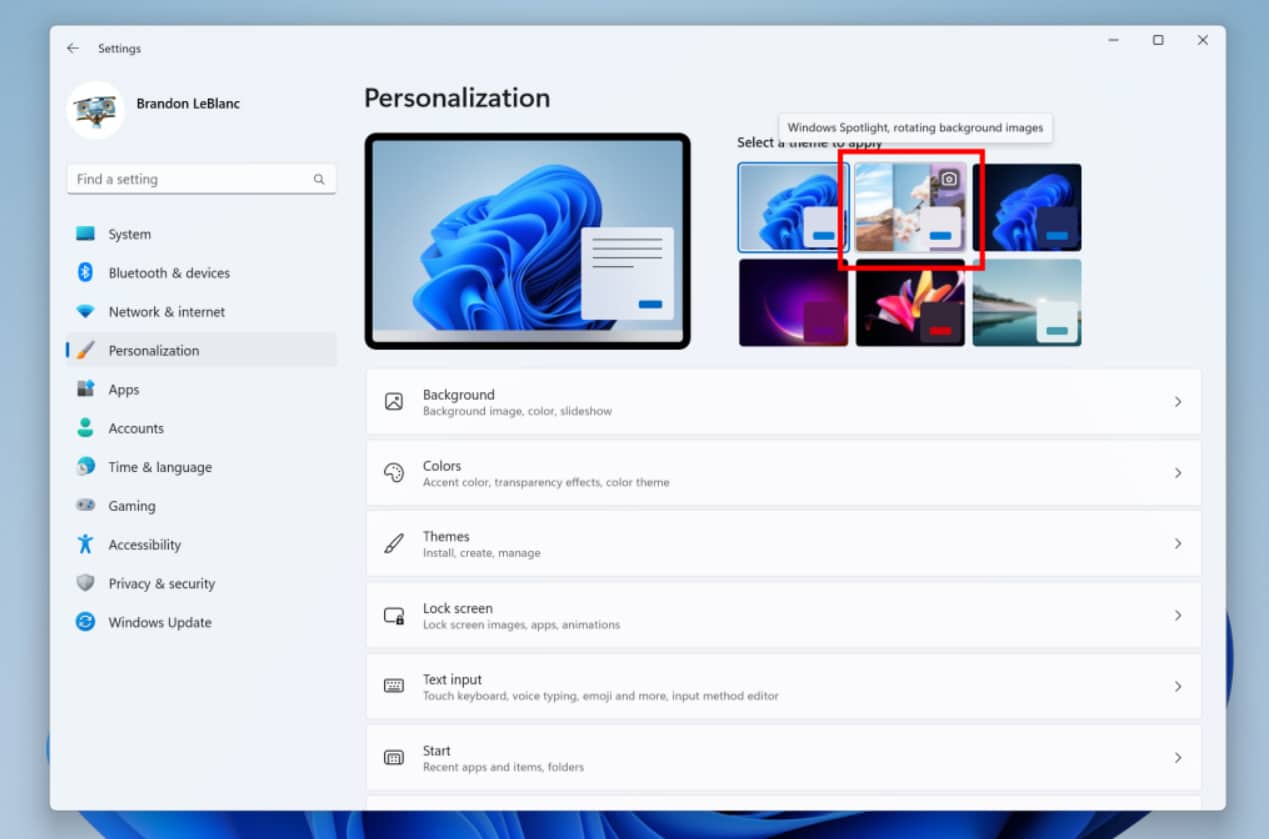
Microsoft releases Windows 11 Build 25169 with new lockdown feature and Windows Spotlight theme
Arriving a day later than usual, this week’s updated Windows 11 Insider build has some new features for Dev Channel Insiders to play around with.
The first of these new additions is a lockdown feature for IT administrators that allows certain apps to run while blocking other OS functionalities.
You can now buy a Windows 11 license direct from Microsoft -- but we know a cheaper option
Microsoft has finally made it possible to purchase Windows 11 product keys and download the software straight from its servers, an option that has been weirdly unavailable for the year the OS has been in existence. Windows 11 has been available as a free upgrade for quite some time now, but there are reasons for wanting to -- or at least needing to -- buy a copy of the operating system.
If you're building a PC from scratch, for instance, you'll need to install Windows 11 from scratch, and this means you can't take advantage of a free upgrade. But buying direct from Microsoft, while a welcome option, is far from being the only way to buy Windows 11, and it's certainly not the cheapest.
Microsoft rolls back KB5014668 update for Windows 11 because it broke the Start menu
Microsoft has performed another Known Issue Rollback (KIR) after Windows 11 users complained of Start menu problems after installing the KB5014668 update.
KIRs used to be relatively rare, but there have been several issues recently that have required them to be implemented. In the case of the recently released KB5014668 update, some users found that it was not possible to open the Start menu either by clicking the Start button or by using the keyboard.
Best Windows apps this week
Five-hundred in a series. Welcome to this week's overview of the best apps, games and extensions released for Windows 10 and 11 on the Microsoft Store and elsewhere in the past seven days.
Microsoft changed its policy regarding the sale of open source programs on the company's store this week. Developers of open source applications may sell their products on the Store (again).
Microsoft releases KB5015882 update for Windows 11 with new upgrade options, Explorer crash fixes, and more
It is the time of the month when Microsoft unleashes its C release updates on eager Windows users. As such, the company has released a preview of the KB5015882 update for Windows 11, bringing a number of important changes and bug fixes.
Although this is a non-security update, KB5015882 remains significant for a number of reasons. Not only does it address an issue that caused explorer.exe to hang, but it also introduces new upgrade options and makes changes to focus assist.
Microsoft updates Windows 11 to block RDP and other brute force attacks by default
Microsoft has introduced a change to Windows 11 that makes it much harder to use brute force attacks to crack passwords. Starting with the latest Insider builds, there is a new account lockout policy in place by default.
The policy means that should an incorrect password be entered 10 times, the account will be locked for 10 minutes. While this does not make brute forcing impossible, by any means, it makes it much harder and more time consuming, boosting security in an important area.
If you have KB5015888 installed, you can take part in Microsoft's 'special' Windows 11 Bug Bash
Microsoft frequently runs bug bashes to help weed out problems with Windows 11. These often focus on particular areas of the operating system and the company has just announced a "a special Bug Bash" to coincide with the release of the latest beta build.
Just a couple of days ago, Microsoft released Windows 11 Insider Preview Build 22622.436 (KB5015888) to the Beta Channel. Now the Bug Bash is underway, running until July 25, with beta testers being asked to complete various quests and provide feedback.
Microsoft releases Windows 11 Build 25163 with taskbar overflow and sharing improvements
Happy Wednesday. It’s that day of the week when Microsoft typically rolls out a new Windows 11 build for Insiders in the Dev Channel. Sometimes these builds are interesting, with new features and the like, and other times they only contain a bunch of fixes.
The latest flight, Build 25163, falls into the former category, with some new additions which include a taskbar overflow experience and some improvements to file sharing.
Microsoft changes its policy against the sale of open source software in the Microsoft Store
Having previously upset software developers by implementing a ban on the sale of open source software in its app store, Microsoft has reversed its decision.
The company says that it has listened to feedback -- which was vocal and negative -- and has updated the Microsoft Stores Policies, removing references to open source pricing. Microsoft has also clarified just why it put the ban in place.