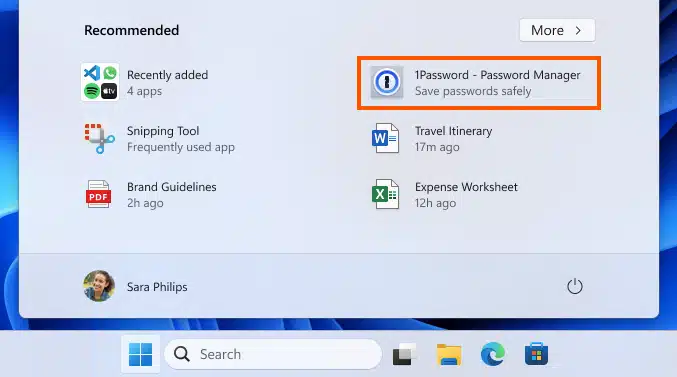
Microsoft 'improves' Windows 11 by bringing ads to the Start menu in the US
In a move which is likely to be greeted with a hostile reception, Microsoft is continuing its obsession with injecting advertising into Windows. The company is using Windows Insiders signed up for Beta Channel to test the controversial addition of ads in the Windows 11 Start menu.
For now, this is a trial which is limited to beta testers in the US, but even if the most negative feedback is forthcoming, it is hard to imagine that Microsoft will back down and not roll out Start menu ads to all Windows 11 users.

Windows 11 slammed for its 'comically bad' performance even on high-end hardware
Just about everyone who has used Windows has at some time complained that it is slow. The sluggish performance of Windows 11 -- in particular the Start menu -- has even been noted by an ex-Microsoft developer who worked on the creation of the operating system.
Software developer Andy Young has bemoaned the "comically bad" performance of the Windows 11 Start Menu despite using what would objectively be considered high-end hardware. He is leading calls for Windows "to be as good as it once was".
Build 2024: Microsoft plans to enhance PowerToys with new AI tools
Artificial intelligence is just about impossible to avoid, and not content with packing Windows with AI-powered features, Microsoft is doing the same with PowerToys.
Details are currently a little thin on the ground, but the popular collection of utilities is due to gain a new module called Advanced Paste. Microsoft has not yet revealed much about the upcoming tool, but the schedule of events for next month's Build conference includes a session called "PowerToys Advanced Paste with Local AI".
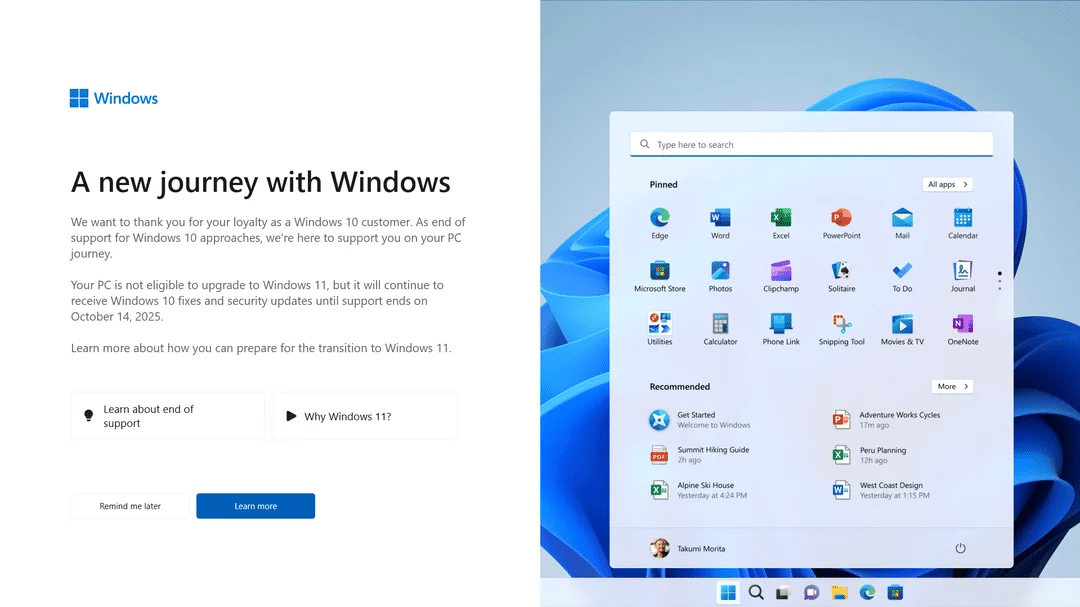
Microsoft is up to its old tricks yet again -- Windows 10 users harassed with full-screen Windows 11 upgrade warnings
Microsoft, it seems, never learns. Despite having repeatedly riled users by pestering them with ads for its products the company seems intent on continuing to use Windows to badger people.
The latest example of this is a full screen message displayed to Windows 10 users inviting them on a "new journey with Windows". The nag screen serves as a reminder that support for Windows 10 comes to an end in 18 months, but it is also being used to promote Windows 11 -- even on computers that are not able to run the latest version of the operating system.

Native Spectre v2 exploit puts Intel systems running Linux at risk
It's been some time since we discussed the initial Spectre security flaw that impacted numerous CPUs, and which was subsequently followed by the Spectre v2 vulnerability. Now there are new concerns following the discovery of the first native Spectre v2 exploit against the Linux kernel.
Researchers from the Systems and Network Security Group at Vrije Universiteit Amsterdam (VUSec) have demonstrated that Intel CPUs running Linux are vulnerable to Native Branch History Injection (BHI). VUSec says its InSpectre Gadget tool can be used to "not only uncover new (unconventionally) exploitable gadgets in the Linux kernel, but that those gadgets are sufficient to bypass all deployed Intel mitigations".
Here are the best new features of Windows 11 Moment 5 -- and why you should install it now right!
While Microsoft releases updates for Windows 11 every month, some are more significant with others. The company has taken to releasing 'moment' updates from time to time, and these are where more interesting changes and additions are to be found.
Earlier this week, Microsoft released the eagerly awaited Moment 5 update for Windows 11 when it unleashed the KB5036893 update on April's Patch Tuesday. But just what is included in Moment 5, and is it worth installing? In short, there's a lot to be found in the update and, yes, it is definitely worth installing now. Let's take a look.

Meta adds HD photo support, 100MB files and collaborative shared photo albums to Messenger
Meta has announced a quartet of new features for Messenger all aimed at improving the file sharing experience. Kicking things off is the ability to send high-definition photos to ensure that quality is retained.
This is a change that will please many users, but the other additions are arguably more interesting. There is not only support for the sending of significantly larger files than has been possible thus far, but also a new shared album feature that enables chat participants to collaborate on a photo album. There is also the new option to add people to your Messenger contacts using QR codes.
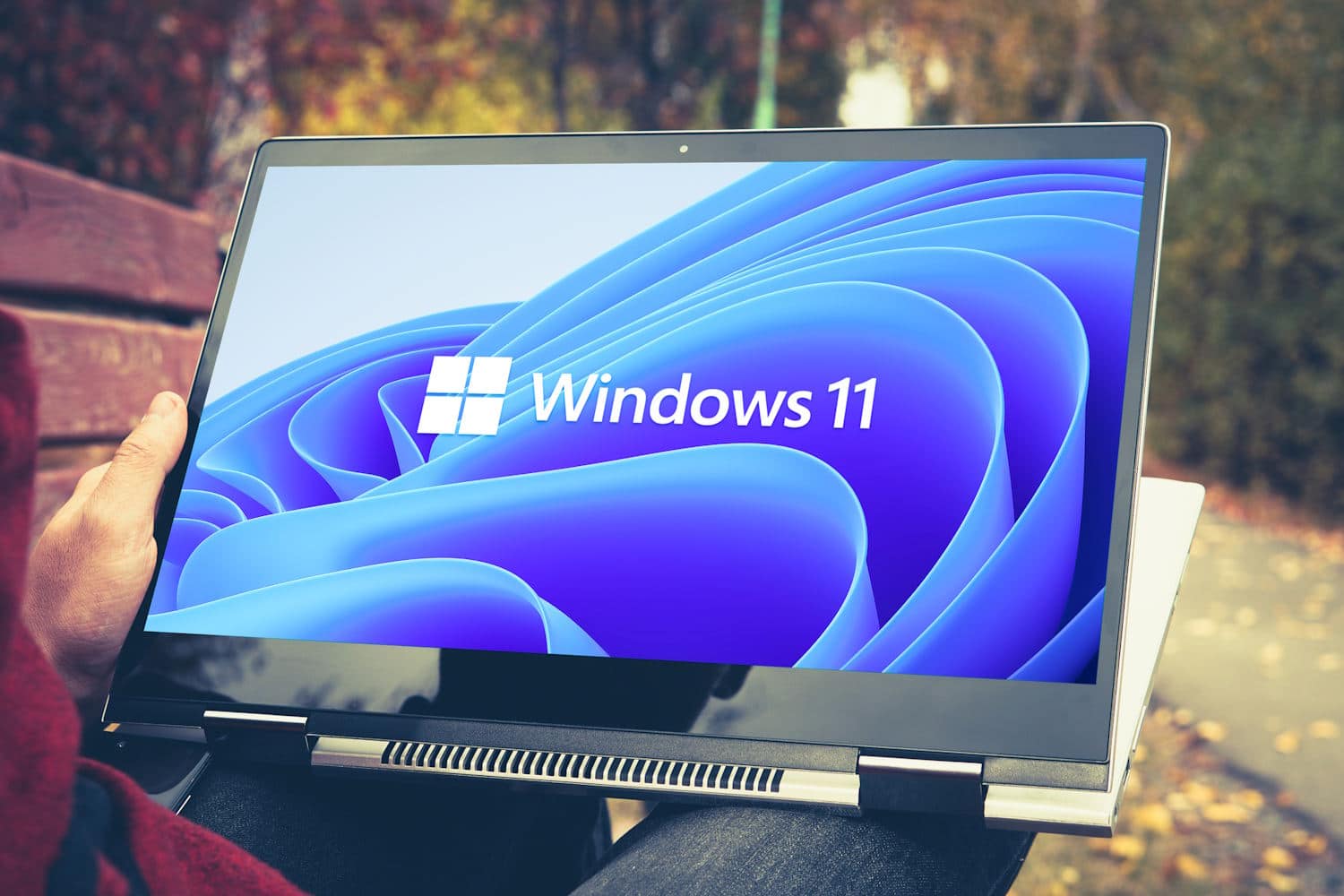
Microsoft releases Windows 11 Moment 5 and fixes scores of vulnerabilities with KB5036893 update
Windows 11 Moment 5 is now available to everyone. Microsoft has released the KB5036893 update as part of its monthly update schedule, bringing the new Moment 5 features to all users, not just Windows Insiders.
As well as updating Snap Layouts and Copilot, KB5036893 also includes changes to widgets and injects AI features into Photos and Clipchamp. There are also fixes for a huge number of security issues.
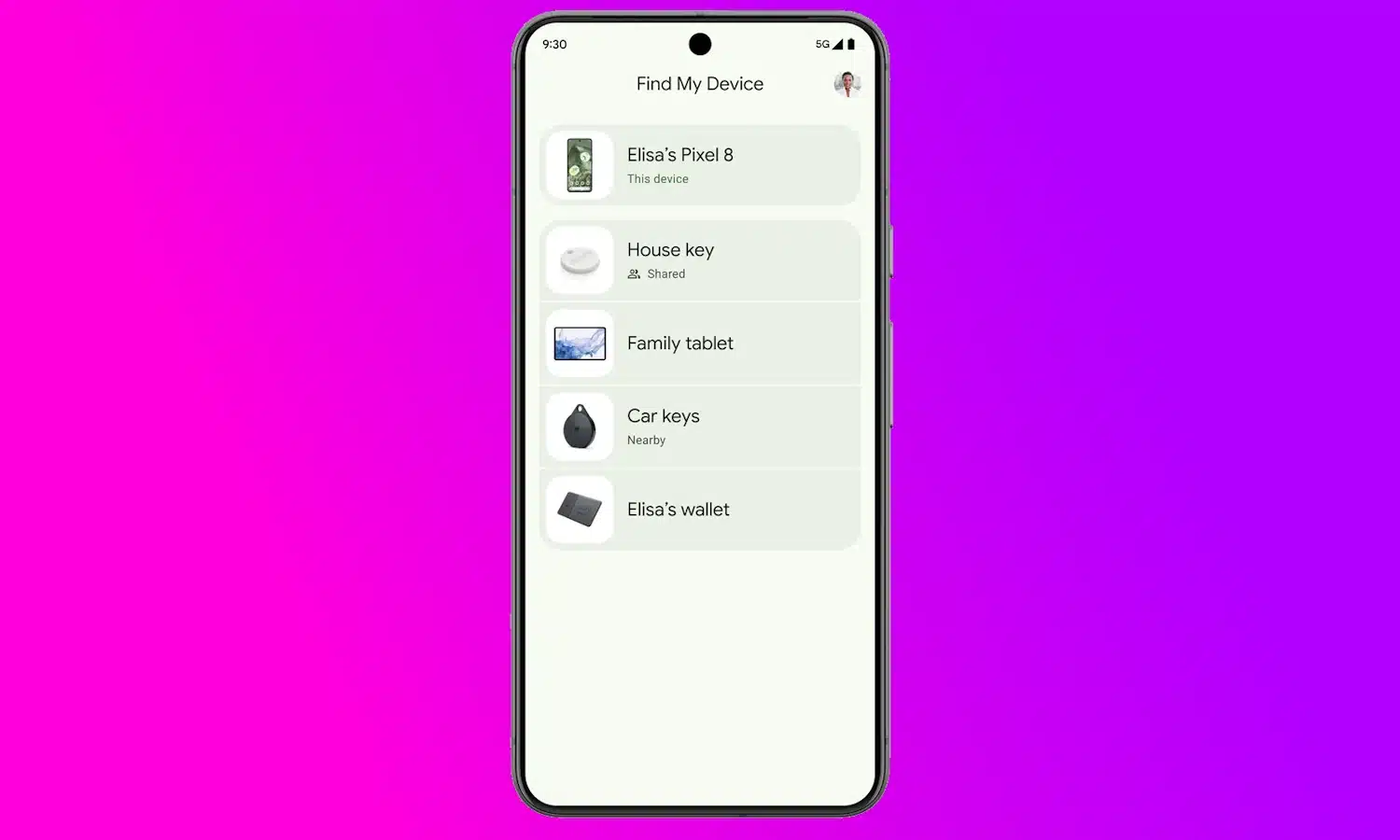
Google brings its new and improved Find My Device network to the US and Canada
As anticipated just last week, Google had started to properly roll out the updated version of Find My Device to Android users in the US and Canada.
Described as a "new, crowdsourced network of over a billion Android devices", Find My Device is comparable to the Find My device-locating system from Apple. Initially, there is support for locating phones and tablets -- including, in some instances, when they have no power or are offline -- but starting next month, third-party Bluetooth tracker tags will be made available as well.

Apple updates App Store policies to permit game emulators
Game emulators have long proved popular, but they are something that Apple as balked at. Until now. In an update to its App Review Guidelines, the company has introduced changes that will be welcomed by fans of retro gaming.
The new rules mean that game emulators are now permitted in the App Store on a global basis and, more than this, developers can give users the ability to download games from within the apps. Things are not as free-and-easy as they are for Android users, with Apple stressing that developers must ensure that copyright is respected.
Microsoft is actively blocking Windows 11 tweaking tools
Microsoft has a vision for the look of Windows 11, and it does not want users to deviate from it. This is shown by the fact that the latest version of Windows is by far the least customizable out of the box.
With many people keen to make Windows 11 look like Windows 10, there has been an explosion in the number of third-party tweaking and customization tools; this is something Microsoft is not happy about. With the release of Windows 11 version 24H2 the company is blocking a number of utilities including the popular StartAllBack and ExplorerPatcher.
Windows 10 updates have broken Microsoft Connected Cache for some users
Microsoft has acknowledged that update released for Windows 10 this year may have resulted in unwanted side effects for some users. Specifically, enterprise users may have found that update released in 2024 have results in an inability to use Microsoft Connected Cache.
This affects how updates for Windows are delivered across networks and means that sysadmin may well have noticed spikes in download traffic as a result. For now, Microsoft has a workaround that those affected can try.
Microsoft issues a fix and a workaround for Sysprep error 0x80073cf2 in Window 10
There is good news for Windows 10 users who have been experiencing 0x80073cf2 errors when using the System Preparation Tool. Microsoft has published details of a work around as well as releasing an update that addresses the issue.
The problem was actually fixed a few days ago, although Microsoft made little noise about it at the time. The preview of the KB5035941 update released late last month not only brought new features to Windows 10, but also resolved the Sysprep issue.
Microsoft releases PowerToys v0.80.0 with new Winget-powered Desired State Configuration feature
It is time for a new PowerToys release, and with version 0.80.0 Microsoft has a lot in store. Across the suite there are loads of changes and fixes, but there is also what everyone hopes for with a PowerToys update -- new features.
One of the highlights this time around is the arrival of Desired State Configuration support. This is a feature that makes it possible to configure PowerToys using a Winget configuration file. Other new additions include new file type support in the Peek module, and a significant update to the popular FancyZones.

Disney+ is following the lead of Netflix and starting to fight back against password sharing
Disney CEO and Elon Musk nemesis Bob Iger has said that the company is ready to start clamping down on Disney+ subscribers from sharing their passwords to give other people free access to their account.
Netflix has already taken steps in this direction, and now Disney has revealed that it is going to start tackling the matter in earnest this summer. Speaking on CNBC, Iger indicated that measures to prevent password-sharing would begin In a handful of countries and markets in June before applying to all subscribers in September.