Microsoft has been gradually evolving Windows 11, and the insider builds are where much of the innovation is to be found. But even for eager users who install the latest builds as soon as they are available, sometimes a little extra legwork is needed.
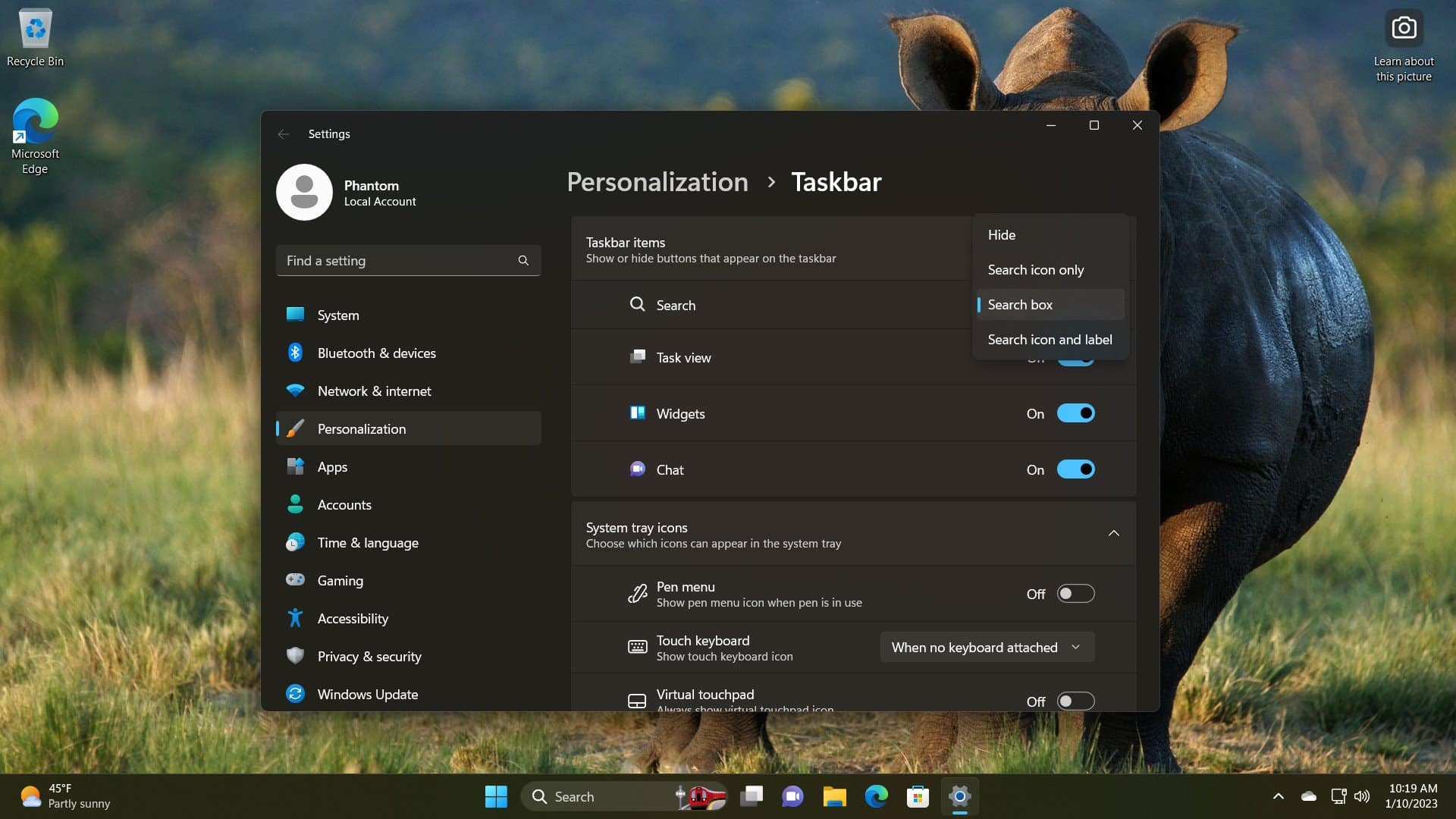
And this is true of two hidden search features -- one for the taskbar and one for the Start menu. These secret options can only be enabled using a special third party tool, and they give a very interesting glimpse into what Microsoft has planned for Windows 11 in the future.
There are many reasons for the slow uptake of Windows 11, but fairly high on the list of what puts off many potential users is the number of frankly bizarre design changes Microsoft decided to make. A good example is the context menu that appears when right clicking on files and folder which the company saw fit to tweak the menu so there are far fewer options available.
It is possible to access the old style, classic context menu by Shift-right-clicking, but in a future update to Windows 11 Microsoft is planning to introduce a way to make this the default.
For those who like a glimpse of the future of Windows, the Insider program is the place to be. Microsoft frequently experiments with new features and functionality in preview builds, and the latest releases are no different.
With the release of Windows 11 2022 Update, we have already seen Task Manager receive a much-needed revamp and the latest Insider builds show that a search option is coming to the utility too. But the feature is hidden by default, and you will need to take action to unlock it.
The addition of tabs in File Explorer caused great excitement when Microsoft first talked about them. When the company released Windows 11 2022 Update last month, there was disappointment that the feature was not included. But with the release of the first 'moment' update for Windows 11 22H2, tabs are now rolling out to everyone.
For many Windows 11 users, this is great news, but what if you're really not a fan of the change? Here's how you can disable tabs in File Explorer.
Every -- well, almost every -- new build of Windows 11 has new features, options or settings to explore. Some are obvious, some less so. With the latest release of Windows 11, Microsoft has hidden some seriously impressive new animations.
These animations appear in the Settings app; when you roll your mouse cursor over the icons to the left of the app, they now come to life. But the animations do not appear by default, Even if you have Windows 11 build 25188 installed, there are still steps you need to take to unlock the special animation effects.
Task Manager may not be the most exciting component of Windows 11, but it is something that proves very useful from time to time. If you have ever looked at the tool and thought that it could do with a visual revamp, you are not alone -- Microsoft agrees.
So much so that the company has gone ahead and created an updated version of app and locked it away in Windows 11. Here's how you can activate it.