

Microsoft debuts a new video series to help you master Windows 11
Windows 11 isn’t especially hard to use, but there are some elements to it that can prove confusing for anyone more used to one of the older flavors of the operating system, such as Windows 7.
Microsoft is, understandably, keen to get as many people as possible to switch to Windows 11 and in a bid to help them get the most out of it, the software giant has launched a new video series to help with the OS "basics, personalization, apps, and tools".
KB5015814 update is causing Start menu problems and 0x8007007e errors in Windows 11
The release of the KB5015814 update for Windows 11 earlier this week was supposed to fix problems with PowerShell as well as addressing security issues. But as has become disturbingly common, there have also been unwanted side effects for those who jumped on the update and installed it as soon as it was offered up.
Some users are experiencing problems with the Start menu, with complaints indicating that the menu is being interrupted by an app opening and closing. There are also complaints about errors appearing after a failed installation of the KB5015814 update -- specifically error codes 0x8000ffff, 0x8007007e and 0x80073701.
Best Windows apps this week
Four-hundred-ninety-nine in a series. Welcome to this week's overview of the best apps, games and extensions released for Windows 10 and 11 on the Microsoft Store and elsewhere in the past seven days.
Could Microsoft be switching from a one feature update per year release cycle to a three year cycle with frequent feature drops? That's the big rumor at the moment.

Media Player for Windows 11 now lets you rip CDs like it's 2002
Yesterday, Microsoft rolled out a new Windows 11 build for Insiders in the Dev Channel and two new versions of the popular Camera and Media Player apps.
The main new feature introduced into Media Player (version 11.2206.30.0) is support for CD ripping, because, yes, that’s apparently still a thing.
Microsoft releases PowerToys v0.60.1 update with important bug fixes for Windows 11 users
It is only a week since Microsoft released PowerToys v0.60.0, complete with various changes, fixes and additions -- many of which were focused on Windows 11. Now the company has pushed out the PowerToys v0.60.1 update with a handful of important fixes.
Microsoft describes this as a patch release, but this almost makes it seem unimportant when that is very much not the case. It addresses compatibility issues that existed with PowerRename and ImageResizer in Windows 11, as well as fixing context menu problems and crashes.
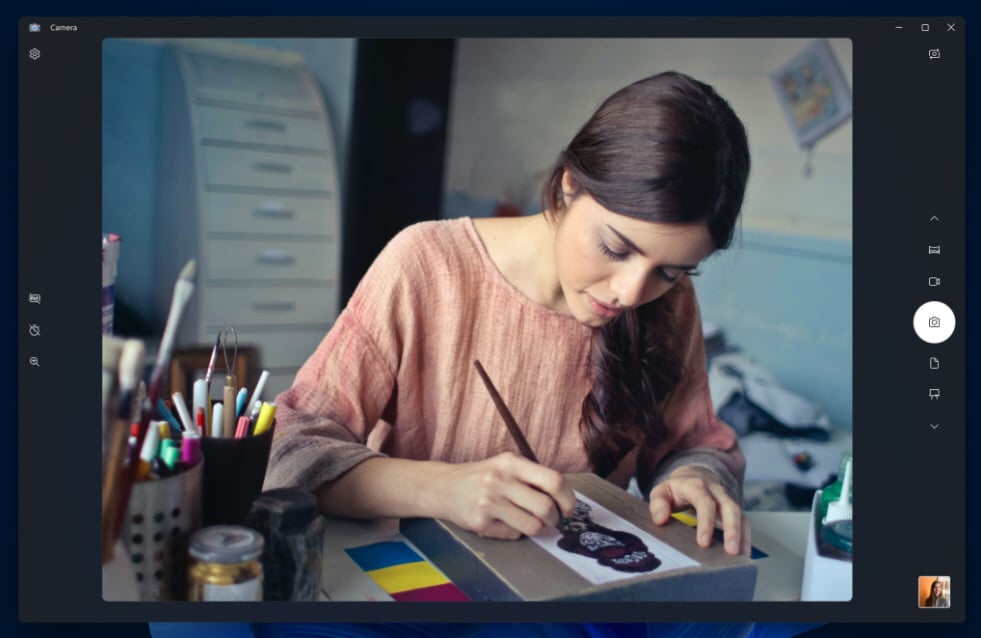
Microsoft starts rolling out updates for Camera and Media Player apps on Windows 11
Wednesday is the day of the week when Microsoft typically releases new Windows 11 builds for Insiders on the Dev Channel, but Build 25158 with notification badging for Widgets isn’t the only new release from the software giant today.
Microsoft has another treat for Windows Insiders on the Dev Channel to play with -- a Camera app refresh and a Media Player update.
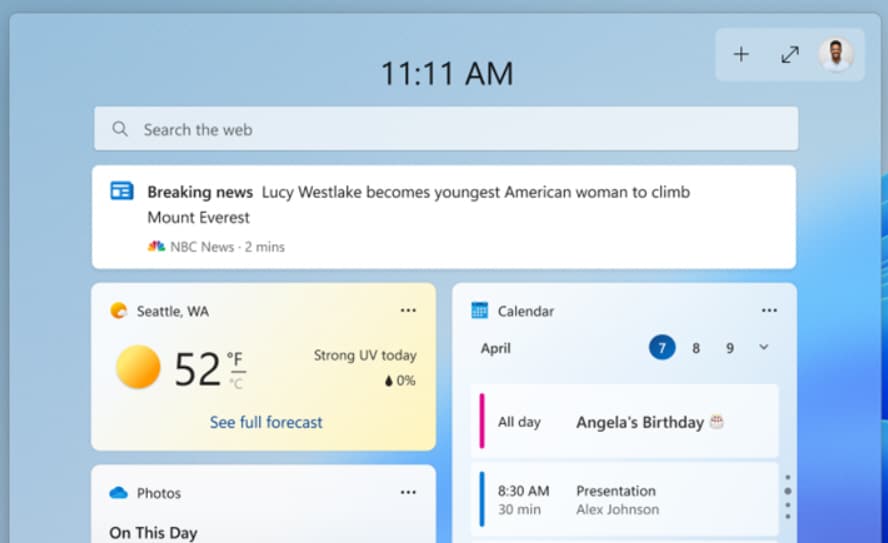
Microsoft releases Windows 11 Build 25158 with notification badging for Widgets
There was no new Windows 11 build for Insiders on the Dev Channel last week, but it’s business as usual again from today.
The latest flight, Build 25158, comes with notification badges for Widgets, as well as a load of fixes and improvements.
Microsoft releases KB5015814 update for Windows 11 to fix security flaws and PowerShell issues
For July's Patch Tuesday, Microsoft has released the KB5015814 update for Windows 11. This security update takes Windows 11 up to build 22000.795 and addresses a number of issues with the operating system. To accompany the release, Microsoft has also provided a handful of Windows 11 tips.
The company points out that this particular update includes the improvements that were introduced with last month's KB5014668 update. Importantly, it also addresses a PowerShell issue with blank transcript logs and lost passwords.
Microsoft launches Windows Autopatch for Windows 10 and Windows 11
Having previously released a public preview earlier this year, Microsoft has announced the general availability of Windows Autopatch. Aimed at enterprise users of Windows 10 and Windows 11, the service helps to automate the process of keeping critical software updated.
In addition to Windows itself, Windows Autopatch will also keep Microsoft Edge and Office software up to date, helping to eliminate -- or at least reduce -- the risk of bugs and security issues. As well as ensuring all of the latest patches and updates are installed, the service simplifies the process of rolling back changes should a problematic update be rolled out.

Microsoft warns that Outlook Search might not display recent emails in Windows 11, again
For the second time in the last year, Microsoft is investigating an issue that is preventing Outlook Search from showing recent emails in results in Windows 11.
The last time the problem arose, it was found to be the fault of an update for Windows, but Microsoft is not yet sure what the root cause is this time around. The issue affects people using POP, IMAP and offline Exchange accounts which make use of the Windows Search service to index emails. There is currently not a proper fix for the problem, but there is a temporary workaround.
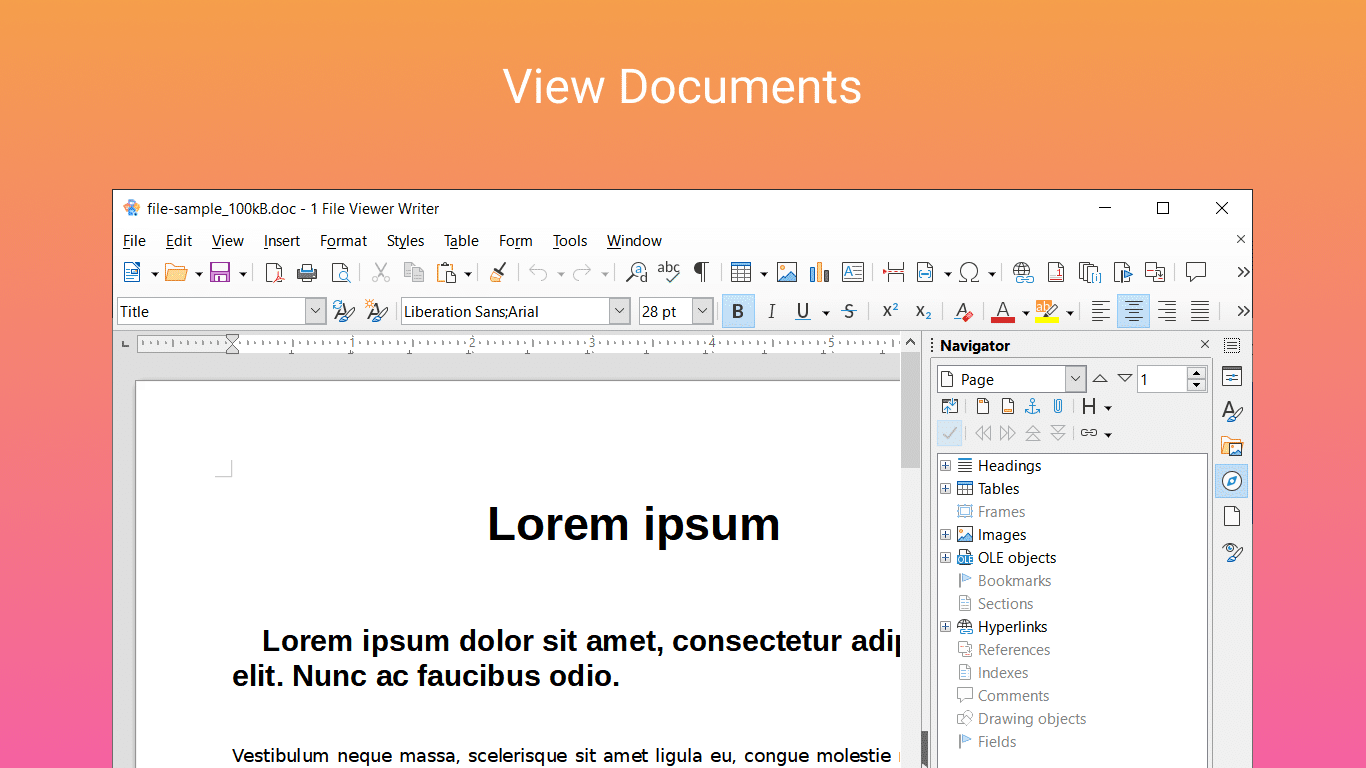
Best Windows apps this week
Four-hundred-ninety-eight in a series. Welcome to this week's overview of the best apps, games and extensions released for Windows 10 and 11 on the Microsoft Store and elsewhere in the past seven days.
Microsoft split the Windows 11 Beta channel into two this week to better test new features and improvements.
Microsoft releases PowerToys v0.60.0 with great new Windows 11 features
Microsoft has released PowerToys v0.60.0, and while the company says that this is a release cycle that focuses on stability and improvements, this does not really convey how significant an update it is -- particularly for Windows 11 users.
Among some of the biggest changes and additions are a new zone identification technique for FancyZones, and rounded corner support for AlwaysOnTop. There are also new entries in the Windows 11 context menu for PowerRename and Image Resizer, making these utilities even easier to access. But things do not end there.
Microsoft makes massive improvements to Windows Subsystem for Android in Windows 11
Microsoft has fully embraced Linux with the release of Windows Subsystem for Linux, opening up exciting possibilities for fans of Linux-based distros. The company has also shown support for Android, with the Windows Subsystem for Android making it possible to run mobile apps and games in Windows 11.
Now the company has made a significant update to Windows Subsystem for Android, making huge improvements to its networking capabilities.
Microsoft releases Windows 11 Build 22621.290 and Build 22622.290 -- one has new features, the other doesn't
Microsoft has made the decision to split the Windows 11 Beta Channel into two. To go with the move, the company has rolled out two new Windows 11 flights -- Build 22621.290 and Build 22622.290.
As you would expect, both builds share fixes and known issues, but one build also includes new features.

Microsoft splits the Windows 11 Beta Channel into two
Microsoft has announced two Windows 11 builds for the Beta Channel -- Build 22621.290 and Build 22622.290. Why two builds? It’s because the software giant is putting Insiders into one of two groups. This is similar to what the company did back in 2019.
But why, and what’s different about the two builds?



