
Microsoft brings Ask Copilot and Agents to the Windows 11 taskbar for business users
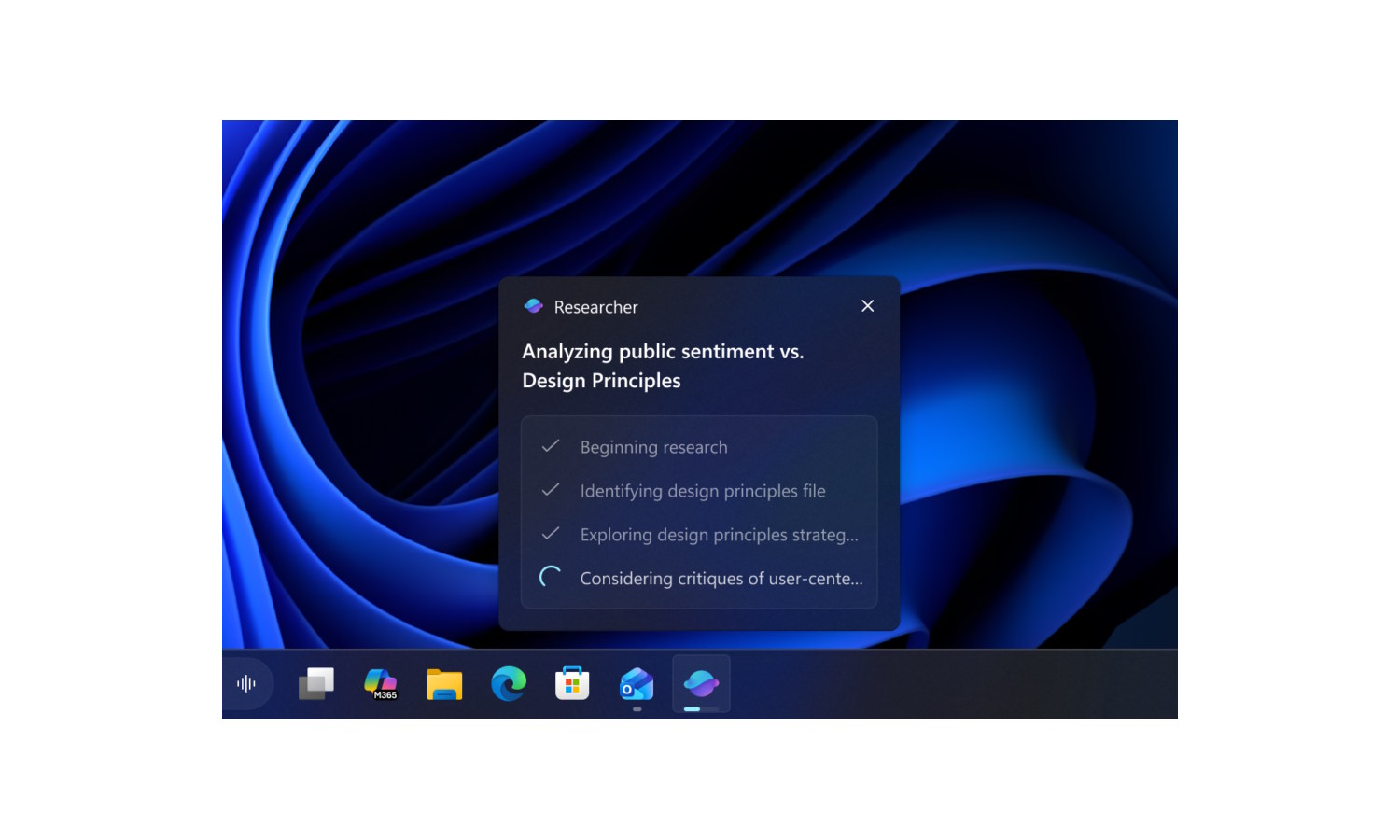
Microsoft has released Windows 11 Insider Preview Build 26220.7523 (KB5072043) to the Dev and Beta Channels, bringing with it a number of important changes and additions. As is the case with so many updates to Windows 11 at the moment, this is heavy on the AI.
The difference this time is that Microsoft is starting to focus more on business users – starting by introducing Ask Copilot on the taskbar with Microsoft 365 Copilot. The taskbar is also now adorned with Agents, but not everything is related to artificial intelligence.

Microsoft is pulling Copilot from WhatsApp to comply with Meta policies
In a few short weeks, Microsoft is removing its Copilot chatbot from WhatsApp. The company says that while it has helped millions of people, the removal comes because of a change to Meta’s platform policies.
As of January 15, WhatsApp is purging all LLM chatbots from the platform, so Microsoft has little choice in the matter. The company stresses that Copilot itself is living on in plenty of other places, and has some helpful information for those who will be affected by the change.

Microsoft reincarnates Clippy for the AI age with Copilot Mico
You may have tried to forget Clippy, but Microsoft is still hanging doggedly on to the idea of character-based assistants. Having thrown everything at its AI assistant Copilot, the company is now giving it a friendly face – Mico.
As part of what it refers to as the Copilot Fall Release, Microsoft is trying to soften its artificial intelligence powered digital assistant and, by extension, people’s attitudes to it. This is the company moving towards making AI more personal, useful, and human-centered, and there is a lot of attention given to relationship.
Microsoft is making every PC an AI PC with new Hey Copilot voice command
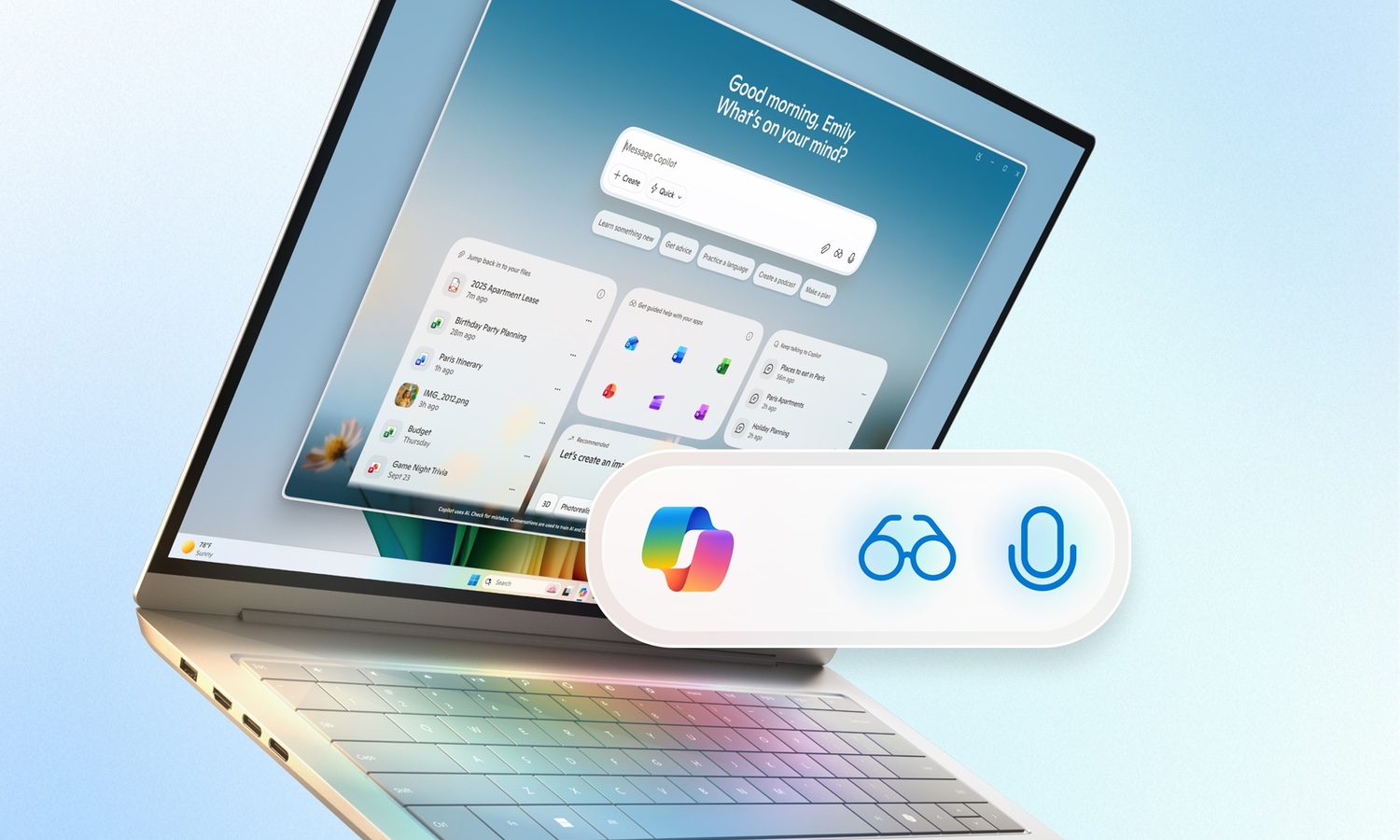
In what feels like something of a case of history repeating itself – Cortana, anyone? – Microsoft is furnishing Windows users with voice activated access to the operating system’s digital assistant.
While being able to call up the AI powers of Copilot by uttering Hey Copilot to your computer may not seem revolutionary, Microsoft has a different idea. The company says that it sees a “shift to conversational input [being] as transformative as the mouse and keyboard in terms of unlocking new capabilities on the PC for the broadest set of people.
Microsoft updates Copilot on Windows with Google and Office integrations
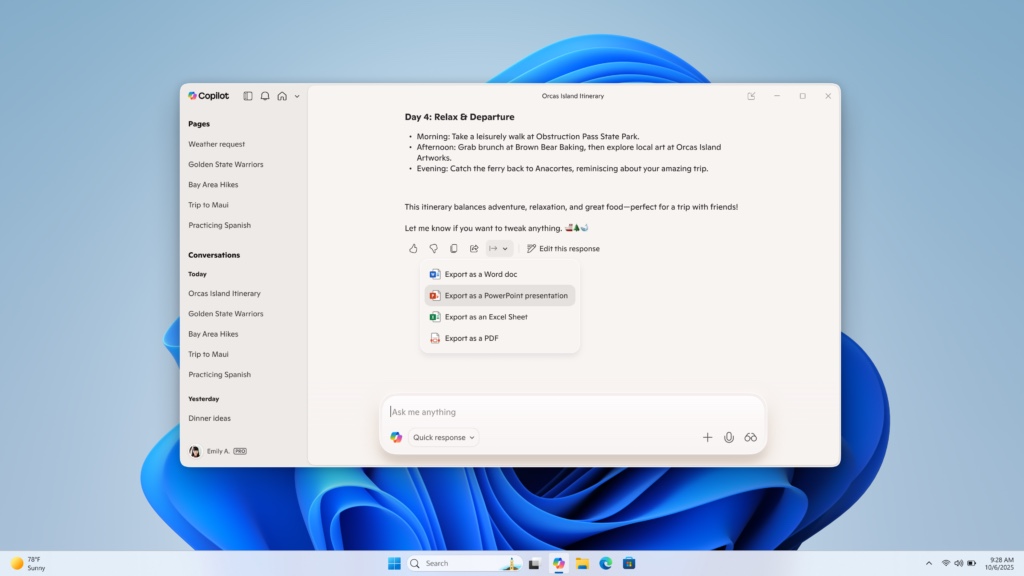
Microsoft’s development of Copilot on Windows 11 continues, and the company has just released significant updates to Insiders which are likely to win it more fans. New connection cap abilities mean that it is possible to use Copilot in conjunction with various online services including Google Calendar and Outlook.
More than this, however, Microsoft has also added new document creation capabilities. Users are now able to quickly create a variety of documents from within their Copilot sessions, including Word, Excel, and PDF.
Microsoft gives Copilot on Windows another new look
Microsoft could be accused of many things in relation to Copilot on Windows, but standing still is not one of them.
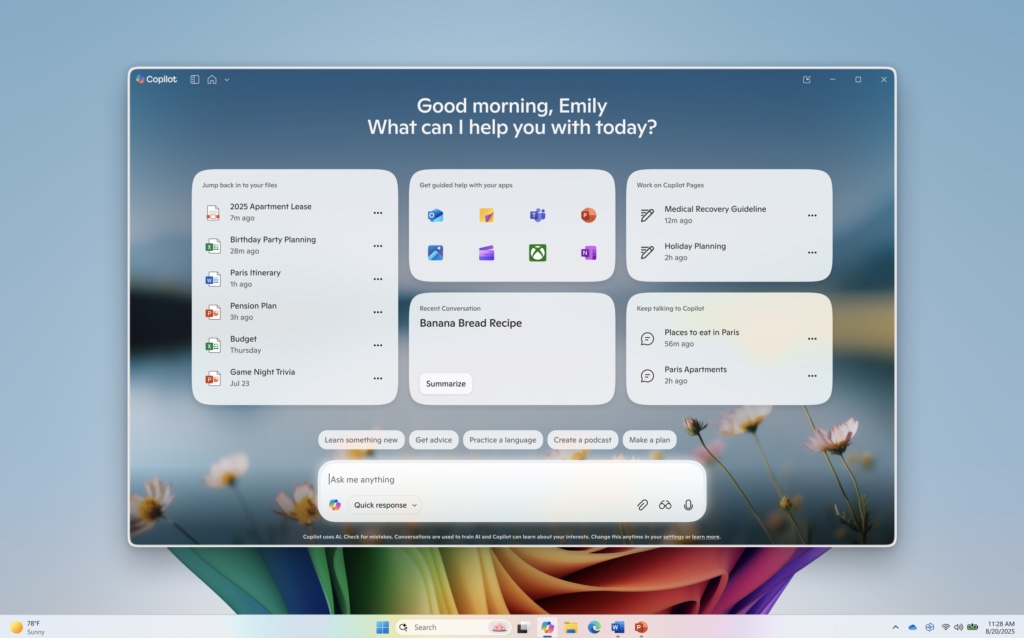
Both in terms of functionality and design, the company seems to be constantly at work and this is something that is evident in the latest Insider build of Windows 11. Microsoft is rolling out new features such as Semantic Search, and also a completely redesign home page for Copilot on Windows.

Microsoft extends NFL partnership to bring AI to the sidelines and beyond
The National Football League and Microsoft announced today that their strategic partnership will run for at least several more years, with the goal of expanding the use of artificial intelligence across the sport
The collaboration brings Microsoft Copilot and Azure AI into areas that affect game day decisions, scouting, and stadium operations. With the league hosting hundreds of events each year, the aim is to improve both performance and the fan experience.
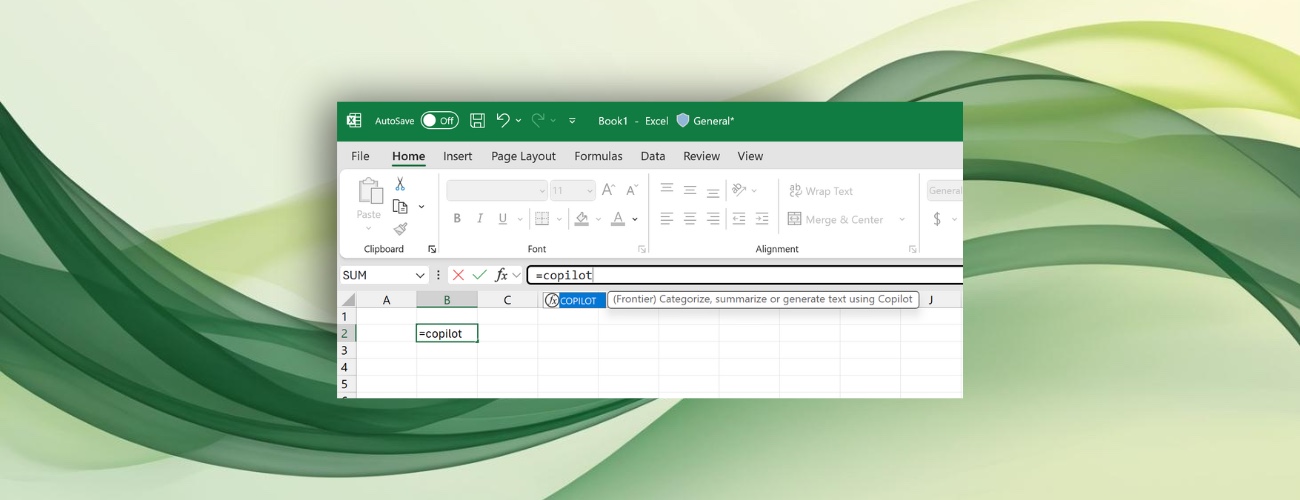
Microsoft adds a COPILOT function to Excel
We have already seen Microsoft bringing Copilot to Excel. The company only recently added the AI assistant to its spreadsheet as a way to explain formulae to help users better understand them.
Now Microsoft is bringing Copilot to Excel in more ways – arguably more useful ways. Currently available to Insiders, the latest addition sees Microsoft giving users the option to “bring AI to your formulas with the COPILOT function in Excel”.
Shock! Microsoft is bringing Copilot to the Windows 11 Start menu
If you can rely on Microsoft for anything, it is that the company will use Windows to push its own products and services – just look at Copilot.
You will have noticed that Microsoft is busy squeezing Copilot into everything it possibly can. The latest victim of this treatment is the Start menu in Windows 11. This should come as no surprise – Microsoft is not only hellbent on shoving Copilot down people’s throats, it is turning to its tried and tested technique of using the Start menu to do so.
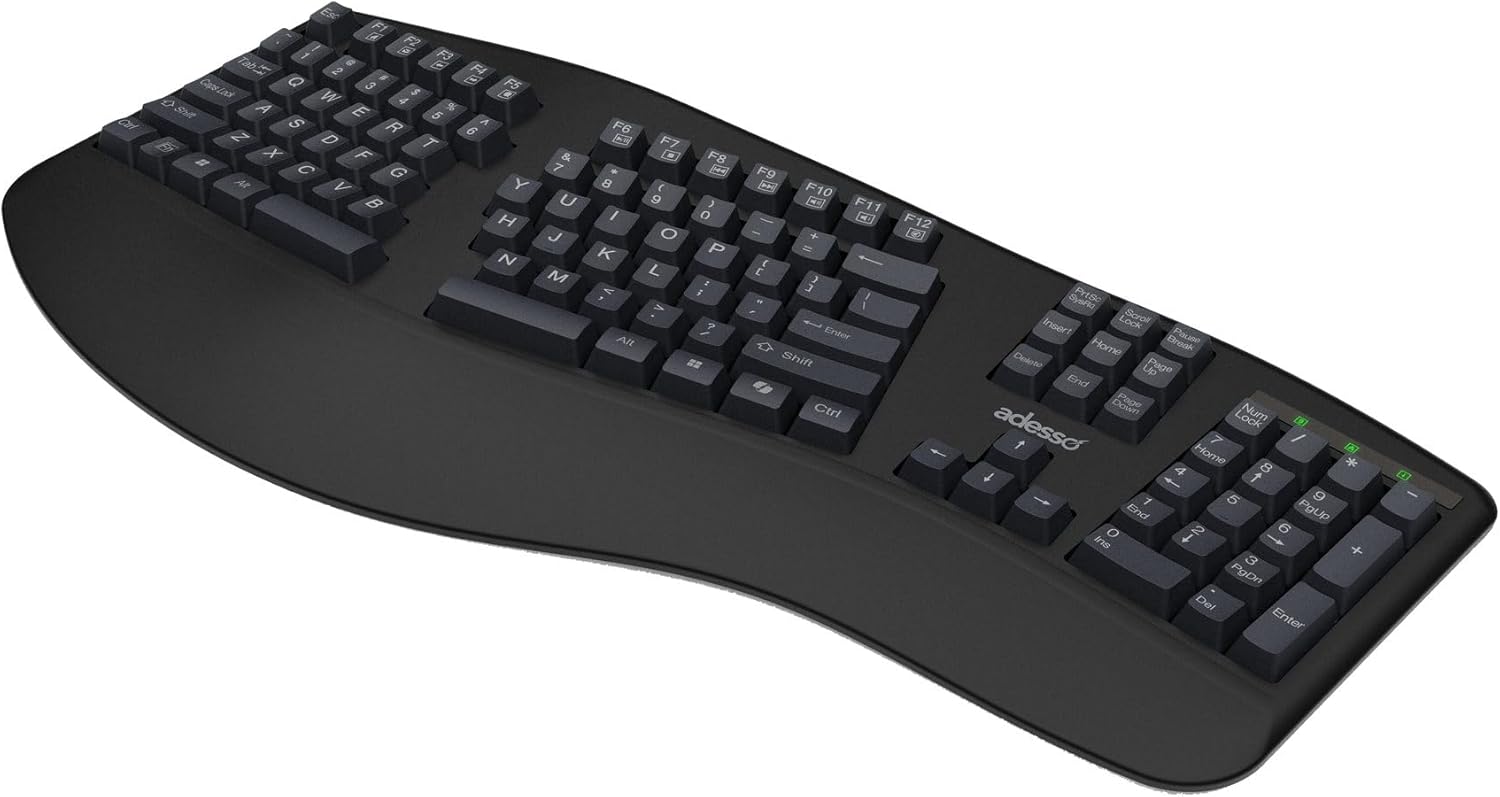
EasyTouch mechanical keyboards aim to combine comfort with AI-driven productivity
Adesso has launched two new mechanical keyboards, the EasyTouch 130 and EasyTouch 150, offering ergonomic designs and AI integration for professionals and everyday users alike.
The two models feature quiet mechanical switches and dedicated Microsoft Copilot AI hotkeys on select versions, aiming to improve both comfort and workflow efficiency.
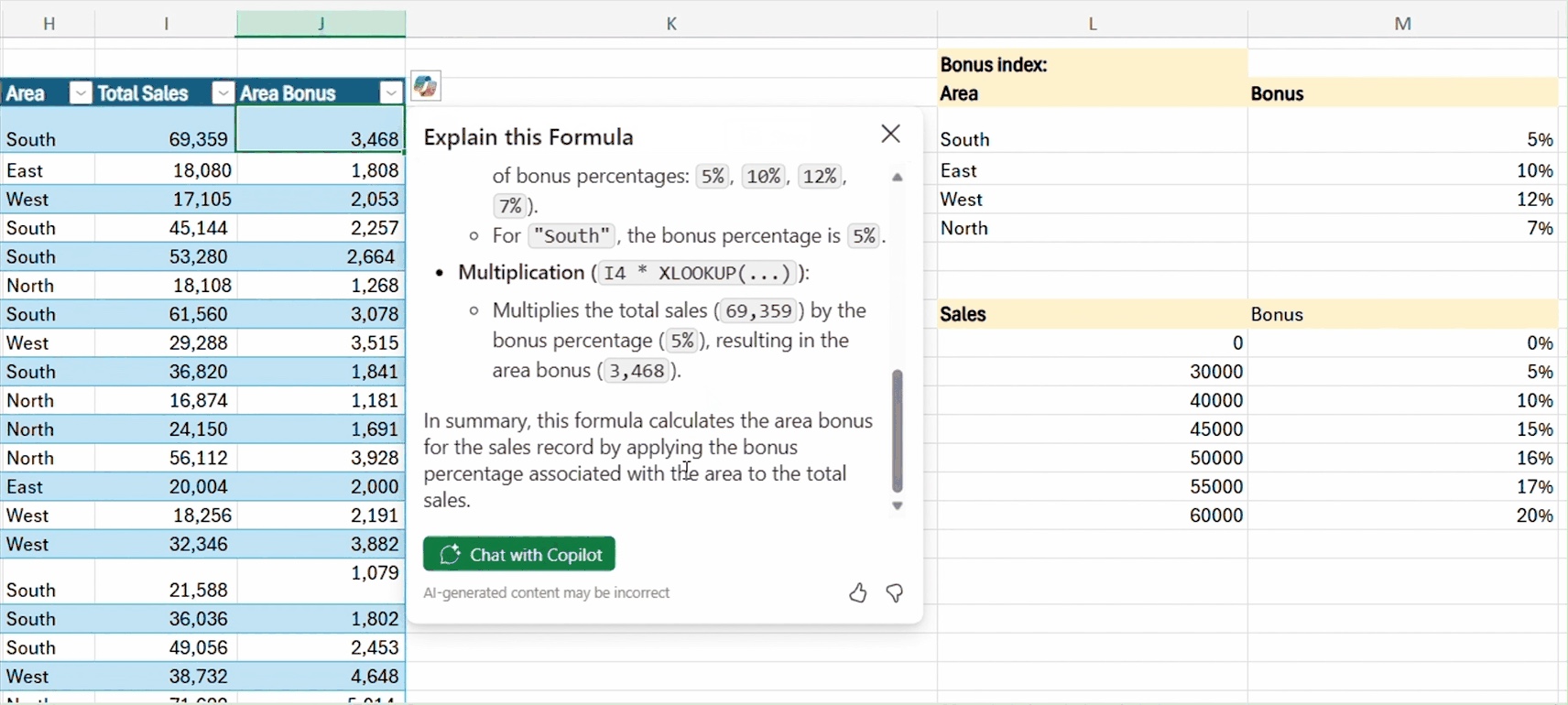
Excel can now explain formulae with Copilot
Microsoft just found a new use for AI. Excel users can now turn to the new Explain Formula feature which uses Copilot to use artificial intelligence to understand how a formula works.
There are many advantages to this. It can serve as a way to learn about how to create new formulae of your own, but it is also a handy way to not only understand how a formula works as well as a means of debugging if the output is not what you were expecting it to be.
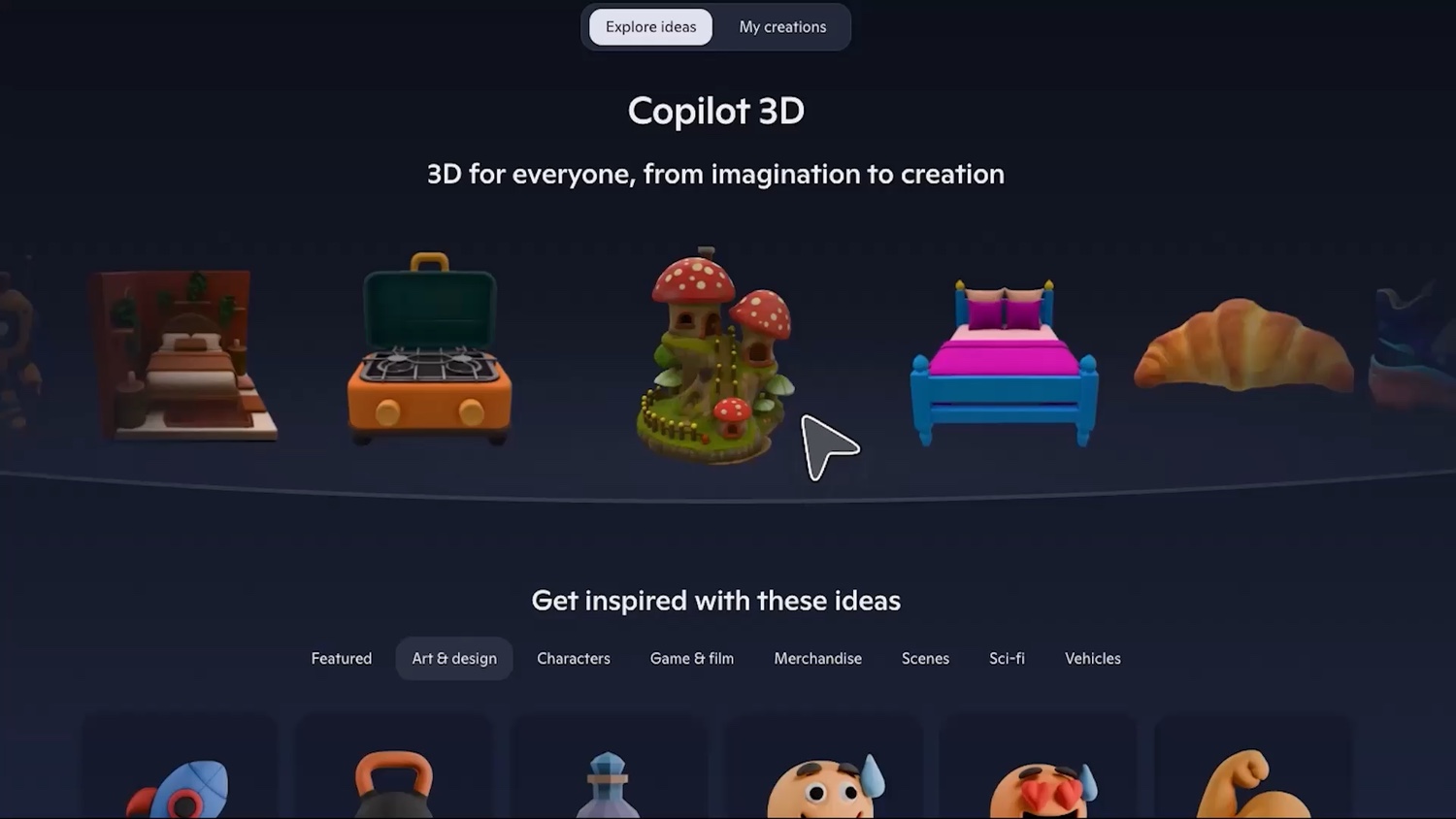
Copilot 3D is Microsoft’s latest generative AI experiment
There is no shortage of generative AI tools out there, and the latest is Copilot 3D. This experimental tool from Microsoft does very much what you would expect of it – it creates three-dimensional images using artificial intelligence.
As this is an experimental tool, there are a couple of things to keep in mind. Firstly, it is not a completed product so there may be issues with it. Secondly, this is an experimental tool which is still being developed, so it could change dramatically or even disappear altogether. But let’s take a look at what is currently available.

Microsoft Lens is the latest victim of AI
Users of Microsoft Lens – originally launched several years ago as Office Lens – have just a few short weeks left to use the tool.
Microsoft has announced that the incredibly popular iOS and Android app is to be “retired” (translation: killed off). Having started life under a different name over a decade ago, the app provides a way to convert images to PDF, Word, PowerPoint, and Excel files and much more. But not for very much longer.
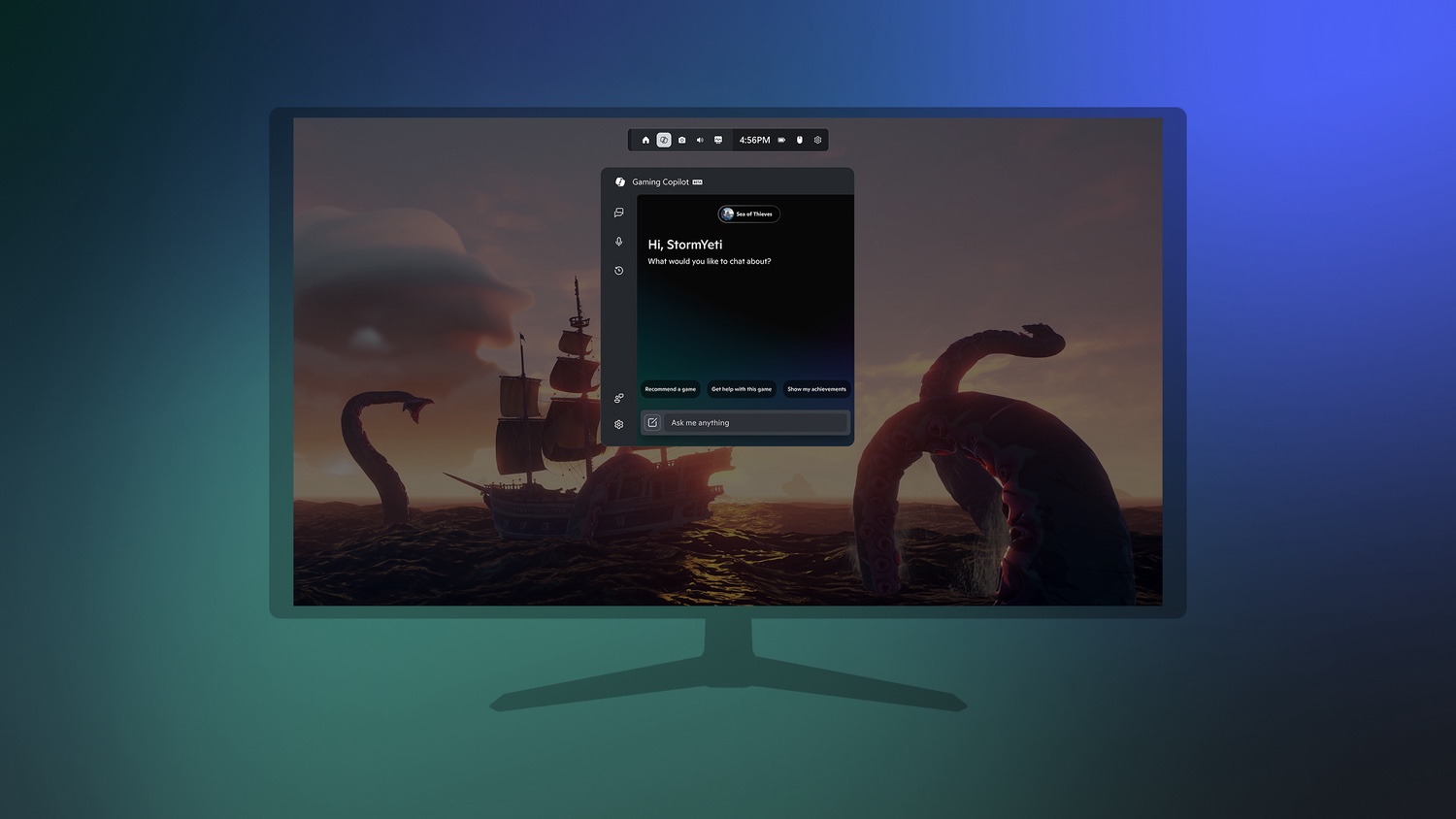
Microsoft brings AI to the Game Bar with Gaming Copilot
It seems that nothing is immune to being injected with AI – certainly not if Microsoft is involved. Now the company is bringing Gaming Copilot to the Game Bar.
Currently in beta testing, Gaming Copilot is now available in Game Bar for Windows PC for Xbox Insiders enrolled in the PC Gaming Preview. The arrival of Copilot in another Microsoft tool is far from being surprising, but just what does this mean for gamers?
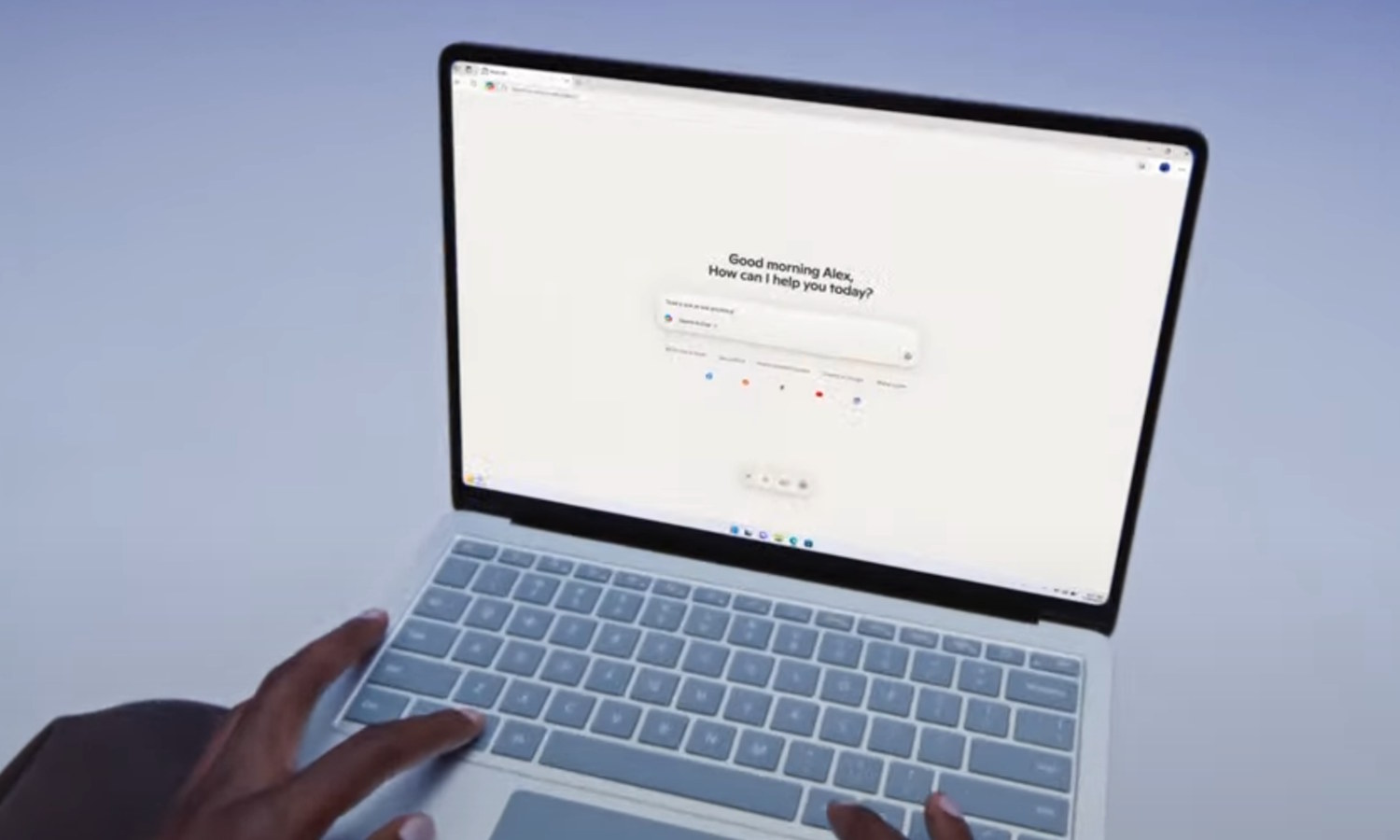
Microsoft launches Copilot Mode in Edge – is it heaven or hell?
Microsoft has a new experiment for its web browser. Copilot Mode in Edge is an AI-powered mode which is perfect for anyone who wants to completely embrace artificial intelligence when browsing the web.
For anyone who feels that AI is already difficult to avoid, there is good news. Copilot Mode in Edge is optional, so you are not obliged to use it even if you have made Microsoft Edge your browser of choice.



