Microsoft releases PowerToys v0.33.1 with important plugin changes and new 'First time load' experience
It has been a little while since there was a PowerToys update, but Microsoft has today rectified this with the release of version 0.33.1 of the suite of Windows 10 utilities.
There are a number of notable changes in this particular release, including improvements to plugins in PowerToys Run, and the editor UX in FancyZones. PowerToys v0.33.1 also features a new 'First time load' experience which serves to introduce new users to what is available in the software.

Microsoft Edge 89 arrives with improved browser performance, vertical tabs, and more
The original Microsoft Edge was often described as being 'half-baked' with features commonly found in other browsers either poorly implemented or missing entirely.
With the switch to Chromium, Microsoft had a chance to start over, and it hasn’t wasted the opportunity. The new Edge is a massive improvement over its predecessor and the software giant isn’t resting on its laurels either, striving to add new features on a regular basis. Case in point being Microsoft Edge 89.
Microsoft is using Known Issue Rollback (KIR) to fix problems caused by Windows 10 updates
These days, it is almost a given that an update for Windows 10 will not only fix bugs and introduce new options, it is also likely to cause additional problems. It is something that Windows users have been painfully aware of for some time, and Microsoft has been working on a solution.
And that solution is KIR, or Known Issue Rollback. The new system enables Microsoft to rollback changes introduced by problematic patches rolled out through Windows Update. KIR only applies to non-security updates.
Microsoft releases Windows 10 Build 21327 with the beginnings of a brand new look for the operating system
We already know that Microsoft is planning on giving Windows 10 a major makeover later this year as part of a refresh code named Sun Valley.
Insiders in the Dev Channel can from today start to get an idea of how this new Windows update will look.
Microsoft Power Fx is an open source, low-code programming language
Microsoft has announced Power Fx, a new open source programming language. The Windows-maker describes it as "a low-code general purpose programming language based on spreadsheet-like formulas".
The language can be used across Microsoft’s Power Platform, and the fact that it is based on Microsoft Excel means that it should be immediately accessible to large numbers of people, even if they would not necessarily consider themselves programmers.
Microsoft makes Power Automate Desktop tool for Windows 10 free to help optimize workflows
Whether you’re a system administrator or a Windows power user, the chances are that you spend lots of time performing the same tasks over and over again. To help with this, Microsoft has made its Power Automate Desktop tool for Windows 10 free for everyone.
This enterprise-quality macro-like utility can be put to endless uses, helping to optimize all manner of workflows by automating frequently performed tasks. Available to install free of charge right now, it will eventually be included in Windows 10 as standard.
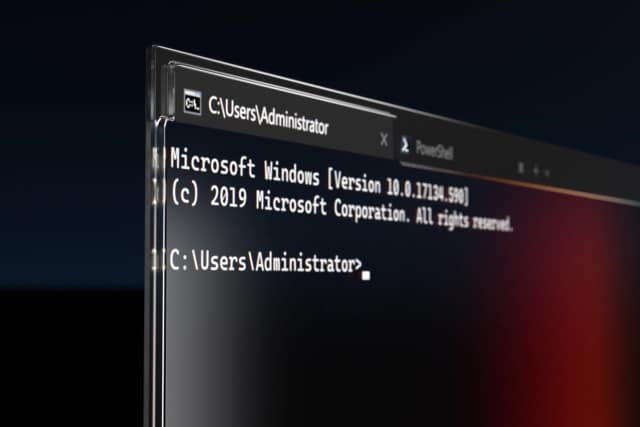
Microsoft releases Windows Terminal 1.7 Preview with support for single-instancing and remote control
It’s been a month since Microsoft released Windows Terminal 1.6 Preview, the first update in 2021 of its powerful command line tool. That brought with it a new UI for Settings, as well as various other minor improvements.
The software giant is now rolling out Terminal 1.7 Preview, a move which means Terminal 1.6 is now generally available to all Windows 10 users.

Linux Mint developers will force updates on users like Microsoft does with Windows 10
We recently shared some very shocking news about Linux Mint users. Sadly, it turned out that users of that operating system were extremely irresponsible regarding updates. You see, Linux Mint developers spilled the beans on this upsetting trend -- many of its users weren't just a little behind in installing updates, but were running unsupported versions for more than a year!
This shows that not all Linux users are responsible, nor are they necessarily more knowledgeable than Windows users regarding computer maintenance. It also highlighted that the Linux Mint developers were doing a poor job in convincing users to update. And now, it seems the Linux Mint developers are taking a page out of Microsoft's playbook by planning to force some updates on its users. Yes, folks, Linux Mint is becoming more like Windows 10.
Microsoft patches serious NTFS drive corruption flaw in Windows 10... but there's a catch
Around a month and a half ago we reported about a serious flaw in Windows 10 that could be exploited to corrupt the contents of an NTFS drive. With Microsoft dawdling in its response, it was down to security researchers from OSR to produce a third-party patch.
But now Microsoft has stepped up to the plate and, finally, come up with an official fix for the flaw. Sadly, it's not all good news as the fix is not currently available for everyone.
Best Windows 10 apps this week
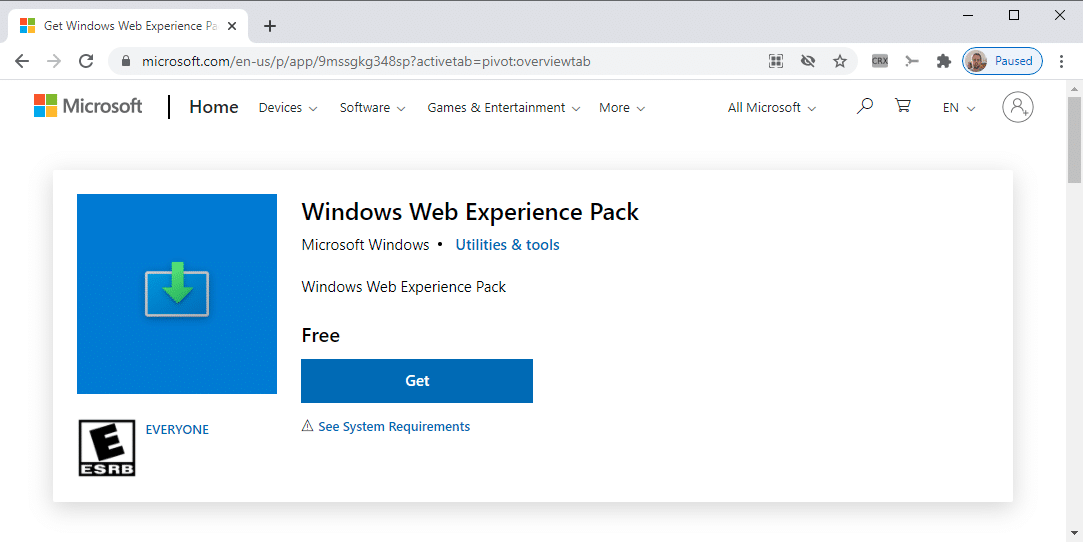
Four-hundred-twenty-seven in a series. Welcome to this week's overview of the best apps, games and extensions released for Windows 10 on the Microsoft Store in the past seven days.
Future Windows 10 updates will incorporate Servicing Stack Updates (SSU) to streamline the installation process. Windows Update does take care of this automatically, but administrators who installed updates manually ran into installation issues from time to time if a particular update required a specific SSU that was not installed.
Microsoft now bundles Windows 10 servicing stack updates with cumulative updates
There are many different types of update for Windows 10, some of which are more important than others. To make things easier to manage, both for the company itself and for end users, Microsoft is now integrating servicing stack updates (SSUs) into the latest cumulative updates (LCUs).
Cumulative updates should be familiar to most Windows 10 users, but SSUs are not something that everyone will be aware of. Nonetheless, the change Microsoft is introducing is a important one that should help to reduce update problems in future.

Microsoft is killing off a pointless feature of Windows 10 with 21H2
It is now five and a half years since Windows 10 was released, and we've seen a lot of changes to the operating system over this time. There have been endless additions, numerous changes, and the occasional removal of dead wood.
Among the things that have been killed off so far are various elements of the Control Panel and ways of accessing it, causing upset with many users. But now Microsoft is turning its attention to things which the vast majority of people regard as completely unnecessary. The company has seemingly realized that very few people are interested in 3D modelling and is indulging in a little spring cleaning.
Microsoft releases KB4601382 update preview to fix many Windows 10 problems
Ahead of March's Patch Tuesday releases, Microsoft has released a preview of the KB4601382 update. This cumulative update is available for Windows 10 2004 (Windows 10 May 2020 Update) and Windows 10 20H2 (Windows 10 October 2020 Update), and it includes a number of important fixes.
Some of the highlights of this particular update include addressing a screen flicker issue during video playback, fixing a problem that prevented some keyboard keys from working, and improving application startup times in certain scenarios.
Microsoft releases Windows 10 Build 21322
At the tail end of last week, Microsoft released a Windows 10 Dev Channel build with the ability to paste content as plain text in clipboard history.
Today, the software giant rolls out another new flight for Insiders on the Dev Channel, although Build 21322 is mostly about fixes and general improvements.
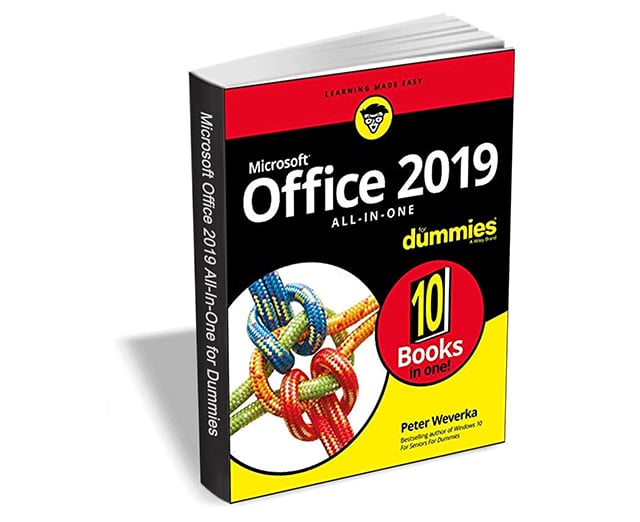
Get 'Office 2019 All-in-One For Dummies' ($24.00 value) FREE for a limited time
Knowing your way around Microsoft Office requires you to be part mathematician, part storyteller, and part graphic designer -- with some scheduling wizard and database architect sprinkled in. So what do you do if these talents don't come naturally to you?
Fear not! Office 2019 All-in-One For Dummies fills in the gaps and helps you create easy-to-read Word documents, smash numbers in Excel, tell your tale with PowerPoint, and keep it all organized with Outlook. With additional books covering Access, OneNote, and common Office tasks, this is the only Office book you need on your shelf.