Soft2Base 2.0b keeps 61 major Windows apps up to date
Package managers are one of the best features of Linux, (mostly) straightforward tools that make it easy to install and update your preferred applications. Nothing gets even close to this on Windows, but several tools do at least enough to be useful, and the free-for-personal-use Soft2Base 2.0b is one new release that could save you some time.
The program is extremely lightweight. There’s no installer, not even a ZIP file of supporting files: everything you need is in a single 880KB executable, just download it and go.
SkyDrive's big, new feature is a Windows 8-style logo
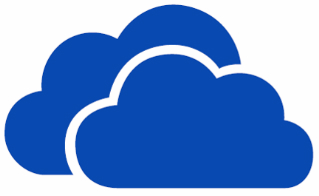
Almost every software update that gets released, particularly those that involve only minor version number increases, addresses bugs that have been found and performance issues. This is the case with the latest release of Microsoft’s cloud storage app SkyDrive but there is also a little more to be found in this seemingly minor update (16.4.6003). Perhaps the most immediately obvious change is the new logo which is very much in keeping with the look and feel of Windows 8.
The imminent release of Windows 8 means that improve support for this new operating system was to be expected. The new logo mimics the look of the Windows 8 logo -- albeit in a more rounded form -- and the update is due to roll out to other platforms in the coming weeks to give a more uniform look to the service. But there is more to the latest release than a new logo.
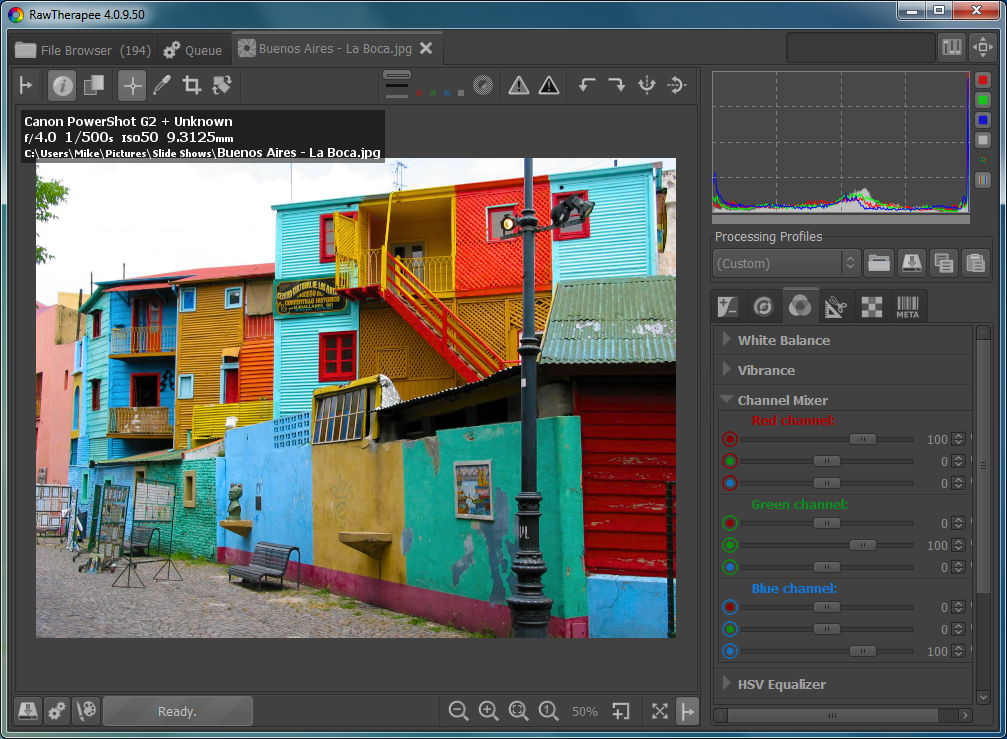
Photo editor Raw Therapee is different
If you’re looking to enhance the quality of your digital photos then there’s not exactly a shortage of free tools offering to help. But most are rather basic, oriented firmly at beginners, and if you’re an old hand at image processing then they’ll probably leave you wanting more.
Raw Therapee is different. There’s no text tool here, no paint options, no “special effects”; instead it’s all about image processing, providing ways to correct, adjust and enhance your photos. But if that’s what you’re after then it’s very good indeed (and, conveniently, it has versions for Windows, Mac OS X and Linux).
Imagine what Metro could have been...
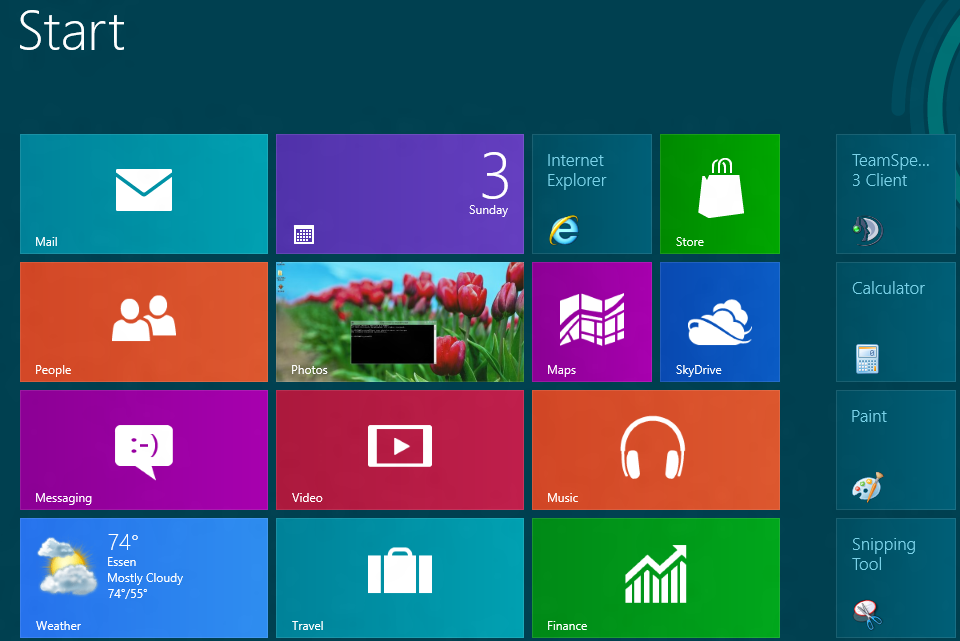
Fundamentally, the Metro user interface is not bad. It’s a good idea to change the interface of an operating system from time to time. Microsoft did the right thing with Aero back when Windows Vista was introduced. It was definitely a step forward and made Windows XP look old and ugly by comparison.
The fact that Windows Vista had so many problems that some considered it the worst operating system to come from Redmond is another story. Comparisons with Windows Me didn’t help either.

Make it Christmas in July with one of these software specials
We kick off this month’s selection of special offers with a world exclusive -- CyberLink Media Suite 10 Ultra, which can be yours for just $99.95 (a saving of 23 percent off the MSRP) and includes a free copy of PowerDirector 10 Ultra. You can also buy CyberLink PowerDirector 10 Ultra separately and this includes not only 30-percent savings plus free $89 software. For even less outlay, you can invest in PowerDirector 9 Ultra64 -- this previous version is reduced to clear at $29.95 or 70 percent off the MSRP. If you’re looking for disc software, you can save 80 percent off the MSRP of Roxio Creator 2011 when you buy it for just $19.99 -- Roxio Creator 2011 Pro is also available at a savings of 81 percent for just $24.95.
There are also great savings on a wide range of security tools, starting off with PC Tools Spyware Doctor with Antivirus 2012, which could be yours for just $7.95 -- a staggering saving of 80 percent off the MSRP. From the same company comes PC Tools Internet Security 2012, which features a similarly huge saving and is available for just $9.95.

The PC is a dead parrot
Second-quarter PC shipments are grim. They're flat globally, but down 5.7 percent or 10.6 percent in the United States, depending on whether Gartner or IDC counts the numbers. IDC puts Mac shipments down for the first time in years (Gartner disagrees). When the malaise hits Macs, Cupertino, we have a problem.
Is it the calm before the big sales storm or the new normal, as consumers and businesses snap up smartphones and tablets? There's no easy answer until Apple and Microsoft ship new operating systems. Likely, it's combination of both, as manufacturers buttress against the slowest sales quarter of the year by cutting back channel inventory and preparing for dramatic changes in computing purchase priorities. The one certainly: The quarter sucked spoiled eggs cooked over-easy.
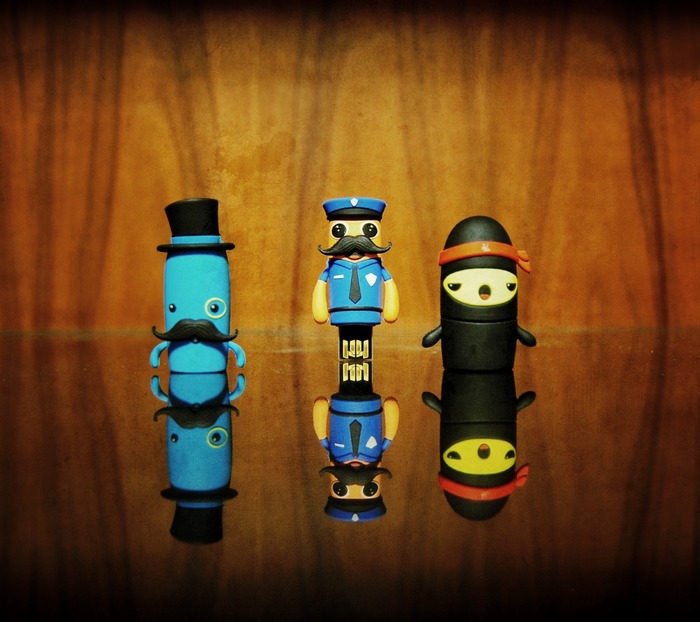
Jumpshot: the Linux security stick you give to your clueless friends
With slick marketing, a great sense of humor, and a practical, useful product idea, Texas startup Jumpshot launched its initial public funding round on Kickstarter this week.
The long and short of Jumpshot is that it's a USB stick that removes bloatware, adware, spyware, and malware in a package that toddlers and grannies alike would be able to use. When Jumpshot is cleaning the system in the background, the user can stay connected and browse the Web in a Linux-based sandbox.
Yahoo hack shows, again, too many people use '123456' and 'password'
While the ongoing floods of leaked account credentials from Formspring, LinkedIn et al. are potentially disastrous for the owners of those accounts, analysis of those data doesn't only provide a way of seeing whether our own accounts are at risk. It also provides an incentive for us all to re-examine our own password (and passcode) selection strategies by the insight they give us into whether we are using the same far-from-unique passwords as so many of the victims of these breaches.
My colleague Anders Nilsson's Eurosecure blog looks at the data from the Yahoo! breach and refers to some detailed statistics. Rather than reproduce all those data here, I'd recommend that you read his blog, but as I've previously referred here and elsewhere to 'Top Umpteen' lists of insecure, over-used, easily guessed passwords, I can't resist reproducing the top ten he extracted here, as it comes from a more recent source than the Mark Burnett analysis I quoted in my previous post on the subject.

Hack exposes 450,000 Yahoo passwords
Yahoo is investigating a hack that disclosed the usernames and passwords of at least 450,000 users. The attackers are believed to have gotten into the site through Yahoo Voices, the user-generated content site formerly known as Associated Content.
Security Firm TrustedSec found that the passwords were stored unencrypted, and have now been posted online. This means anyone affected by this breach is at immediate risk of an account breach, and so far has only offered publicly that it is "looking into" claims of a breach. The best advice for Yahoo users at this point is to find out for themselves if their account has been breached, and take immediate steps to change their passwords.
Windows 8 Metro is pointless for the enterprise
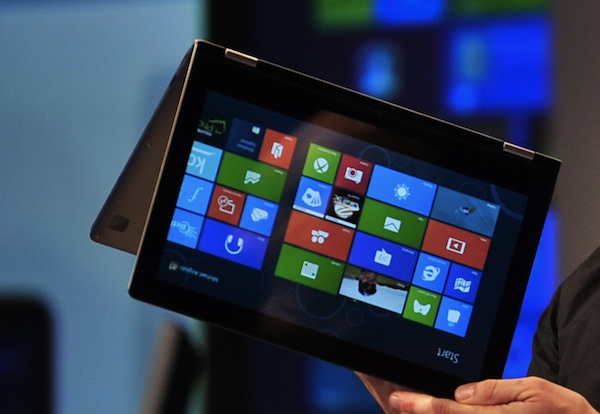
Yesterday Betanews published an interesting piece looking at how successful (or not) Windows 8 will be in the enterprise market. One of the areas it questioned was just how well the Metro UI would go down with end users in the workplace.
This reminded me of a concept that seems to have been much forgotten since we all fell in love with the touch screen. It is called Gorilla Arm. The term was coined over 30 years ago by engineers looking for a way to describe how users actually interact with vertical touchscreens in the real world. Basically users arms get sore and heavy when using these types of interface for extended periods of time. It is not a new phenomenon, far from it, and has been backed up by numerous interface and usability researchers for decades. Try it yourself now whilst sitting at your desk. Reach out and stab at your monitor. Then keep doing it. After a period of time your arms will feel like a gorilla's. So how is the Metro UI going to cut it with enterprise audiences?
Take Information Superiority over employee-owned devices to secure the mobile enterprise
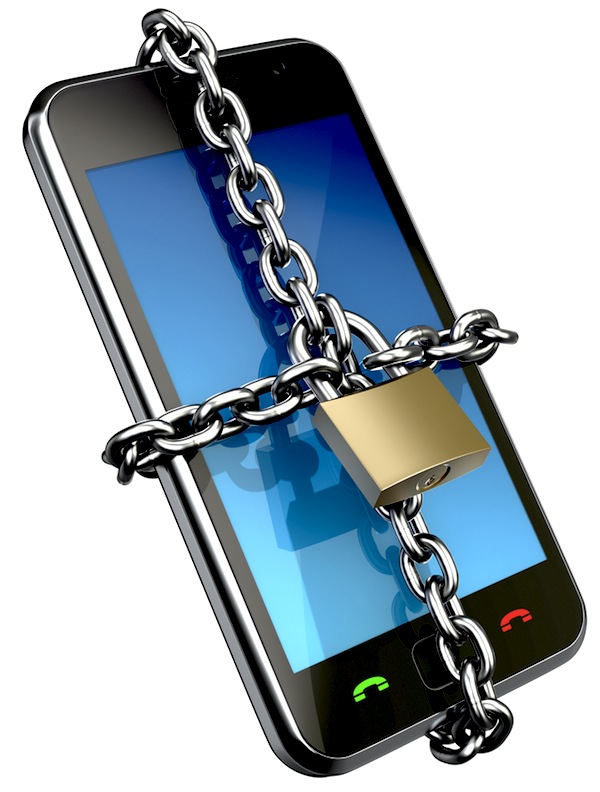
The battle for your network revolves increasingly around Information Superiority. When your network is breached, the attackers leverage Information Superiority -- they know something you don’t about your environment and they’re using that to gain access to your network and digital assets.
Unfortunately the typical organization doesn’t know enough about its environment to effectively defend it. Perhaps nowhere is this lack of Information Superiority more apparent than in the mobile enterprise. A study conducted by IDC finds that 40 percent of IT decision makers say that workers access corporate information from employee-owned devices, but in stark contrast more than 80-percent of employees indicate they access corporate networks this way. To protect our corporate assets we need to close this gap.
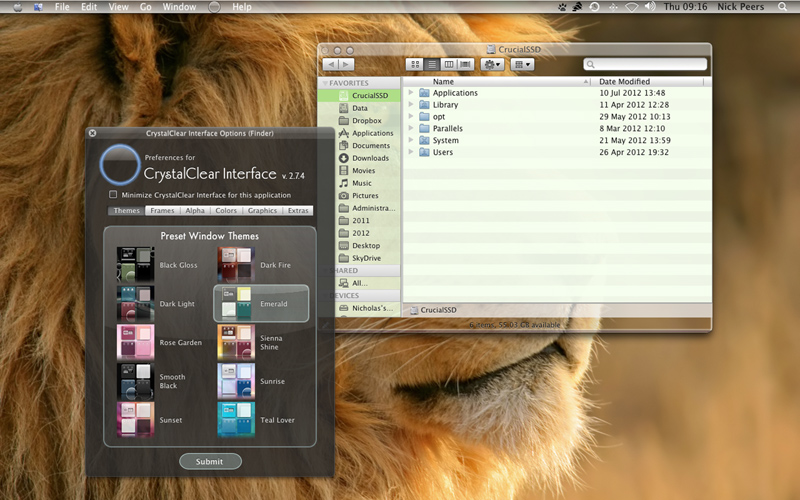
Radically revamp the look and feel of your Mac desktop
Customizing your Mac’s desktop using OS X’s built-in tools doesn’t take long, and if you were thinking you could make radical changes you’ll be left disappointed. Thankfully there are many tweaking and customization tools out there, but none go as far as CrystalClear Interface 2.7.4.
This tool allows you to radically revamp the look and feel of your desktop, with a new menu bar and re-skinned windows, applications and dialogue boxes, complete with transparency. It’s incredibly simple to use if you just want to set it and forget it, but also boasts all the fine-tuning tools more advanced users crave.
Malwarebytes Anti-Malware 1.62 improves malware scanning
Malware is a problem that every computer user faces and, just as in the antivirus market, there are a huge number of free and paid-for tool to choose from. Malwarebytes is a company that has built up a solid reputation in the field of malware protection and Malwarebytes Anti-Malware 1.62 is the latest that has been designed to help detect and remove all manner of malware threats.
While this is a fairly minor update, there is still plenty to look forward to. The biggest change has been made to the program updater. The software can now be updated faster than ever which means that you can be sure of having the very latest version of the program more quickly and with reduce bandwidth requirements. There have also been a number of other improvements made to the software.
OneClick for Chrome downloads torrents direct
Torrents come in for a great deal of bad press due to the fact that they have become associated with piracy, but from the point of view of both the downloader and the provider of the download, things work out well in terms of improved download speeds and reduced bandwidth requirements. Downloading files in this way is easy enough, but by installing OneClick for Chrome you can make things even easier.
Once you have this Chrome extension installed, there is no need to use a torrent client to handle you downloads, and the torrents you choose to download are treated in much the same way as regular downloads. Using the extension means that Chrome can be used to handle your torrents, and there is no need to use a third party torrent client. This helps to keep things simple and speeds up the whole downloading process.
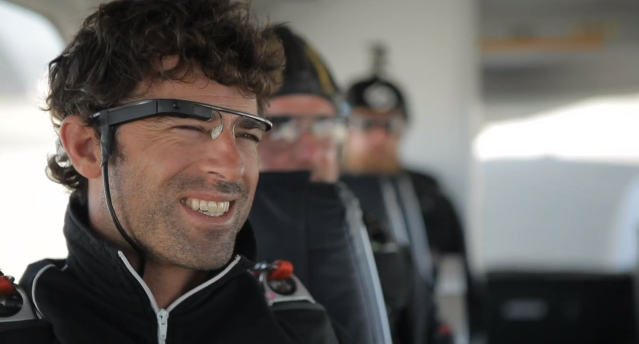
Jelly Bean gives clues to Google Glass future
Two weeks ago during I/O, Google made many announcements, with Android 4.1, or Jelly Bean, among them. But there was more: Nexus 7 tablet, media-streaming sphere, new Google+ features, some updates to the Google Maps app, and Glass, Google’s idea for "smartglasses".
All these different products may make Google seem scatter-brained, but I think Project Glass accounts for many of the Android updates. Glass is clearly important to Google. Cofounder Sergey Brin says that he spends about 50 percent of his time on Project Glass. Google also went way out on a limb last April when releasing this concept video for a product, when at the time, they said they had no plans for bringing Glass to production, and they still have no clear plan today.