Thilmera7 is a very configurable PC monitor
Thilmera7 is a PC monitor which can help you track CPU and RAM usage, processes, threads, network traffic, hard drive activity, hardware temperatures and more, all in a free and portable desktop tool.
Launch the program and a tiny window appears with basic system details: free RAM, CPU usage, the number of processes/ threads/ handles, disk and network activity. This is presented in a horribly basic way, mostly text with a few feeble graphical touches, but it does at least give you some useful feedback on what your PC is doing.

Chrome 32 gains tab indicators, automatic blocking of malware files
Google has released Google Chrome 32 FINAL for Windows, Mac and Linux, a worthwhile update with a good mix of new and extended features.
Chrome’s tabs can now include indicator icons to let you know when they’re playing audio, using your webcam or being cast to your TV. And so the next time a Flash video ad kicks in, you’ll be able to see at a glance where the noise is coming from.
Adobe releases Flash Player 12 and Air 4
Adobe has unveiled three major updates with the release of Adobe Flash Player for Other Browsers 12.0, Adobe Flash Player for Internet Explorer 12.0 and Adobe AIR 4.0.
The new versions of Adobe’s cross-platform web media playback and runtime tools will initially appeal more to developers, but should have benefits for end users going forward when apps are released that take advantage of some of the new features.

VarieDrop resizes multiple images by dragging and dropping
Resizing one image is easy -- even Windows Paint can do it -- but working with multiple images is a little more challenging. Even specialist batch processing tools can require a little work to get them set up correctly.
VarieDrop tries to simplify this process by allowing you to define up to four "drag and drop areas", each of which have their target size, file format, output folder and so on. Once it’s set up, just select your target images, drag and drop them onto that area, and they’ll be converted and resized accordingly.

Rankaware checks your site’s ranking on Google, Bing, Yahoo
If you have a website then you can spend a very long time optimizing it to get the best possible search engine rankings. But it’s a complicated process. Other sites will be doing the same thing, and search engines are tweaking their algorithms all the time, which makes it difficult to assess how well you’re really doing.
Rankaware is a free tool which can help by checking your site’s rankings for multiple keywords on Google, Yahoo and Bing, compiling an attractive report to show how this is changing over time.
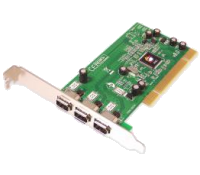
Identify unknown PC hardware with PCI-Z
If you need to know more about your PC’s hardware then running any system information program -- or even just Device Manager -- will usually point you in the right direction. But sometimes it doesn’t quite work, and you’ll find some devices are referred to as "unknown", or perhaps by their PCI identifier ("PCI\VEN_1B21& DEV_1080& SUBSYS_78161462& REV_03", or something similarly cryptic).
PCI-Z is a tiny portable tool which tries to get around this problem by querying the PCI ID Repository -- a public database of device ID codes -- and returning readable names, rather than meaningless codes.

Instantly enhance the Windows clipboard with Clipjump
The Windows clipboard makes it very easy to transfer data; Ctrl+C to copy here, Ctrl+V to paste there, and you’re usually done. But there are also has plenty of limitations. In particular, the clipboard can hold only one item of any given type: copy in something else and the previous item will be lost.
We’ve covered various clipboard managers which can help you get around this problem -- Save.Me is an especially powerful example -- but these usually require that you learn a new way of working, a significant issue with something as fundamental as the clipboard.

View, convert and save web maps with Terra Incognita
You need to quickly check a map? It’s never been easier. Launch the relevant app -- or just open a browser on any device -- and you’ll have all the information you need, within seconds.
Maybe your needs are a little more complex, though? Perhaps you want to compare maps from different providers; convert them from one format to another; add tracks, or waypoints? Then you may get better results from the open source Terra Incognita.
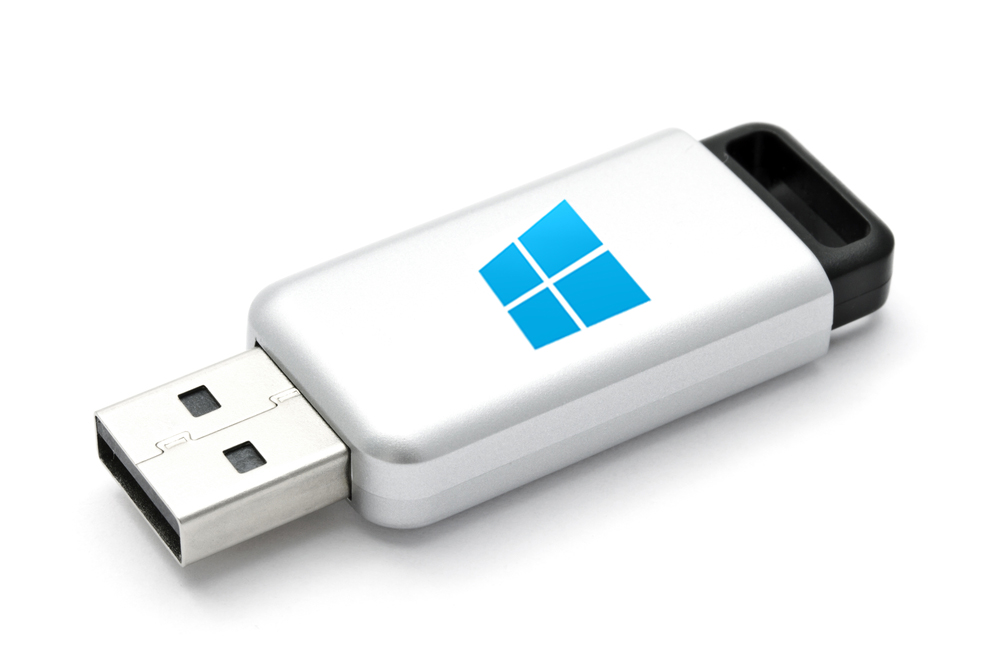
Run Windows 8 or 8.1 directly from a USB drive on any computer -- for free
The Enterprise edition of Windows 8.x has a feature called Windows To Go that lets you create a working version of Microsoft's tiled operating system on a USB memory stick. You can boot into this and be instantly up and running in the new OS from any computer. Which is great -- provided you have the Enterprise edition of the OS and a "certified" USB drive. If you only have the standard version of Windows 8.x then the option isn't available to you.
But there is a very easy way you can build a personalized and bootable copy of Windows 8 or 8.1 on a USB drive, for use anywhere. All you need is a USB 3.0 device with at least 13GB capacity (it will run on a USB 2.0 memory stick, but slowly), a copy of Windows 8.x (either an installation disc or an ISO -- you can get the Windows 8.1 ISO by following these instructions but you will need a Windows 8.1 key), and a free partitioning program. Here's what you need to do.
oCam is a very configurable screen recorder
Screen recorders are great for creating tutorials, saving streaming videos and otherwise recording your desktop activities. There are plenty to choose from, each with their own advantages, but if you’re new to the technology then oCam could be a very good way to start.
After a simple installation (just look out for the option to change your browser homepage, and clear that checkbox), the program launches with a floating, re-sizable frame, and a toolbar. At its simplest you can manually reposition the frame to whatever area you’d like to record, then click Capture to grab a single image, or Record to begin recording a desktop video (clicking the button again to stop). Clicking Open then opens the Explorer folder containing your captures, ready for review.

Avira reveals stand-alone Avira PC Cleaner
Avira has announced the availability of the Avira PC Cleaner, a simple stand-alone antivirus scanner.
The program is a mere 2.17MB download and doesn’t require any installation, reducing the chance of any conflicts with existing security tools. It scanned our test system quickly, detecting and removing a malware sample.

Play classic games from a wide range of consoles on your Mac with OpenEmu
Emulating old computers, consoles and even entire arcade machines on your computer is nothing new. Back in the early 90s it was possible to emulate 8-bit computers on your Atari ST or Amiga, and these days you can emulate all kinds of computers, gaming consoles and even arcade machines.
But what if you have a hankering for playing old favorites from more than one console platform on your Mac? The answer lies in the recently released OpenEmu 1.0.1.
Ultimate Windows Tweaker 3 launched for Windows 8 users
The Windows Club has released Ultimate Windows Tweaker 3.0 for Windows 8 and 8.1 users. The lightweight, portable freeware tool makes it easy to tweak various aspects of Windows that usually hidden away or require access to Registry editor or Group Policy Editor.
The new release sits alongside the previous version, Ultimate Windows Tweaker 2.2, which requires Windows Vista or 7.
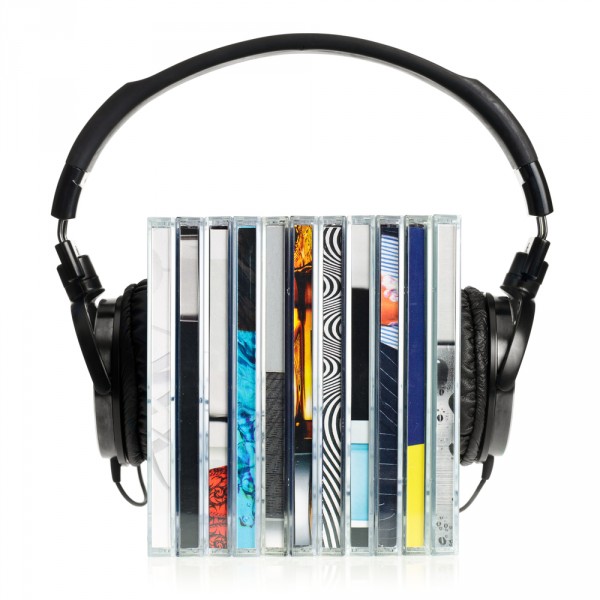
Rename music, movie and TV media files quickly with Collbee and FileBot
You’ve spent ages building the ultimate digital movie and TV collection, and now you’re ready to introduce it to a media server, so it’s easily accessible from a range of devices. The only problem is, you’ve named and organized your files in such a way as your media server can’t match them to the correct TV show and movie, leaving ugly filenames in their place.
One option is to painstakingly start renaming all your files to suit your media server. The other is to enlist the help of a dedicated tool, such as Collbee 1.0 or FileBot 3.8.
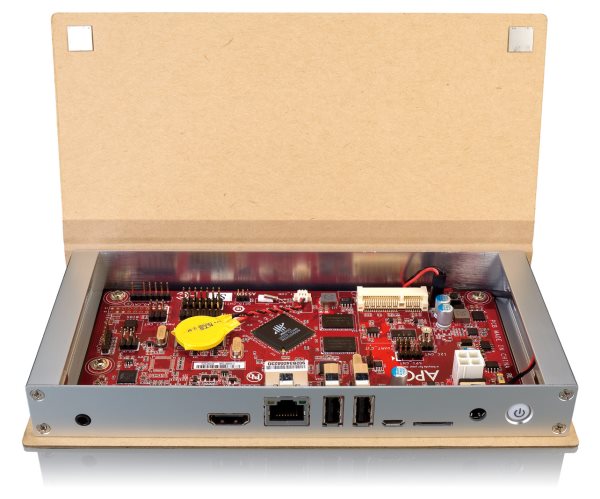
New raft of partners to help push Firefox OS in 2014
Firefox OS may have been with us since last year, but it's yet to make any sort of headway into the market. At CES, a new batch of partners has been unveiled which it is hoped will propel Firefox OS to mass popularity. Just as Android is not limited to use in phones and tablets, so Firefox OS has applications in other areas, and this is something demonstrated by the latest partnership with Panasonic. Working with Mozilla, the company will produce Firefox OS-powered smart TVs.
But of course there is great scope for Firefox OS to be used as a mobile platform, and this has already been explored to some extent. ZTE has produced a phone running Mozilla's operating system and in the coming year the company will be developing a "new Firefox OS line to give users more choice". But the success of an operating system is not just about getting customers on board -- developers are also vital.