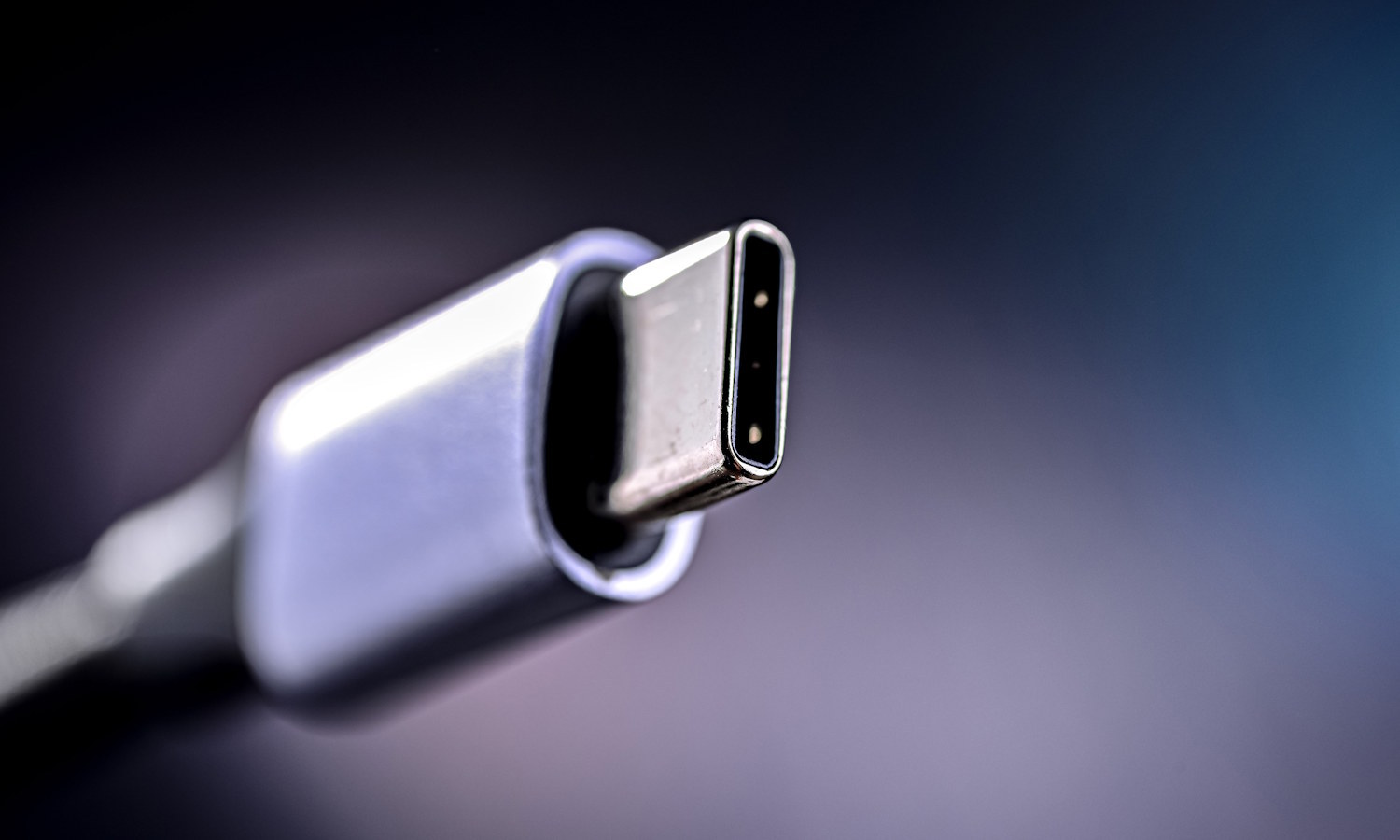
Microsoft says it is ending USB-C confusion with updated Windows 11 WHCP
USB-C was supposed to be the connection that simplified everything -- but it has ended up doing anything but making things simple. With different USB generations, and within those generations different levels of capability, it is no wonder people are confused about just what their USB ports and cables can do, and what level of capability to expect.
This is something Microsoft is looking to change. Pointing to the “inconsistent implementations of USB-C port capabilities across the PC ecosystem”, the company is seeking to end USB-C port confusion by using the Windows Hardware Compatibility Program (WHCP) to help people know precisely what to expect from certified PCs.
Microsoft is ruining Notepad with pointless formatting in Windows 11
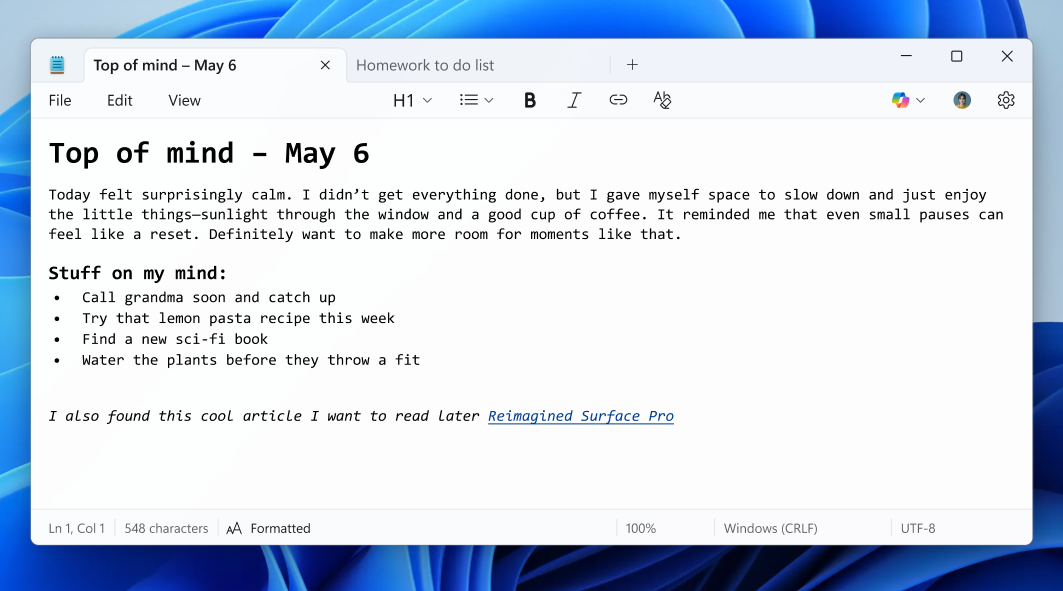
Sigh. Microsoft just can’t leave well enough alone. The company is now injecting formatting features into Notepad, a program that has long been appreciated for one thing -- its simplicity. You see, starting with version 11.2504.50.0, this update is rolling out to Windows Insiders in the Canary and Dev Channels, and it adds bold text, italics, hyperlinks, lists, and even headers.
Sadly, this isn’t a joke. Notepad is actually being turned into a watered-down word processor, complete with a formatting toolbar and Markdown support. Users can even toggle between styled content and raw Markdown syntax. And while Microsoft is giving you the option to disable formatting or strip it all out, it’s clear the direction of the app is changing.
No prizes for guessing what's to blame for the latest problem that stops Windows 11 booting (yep, it's another OS update)
Windows updates that cause problems are far from being uncommon, sadly, but the latest issue is a pretty serious one. Some users who have installed the KB5058405 update from earlier this month have found themselves with an non-booting system.
Those affected will note a 0xc0000098 error in the ACPI.sys file, and a message informing them that their device needs to be repaired. The bad news does not end there. Microsoft does not yet have a fix -- or even a workaround.
The launch of Windows Backup for Organizations sees Microsoft making it easier to move to Windows 11
The end of support for Windows 10 is fast approaching, as Microsoft is only too eager to keep reminding us. This is important for all users of Windows 10, but particularly for organizations that need to ensure security.
Microsoft has just launched Windows Backup for Organizations, and this can be seen as one of the ways in which the company is encouraging migration to Windows 11. It is an Entra-based way to backup and restore Windows settings, and it's now available in a limited public preview.
Microsoft super-charges Windows Update so it can keep all of your apps up to date
Microsoft has launched a preview version of the Windows Update orchestration platform. This is an update to Windows Update itself which opens it up for use by third-party developers.
This means that Windows Update could soon be able to update not only Windows, but also drivers, and third-party apps. So broad is the scope of what Microsoft is working on that it feels as though Windows Update will soon be a misnomer, and a rebranding may be in order.
Microsoft brings new features to older versions of Windows 11 with the KB5058502 update
It's the time of the month when Microsoft releases previews of next month's software updates, and for Windows 11 users there is the KB5058502 update preview.
Interestingly, this particular update is focused on older editions of Windows 11 -- specifically Windows 11 23H2, and the Enterprise and Education editions of Windows 11 22H2. And the update is significant; it brings not only bug fixes, but also a raft of new feature, including the almost inevitable selection of new Copilot-related bits and pieces.

Microsoft releases Defender update to improve the security of your Windows installation images
Having Windows installation images is handy; they can be used to reinstall your operating system, but they are also useful when creating virtual machines. Microsoft is concerned about their safety, however.
Pointing to "a Microsoft Defender protection gap" that exists in the first hours of a freshly installed copy of Windows, the company highlights installation images that contain outdated antimalware software binaries. The solution to this problem? An update to Microsoft Defender for these images.

Windows 11 now has its own built-in color picker tool
Forget installing a random, third-party color picker just to learn the HEX values for a particularly pleasing hue on your screen -- Microsoft is gracing Windows 11 users with a built-in utility.
The Windows 11 color picker is part of the impressive (and increasingly so) Snipping Tool, and it is very similar to the Color Picker module found in PowerToys. While this may seem like a small, niche tool, we'd be very surprised if you don't find a use for it in the future -- but there is at least one disadvantage when compared to the PowerToys utility.

The new PC-to-PC migration experience in Windows 11 could be a game-changer
Getting a new PC is something met with excitement and dread in just about equal measure. For all of the positives associated with a shiny, new, faster system, there are the negatives of transferring files, installing apps, and configuring settings.
The process of migrating from one PC to another can be approached in various ways, and for Windows 11 users there is a new option. Microsoft is rolling out its new PC-to-PC migration experience as it implements significant changes to the Windows Backup app.
Only a fool still uses Windows 7
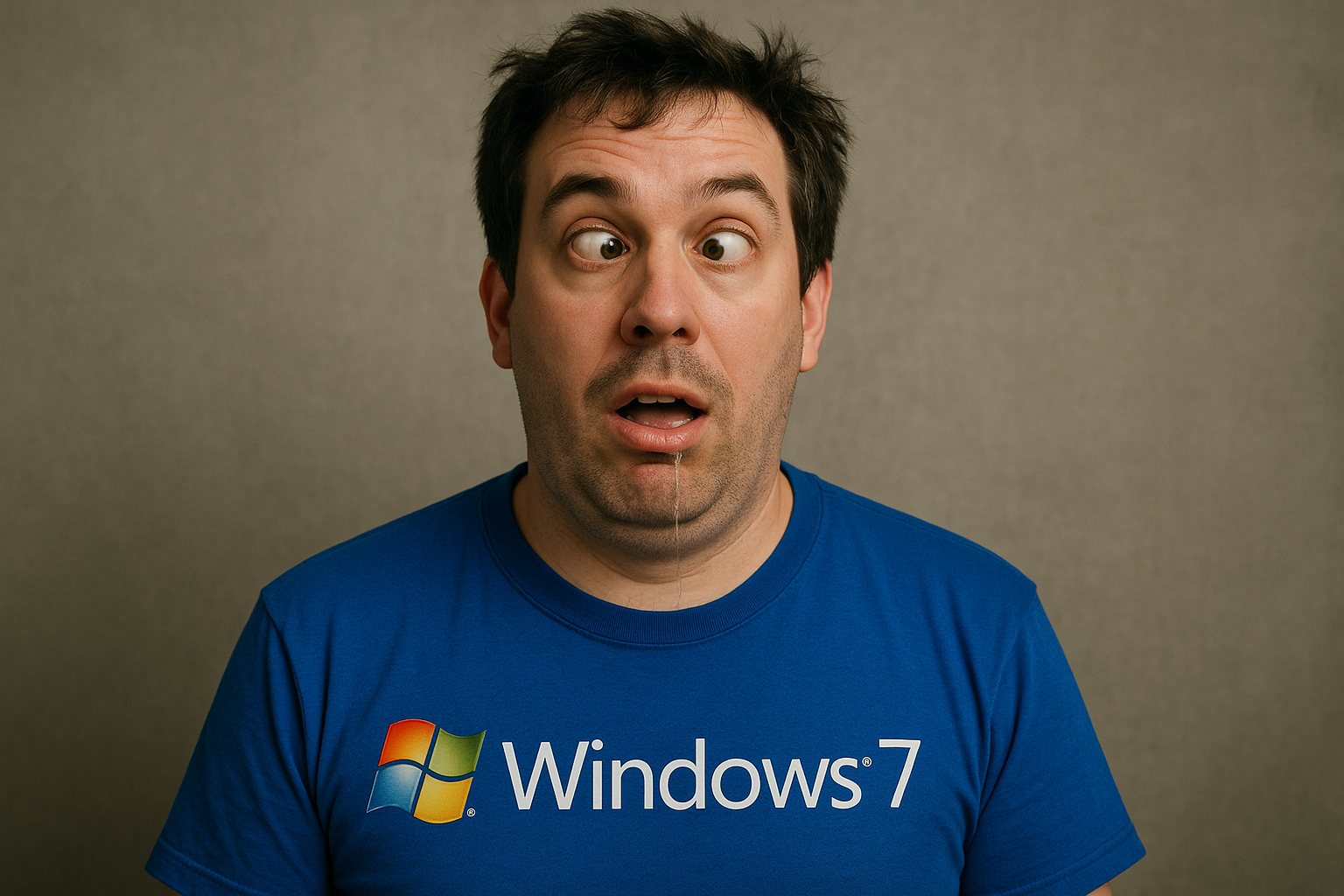
There was a time when Windows 7 was the gold standard. The operating system was fast, stable, and dependable. Quite frankly, it was very beautiful too. But that time is long gone. In 2025, sticking with Windows 7 isn’t just quirky or nostalgic, folks, it’s downright reckless.
Look, Microsoft officially pulled the plug on Windows 7 security updates back in January 2020. That’s like an eternity in the computing world. Since then, the operating system has been vulnerable to known exploits with no patches in sight. Running it today is like leaving your front door wide open for criminals with a sign that says, “Come on in.”
Microsoft's crypto payment gateway, bridging traditional and digital finance
Now that digital currencies are becoming more popular, Microsoft has introduced its Crypto Payment Gateway.
It was created to let merchants use crypto while benefiting from the protection, stability, and ease of use that standard finance offers. The gateway connects decentralized finance with advanced enterprise systems, showing how businesses and consumers are starting to transact online differently.
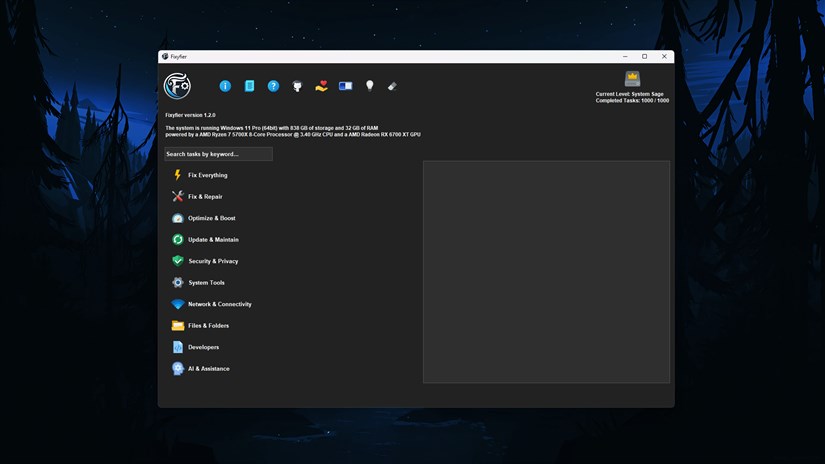
Best Windows apps this week
Six-hundred-forty-eight in a series. Welcome to this week's overview of the best apps, games and extensions released for Windows 10 and 11 on the Microsoft Store and elsewhere in the past seven days.
Microsoft has open-sourced the Windows Subsystem for Linux, which, in theory, should improve Linux on Windows in the long run.
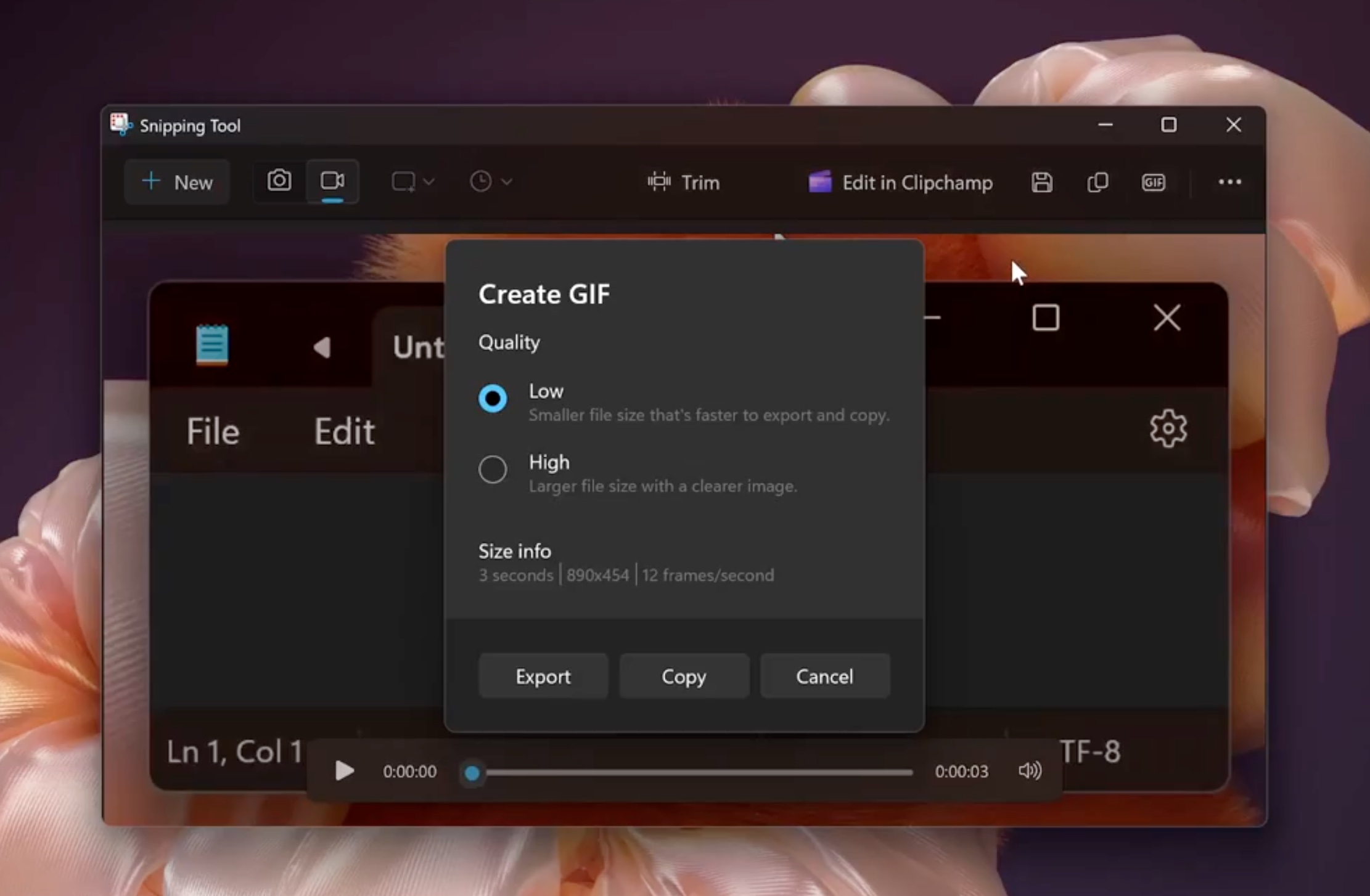
Microsoft is finally bringing GIF support to Snipping Tool in Windows 11
The Snipping Tool app has proved itself to be one of the most useful and impressive utilities to be found in Windows 11. Microsoft has slowly worked to create something genuinely impressive; there have been some omissions, however.
One such oversight is the lack of support for creating GIFs, but this is about to change. The option of saving screen recordings as animated GIFs is overdue and extremely welcome.
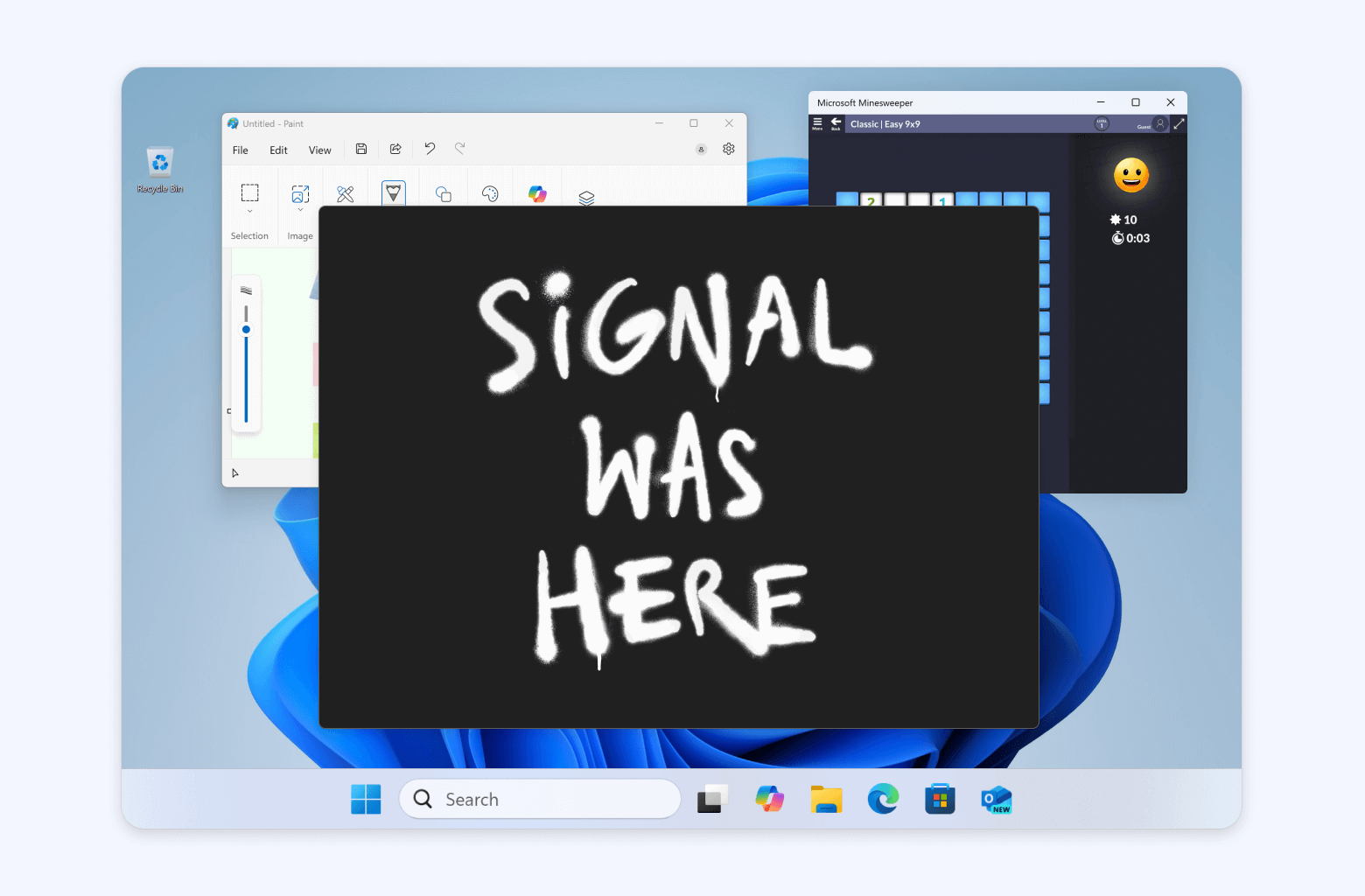
Signal declares war on Microsoft Recall with screenshot blocking on Windows 11
Signal has officially had enough, folks. You see, the privacy-first messaging app is going on the offensive, declaring war on Microsoft’s invasive Recall feature by enabling a new “Screen security” setting by default on Windows 11. This move is designed to block Microsoft’s AI-powered screenshot tool from capturing your private chats.
If you aren’t aware, Recall was first unveiled a year ago as part of Microsoft’s Copilot+ PC push. The feature quietly took screenshots of everything happening on your computer, every few seconds, storing them in a searchable timeline. Microsoft claimed it would help users “remember” what they’ve done. Critics called it creepy. Security experts called it dangerous. The backlash was so fierce that Microsoft pulled the feature before launch.
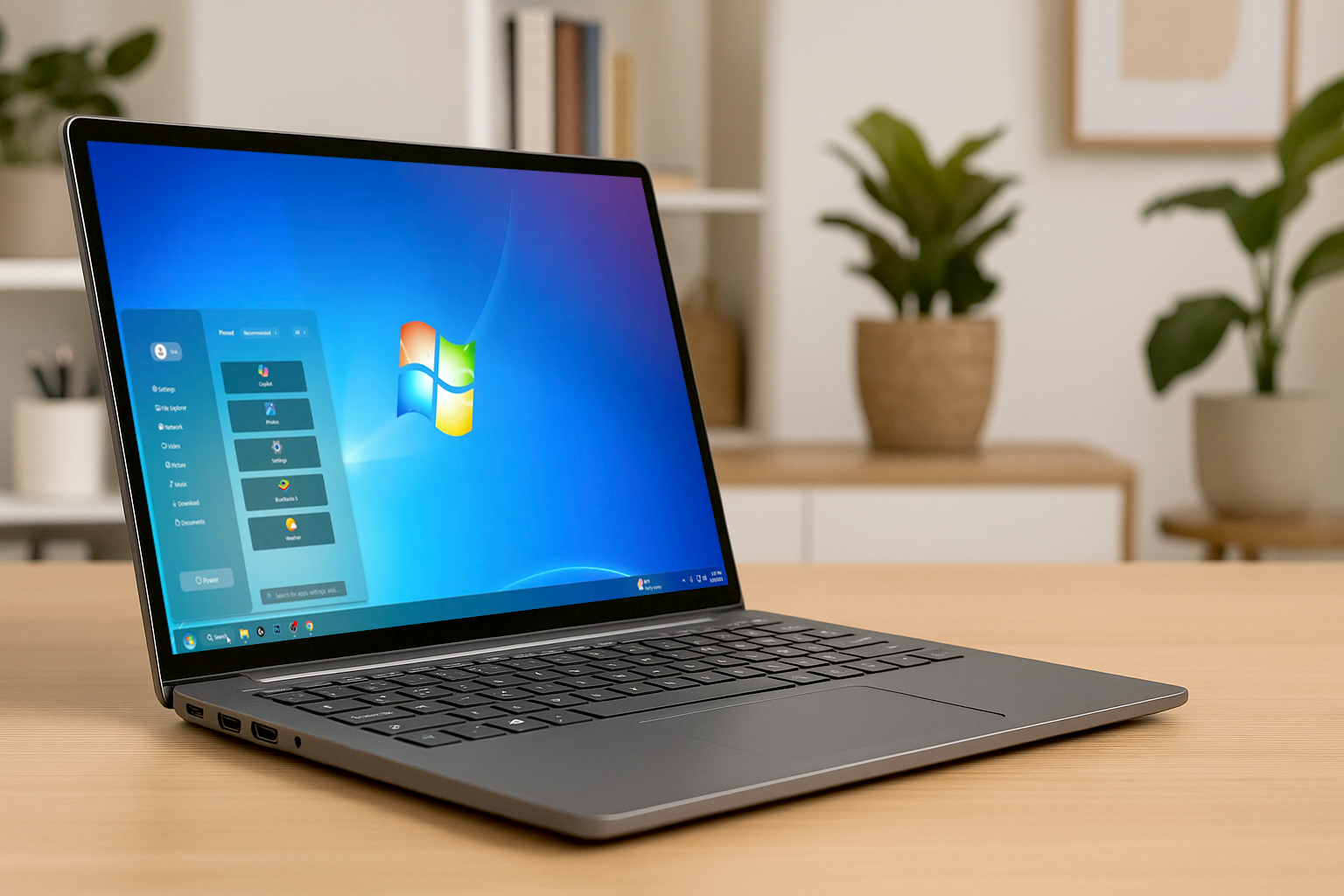
Windows 7 Reloaded solves Windows 11's biggest problem -- download it now
One of the first things people notice about Windows 11 is its redesigned interface, most obviously, the taskbar and Start menu, which are now centered. It’s a major departure from the classic layout of Windows 10 and earlier, and for long-time users, the change can take some getting used to.
If you’re someone who prefers the familiar feel of earlier versions, particularly Windows 7, there’s now a stylish way to bring that experience back.