

How to use Windows Sandbox to open files in a secure environment
Windows Sandbox is a built-in feature of Windows 10 and Windows 11. Its main purpose is to provide a safe environment for running applications. Anything that is executed in the sandbox, e.g., a software that is installed, remains trapped inside. It can’t break out and affect the "real" operating system.
As a consequence, malware, spyware and other unwanted and undesirable code, can’t infect the system or pull data from it.

openSUSE Leap 15.1 Windows Subsystem for Linux distro lands in the Microsoft Store
Just days after the general release of openSUSE Leap 15.1, the WSL version of the distro has hit the Microsoft Store, opening up even more options for lovers of Linux on Windows 10.
Developer SUSE says that "openSUSE Leap 15.1 is the Windows Subsystem for Linux (WSL) distribution for professional developers, system administrators, entrepreneurs and Independent Software Vendors".
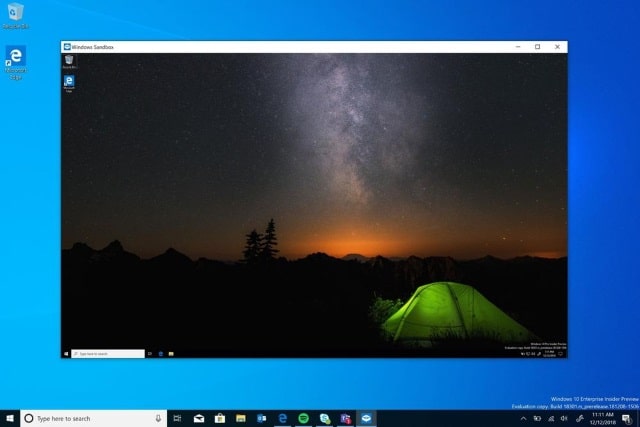
Microsoft announces Windows Sandbox, a desktop environment for running applications in isolation
Microsoft has announced an upcoming security feature which it hopes will take the fear and risk out of running unknown software. Windows Sandbox is an isolated desktop environment which functions much like a virtual machine; any software installed to it is completely sandboxed from the host operating system.
Aimed at businesses, enterprises and security-conscious home users, Windows Sandbox will be part of Windows 10 Pro and Windows 10 Enterprise. It is not clear exactly when the feature will debut, but it could make an appearance in Windows 10 19H1 next year.



