Microsoft pushes KB5034848 update so more people can try Windows 11 Moment 5
Anyone signed up to the Release Preview Channel has a little treat from Microsoft. The company has just released the KB5034848 update to Windows 11 22H2 and 23H2 giving the first proper look at what appears to be the Moment 5 update which is due for release later this year.
KB5034848 is a big update, bringing a host of new features to Windows 11. As well as fixing a series of problems with the operating system, the update also includes major improvements and additions to Voice Access, the arrival of WhatsApp support for sharing, and new suggestions in Snap Layouts.

Windows 11 users complain of taskbar, Start menu, and performance issues with KB5034765 update
If you were waiting for another problematic Windows update to brighten up your week, Microsoft has come up with the goods again.
The KB5034765 update was released for Windows 11 earlier this week and it seems to be causing more than its fair share of issues for a lot of people who have installed it. Microsoft is yet to acknowledge any problems, but users on Reddit have a litany of complaints.
Google thinks ChromeOS Flex could replace Windows 10 or Windows 11 on your PC, or even macOS on your Mac
With the end of support for Windows 10 approaching, and the launch of Windows 11 24H2 not being an option for many people because of hardware compatibility changes, Google is seizing the opportunity to push its own ChromeOS Flex.
ChromeOS Flex is Google's tweaked version of the ChromeOS operating system that can be installed on x86 hardware. The company is pitching its software at businesses and organizations promising that it has "been built with security as a first principle, not an afterthought". The self-promotion is to be found on the Chrome Enterprise blog, but there is nothing to stop home users from replacing Windows or macOS with ChromeOS Flex.

Microsoft Build 2024 confirmed for May, with 'AI, Copilots, and more' for developers
Microsoft has confirmed the dates and location of this year's Build conference for developers. The event will be held from May 21 to 23 in the Seattle Convention Center's Summit building, and it may be a chance for everyone to learn more about not only the future of Windows 11, but also the upcoming Windows 12.
Like last year, Microsoft Build 2024 is an in-person event, although online attendance is also possible. So far, Microsoft is promising "AI, Copilots, and more for Developers" and while there are no firm details of precisely what to expect, it is possible to sign up to be notified when registration opens.
Microsoft releases KB5034765 update for Windows 11, moving the Copilot button and fixing the Start menu
If you've been irritated by the positioning of the Copilot button in Windows 11, the newly released KB5034765 update is for you.
This month’s patch for Windows 11 not only boosts security and fixes numerous bugs, it also sees the button for accessing Microsoft's AI-powered assistant moving. It effectively replaces the "show desktop" button in the taskbar.
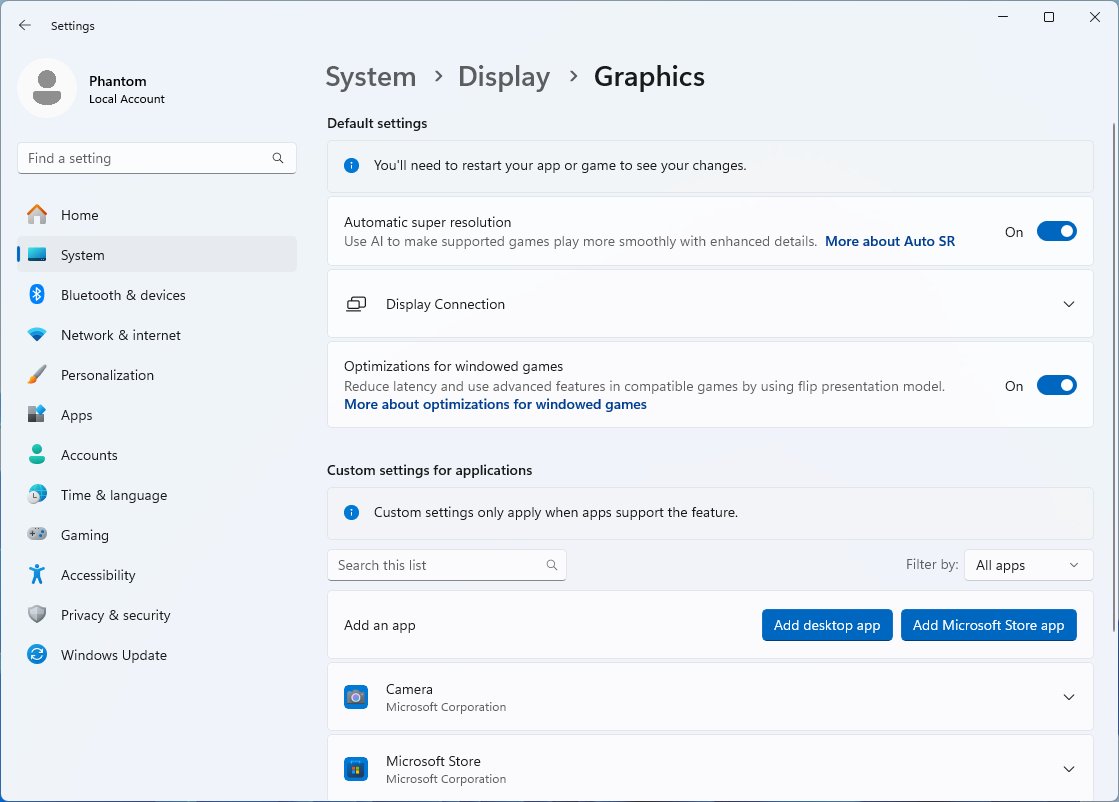
Microsoft is improving the look of gaming with AI Super Resolution in Windows 11 24H2
The latest use Microsoft has found for artificial intelligence is to boost graphics and performance in games in Windows 11. As can be seen in the latest preview builds of the operating system, the company is preparing to unleash an AI-powered feature called “super resolution”.
Also known as AI SR and Auto SR, super resolution can be applied on an app-by-app basis. In order to take advantage of the feature, users will have to have a PC with an AI NPU -- a requirement that is likely to become increasingly common.
Microsoft warns of data loss risk in Windows 11 for Dev Drive users
With the supposedly stable build of Windows 11 being problematic for many people, it is hardly surprising that there are more issues to be found in the Insider builds; it's pretty much a given. But not all problems are equal, and Microsoft has issued a warning about the latest release that could cause users to lose data.
The issue affects Windows 11 build 26052 which is available on both the Dev and Canary channels. Details of the cause of the problem have not been revealed, but Microsoft has released important information for anyone with a Dev Drive.
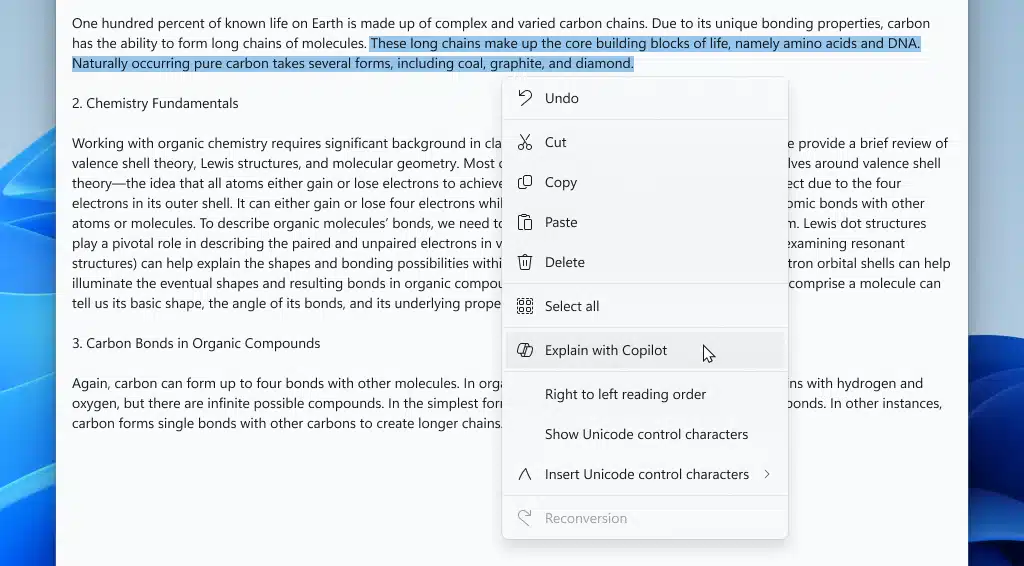
Windows 11: Even Notepad gets AI support
If you thought that Microsoft was done adding AI to its products then you are mistaken. It appears that the company is just getting started. The latest program to get AI support is the plain text editor Notepad.
Microsoft has improved Notepad significantly since the release of Windows 11. Recent updates introduced automatic saving of text, word counts, and tabs to the plain text editor. All of these features were welcome by Notepad users, as they improved the text editor.
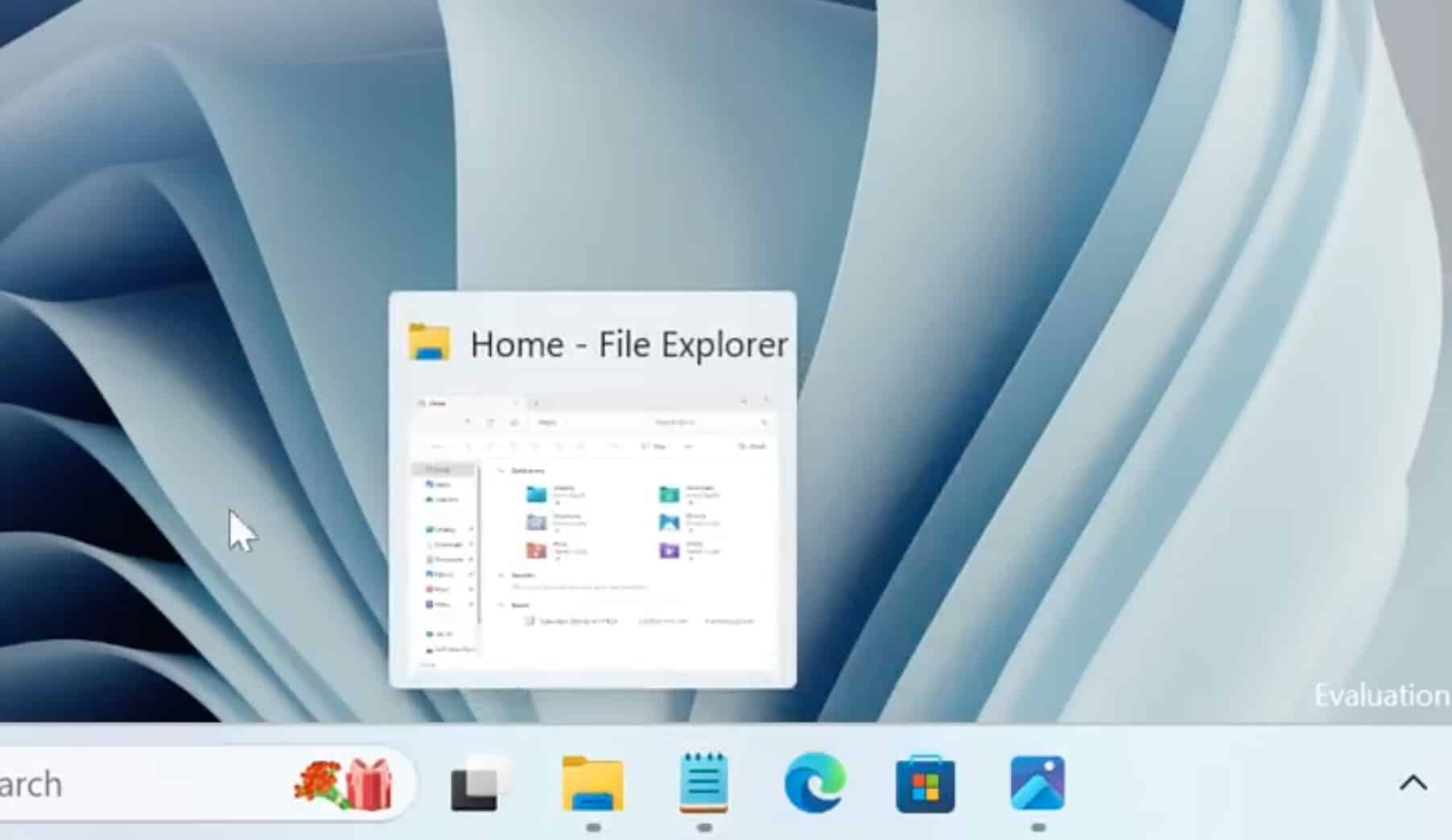
How to enable the new taskbar animation effects Microsoft has hidden in Windows 11
If you're a sucker for a bit of eye-candy, Microsoft has a treat for you in the latest build of Windows 11. While much of the attention was focused on the addition of Linux's sudo command to Windows 11 Build 26052, there was much more to this Insider release.
In this build, Microsoft has added some slick new animation effects and thumbnails to the taskbar. You'd be forgiven for not being aware of this, as the company did not announce it, and also hid the optical treats away. Here's how to uncover the secrets.
Microsoft quietly fixes Windows 11 Copilot bug that caused desktop icons to move around
While there has been much excitement and interest in Copilot, Microsoft’s AI-powered assistant has not been without problems. For some time now, for instance, there has been an issue with desktop icons moving around on systems with multiple monitors.
Now, three months since first acknowledging the problem, Microsoft has announced that the issue has been resolved. Interestingly, the fix was applied without the need for an update to be issued.
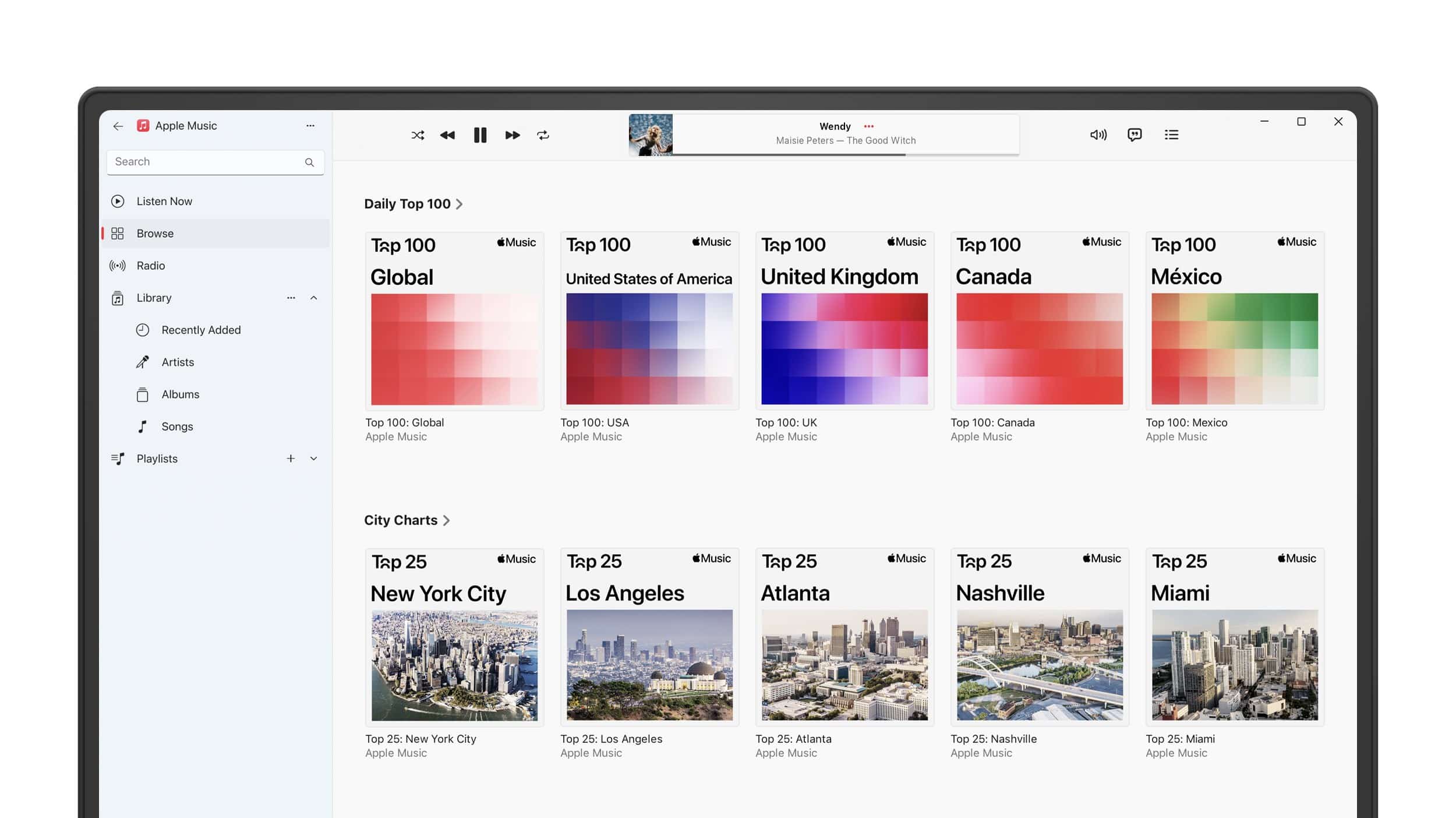
Best Windows apps this week
Five-hundred-and-eighty-one in a series. Welcome to this week's overview of the best apps, games and extensions released for Windows 10 and 11 on the Microsoft Store and elsewhere in the past seven days.
Microsoft is working on introducing sudo in its Windows operating system. Sudo is well explained by Xkcd's iconic Sandwich comic. Microsoft's implementation supports three different modes at the time. You can check out the introductory post at Microsoft's Dev Blog for additional information on the implementation.
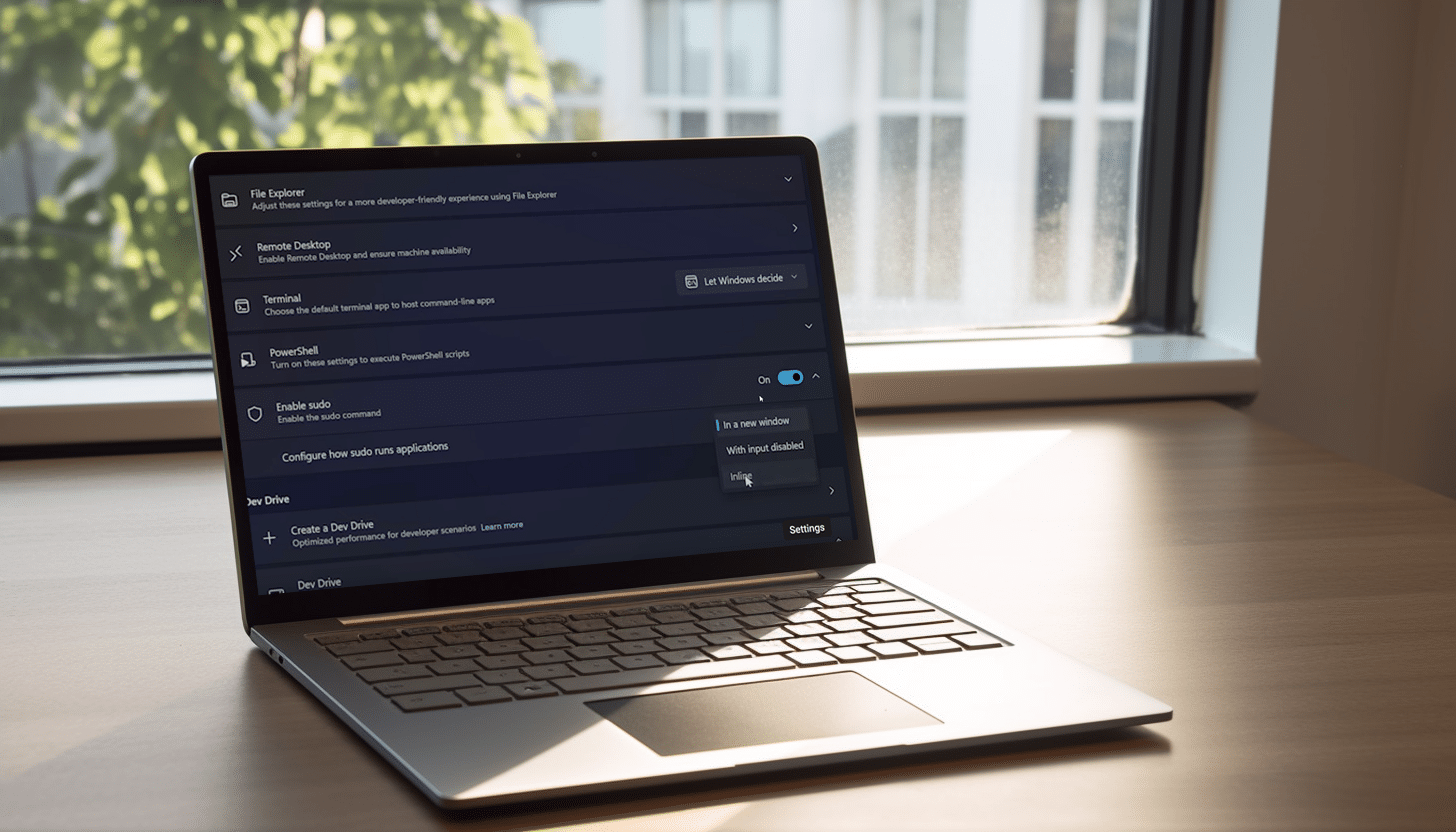
Microsoft introduces Linux's sudo command to Windows 11
Whenever Microsoft rolls out new Windows 11 builds for Insiders in the Dev and/or Canary channels you can never be sure what you’re going to get. Sometimes new features are introduced, other times it’s more about fixing bugs and making general improvements.
Build 26052, for both the Canary and Dev Channels, sees Insiders being moved from 23000 series builds to 26000 series ones. Insiders on both of those two channels will, for a short while, receive the same builds, but it’s only a temporary move.
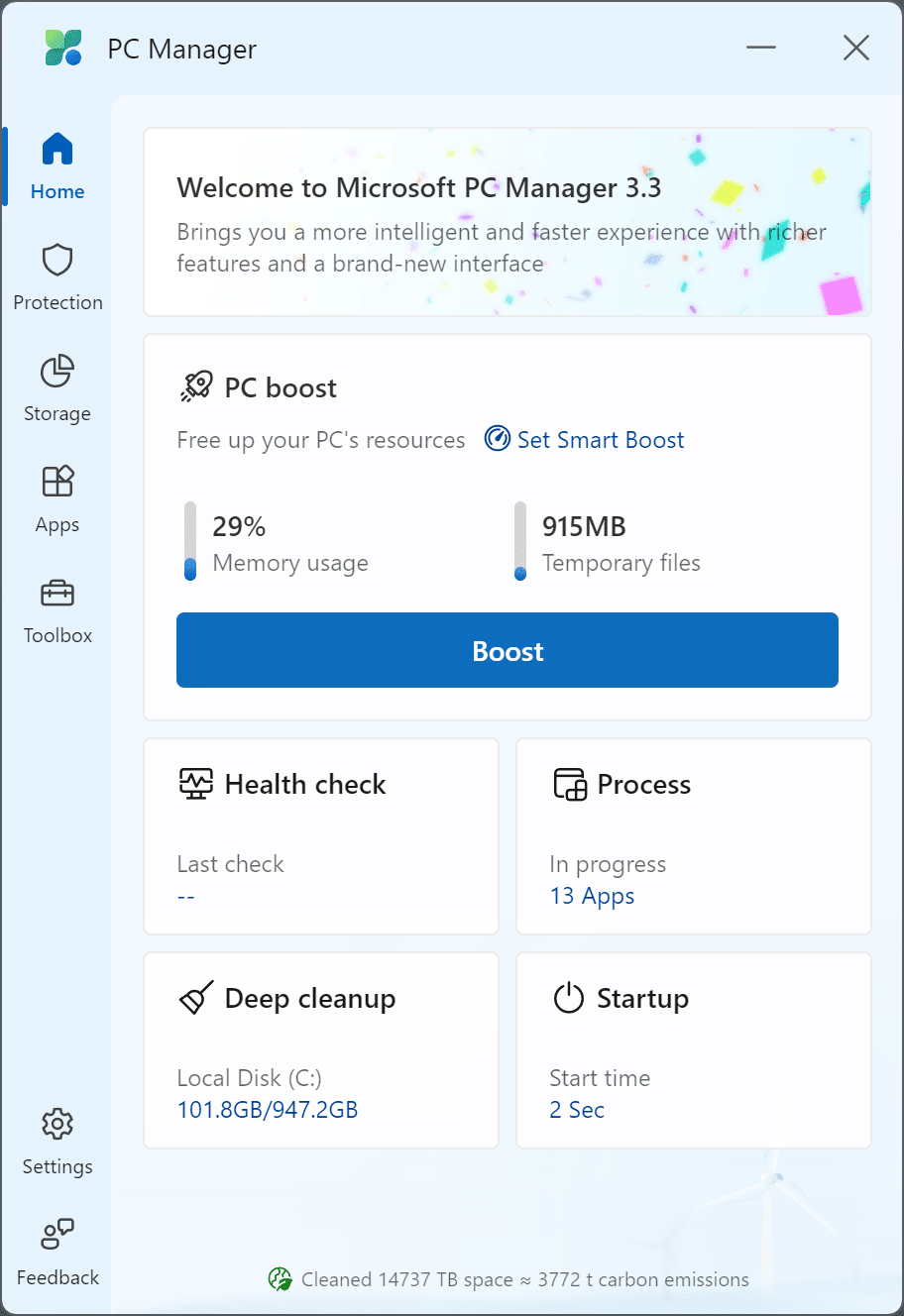
Microsoft PC Manager feels like CCleaner's little brother
Microsoft PC Manager is available officially now. Microsoft launched the free tool back in 2022 as a preview. The app, developed by Microsoft China, promises to give PCs a performance boost when needed.
Besides that, it includes some useful and some not-so-useful PC management options and tools.
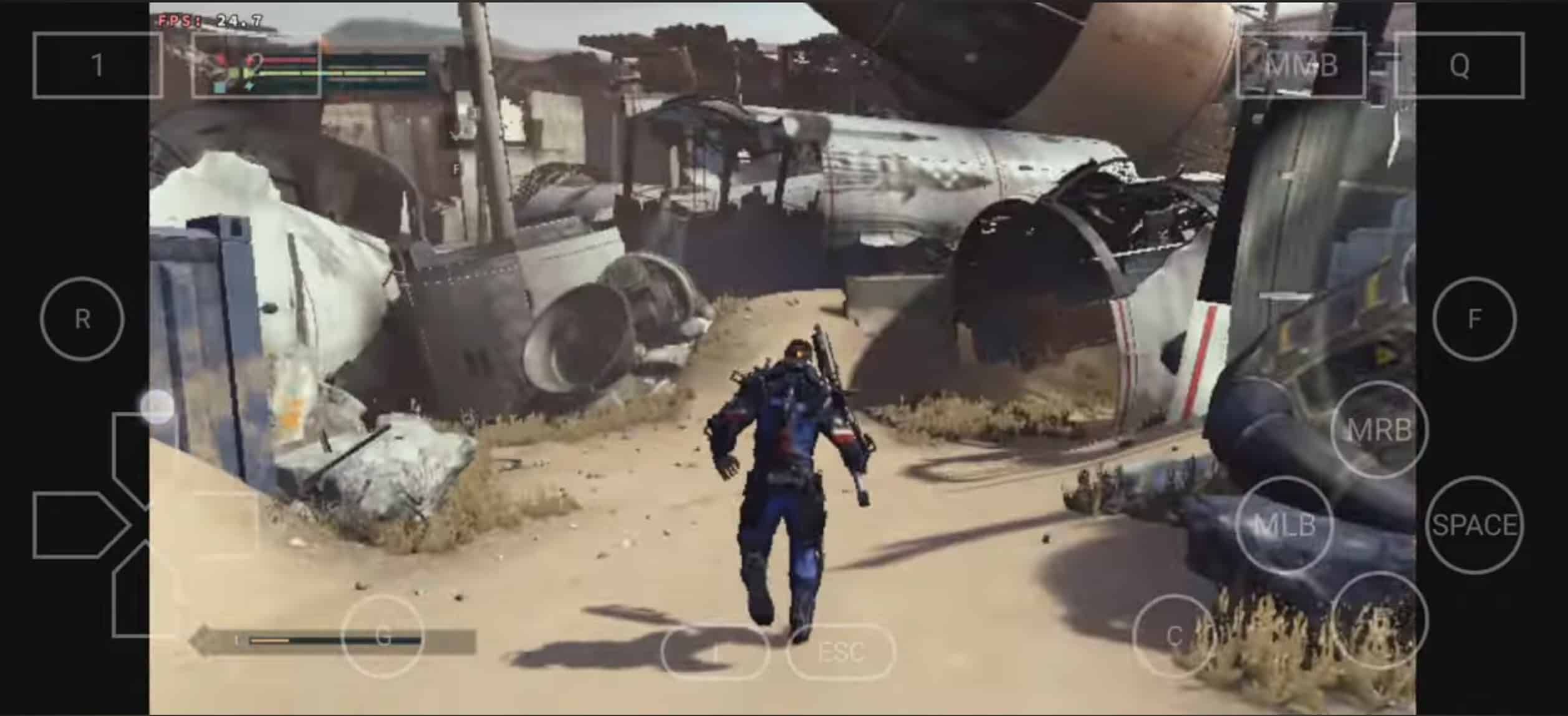
Winlator, the app that lets you play Windows PC games on your Android phone, gets a big update
Playing Android games on your PC is easy enough. You have the option of using third-party emulators such as Bluestacks or NoxPlayer, or you can take advantage of the built-in Windows Subsystem for Android, available on Windows 11.
However, if you wish to flip the script and play Windows games on your Android device, the process is somewhat more complex, but not impossible. To do this, you’ll need Winlator, which has just been updated to version 5, improving compatibility and performance, and resolving various issues.
Breaking Bitlocker: Watch Microsoft's Windows disk encryption being bypassed in just 43 seconds
Microsoft BitLocker is a full-disk encryption feature included in certain editions of Windows operating systems, designed to enhance the security of data stored on a computer or external drives. It serves as a crucial component of Microsoft's broader approach to data protection and aims to safeguard sensitive information against unauthorized access, particularly in scenarios where devices might be lost, stolen, or otherwise fall into the wrong hands.
BitLocker operates by encrypting the entire contents of a disk drive, including the operating system, system files, and user data. It uses a symmetric encryption algorithm, typically AES (Advanced Encryption Standard), to secure the data. To access the encrypted information, a user must provide a pre-boot authentication password or use additional authentication methods, such as a PIN or a USB key.