
Microsoft is making it easier to terminate unresponsive apps in Windows 11 with new End Task option
Use Windows 11 for long enough, and you will almost certainly encounter an app that becomes unresponsive. And when an app freezes, you're likely to find that it misbehaves to the point that it is not possible to close it in the usual way.
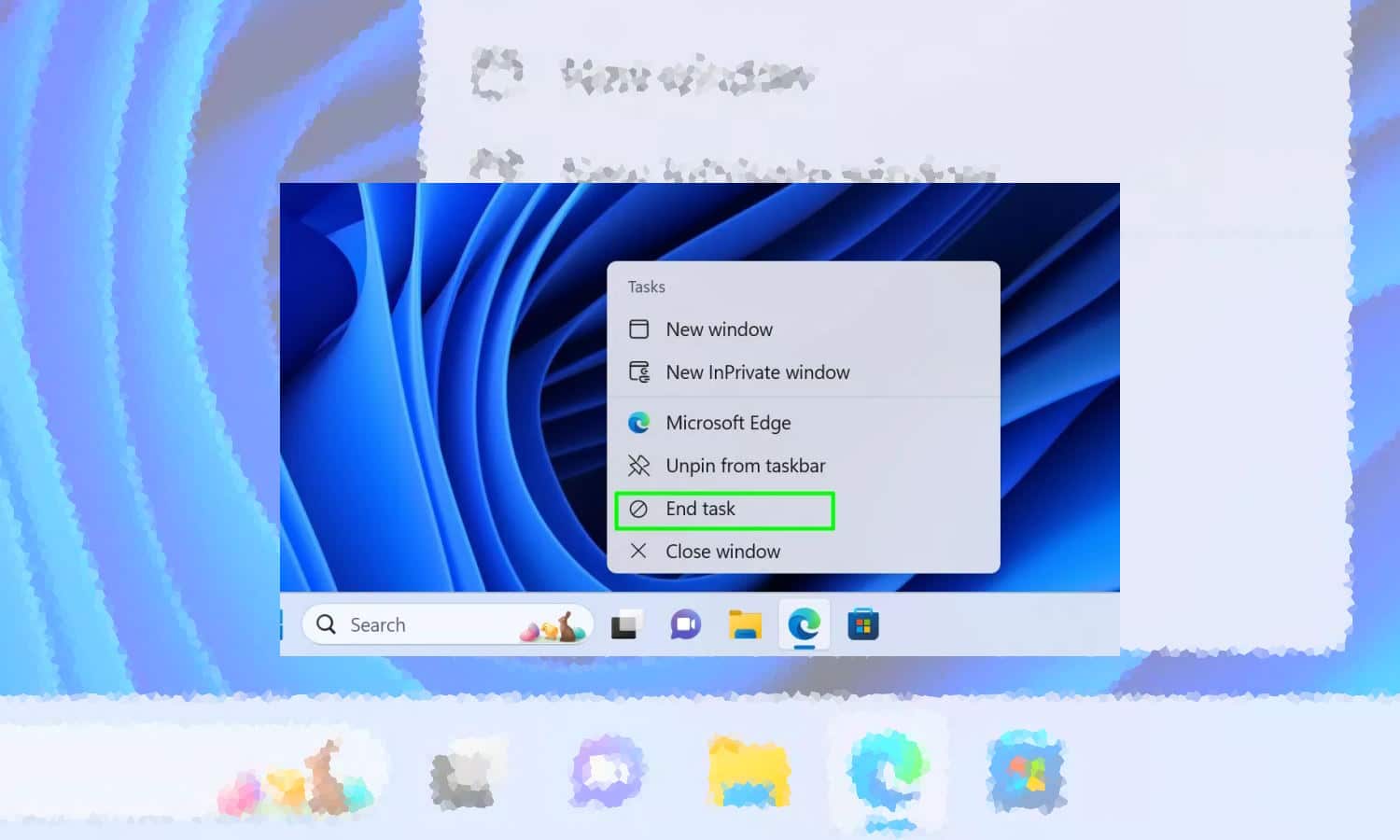
When this happens, you may well fire up Task Manager, locate the troublesome app or process in the list and terminate it. But to help optimize this unnecessarily lengthy process, Microsoft is introducing a new End Task option that can be accessed from the Windows 11 taskbar.

Microsoft is adding a useful End Task option to the Windows 11 taskbar; here's how to enable it now!
If an app starts to misbehave in Windows 11, you may need to forcibly quit it using Task Manager. To help make life a little easier, Microsoft is speeding up the process of killing an app by adding an End Task option to taskbar jump lists.
The new option means that it is possible to terminate an app by simply right-clicking its icon in the taskbar and selecting End Task. The feature is hidden by default, but there is a way to enable it right away.



