Microsoft began its rollout of Windows 11 2023 Update (23H2) yesterday, but development continues apace with both Beta Channel and Canary Channel builds arriving for Insiders today.
For those in the Dev Channel, Build 23580 makes it possible for users with local accounts to access Copilot in Windows for a limited number of queries before needing to sign in. Microsoft has also “significantly” improved the nearby share transfer speed for users on same network.

Although it’s easy enough to find new wallpaper for Windows, many users prefer to stick with the default images supplied by Microsoft.
The software giant includes a choice of wallpapers with the OS, so if you don’t like the default ones, you can pick any of the available variations. Today, Microsoft adds two new images to its collection which you can download right now.
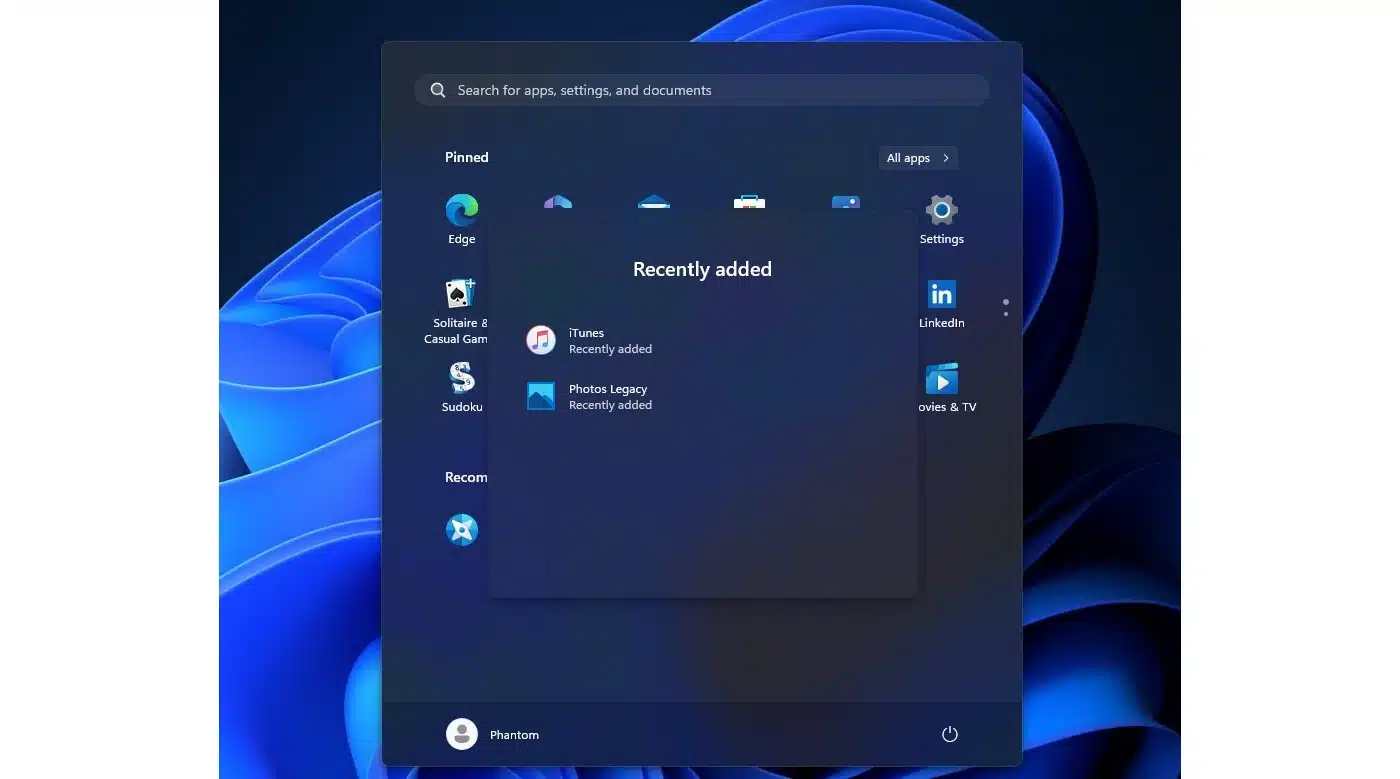
Over the years, the Start menu has evolved from a handy place to house shortcuts to apps and system settings into the slightly chaotic mess users are now presented with in Windows 11. The Windows 11 Start menu is still home to shortcuts -- and more -- but Microsoft has taken a different approach when compared to previous versions of the operating system.
One of the more controversial aspects is the Recommended section. This is used for various things, from highlighting recently installed apps to, more divisively, advertising apps Microsoft would like you to install. And now the company is experimenting with adding even more recommended content.
As ever, the Dev and Canary channels of the Windows 11 Insider Program are exciting places to be, bringing updates for not only the operating system itself, but also the bundled apps.
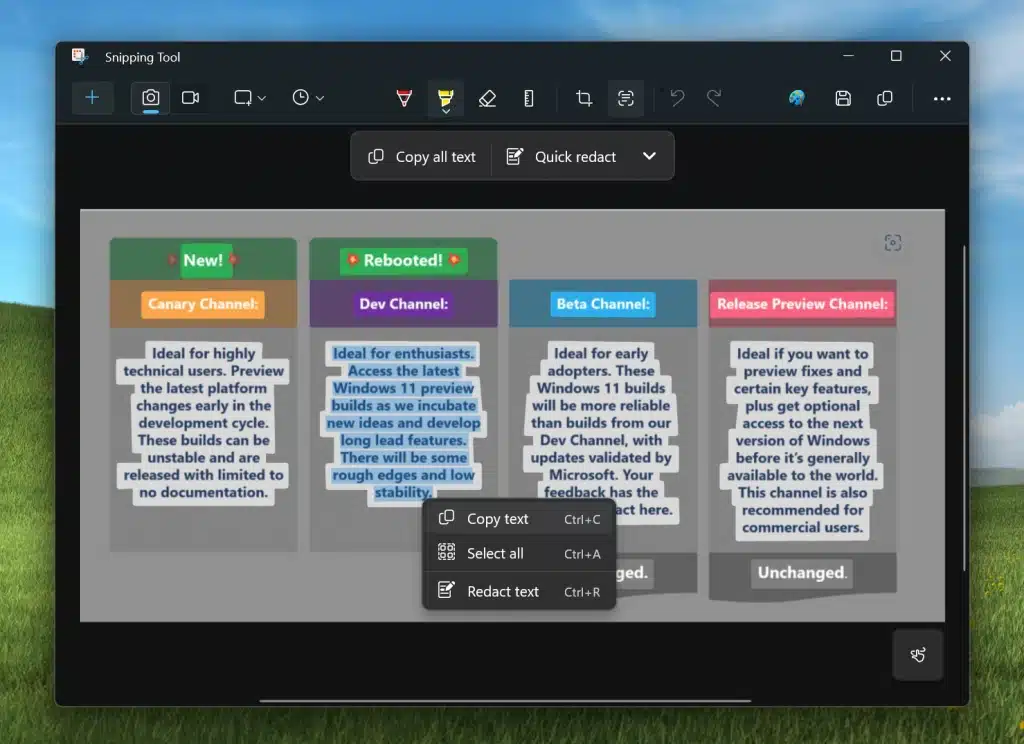
The latest builds of the OS include significant changes and new features for the Snipping Tool, Windows Photos and Phone Link apps. Perhaps the most important addition is Text Actions which brings OCR functionality to Snipping Tool.
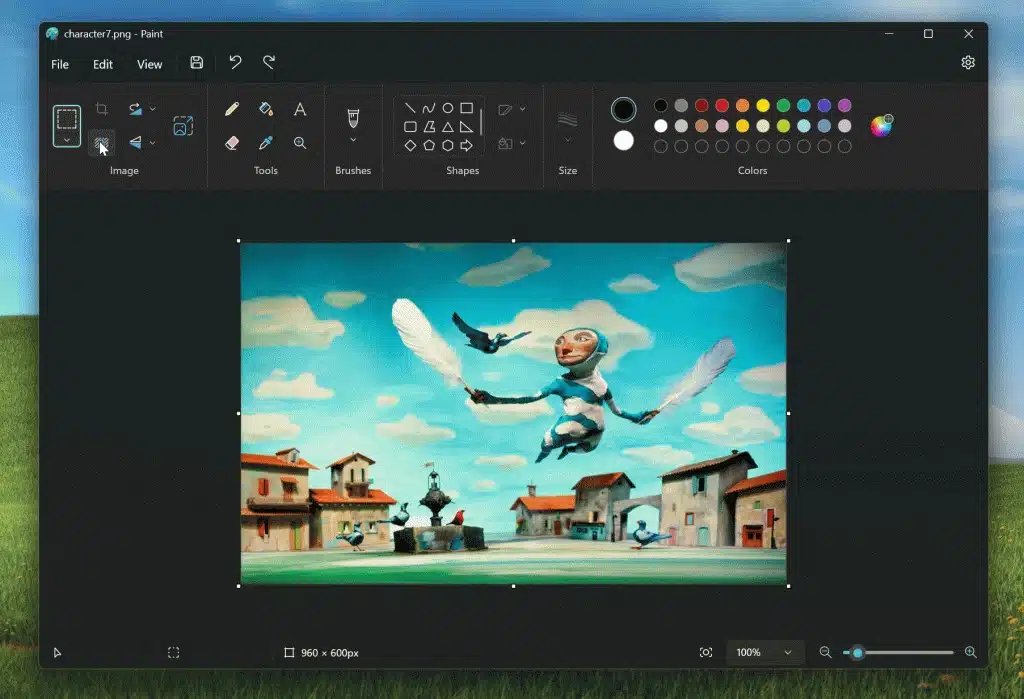
Microsoft Paint has been the subject of ridicule for as long as it has existed, but much of the mockery is ill-placed these days. While it may not be the most advanced image editor in the world, there is a lot more to the app than it is generally given credit for.
Microsoft is not done with development of the app, updates rolled out to the latest Insider builds of Windows 11 show that the company is on the verge of bringing a Photoshop-level tool to Paint: background removal.
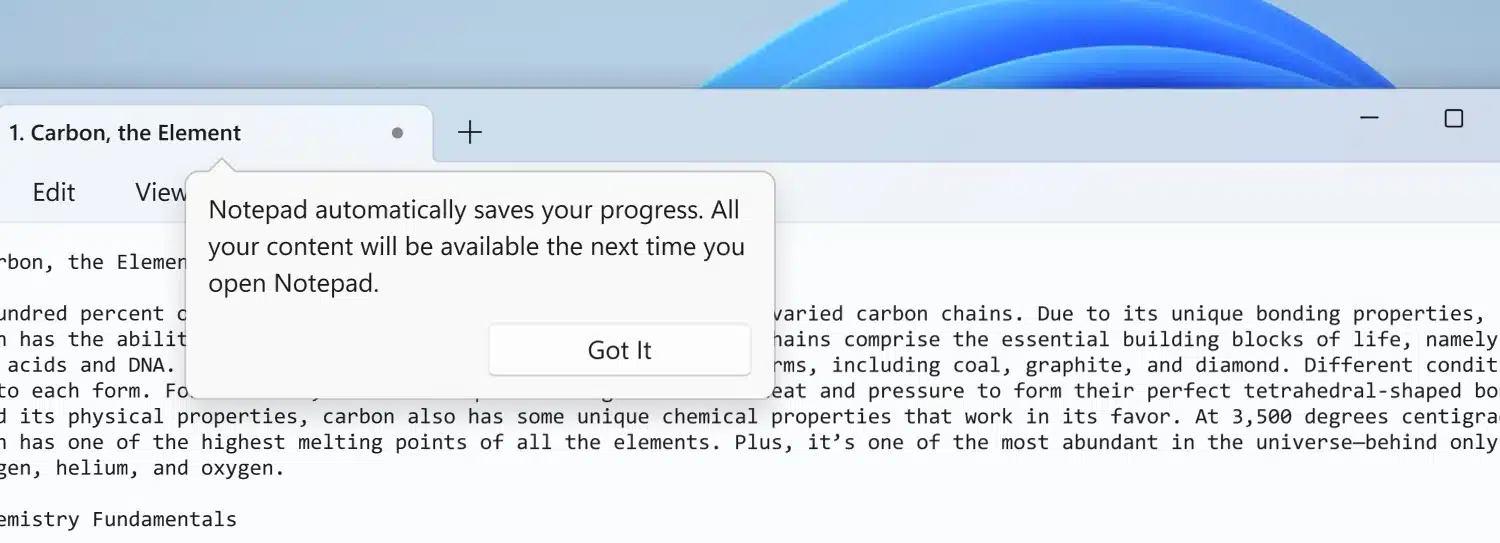
Notepad is one of the longest standing Windows apps, having been around for decades. Over the years, there have been slow, gradual improvements and now Microsoft has delivered a much-needed update to the beloved text editor.
Bringing the app more in line with word processors like Microsoft Word, this latest update sees the arrival of automatic file saves and more.
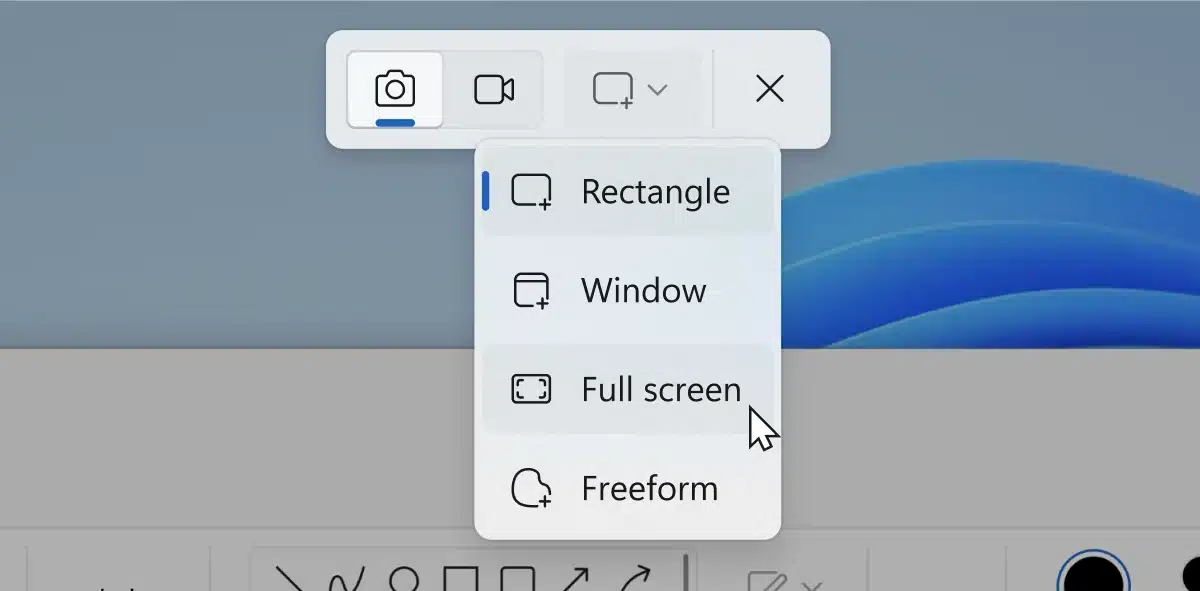
Microsoft has released an updated version of its screen capture and screen recording utility, Snipping Tool. As well as bug fixes there are improvements and additions to the Windows 11 tool.
The latest version of the app introduces a number of key changes including the arrival of the combined capture bar, something Microsoft says simplifies switching between screen grabbing and screen recording. There are also changes to audio recording options.
If you've been following news about the Insider builds of Windows 11 over the last couple of years, you're probably aware of the incredibly useful utility ViVeTool; we've referred to it many times here on BetaNews. This handy piece of software makes it possible to unlock Windows 11 features that Microsoft is testing with select groups of users.
It turns out that Microsoft has its own internal tool which works in very much the same way as the likes of ViVeTool. Called StagingTool, it provides access to features and options of Windows 11 that would otherwise be unavailable, and Microsoft has just leaked details of its existence.
When you've spent any amount of time using Windows 11 with two or more monitors, it's hard to go back to a single display setup.
But while working with multiple screens is a great productivity boost, it is far from being a perfect experience. Thankfully, Microsoft feels the pain of Windows 11 users and is bringing some helpful changes to settings that will make the experience far more pleasant.
With so many apps and websites vying for our attention, notifications and alerts have become part and parcel of being a technology user. For some time, Microsoft has used the Windows 11 system tray to indicate that there are notifications that should be looked at -- but this notification indicator is about to become less useful.
In the latest build of the operating system, the company has made an unusual change that means the system tray no longer shows how many notifications are there, just the fact that there are notifications. It is not clear what prompted the decision to remove notification counts, but is likely to be a polarizing change.
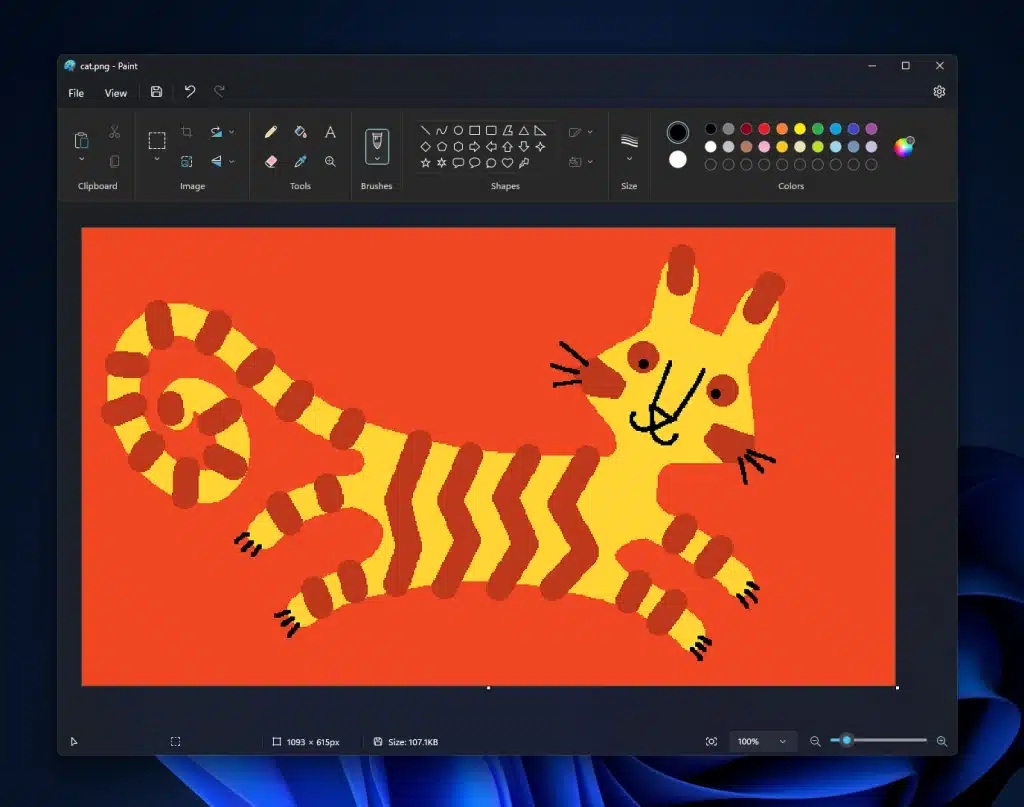
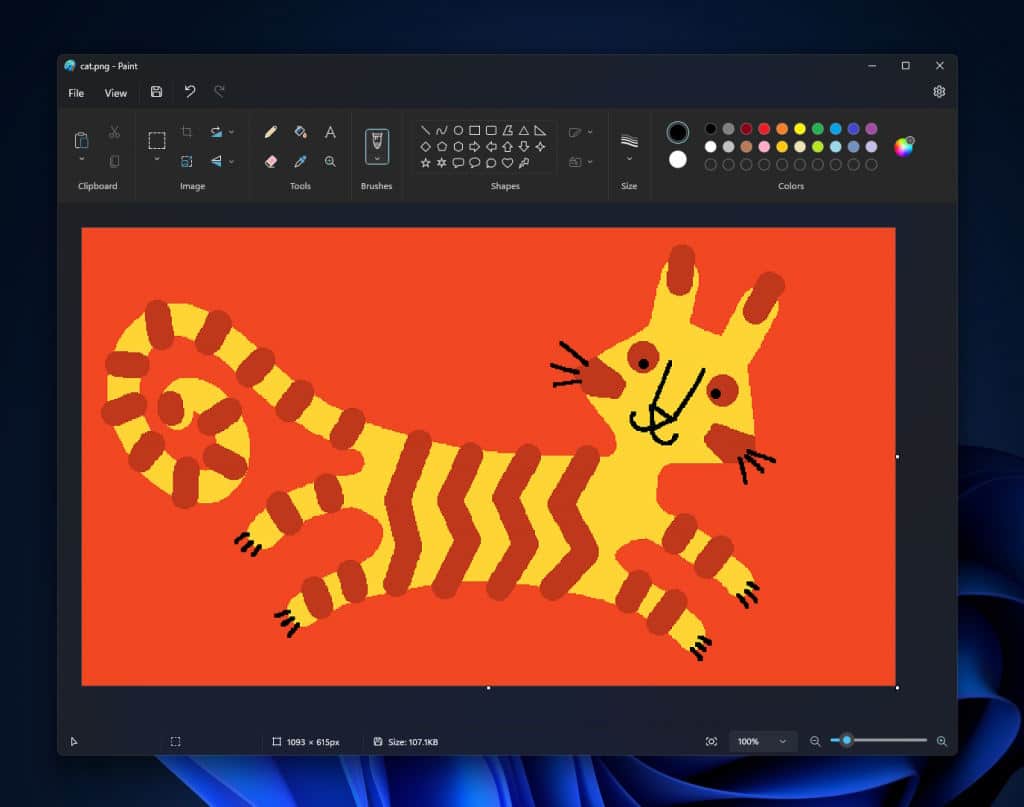
It is several weeks since Microsoft finally gave Windows Insiders on the Canary and Dev channels access to an updated version of its Paint app. Now the company is making the new edition of the beloved graphics tool available to more people.
The big news in this latest release is that, at long last, Paint supports dark mode. But there are other additions and improvements includes new keyboard shortcuts and a wider adoption of the Windows 11 look.
The Paint app that is built into Windows is much-maligned but, while it could hardly be considered a Photoshop-killer, much of the criticism really stems from the state of the app several years ago. Paint may not make it into the toolbox of a serious designer, but it has undeniably come on in leaps and bounds over the years.
And now Microsoft is treating Windows 11 users to an updated version of the not-quite-as-limited-as-you-might-think graphics tool. Among the new features are updated zoom controls and a much-requested dark mode option.