
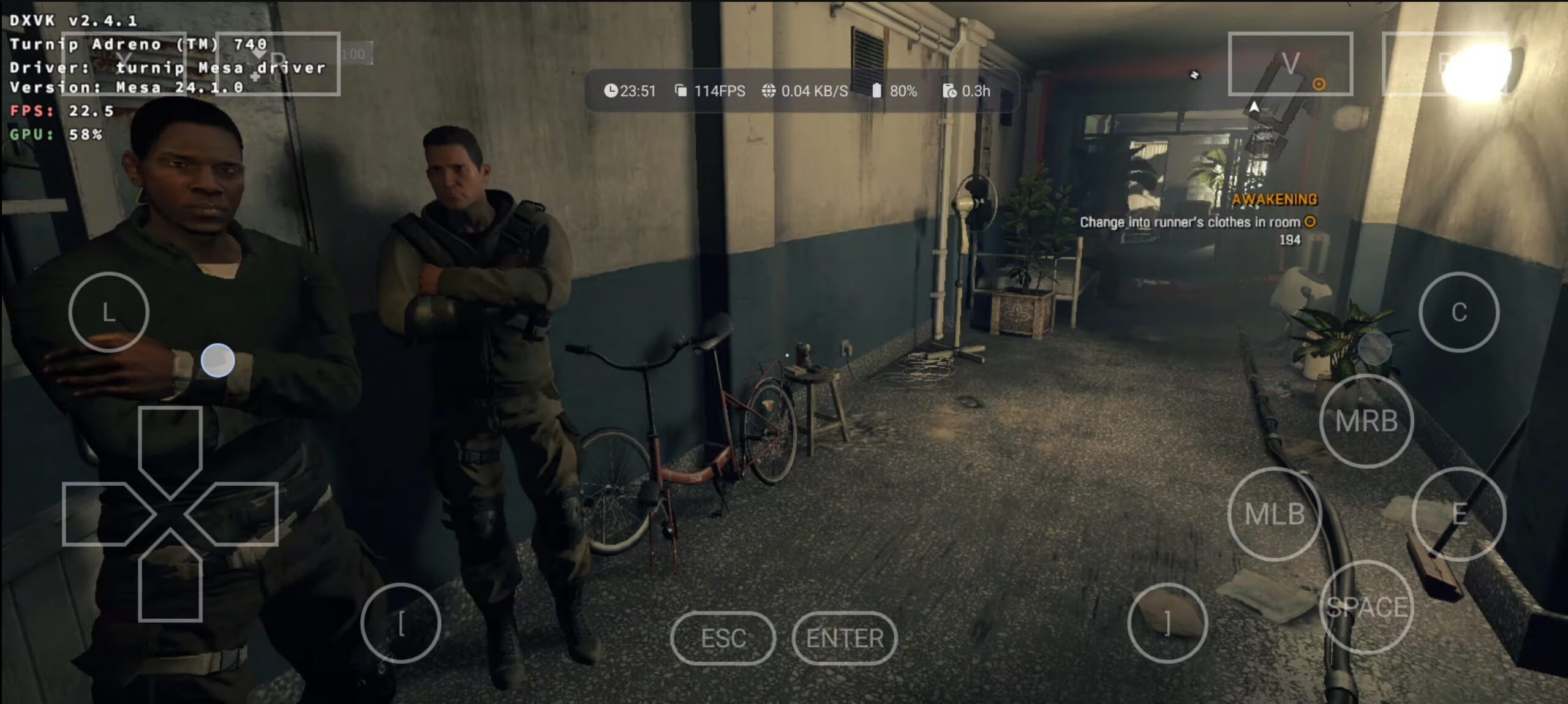
Play Windows PC games on your Android phone for free using the brand new Winlator 9
If you've ever wished you could play AAA PC games on your Android phone or tablet, so you can enjoy them on the go, there's some good news. Winlator is a free Android app that lets you do exactly that, and it's incredibly easy to get started with it.
The program has just been updated to version 9 and it gains a number of important fixes and new features, ensuring an even smoother and more enjoyable gaming experience.
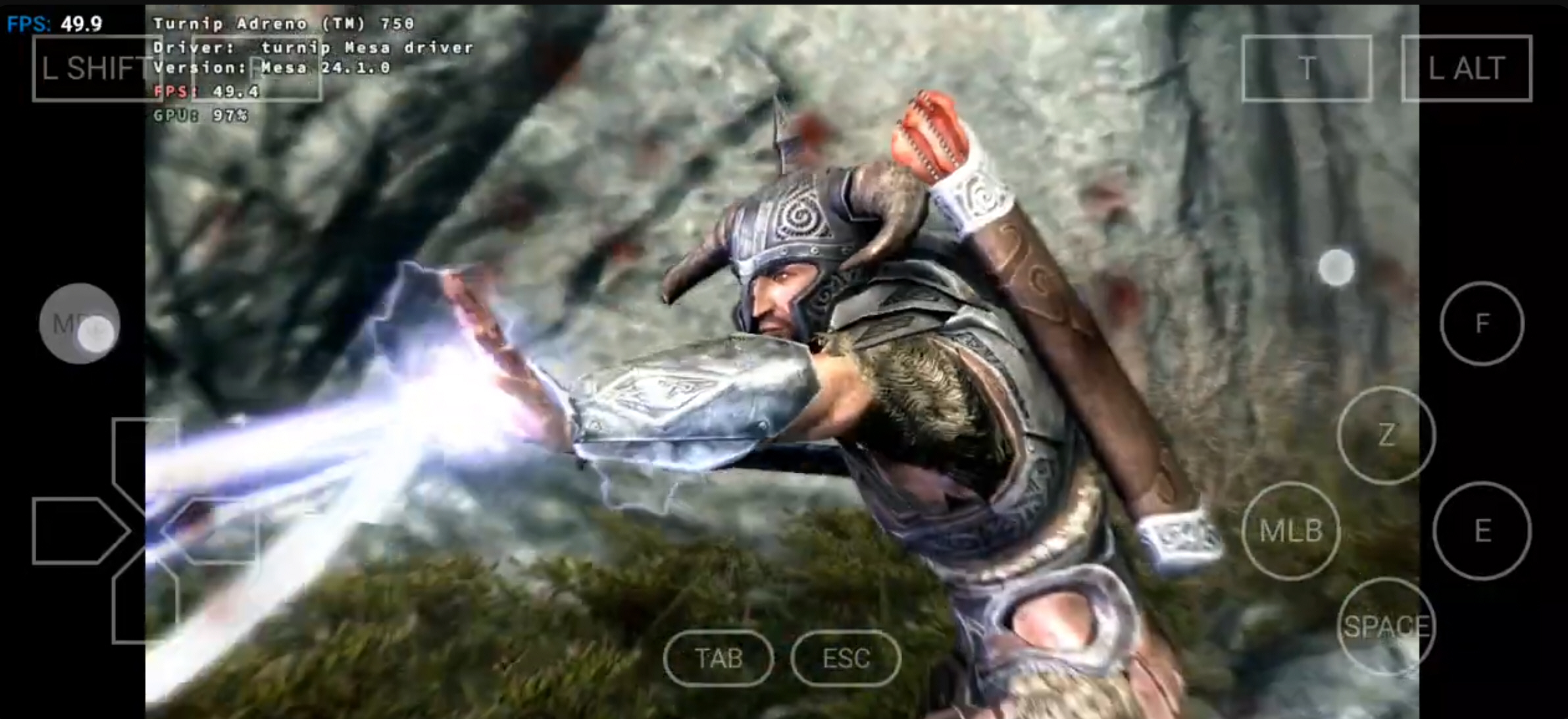
Winlator 8 lets you play Windows PC games on your Android phone for free -- download it now!
Running Android games on a PC is straightforward with emulators like Bluestacks or NoxPlayer. If you want to play popular AAA Windows PC games on an Android device, things get a bit trickier.
This is where Winlator comes in. Winlator is a free Android app that allows users to run Windows (x86_64) games using Wine 9.2 (custom) and Box64 (0.3.0), and it has just received an update to version 8.0 which includes a lot of new features and improvements.
Winlator 7 lets you play your favorite Windows PC games on an Android phone
It's easy enough to play Android games on your PC as you can use third-party emulators such as Bluestacks or NoxPlayer to accomplish the task.
Winlator, which has just been updated to version 7, lets you do the opposite and play your favorite Windows games on an Android phone. The latest release is a big update and introduces a lot of new features, as well as fixing issues and improving performance.
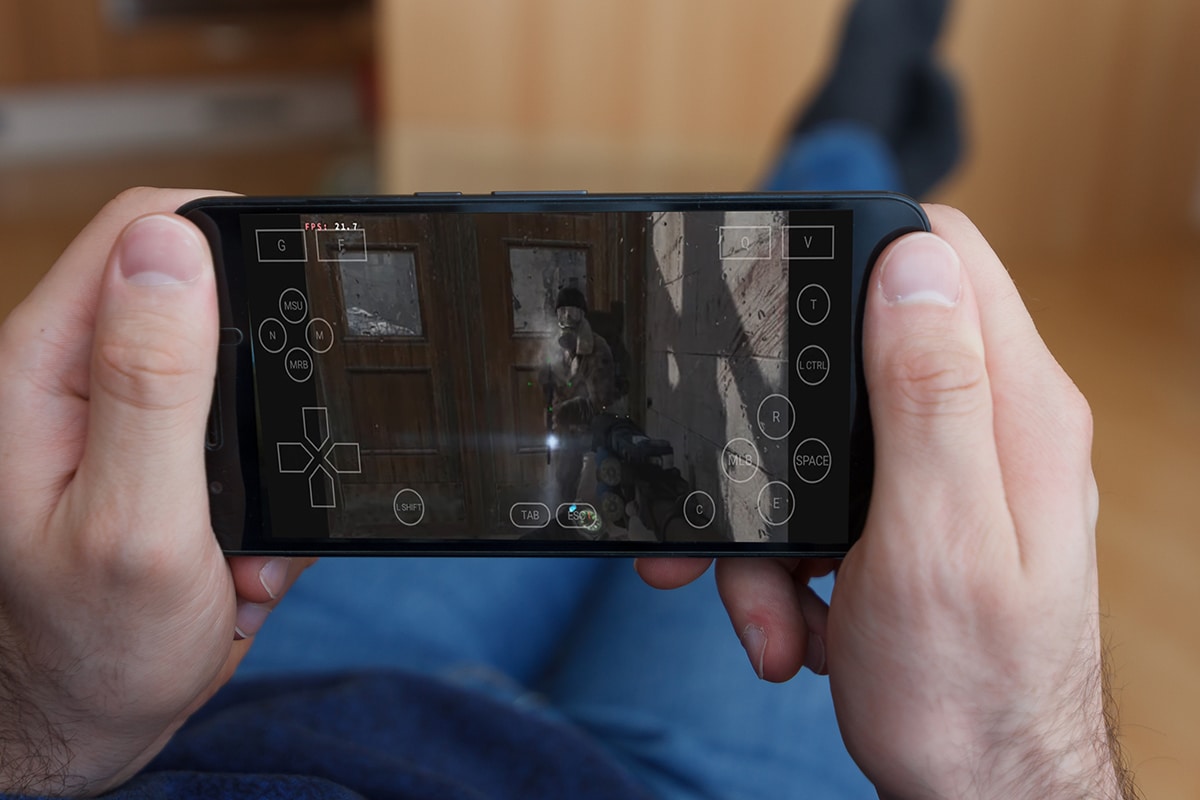
Winlator 6 lets you play Windows PC games on your Android phone for free -- gains external mouse support and a magnifier
If you want to play Android games on your PC, you can use third-party emulators such as Bluestacks or NoxPlayer.
Winlator, which has just been updated to version 6, lets you do the opposite and play Windows games on your Android phone. The latest release is a major update and introduces a lot of new features, as well as fixing issues and improving performance.
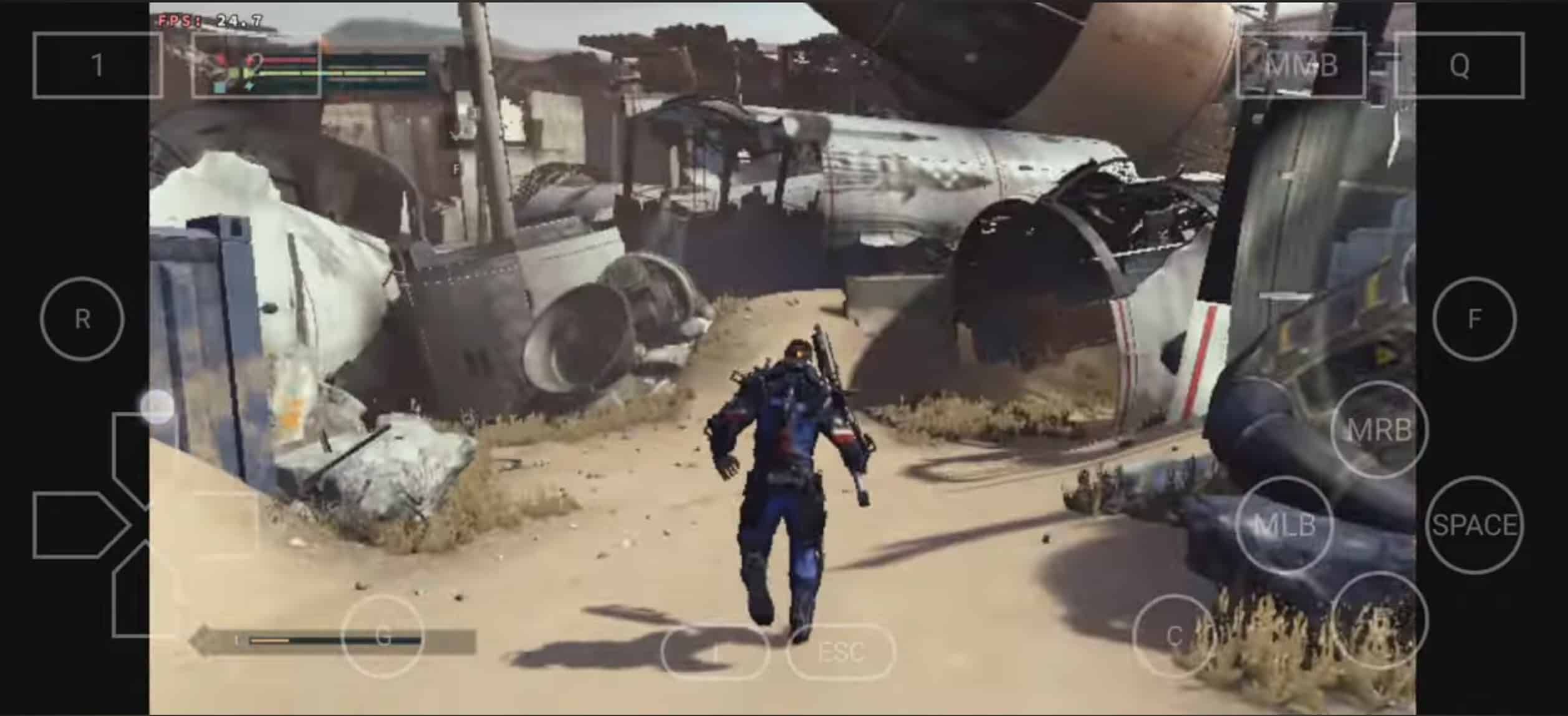
Winlator, the app that lets you play Windows PC games on your Android phone, gets a big update
Playing Android games on your PC is easy enough. You have the option of using third-party emulators such as Bluestacks or NoxPlayer, or you can take advantage of the built-in Windows Subsystem for Android, available on Windows 11.
However, if you wish to flip the script and play Windows games on your Android device, the process is somewhat more complex, but not impossible. To do this, you’ll need Winlator, which has just been updated to version 5, improving compatibility and performance, and resolving various issues.
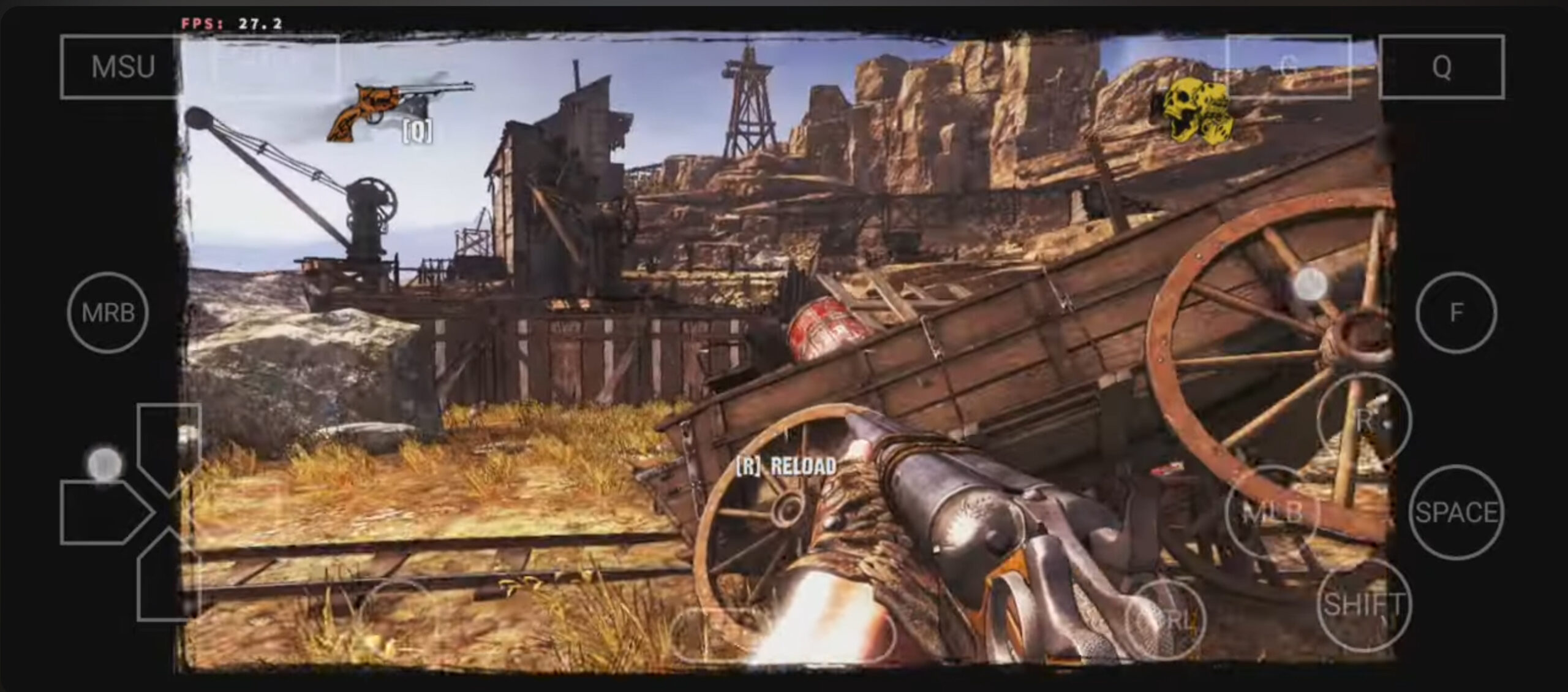
Play Windows PC games on your Android phone for free using Winlator 3
It's easy enough to get Android games running on your PC. You can use third-party emulators like Bluestacks or NoxPlayer, or you can make use of the built-in Windows Subsystem for Android on Windows 11.
If you want to do the reverse and play Windows games on your Android device, that's a little harder, but it can be done. For this you'll need Winlator. We’ve covered this Android app before, but it’s just been updated to improve compatibility and performance, and fix a number of problems.
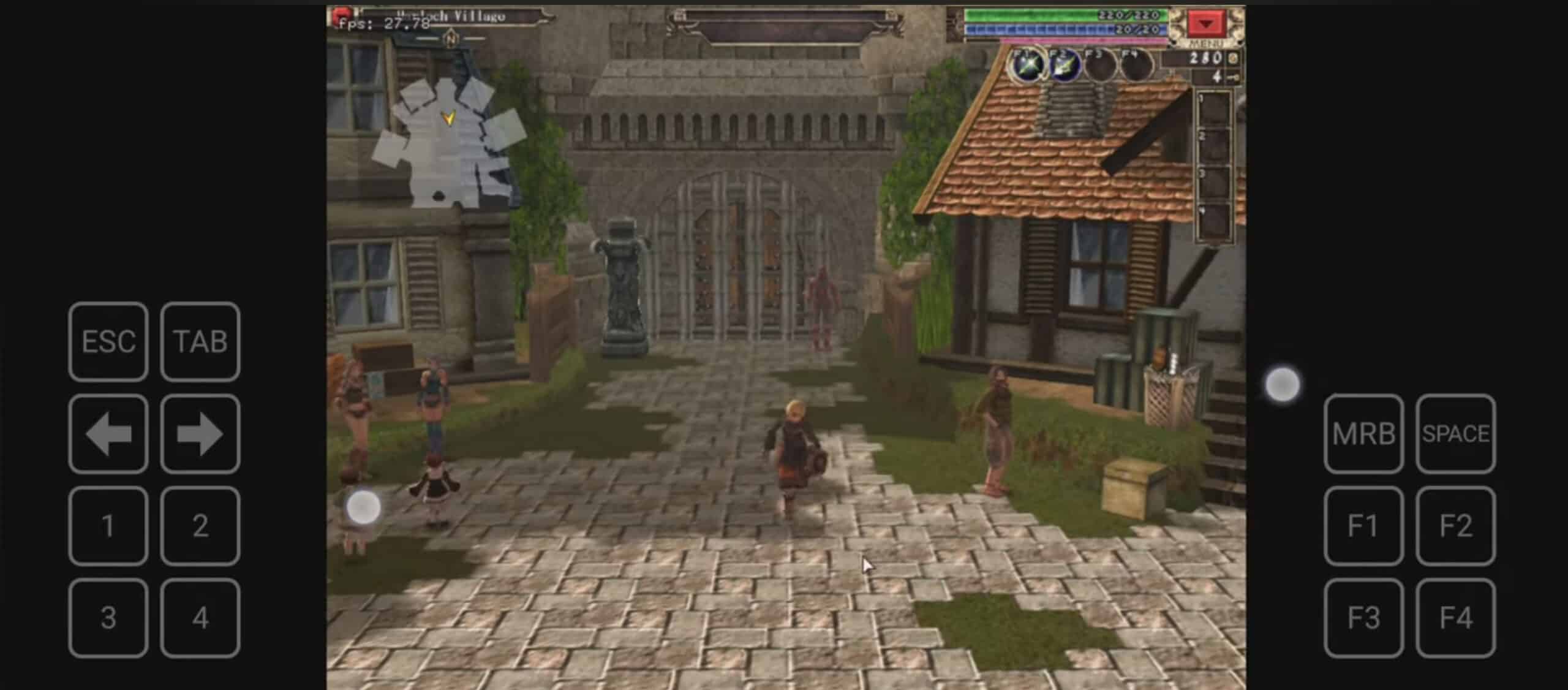
Play PC games on your Android phone for free using Winlator 2.0 [Updated]
If you want to play Android games on your PC, there are third-party emulators like Bluestacks available to install, or you can make use of the Windows Subsystem for Android on Windows 11.
Surprisingly, though, you can do the reverse and play PC games on your Android device. For this you'll need Winlator. We’ve covered this Android app before, but it’s just been updated to improve compatibility and performance, and fix a number of problems.
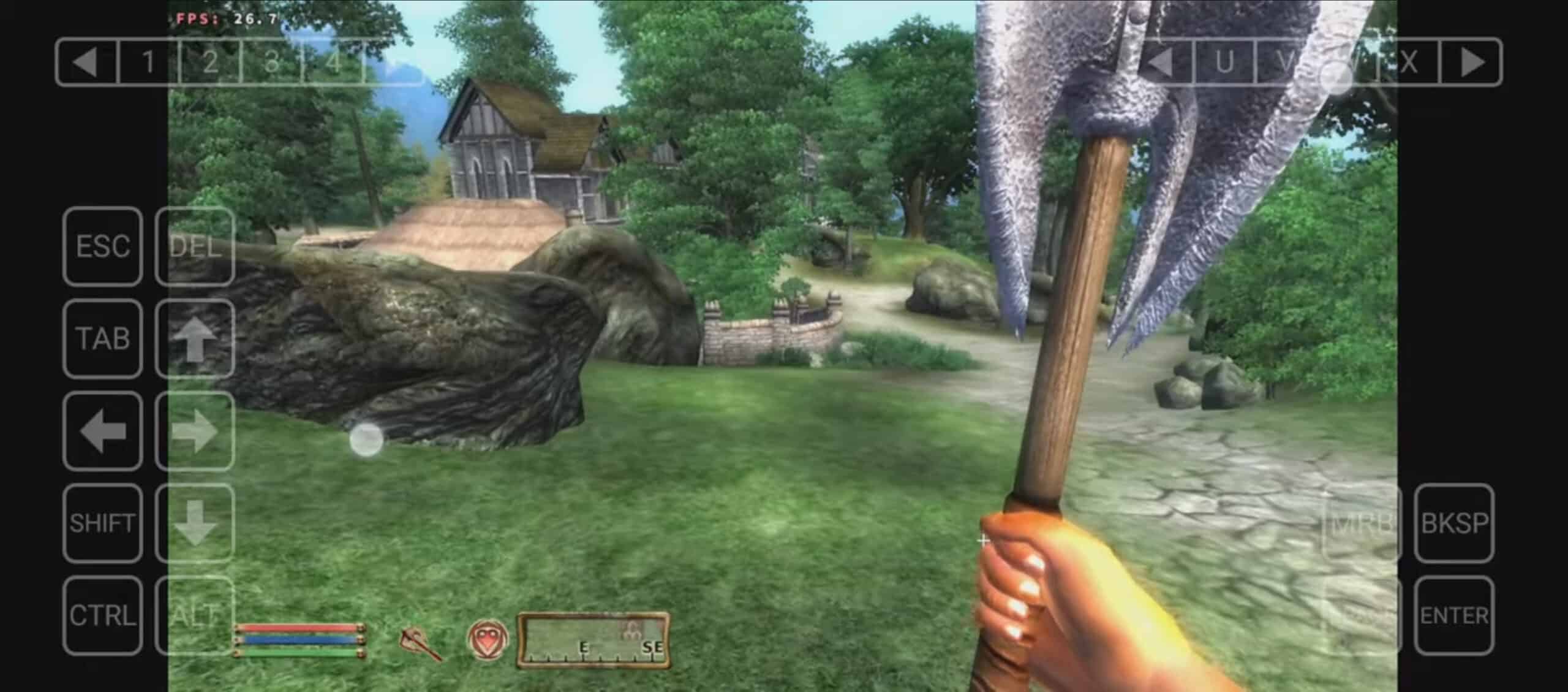
Winlator lets you play PC games on your Android phone for free -- here's how to get started
It's pretty easy to get Android games playing on your PC -- you can either make use of the Windows Subsystem for Android on Windows 11, or install a third-party emulator like Bluestacks.
Doing the reverse and playing PC games on your Android device is, naturally, a much harder proposition. However, a new emulator called Winlator means you get started playing your favorite PC games in a matter of minutes.



