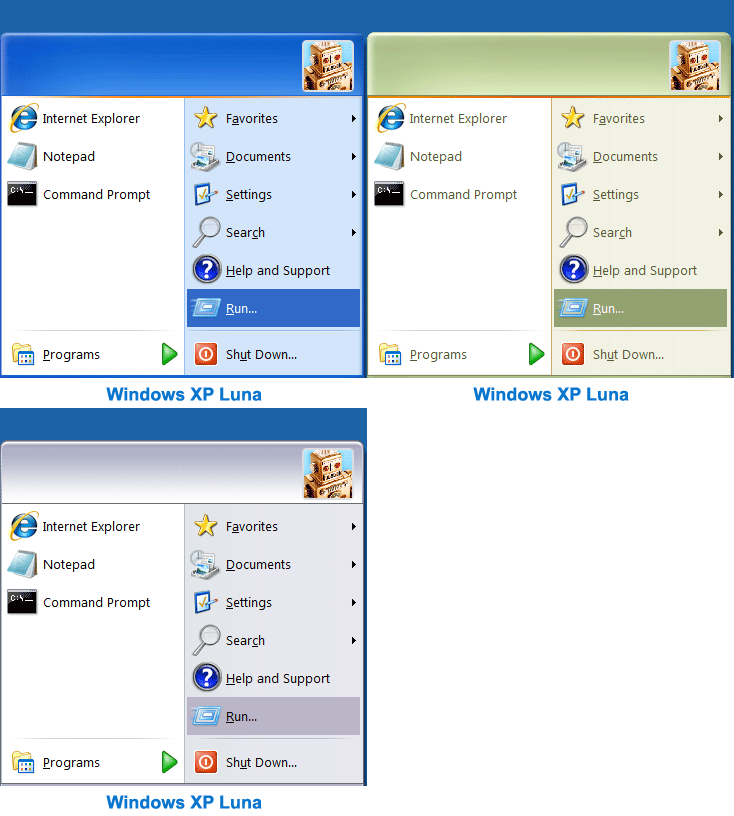
Give Windows 7 the XP makeover with Classic Shell 3.3
Do you miss the classic Windows XP Start menu? Are you annoyed by changes to Explorer, like the breadcrumb navigation? Or do you feel that the Windows 7 copy dialog is a step backwards, rather than an improvement?
As you probably already know, you’re not alone: plenty of people feel that Microsoft has headed in the wrong direction with Explorer for a few years now. But help is at hand, in the shape of Classic Shell, a suite of tools that can quickly restore many Windows features that you might have thought had gone forever.
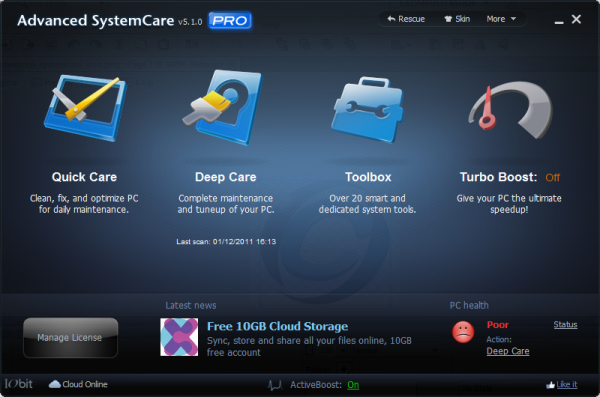
IObit Advanced SystemCare 5.1 improves support for Windows 8
System maintenance and optimization tool IObit Advanced SystemCare has been updated to version 5.1, not only adding new features to the main program, but also bringing IObit Uninstaller 2.1 to the party. You’ll find that there is also improved support for Windows 8, an enhanced registry scanner, extended Privacy Sweep application support and a new Performance Monitor module.
The main bulk of the app is focused on boosting the performance and stability of your system, but there are also utilities that can be used to improve security and protect your privacy. The great thing about the utility is that you are able to get as hands-on as you feel comfortable with. There are a number of automated tools that can be used to keep your system running smoothly, but you’ll find that more impressive results can be achieved by using each one.
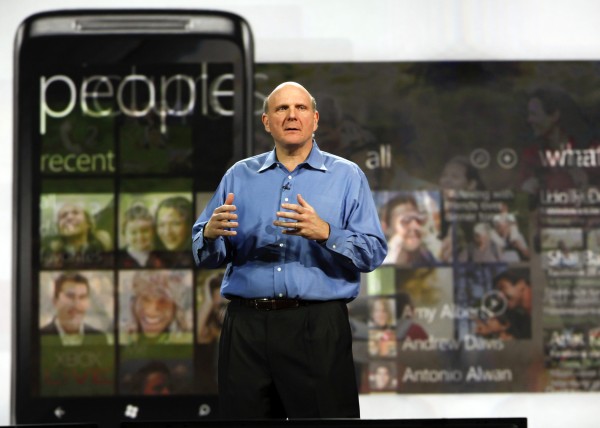
Microsoft's three-screen strategy is a failure
One thing will be certain when the dust settles on Consumer Electronics Show 2012: Just how meaningless and pitiful is Microsoft's three-screen strategy. Good riddance, too, as Microsoft pulls out of CES following this year's event. After more than a decade working this three-screen thing -- PC, phone and TV -- Microsoft has taken leadership in the most bizarre way: Showing competitors what they shouldn't do.
The indictment against Microsoft's three-screen strategy started over the weekend, from Lenovo and Vizio, and will brutally continue over the next four days, headlined by Samsung, among others.
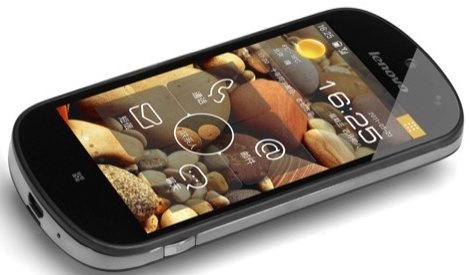
Lenovo steps outside its comfort zone with new Android TV, smartphone
Lenovo's bread and butter is the PC. Like all electronics manufacturers the company is finding that diversity is a good growth strategy, however. It embraced Android and the tablet market last summer, and at Consumer Electronics Show it's showing a readiness to enter the competitive HDTV and smartphone sectors in 2012.
Lenovo is the first company to produce an HDTV running Android 4.0 "Ice Cream Sandwich". At 55 inches it's an impressive first outing, while also embracing the 3D capabilities that are the rage in televisions as of late. Of course the company is using a skinned version of ICS, but choosing Android allows for a good deal of flexibility.

Ahead of CES, health of the consumer electronics industry questioned
As the technology industry gears up for its yearly confab in Las Vegas this week, new data suggests the consumer electronics industry is primed for significant contraction. Research firm NPD says sales fell 5.9 percent in the five weeks ending on Christmas Eve. This data confirms news out of various retailers indicating weak sales in electronics last month.
Sears Holdings used poor sales of consumer electronics in both its Sears and Kmart stores as part of a reason behind closing underperforming locations. Target and Costco warned of disappointing numbers due to slower than expected sales, and Best Buy reported same-store sales down 1.2 percent year-over-year for the month of December.

Take control of your PC's network identity with MAC Address Changer
Technitium has released version 6.0 of its MAC Address Changer tool, extending the program’s abilities with many new network options and features.
If you simply want to find out more about your system, for instance, then launching the program will reveal all its network adapters, along with their speed, MAC address, IP address(es), gateways, DNS servers and even a graph charting adapter traffic.
Are ultrabooks really the best value?
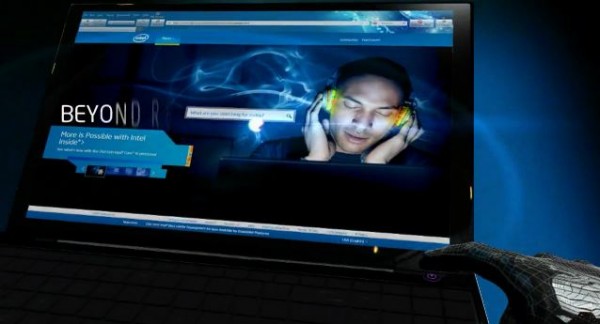
It's time for the Consumer Electronics Show, where ultrabooks already are making a big splash. A question arises that deserves consideration. Is this the end for netbooks? Will ultrabooks make them obsolete?
I can't answer this and we will have to wait and see, but consider this: Every time a new generation of electronics comes out the new features are exciting, but as usual selling prices tend to be higher. Prices range between $849 and $999. Sure, there are those who have no problem dropping as much as a $1,000 for the latest gadget. But for the average person, selling price matters. Many people choose between features and price and often price will win out in the balance between cost versus features. I am a programmer, yet I have always lived on a tight budget and tend to buy what is more in line with what I can afford rather than the bleeding edge devices. Simply put: I look for what's good enough within my budget.
Find My iPhone works!
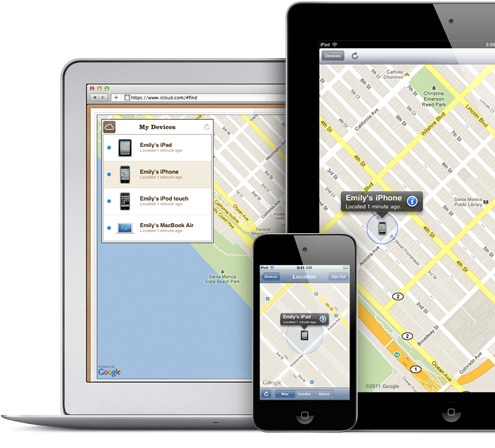
Someone stole my daughter's iPhone 4S on Wednesday. We recovered it today, Saturday. The phone was a lost cause if not for Apple's cloud recovery service, which worked in an unexpected way overnight.
The saga started in the school office, where my daughter works for one period every other day. She often has out her phone and feels comfortable leaving it at the table where she busies; the teens working there are all fairly honest. On this particular day, she stepped out for five minutes and returned to find the phone gone. Sitting where she had been: Another teen applying to attend the school, with her mom close by. My daughter used a friend's phone to call hers, but the sound was off. The iPhone 4S was gone.
Vizio aims to disrupt the crowded budget PC market, but can it?
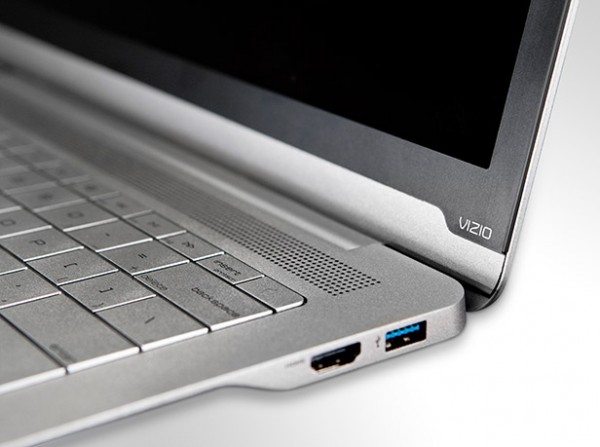
Aiming to get out ahead of the the news crush that is the Consumer Electronics Show, Vizio on Saturday made the rounds of the major news outlets hawking its latest line of products: computers. While the company all but created the budget market when it comes to HDTVs -- building a considerable amount of positive brand equity as a result -- the PC business is much different.
Vizio will debut two desktops and three notebook computers at CES. While an official announcement has yet to appear, we do know that the desktops will come in 24- and 27-inch sizes, with the PC components tucked behind the display in an all-in-one design that looks quite similar to Apple's iMac desktops. A wireless keyboard and mouse are included with the package, along with a subwoofer and remote control.
21 downloads to ring in the new year
We might all be feeling slightly sluggish after overindulging throughout the holidays, but the software release schedule continues apace. Your thoughts may have already turned to Windows 8 and if you’re yet to try out the Developer Preview, PCmover Windows 8 Beta Assistant is here to make things easier for you. If you have been put off by the idea of having to set up a virtual a machine or updating your existing installation because of the prospect of transferring your files and installing all of your favorite software, this handy utility can help to automate the process.
Whether you’re upgrading Windows or not, everyone needs a backup tool, and EASEUS Todo Backup Free 4.0 fits the bill perfectly. You can backup individual files and folders or entire partitions, and you can create incremental backups to save space. If you’re sticking with your current version of Windows for the time being, SharpKeys 3.5 enables you to disable keys on your keyboard that you do not use or find that you press accidentally -- a much easier option that editing the registry. You may well be more interested in customizing the look of your computer rather than customizing the way your hardware works, and this is something that Kuvva 1.1 can help with, making it possible to automatically change your desktop wallpaper on a schedule.
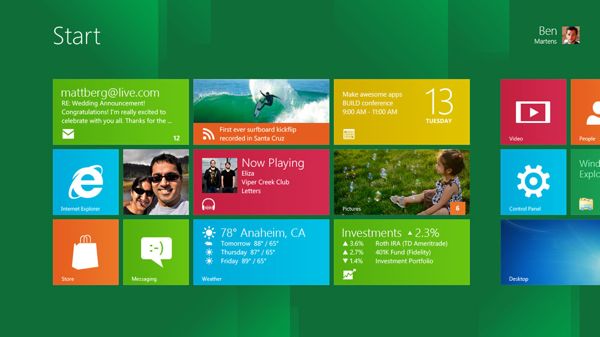
Thinking about the BIG upgrade? Try Laplink PCmover Windows 8 Beta Assistant
While the release of a new operating system is generally quite exciting, even computer users who are keen to have the latest and greatest version of Windows installed are filled with a slight sense of dread at the prospect of the installation. While the installation process for Windows 8 is one of the fastest and easiest yet, there is still the problem of having to install the apps you need and transferring all of your files. PCmover Windows 8 Beta Assistant from Laplink helps to ensure that things go as quickly and smoothly as possible by enabling you to more easily migrate your existing files, settings and user profiles.
PCmover has been around in various versions for some time now, but this beta release has been designed specifically with the pre-release versions of Windows 8 in mind. It can currently be used to make the move to the Developer Preview version of Windows 8, but it will also work with the Beta version when that it released in the near future. For reasons best known to Laplink, there is only support for 64-bit versions of Windows, both as source and destination operating system, and it can only be used with Windows 7; there is no support for XP or Vista.
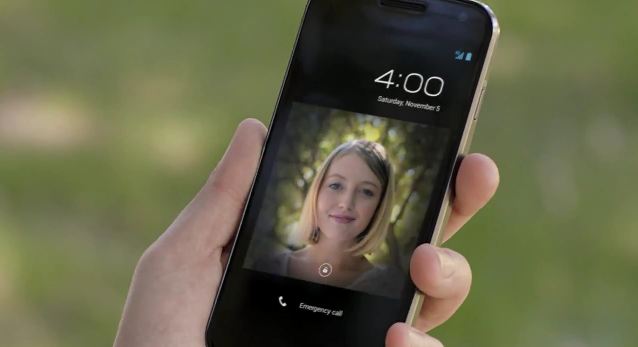
25 resolutions Google should make for 2012 [Galaxy Nexus contest winner]
Finally, after a two-day delay, we have a winner for a shiny, new Galaxy Nexus smartphone. We asked you to offer 2012 New Year's resolutions for Google -- and you did, and some too late to qualify (you missed the deadline, sorry). Among the many on-time submissions, we chose 25 resolutions that Google should consider for the year ahead.
The resolutions aren't as broad as we expected and perhaps the prize is reason. More of you offered suggestions about Android than anything else. In the list below, some submitters appear more than one time, but they were only considered once in the prize drawing. We randomly chose from among all submitters meeting the deadline. In the interest of time -- and preparation for next week's Consumer Electronics Show -- we didn't check to see if all submitters met the other qualifications. We qualified the winner only and would have drawn another name had he failed to meet them (The two absolutely required with the resolution submission: Tweet the post and follow BetaNews on Twitter).
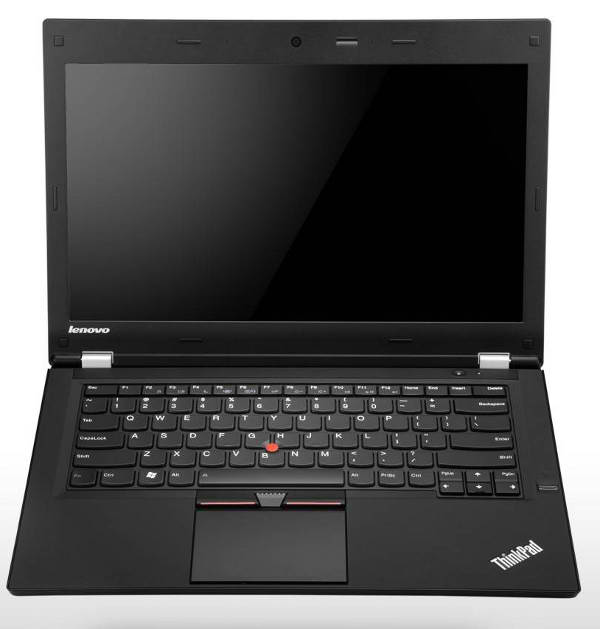
Ultrabooks creep out in advance of CES 2012
We're just a few days away from another installment of the annual International Consumer Electronics Show, where thousands of companies from all over the world come to show off their wares for the new year.
One of the device types everyone is expecting to see a lot of this year is the Ultrabook, or the ultra thin and light notebook class that Intel classified just about nine months ago.
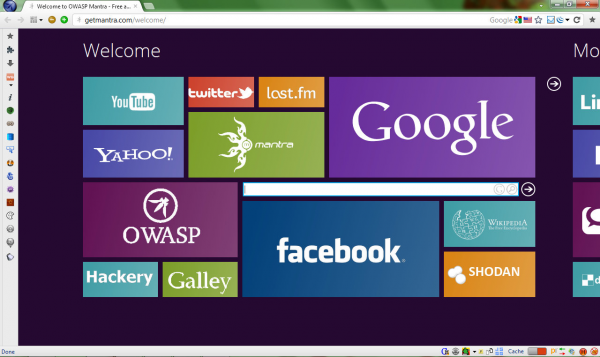
OWASP’s Mantra -- a customized portable version of Firefox
If you’re a web developer who would like some assistance with your more complex development tasks then a good first step might be to install Firebug, an amazingly powerful Firefox extension which enables you to inspect and modify HTML in real time, debug JavaScript, analyse site performance and a whole lot more.
There are plenty of other Firefox extensions which you might find useful, though. Obviously you could research and install these individually, but a quicker option might be to download a copy of OWASP’s Mantra, a customized portable version of Firefox which includes more than 50 well-chosen web development tools.
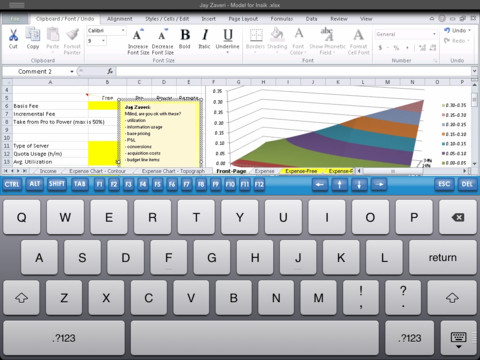
Got iPad and need Microsoft Office? Try CloudOn
There are a number of Office compatible office suites to choose from in Apple's App Store, so anything that wants to stand out from the crowd needs to offer something special. After a brief appearance followed by a rapid vanishing act, CloudOn for iPad has returned to the App Store. What makes this app different from any of the other suites you could choose to install? Well, not only is it free of charge, but the suite is not only Office-compatible, it is a cloud-based version of Microsoft’s flagship suite.
The app integrates with Dropbox that is used to store all of your documents, and you have access to Word, Excel and PowerPoint. The app interface is almost exactly the same as using the desktop version of Office, but working with an on-screen keyboard is vastly different to typing in the usual way. It is unlikely that you will want to use the app for extended periods of typing, but the ability to review existing documents and make changes to spreadsheets, presentations and text documents in a familiar environment is big news.