
Microsoft is pushing a security update to Windows 11 that breaks File Explorer
The last round of security updates saw Microsoft release the KB5051987 update for Windows 11. As this patch addresses a number of security issues with the operating system, it is a mandatory update that will be automatically installed for most people.
As we’ve seen time and time again, the automatic installation of security updates is a good thing... until it isn’t. And with the KB5051987 update, there are numerous problems that raise the question of whether it is advisable to have Microsoft pushing out obligatory patches that can wreak havoc.
Microsoft is making it possible to access your smartphone from File Explorer in Windows 11
The way Windows 11 interacts with mobile devices -- and, in turn, the way it lets users interact with them -- has been a little odd for some time. The Your Phone / Phone Link app showed that using Windows to use or browse your smartphone was really something of an afterthought for Microsoft.
Continuing the piecemeal approach to mobiles, it looks as though the company is finally about to give File Explorer the ability to browse smartphone contents. The option has been unearthed in Windows 11, although we don't yet know when it will be released properly.
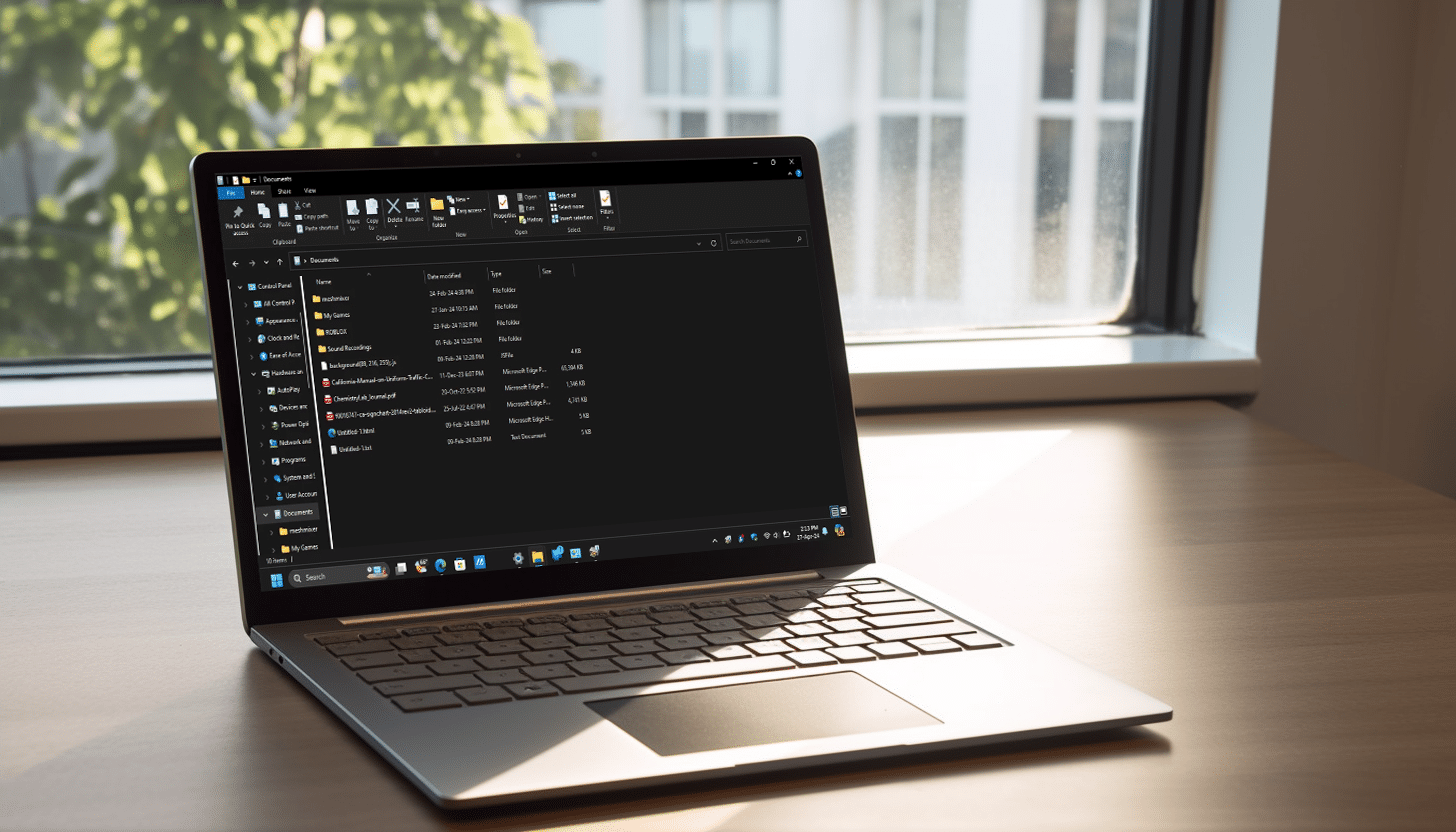
Windows 10's File Explorer is hidden in Windows 11 and you can use it immediately with this simple trick
The transition from Windows 10 to Windows 11 brought several changes and enhancements to the File Explorer, aiming to streamline navigation and improve user experience. The most notable update in Windows 11 is the redesigned user interface, which adopts a cleaner, more minimalist look consistent with the overall aesthetic of the operating system.
The changes include a simplified toolbar, which replaces the traditional ribbon menu seen in Windows 10. The new command bar is less cluttered and provides quick access to commonly used functions like cut, copy, paste, rename, and share.
How to unlock the updated version of File Explorer in Windows 11 right now
The Beta and Canary builds of Windows 11 have been used by Microsoft for some time to test out new features before they are given a full release. But in addition to the advertised changes and additions to new builds, there are also often hidden secrets.
A recent example is to be found in the latest release to the Beta channel. With a little trickery, Windows 11 build 22635.3640 has been found to include an updated version of File Explorer, complete with new visuals, a revamped Home page and more.

How to speed up File Explorer in Windows 11
The vast majority of software bugs are, almost by definition, a problem. A bug can cause unexpected behavior, reduce performance, and cause endless other issues. But there is a bug in Windows 11's File Explorer that actually makes it better.
If you've ever thought that File Explorer would benefit from a speed boost, there's some good news. A strange bug can be exploited to noticeably improve performance in a split second.
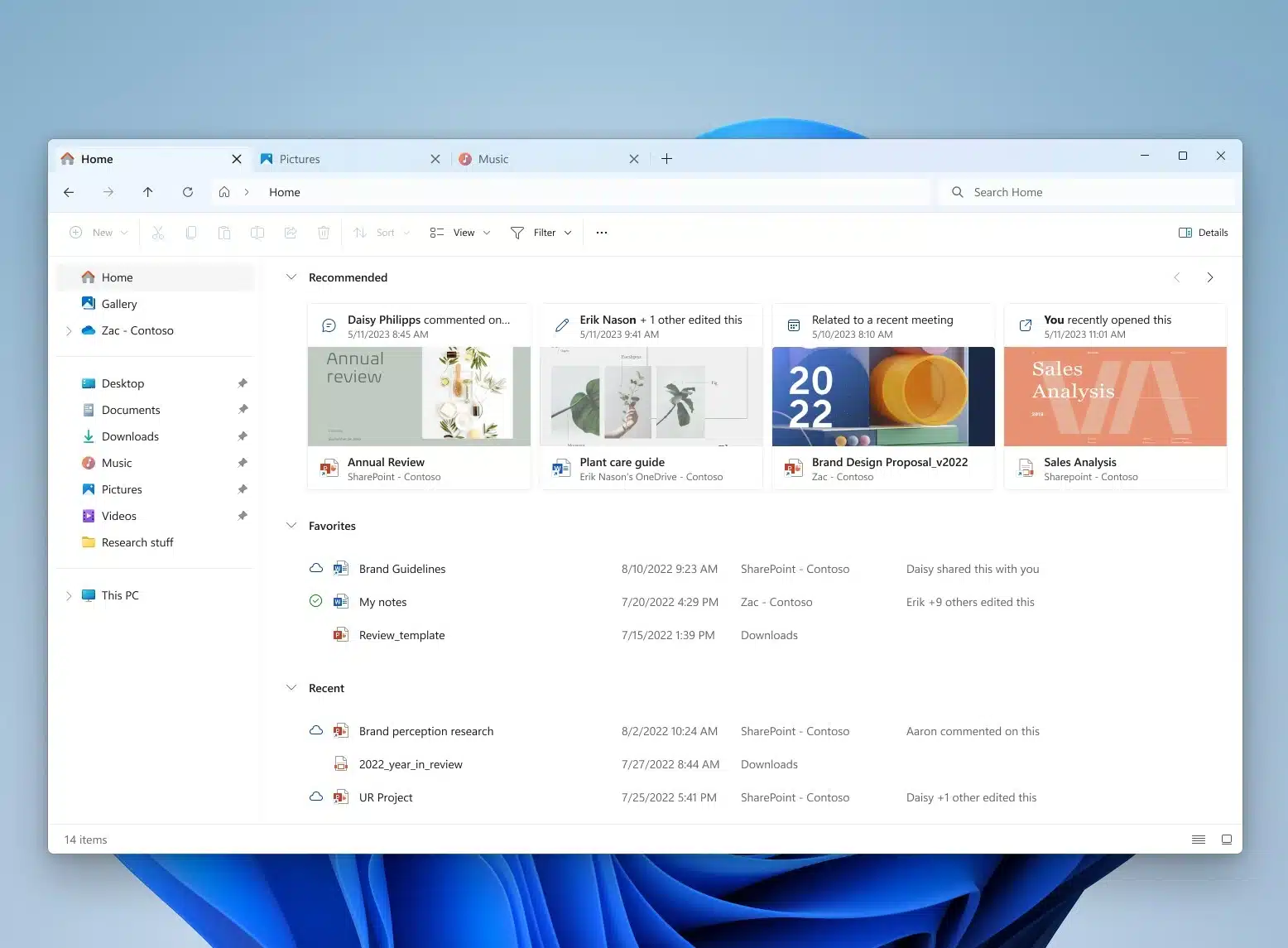
How to enable the new File Explorer in Windows 11
Signing up for the Windows Insider program is a great way to gain access to the latest features of Windows 11 as soon as possible. One of the most recent changes made by Microsoft is a completely new look for File Explorer which has been made available in Windows 11 Build 23475.
But even if you are part of Dev channel and have this build of Windows 11 installed, you may be disappointed to find that you're stuck with the old version of File Explorer. There is, pleasingly, a way to force Windows to give you the new look.
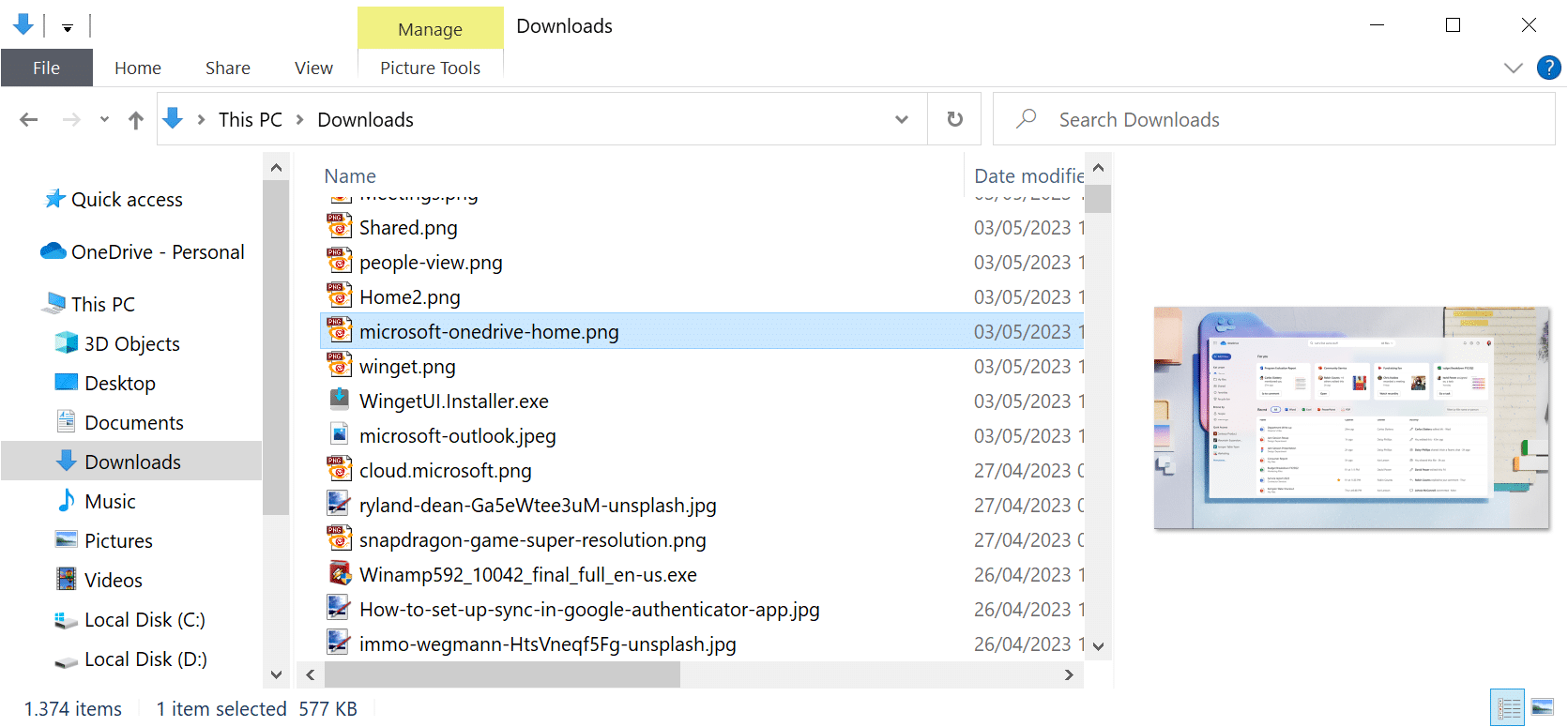
Is anyone using the Preview pane in File Explorer?
Windows’ default file management tool, File Explorer, has a preview pane. Windows users may toggle it with the keyboard shortcut Alt-P or the selection of View > Preview Pane.
It displays previews of supported file types. If you select an image in the main pane, a thumbnail of that image is displayed in the preview pane.
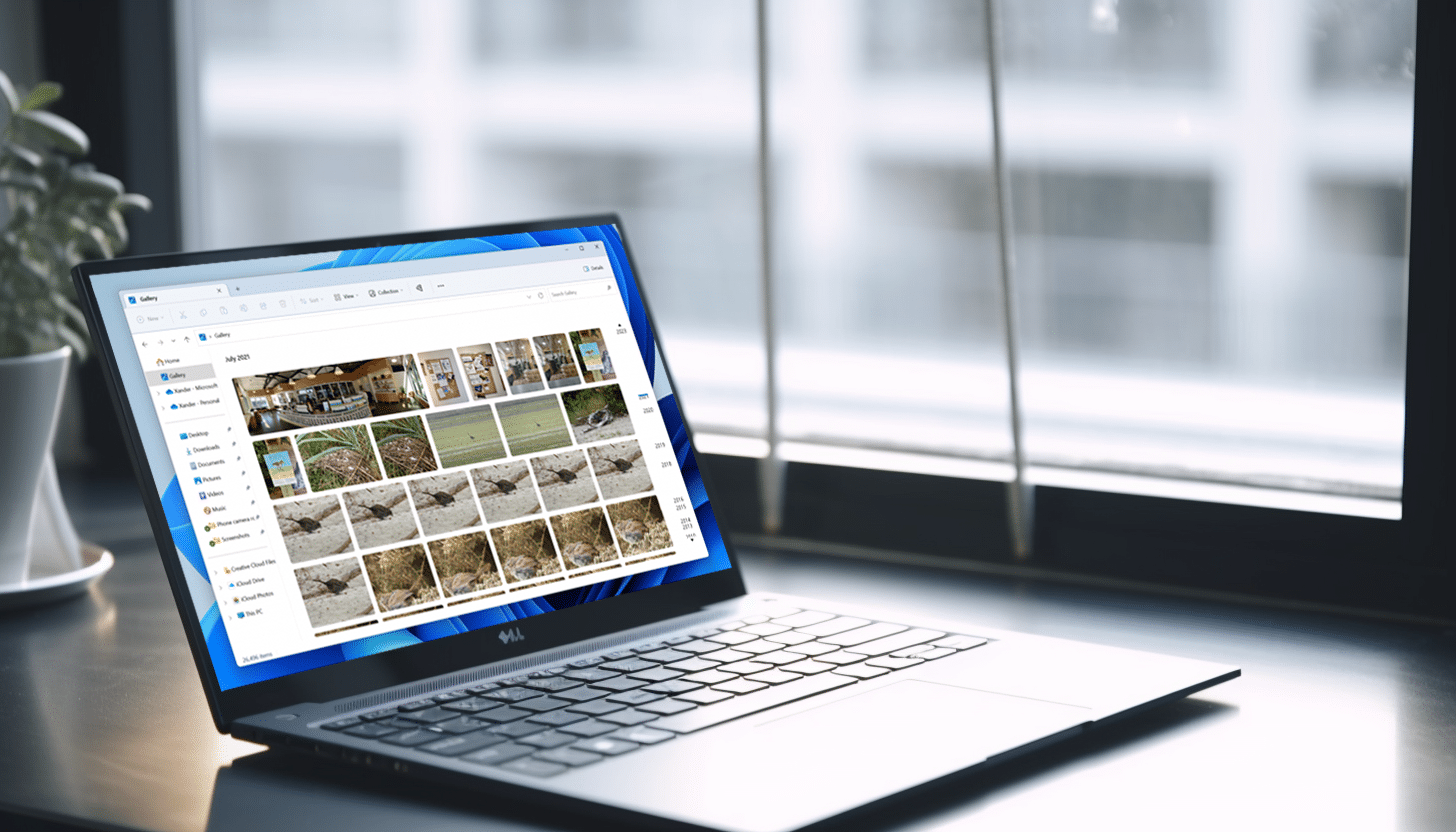
Microsoft adds a new photo gallery to File Explorer in Windows 11
Arriving just in time for the weekend, the latest Windows 11 flight for Insiders in the Dev Channel comes with a new feature which will be appreciated by a lot of users.
Build 23435 introduces Gallery, a new addition to File Explorer, which is designed to make it easier to browse your photo collection.
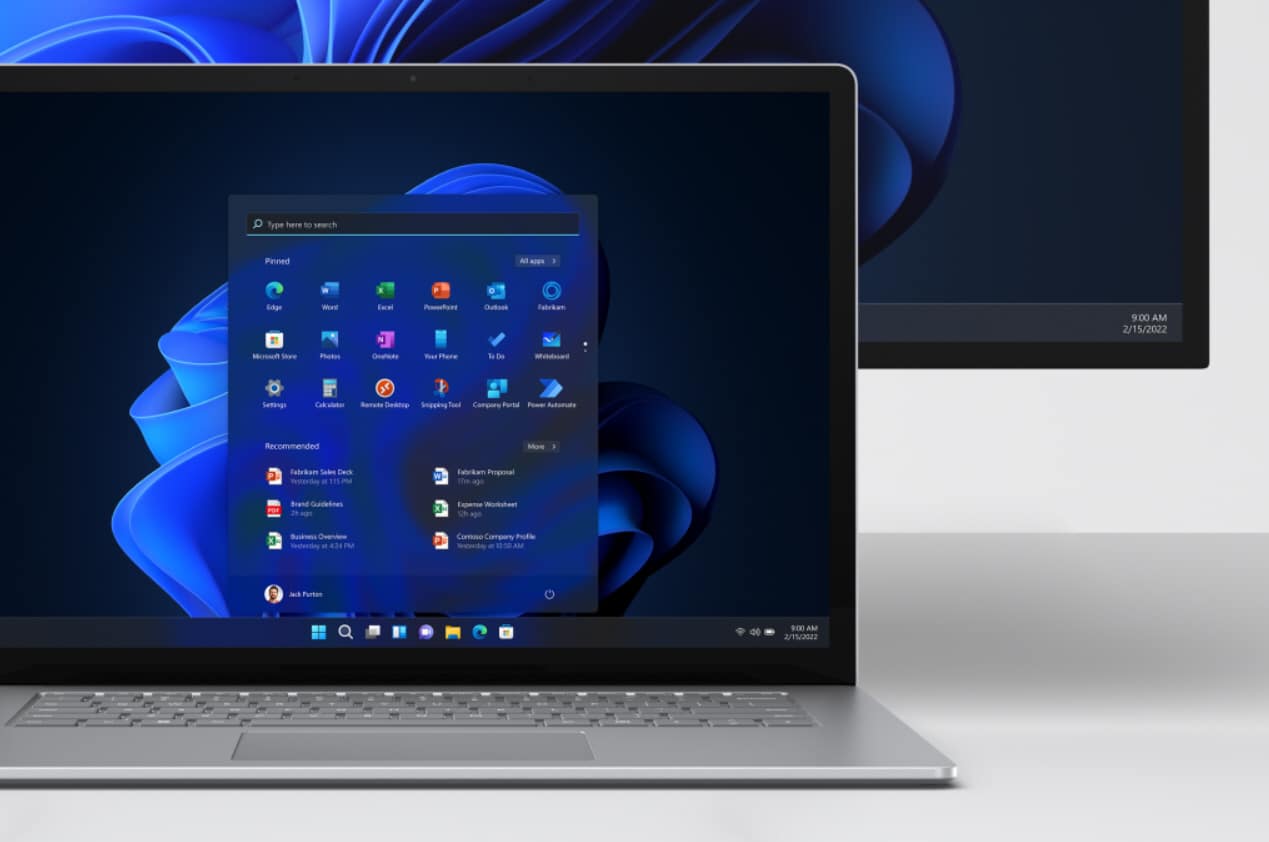
Leaked: Microsoft is planning a significant visual update for Windows 11
For anyone who has been put off upgrading to Windows 11 because of the way it looks, there could be some good news. While there is not a complete redesign of the operating system on the cards, there are supposedly plans to revamp the aesthetics of a key component -- File Explorer.
We have already seen Microsoft giving File Explorer some attention with the arrival of the somewhat polarizing tabbed interface. Now news has been leaked by reliable source FireCube Studios which says we can look forward to another major update as some point in the future.

Windows 11 22H2 has introduced an irritating focus bug in File Explorer
The arrival of tabs in File Explorer with the release of Windows 11 22H2 was warmly welcomed after years of users requesting the feature. But it seems that in introducing a tabbed interface to Windows' file browser, Microsoft has also exposed users to a seriously annoying bug.
Growing numbers of people are complaining that the updated version of the app is stealing focus. Those affected by the problem report that the File Explorer window randomly jumps in front of other apps.
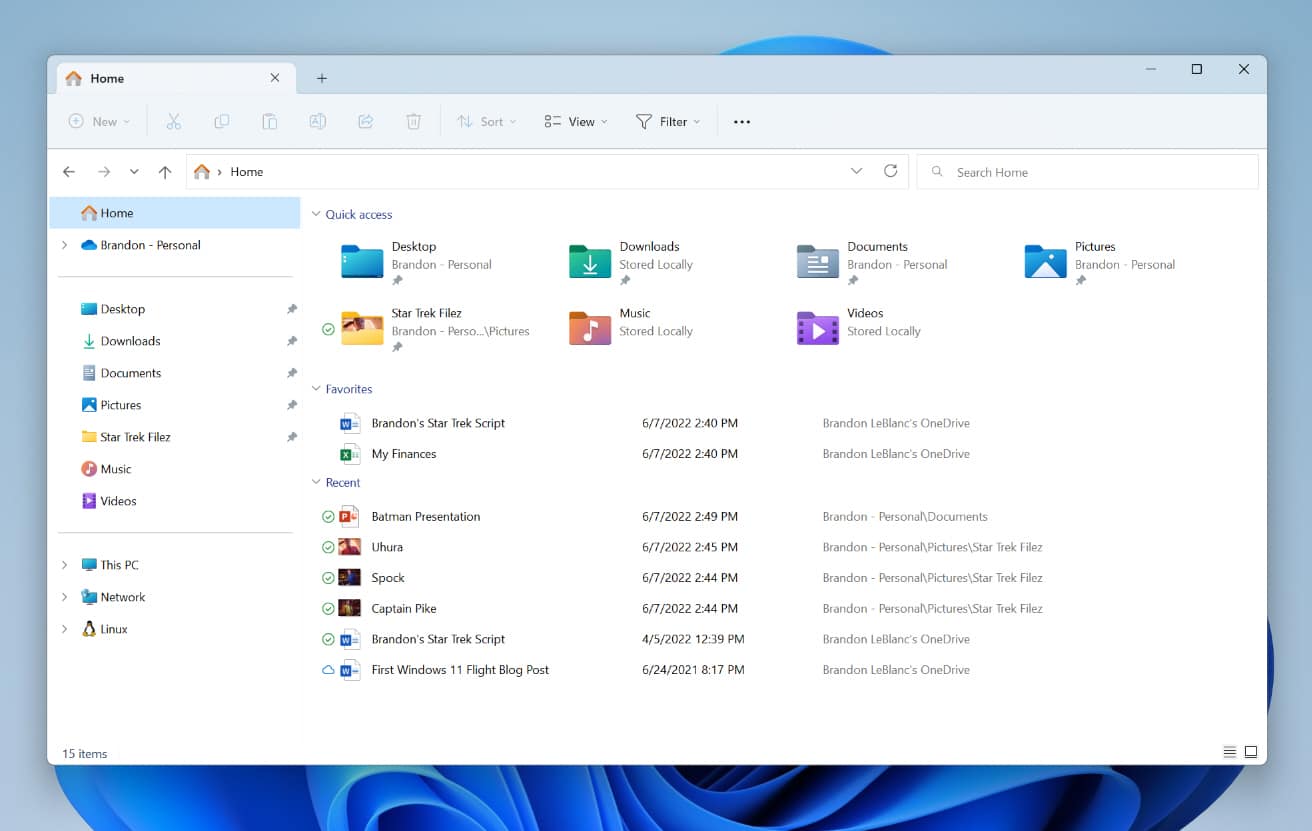
Microsoft releases Windows 11 Build 25136 with File Explorer tabs
Earlier today, Microsoft launched new updates for two Windows 11 apps -- Notepad and Media Centre -- for Insiders in the Dev Channel.
Following that, the company announces a new Windows 11 Insider build which, along with the usual raft of fixes, brings tabs to File Explorer and updates to the Widgets feature.
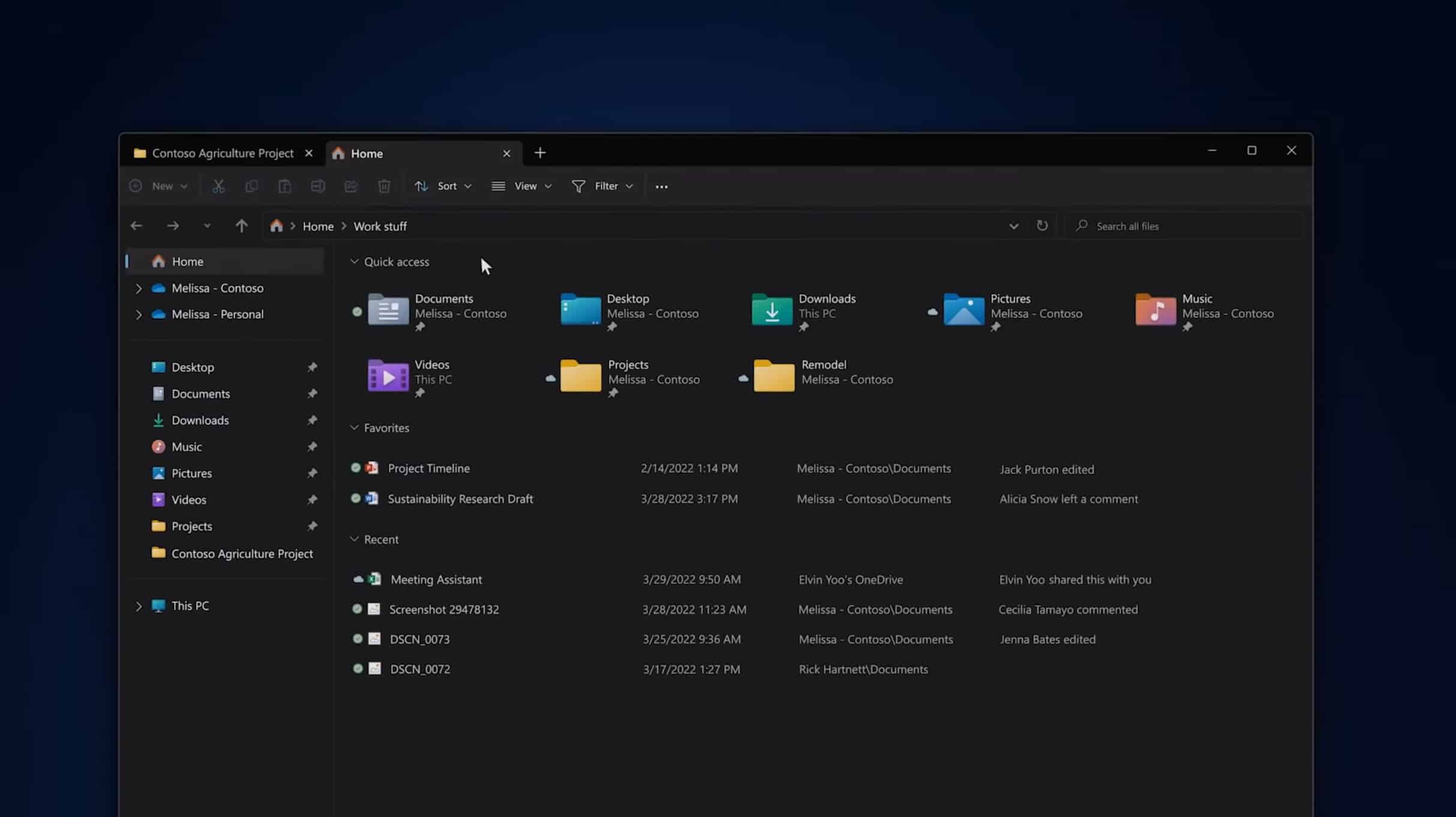
Microsoft reveals new features coming to Windows 11 -- including tabs in File Explorer
Today, at an event to showcase how Microsoft is developing new experiences to "enhance the way we work today, and in the future", the software giant gave us a look at some of the new features coming to Windows 11 in the near future.
While much of the presentation was about business, specifically hybrid working, Microsoft did cover experiences for consumers.
Microsoft releases Windows 11 Build 22000.120 with changes to File Explorer
With a rumored RTM date of sometime in October, Microsoft is hard at work on Windows 11 and today rolls out a new build to Insiders in the Dev Channel.
There aren’t any major new features in Build 22000.120 but there is a new Family widget and some minor tweaks to File Explorer.
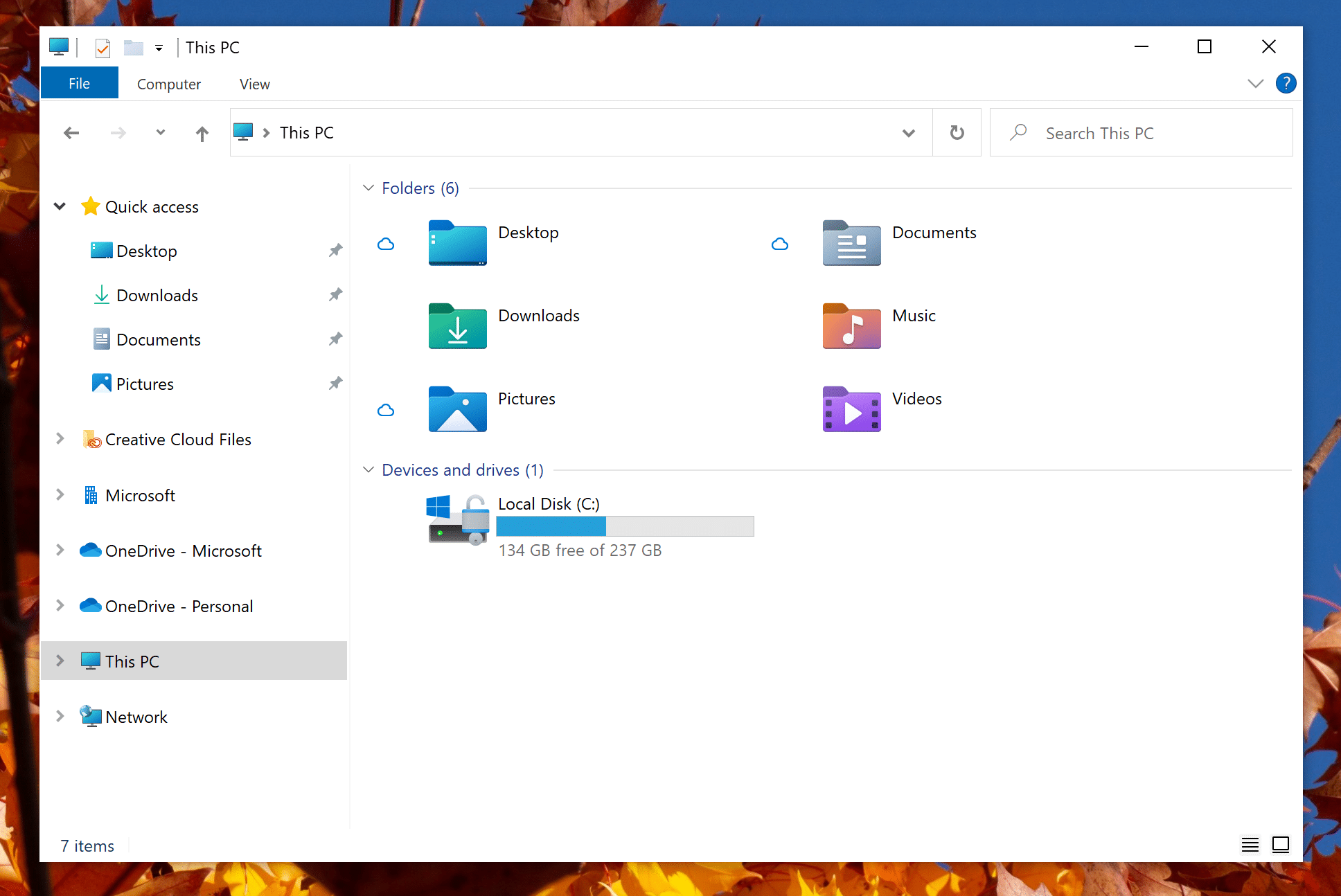
Microsoft releases Windows 10 Build 21343 with a new look for File Explorer
Microsoft is planning on giving Windows 10 a major design overhaul later in the year as part of its 'Sun Valley' refresh, and you can get a good idea of what it will look like here.
At the moment, new design tweaks are beginning to trickle through in Dev Channel Insider builds, and today, Microsoft gives us a look at how File Explorer will benefit from its design update.
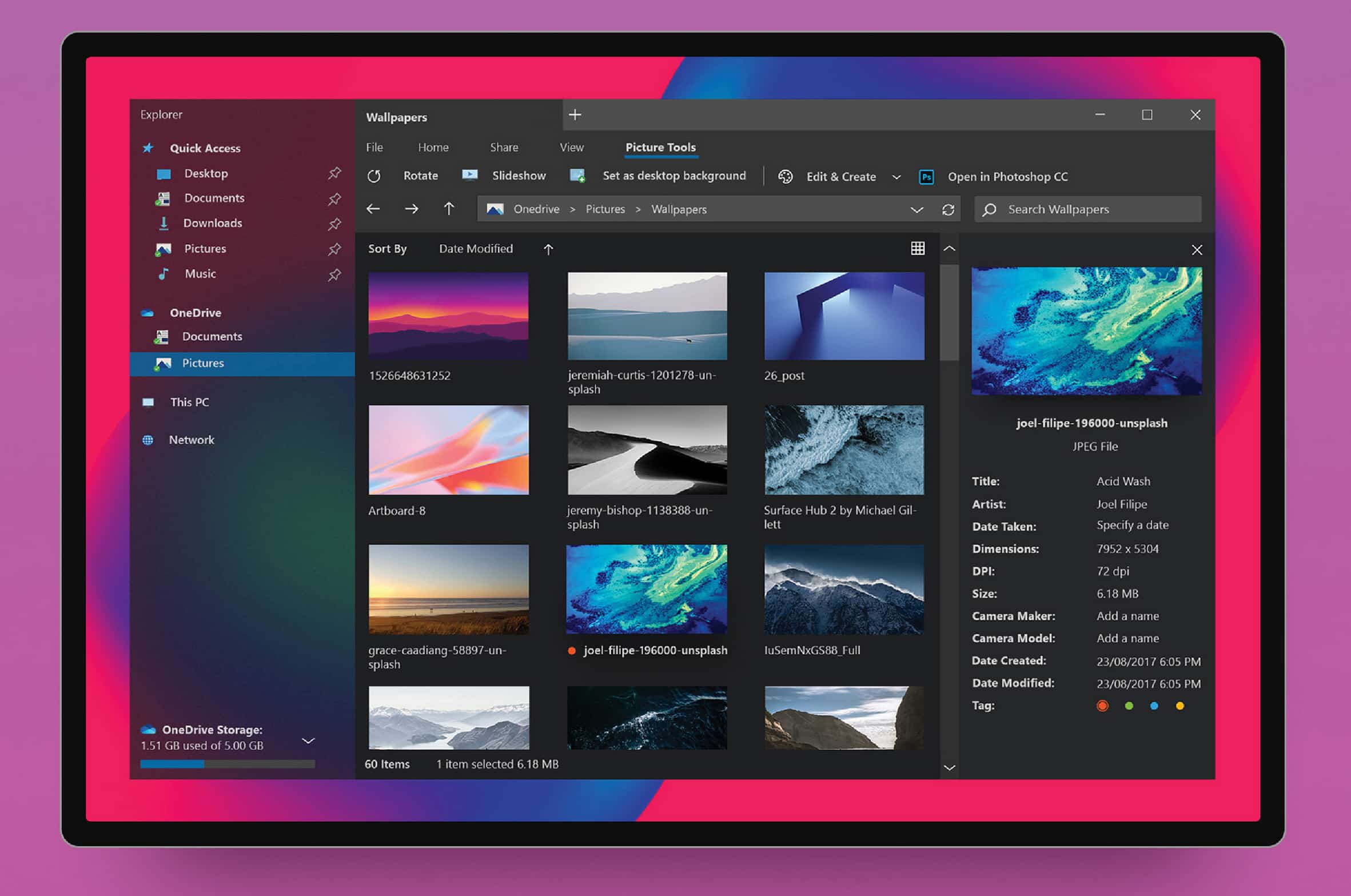
This is the redesigned File Explorer that Windows 10 should have
Windows 10 is a decent operating system, but it’s not exactly attractive. Microsoft is attempting to spice things up a little with its Fluent Design language, but it’s never going to deliver the "Wow" factor.
File Explorer is one of the blander elements of Windows 10, but a brand new concept shows us what it could look like.



