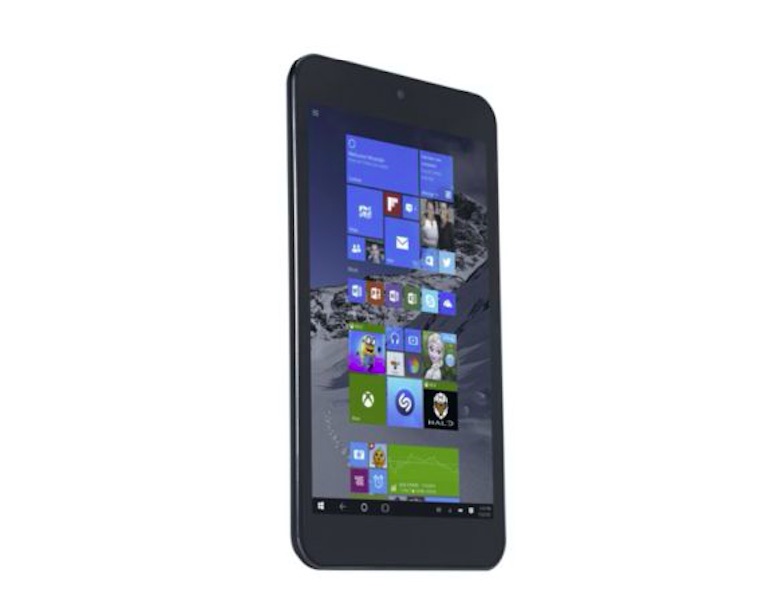
UK's first Windows 10 tablet launched, costs just £99
If you are in the market to get yourself a Windows 10-powered tablet but don't want to spend a lot on it, Tesco has something you might find interesting. The British merchandise retailer is selling a tablet called "Connect" that is priced at £99 ($150) and runs Microsoft's latest desktop operating system.
Surprisingly, despite rocking a cheap price tag, the Connect doesn't annoyingly disappoint on the hardware front. It sports an 8-inch LCD display of 1,280 x 800 pixels resolution. Inside the device sits an Intel Atom Z3735G quad-core processor (incidentally the same SoC that powers HP’s $199 Windows tablet) clocked at 1.33GHz coupled with 1GB of RAM and 32GB of internal storage which could be expanded to another 32 gigs using a microSD card should you want more storage.
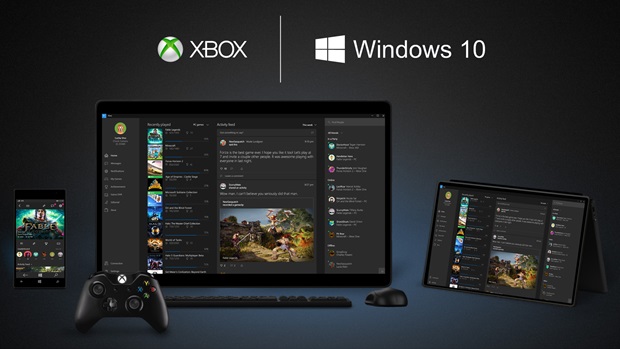
A simple hack unlocks Very High quality Xbox One streaming in Windows 10
Xbox One-to-PC game streaming is one of the stand-out features of Windows 10, and plans are afoot for streaming the other way as well. If you're currently playing your Xbox One games on your Windows 10 PC or laptop, you might be interested to learn that there is a way to dramatically boost streaming quality.
While the hack itself is very easy to implement, it's not something that all gamers will want to undertake because of the demands it makes of networking hardware. That said, if you think your kit is up to the job, here's what you need to do.
Windows 10 phones home to Microsoft even if you change privacy settings
Many people regret upgrading to Windows 10, and many are put off from making the move to the latest version of Microsoft's operating system, because of concerns about privacy. The answer to privacy worries about Windows 10 features such as Cortana has been 'just don't use them', but it seems that this might not be enough.
Research carried out by Ars Technica shows that even with features disabled and privacy settings activated, Windows 10 continues to send information back to Microsoft. The data is sent by a series of tools including OneDrive, Cortana, and Bing -- even when a local account is used.

Apple brings Windows 10 support to Macs with new Boot Camp
Apple has launched a new version of Boot Camp that brings full Windows 10 support. The latest version of Microsoft's operating system cannot be installed on all Macs, but there is a fairly extensive list of models that can run Windows 10.
Boot Camp 6 is gradually rolling out, and brings support to Windows 10 for a number of Mac features including Thunderbolt. Apple explains that it is possible to upgrade an existing Windows 7, Windows 8, or Windows 8.1 to Windows 10, but also provides full instructions for how to start from scratch.

Microsoft Surface Hub shipping slips to 2016
Microsoft today notified customers that Surface Hub orders will not ship until January 1, 2016. The super-sized conference-friendly Surface tablet has been available for pre-order since the beginning of July, and Microsoft had already indicated that the original ship date of September 1 was going to be delayed.
Available in both 55- and 84-inch versions, the Windows 10-powered device has generated a great deal of interest, and this is the reason Microsoft cites for the delay.
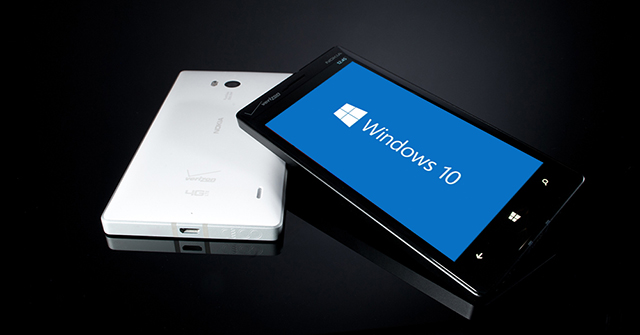
Windows 10 Mobile Insider Preview Build 10512 arrives on the Fast ring
Yesterday Microsoft’s Gabriel Aul teased a new Windows 10 Mobile Insider Preview Build was on the horizon, and today it arrives to those Insiders on the Fast ring.
Microsoft has been rather preoccupied with the PC and tablet version of its new OS over the past couple of weeks (understandably) but now it’s back to business as usual on the development of the Mobile edition.
Sony won't have Windows 10 drivers ready until October or November
If you have a Sony VAIO, you might want to hold off upgrading to Windows 10 for the time being. The company has revealed its schedule for updating drivers and applications to bring Windows 10 support, and there's going to be a wait of at least a couple of months.
Just when your Sony computer becomes Windows 10-ready depends entirely on the version of Windows that was pre-installed. Systems that came with Windows 8.1, Sony aims to push out Windows 10-related updates by October, but if it came with Windows 8 pre-installed, you will have a slightly longer wait on your hands.

Microsoft releases new cumulative update for Windows 10
Windows 10 is a stable OS, but it does have a few problems and glitches still in need of ironing out. New Insider Previews are set to begin arriving shortly, but in the meantime Microsoft is pushing out updates which are designed to improve the functionality of Windows 10 and resolve various vulnerabilities.
Last week the software giant released the first servicing rollup for Windows 10 which fixed several issues (but also introduced new ones for some unfortunate users), and today it releases a new cumulative update.

How to delay and/or block automatic software updates in Windows 10
As you’ll know, Microsoft has made updates mandatory in Windows 10. When updates are pushed out, the new operating system installs them automatically. Whether you want it to or not. This should be a benefit, as it means no more unpatched PCs at risk from serious vulnerabilities, but if the software giant rolls out an update that causes problems for users -- as has already been the case in several instances -- there’s no easy way to avoid it.
Windows 10 Pro users can defer updates, but Home users don’t have that luxury. Thankfully if you need to delay or block software updates in Windows 10, there are several ways to do so, regardless of which version of the OS you're running.
How to change Microsoft Edge's default download folder
Windows 10's new modern browser certainly has potential, but Edge is far from a finished product. It lacks major features, including support for add-ons, and anyone using it is going to find it difficult to change certain browser settings. While you can change the default search engine, the process for doing so is far from intuitive. We explained the steps you need to take here.
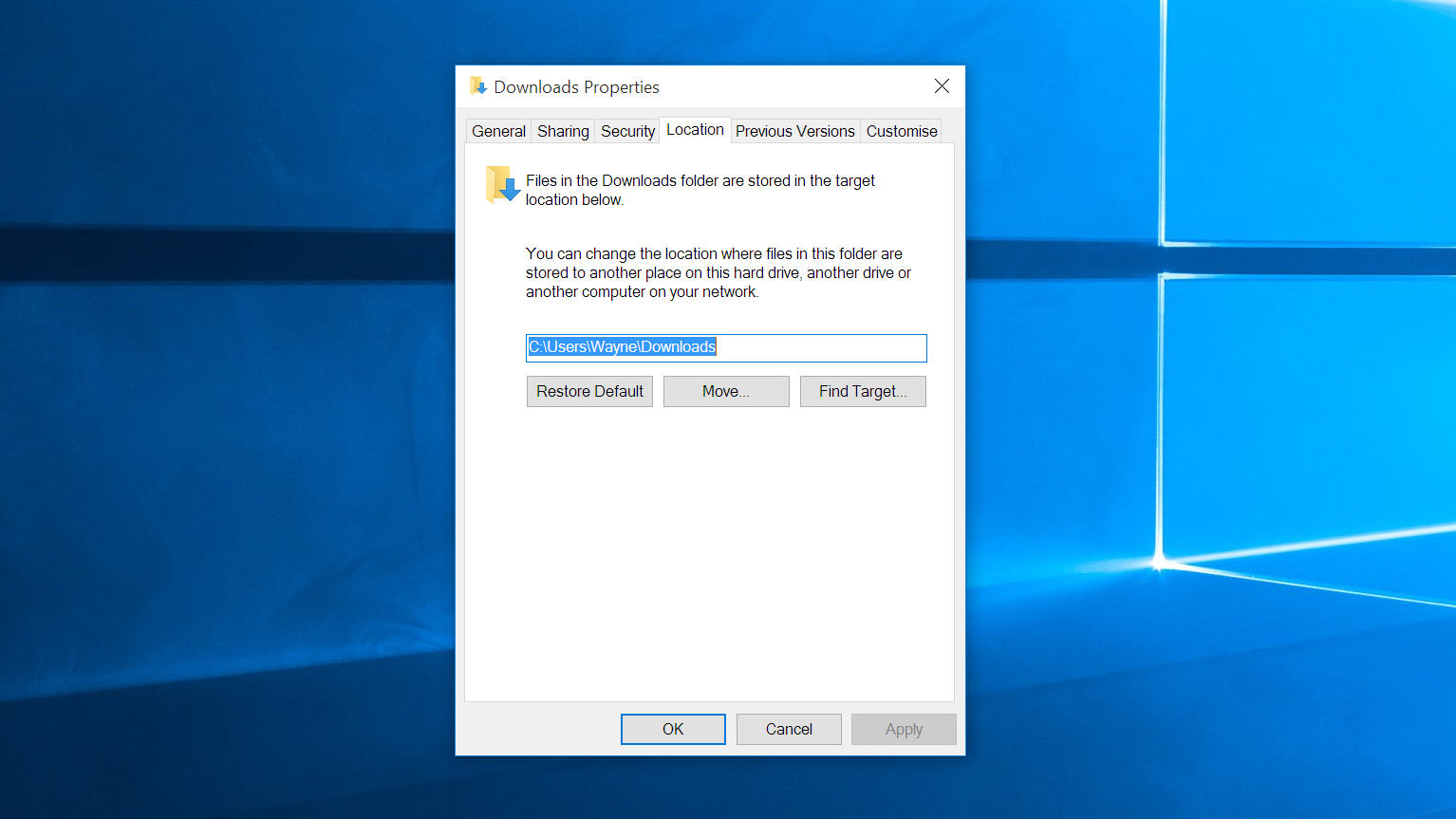
But what if you want to change the default download location? Surely this is something that can be done easily in Settings, right? Nope. You can change the download folder, just not in Edge itself.

Users are unhappy that Windows 10 automatically sends emails about child account activity
Windows 10, just like its predecessor Windows 8.1, allows for the creation of child accounts that can have limitations imposed upon them. It's a feature that many parents take advantage of, but as more and more people start to upgrade to Windows 10, increasing numbers are complaining about the way in which Microsoft monitors account activity and sends out regular emails about that activity.
The account activity email is optional in Windows 10 -- just as it was in Windows 8.1 -- but it is switched on by default. While many parents like the idea of being able to place restrictions and limitation on a child's Windows account, the "creepy" email that many are seeing for the first time is viewed as a step too far.

Google, Facebook, Twitter, Microsoft, Yahoo collaborate to fight child sex abuses images
The Internet Watch Foundation today announced that it is working with some of the biggest names in technology to stamp out child sex abuse images online. Part of the problem with stemming the flow of such images is that once they are removed from one site, it takes little time for them to reappear elsewhere.
Working in conjunction with Google, Facebook, Twitter, Microsoft, and Yahoo, the IWF says that it intends to share image hashes with a view to making illegal images faster to identify. Three different types of hash will be created -- the familiar MD5 and SHA-1, as well as Microsoft's PhotoDNA -- helping to improve rates of detection.
Customize Windows 10's Start menu with these third-party apps
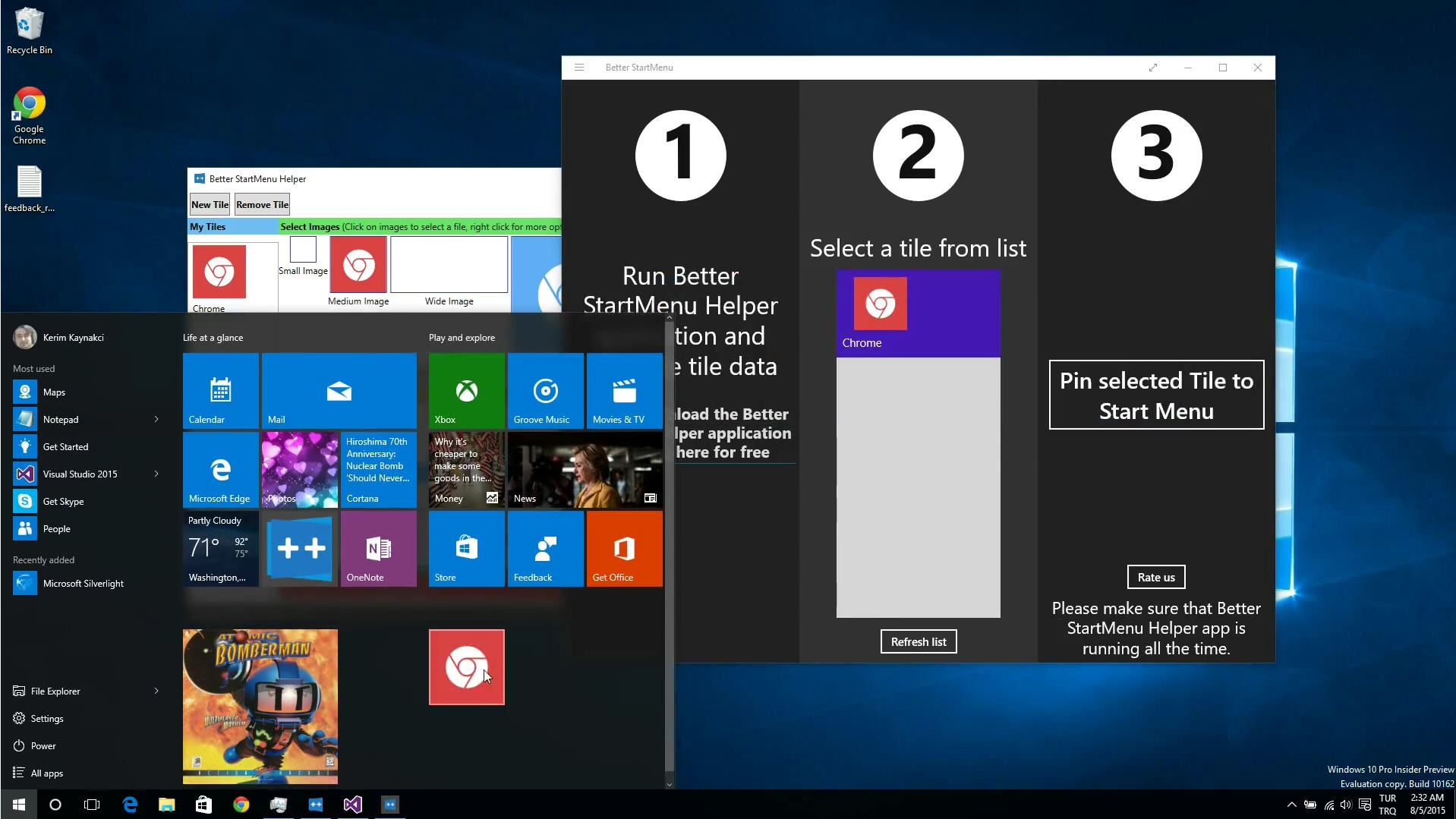
Microsoft’s operating systems have always been easy to customize, and Windows 10 is no exception. We’ve already shown you how to make changes to the Start menu, modify Windows 10's title bar color, automate login and bypass the lock screen, and more. But what if you want to go way beyond the basics? Well there are already third-party tools available that will let you make much bigger design changes to Windows 10 than Microsoft usually allows.
With the right apps you can customize the look of the tiles in the Start menu (not simply resize them and toggle the Live Tile feature on or off) and even redesign the icons of built-in apps and use your own artwork (or someone else's).

Windows 10's forced cumulative update (KB3081424) causing endless reboots, but there is a solution
Forcing updates on all users must have seemed like a good idea in the Windows 10 planning meetings -- no more PCs at risk from unpatched vulnerabilities -- but already the mandatory updates are causing major headaches for many users.
Even before Windows 10 officially launched, there was an update (KB3074681) that caused crashes in File Explorer, and NVidia driver updates that were breaking some people’s computers. Last week’s servicing rollup fixed various bugs and issues, but for some users it actually caused their PCs to go into a reboot loop.
How to remove the OneDrive entry from File Explorer in Windows 10
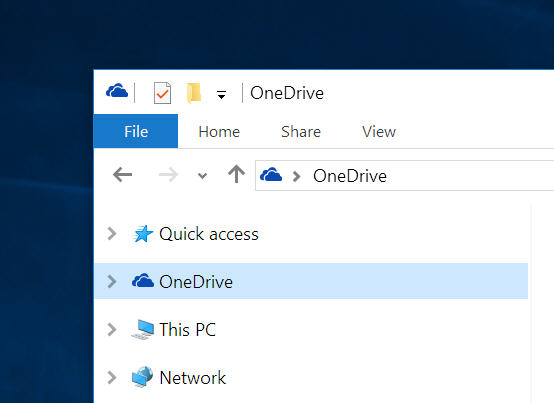
Microsoft's cloud storage service OneDrive is baked into Windows 10 and forms a key part of the new operating system. However, if you prefer to use a different service, like Google Drive, or Dropbox, you may not appreciate the OneDrive entry being forced on you in File Explorer.
The OneDrive icon sits just below Quick Access (we’ve already looked at how to remove Quick Access from File Explorer here) and removing it is easily done, you just need to make a quick registry tweak.