
Get 'Hands-On Dark Web Analysis' ($23.99 value) FREE for a limited time
The overall World Wide Web is divided into three main areas -- the Surface Web, the Deep Web, and the Dark Web. The Deep Web and Dark Web are the two areas which are not accessible through standard search engines or browsers. It becomes extremely important for security professionals to have control over these areas to analyze the security of your organization.
Hands-On Dark Web Analysis will initially introduce you to the concept of the Deep Web and the Dark Web and their significance in the security sector. Then it will deep dive into installing operating systems and Tor Browser for privacy, security and anonymity while accessing them. During the course of the book, you will learn some best practices which will be useful in using the tools for best effect.
Microsoft releases Windows 10 Insider Preview Build 19587 with Narrator and volume improvements
The past few Windows 10 Insider builds haven’t been hugely exciting, but that’s probably no surprise given the state of the world at the moment and the number of people switching to working from home.
Today’s new Insider release for those on the Fast ring, Build 19587, is no exception, but it does come with a number of improvements and fixes.
Windows 10 is finally -- officially -- on 1 billion devices
When Microsoft was preparing to launch Windows 10 back in 2015 it famously stated that it expected over 1 billion devices to be running the new OS within 2-3 years. For a variety of reasons -- most notably the dismal failure of its mobile aspirations -- that never happened.
But the OS has been gaining share at a steady rate, and today the software giant announces that Windows 10 has, five years later, finally hit the coveted 1 billion milestone.

End of an era as Bill Gates steps down from the Microsoft board
For many people, Bill Gates is synonymous with Microsoft, even though for years now he has had very little to do with the company he co-founded.
These days, Gates’ focus is mostly on philanthropic activities, like global health and development, education and climate change. He stepped down from the day to day running of Microsoft in 2008, but remained on the board. Today he announces that is no longer the case.
Microsoft releases Windows 10 Insider Build 19582
Microsoft, like many other tech firms, is encouraging its employees to work from home as the Novel Coronavirus (COVID-19) continues to spread across the world. It’s still business as usual for the Windows team though, as they roll out a new Windows 10 build for those Insiders on the Fast ring.
Build 19582 mostly focuses on fixes and improvements, although it also comes with a major update to the Eye Control settings.

How to legally download any version of Windows 10, Windows 7, Windows 8.1 and Microsoft Office
If you want to download an ISO file of the latest version of Windows 10, the process is very straightforward -- just use Microsoft’s Media Creation Tool to generate the image file for you.
But what if you want an older version of Windows 10, or one of the many Windows Insider builds? Or what if you want a copy of Windows 7 or 8.1, or a copy of Microsoft Office? We have the answer.
Microsoft releases Windows 10 Insider Build 19577
It’s been a couple of weeks since Microsoft last rolled out a new Windows 10 build to Insiders on the Fast ring.
It can’t be said that latest flight, Build 19577, has been worth the wait as it’s mostly a collection of fixes and improvements, although Microsoft is making diagnostic data changes in Settings, and there's a new icon to get excited about too (or not).
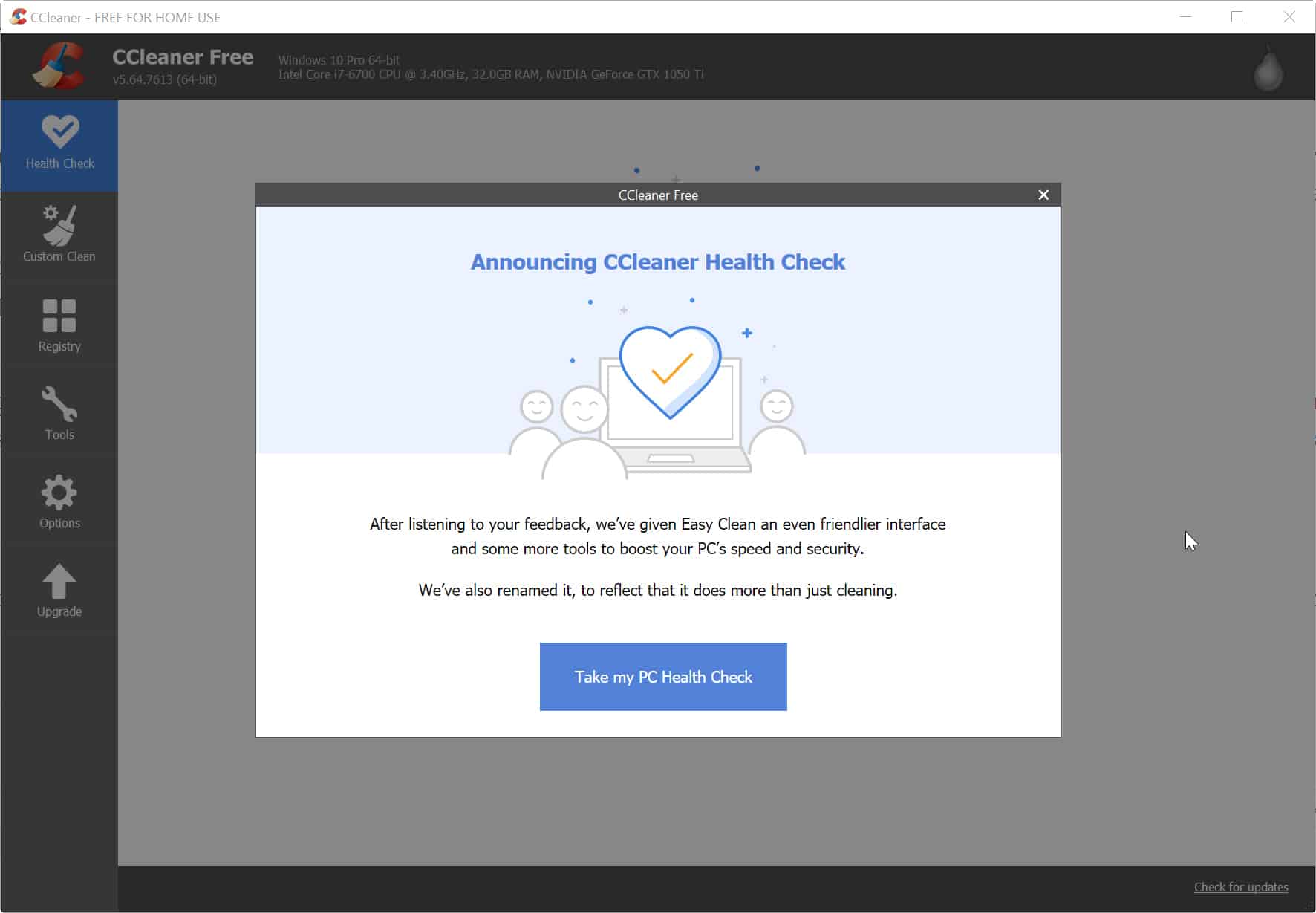
CCleaner introduces new ‘Health Check' feature
Under Avast’s ownership, popular system cleaning tool CCleaner has suffered more than its fair share of issues.
If you’ve stuck with the software, then the good news is today sees the launch of a new 'Health Check' feature which aims to make it easier to keep your PC running faster and smoother.
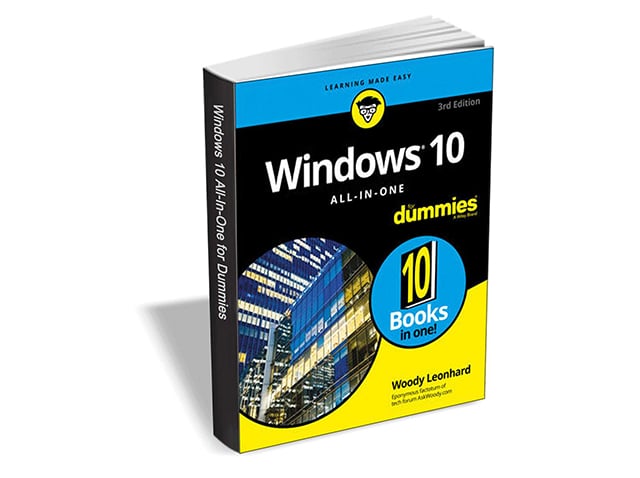
Get 'Windows 10 All-In-One For Dummies, 3rd Edition' ($39.99 value) FREE for a limited time
Are you ready to become the resident Windows 10 expert in your office? Look no further! This book is your one-stop shop for everything related to the latest updates to this popular operating system.
With the help of this comprehensive resource, you'll be able to back up your data and ensure the security of your network, use Universal Apps to make your computer work smarter, and personalize your Windows 10 experience.

New Kodi update available -- download it NOW!
It’s been a whole four months since the Kodi Foundation last released a new version of its hugely popular home theater software.
After spending some time in the pre-release section, Kodi 18.6 is now finally ready for all.

New Facebook Messenger app is simpler, and twice as fast
There are lots of apps you can use to communicate with friends, family and colleagues. These include WhatsApp, Signal, Telegram, Skype, and Facebook Messenger. Messenger was first spun off into its own app in 2011, and since then the social network has added more and more features to it, to the point where it has become bloated, and harder to use.
Realizing this, Facebook has gone back to basics, and redesigned Messenger to make it faster, smaller, and simpler.
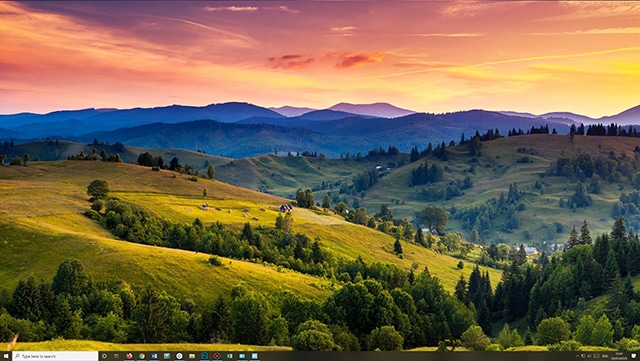
How to set gorgeous Windows 10 Spotlight lock screen images as wallpaper
Windows 10 has a lock screen mode called Windows Spotlight that pulls attractive, high resolution images from the web on a daily basis. In most instances, you’ll only see these when you log on, or lock your PC.
If you see an image that you’d like to use as Windows wallpaper, you can’t simply right-click and save it, but there is a way to easily use Windows Spotlight images as your desktop background.

How to activate all of Windows 10's secret God Modes
Windows 7 introduced a useful hidden God Mode that displays all of the admin tools and control options on a single screen. Because Microsoft has yet to phase out Control Panel entirely, this feature works just fine in Windows 10.
It’s very easy to action God Mode -- you just need to create a folder and give it a special name -- and there’s actually quite a few alternative God Modes available. Here’s what you need to do.

Whoa! Brave browser can now show you web pages that no longer exist
When browsing the web, it can be frustrating to encounter a 404 error. You know the page isn’t there, but you don’t always know why. Has it been removed on purpose, by accident, or was it never there in the first place?
Well, Brave -- the browser from Brendan Eich, a former CEO of Mozilla -- is about to make 404 frustration a thing of the past, by giving you the chance to view the actual web page after it’s been removed.
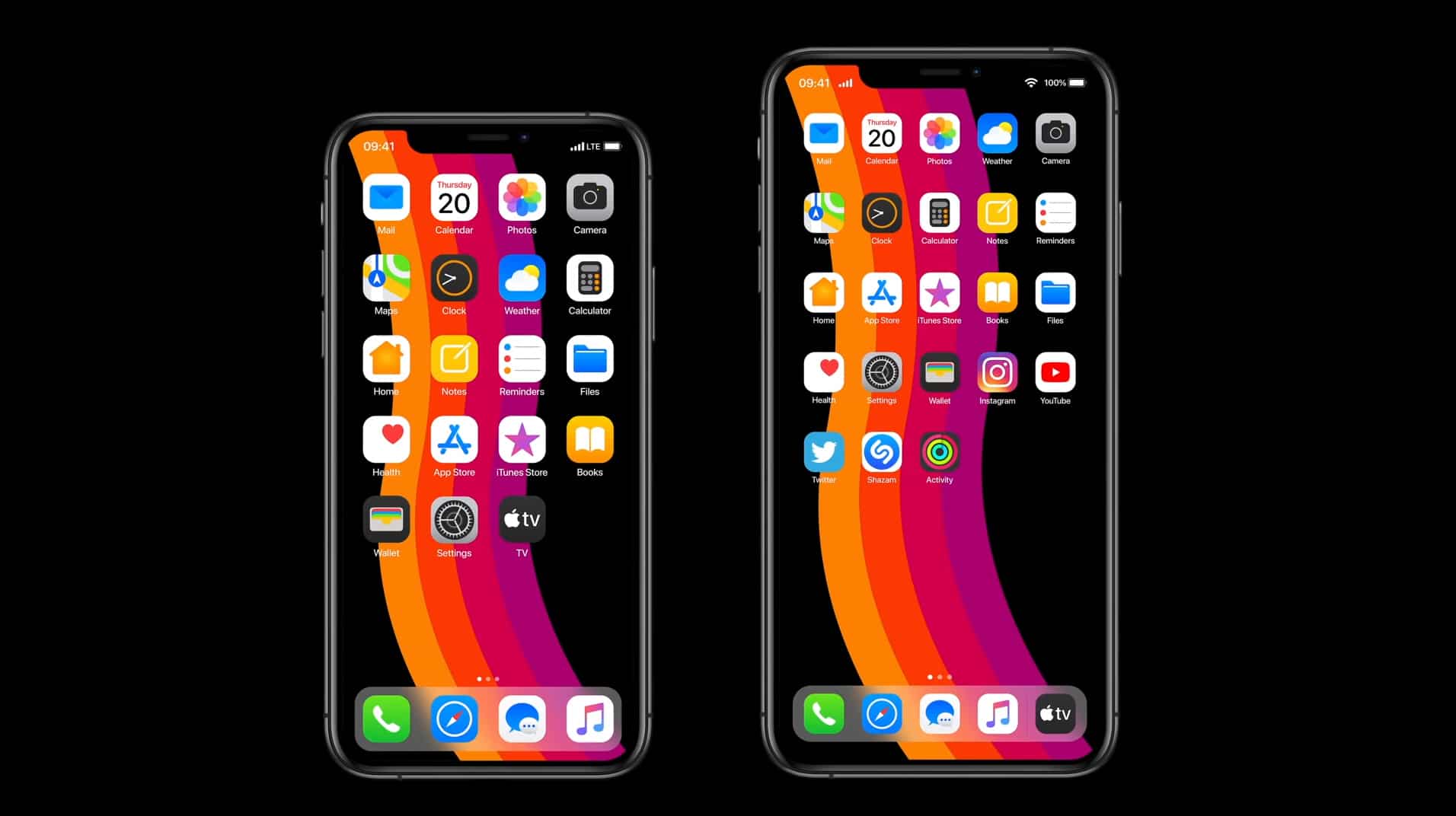
Hey Apple, this is how iOS 14 should look
Last June, as its WWDC in San Jose, California, Apple took the wraps off iOS 13, revealing many of the new features we were expecting see, as well as plenty of new additions we weren't. The standouts included a system-wide dark mode, better multitasking, advanced Photo and Camera features, the ability to securely sign into apps using Sign In with Apple, and an all-new Maps experience.
It will be a few months yet until we see what Apple has planned for iOS 14, but if you want a glimpse what the OS should look like we’ve got this stunning video to wow you. It takes everything we like about iOS 13, but improves on it significantly.