
You need much longer to test the new Windows 11 2022 Update (22H2) -- this secret trick will let you massively extend the rollback time
Microsoft recently released the Windows 11 2022 Update (22H2) followed by a 'moment' update which introduced new features to the OS, including tabs in File Explorer.
If you’ve been reading our coverage of the problems that users have found with the Windows 11 2022 Update you might be concerned about installing it, but don’t worry you can roll back the operating system to your previous build. There’s just one problem -- Microsoft only gives you 10 days to do this, which is hardly any time at all. We think you need longer, much longer, so we’ll show you how to extend this allowance to 60 days.
Best Windows apps this week
Five-hundred-and-thirteen in a series. Welcome to this week's overview of the best apps, games and extensions released for Windows 10 and 11 on the Microsoft Store and elsewhere in the past seven days.
Lots of important updates this week. Microsoft released the Windows 10 2022 Update, without mentioning its changes, and the first Moments update for the Windows 11 2022 Update. The latter introduced tabs in File Explorer and several other improvements.
Microsoft releases Windows 11 Build 25227, makes update restarts less annoying
Yesterday was a huge day for Microsoft as it not only released the first 'moment' for Windows 11 which introduced extra features to the operating system (including a tabbed version of File Explorer) but it also released the Windows 10 2022 (22H2) Update for its older OS.
Today it’s business as usual for Insiders in the Dev Channel who receive a fresh new Windows 11 test build to play around with.

Windows 11 vs. Windows 10 -- which is fastest? We have an answer
Microsoft is currently supporting both Windows 10 and Windows 11, even though it would prefer you to switch to the latter. Windows 10 is the most popular desktop operating system by some margin, but that doesn’t mean it’s the best one.
One thing that people are definitely swayed by is speed and gaming performance, and if you’re wondering which of the two operating system is fastest, we have the answer.
How to disable File Explorer tabs in Windows 11
The addition of tabs in File Explorer caused great excitement when Microsoft first talked about them. When the company released Windows 11 2022 Update last month, there was disappointment that the feature was not included. But with the release of the first 'moment' update for Windows 11 22H2, tabs are now rolling out to everyone.
For many Windows 11 users, this is great news, but what if you're really not a fan of the change? Here's how you can disable tabs in File Explorer.

Tabbed File Explorer finally arrives in Windows 11, along with other new features
Microsoft announced the availability of Windows 11 2022 (22H2) a month ago, but some of the promised new features, most notably an updated version of File Explorer with tabs, were missing from that release.
Microsoft did say these experiences would be "coming in October" and after a period of testing in the Release Preview Channel, they are now available to all users starting from today.
Microsoft releases out-of-band KB5020387 update to fix TLS handshake issues in Windows 11
It may be the middle of the month, but that hasn't stopped Microsoft releasing an important update for various versions of Windows, including the KB5020387 update for Windows 11.
The updates fix a TLS handshake issue that causes SEC_E_ILLEGAL_MESSAGE errors. In all, there are seven non-security updates available for Windows, Windows 8.1, Windows 10, Windows 11, Windows Server 2012 and Windows Server 2022.
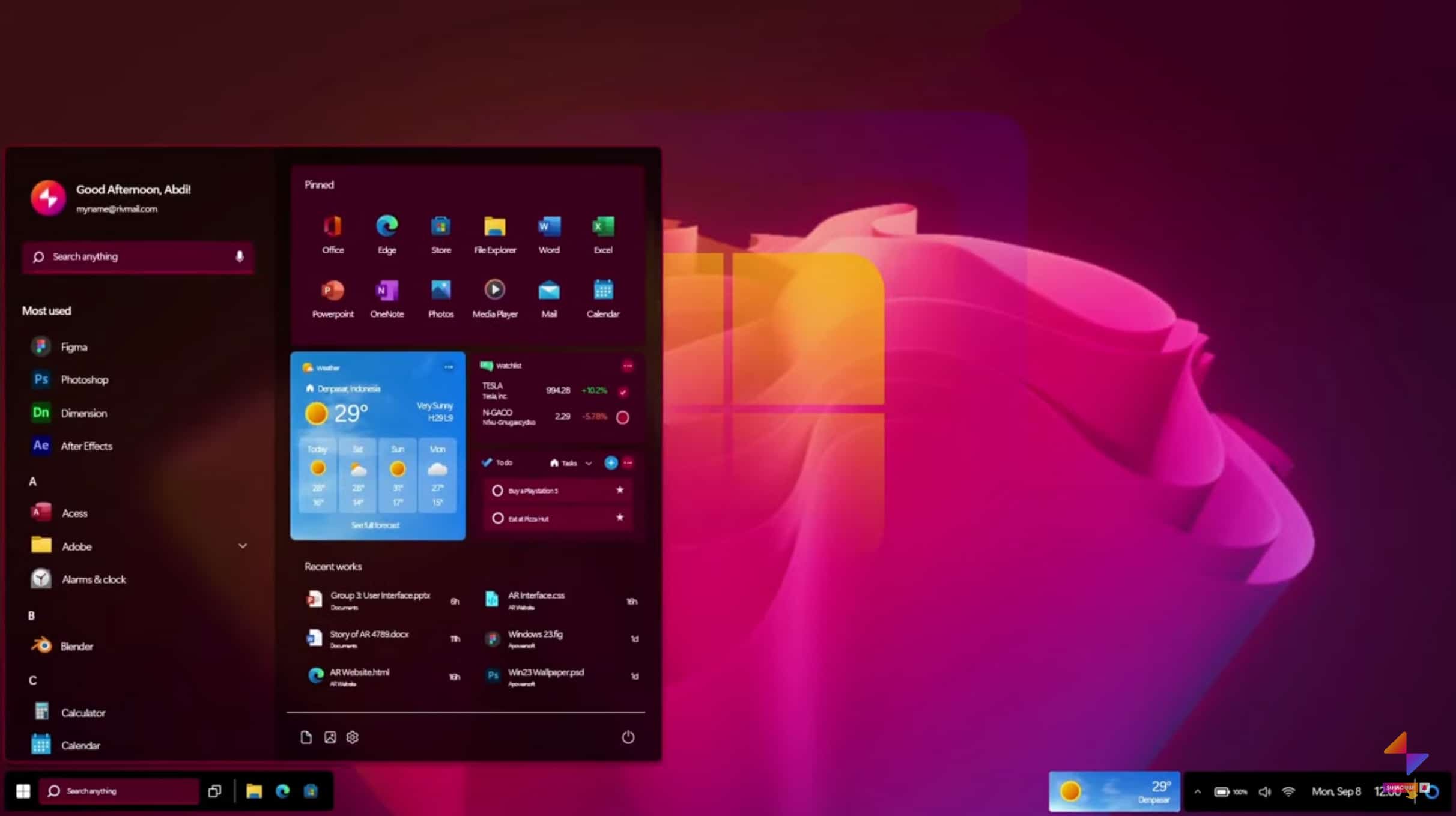
Windows 23 (2023) could be the perfect Microsoft operating system
Microsoft recently began rolling out the Windows 11 2022 Update, which makes the current operating system a lot more useful.
That doesn’t mean that people aren’t looking to the future, and what comes next for Windows. Late last year we heard that the software giant was already beginning work on Windows 11’s successor and if you were wondering how it might look, we have the answer.
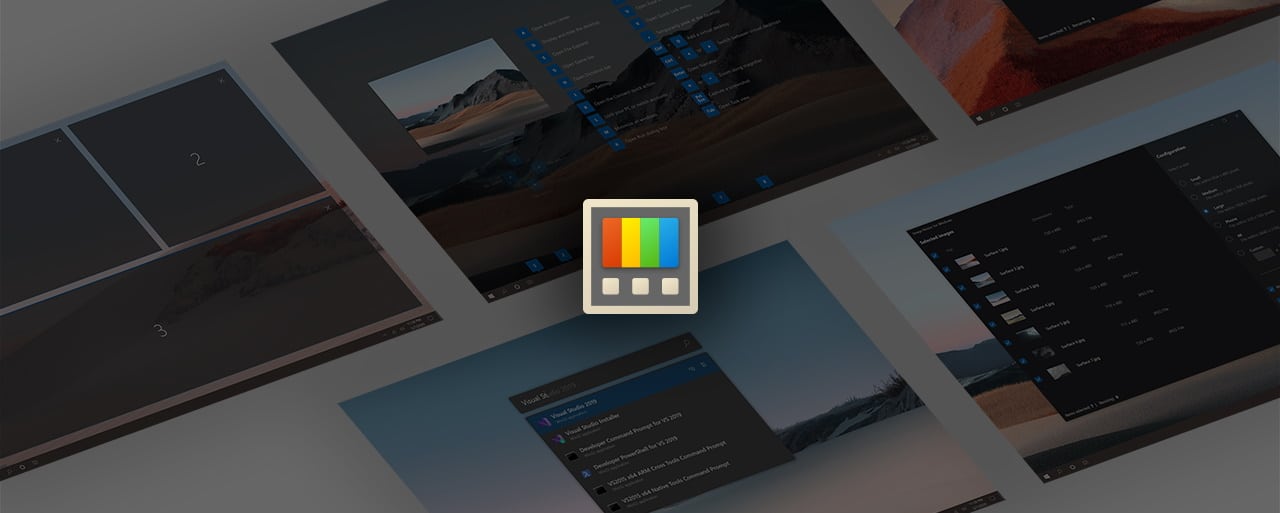
Microsoft is bringing a HOSTS file editor to PowerToys along with a settings backup option
In the latest version of PowerToys released by Microsoft earlier in the month -- version v0.63 -- perhaps the most notable change was the fact that the size of the installer had been dramatically reduced. While this was a welcome step, what most people are looking for is new features and options!
We already know that the PowerToys development team is working away on a new utility called File LockSmith that will reveal which processes are locking a files, but there is much more in the pipeline. What is there to look forward to? In addition to a tool for editing the HOSTS file, Microsoft is also planning to introduce the ability to backup PowerToys settings.
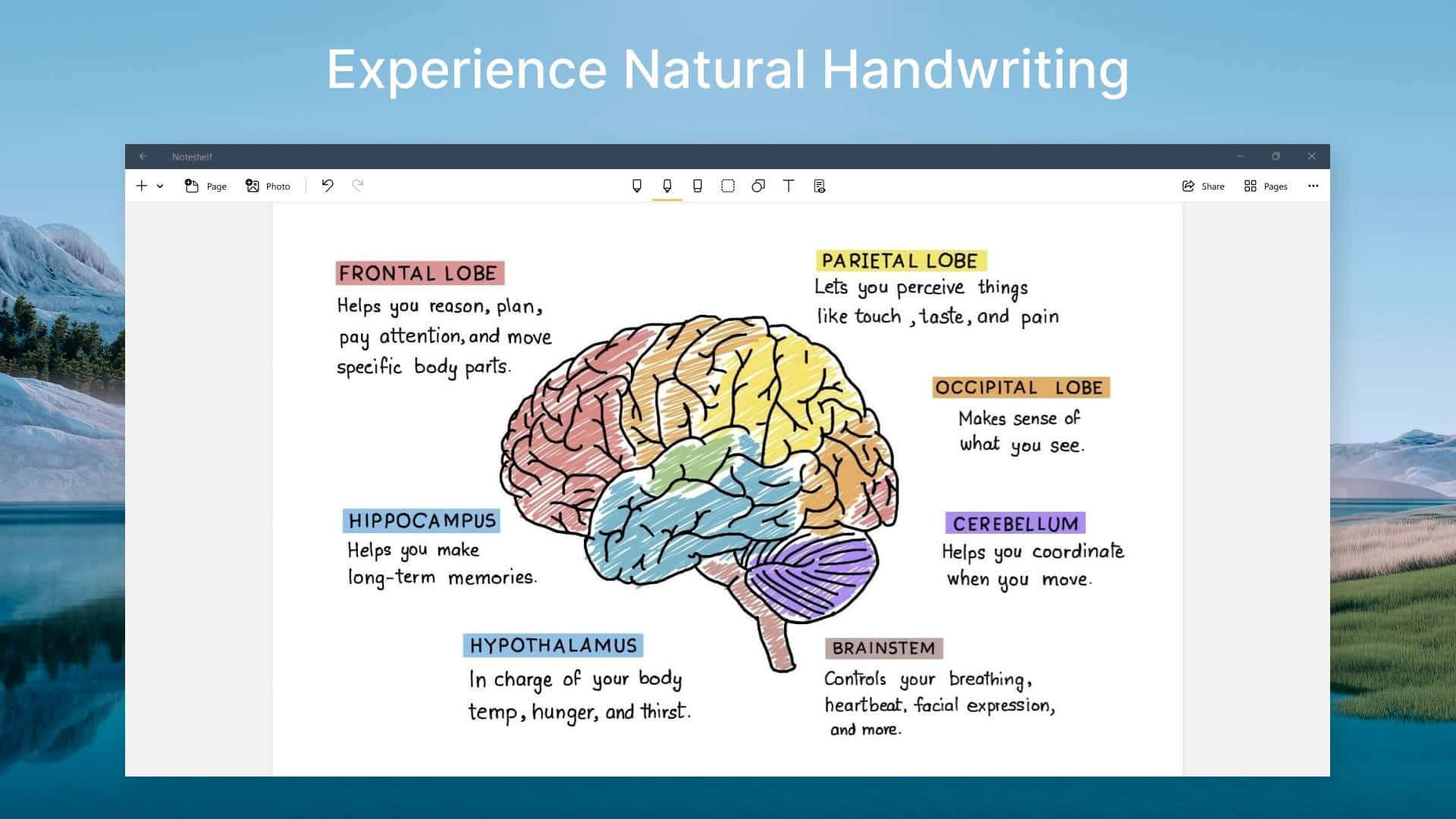
Best Windows apps this week
Five-hundred-and-twelve in a series. Welcome to this week's overview of the best apps, games and extensions released for Windows 10 and 11 on the Microsoft Store and elsewhere in the past seven days.
Microsoft unveiled an improved Snipping Tool at this week's Surface event. The updated application will support screen recording functionality when it is released. No word yet on the release date though.
Senior Program Manager at Microsoft reveals a great volume adjustment secret for Windows 11
While there has been some disappointment about the release of Windows 11 2022 Update because of certain features not being ready, there are some secret changes in the update that are just being revealed.
A great case in point is a new way to adjust the volume in Windows 11 22H2. The tip was shared on Twitter by Senior Program Manager at Microsoft, Jen Gentleman. Intrigued? Read on!
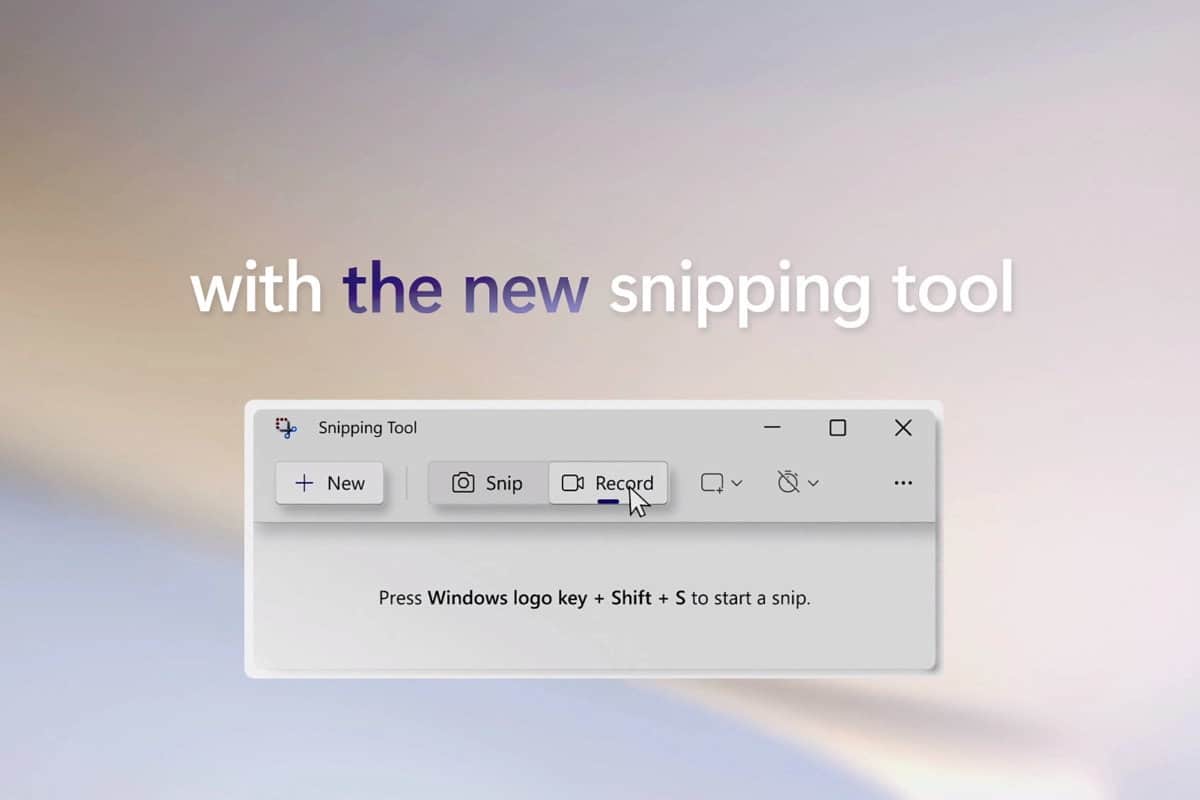
Microsoft is updating Snipping Tool to bring a proper screen recorder to Windows 11
We've written previously about how the Xbox Game Bar can be used as a screen recorder, but it doesn't work in all circumstances. At its Surface event yesterday, Microsoft quietly let it slip that Windows 11 is getting a proper screen recording tool.
Capturing a screenshot is incredibly simple thanks to the existence of the Print Screen key, but with the arrival of the Snipping Tool, Microsoft expanded the range of options available without the need for additional software. And next, the company is expanding the capabilities of Snipping Tool so that it can be used as a screen recorder, not just a screen capture utility.
Microsoft uses a series of Windows 11 tips to highlight what is new in Windows 11 2022 Update
It is now almost a month since Microsoft started the rollout of Windows 11 2022 Update. While there have been a number of issues standing in the way of some people upgrading, Microsoft is keen that people understand the benefit of installing the first major update to Windows 11 since it launched last year.
As part of this awareness drive, Microsoft has published an article filled with Windows 11 tips. In the name of numerical neatness, there are 11 tips in total, all focused on the new features and options of Windows 11 2022 Update -- or Windows 11 22H2 as it is also known.
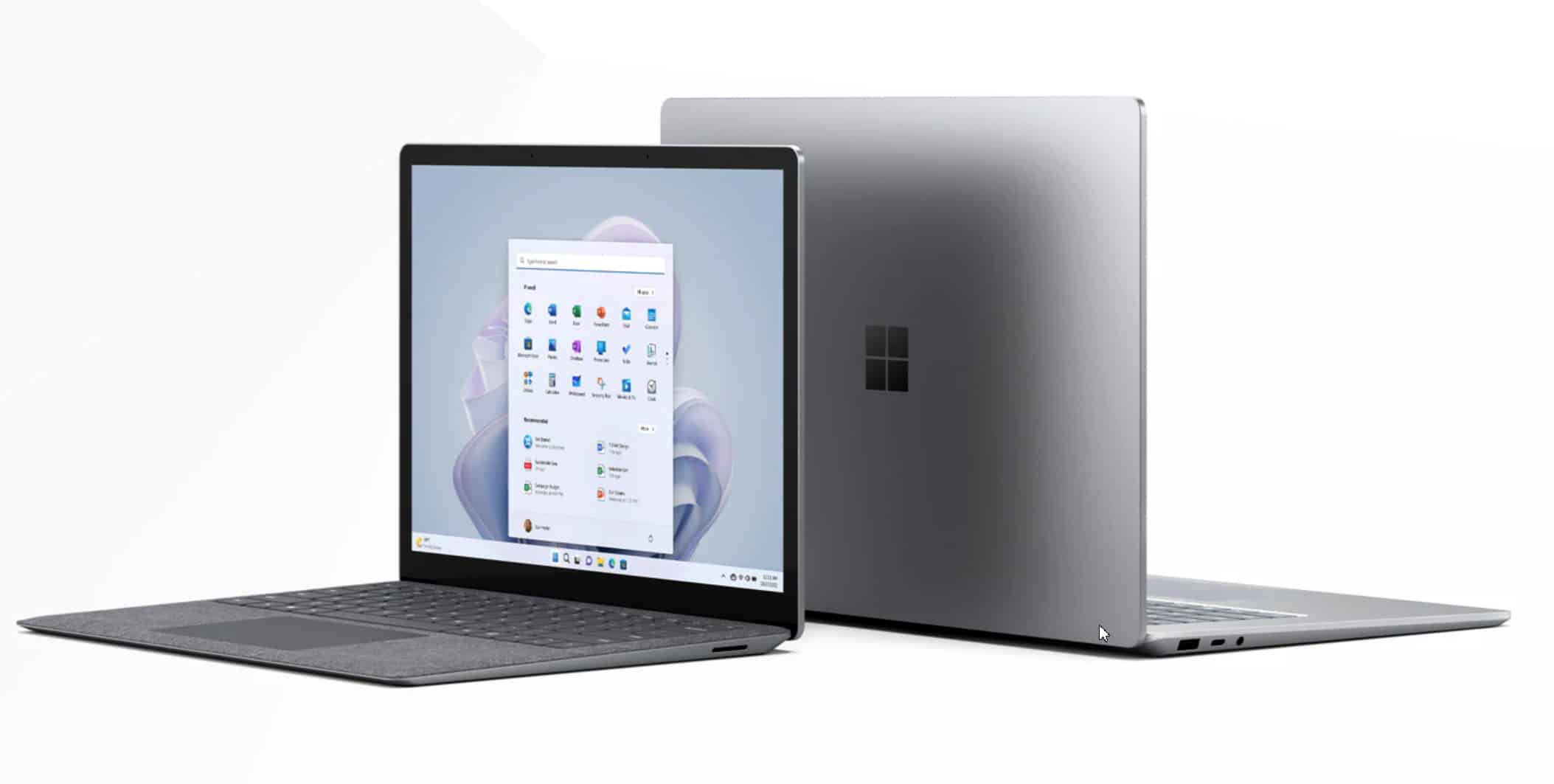
Microsoft's Surface Laptop 5 is faster, but that's about it
Earlier today, Microsoft unveiled the latest model in its Surface Pro range, the Surface Pro 9.
The company also debuted a new model of its Surface Laptop. The upgraded device comes with the latest 12th Gen Intel Core i5/i7 processor and Thunderbolt 4 and is now verified as an Intel Evo device, which Microsoft says means it’s over 50 percent more powerful than its predecessor. There's no AMD option this time around, unfortunately.
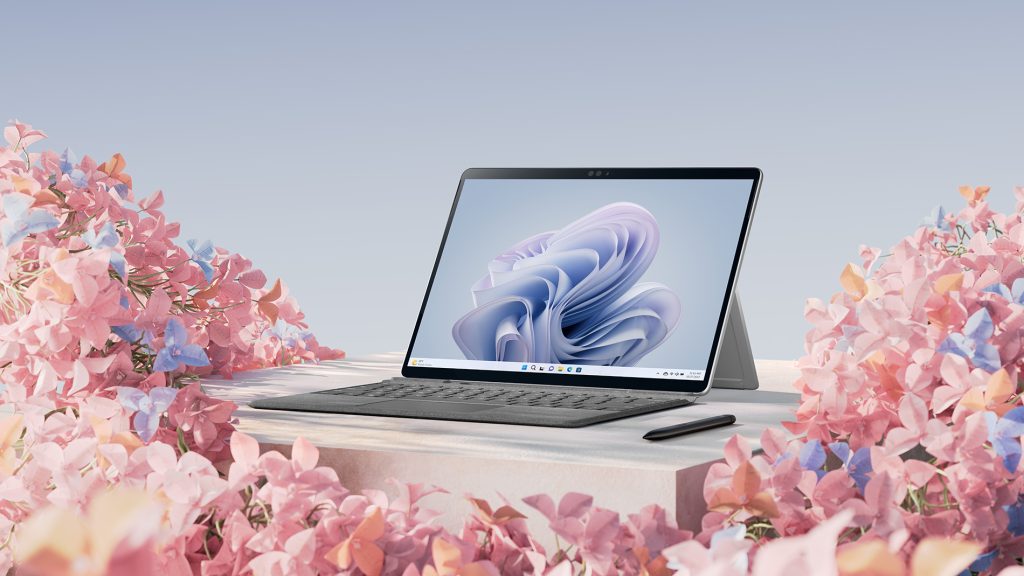
Microsoft's new Surface Pro 9 lets you choose between an Intel or Arm 5G processor
It’s been ten years since Microsoft debuted the original Surface Pro and while that launch was far from a huge success, the tech giant has continued to stick with the line, producing ever better devices.
Today sees the launch of the Surface Pro 9 and buyers of the updated 2-1 device have a choice of processors -- 12th Gen Intel Core processor built on the Intel Evo platform with Thunderbolt 4, or the Microsoft SQ 3 powered by Qualcomm Snapdragon with 5G connectivity.