Windows Copilot on a laptop

Microsoft releases Windows 11 Build 23560 with a useful new Copilot AI feature

The big new update for Windows 11 began rolling out last week. This introduces a wealth of new features to the operating system, chief of which is Copilot, Microsoft’s new AI-powered assistant.

This addition is still quite new, and so not without its problems, but Microsoft is working on improving it. Windows Insiders in the Dev Channel today get a new build which adds to Copilot's abilities. There are a number of known issues with Copilot to be aware of, however.
By Wayne Williams -
Windows 11 logo on a laptop

Windows 11 KB5030310 update is causing headaches for users with AMD graphics cards

Problems with Windows updates are incredibly common, and this is certainly the case with the monthly update previews Microsoft releases. The cumulative KB5030310 update brought with it not only the Windows Copilot preview, but also bugs for users with AMD graphics cards.

Although Microsoft is yet to confirm any problems relating to the KB5030310 update, it appears to be causing issues with AMD's Adrenaline configuration software. Users report "unexpected failure" messages as well as settings not being retained. Read on for a solution!

By Sofia Elizabella Wyciślik-Wilson -
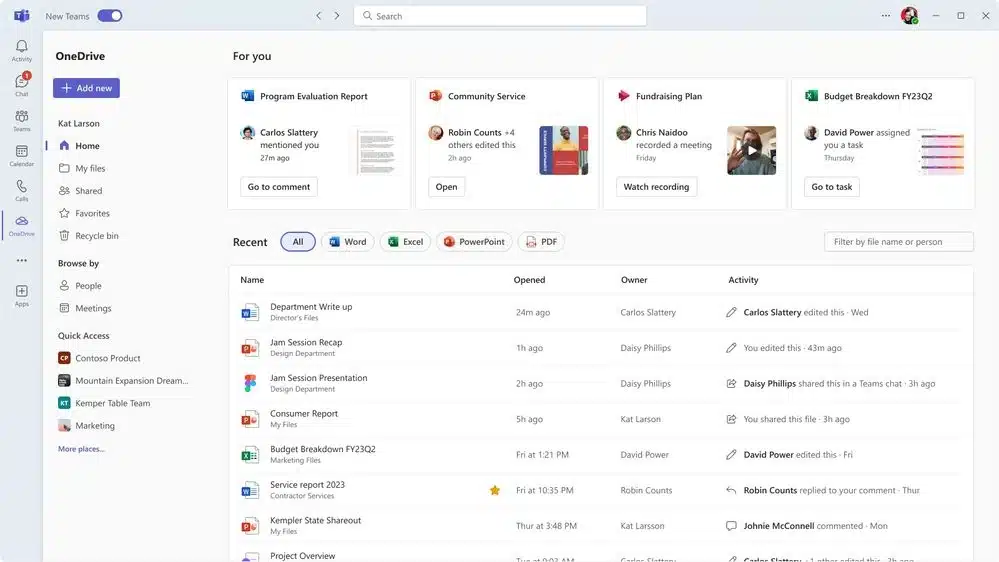
Third generation of Microsoft OneDrive

Microsoft unveils the next generation of OneDrive with a massive update of its cloud storage service

Microsoft is updating OneDrive as part of a major revamp of the cloud storage service. With the third generation of OneDrive, there are not only visual changes, but also new tools and features to use along with, almost inevitably, a dash of AI courtesy of Copilot.

Described as heralding the "future of file management”, Microsoft's OneDrive update includes a redesign home experience to help speed up finding what you need. File sharing has been simplified, there is better offline support, and there are numerous performance enhancements. What is currently rolling out is only the beginning; Microsoft promises even more tools and features soon.

By Sofia Elizabella Wyciślik-Wilson -
Copilot

Microsoft admits what many Windows 11 users already knew: Copilot is buggy

The current enthusiasm for everything to be injected with a dose of AI means that just about nothing is left untouched by artificial intelligence, and that includes Windows 11. 

Microsoft recently started the roll out of Copilot, its AI assistant, and it has received something of a lukewarm reception. Promising much but currently delivering little, the disappointment surrounding Copilot is heightened by the presence of various bugs -- especially for anyone who is reliant on Narrator.

By Sofia Elizabella Wyciślik-Wilson -
No-Copliot

How to remove Microsoft's new Copilot AI from Windows 11

Microsoft began to roll out its latest update for Windows 11 earlier in the week, and although this update comes with over 150 changes, the biggest addition is Copilot, the software giant’s AI-powered assistant.

While this is a handy feature that promises to be everything Cortana wasn’t, not everyone wants AI invading their copy of Windows. Thankfully, it’s easy to remove Copilot from your system.

By Wayne Williams -
Windows-Update

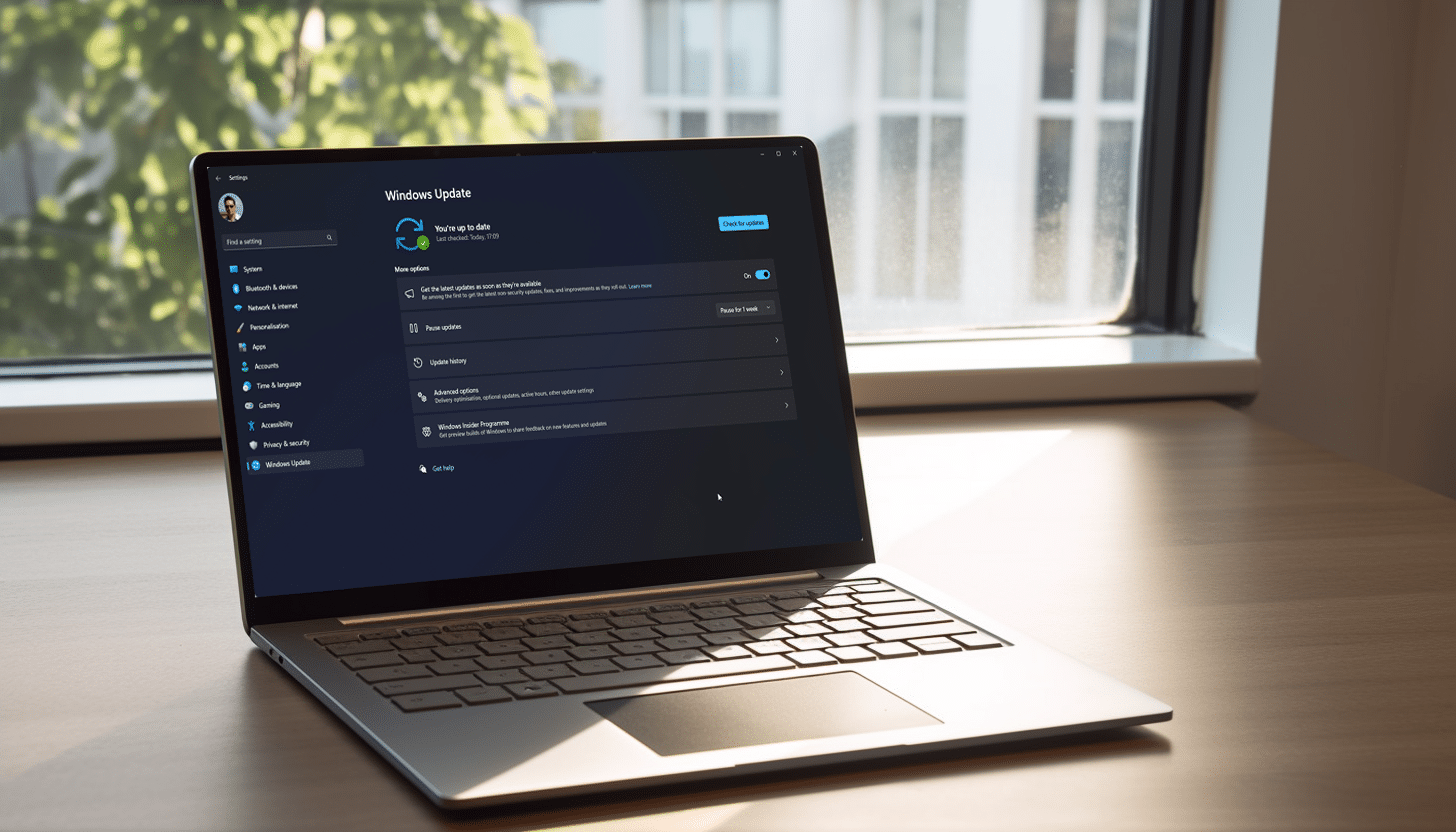
How to get the big Windows 11 update, with Copilot AI and other features

Today is a huge day for Windows 11 users, as it’s when Microsoft begins rolling out a major update for the new operating system, bringing the power of Copilot to Windows, as well as other new AI powered experiences to apps.

Provided you have a device running Windows 11 version 22H2, you can install these non-security updates -- there will be more than one -- as soon as they start to roll out.

By Wayne Williams -
Copilot in Windows 11

Microsoft makes important clarifications about this week's Copilot-touting Windows 11 update

There are big changes coming to Windows 11 this week as Microsoft starts the rollout of a huge update, as it announced at its recent Surface event.

Starting on September 26, the update will make features such as Copilot and passwordless security options available to users of Windows 11, but Microsoft has made a couple of clarifying points out it. Firstly, it is important to note that this update, although big and noteworthy, is not Windows 11 23H2 -- this is coming later in the year. But there's more.

By Sofia Elizabella Wyciślik-Wilson -
Windows Copilot on a laptop

Microsoft's massive Windows 11 update, featuring Copilot AI, begins rolling out on September 26th!

Although today's big Microsoft event was mostly supposed to focus on new Surface devices, the company devoted a lot of time to AI, which shouldn’t come as much of a surprise to anyone.

Copilot, Microsoft’s AI-powered companion, is coming to pretty much everywhere, including Windows 11, Bing, Edge, and Microsoft 365 Copilot. For Windows 11 users, that is huge news, and the feature is set to arrive from next week.

By Wayne Williams -
Windows 11 logo on a laptop

Microsoft is testing OS-level plugins for Windows Copilot in Windows 11

Windows Copilot -- Microsoft's latest AI tool -- may not seem groundbreakingly useful yet, but all of this is set to change. Microsoft is currently testing a series of plugins for the artificial intelligence-powered assistant that will make it a valuable asset for getting things done at OS-level in Windows 11.

Rather than simply being a glorified version of the new AI-driven Bing, Windows Copilot's plugins allow for tight integration with Windows 11. This means that users will be able to call on Copilot to change settings, interact with the operating system and apps, and much more. Importantly, by taking a plugin-based, modular approach, Microsoft is helping to ensure that Windows Copilot does not become a bloated behemoth.

By Sofia Elizabella Wyciślik-Wilson -
Windows 11 laptop

Microsoft releases Windows 11 Build 23506 with Windows Copilot Preview, new passwordless experience, and local file sharing improvements

Windows 11 Insiders in the Dev Channel have a new test flight to install today, and Build 23506 comes with a good number of fixes and improvements, as well as some new features.

Chief among the new additions is a passwordless experience with Windows Hello for Business (WHFB). This, Microsoft says, "provides organizations with a strong, phish-resistant credential, helping customers move to a passwordless future", and it's available to try now.

By Wayne Williams -
Clippy

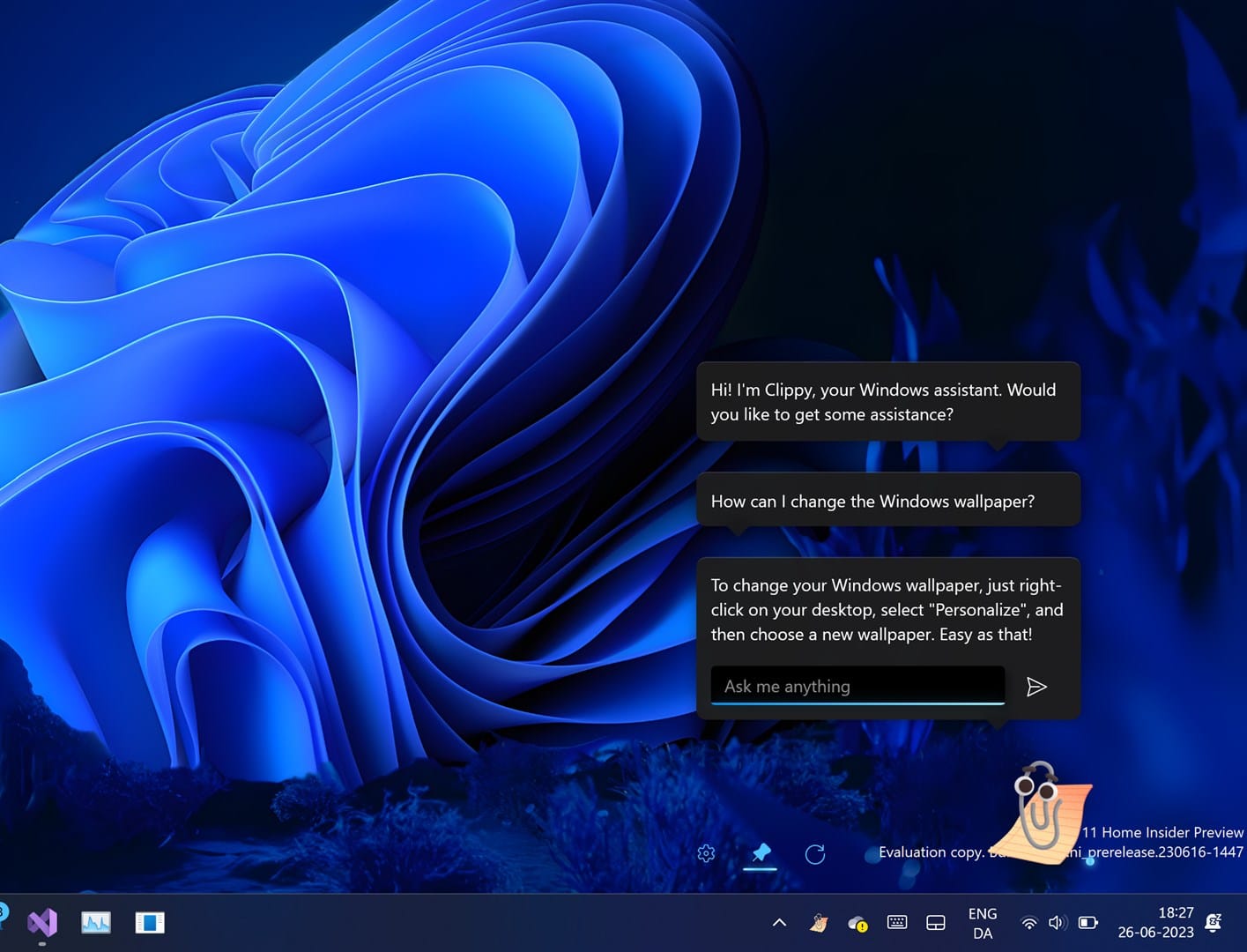
Forget Windows Copilot, what you really want is the new AI-powered Clippy

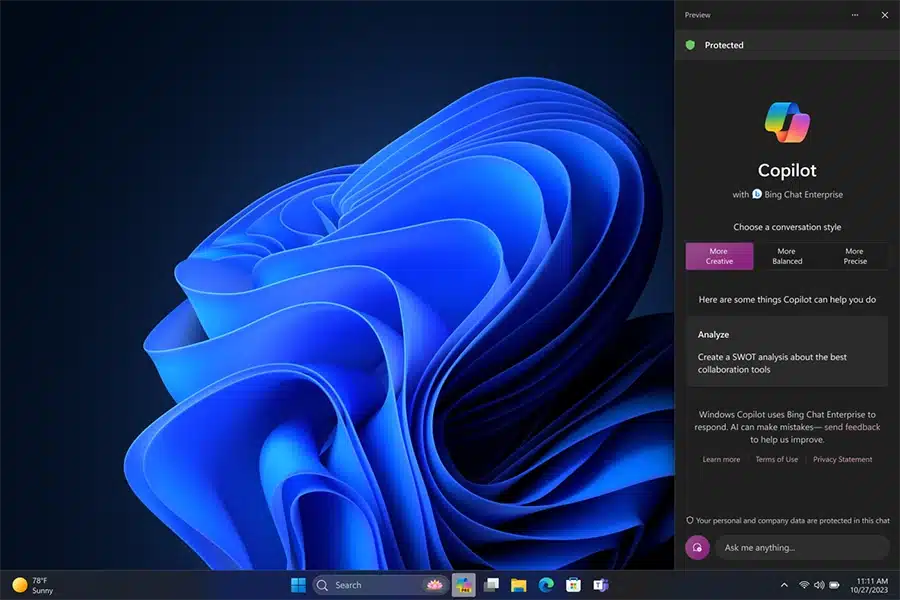
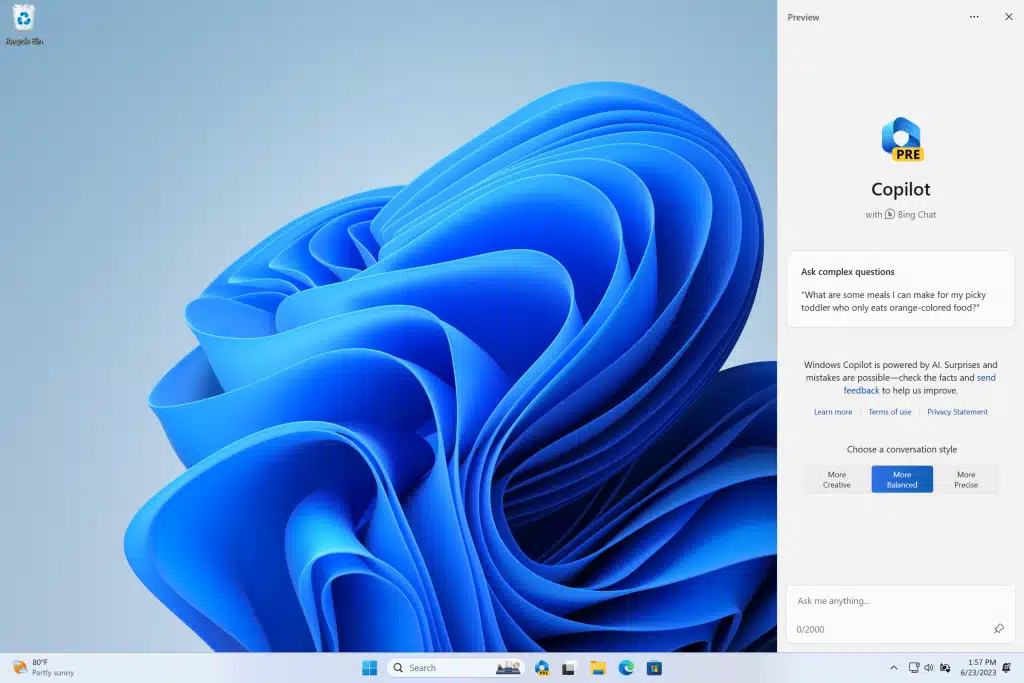
Yesterday, Microsoft made the first preview version of Copilot available for Windows 11 Insiders in the Dev Channel. This AI-powered feature appears as a docked sidebar on the right and lets users ask questions and perform actions, such as take a screenshot or turn on do not disturb.

Copilot is unquestionably the future of Microsoft's operating system, and will likely be a major part of Windows 12, but there are other AI tools on offer, including a modern take on Microsoft's ancient Office assistant, Clippit (more commonly called Clippy).

By Wayne Williams -
Copilot

Microsoft begins rolling out its AI-powered Copilot for Windows 11

Back in May, at its Build developer conference, Microsoft announced a new Copilot feature which is designed to bring the power of AI to Windows 11.

At the time, the company said that the feature would be made available in preview form in June, and today it finally arrives for Windows Insiders in the Dev Channel. To try it out, you will need to be running Build 23493 and Microsoft Edge version 115.0.1901.150 or higher.

By Wayne Williams -
Microsoft Loop

Collaborative working app Microsoft Loop is now available in public preview

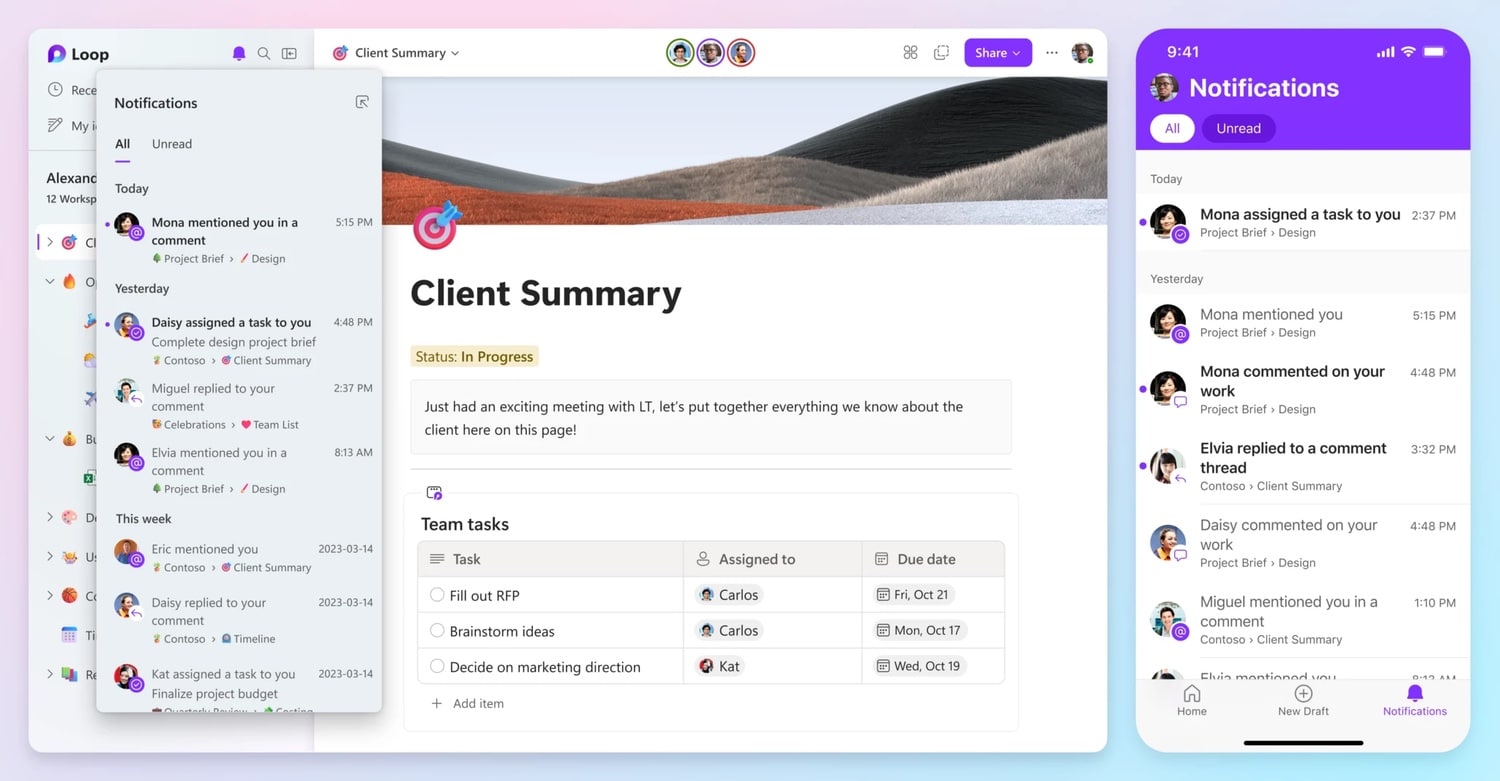
Microsoft has announced the availability of a public preview of its new collaborative working app, Loop. The public launch follows a period of private previews with enterprise customers.

Microsoft Loop is available on the web, as well as for iOS and Android, and it allows teams to work together in shared workspaces that integrate neatly with Microsoft 365 apps. The app competes with the likes of Asana and Notion and has been in development for a couple of years. As you might expect, there is a dash of AI thanks to Microsoft 365 Copilot's support for Loop.

By Sofia Elizabella Wyciślik-Wilson -