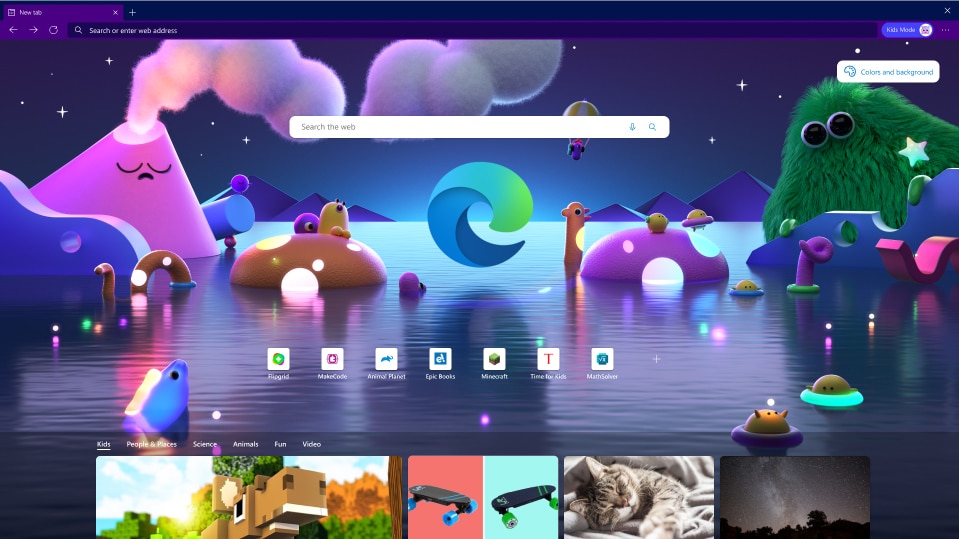
Microsoft adds Kids Mode to its Edge browser -- Here's how to launch it
Yesterday, Microsoft released two new updates for Windows 10 that, among other things, killed off the legacy Edge browser. There’s no question that the Chromium-based successor to that browser is a huge improvement, and today the software giant makes it even more useful for families.
The new Microsoft Edge Kids Mode gives parents more peace of mind when their offspring are browsing the web, which is great news as children are online more than ever these days.
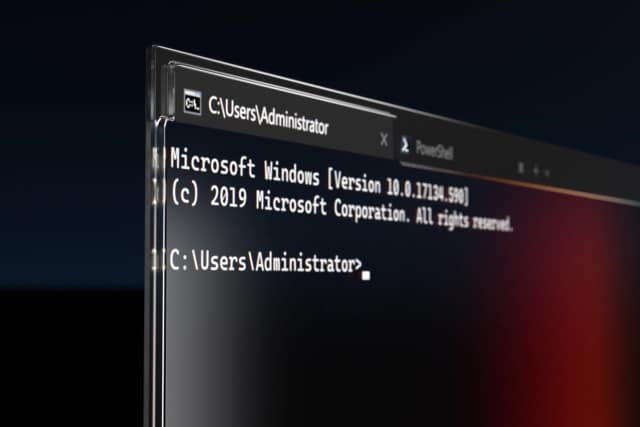
Microsoft pushes improved Windows Terminal 1.7 to the stable channel
After a period of testing, Microsoft has now launched the stable version of Windows Terminal 1.7. There are various notable changes in this release, particularly the arrival of a proper UI for editing settings.
The idea behind the introduction of a settings user interface in Windows Terminal v1.7.1033.0 is that it makes life a great deal easier for anyone who is not familiar or comfortable with JSON file tinkering. Significant as this is, it is not the only change to be found in this new stable release.
Microsoft is making Windows 10's Timeline feature far less useful
With the release of the latest insider preview of Windows 10, Microsoft has made a key change to the way the Timeline feature works. The idea behind Timeline was to not only provide a web browser-style history option for general computing activities, but to synchronize this history across devices via the cloud.
Now Microsoft has decided that the cross-device synchronization side of things is not needed, and the company is getting rid of what was arguably the most useful feature of Timeline. While currently only deprecated in the Windows 10 Build 21359 preview, this is a change that will ultimately roll out to all Windows 10 users.
Microsoft releases Windows 10 Build 21359 with changes, improvements and fixes
It’s Wednesday, so that usually means a new Windows 10 build for Insiders on the Dev Channel, and this week is no exception.
There aren’t any major new features in Build 21359, but there are quite a few changes and improvements to report.
Microsoft issues KB5001330 and KB5001337 updates for Windows 10, killing off legacy Edge
The writing has been on the wall for legacy Edge in Windows 10 for quite some time. Now, with the release of this month's updates for the operating system, Microsoft has finally pulled the trigger.
With the release of the KB5001330 and KB5001337 update for Windows 10, Microsoft has forcibly removed the old version of Edge and replaced it with the newer Chromium-based version of the browser.
Microsoft fixes a mass of serious flaws with the latest Windows 10 updates -- but what has it broken this time?
Another Patch Tuesday has rolled around, and this month sees Microsoft releasing a bumper crop of update for Windows 10. In all, April's updates address a total of 108 flaws, 19 of which are considered Critical.
Four of the critical flaws are Exchange vulnerabilities discovered by the NSA, and there are also fixes for no fewer than five zero days. The patches also include fixes for an incredible 89 Important issues.
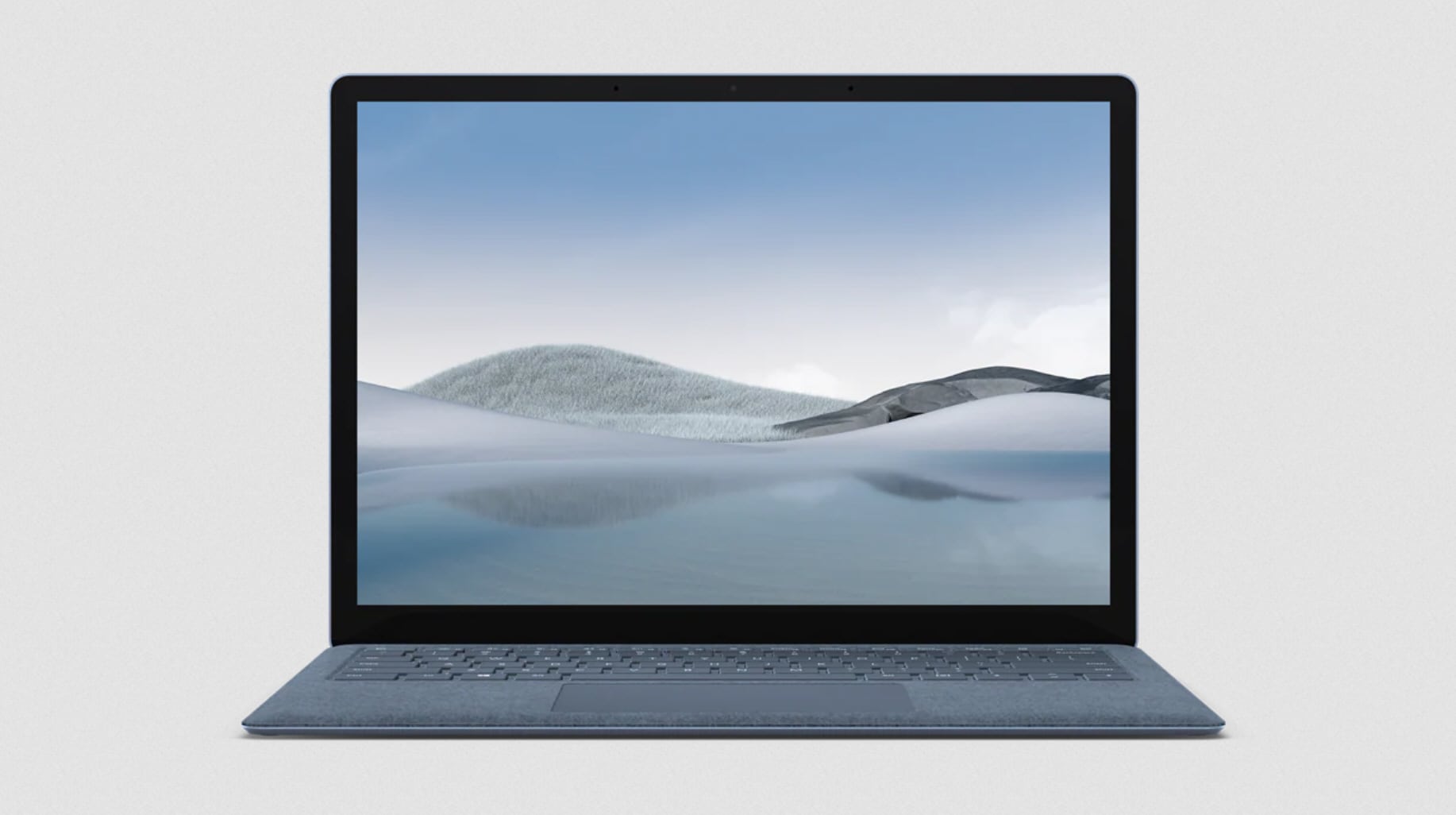
Microsoft launches Surface Laptop 4 with a choice of Intel and AMD processors
If you’re in the market for a new Windows 10 laptop, then Microsoft’s latest hardware release could be of interest.
The new Surface Laptop 4 comes with either a 13.5" or 15" PixelSense touchscreen display, and for the first time you can choose between Intel 11th Gen Intel Core processors or AMD Ryzen Mobile Processors with Radeon Graphics.
Microsoft adds new Windows Tools to Windows 10 for tweakers and administrators
For power users looking to customize, personalize, optimize and control Windows 10, there are lots of tools available in the operating system. The problem is that they are spread out across multiple locations which can mean a lot of traveling back and forth.
Microsoft is changing this with the introduction of a new Windows Tools folder which brings together elements of the Control Panel, Administrative Tools and more.

Tackling the social engineering bonanza caused by the Microsoft Exchange hack [Q&A]
In early March, Microsoft disclosed that Chinese hackers had exploited software vulnerabilities in Microsoft Exchange on-premises servers to gain access to the email accounts of thousands of Microsoft customers.
While these companies are now laser-focused on deploying patches and other security measures to remediate the vulnerabilities in their email software, Josh Douglas, VP of product management -- threat intelligence at Mimecast, believes these technical fixes will only go so far.

Microsoft kills off its Windows 10 Translator app
Although the Microsoft Store is home to loads of Windows 10 apps, there aren’t many truly great ones available to download. The biggest problem is programs (legacy apps as Microsoft likes to call them), which are typically found elsewhere, are often better and more powerful. And there are also web apps that are just as capable as many Windows 10 apps but don’t require installation.
It’s no surprise therefore that developers don’t go out of their way to create apps for the Microsoft Store. Of those that have given it a try, many have ceased development because the demand just isn’t strong enough. You’d think Microsoft would continue to develop apps for its own platform, but even it knows when it's time to pull the plug.

Microsoft launches a public preview of the 64-bit version of OneDrive
It has been a very, very long time coming, but Microsoft has finally decided to dole out some 64-bit loving to OneDrive.
The company has announced the availability of a public preview version of the 64-bit OneDrive sync client for Windows. For anyone running the 64-bit version of Window, making the switch makes complete sense thanks to improved performance and better handling of large files. The bad news for now is that there is no 64-bit ARM version available, only one for x64-based systems.

How to add Windows 10 version information to your desktop
If you run an Insider version of Windows 10, you’ll see a watermark on the bottom right-hand side of the desktop showing the version of Windows you’re running and the current build number.
This makes it easy to see which build you’re on, so you’ll know whether or not you’re up to date.
Microsoft releases Windows 10 Build 21354 with new personalization options for 'News and interests'
Due to some issues, Microsoft didn’t roll out a Dev Channel build to Insiders last week, but the bugs have been overcome and today a new build arrives, and this one sees a branch name change in the watermark at the lower right corner of the desktop.
Build 21354 comes from the CO_RELEASE branch, and the first additions to this flight are new personalization options for the 'News and interests' feed on the taskbar.
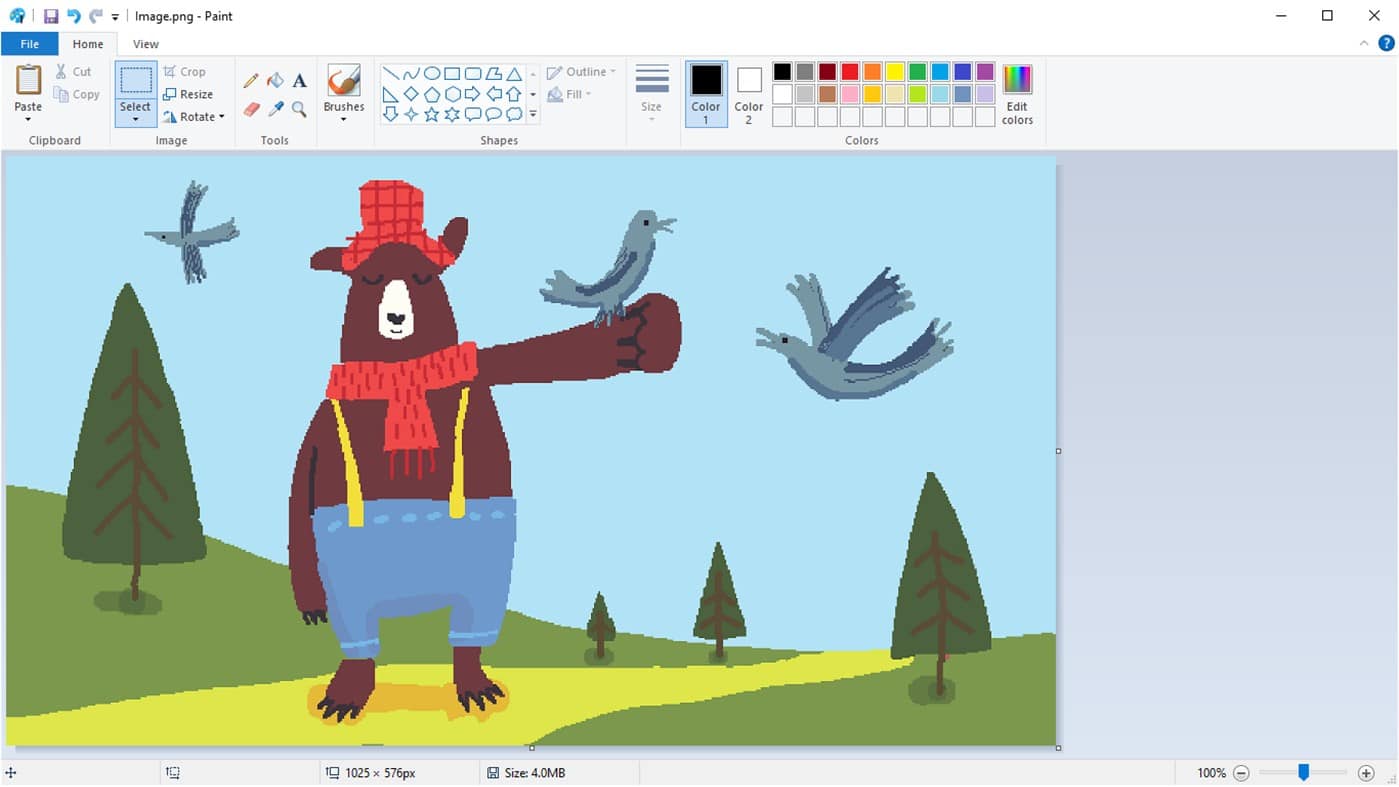
Paint will soon be available to download from the Microsoft Store
Four years ago, Microsoft announced plans to kill off Paint, a fixture of Windows since the operating system’s first release back in 1985. There was a huge outcry at the news and Microsoft eventually backtracked, stating its simple graphics program would live on, but in the Microsoft Store.
Paint failed to materialize in the Store after the announcement however, and two years ago the app was given a stay of execution, with Microsoft stating it would continue to remain part of Windows for the foreseeable future.
Microsoft previews its open source Java distribution for Windows, macOS and Linux -- Microsoft Build of OpenJDK
Microsoft has launched a preview version of its own distribution of Java, making it available for Windows, macOS and Linux. The company has named the release Microsoft Build of OpenJDK, and describes it as its "new way to collaborate and contribute to the Java ecosystem".
The company has made available Microsoft Build of OpenJDK binaries for Java 11, which are based on OpenJDK source code. Microsoft says it is looking to broaden and deepen its support for Java, "one of the most important programming languages used today".