
This big Oreon 10 update might be the push you need to finally leave Microsoft Windows behind
If you’re thinking of leaving Windows 10 or 11 but aren’t quite sure if you’re ready to jump ship permanently, the good news is you can try some excellent alternative operating systems without commitment, using tools like VMware Player. One of our top recommendations is the stunning Oreon 10.
We declared it had "arrived to replace Microsoft Windows" when it launched last December, but since then the OS has received a number of improvements, and a new build has just been released that makes Oreon 10 an even more compelling alternative.
Best Windows apps this week
Six-hundred-thirty-eight in a series. Welcome to this week's overview of the best apps, games and extensions released for Windows 10 and Windows 11 on the Microsoft Store and elsewhere in the past seven days.
Microsoft announced the end of the Remote Desktop app for Windows this week. The app, which is available as a Microsoft Store download, is being replaced by the Windows App for Windows. The change appears a bit hurried, as some features are not supported by the new app yet, but there are workarounds.

Microsoft admits that a recent Windows update may have made your printer act erratically
If your printer has been spontaneously printing at random, you’re not alone – and you can almost certainly blame a wonky Windows update from Microsoft.
The company has acknowledged a strange print issue affecting some users of Windows 10 and Windows 11 who installed recent updates for the operating systems. The peculiar behavior affects USB connected dual-mode printers that support both USB Print and IPP Over USB protocols and Microsoft has been forced to resort to a Known Issue Rollback (KIR).
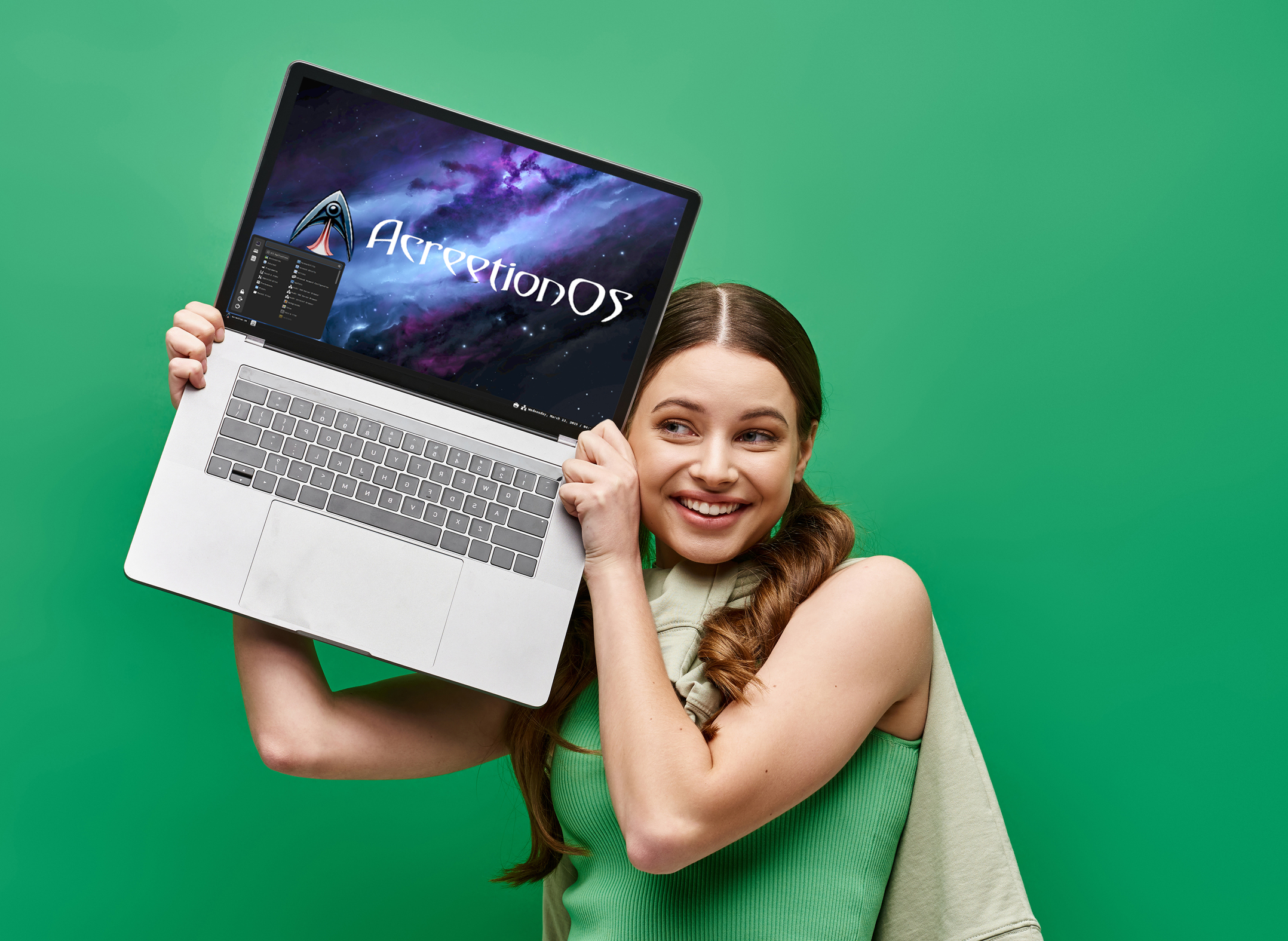
'It just works': AcreetionOS is the easy-to-use alternative to Windows 10/11 -- switch to it now
The developers behind AcreetionOS have a few questions for you. “Have you been wanting to switch away from Windows? Are you looking for something that just works?” If the answer to both of those is yes, their brand new operating system might be just what you’re after.
We’ve been using the Arch Linux based AcreetionOS for a few days now, and while the user interface could use a bit of polish (it’s still very new, so that’s understandable), it’s a solid OS that’s easy to use and, yes, it really does just work.
Microsoft is killing off the Remote Desktop app and replacing it with something with known limitations
Microsoft has announced that it is pulling the plug on the Remote Desktop app. In just 6 weeks, the app will not only no longer be supported, it will also not be available to download from the Microsoft Store.
But Microsoft is not completely abandoning people who need to be able to remotely access systems -- it is replacing the Remote Desktop app with the Windows App. While the company is quick to point out the extra things Windows App can do when compared to the Remote Desktop app, it concedes that it is not a replacement tool and there are limitations.
Microsoft recommends using Word as an alternative to Publisher despite admitting it’s not up to the task
In around a year and a half, the beloved DTP app Microsoft Publisher is reaching the end of its life. When October 1, 2026 rolls around, Microsoft will no offer the software or provide support for it. The company has some advice about what to do next.
If you were planning to just continue using it regardless, you may have to think again. Unless you’re using a very old copy of Publisher, the app will simple stop working. Microsoft warns that paying “Microsoft 365 subscribers will no longer be able to open or edit Publisher files in Publisher”. The solutions and alternative options suggested by the company are, frankly, laughable.

Get 'Excel Power Moves' for FREE and save $14.99!
From powerful formulas like SUMIF to dynamic arrays, Excel Power Moves equips readers with tools to streamline data management and boost productivity.
This book will help you learn to create hyperlinked table of contents, automate tasks, and uncover hidden features that transform your workflow. The guide also explores formatting tricks and VBA shortcuts for building efficient processes.
Best Windows apps this week
Six-hundred-thirty-seven in a series. Welcome to this week's overview of the best apps, games and extensions released for Windows 10 and Windows 11 on the Microsoft Store and elsewhere in the past seven days.
Microsoft released a new version of its Copilot app on Windows to the Microsoft Store for Insiders. This one, finally, is a native application and no longer a progressive web app. May take some time before it lands on stable though.
Microsoft is ready to create more annoyance by rolling out OneDrive ads to Office users
Looking for another reason to shake a fist at Microsoft? How do you feel about a new batch of unwanted prompts in Microsoft 365?
Search no more! This very reason is about to materialize in Word, PowerPoint and Excel as Microsoft starts to pester users to back up their files to OneDrive. By May, but perhaps as early as this month, you could find that you’re hit with ads badgering you to add files to Microsoft’s cloud storage service.
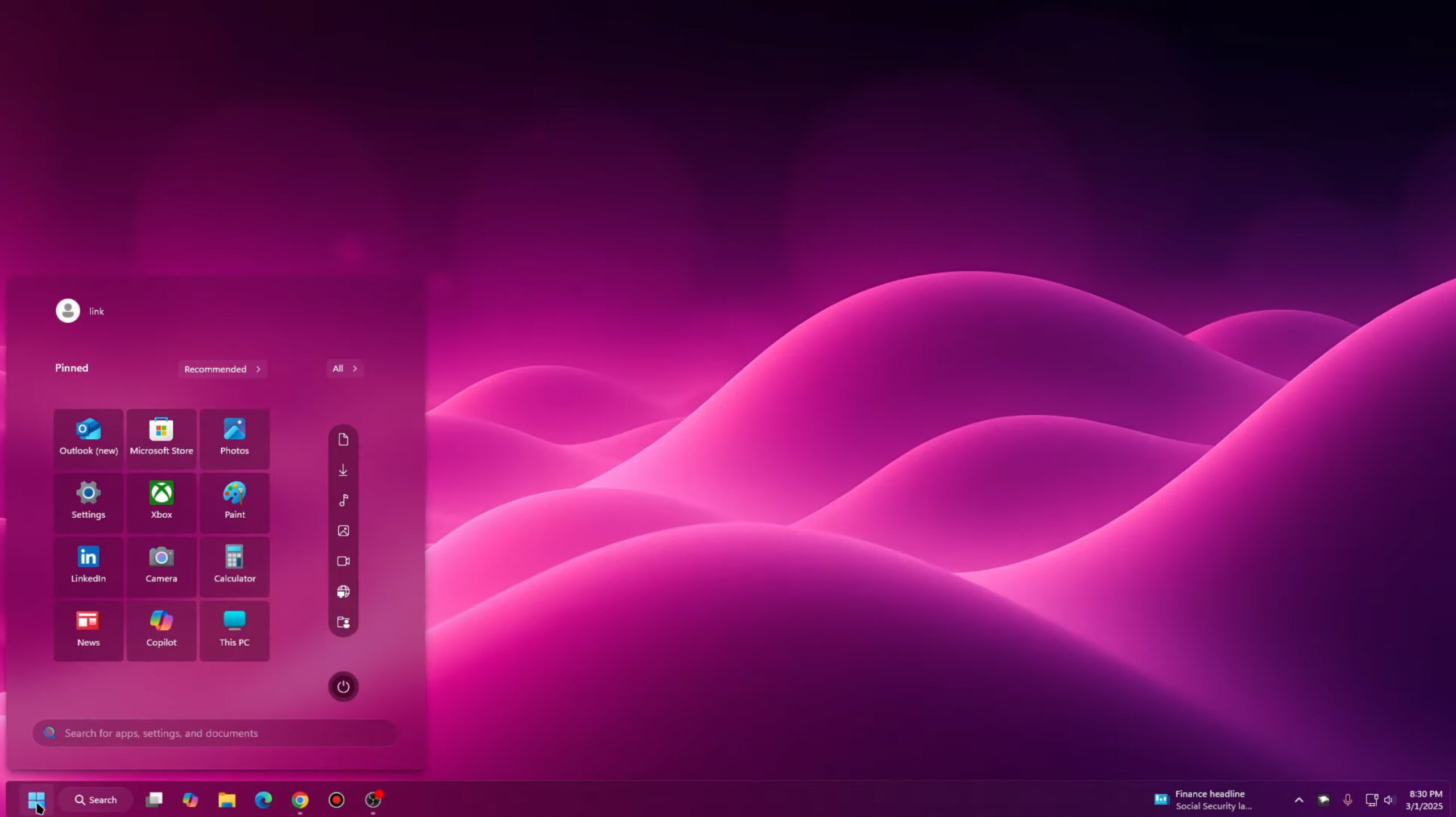
Windows 20 is the upgrade Windows 11 should have been -- download it now
With Windows 11, Microsoft tried to make the new OS look different from Windows 10, mainly by centering the taskbar and Start menu. This wasn’t the most popular change for a lot of people.
As we’ve covered before, there are a good number of third-party tools that you can use to put the Start menu and taskbar back to how they were, as well as tweak other areas of the newest operating system, including improving icons and updating File Explorer.

Microsoft adds incredible audio and video file conversion tools to PowerToys v0.89.0
As promised recently, Microsoft has released PowerToys v0.89.0 complete with new features. While there are no brand-new modules this time around, exiting utilities have been given amazing new capabilities, not least of which is Advanced Paste.
While you might think of copying and pasting as being related to text and images, the PowerToys development team has applied it to media files. What does this mean? It means the arrival of easy-to-use media transcoding so you can covert audio and video files into different formats. This PowerToys release also has exciting hints of what is to come.
Best Windows apps this week
Six-hundred-thirty-six in a series. Welcome to this week's overview of the best apps, games and extensions released for Windows 10 and Windows 11 on the Microsoft Store and elsewhere in the past seven days.
One option for Windows 10 users who do not want to pay Microsoft for extended support is to switch to Linux once Microsoft's operating system runs out of support. Linux veteran Brian suggests to try a dual boot or VM instead at the beginning, to test the waters.
Install the KB5052093 update for Windows 11 to gain taskbar file sharing, Explorer improvements, and endless bug fixes
It's that time of the month when Microsoft releases preview versions of next month’s updates for Windows. For the eager -- and brave -- they provide a way to get early access to new features and options as well as fixes for problems.
Windows 11 users now have the KB5052093 update to download and install if they want to jump in ahead of Patch Tuesday, and this is a nice little update that not only patches a bunch of bugs, but adds a tasty selection of new bits and pieces. A highlight is the ability to use a single webcam in multiple apps.
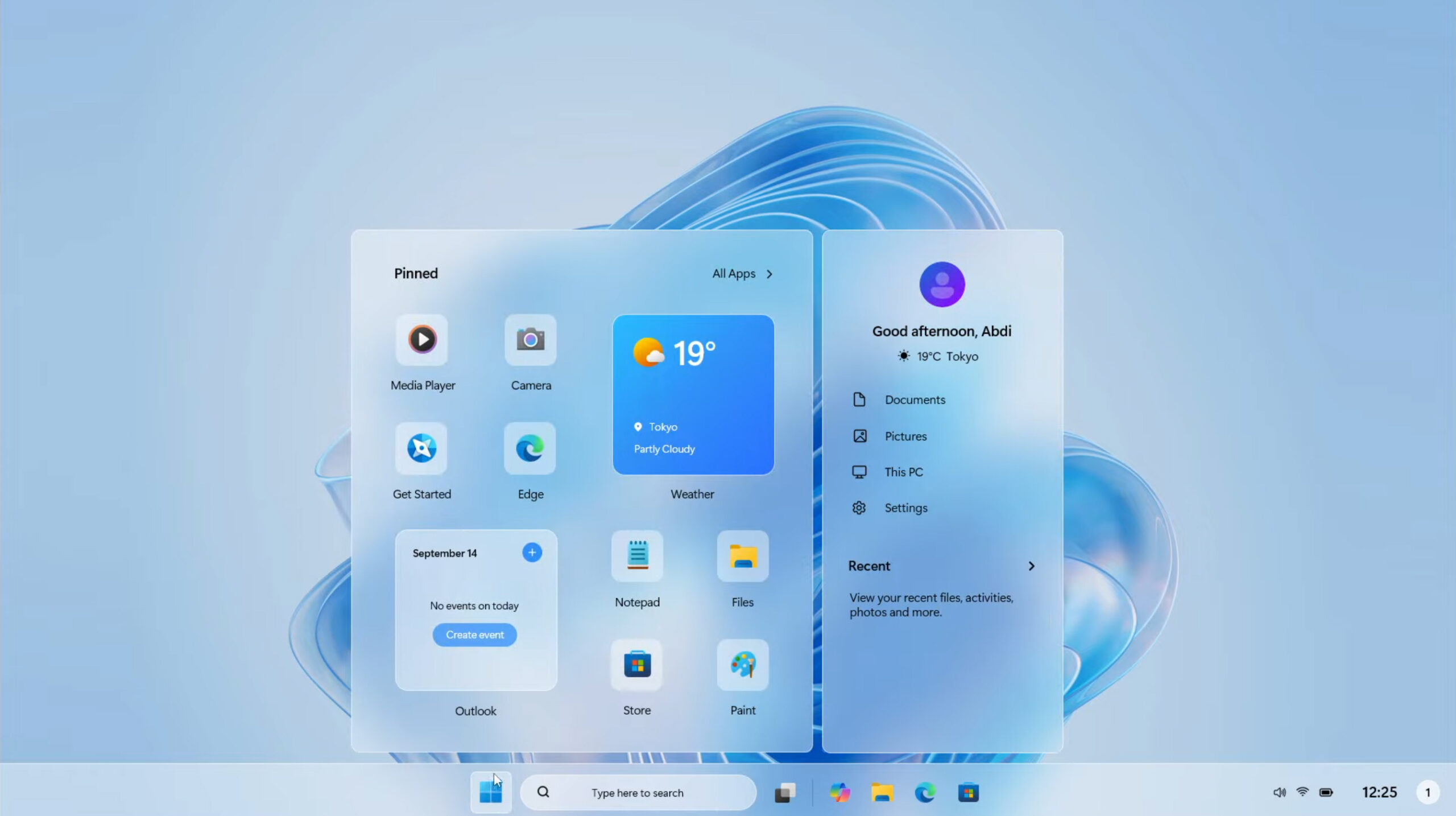
Forget Windows 12, Windows 11 2025 Edition is the Microsoft operating system we need!
Every so often, we hear rumors about Microsoft’s next operating system, widely expected to be called Windows 12. The tech giant has been keeping quiet about its future plans, preferring instead to continue to update Windows 11, adding more AI features, and deprecating functionality it thinks we no longer need.
Although plenty of people still prefer Windows 10 to its successor, Windows 11 will be the only game in town in a matter of months when the older OS comes to its end of life later this year. Windows 11 isn’t bad -- far from it -- but it could be better, as evidenced by Windows 11 2025 Edition.

You can get Office apps for free if you're willing to opt for an ad-supported Microsoft 365 subscription
The gradual move towards a subscription-based model for software payments has been continuing for a number of years now -- and the costs can soon add up. For anyone who is looking for ways to make things a bit less of a strain on their wallet, Microsoft has come up with a solution -- ad-supported versions of its Office apps.
If you are happy to endure advertising in the likes of Word and Excel, you can opt for a free Microsoft 365 subscription. Sadly, ads are not the only catch.