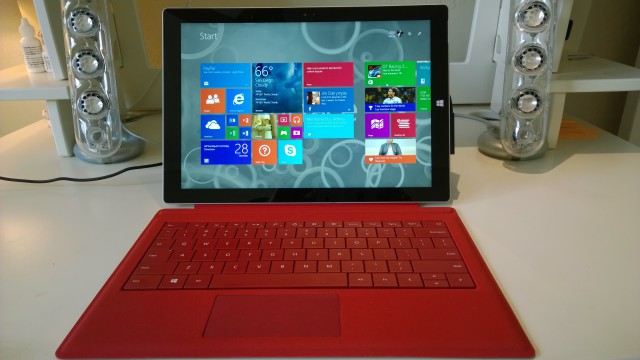
Microsoft Surface Pro 3 gets September 2015 firmware update
As Microsoft's flagship tablet, Surface Pro 3 has been well supported since its debut last year. It has frequently received firmware updates to squash bugs, add new features and improve performance. Just last month Microsoft issued a new graphics driver to make it run faster on Windows 10.
Microsoft this month brings a new firmware update for Surface Pro 3, which, this time around, is meant to improve power consumption. The slate is the only Surface device to get a new firmware update in September 2015.

Microsoft releases the Windows 10 UI you've always wanted -- and you can't have it!
Today is a frustrating day. On the positive side, Microsoft finally released the Windows 10 experience we’ve been clamoring for. It comes with all the goodness of Windows 8.1’s refined touch UI plus a familiar old friend: A Start Menu that retains the core of the previous versions but supplements it with some new-fangled Live Tile tricks.
The frustrating part is that most users can’t have it. In fact, unless they’re running one of the handful of Windows RT-based devices (e.g. Surface or Surface 2), they’ll never see this wonderful incarnation of the Windows 10 UI everyone wanted.
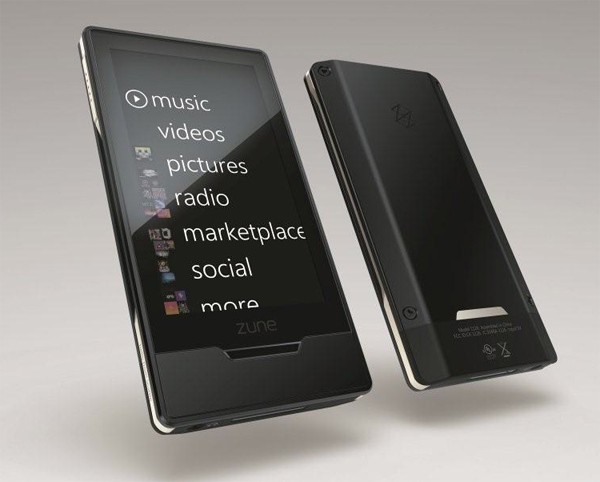
Microsoft to kill Zune services on November 15
Remember Microsoft Zune? Yeah, the last ounce of it is set for a demise later this year. The company has announced that it will be retiring the Zune music service on November 15.
The company's attempt to take on Apple's iPod music players, will not allow users to stream or download content from Zune after November 15, says Microsoft. Content purchased with DRM might not also have playback support if the license of it could not be renewed, but MP3 files you own should mostly work without an issue.
Microsoft brings the Windows 10 Start menu to Windows 8.1 RT
The return of the Start menu to Windows 10 was one of the things that Microsoft managed to get right with the latest version of its operating system. While the company has promised to bring Windows 10 to as many devices as possible, it ruled out doing the same for Windows RT devices.
That said, we were told that some key features of Windows 10 would make their way to Windows 8.1 RT. That day has finally rolled around and thanks to the arrival of Windows RT 8.1 Update 3, the Start menu is now available in Windows RT.
Windows 10: A closer look at usage numbers
Windows 10 launched globally on 29 July, with Windows 7 and Windows 8.1, as well as Windows Insiders, all receiving free upgrades to the new OS.
Microsoft suggests that Windows 10 has had great initial success with 75 million devices installing the upgrade just four weeks after it was released. The company’s marketing chief, Yusuf Mehdi, said "the operating system is being downloaded and installed faster than any previous version of the platform".
Windows 10 Mobile Insider Preview Build 10536 available on Fast Ring -- here's what's new
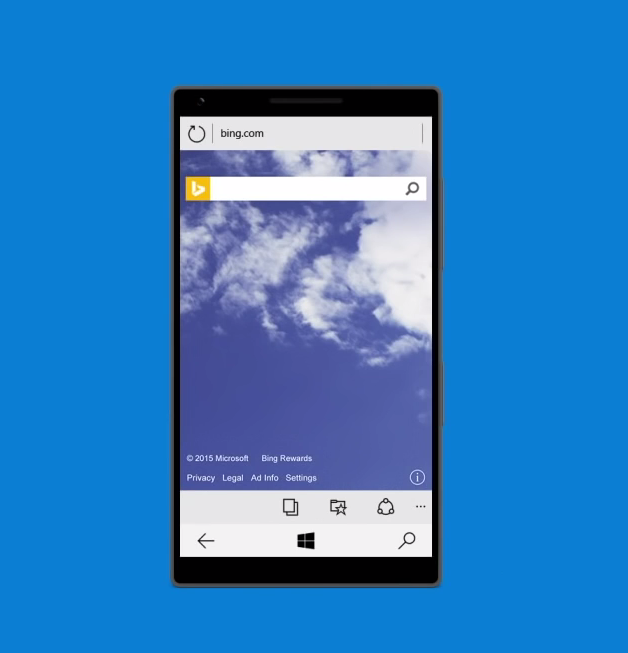
While the launch date of Windows 10 Mobile is still shrouded in mystery, Microsoft is at least treating platform enthusiasts to new Insider Preview releases. After a long wait, build 10536 arrives on Fast Ring with new features and lots of improvements in tow, but also its fair share of known issues. Development appears to be far from over.
To get to Windows 10 Mobile Insider Preview Build 10536, users on Fast Ring who are running Windows 10 Mobile Insider Preview Build 10512 will first have to upgrade their devices to builds 10514 and 10536.1000. Here is what's new in the latest release.

Windows 10 is shaping up to be the most unstable release since Millennium Edition (ME)
Is Windows 10 unstable? That's the question that’s circulating through the blogosphere of late. With even veteran Windows watchers like Mary Jo Foley and Paul Thurrott now documenting their frustrations with the new OS, the perception that Microsoft released Windows 10 before it was ready is beginning to grow.
A quick perusal of peer-to-peer support sites like www.tenforums.com will give you a taste of just how widespread the malaise truly is. From buggy device drivers to "vanishing" modern apps, Windows 10 seems to have arrived with more than its fair share of rough edges.
Leaked Windows 10 build 10537 release notes show Microsoft's slow progress
Wzor has come up with the goods once again. After leaked screenshots of Windows 10 build 10537 earlier today, we've been treated to a follow-up of release notes and ISOs. This build has not been officially released by Microsoft so you won’t be able to download it through Windows Update, but we're sure that you'll be able to track down a copy if you're particularly keen to try it out.
We've already mentioned some of the changes that are to be found in this latest build (MICROSOFT.WINDOWS.10.CLIENTPRO-CORE.TH2.10537.X64.OEMRET.ENGLISH.DVD) but the official release notes go into more detail. Dating back to 2 September, the release notes detail not only the new features and changes, but also the bug fixes. But, perhaps more importantly, it shows that progress has slowed over at Microsoft.

Microsoft throws the Windows 10 touch UI baby out with the bathwater
With major changes in the Windows touch interface in version 10, it’s worth looking at how Microsoft’s approach to on-screen input has evolved since the release of Windows 8. For example, whereas previous versions essentially forced a touch-first UI onto users, Windows 10 features a more adaptable UI that changes based on the user’s input method. Whether or not this constitutes an improvement for most users will depend on which platform they are migrating from.
If a user is switching to Windows 10 from a mouse-and-keyboard centric UI, like Windows 7, chances are they’ll find Windows 10 to be more familiar and welcoming than Windows 8 or 8.1. This is mostly because of the former’s inclusion of a (heavily modified and "evolved") Start Menu, for which many Windows 7 users have shown a particular affinity. However, if a user is approaching Windows 10 from a touch-centric environment -- for example, Windows 8.x running on first generation tablet PC, like an ASUS VivoTab or Dell Venue 8 Pro -- they’ll no doubt find the new UI model a bit jarring and, in many cases, counterproductive.
Microsoft Excel: 7 top tricks that you should know [Infographic]
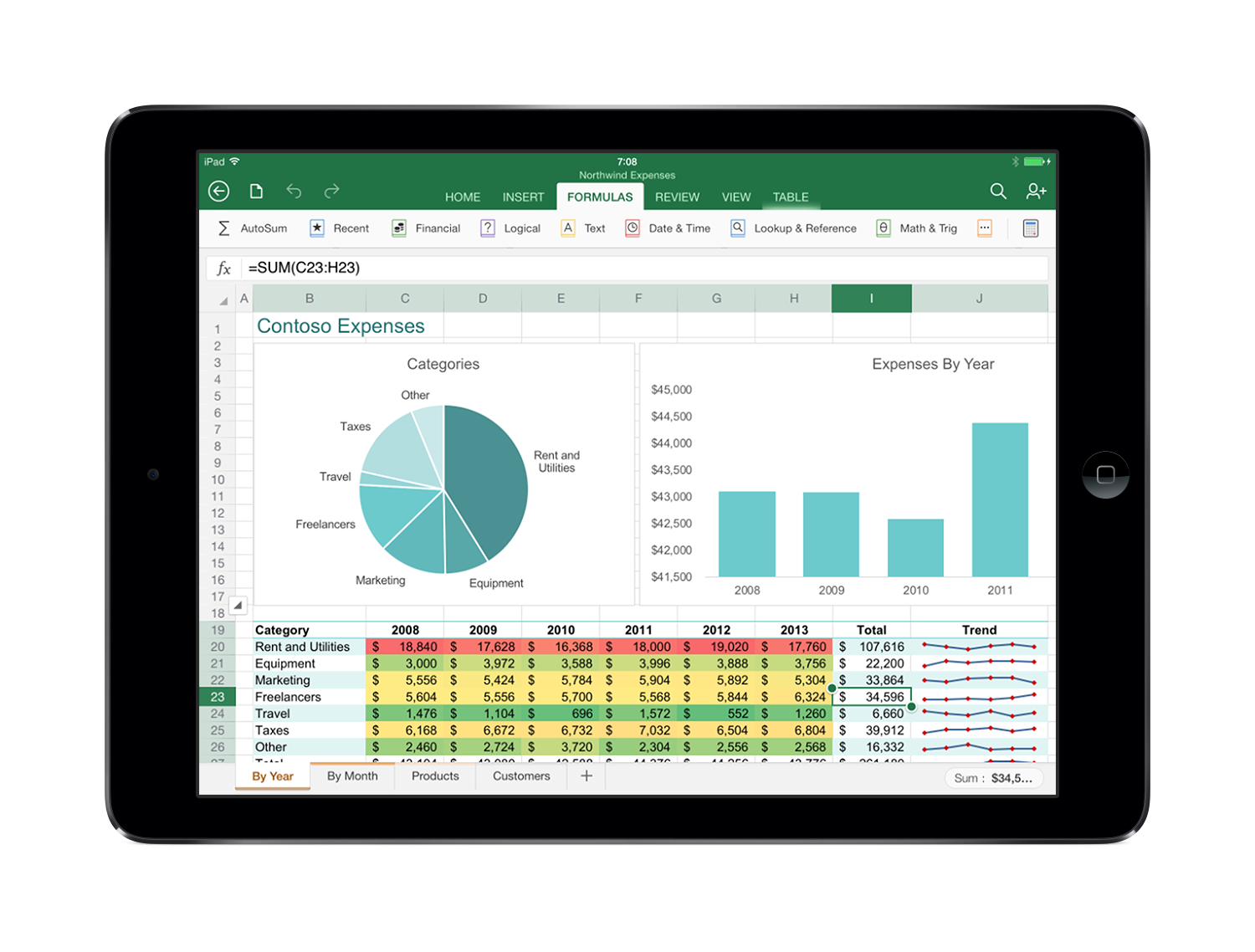
Microsoft Excel has been around for 30 years, it’s one of the most popular programs in the world and it’s likely that most of us at some point or other have used spreadsheets at work.
Recent reports show that, 78 percent of middle-skill jobs require digital literacy and 67 percent of office roles require expertise in Microsoft Excel. So sharpening up your Excel skills really can help improve pay and job prospects.
You guys realize the iPad Pro will fail, right?
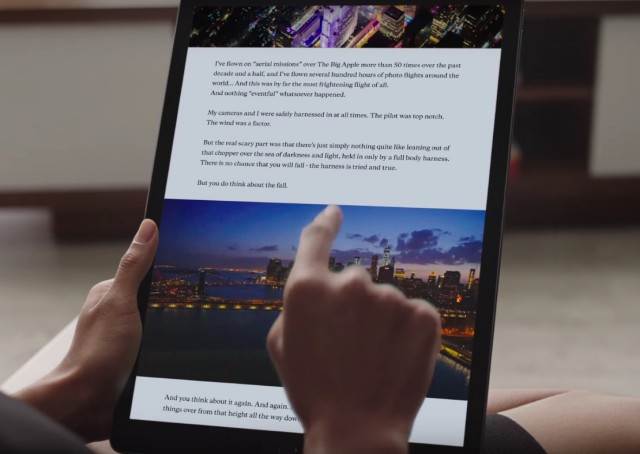
At its media event on September 9, Apple unveiled the iPad Pro, a 12.9-inch tablet. Touted as a productivity device, the company hopes that the iPad Pro will be the future of computing. Need a tablet? Use the iPad Pro. Need a laptop? Plug-in the $169 keyboard accessory and begin typing. The problem, however, is that at its current state, the iPad Pro is an awfully large tablet and iOS mobile operating system, which the device runs, isn't good enough to replace your desktop operating system.
After talking to a number of people -- both tech enthusiasts as well as average Joes -- one thing was pretty clear to me: nobody finds the iPad Pro exciting. A couple of people are actually looking forward to the iPad mini 4, which is the successor to the iPad mini 3, and largely carries the same hardware as the last year's iPad Air 2.
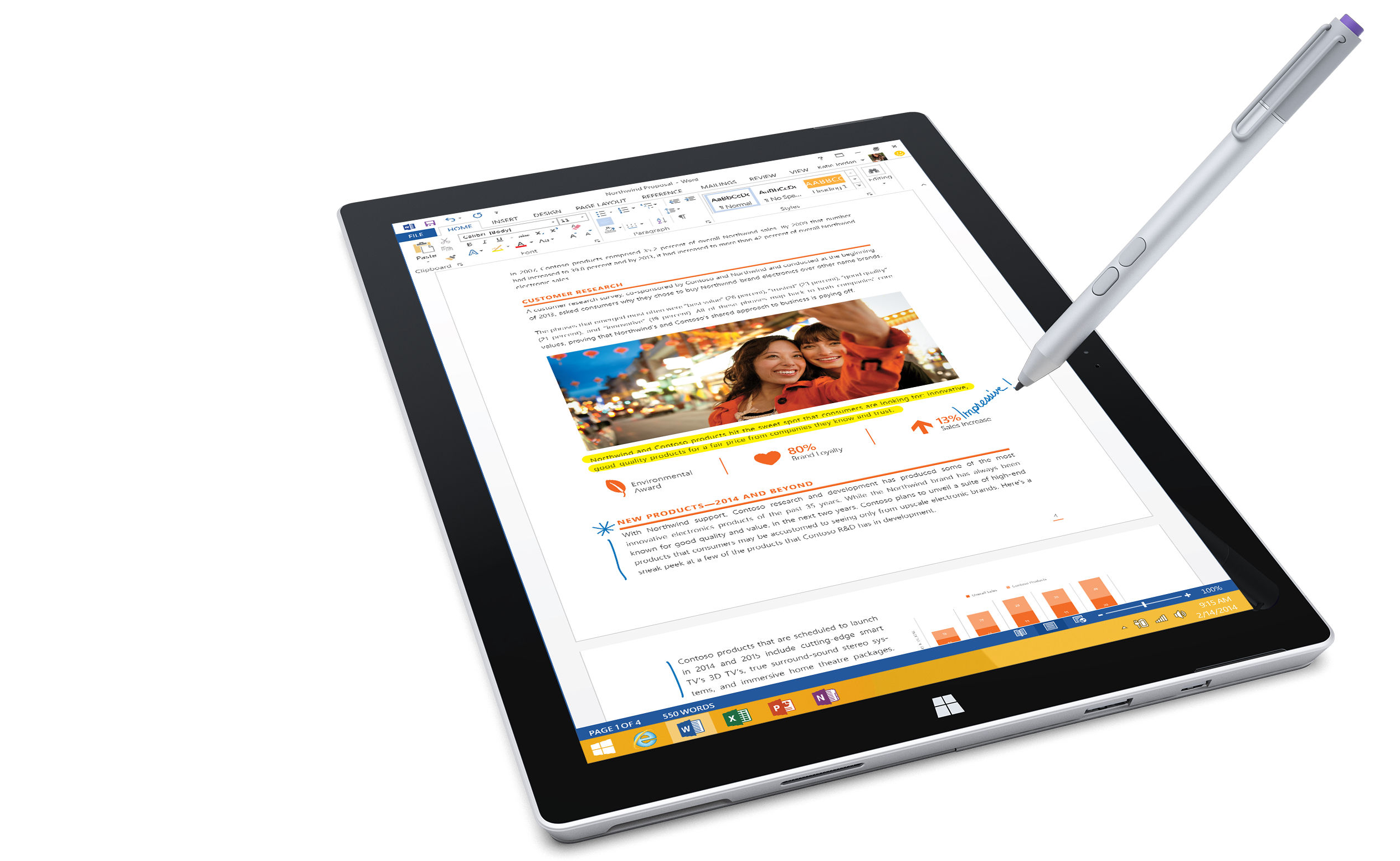
Your next PC will look like Microsoft Surface
The days of the traditional “clamshell” laptop are numbered. With every major hardware vendor (even Apple) now embracing the detachable keyboard format of Microsoft’s Surface device, the writing is on the wall -- or more accurately, on the digitized, pen-enabled screen.
With all of this newfound Surface love it’s hard to believe that, just a few months ago, Microsoft’s attempt to set a qualitative (and aesthetic) example for its hardware OEMs to follow was mocked and openly dismissed by its suddenly hostile partners. The Dells and HPs of the world were too busy experimenting with awkward tablet-like PC device designs that bent, folded or clicked into equally awkward base units, and they certainly didn’t appreciate Microsoft jumping into the market with its own, competing devices.
Microsoft shows increased interest in Android by buying Echo Notification Lockscreen
For a company with its own mobile operating system to worry about (yes, there is a new build of Windows 10 Mobile on the way soon) Microsoft shows an awful lot of interest in the competition. After making an appearance at Apple's iPad Pro and iPhone 6s launch event, Microsoft has made an Android-related acquisition.
The newly-purchased Echo Notification Lockscreen is the second Android lockscreen app that the company now has to its name; Echo Notification Lockscreen joins Microsoft Next. The company says it is about taking "productivity to the next level" and improving users' experience.
How to stop Windows 10 downloading automatically
Once again, Microsoft has managed to rile people with Windows 10. People have discovered that the Windows 10 installation files are being downloaded to their computers without their permission. If this has happened to you already, we've already shown you how to remove Windows 10, claiming back space and regaining control.
But if you have been lucky enough to avoid the unwanted arrival of Windows 10 installation files so far, you'll be more interested in prevention than a cure. Here's what you need to do to make sure Microsoft doesn’t force feed you Windows 10.

Remove unwanted Windows 10 upgrade files from Windows 7 and Windows 8.x
Microsoft has reportedly been downloading Windows 10 installation files on to computers running Windows 7 and 8.x, regardless of whether the users plan to upgrade to the new OS or not.
If you’re thinking of making the switch, and have requested an upgrade, that is fair enough. But if you’re more than happy to stick with your older OS for now, you might not be too happy about Microsoft cluttering up your hard drive with junk install files you don’t want. Fortunately, removing these files is easy enough.