
Microsoft releases updated Windows 11 preview with new entertainment widget
Following the grand reveal a few weeks ago, Microsoft has been rolling out new Windows 11 preview builds to Insiders in the Dev Channel on a weekly basis.
Today sees the release of Windows 11 Insider Preview Build 22000.71 which comes with a number of changes and improvements, including a new widget and updated looks for the context and other right-click menus.
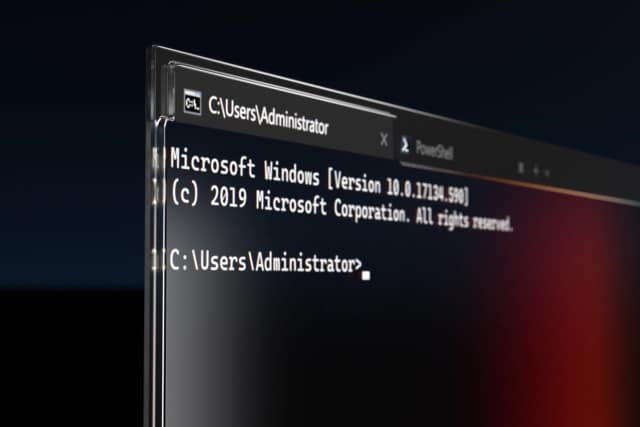
Microsoft releases Windows Terminal Preview 1.10
It has been a while since there was an update to Windows Terminal, but now Microsoft has released two key releases, both with huge changes and additions. On the stable side of things is Windows Terminal v1.9.1942.0, little changed since it was a preview build, but there is far more of note in version 1.10 (or Windows Terminal Preview v1.10.1933.0 for the completists out there).
In addition to the usual swathe of bug fixes, there is a new system of tray icons for quake mode, a new Command Palette drop down menu, various interface changes and much more. Another key change means that anyone running Windows 11 now needs to be using at least version 1.10 of Terminal.
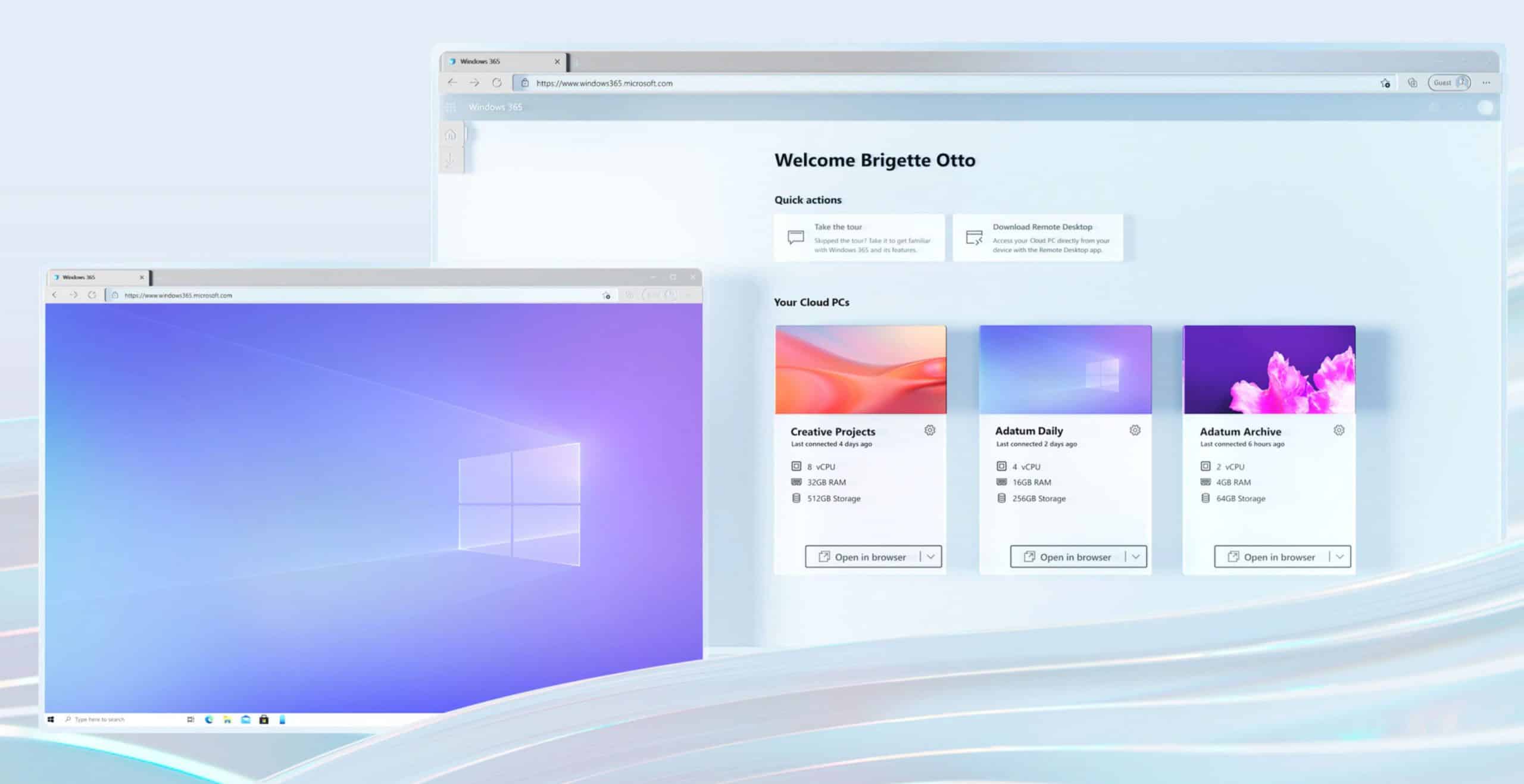
Windows 365 lets you stream Windows 10 and Windows 11 from the cloud to any device -- including Mac, iPad, Android and Linux
When Windows 10 was announced back in 2014, Microsoft caused alarm bells to ring when it said the new operating system would be free "for the first year", and referring to it "as a service". That led to speculation that the software giant would start charging a monthly fee for Windows 10, much as it does for Office with Microsoft 365.
That never came to pass, but today at its Inspire 2021 conference Microsoft takes the wraps off Windows 365, a cloud-based Windows subscription service.
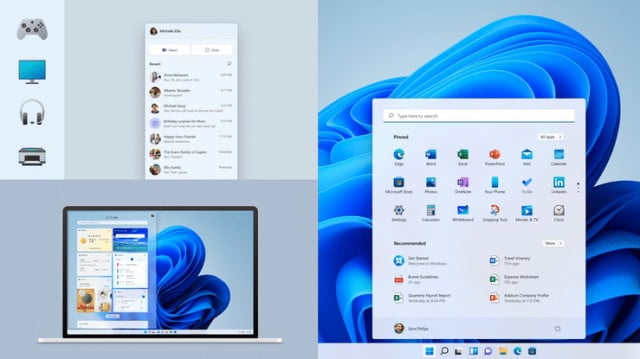
Microsoft shares some of the design ideas behind Windows 11
Windows 11 is almost upon us. While the look may not be radically different to Windows 10 -- evolution over revolution is a phrase you'll hear bandied around -- it is still different enough for the changes to be instantly noticeable.
You may be wondering just how and why Microsoft took the design decisions it did with Windows 11. To help sate this curiosity, the Microsoft Design team has given us a fascinating insight into the process and the philosophy that underpins everything.
Microsoft releases KB5004237 and KB5004245 to fix dozens of Windows 10 problems
Yesterday was Patch Tuesday, and as such Microsoft released updates to fix a batch of problems with Windows 10.
There are fixes for security issues as well as other niggles, including addressing the PrintNightmare vulnerability. KB5004237 is available for Windows 10 versions 2004, 20H2 and 21H1, while KB5004245 is just for version 1909.
Tweak the registry to make sure you're protected against the PrintNightmare Windows vulnerability
The accidental revelation of the PrintNightmare security vulnerability in Windows set off a chain of workarounds, third-party patches, official patches and problems with patches. But even after two weeks of back and forth, there are still steps you need to take to ensure that you're fully protected.
Microsoft recently updated its security advisory notice about the vulnerability to include additional details that system administrators should check. A quick visit to the registry is all it takes to ensure complete security.
Microsoft has its own Linux distro called CBL-Mariner
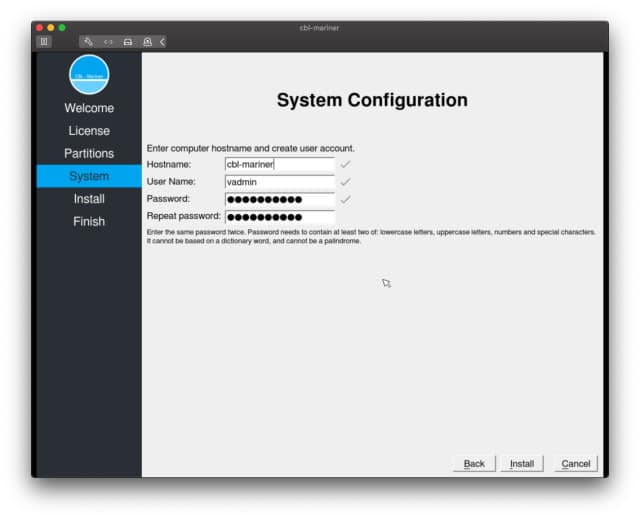
It's no secret that Microsoft has been showing Linux a lot more love in recent years -- just look to Windows Subsystem for Linux as an example. Nonetheless, it might surprise you to learn that Microsoft has its very own Linux distribution.
A recent blog post by a member of the Microsoft Azure team shares details on the company's Linux distro. In it, Juan Manuel Rey sheds light on the creation, and gives an intriguing insight into it. Called CBL-Mariner the distro is used by Microsoft engineering teams to build its cloud infrastructure and edge products and services.
Here are the new keyboard shortcuts in Windows 11
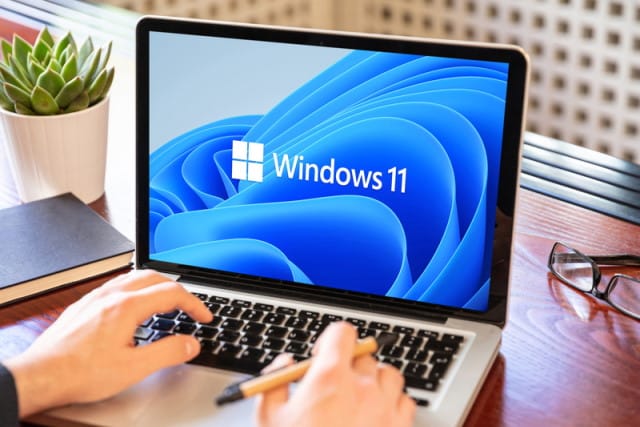
With the upcoming release of Windows 11, there is a lot of attention focused on certain areas of the operating system -- notably centering of the Start menu, the arrival of widgets, and the visual tweaks that Microsoft has introduced.
But there are also new keyboard shortcuts. These provide easy access to many of the new features of Windows 11 and are a faster way of getting around than using a mouse or trackpad. Not only are there completely new shortcuts to learn, but some key combinations have changed from Windows 10, and have inherited new functions in Windows 11.
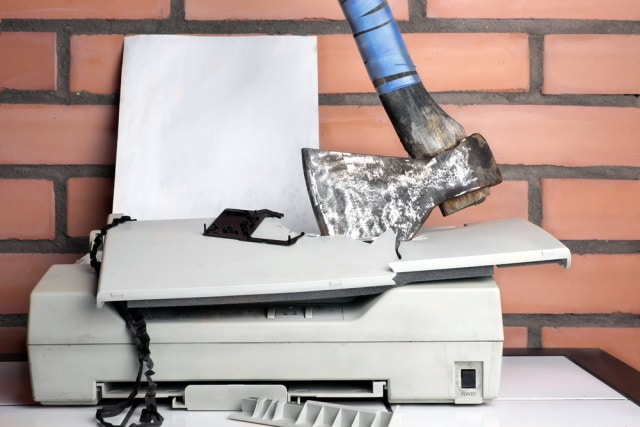
Microsoft's KB5004945 update to fix PrintNightmare is breaking some printers
The PrintNightmare vulnerability that was accidentally revealed recently has led to an almost laughable chain of events. After Microsoft suggested a workaround, a third-party released a patch, an official patch was eventually released, and said patch was found to not actually do the job it was supposed to.
The patch is not only ineffective -- although Microsoft disagrees -- it is also, very much in the tradition of patches for Windows, causing issues. People installing the KB5004945 patch report that they then have problems with printing.

Ubuntu Linux-maker Canonical is 2021 Microsoft Partner of the Year finalist
Microsoft has been getting more and more friendly with both the Open Source and Linux communities in recent years. For instance, the Windows 11-maker offers its some of its popular software for Linux-based operating systems these days, such as Windows Calculator and the Chromium-based Edge web browser. No to mention, Linux is essentially integrated into Microsoft's desktop operating system thanks to the Windows Subsystem for Linux.
To show just how close-knit Microsoft and the Linux community are, today, something fairly shocking is announced. You see, Ubuntu-maker Canonical is a 2021 Microsoft Partner of the Year finalist. Wow.
Microsoft releases a new Windows 11 build with loads of changes, fixes and improvements
Last week, shortly after confirming its existence, Microsoft rolled out the first preview build of its new, forthcoming operating system, Windows 11.
Today, the software giant releases Windows 11 Build 22000.65 to those Insiders in the Dev Channel and it comes with a long list of changes and improvements, as well as plenty of fixes. As you might expect, there are lots of known issues to be aware of too.
Microsoft is seeking feedback in a new Windows 11 bug bash
It has been a while since Microsoft held a Bug Bash to discover problems with Windows and gather feedback about features. In fact, the last one was back in May.
But with the impending launch of Windows 11, it is perhaps not surprising that it is Bug Bash time again. Over the next week, Insiders using Windows 11 preview builds are invited to take part in quests and earn themselves an exclusive badge in return for helping out.
Unimpressed with Windows 11? Don't worry... Microsoft says there's 'much more to come'
If you have installed Windows 11 as part of the Insider program, or if you've obtained the OS through other channels, there's a chance that you may not be blown away by what you see.
But -- thankfully -- Windows 11 is not yet finished. There are kinks to be ironed out, things to be tweaked and, Microsoft promises, "much more to come".
Microsoft patch for PrintNightmare vulnerability fails to fix critical security flaw
The recently revealed PrintNightmare vulnerability has been something of a farcical episode after details of the Windows security flaw were mistakenly revealed. Microsoft suggested a workaround but, as it broke printing, it was less than ideal.
Micropatching experts at 0patch released a free fix until Microsoft then released an official patch. The next chapter in the saga should surprise no one: Microsoft's patch has a problem. It doesn't really fix the security issue, leaving systems vulnerable.
If you change your mind after installing Windows 11, the clock is ticking
When Windows 11 is released, there will be millions of people scrambling to upgrade. There will undoubtedly be a huge number of people moving to the latest version of Windows, but there will be some who regret the upgrade and decide they preferred Windows 10.
No problem, you might think. A quick uninstall is all it will take to return to the fuzzy, warm comfort of Windows 10. And this is true... but there's a time limit if you’re looking for the easy route out.



