Microsoft brings Windows 10 21H2 to end of service
With the release of the June 2023 security updates for Windows 10, Microsoft has brought Windows 10 21H2 to the end of service. This means that the Home, Pro, Pro Education, and Pro for Workstations versions of Windows 10 21H2 will no longer receive any more updates.
End of service for Windows 10 21H2 has been known about for quite some time, and Microsoft recently reminded users that it was about to happen. What has upset some, however, are the forced upgrades that Microsoft is implementing.
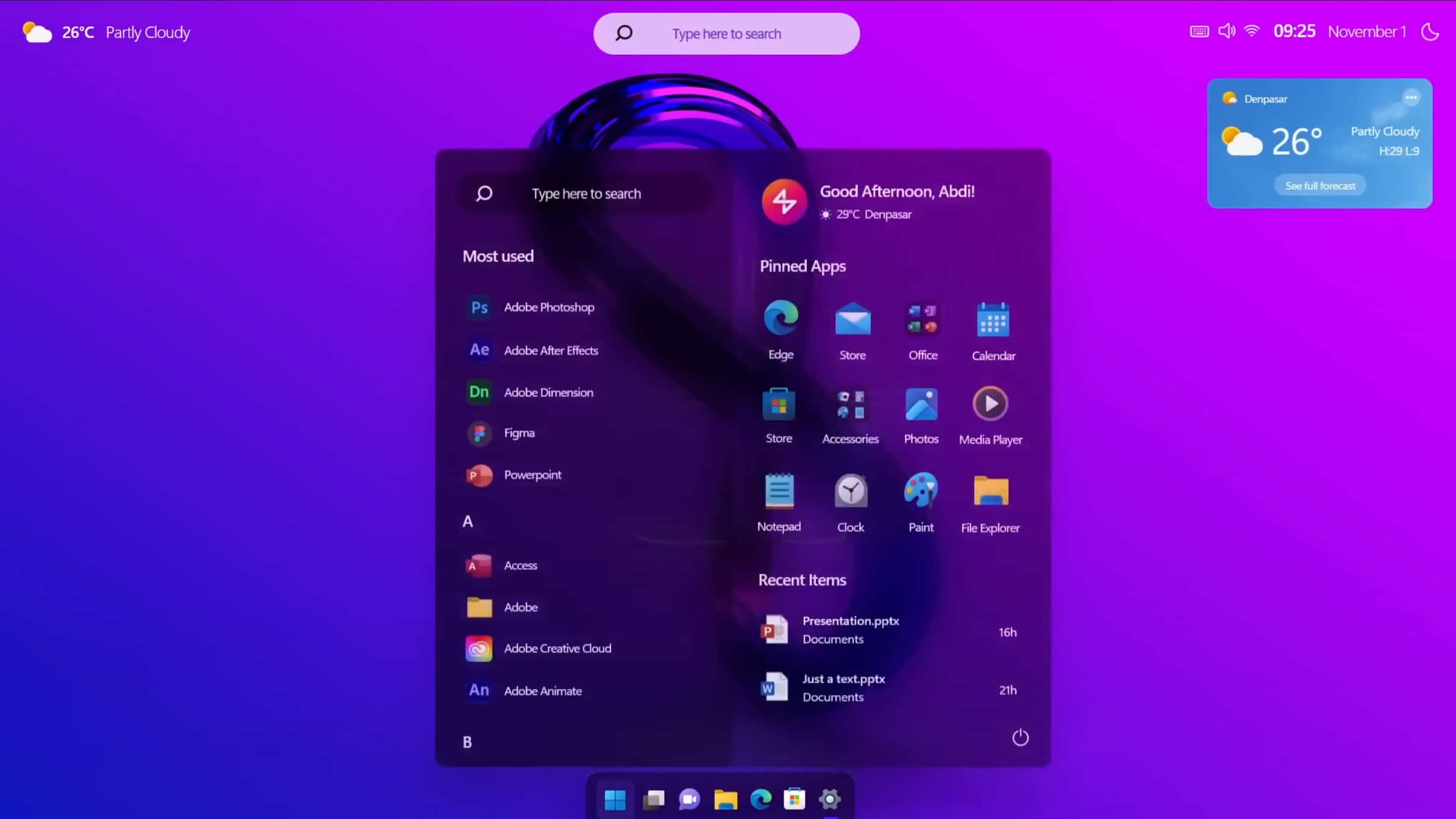
Move over Windows 11, Windows 12 is the operating system we need
Microsoft is set to pull the plug on Windows 10 in the near future, leaving people with the choice of upgrading to Windows 11, or hanging on for the inevitable follow up, which is expected to be called Windows 12.
Although Microsoft hasn't officially announced that next-gen operating system yet, it has dropped plenty of hints, and rumors suggest we might see Windows 12 arrive as soon as some time next year.
Microsoft now lets you share files between Windows Subsystem for Android and Windows 11
Having all but given up on its own mobile operating system, Microsoft has been gradually warming to Android and iOS by adding support for Google and Apple's software in the likes of the Your Phone app. And then there is Windows Subsystem for Android which the company has been developing and adding to for some time.
The latest improvement to the compatibility layer that makes it possible to run Android apps in Windows is the arrival of file sharing. Microsoft says that the ability to share files between Windows Subsystem for Android and Windows 11 is something that has been in high demand from users.
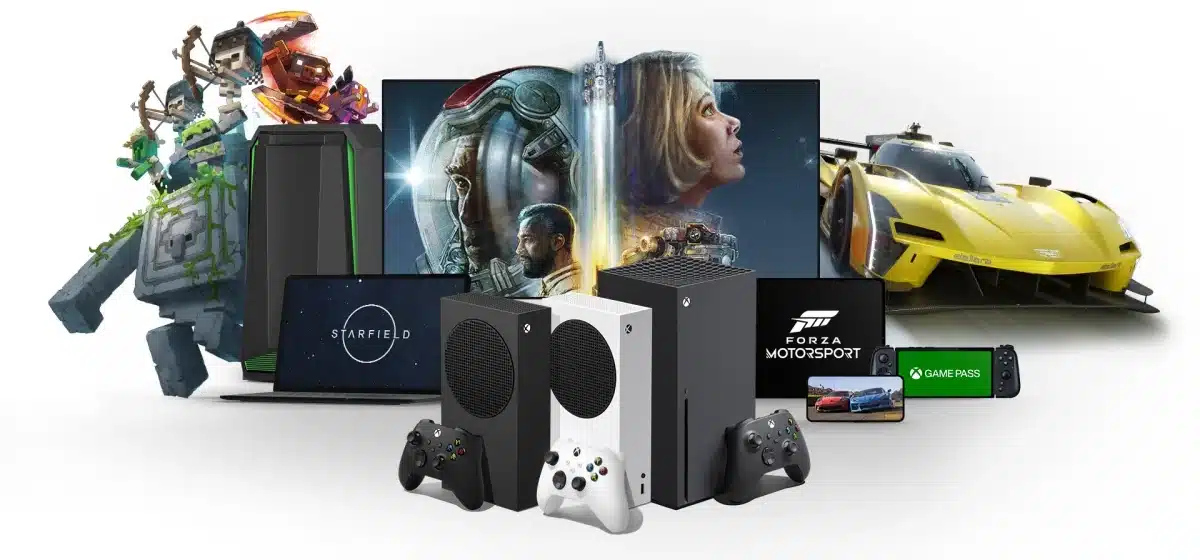
Microsoft launches new Xbox and brings PC Game Pass titles to NVIDIA GeForce NOW
In a series of announcements at Xbox Games Showcase 2023, Microsoft has revealed that Game Pass subscribers will soon be able to stream select PC games through NVIDIA GeForce NOW. This means that a library -- albeit a limited one -- of PC games will be playable on low spec PCs, Macs, Chromebooks, mobile devices, TVs and more.
The company also announced a new Xbox console -- the Xbox Series S 1TB in Carbon Black. Priced at $350, the gaming system will be available later this year.

The misconceptions around ChatGPT and the potential threat it poses to Google and other search engines
Since its public unveiling at the end of 2022, many have speculated that ChatGPT is the ultimate route for Microsoft to gain market share and overtake Google as the leading provider of search. In fact, some have even gone as far as saying that it will be a Google Killer, ending its supremacy of search engines online. However, the idea of generative AI making search irrelevant is a misunderstanding of what this technology genuinely represents.
If we look at how Google has launched Bard, its alternative to ChatGPT, it’s clear that generative AI is not a threat to search but rather an enhancement. Marketed as a complement to search, Bard represents Google’s entry into the generative AI market and its chance to rewrite the narrative around this technology. With ChatGPT and Bard taking the internet by storm, this distinction is crucial for organizations. While generative AI is powerful, complementing it with search greatly enhances its power and versatility, and may be the perfect solution that businesses have been searching for to gain a competitive edge.
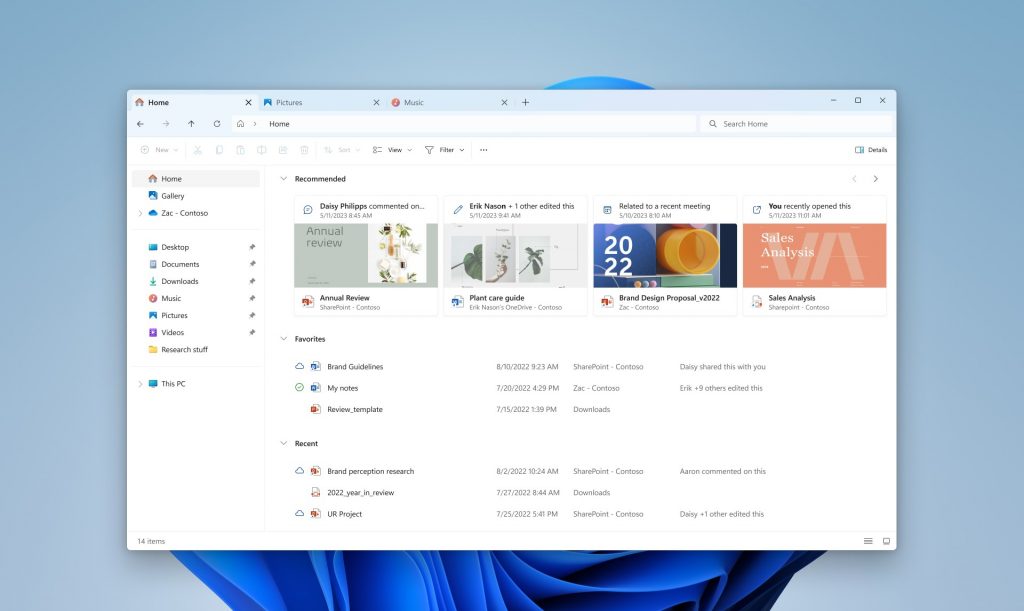
Microsoft's latest Windows 11 build comes with a modernized File Explorer home and address bar
Microsoft continues to work behind the scenes on improving Windows 11 and adding new features to its current operating system.
Today it rolls out a new flight for Windows 11 Insiders in the Dev Channel, and this release, Build 23475, comes with a new modernized File Explorer Home powered by WinUI, and a modernized address bar and search box.
Now you can download the updated Windows 11 22H2 ISO from Microsoft
For many people, it can be useful to have Windows 11 installation media available for when a full reinstall of the operating system may be necessary. Microsoft has long made it possible to download Windows installation images, and the company has just updated the Windows 11 ISO
This means that it is now possible to download Windows 11 22H2 directly from Microsoft and use it to install the OS. It eliminates the need to install an older version of Windows 11 and then download a hefty update separately.
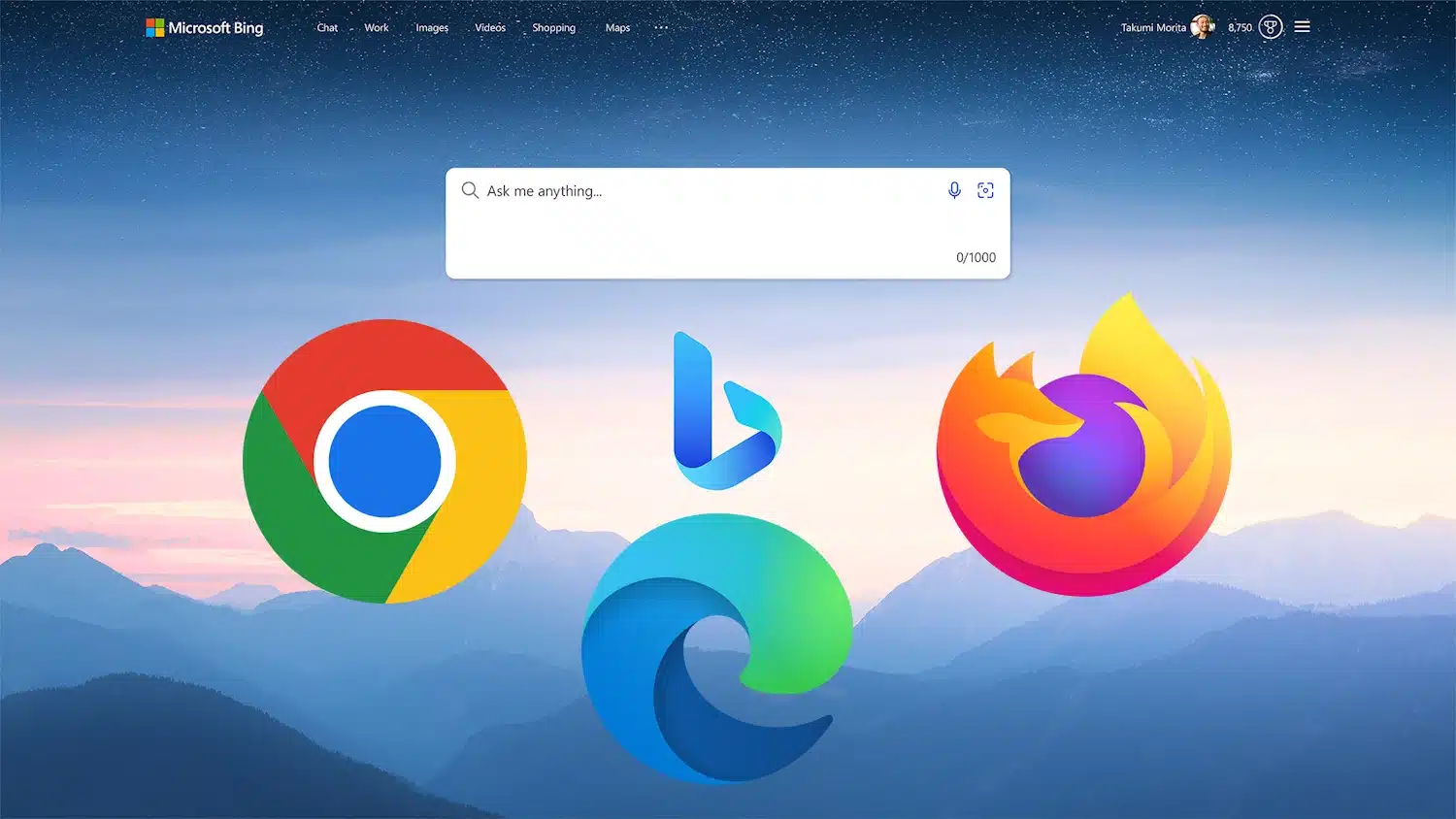
Microsoft is quietly rolling out Bing Chat support to web browsers that rival Edge
Thus far, Microsoft's artificial intelligence-powered Bing Chat has been exclusively available to users of the company's own Bing browser -- but this is starting to change.
Although there has been no official announcement, there have been numerous reports from users that they have been able to get Bing Chat to work without having to switch to Edge. Responding to queries about these reports on Twitter, Microsoft has now confirmed that it is gradually rolling out the AI-driven chat tool to different web browsers.
Microsoft is killing off Cortana in Windows 10 and Windows 11 later this year
Given that it never really generated a huge degree of excitement, you would be forgiven for having forgotten about Microsoft's digital assistant Cortana. Now the company has announced that support for the Cortana app for Windows 10 and Windows 11 is coming to an end.
Microsoft has not made a huge fuss about killing off the app, slipping out the news in a support document rather than a blog post. But the end of support for the app does not mean that Cortana is disappearing altogether.
Microsoft releases PowerToys v0.70.1 to fix a laundry list of issues
It's not long since Microsoft unleashed PowerToys v0.70.0 to an excited userbase, complete with two exciting new utilities. Just a week later, it's time for yet another release.
This time around there are, sadly, no new toys to play with, but that does not mean PowerToys v0.70.1 is not significant. Described as a patch release, it addresses a large number of problems that have been found in the software as well as making various improvements.
Microsoft updates Paint for Windows 11 with dark mode option, new settings and more
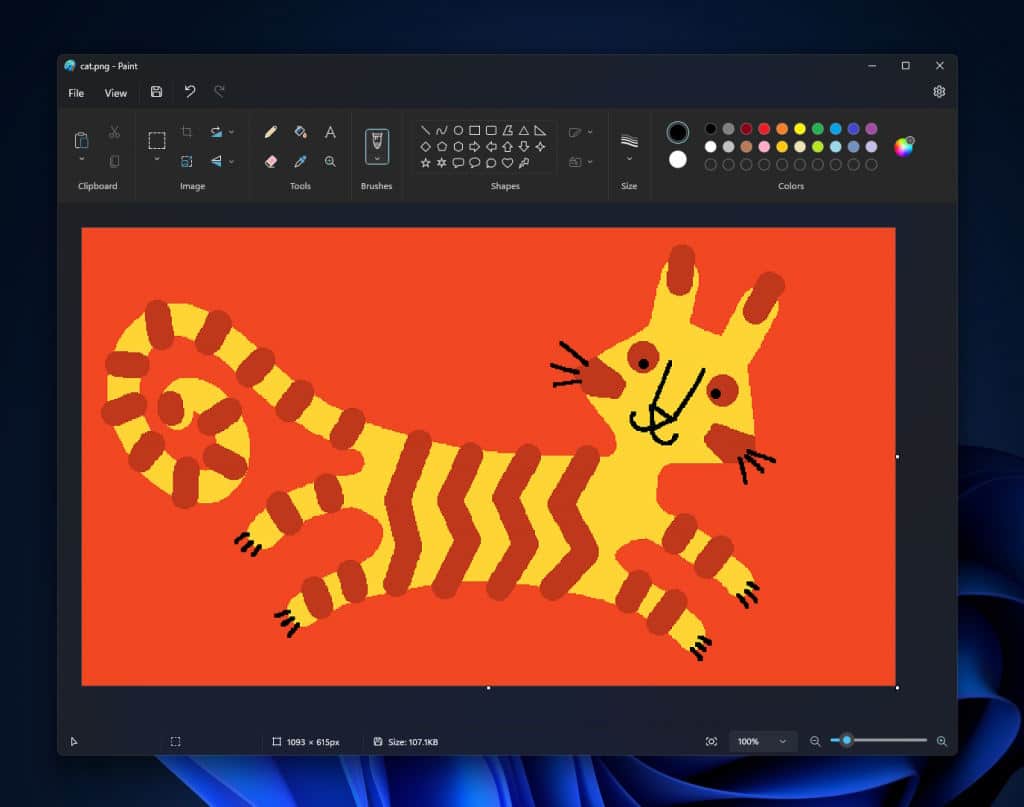
The Paint app that is built into Windows is much-maligned but, while it could hardly be considered a Photoshop-killer, much of the criticism really stems from the state of the app several years ago. Paint may not make it into the toolbox of a serious designer, but it has undeniably come on in leaps and bounds over the years.
And now Microsoft is treating Windows 11 users to an updated version of the not-quite-as-limited-as-you-might-think graphics tool. Among the new features are updated zoom controls and a much-requested dark mode option.
Microsoft releases Windows 11 Build 23471 with new Add Phone Photos option
It's a new month, and to celebrate, Microsoft has rolled out a brand new Windows 11 build for Insiders in the Dev Channel.
Build 23471 introduces a number of fixes, changes and improvements, and also now lets you quickly add phone photos through the File Explorer Gallery.

New Microsoft Mac Admins community now available for IT pros using Microsoft products on Apple devices in the enterprise
Acknowledging that not everyone in the world uses a PC, Microsoft has launched a new tech community for people using its products in conjunction with Apple hardware. Called Microsoft Mac Admins, it is described as an "online community for IT professionals who are passionate and knowledgeable about using Microsoft products on Apple Mac devices in the enterprise."
The launch comes as growing numbers of organizations use Microsoft Intune and other products from the company to manage Macs in the enterprise. Microsoft says that the aim of the community is to give Mac admins a way to "connect with other users, share experiences and best practices, learn from experts and peers, get help with common issues, and be inspired by the latest innovations."

Microsoft's fix for camera issues on Surface Pro X and ARM-based PCs is a bodge
Users of ARM-based devices running Windows 10 or Windows 11 -- including Microsoft's own Surface Pro X -- have been experiencing problems with their built-in cameras for about a week. There have been increasing numbers of complaints about non-functioning cameras and the error message "0xA00F4271<MediaCaptureFailedEvent> (0x80004005)".
Microsoft has provided a workaround to mitigate the issue, but the consequences of implementing it are less than ideal.
Microsoft delivers game-changing updates to The Sims 4 on Xbox
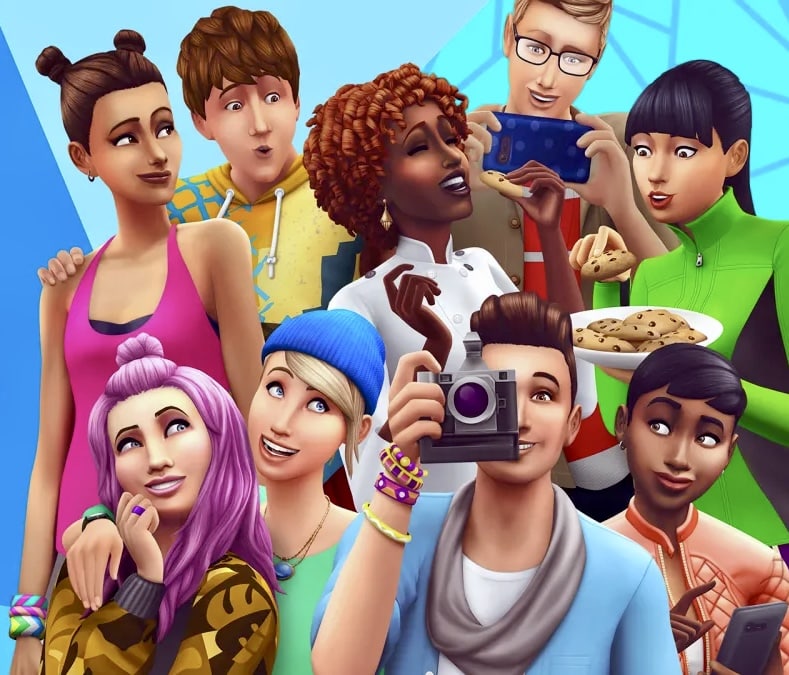
Ladies and gentlemen, gather 'round! Microsoft has heard your cries, your pleas, and your heartfelt desires for a better Sims 4 experience on Xbox. And boy, oh boy, have they delivered! After diligently collecting feedback from all you passionate Simmers out there, they have worked their magic and unleashed a wave of updates that will make your virtual lives more thrilling than ever before. Brace yourselves for a journey of button-smashing delight and gaming glory. Let's dive right in and explore the marvelous changes that await us!
First up, the bumper buttons. Oh, how they used to confuse us with their ever-changing functions depending on the game mode. In Create a Sim (CAS), they would whisk us away from one Sim to another, while in Live Mode, they would warp time itself. But fear not, for Microsoft has answered your prayers. They have aligned the stars, straightened the planets, and unified the bumper buttons across CAS and Live Mode. Now, with a simple press, you can seamlessly switch between Sims in both modes. And what about adjusting game speed in Live Mode, you ask? Well, hold on tight, because the triggers have taken on the responsibility of time manipulation. The power is in your hands!