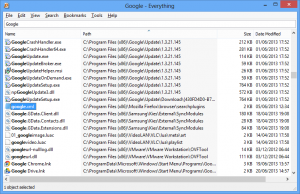
Aging desktop search tool Everything now receives major update
Five years have passed since the search tool Everything first appeared, and the program's amazing speed gets it fans ever since. It's easy to see why, too -- there's no fuss, no complexity, just enter part of a file or folder name and results appear just as quickly as you can type.
What is a little more surprising, though, is that the program's last stable release was back in March 2009. But there's no need to worry, Everything isn't dead, just "resting", and a series of betas released this year show that the developer is determined to make up for lost time.
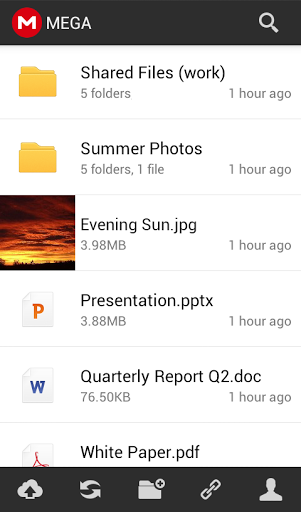
Mega gets official Android app, iOS and Windows clients to follow
Cloud storage locker Mega has turned a blind eye to the ever increasing popularity of mobile devices, offering no official app for Android or iOS (let alone BlackBerry or Windows Phone) to complement its security-oriented service. Now, though, Mega looks to finally fix the oversight.
The cloud storage locker just introduced its first mobile app called Mega which, at least at the moment, is only available for Android devices. The offering, according to the changelog, was "acquired by MEGA and is now being maintainted [sic] by MEGA contractors". Let's take a look at the features.
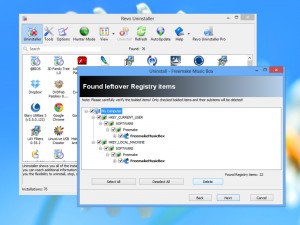
Thoroughly remove programs -- even in Windows 8 -- with Revo Uninstaller Free 1.95
One of the biggest causes of detritus on Windows computers are the files and Registry entries left behind by programs when they are uninstalled. Sure, you can employ the services of cleaning utilities like CCleaner, but the fact you are scanning for "remains" from programs removed weeks or even months ago makes it hard to spot which bits are safe to remove and which ones are not (that can cause problems further down the line).
Far better, then, to remove these leftover elements with a dedicated program, which is where an uninstaller like Revo Uninstaller 1.95 Free and Portable comes in.
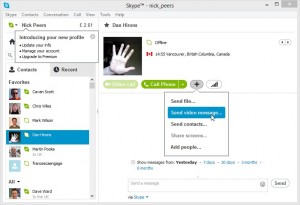
Skype 6.6 for Windows and Mac offers video messaging tweaks, squashes bugs
Microsoft has released Skype 6.6 for Windows and Mac, which introduces minor updates to the company's popular chat service that "focus on quality by addressing user feedback and improving ease of use".
Version 6.6 concentrates on adopting consistent entry points for sending video messages across all platforms, plus implementing a number of platform-specific fixes.
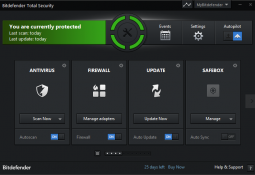
Bitdefender Total Security 2014 review
When you buy a program with “Total” in the name then you probably expect a very complete feature list, and Bitdefender Total Security 2014 certainly does not disappoint in this regard: the suite offers antivirus, firewall, anti-spam, browsing and social networking protection, privacy tools, parental controls, online storage, anti-theft service, PC tuneup module and more.
And although some people prefer to ignore the frills and assess security packages on their core essentials, Bitdefender does just as well here. An AV-TEST report on Bitdefender Internet Security 2013, for instance, shows it detecting 100% of the test malware samples -- this program is strong on the basics, too.
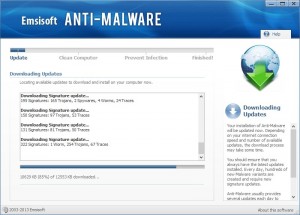
Emsisoft Anti-Malware 8.0 improves cleaning, reduces memory usage
Emsisoft of Thalgau, Austria, released Emsisoft Anti-Malware 8.0, a major new version of its dual-engine protection tool for Windows. It is designed to run alongside existing security products and offer extra lines of defences against malware.
Version 8.0, which uses BitDefender's scanning engine alongside Emsisoft's own, promises to cut memory usage for faster, leaner performance, improved malware cleaning, user-interface tweaks and more.
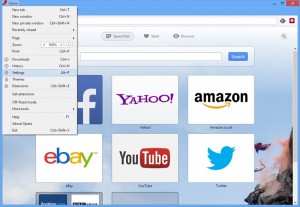
Stable Opera 15 arrives with new features and rendering engine
Just a month after unveiling the first beta to the public, Opera Software has released Opera 15.0 FINAL. The latest version of the browser receives a complete reboot, sporting a different rendering engine, revamped interface and a number of new features.
The new release does not spell the end of the previous version, however, with Opera 12.15 FINAL still available (and due to receive an update shortly) for those reluctant to move on.

Shapeshifter makes clipboard management easy
It is no secret that the Windows clipboard is, well, extremely basic. It does not even try to remember anything more than your last operation, so if you copy some text, for instance, anything that was already there will be lost forever.
You do not have to live with this, though. Install Shapeshifter and it will remember everything you add to the clipboard, then allow you to choose exactly what you want to paste later.
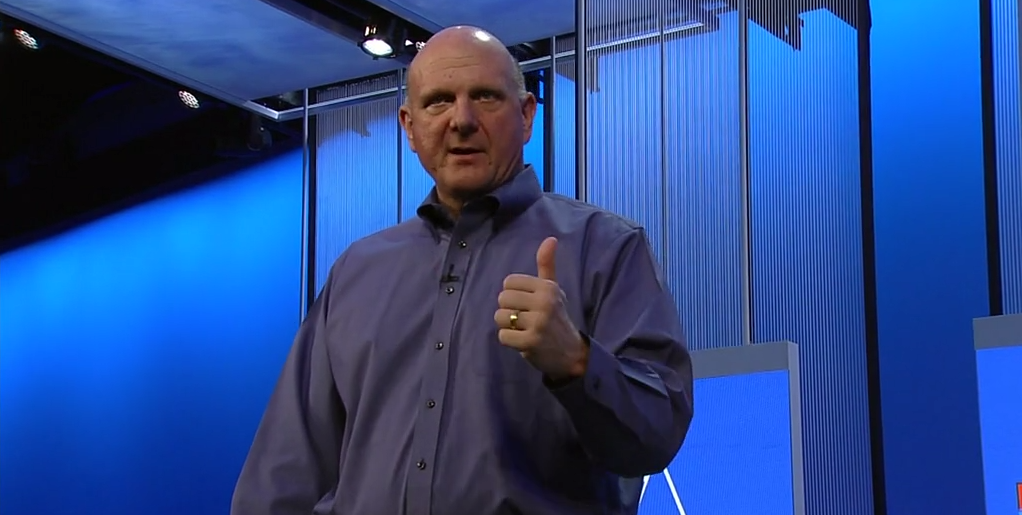
Steve Ballmer's hits and misses from Build 2013 keynote
Perpetual release cycles. Windows 8.1. The unified Windows ecosystem. If there are any key takeaways to remember from Microsoft's cornerstone keynote at the Build 2013 conference, these three items would sum it up quite well. Microsoft CEO Steve Ballmer reminded thousands of developers on stage last week that the company isn't getting left in the dust and it has a solid plan going forward.
While most of the tech world was keenly focused solely on Build 2013 as the gateway to the first official peek at Windows 8.1, Ballmer's keynote had a few other important messages to deliver. The Windows update, formerly known as "Blue", may have stole the show but Microsoft had a grander agenda to piggyback at the developer conference.
Installing Windows 8.1 beta? Not so fast there...
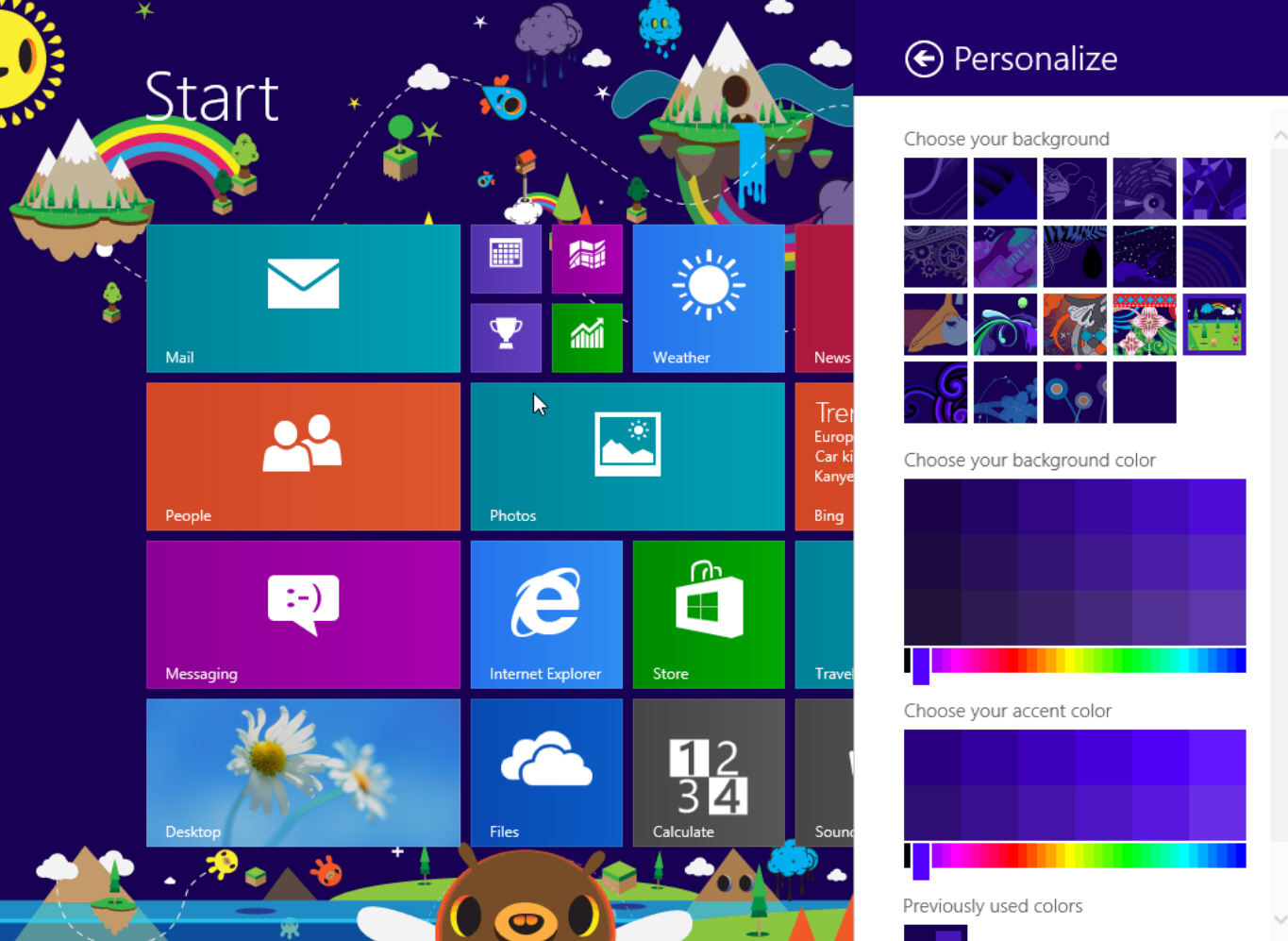
Today, the Build 2013 developer conference kicks off and the highlight is the release of the first Windows 8.1 preview build. Excitement ensued, as my colleague Mihaita Bamburic, immediately installed it. However, I have some reservations regarding this move.
I generally do the same thing and, in fact, did so with every build of Windows 8, but I'm on the fence as Microsoft offered no upgrade path between Release Preview and RTM versions. Lesson learned.
Microsoft sets up shop in your local Best Buy
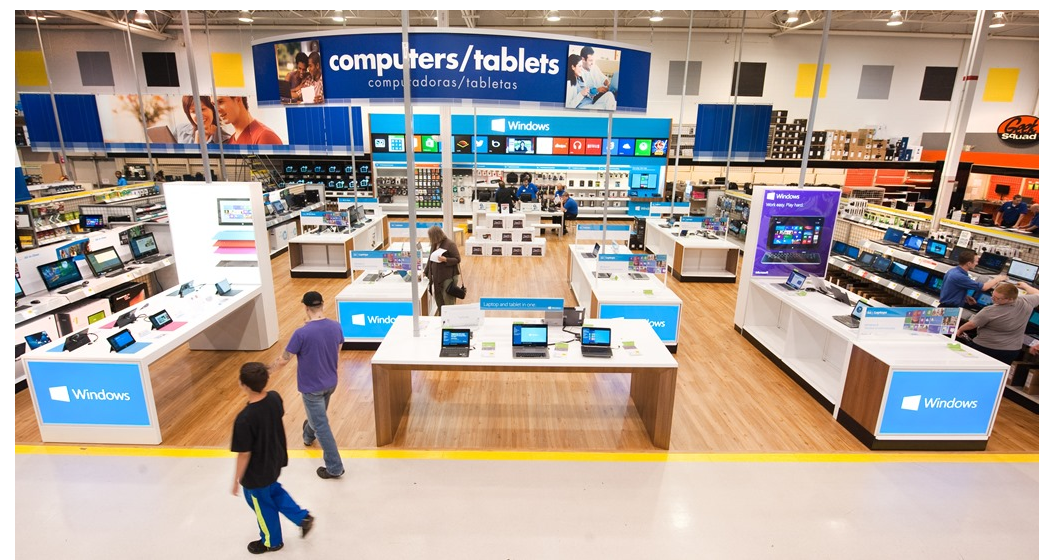
Microsoft continues its battle for your retail dollars. Not only has the company set up store fronts in malls around the country, as well as pop-up locations during this past holiday season, but now seeks other outlets. The software giant is invading your local big box store, announcing custom stores within Best Buy.
The company's Brandon LeBlanc lets us know, "today, we announce a strategic partnership to create the Windows Store only at Best Buy, a comprehensive store-within-a-store in 500 Best Buy locations across the United States and more than 100 Best Buy and Future Shop locations in Canada".

Microsoft announces availability of Windows Embedded Compact 2013
Today Microsoft announces the general availability of Windows Embedded Compact 2013, a version that is optimized for building small-footprint industry devices. Windows Embedded Compact 2013 includes new tools and capabilities -- including support for Visual Studio 2012 that is designed to further enhance Windows.
According to Microsoft, "the release is the latest generation of one of the smallest and most flexible products in the Windows Embedded portfolio, designed to power devices that need real-time performance and silicon flexibility, with support for x86 and ARM architectures".

Microsoft beefs up Windows Azure with two-factor authentication
In an effort to beef up the security of its cloud platform, late-yesterday, Microsoft introduced two-step authentication for Windows Azure. The new feature is available through a service called Active Authentication and, according to the software giant, is mostly aimed at enterprises.
"Companies can enable multi-factor authentication for Windows Azure Active Directory identities to help secure access to Office 365, Windows Azure, Windows Intune, Dynamics CRM Online and many other apps that are integrated with Windows Azure AD", says Windows Azure director Sarah Fender. "Developers can also use the Active Authentication SDK to build multi-factor authentication into their custom applications and directories".
Got an hour to kill? Watch (nearly) every version of Windows being installed
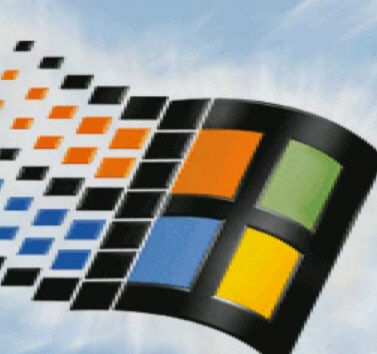
The first version of Windows I ever installed was Windows 3.1, and the most recent was a leaked build of Windows 8.1. In between those two points I’ve installed every new version of Windows Microsoft has produced, most more times than I care to recall.
The installation process has definitely improved over the years, but I shudder to think how much of my life has been spent waiting for each install and reinstall to complete.

BetaNews exclusive: Grab a full copy of CyberLink PhotoDirector 3 for free
Windows users are spoiled for choice when it comes to photo editing tools. The offerings range from very powerful and expensive suites like Adobe Photoshop, to basic yet free applications like Microsoft Paint. CyberLink, a company best known for its video software, entered this market a couple of years ago with PhotoDirector, an excellent but affordable tool which can be used to manage, enhance and share photos.
PhotoDirector is very easy to use, mostly due to its neatly-organized interface. It groups the available functionality into five tabs -- Library, Adjustment, Edit, Slideshow and Print -- which allows users to import and organize photos, tweak various elements (color, lighting and contrast among others), "beautify" people (make teeth whiter, remove wrinkles, etc.), create slideshows and even share them on YouTube afterwards.