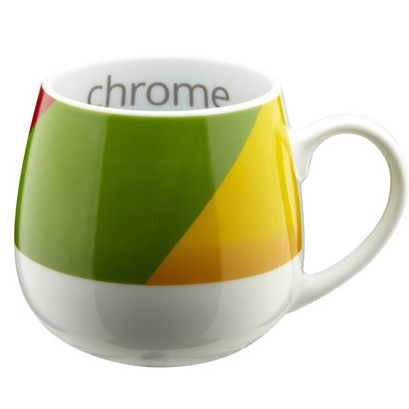
Chrome 22 Beta improves Windows 8 support
Hot on the heels of the latest stable release, Google has updated both pre-release channels of Google Chrome to version 22 (Beta) and 23 (Dev) respectively. Google Chrome 22.0.1229.14 Beta features Windows 8 enhancements, better mouse control for web-based gaming and improvements from those using high-def screens, including the latest Mac Retina displays.
Google Chrome 23.0.1243.2 Dev has also been updated -- at this early point in its existence, the only notable changes are updates to the Chromium v8 core and various bug fixes.

MediaFire offers 50GB of free cloud storage
Cloud storage company MediaFire now offers 50 GB of free storage, which will undoubtedly please those wanting more space to upload their precious files. Fifty gigs of storage is actually more than the popular free solutions from Dropbox, Microsoft, and Google offer at the moment.
For no money, you get a 200 MB per-file limit and 15 one-time links per day. The 200 MB file limit is certainly not going to break any records, so if storage for bigger files is what you need, the $9 per month tier increases the cloud storage limit to 250 GB, 4 GB file size limit, 500 one-time links per day, and no removal for account inactivity.
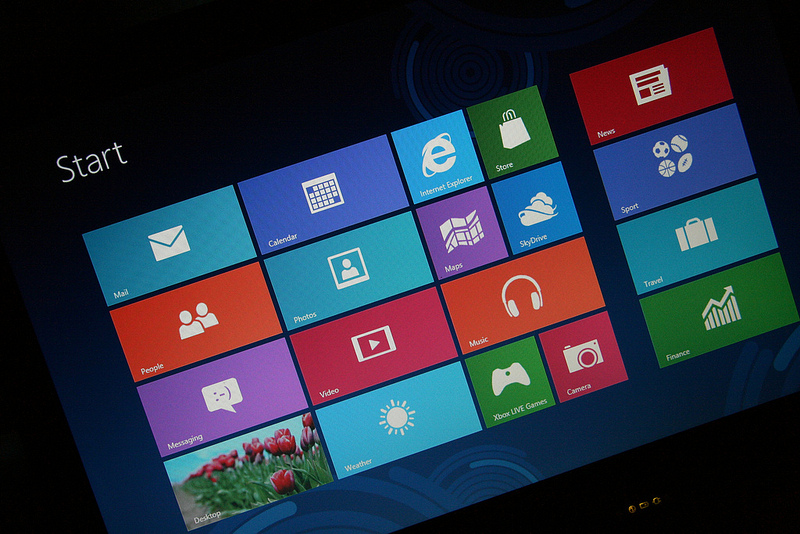
Eight good reasons to upgrade to Windows 8
First in a series. A lot of people are on the fence when it comes to Microsoft’s forthcoming OS. The Modern (formerly Metro) UI has made some previously enthusiastic Windows devotees reluctant to upgrade and, to be fair, it’s easy to understand why. But there’s much more to Windows 8 than just its touch-friendly but slightly clunky Start screen. If you’ve yet to make up your mind about upgrading, maybe some of these new features will sway you.
Earlier this week, colleague Martin Brinkmann identified "10 Windows 8 features you should know about". I've got eight more. In a companion post to this one, colleague Mihaita Bamburic gives "Eight reasons why Windows 8 is NOT for you".

AVG Secure Search offers website safety ratings
The Internet can be a dangerous place, and there are countless websites just waiting to serve up a dose of malware. Everyone knows the importance of having antivirus and anti-malware software installed, but simply browsing the Internet can direct you straight to web pages that could wreak untold damage to your computer. AVG Secure Search is a security tool that is constantly on the lookout for you, showing you safety rating for any sites you search for.
This browser plugin can be used with Internet Explorer, Firefox and Chrome, and it uses a custom Google search to let you know whether sites that appear in your search results are safe, risky or dangerous. You are not prevented from visiting sites that have been flagged up as being dangerous -- mistakes do happen, after all, and there will inevitably be times when you need to access a site from the dark side – but warnings are displayed to strongly discourage you from going through with it.

Thanks for the DMCA takedown order, Microsoft!
I have some advice for Microsoft: Back down and apologize while you still can. Because I won't cow before you, and neither will other editors whose sites you seek to censor. To Google: Shame on you for delisting from search results one of our stories because Microsoft demanded it. What? You're Microsoft's bitch now?
Late this afternoon, colleague Tim Conneally wrote about Microsoft issuing a DMCA (Digital Millennium Copyright Act) take-down notice regarding a ConeXware Power Archiver forum post. Well, hell, Microsoft filed notice(s) for at least one BetaNews story, too, and nothing exactly recent. I cocked my head in wonder: "Don't wait for Windows 8! Download it now!", from September 2011, when Microsoft released the Developer Preview. What about the post could be so offensive or somehow violate Microsoft copyrights?
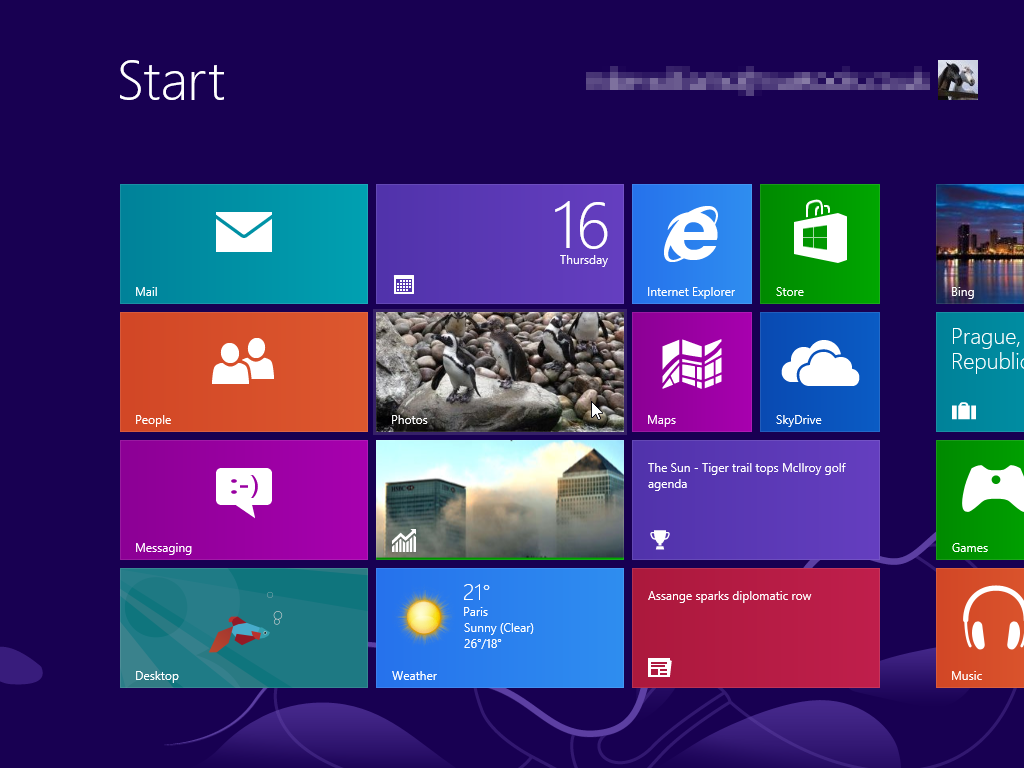
Microsoft censors site criticizing Windows 8 tile UI
Something's fishy here. A message board thread where developers unanimously criticized the Windows 8 tile interface has been delisted from Google, thanks to a Digital Millenium Copyright Act (DMCA) takedown order issued by none other than Microsoft itself.
The board is dedicated to ConeXware's Power Archiver compression toolkit, and the thread in question began on August first, when Windows 8 was released to manufacturing. The post announcing the RTM was then followed by a handful of comments from different users and developers who panned the Windows 8 interface.

Qualcomm Snapdragon S4 Pro to power future LG LTE smartphone
The rumors about a new LG quad-core phone are true. Qualcomm confirms the South Korean manufacturer is currently baking an LTE smartphone based on the Snapdragon S4 Pro chipset. We've seen the chipset in the fastest and most expensive Android tablet around, giving LG's smartphone the right credentials for speed.
LG's new quad-core LTE smartphone is anticipated to be released in September, followed by global availability. Because of the Qualcomm Snapdragon S4 Pro chipset it has the makings of a smartphone speed champion, being powered by a quad-core Krait Snapdragon S4 CPU and Adreno 320GPU, a combination that has given Qualcomm's Mobile Development Platform (MDP) the title of fastest Android tablet on the market.

Your Fourth Amendment rights don't apply to Facebook
Last week, a federal district court made a ruling that has broad implications for your privacy on Facebook. The end result is that you should be much more careful about what you share on Facebook with whom, because regardless of whether your profile is private or not, the Federal Government can use your friends to gather evidence against you, which in turn can be used against you in a court of law.
This is what happened to accused gangster Melvin Colon. The Bronx, N.Y. man used his Facebook to brag about his apparent exploits, which according to reports included messages of loyalty to his gang, posts on violent acts and threats to other people. The US Government was then able to find a friend who worked against Colon, and allowed law enforcement to use his or her Facebook to gather evidence.
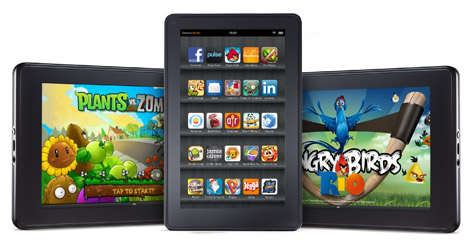
Could it be the new Kindle Fire?
Amazon just dropped an invite in my inbox for an unnamed "press conference". Timing sure is interesting with persistent rumors about a new Kindle Fire and possibly even a 10-inch tablet. All this around when about Apple is rumored to hold an event that could unveil the next iPhone. I don't take much stock in rumors, just what we know.
Which is this: Amazon will hold a press conference in two weeks at Barker Hanger in Santa Monica, Calif. Please use comments to make your guess what on earth it will be.

JavaScript Video is your density, I mean, Destiny
Second in a series. Three quarters of the bits being schlepped over the Internet today are video bits, so video standards are more important than ever. To accommodate this huge load of video data we’ve developed compression technologies, special protocols like the Real Time Streaming Protocol (RTSP), we’ve pushed data to the edge of the network with Content Distribution Networks (originally Akamai but now many others).
All these Internet video technologies are in transition, too, with H.264 and HTML5 video in the ascendence while stalwarts like RealVideo and even Flash Video appear to be in decline. The latter is most significant because Adobe’s Flash has been -- thanks to YouTube -- the most ubiquitous video standard. Flash video was everywhere. But with Flash apparently leaving the ever-growing mobile space, will we ever see another truly ubiquitous web video standard? We already have and it is called ClipStream G2 JavaScript video.

Shut down Windows 8 faster
Shutting down Windows 8 can be frustrating as it is no longer the intuitive process that Windows users are accustomed to in previous versions. Now in order to perform any power-related operation, the standard way is to invoke the Charms menu, which shows up on the right side of the screen. It might even seem unnatural now that the Start menu is gone.
Let's talk about the "normal" way to shut down Windows 8. In order to "summon" the Charms menu, just press Windows Key + C and it will show up. If your preferred "weapon" of choice is the mouse, then simply move the cursor to either the upper or lower right corner of the screen and it will be displayed as well. From there one has to go through Settings -> Power and select either Sleep, Restart or Shutdown to perform any power operation. If you're old school you might remember that pressing ALT+F4 yields the same result. But there's an easier way to shutdown your Windows 8 PC, without going through any menus.
Microsoft's new logo is branding fail
Would someone please call the branding police and have them arrest Microsoft's entire executive team. The charge: Indecent logo.
Today the software giant introduced its first major corporate logo change in about a quarter century. I'm all for a brave new look, except there's little brave or memorable about this one. Apple should call a holiday and give out champagne to celebrate. This is one big branding frak up.

View Chrome, Firefox, IE and Safari histories all in a single table
When you’re trying to remember that important URL you visited yesterday then viewing your browser’s history will probably provide the details you need. But if you’ve more than one browser installed then it could still take quite some time to trawl through your previous online sessions.
Fortunately there’s now a simpler option in the shape of BrowsingHistoryView, the latest NirSoft release, which presents your Firefox, IE, Chrome and Safari histories all in a single table.
5 features I wish were in Windows 8 but are not
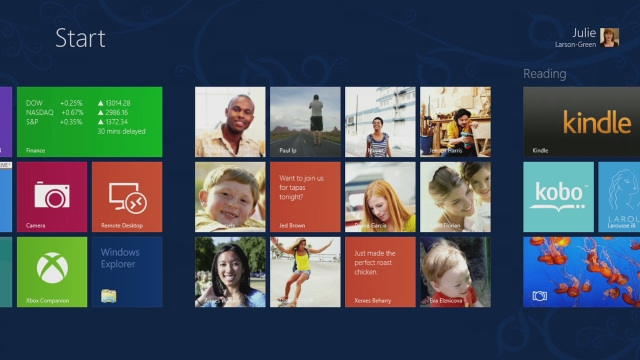
When you first heard about Windows 8, what were your expectations of the operating system? I always have a set of features in mind that I hope will make their way into Microsoft's next operating system, some dating back as far as Windows 95.
Windows 8 is special to a certain degree as it is the first Windows operating system that brings touch to the center of focus. The reason for that is the lucrative tablet market currently dominated by iPad and to a lesser degree Android. Windows 8 will be Microsoft's entry into the market, not only as a maker of operating systems, but also tablets like the Microsoft Surface. Some say that Microsoft sacrifices the experience of desktop users for that, and while I would not go as far, it is noteworthy that the company promotes more touch and tablet related features of the operating system than features improved or added to the desktop part of it.

New Android app eliminates driving distractions
Did you know that updating Facebook while driving can cause lane veering by up to one meter, or that texting adds 8.5m to the overall stopping distance when travelling at 70mph? Well, it’s true according to a new study by Transport Research Laboratory (TRL) on behalf of insurance company esure. The report also says that 1 in 5 drivers took their eyes off the road for 7 seconds when they heard a ringing phone. Check out the fancy PDF infographic if you want to find out more.
To help remove these distractions (and reduce the number of claims it has to process, presumably), esure has produced a free Android app which eliminates mobile phone distractions. The DriveOFF app, available through Google Play, uses GPS to detect when your car is in motion and travelling above 10mph and automatically turns off all other apps and blocks incoming calls and texts.