
Ready or not, Microsoft is testing early builds of Windows 11 25H2 on users
No operating system is ever really finished, and this is certainly true of Windows 11. As well as the (very welcome) security fixes, Microsoft continues to make endless tweaks, changes and additions to the OS; now the company has just moved to the next big stage of development.
It may seem as though the most recent major update, Windows 11 24H2, has only just been released, but the company is already working away on Windows 11 25H2. What’s more, it’s available to try right now.

Forget Windows 11 and try AerynOS instead -- this new Linux distro just got a fresh ISO and powerful updates
The folks behind Serpent OS have completed their rebrand, and the result is something you must check out. Now called “AerynOS,” this Linux distribution just dropped a new ISO (AerynOS 2025.03) and it might soon be time to forget all about Windows 11. Seriously.
This isn’t some clunky science project or a quirky Linux offshoot that breaks every other week. AerynOS is shaping up to be a serious daily driver.
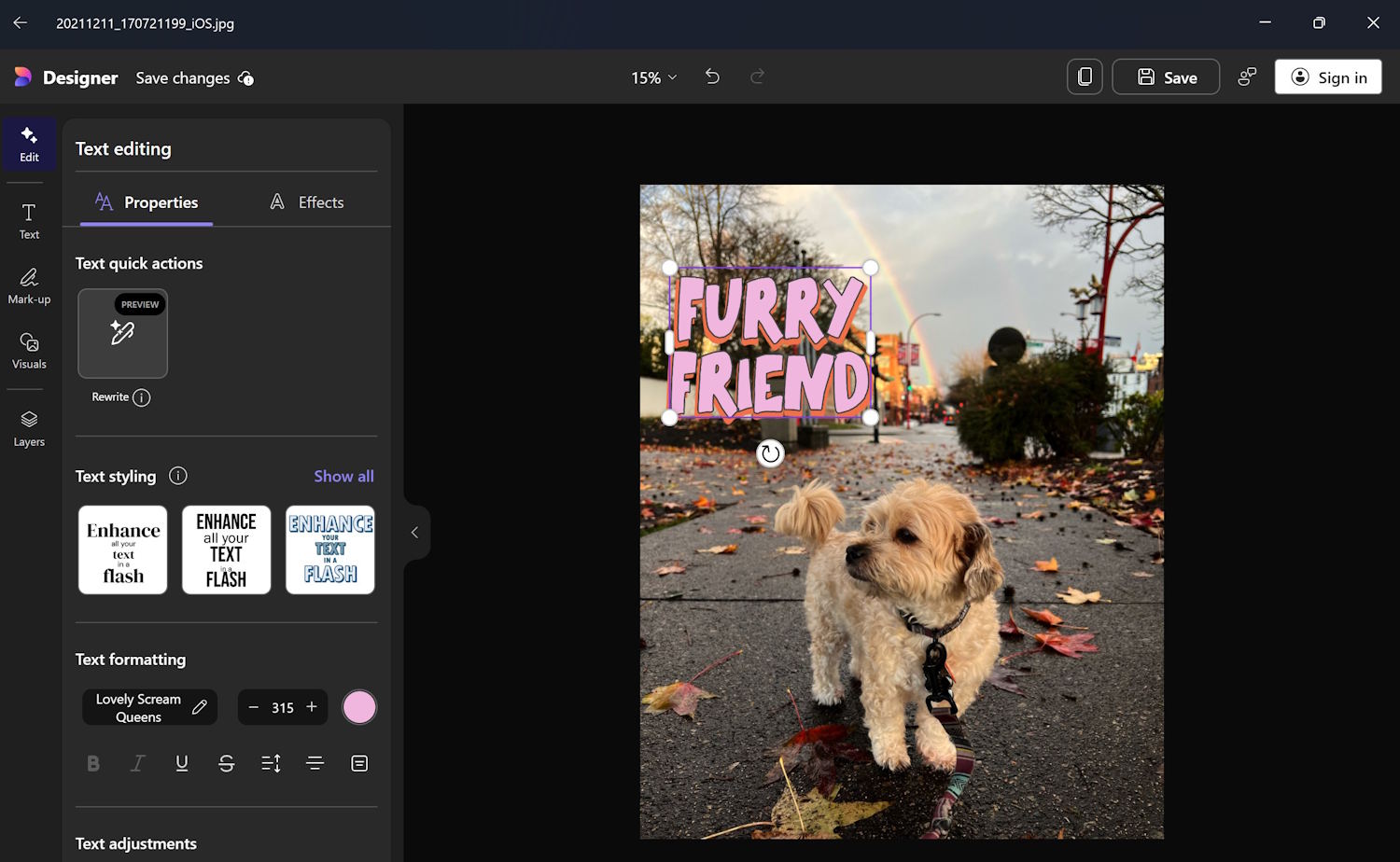
Huge Microsoft Photos update adds amazing new web search with OCR-extracted text feature and makes AI options easier to access
Microsoft Photos is something of an unsung hero of the Windows app family. It is an astonishingly useful and powerful tool that Microsoft keeps quietly updating on an irregular basis. The latest update has just landed, and it’s a biggie.
We’ve already seen the addition of OCR capabilities to Microsoft Photos so in-image text can be easily copied; this has now been extended to include the option to search the web with text that has been extracted. But this is far from being the only change in the latest update.

Transform Windows 10/11 into the OS you've always wanted with Seelen UI
Windows 10 and Windows 11 are functional but a bit unexciting, with limited customization options. If you’ve ever wished you could make Windows look and work better, the good news is that Seelen UI has you covered.
This free tool reimagines what a Windows desktop can be, giving users the power to break free from Microsoft’s frustrating limitations -- and it’s just been updated to offer even more features and improvements.

Forget Windows 11 -- ReactOS, the Microsoft-free Windows operating system, just got a massive update! Download it now
Just as you can get versions of Android that are free from Google, including LineageOS and /e/OS, so there are also alternative Windows operating systems not developed by Microsoft.
One of the most best examples of this is ReactOS, an open-source project that aims to provide a free and compatible replacement for Windows, removing all the things you don’t want in Microsoft’s OS, such as spying/telemetry, adverts, and so on.
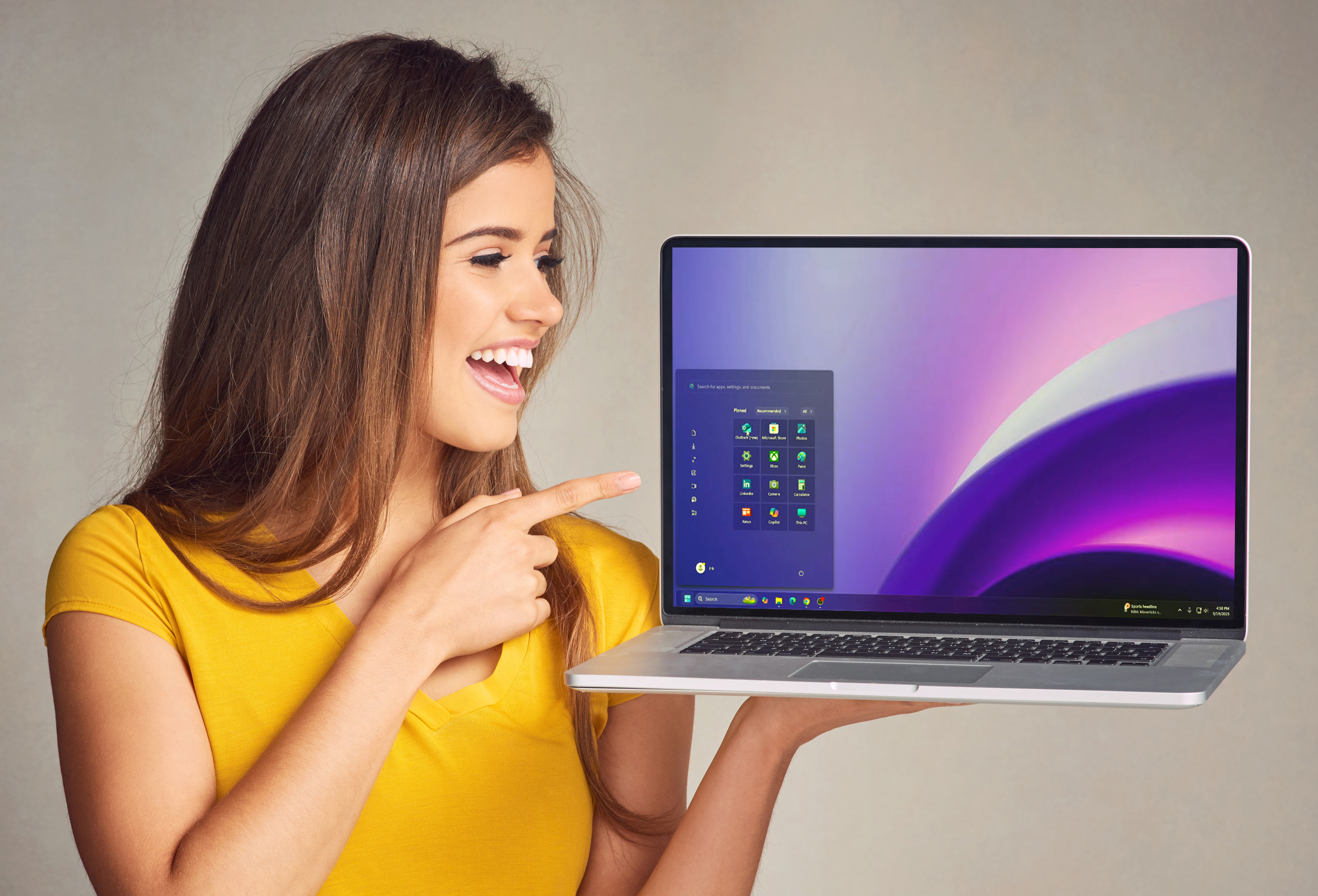
Windows 25 solves Windows 11's biggest problem -- download it now
For most people, the first thing that jumps out about Windows 11 is the centered taskbar and Start menu. It’s one of the most obvious changes Microsoft made to the new OS to differentiate it from Windows 10.
A change like that can be difficult to adjust to at first -- if you’ve been using Windows for years you’ll be used to everything being on the left. Windows 25 puts everything back where it belongs, and you can install it now.
Best Windows apps this week
Six-hundred-thirty-nine in a series. Welcome to this week's overview of the best apps, games and extensions released for Windows 10 and Windows 11 on the Microsoft Store and elsewhere in the past seven days.
The latest cumulative updates for Windows may have uninstalled the Copilot application accidentally. Microsoft is working on a solution. Affected users are asked to reinstall the Copilot app from the Microsoft Store.

Microsoft brings Copilot back from the dead after accidentally nuking it
Copilot remains a divisive addition to Windows, so there was a mixture of jubilation and despair when Microsoft released updates for Windows 10 and Windows 11 that had the unintended side effect of deleting the AI-powered digital assistant.
At the time, Microsoft acknowledged the accidental deletion and unpinning of the app and suggested Copilot fans manually download and reinstall the app while it worked on a proper fix. Now the company says it has things sorted out -- to the delight or chagrin of those affected.
Windows 11 build 26100.3613 hits the Release Preview Channel with an updated Task Manager that actually makes sense
Microsoft often likes to do things in a contrary fashion, particularly when it comes to Windows. But there are also times when the company sees that it doesn’t always makes sense to work against the tide, and makes changes to its software accordingly.
And this is just what has happened with the latest Release Preview build of Windows 11. This is a build that brings a lot of changes and new features, but one of the most interesting, useful and pleasing is an update to Task Manager that finally sees it complying with industry standards for the way it shows CPU usage.

Microsoft’s slow, piecemeal killing of the Control Panel in Windows 11 continues
The death of the Control Panel has been anything but quick and painless. The gradual migration to the Settings app has seen the Control Panel lingering on in a software hospice as Microsoft slowly chips away at it.
This legacy component of Windows remains home to various system settings that cannot be changed elsewhere, but hints have been spotted in builds of Windows Server that the end is drawing closer.

Hate Copilot? Microsoft just released a Windows update that erroneously deletes the AI assistant
The words 'known issues' in relation to updates for Windows are enough to strike fear into even the most hardened computer users. Microsoft is certainly no stranger to releasing updates that have problems -- or, if you want to be kind, unintended consequences. The latest SNAFU, however, is likely to please a lot of people.
With the release of the KB5053598 update for Windows 11 a few days ago, Microsoft has acknowledged that for some people it kills off Copilot. While the company refers to this as the app being "unintentionally uninstalled", this is a mistake that could have many fans.

This big Oreon 10 update might be the push you need to finally leave Microsoft Windows behind
If you’re thinking of leaving Windows 10 or 11 but aren’t quite sure if you’re ready to jump ship permanently, the good news is you can try some excellent alternative operating systems without commitment, using tools like VMware Player. One of our top recommendations is the stunning Oreon 10.
We declared it had "arrived to replace Microsoft Windows" when it launched last December, but since then the OS has received a number of improvements, and a new build has just been released that makes Oreon 10 an even more compelling alternative.
Best Windows apps this week
Six-hundred-thirty-eight in a series. Welcome to this week's overview of the best apps, games and extensions released for Windows 10 and Windows 11 on the Microsoft Store and elsewhere in the past seven days.
Microsoft announced the end of the Remote Desktop app for Windows this week. The app, which is available as a Microsoft Store download, is being replaced by the Windows App for Windows. The change appears a bit hurried, as some features are not supported by the new app yet, but there are workarounds.

Microsoft admits that a recent Windows update may have made your printer act erratically
If your printer has been spontaneously printing at random, you’re not alone – and you can almost certainly blame a wonky Windows update from Microsoft.
The company has acknowledged a strange print issue affecting some users of Windows 10 and Windows 11 who installed recent updates for the operating systems. The peculiar behavior affects USB connected dual-mode printers that support both USB Print and IPP Over USB protocols and Microsoft has been forced to resort to a Known Issue Rollback (KIR).
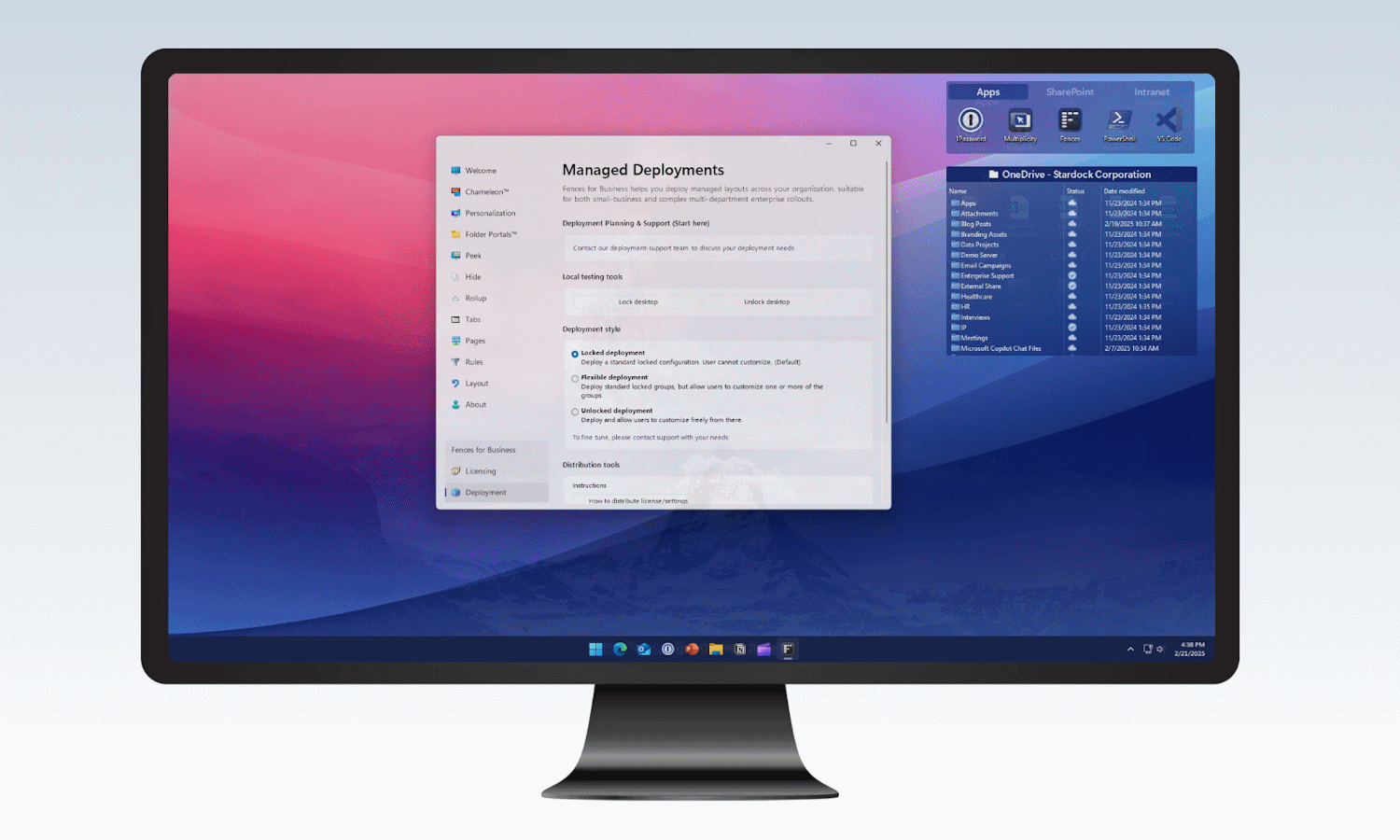
Take control of Windows 11 and save a tasty 10% off the incredible Stardock Fences 6 during beta testing
Few people would argue that Windows 11 is perfect; in fact, for many people the operating system has many flaws and failings. A lot of the weaknesses of Windows have been addressed by the developers of PowerToys, but this is far from being the only suite of utilities out there.
Stardock is a company with a history of producing handy tools for Windows, and Fences is a productivity, organization and workflow enhancing tool that can make Windows 11 work for you. To coincide with the release of the latest beta version of the utility, the company is giving 10 percent off Fences 6. Here’s what this incredible tool has to offer.