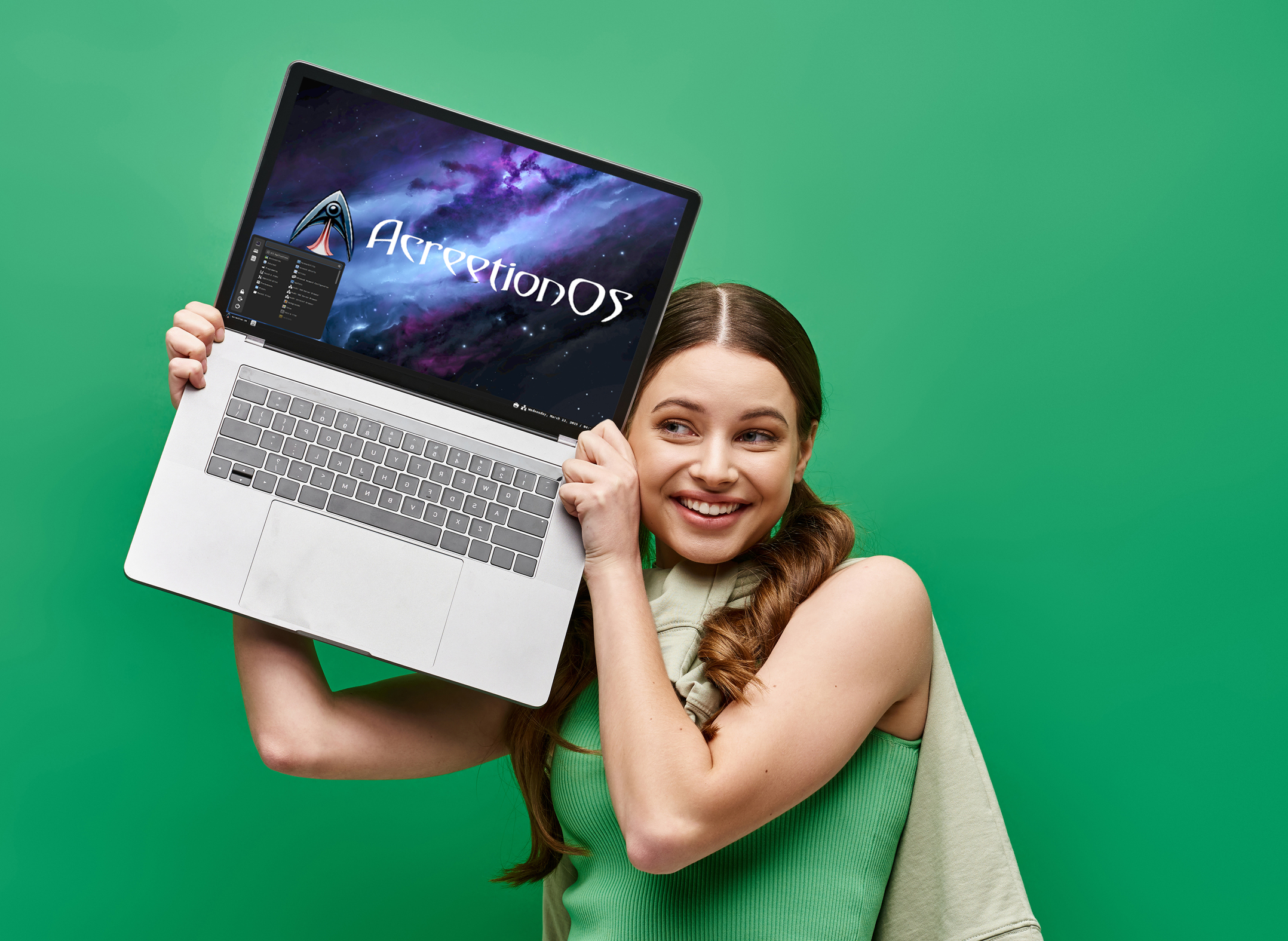
'It just works': AcreetionOS is the easy-to-use alternative to Windows 10/11 -- switch to it now
The developers behind AcreetionOS have a few questions for you. “Have you been wanting to switch away from Windows? Are you looking for something that just works?” If the answer to both of those is yes, their brand new operating system might be just what you’re after.
We’ve been using the Arch Linux based AcreetionOS for a few days now, and while the user interface could use a bit of polish (it’s still very new, so that’s understandable), it’s a solid OS that’s easy to use and, yes, it really does just work.

CrossOver 25 makes gaming on macOS and Linux even better -- could it help gamers ditch Windows 11?
CodeWeavers has just released CrossOver 25 for macOS and Linux, and it’s packed with some seriously awesome improvements. Thanks to Wine 10.0 bringing over 5,000 changes, this update should make running both Windows games and apps on non-Windows systems smoother than ever. Could this finally convince gamers to dump Microsoft's OS?
Let’s be honest, Windows 11 hasn’t exactly won over everyone. Between forced updates, hardware restrictions, and Microsoft’s annoying obsession with AI features (that most people don’t even want), it has left many gamers looking for alternatives. That’s where CrossOver 25 comes in.
Best Windows apps this week
Six-hundred-thirty-seven in a series. Welcome to this week's overview of the best apps, games and extensions released for Windows 10 and Windows 11 on the Microsoft Store and elsewhere in the past seven days.
Microsoft released a new version of its Copilot app on Windows to the Microsoft Store for Insiders. This one, finally, is a native application and no longer a progressive web app. May take some time before it lands on stable though.
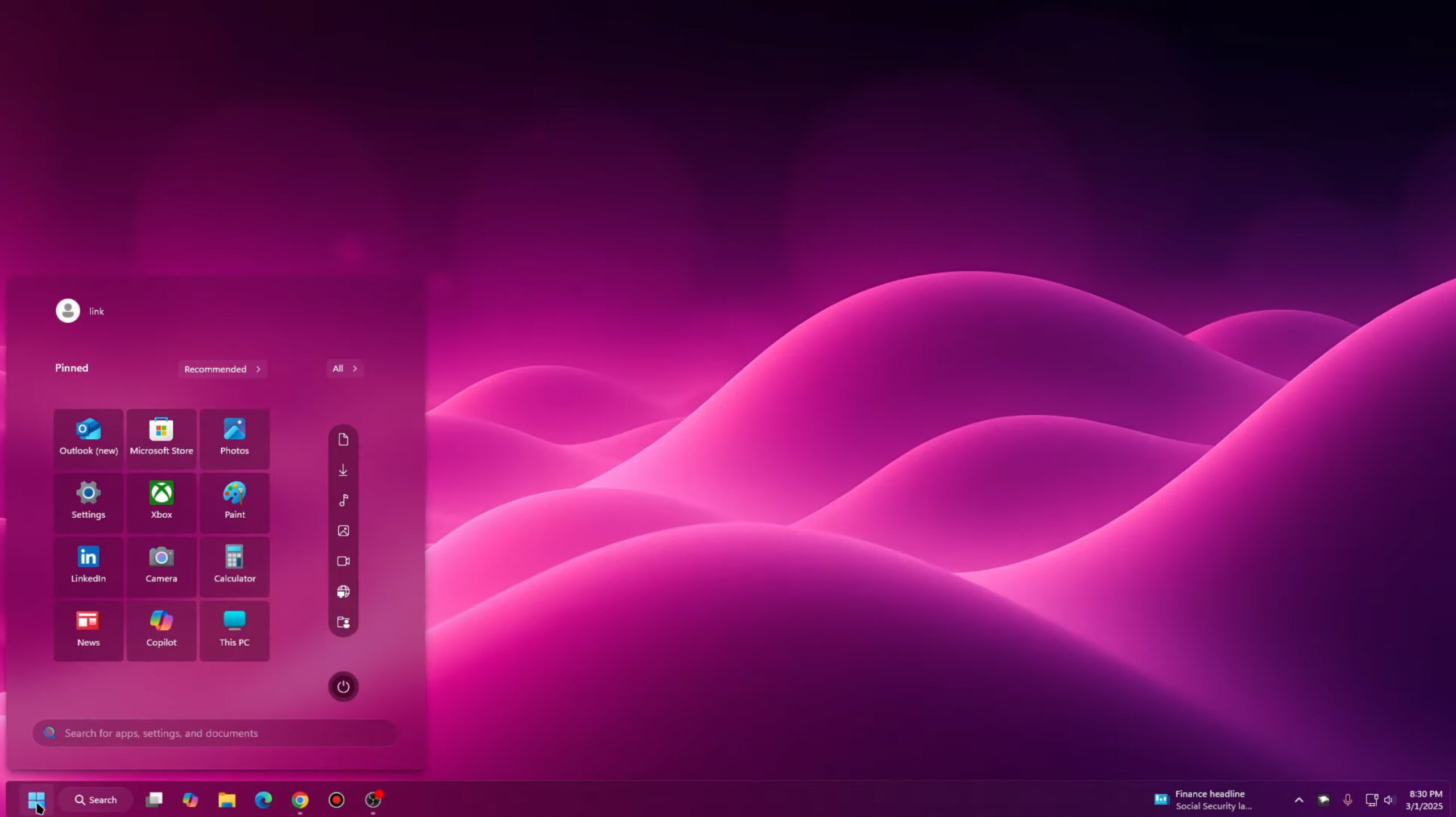
Windows 20 is the upgrade Windows 11 should have been -- download it now
With Windows 11, Microsoft tried to make the new OS look different from Windows 10, mainly by centering the taskbar and Start menu. This wasn’t the most popular change for a lot of people.
As we’ve covered before, there are a good number of third-party tools that you can use to put the Start menu and taskbar back to how they were, as well as tweak other areas of the newest operating system, including improving icons and updating File Explorer.
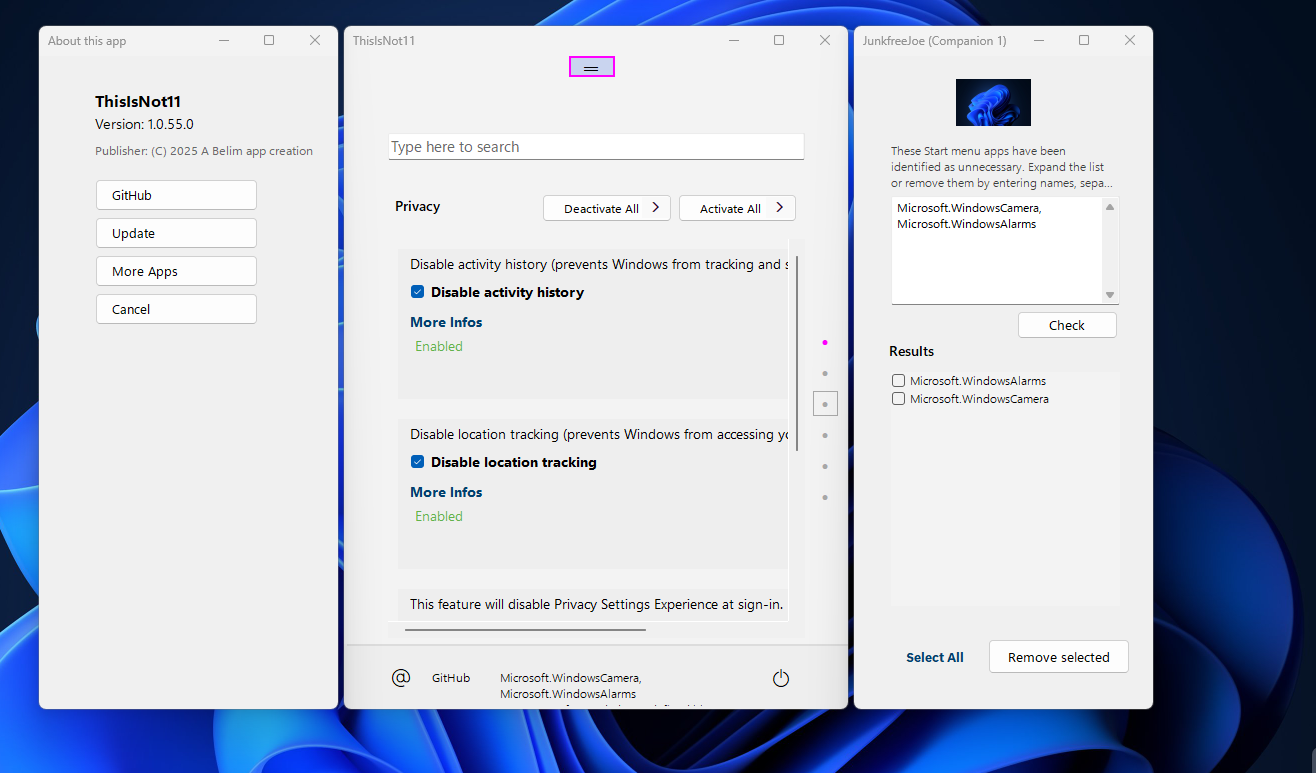
Best Windows apps this week
Six-hundred-thirty-six in a series. Welcome to this week's overview of the best apps, games and extensions released for Windows 10 and Windows 11 on the Microsoft Store and elsewhere in the past seven days.
One option for Windows 10 users who do not want to pay Microsoft for extended support is to switch to Linux once Microsoft's operating system runs out of support. Linux veteran Brian suggests to try a dual boot or VM instead at the beginning, to test the waters.
Install the KB5052093 update for Windows 11 to gain taskbar file sharing, Explorer improvements, and endless bug fixes
It's that time of the month when Microsoft releases preview versions of next month’s updates for Windows. For the eager -- and brave -- they provide a way to get early access to new features and options as well as fixes for problems.
Windows 11 users now have the KB5052093 update to download and install if they want to jump in ahead of Patch Tuesday, and this is a nice little update that not only patches a bunch of bugs, but adds a tasty selection of new bits and pieces. A highlight is the ability to use a single webcam in multiple apps.
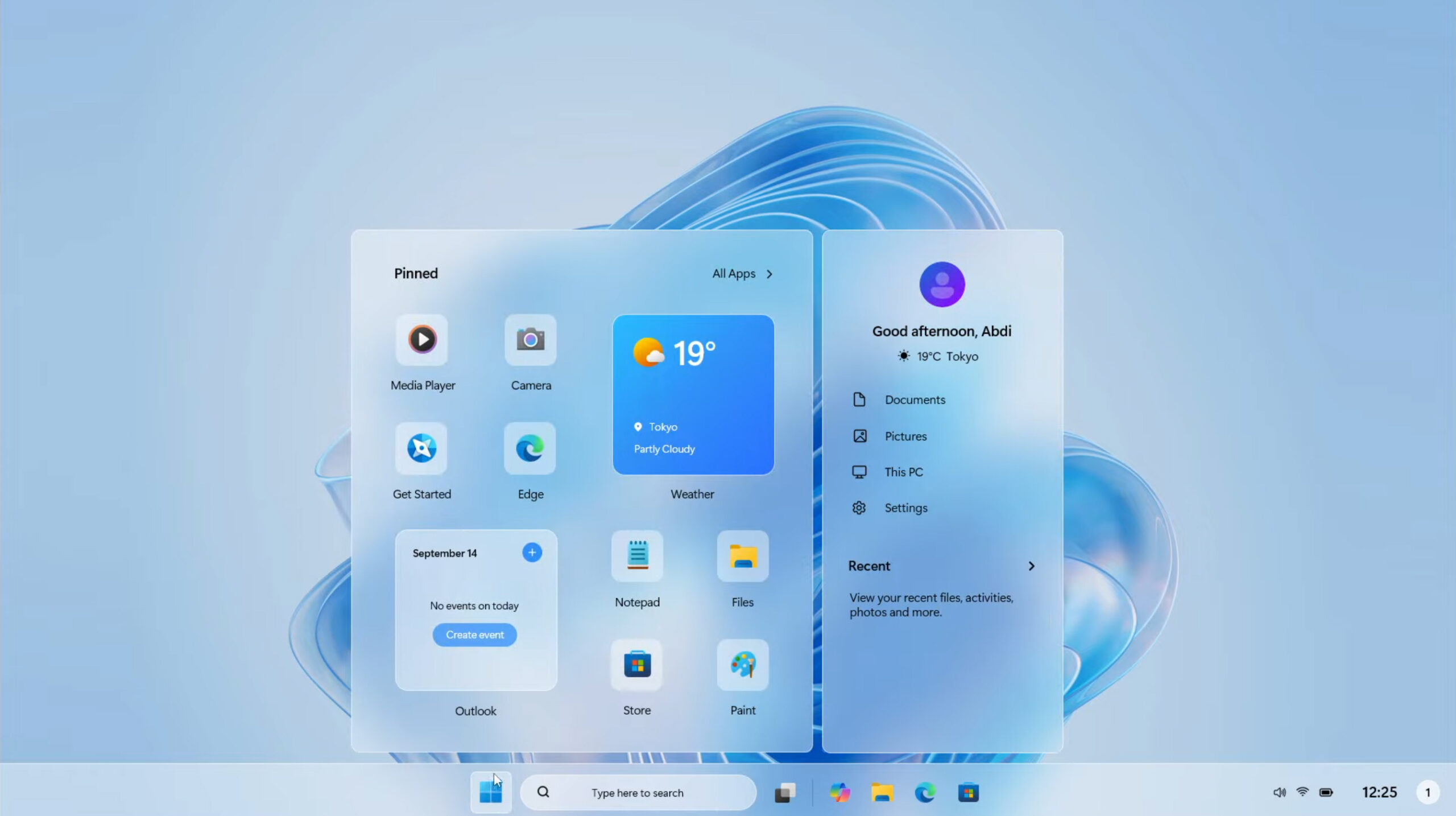
Forget Windows 12, Windows 11 2025 Edition is the Microsoft operating system we need!
Every so often, we hear rumors about Microsoft’s next operating system, widely expected to be called Windows 12. The tech giant has been keeping quiet about its future plans, preferring instead to continue to update Windows 11, adding more AI features, and deprecating functionality it thinks we no longer need.
Although plenty of people still prefer Windows 10 to its successor, Windows 11 will be the only game in town in a matter of months when the older OS comes to its end of life later this year. Windows 11 isn’t bad -- far from it -- but it could be better, as evidenced by Windows 11 2025 Edition.
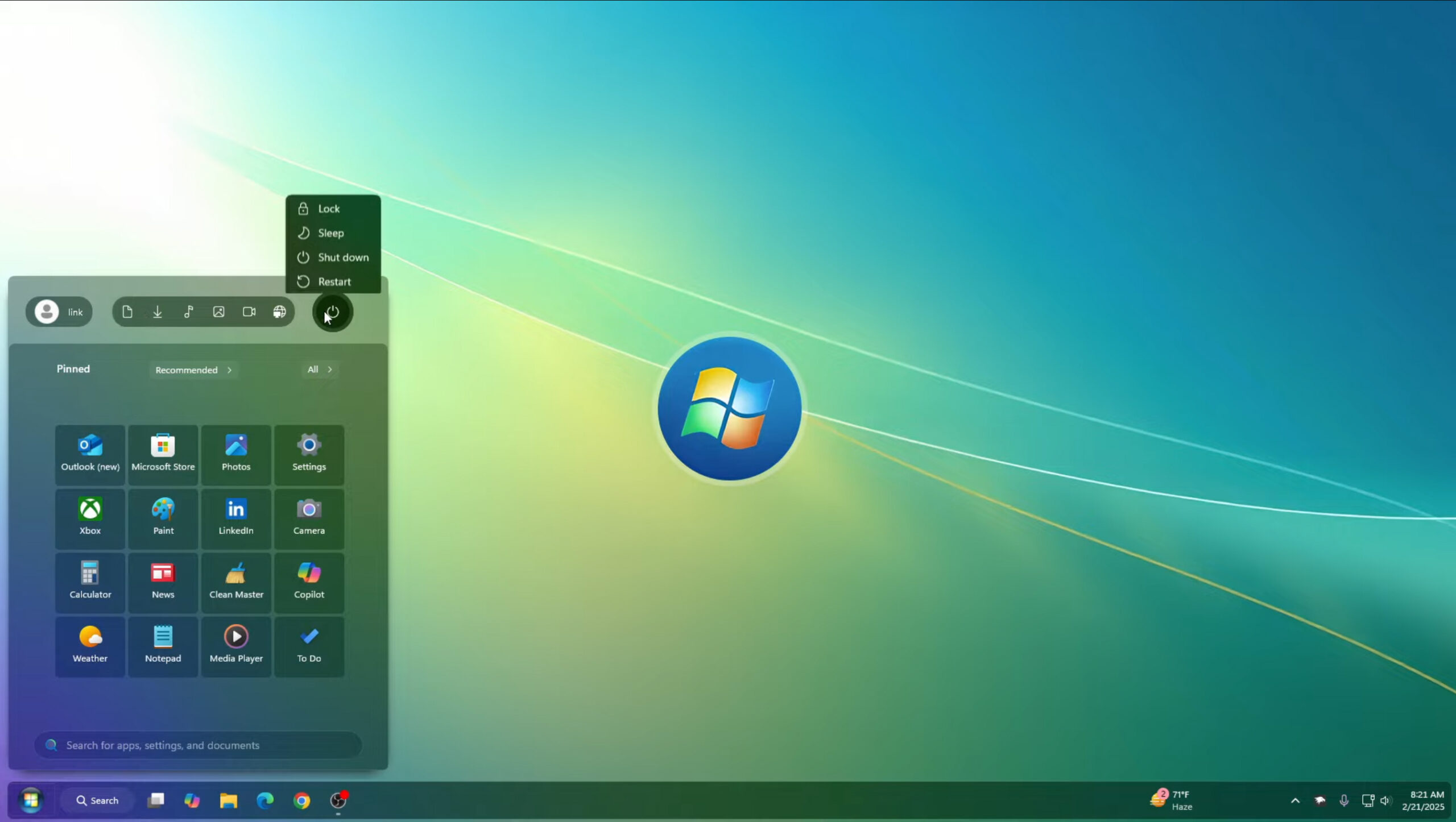
Windows Vista 2025 Edition fixes Windows 11's biggest problems -- download it now
For a lot of people, the biggest, most noticeable difference between Windows 10 and 11 is the centered taskbar and Start menu that Microsoft introduced to its latest operating system.
The software giant made the change to give Windows 11 a fresh, modern look and set it apart from its predecessor, but Windows has had a left-aligned taskbar and menu since Windows 95, and as the company proved when it gave us a tiled Start screen in Windows 8, change isn't always good -- or welcome.

Do not leave Windows for Linux -- try dual boot or a VM instead
Over the years, I have suggested leaving Windows for Linux many times, with some readers saying I sound like a broken record. In hindsight, however, that was arguably a foolish thing to suggest (in some cases, at least). No, that doesn’t mean I have soured on Linux -- quite the contrary. Actually, I am as enthusiastic as ever!
So, have I changed my tune? Well… not entirely. I still think people should install Linux, but instead of replacing Windows, I would suggest dual-booting instead. This way, you get the best of both worlds -- Linux and Windows on one machine. I suppose if you find you don’t ever use Windows, you could get rid of it down the line. But even if you don’t use Windows, why bother getting rid of it? You might find having a Windows installation handy one day. Hey… you never know.
Best Windows apps this week
Six-hundred-thirty-five in a series. Welcome to this week's overview of the best apps, games and extensions released for Windows 10 and Windows 11 on the Microsoft Store and elsewhere in the past seven days.
Microsoft is working on a new app. Currently in development, Migration App is designed to help users smoothly transfer files from one Windows PC to another.
Microsoft is giving Snipping Tool a major OCR upgrade in Windows 11
Snipping Tool is one of the most useful apps to be found in Windows 11, making light work of grabbing on-screen content. Primarily concerned with taking screenshots, it has developed over the years to include a handy OCR component for extracting text.
And now this feature is in line for an upgrade. Microsoft is improving the text extraction capabilities of Snipping Tool so that text can be grabbed without the need to take a screenshot first.
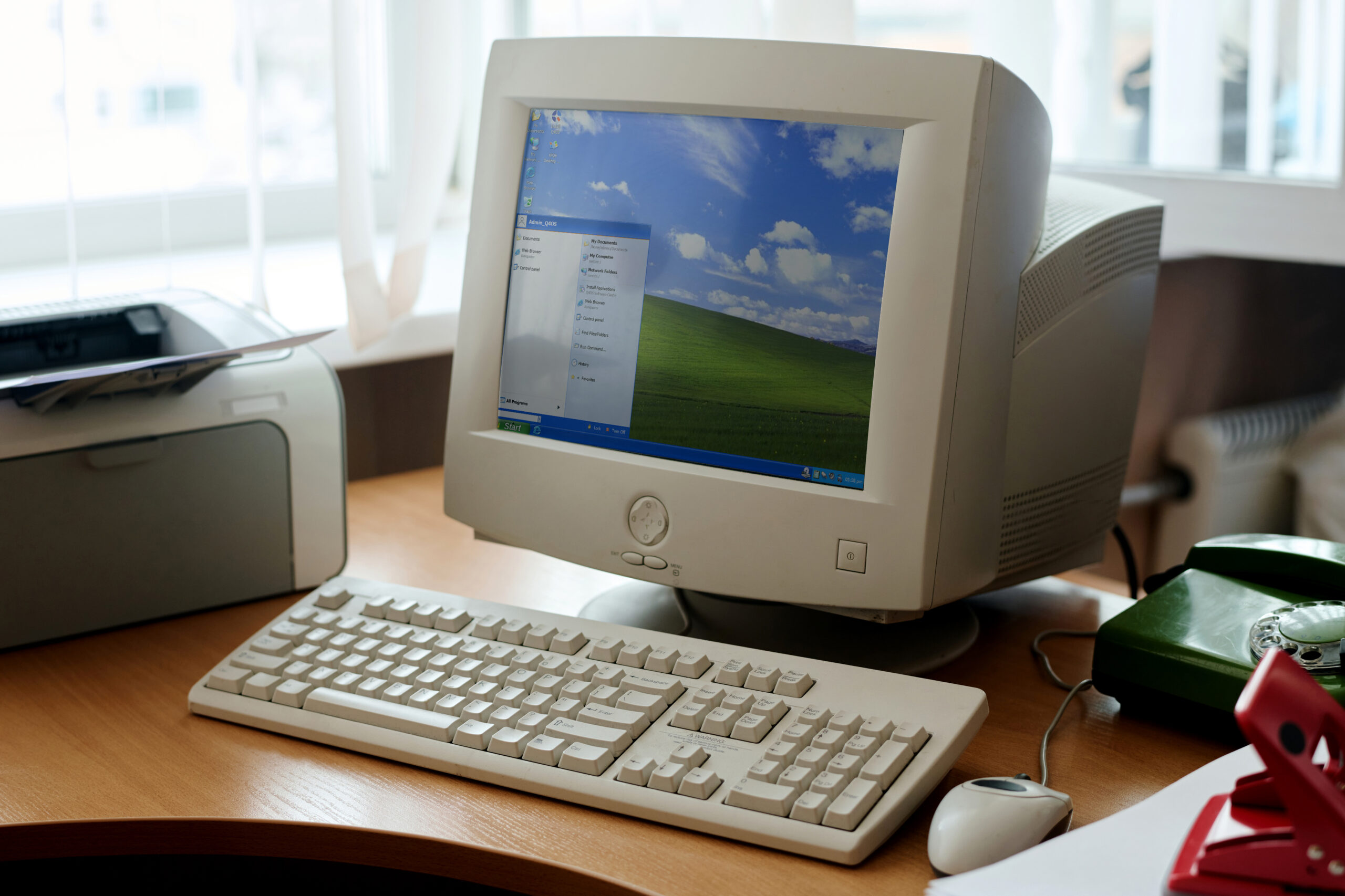
Who needs Windows 11? FreeXP is a modern version of Microsoft's greatest OS, powered by Debian Linux
I appreciate calling Windows XP “Microsoft’s greatest OS” will elicit snorts of derision from a good number of you. That honor probably belongs to Windows 7, or maybe even Windows 10 (once Microsoft ironed out the many problems that plagued it from the start). But certainly, Windows XP was a classic, and a huge step up from the operating systems that preceded it.
If you miss XP but aren’t crazy enough to run an OS that (mostly) hasn’t had security updates in over a decade, FreeXP might be just what you’re looking for. It’s not XP, and it’s not from Microsoft, but it looks and feels just like it.
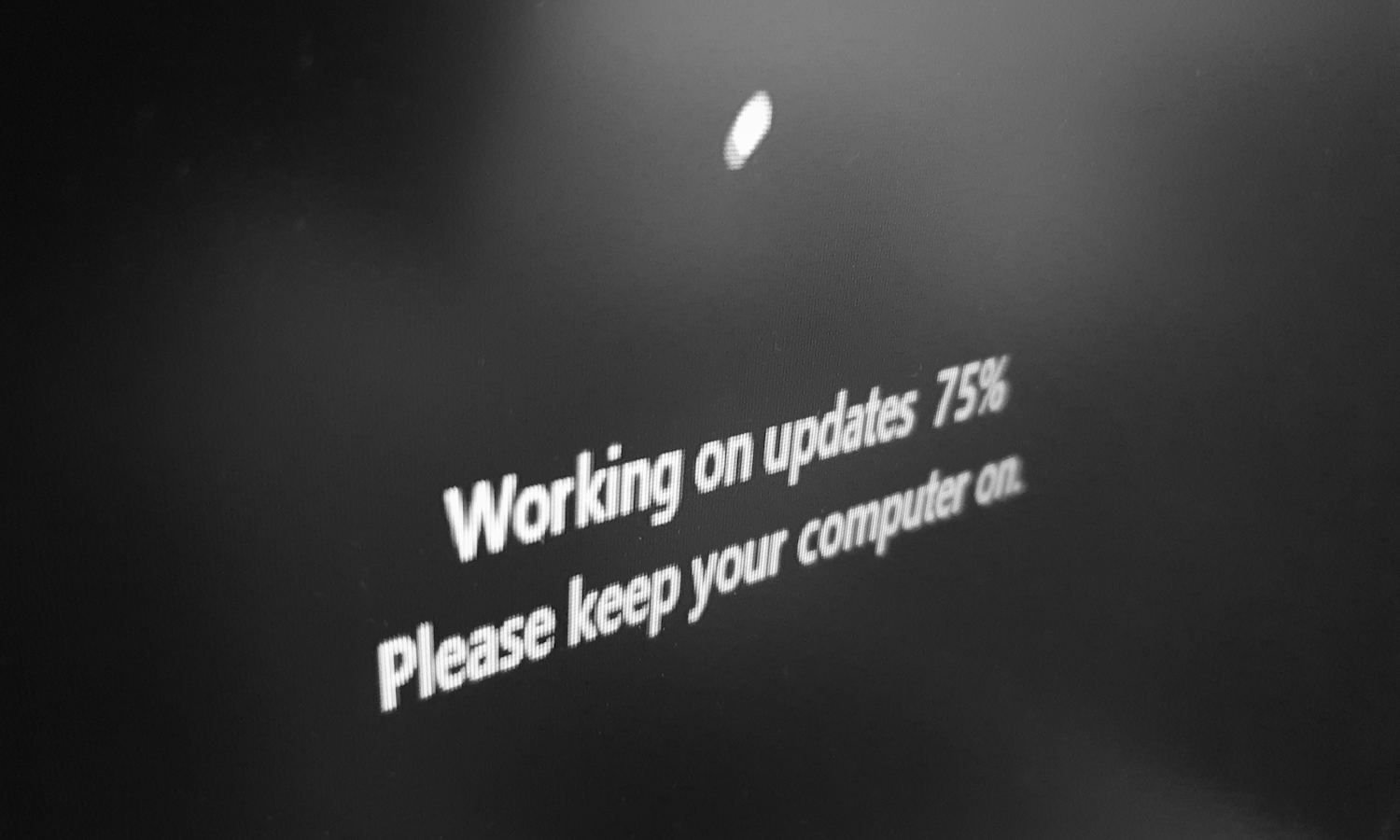
Microsoft is pushing a security update to Windows 11 that breaks File Explorer
The last round of security updates saw Microsoft release the KB5051987 update for Windows 11. As this patch addresses a number of security issues with the operating system, it is a mandatory update that will be automatically installed for most people.
As we’ve seen time and time again, the automatic installation of security updates is a good thing... until it isn’t. And with the KB5051987 update, there are numerous problems that raise the question of whether it is advisable to have Microsoft pushing out obligatory patches that can wreak havoc.

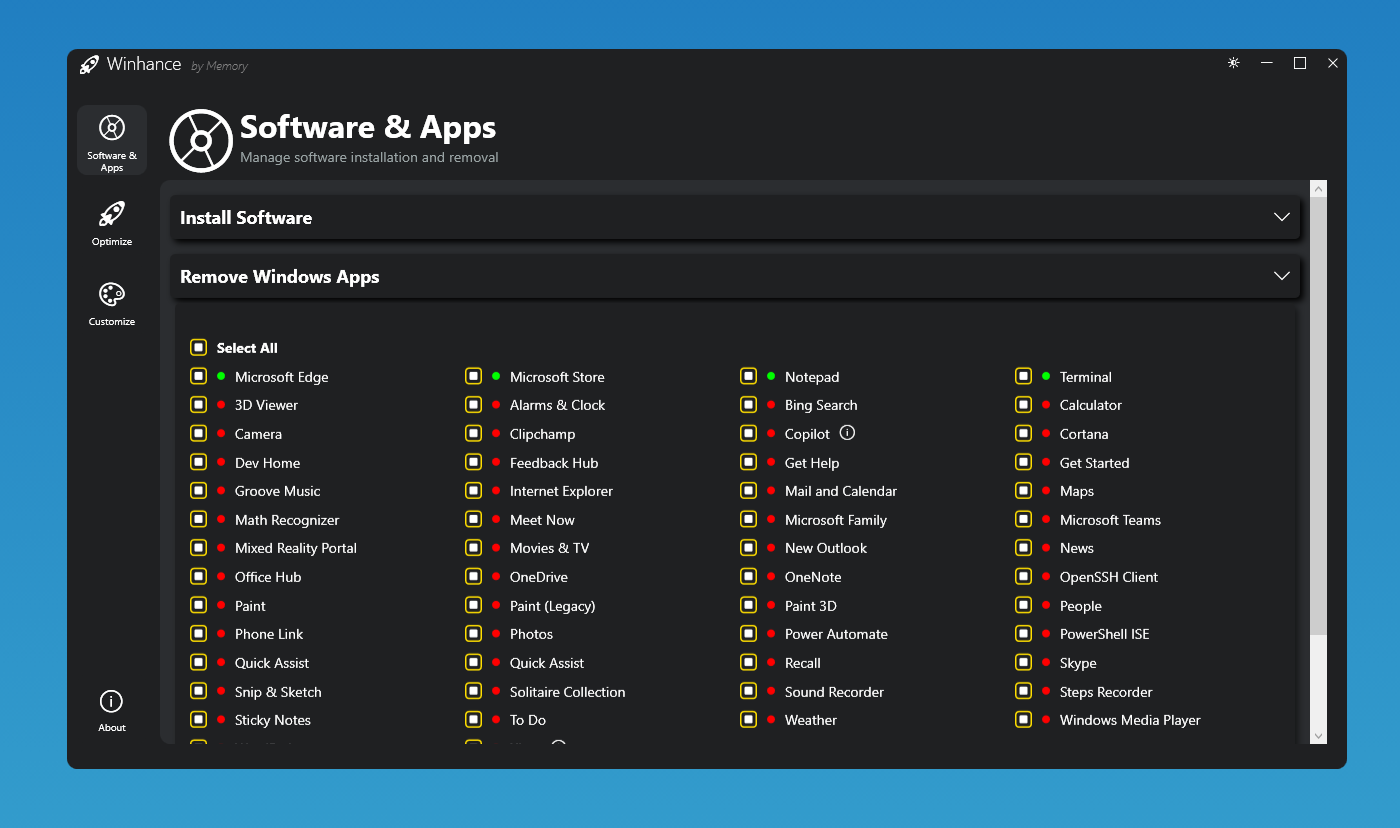
Winhance transforms Windows 11 (and Windows 10) into the bloat-free, faster operating system you always wanted
You can tell that people aren’t overjoyed with Windows 11 by the number of great third-party tools that have been developed to fix the OS. The most recent of these is Talon, which can debloat Windows 11 in just two mouse clicks, removing all the bundled junk that Microsoft has shoehorned into its OS, including Microsoft Edge, OneDrive, Copilot, and Clipchamp.
Winhance is another such tool, but it works differently and can be used to debloat and optimize Windows 11 -- and, perhaps just as importantly, keep it that way. Although it’s been designed for Windows 11, it will work just as well on a fully updated version of Windows 10 22H2.

Help test Fedora on Microsoft Windows Subsystem for Linux (WSL) before official release
The integration of Fedora into Microsoft’s Windows Subsystem for Linux (WSL) is on the brink of completion, and the Fedora crew is rallying the community for assistance. A testing event is pegged for Monday, February 17, 2025, offering enthusiasts an opportunity to experiment with Fedora under WSL prior to its formal release. If you’re equipped with either Windows 10 or 11 and have some free time, here’s your moment to make a contribution.
This Fedora testing event is essentially a community-organized quest for bugs. It welcomes all -- whether you’re a die-hard Fedora supporter or simply intrigued by the idea of Linux within Windows. Requirements include an x86 or AArch64 setup with virtualization capabilities, a readiness to adhere to guidelines, and the capacity to handle downloading large test images.