KB5032278 update brings Copilot to Windows 10 and improves 'news and interests'
Microsoft has released the KB5032278 update for Windows 10 22H2, bringing a number of changes and improvements including the arrival of Copilot.
This is an optional update because it is a preview of next month's patch, and because it is a preview it is a non-security update. In addition to bringing Copilot to anyone outside of the EU, the KB5032278 update also includes numerous other changes, additions and fixes.

Windows 11 Build 23595 moves the Copilot icon to where it always should have been
Microsoft has released Windows 11 Build 23595 for those Insiders in the Dev Channel. This new flight comes with the usual selection of changes, improvements and fixes, including shifting the location of the Copilot AI icon.
Microsoft has taken the wise decision to relocate the icon from its current position next to the search box, to the right side of the system tray on the taskbar. The reason for this it to "make the entry point to Copilot more clear and easily accessible by being closer to where the Copilot pane opens."
New tiny11 build shrinks Windows 11 23H2 smaller than ever and gives you Copilot... if you want it
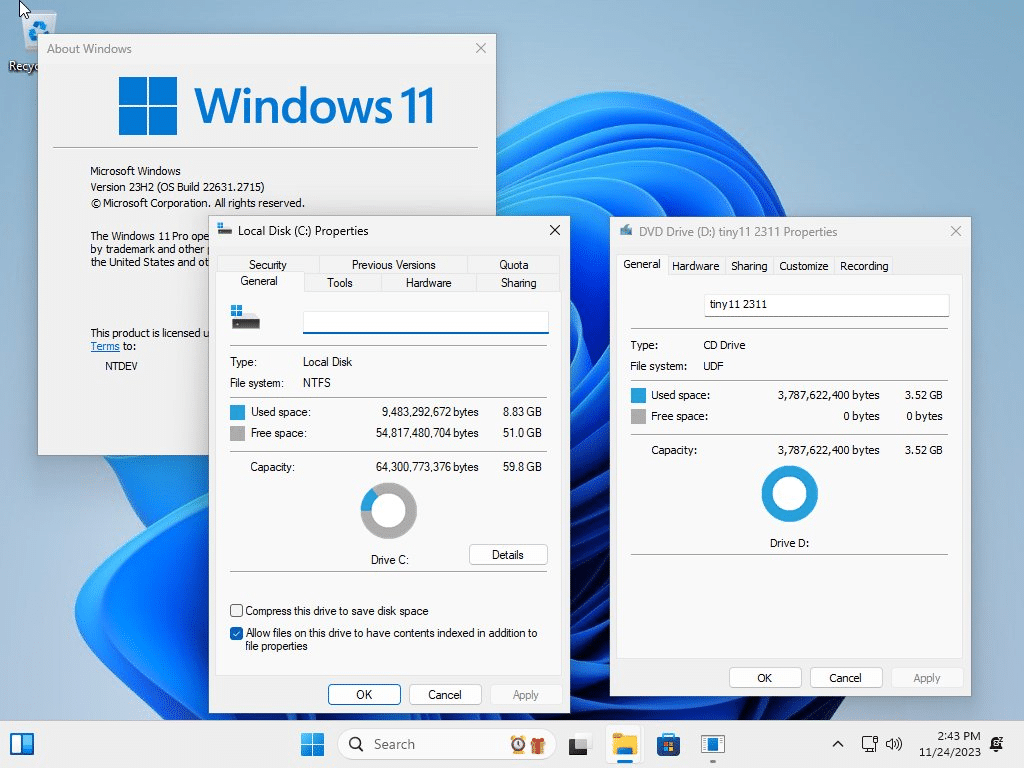
Windows 11 is many things, but small it ain't. This is something that tiny11 exists to address, and we've covered this stripped-back version of Windows 11 before. Now it has been updated with new features and a smaller footprint than ever.
The latest version of tiny11 is based on Windows 11 23H2 and has been shrunk by a massive 20 percent from the previous version. There is a new naming system that makes much more sense (this is tiny11 2311), the software is updatable to future cumulative updates, and Copilot is available as an option. And that's just scratching the surface.

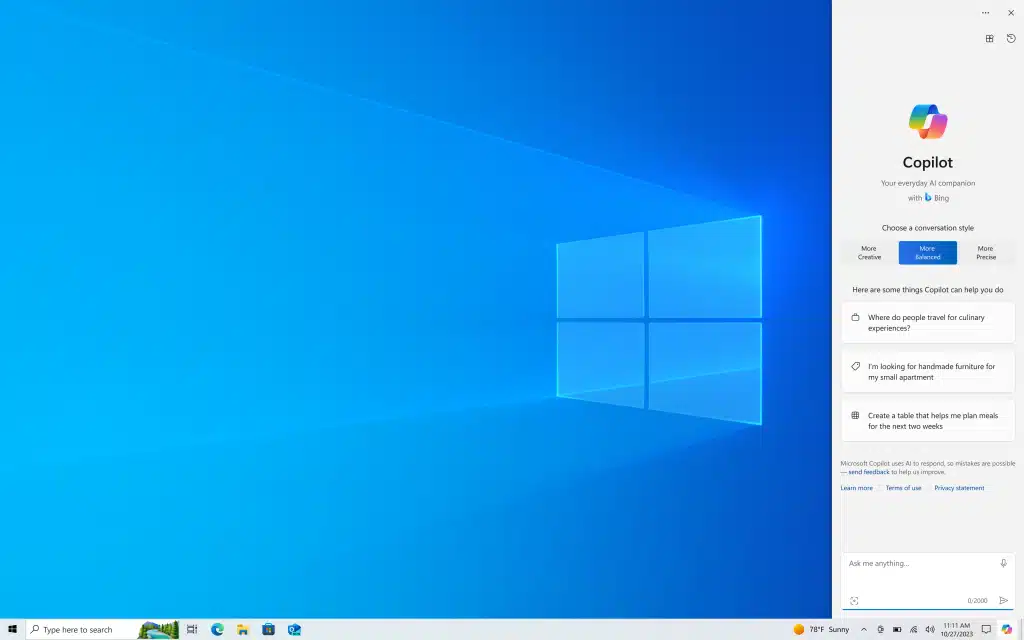
Microsoft releases Copilot to Windows 10 users
Microsoft may have been engaged in a game of will-they/won't-they when it comes to the possibility of hiring OpenAI's Sam Altman, but it has not stopped the company from making good on its recent promise to give Windows 10 users access to Copilot.
Rumors of the AI assistant migrating from Windows 11 to Windows 10 were circulating for a little while before Microsoft confirmed that it would indeed be happening. The big day has now arrived, and Windows 10 users can now access Copilot... providing certain conditions are met.
Microsoft confirms Copilot is coming to Windows 10 in a major update
Microsoft may have previously indicated that Windows 10 is not going to receive any more significant updates, but the company has made an announcement that indicates a change of heart. The AI-powered assistant Copilot is coming from Windows 11 to Windows 10.
While on one hand this is slightly surprising given the previous stance on not bringing new features to Windows 10, there have been recent rumors that Copilot was going to be making its way to Windows 10. This is now official, and the ball is in motion
Bing Chat is reborn as Copilot as Microsoft continues its AI push with a rebrand
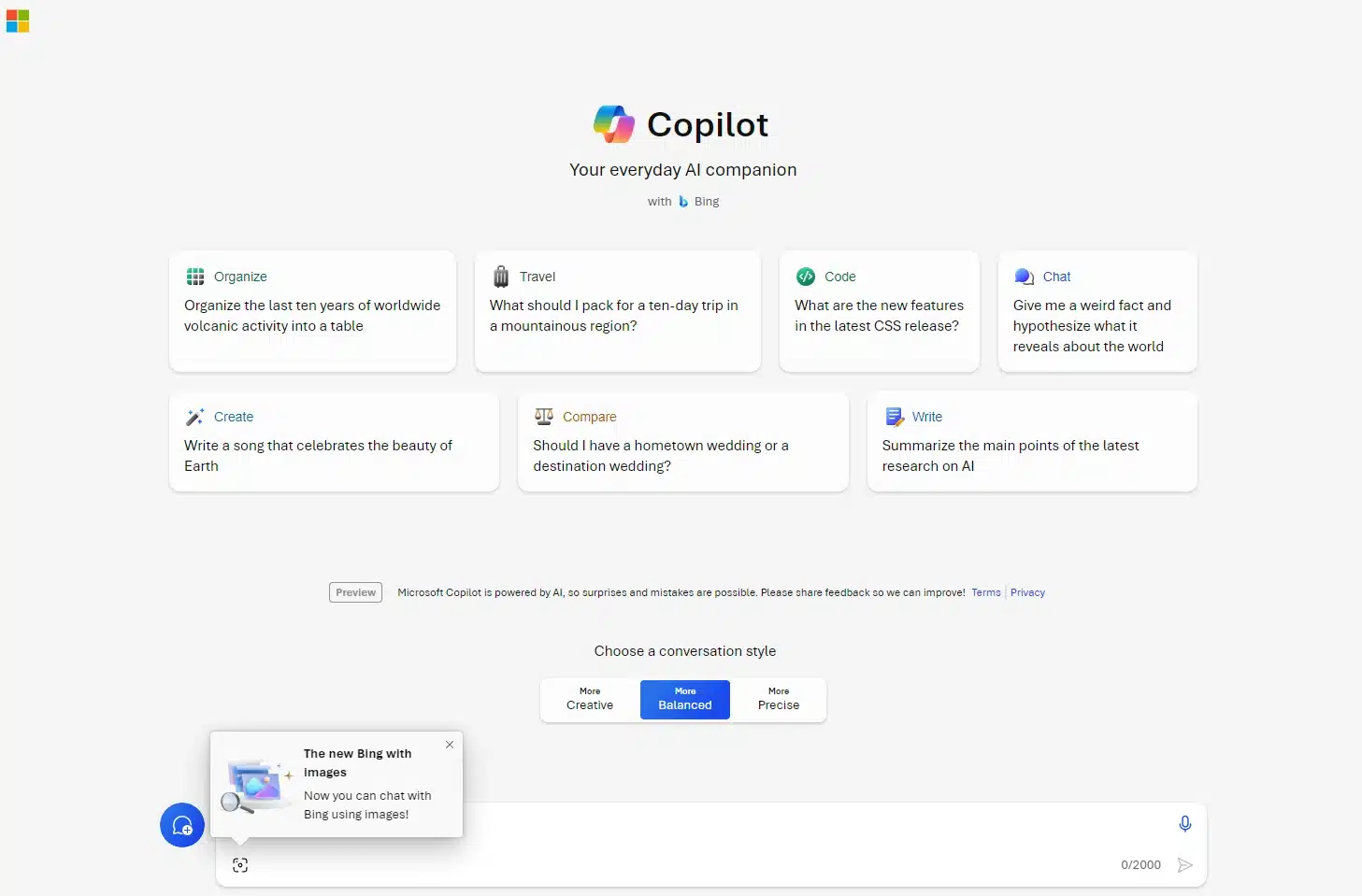
Microsoft has announced a rebranding of Bing Chat and Bing Chat Enterprise to Copilot as part of its "vision to bring Microsoft Copilot to everyone". There is now a lengthy list of products under the Copilot banner, including Microsoft Copilot and Copilot in Windows, but this latest rebrand feels a little odd.
Despite describing Bing as "our leading experience for the web" Microsoft has opted to ditch much of the Bing branding as it embraces Copilot more fully. The company has also revealed that Copilot will become generally available on December 1.

Microsoft releases KB5032190 update bringing an abundance of new features to all Windows 11 users
It is that time of the month again; Microsoft has released a slew of updates including the KB5032190 update for Windows 11.
As this is a cumulative update that includes security fixes, it is therefore mandatory. But the security patches, while nice, are far from being the highlight. KB5032190 is the update with which Microsoft is giving all Windows 11 users access to the new features of Moment 4, including Taskbar changes and Windows Copilot.
Microsoft looks likely to bring AI assistant Copilot to Windows 10
Windows Copilot has been available to users of Windows 11 for a little while now, as Microsoft continues its march into the world of artificial intelligence. Now it seems that the company is looking bring the AI-powered assistant to Windows 10 as well.
This is, in some regards, a little surprising -- particularly given the age of Windows 10. But there are still over a billion Windows 10 users out there, so it makes a lot of sense for Microsoft to tap into this to extend the userbase for Copilot.

Privacy tool DoNotSpy11 updated with Windows 11 23H2 support and the option to disable Windows Copilot
Microsoft is just one of many tech companies that people view with suspicion when it comes to privacy. Over the years, Windows has been infected with all manner of privacy-invading telemetry features and settings -- particularly in the case of Windows 11 -- and there has been a fightback from users and software developers alike.
DoNotSpy11 is a tool that empowers concerned users to protect their privacy by blocking telemetry and disabling features of Windows. Now the software has been updated, and DoNotSpy11 version 1.2.0.0 introduces full support for the latest Windows 11 23H2 and makes it possible to disable the AI-powered Copilot.
Microsoft admits Copilot-enabling KB5031455 update is messing with desktop icons in Windows 11
There have been a number of notable updates for Windows 11 in recent weeks, not least of which is the KB5031455 update from last month. The update brought with it a higher number of new features, including the AI-powered Copilot; it also brought problems.
Microsoft acknowledges an issue that results in desktop icons moving around, and the finger of blame is being pointed at Copilot's interaction with multi-display setups.
Windows 11 Build 23580 lets users with local accounts make a limited number of Copilot AI queries
Microsoft began its rollout of Windows 11 2023 Update (23H2) yesterday, but development continues apace with both Beta Channel and Canary Channel builds arriving for Insiders today.
For those in the Dev Channel, Build 23580 makes it possible for users with local accounts to access Copilot in Windows for a limited number of queries before needing to sign in. Microsoft has also “significantly” improved the nearby share transfer speed for users on same network.

How to remove Copilot AI from Microsoft Edge web browser
You can’t have failed to have noticed that Microsoft has gone all-in on artificial intelligence lately. The company has created Copilot, an AI assistant, and added it to a number of its products, including Bing, Edge, and Windows 11.
While it’s a worthy addition that’s only going to get more useful over time, not everyone wants AI invading their software. We’ve already shown you how to remove Copilot from Windows 11, but how about removing it from Microsoft Edge?

Microsoft Edge may be using your browsing history to inform Bing Chat AI -- here's how to stop it
AI is just about everywhere now. Its ubiquity makes it nearly impossible to avoid, and Microsoft is just one of the big tech firms to have thrown everything at artificial intelligence.
As well as adding AI to Windows 11 with Copilot, Microsoft has also brought a generous dose of it to its Edge browser courtesy of Bing Chat. What users of this feature may not be aware of is that their browsing data is being used to personalize Copilot, meaning that a huge amount of potentially revealing information is being shared with the artificial intelligence tool.
Microsoft releases Windows 11 Build 23570 with multi-monitor support for Copilot AI
Development continues apace on Windows 11, and today Windows Insiders in the Dev Channel get a new flight which introduces improvements to Copilot, Microsoft’s AI component.
With Build 23570, Copilot can now be used across multiple monitors and Microsoft has made this addition very easy to configure and use.
Microsoft already has some major improvements planned for Windows Copilot including UI upgrade
Windows 11 users in many parts of the world are now able to access Windows Copilot -- although, notably, not in the EU (privacy law, natch).
Much has been made of Microsoft's AI-powered assistant, and while it is still early days for the ChatGPT-based tool, Microsoft is already working on significant interface changes. The focus is on making Windows Copilot more customizable rather than forcing a one-size-fits-all design onto everyone.