

DisplayFusion 12 arrives with fixes and improvements for managing multi-monitor setups
DisplayFusion 12 is now available, offering a number of improvements to the tool which helps manage multi-monitor setups on Windows. The updated version focuses on fixing long-standing issues, improving how Windows handles multiple displays, and adds some small small but useful changes that should make managing several screens less fiddly.
Multi-monitor support in Windows is decent, but it stops short of giving users real control. Although adding one or more displays is easy enough, the OS largely treats them as one extended desktop. DisplayFusion takes things further, tightening how windows, wallpapers, taskbars, and profiles behave across multiple screens.
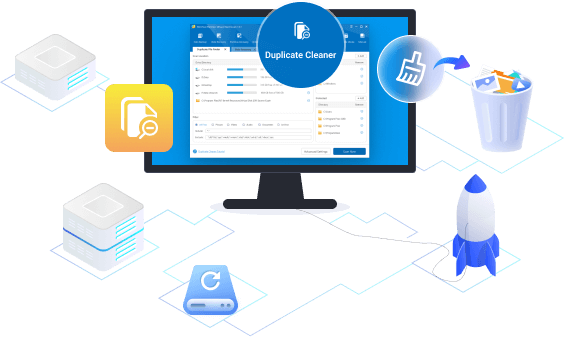
MiniTool adds a duplicate cleaner and refreshed interface to Partition Wizard 13.5
MiniTool has released version 13.5 of its Windows partition manager, adding a new Duplicate Cleaner and updating the interface. The update focuses on making storage tasks quicker to complete and easier to understand.
The new Duplicate Cleaner clears out repeated files across local drives and external devices. It scans selected locations, identifies matches, and lets users remove unneeded copies while keeping control over how those files are handled.

Zencoder aims to end vibe coding and bring engineering discipline
While chat interfaces have popularized AI coding, uncoordinated agents can produce ‘slop’ -- code that looks correct but fails in production or degrades with iteration.
To address this problem Zencoder is introducing its new Zenflow app, a free orchestration platform designed to transition the industry from ‘vibe coding’ to AI-first engineering.
Connection Explorer update adds new ways to see where -- and why -- your PC is sending data
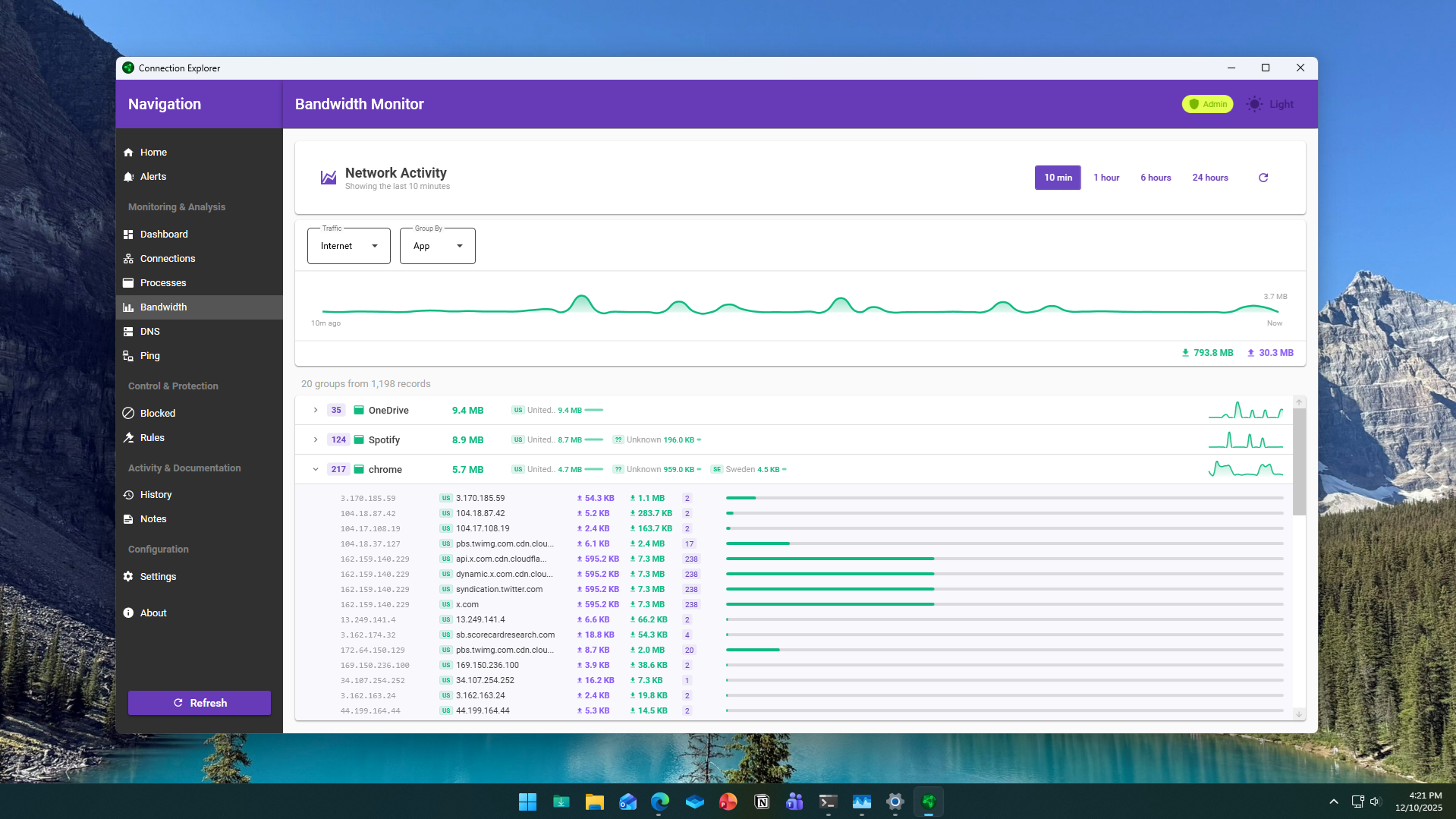
Stardock has released an updated beta of Connection Explorer, the Windows app it first launched a month ago that lets users can see and understand all of the network activity on their PCs. The new update adds additional ways to view bandwidth usage and connection history, giving users a better understanding of where the data is going and -- even more importantly -- why.
Connection Explorer shows every network connection a PC makes in real time and turns background activity into something readable. It allows users to see which apps and processes are communicating online and where those connections terminate.
Stardock releases Fences 6.20 with new Rollup options and desktop fixes
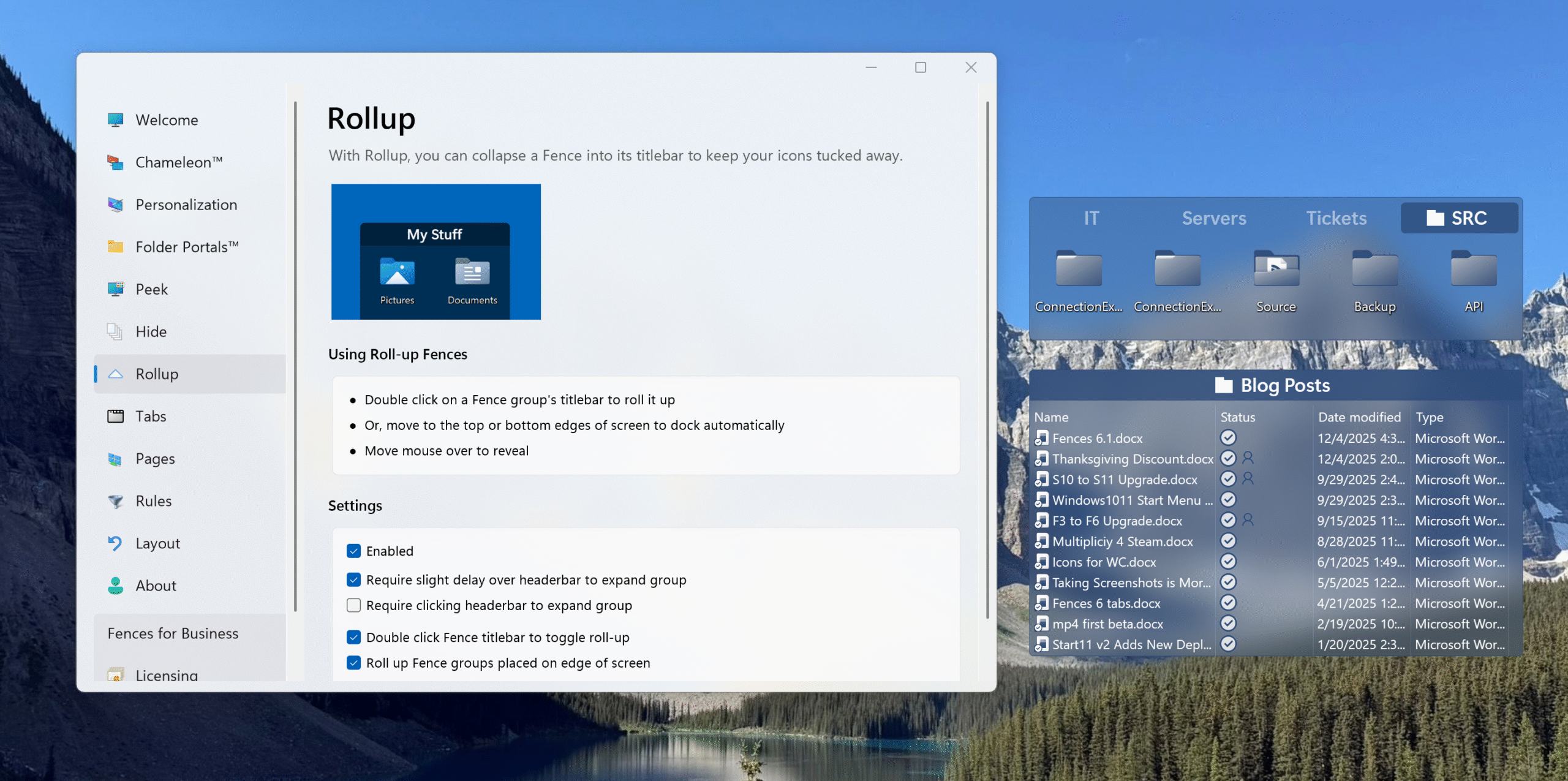
Stardock has rolled out an update for its popular Fences desktop organization tool. The program creates grouped areas on the Windows desktop for managing icons, folders, and automation rules, and version 6.20 introduces new interaction options along with fixes that address behavior in both single and multi display setups.
The update's biggest new addition is a "click to open" option for Rollup Fence groups. These groups normally expand when the mouse passes over them, occasionally leading to accidental openings. The feature can now be set to require a click instead, or have the group open only if the pointer pauses briefly over the area, offering a slower hover response.
Ashampoo announces Burning Studio 27 with smarter ripping and better audiobook tools
Most new computers don’t come with optical drives anymore, but a surprising number of people still create discs for use in cars, stereos, DVD players, and older devices that can’t read from USB or cloud storage.
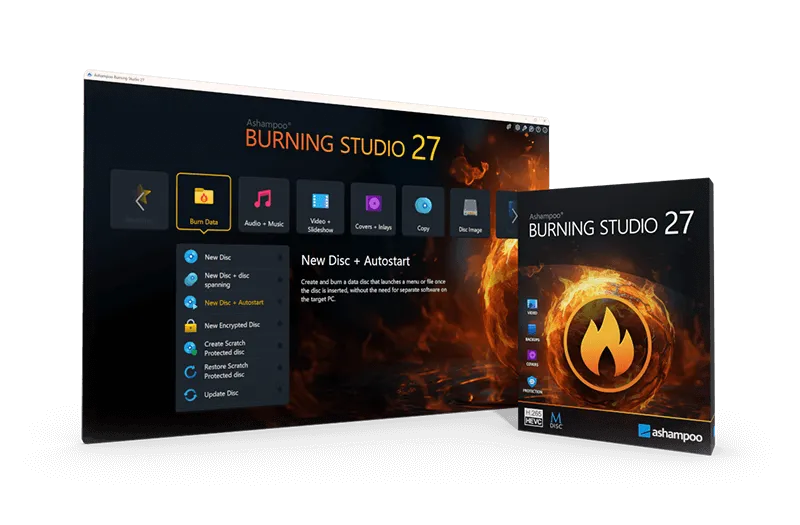
Burning tools have, inevitably, become less common as a result, but there’s still demand for reliable software that can handle audio discs, backups, and simple video creation. Ashampoo’s latest update aims to cover that space with a refreshed version of its long-running disc burning tool.

AI is set to reshape software development in 2026
In order to thrive in 2026 developers will need to align human creativity with AI, delivering software that is not only faster and smarter, but also more transparent, more intuitive, and more human-centered than ever before.
This is the conclusion of the latest software development trends report from Infragistics. It looks at how AI-driven intelligence, predictive UX, adaptive design systems, and ethical data governance will define the next era of digital innovation and what technology leaders can do to prepare.
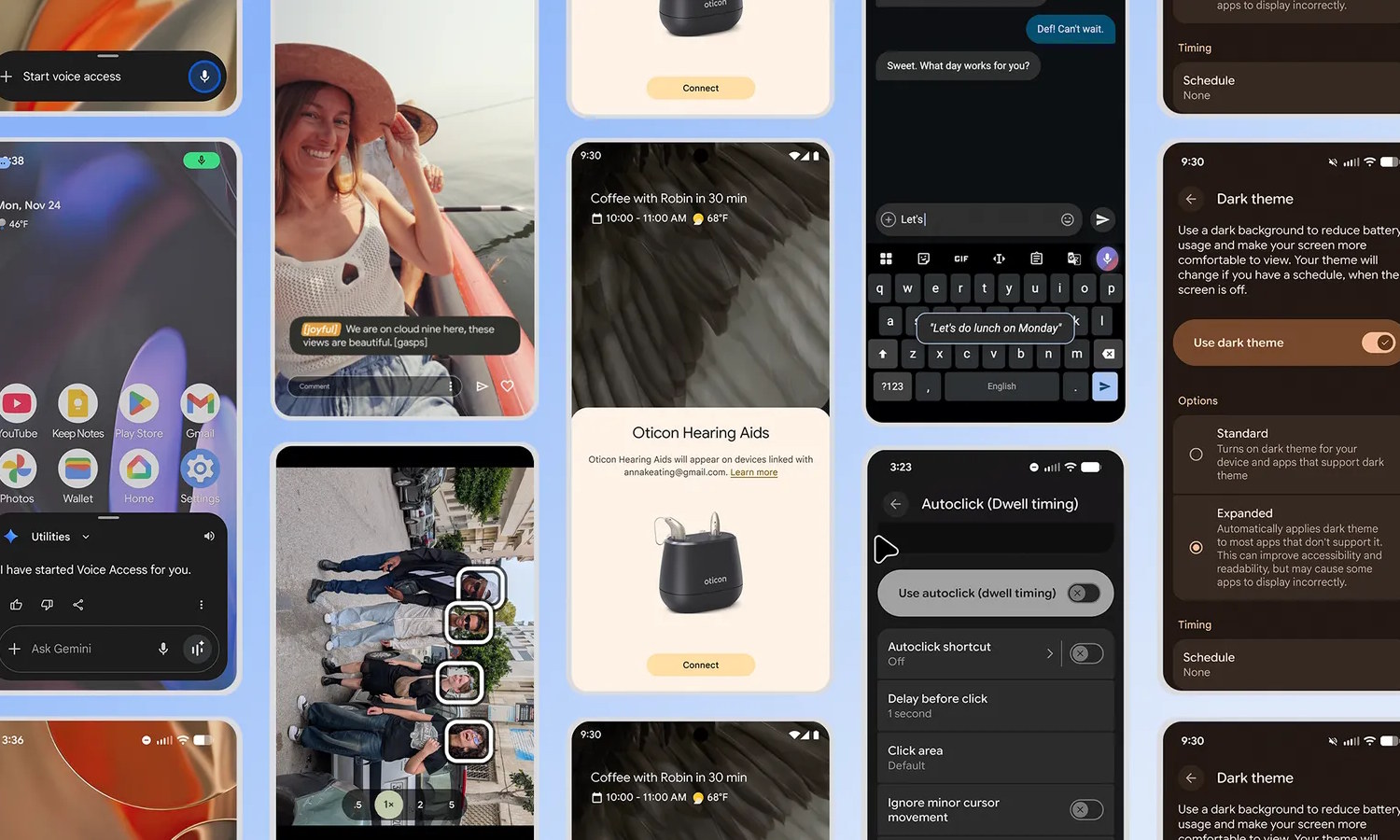
Google improves Android with a bumper crop of new accessibility features
Making Android better is not always about making it faster, smoother or more packed with AI. Going some way to prove this, Google has unveiled no fewer than seven new accessibility focused features for its mobile operating system.
The features take into account the varying needs and expectations of users. Google says that the additions are designed to help “make it easier to see your screen, communicate with others and interact with the world”. So, let’s take a look and see what has been added.

Over 71 percent of in-house IT builds fail to deliver
A survey of over 2,000 IT and security decision-makers finds that 71 percent of in-house IT builds are eventually abandoned. In heavily regulated industries like manufacturing and finance this rises to 83 percent, which underscores how complexity and compliance pressures make homegrown systems difficult to sustain.
The study from Exclaimer calls this ‘The DIY Mirage’, a false sense of control and efficiency that fades as maintenance demands, compliance risks, and long-term costs grow.
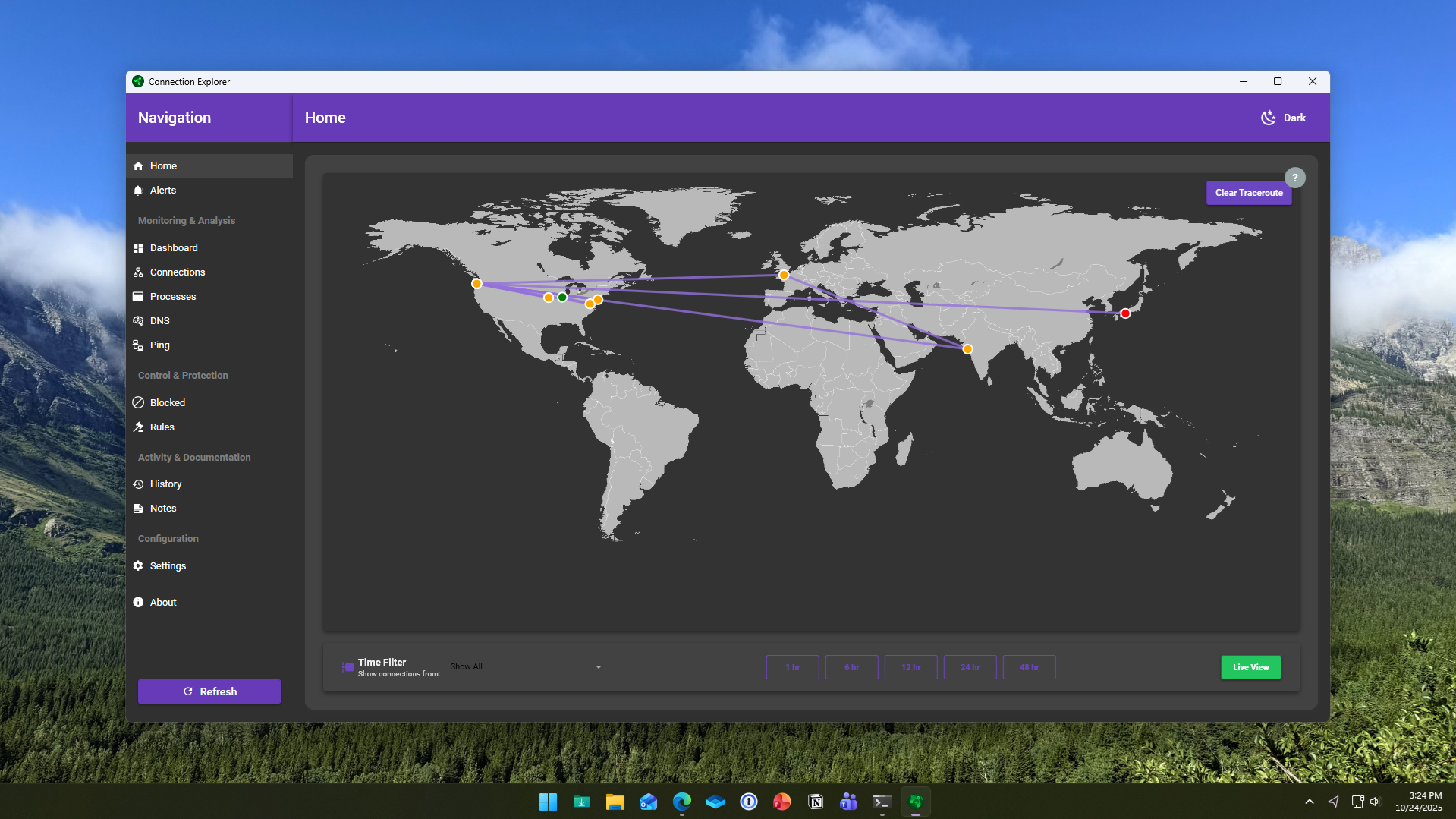
Connection Explorer shows where your PC is sending data in real time
Stardock has launched a new application for Windows called Connection Explorer, a beta tool designed to reveal and visualize every network connection made by a PC. Aimed at improving data transparency, it allows users to monitor, understand, and control how their devices communicate online.
The software maps out every connection a computer makes, transforming complex background activity into a readable visual interface. Stardock says the goal is to give users direct insight into how data flows between their systems and the internet, removing the guesswork from identifying unfamiliar or unwanted activity.
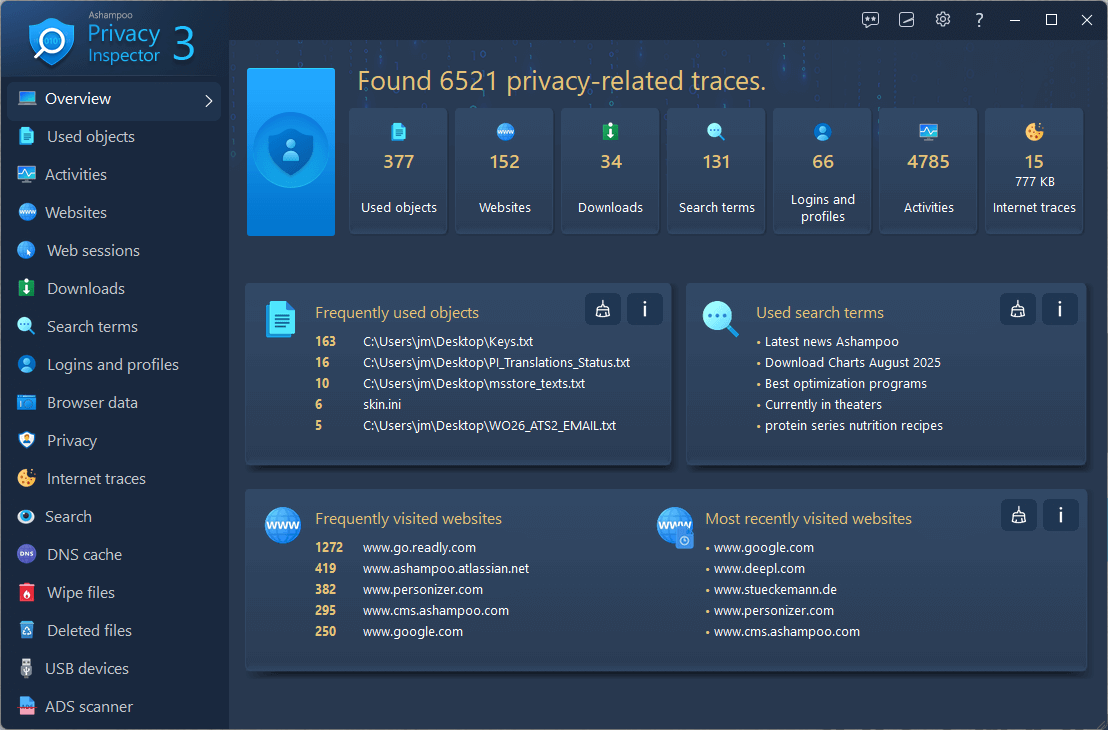
Your PC is spying on you and Ashampoo Privacy Inspector 3 has the evidence
Ashampoo has released Privacy Inspector 3, a new version of its Windows privacy management software. The latest release gives users more transparency about what data their systems store, as well as how activity logs, device histories, and hidden files could leak personal information.
Privacy on Windows is a big concern for a lot of users as the OS and related applications gather information in order to improve functionality and deliver personalized experiences (as well as serving up personalized ads).

IObit Advanced SystemCare 19 improves Windows performance and security -- here's what’s new
IObit has launched Advanced SystemCare 19, the latest version of its popular all-in-one PC optimization software. The new release promises faster performance, improved cleaning, and stronger protection for Windows users.
There have been a number of big changes made, starting with Junk File Clean which can now detect and remove a greater range of obsolete data types, including leftovers from Microsoft Store apps.
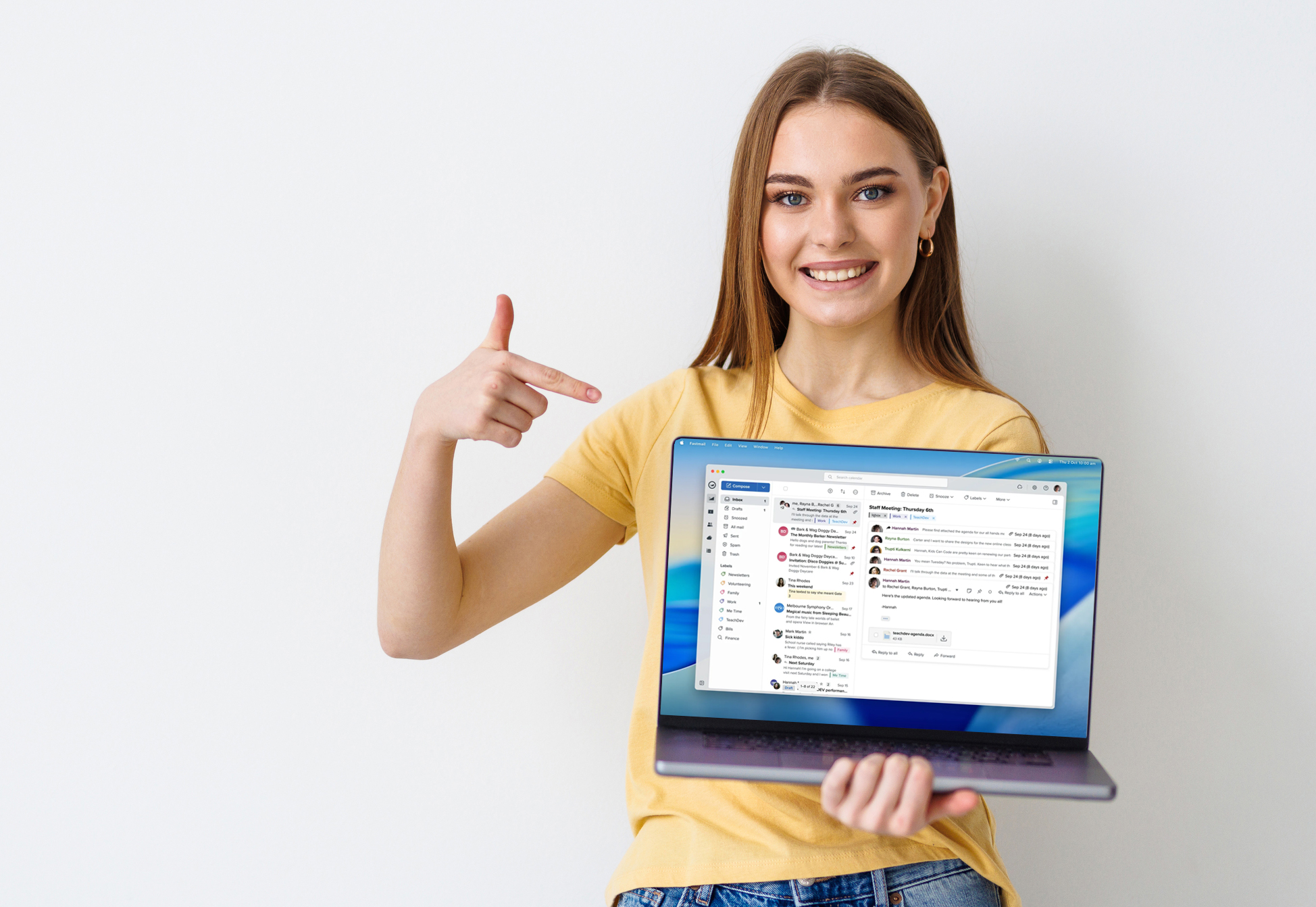
Privacy-focused email provider Fastmail launches desktop app for Windows, macOS, and Linux
Fastmail users can now access their email inboxes, calendars, and contacts directly from the desktop. The privacy-focused email provider has released its first dedicated desktop app for Windows, macOS, and Linux, delivering the familiar Fastmail experience in a standalone format that works even when offline.
The app looks and feels like the web version but behaves like a true desktop client. It can be pinned to the dock or taskbar, opened from the app switcher, and set as the default email handler so that clicking an email link automatically launches a new message in Fastmail.
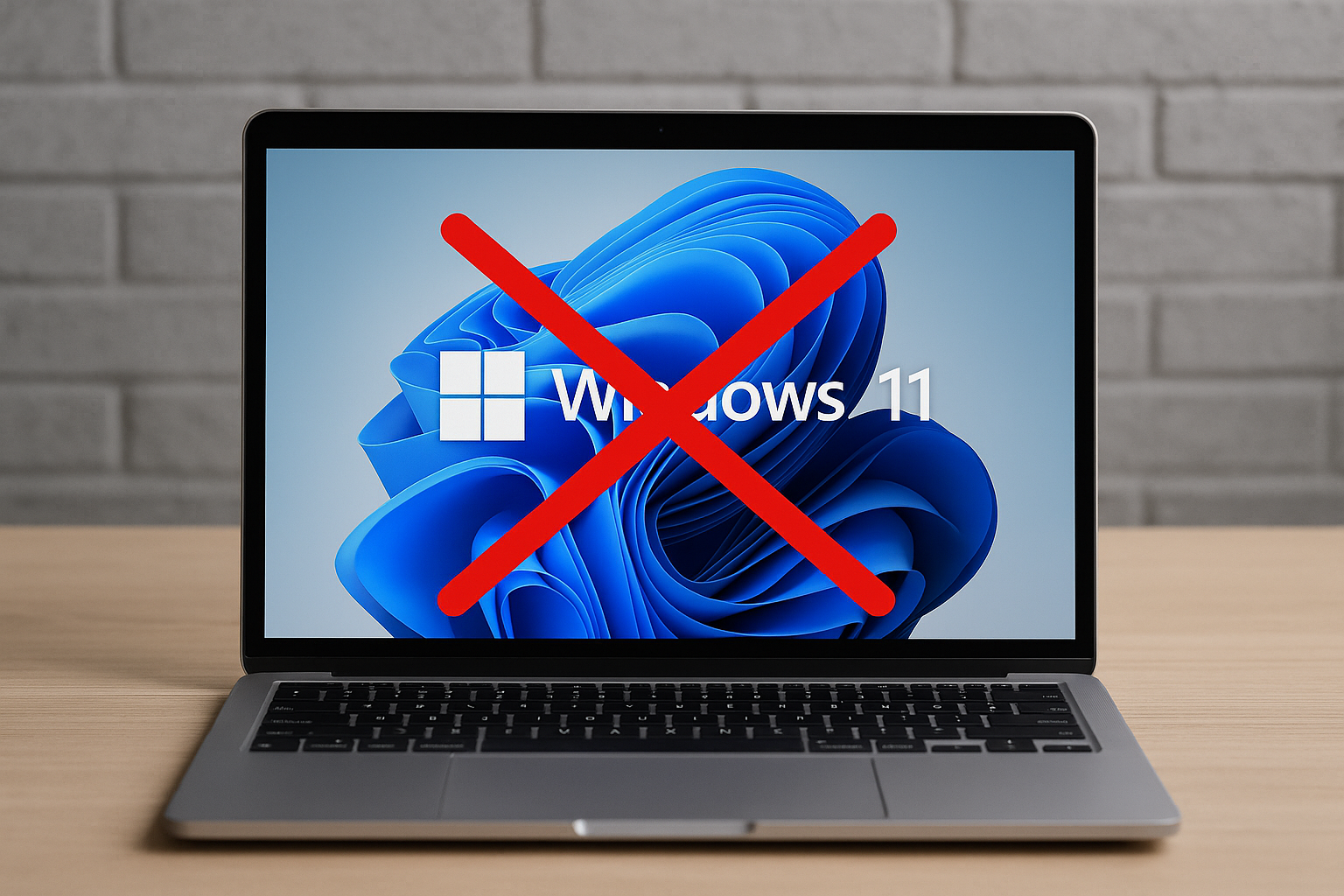
Windows 10's end of life is only days away -- WhyNotWin11 explains why your PC may not qualify for Windows 11
It’s been a long time coming, but Windows 10 is now only days away from reaching the end of its lifecycle, marking the end of updates and security support for one of Microsoft’s most widely used operating systems.
For millions of users still running the OS, this change raises an important question: what’s next? While upgrading to Windows 11 seems like the natural path forward, not every PC meets Microsoft’s stringent system requirements.
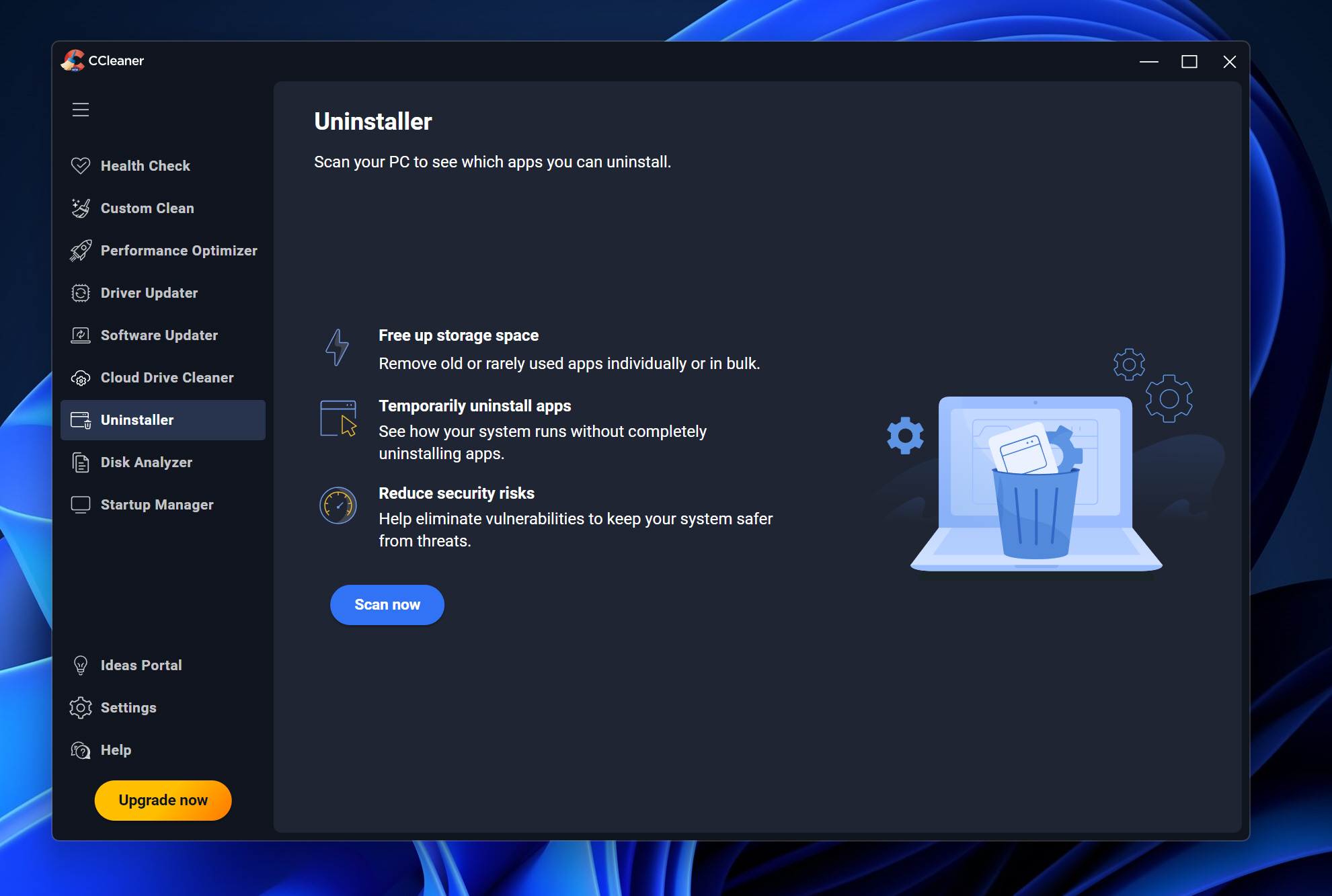
CCleaner 7 debuts with redesigned interface and smarter cleanup tools
Piriform has released CCleaner 7, the latest version of its popular PC maintenance software. Key features of this update include a streamlined interface, dark mode options, and improved cleanup tools designed to give users better control over performance and storage.
The redesigned layout offers a cleaner and more responsive experience and users can now choose between light, dark, or automatic themes.



