



Use this simple trick to force Outlook.com to give you access to the new beta version
Yesterday, Microsoft announced it was rolling out a new beta version for its Outlook.com webmail service. This offers a number of improvements for users, including better performance, a smarter inbox, and greater personalization.
The problem, as with all Microsoft rollouts, is only some users will be able to access the beta. The majority have to wait to be invited, and that could take weeks. Fortunately, there’s a simply trick you can use to access the beta right now.
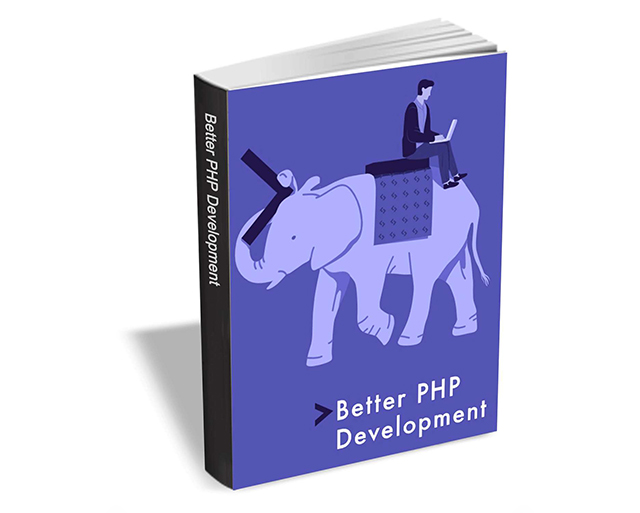
Get 'Better PHP Development' ($4.99 value) FREE for a limited time
Better PHP Development covers a collection of content, providing tools and techniques to make you a better developer.
If you’re just getting started with the language (or perhaps you've been using it a while and have learned some bad habits), you’re in luck. Not only will it be harder to slip up and make mistakes, but content such as this -- hand picked from the excellent SitePoint PHP channel -- will help you get started the right way.
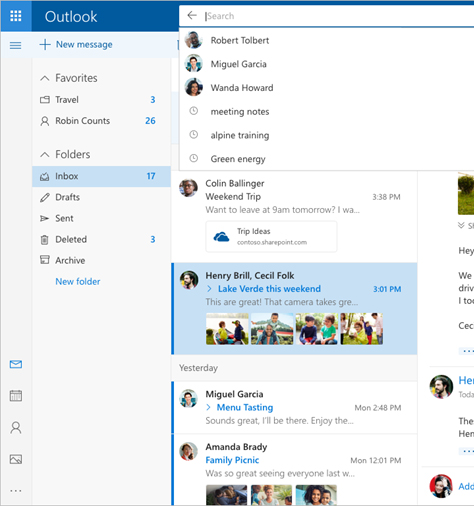
Microsoft launches new Outlook.com beta -- here's how to try it
Outlook.com struggles a bit in the shadow of Google’s Gmail. While the latter is incredibly popular, Microsoft’s webmail service fails to attract users in the same way, which is a shame because it has a lot to offer.
It might be pulling in more users soon though, as Outlook.com is set to receive a big makeover that, in Microsoft's own words, takes advantage of "recent advances in programming, design, and artificial intelligence." Among the promised changes are improved performance, a smarter inbox, and better personalization. If you want to try it out, you can. This is what you need to do.

Get 'The Leadership Journey -- How to Master the Four Critical Areas of Being a Great Leader' ($15 value) FREE for a limited time
The Leadership Journey will help you master the essential skill set of the truly effective leader.
This eBook from Wiley brings world-renown people and talent development expertise to bear in a discussion about 'good' versus 'great' leadership, sharing the 'secret sauce' of successful leadership, and providing an actionable framework for discovering and developing your own leadership skills and potential.

Microsoft does Windows 10 privacy propaganda well
One of the big complaints people had about Windows 10 when it first launched was how the new operating system spied on its users.
Microsoft has since reigned in this spying and introduced controls to give users greater management over their privacy, and now the software company has issued a lovely piece of spin, with an equally lovely headline -- Your feedback is helping shape Windows privacy -- to convince Windows 10 doubters the problems of the past are rapidly receding.
Bad news for Windows Insiders hoping to try Windows 10 Redstone 4
It’s a good time to be a Windows Insider. Microsoft is busy cramming in last minute features and changes to the Windows 10 Fall Creators Update (also known as Redstone 3), including rather unexpected surprises, and the builds are a lot more stable now.
A week ago, Microsoft introduced the option to bypass any future Fall Creators Updates builds and skip ahead to the Redstone 4 branch. If that sounds like something you would have liked to have done, there’s some bad news -- it’s now too late.

Windows 10 still failing to challenge Windows 7's market dominance
Last month I reported how, according to NetMarketShare’s figures, Windows 10 had managed to grow its usage share by just 5 percentage points in an entire year. That's a shocking state of affairs for a relatively new -- and regularly updated -- operating system, especially given that Windows 7 enjoyed a 2 percentage overall increase in the same time frame.
In July, perhaps buoyed by the news that the Windows 10 Creators Update was finally going to be offered to (nearly) all, Windows 10 posted its largest usage increase for three months, although still nothing for Microsoft to get excited about.

Microsoft releases Windows 10 Fall Creators Update Build 16257, with one big unexpected change
Windows 10 Fall Creators Update isn’t too far off being ready for release, which should mean that the new builds we see are pretty unexciting, with bug fixes and minor improvements the order of the day.
But it appears Microsoft didn’t get that memo, as there’s several big changes in new Build 16257, including one that no one saw coming, and which won't be visible to most.
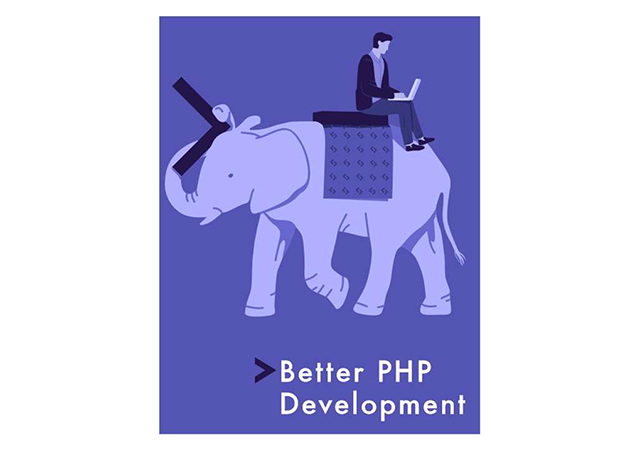
Get 'Better PHP Development' ($4.99 value) FREE for a limited time
Better PHP Development covers a collection of content, providing tools and techniques to make you a better developer.
If you’re just getting started with PHP (or perhaps you've been using it a while and have learned some bad habits), you’re in luck. Not only will it be harder to slip up and make mistakes, but content such as this -- handpicked from the excellent SitePoint PHP channel -- will help you get started the right way.
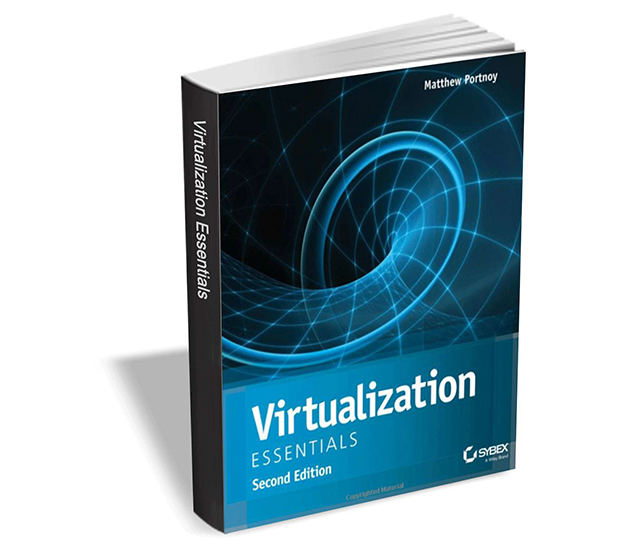
Get 'Virtualization Essentials, Second Edition' ($21 value) FREE for a limited time
Virtualization Essentials, Second Edition takes a learning-by-doing approach to give you hands-on training and a core understanding of virtualization.
As more and more companies are leveraging virtualization, it's imperative that IT professionals have the skills and knowledge to interface with virtualization-centric infrastructures. Virtualization Essentials, Second Edition provides new and aspiring IT professionals with immersive training in working with virtualization environments. Clear, straightforward discussions simplify complex concepts, and the hands-on tutorial approach helps you quickly get up to speed on the fundamentals.
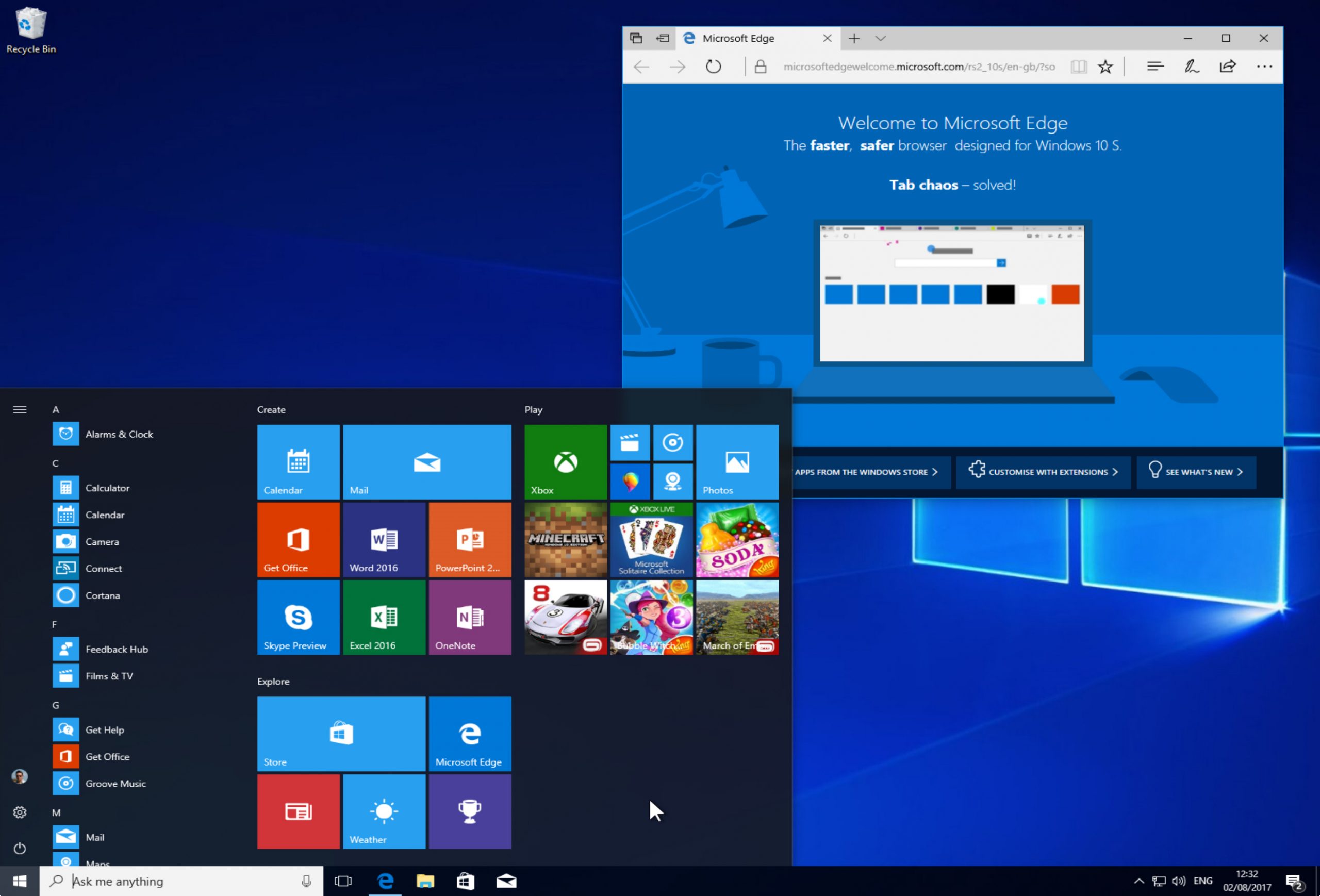
How to download and install Windows 10 S
Windows 10 S is a special locked down version of Microsoft’s new operating system. It’s aimed primarily at those in education, and can only run apps from the Windows Store, which offers security benefits, including protection from ransomware.
While the OS is predominately to be found on new hardware like the Surface Laptop, Microsoft last week made it available for developers, and from today anyone can officially download and install it. Here’s how.

Get 'Learn Linux in 5 Days' for FREE
If you want to learn how to use Linux -- either for fun, or to level up your career -- but are pressed for time, this ebook is for you.
In Learn Linux in 5 Days, you will learn the most important concepts and commands of Linux, and be guided step-by-step through several practical and real-world examples. As new concepts, commands, or jargon are encountered they are explained in plain language, making it easy to understand. The most important material is condensed into five sections, each designed to be consumed in a day.

Minecraft's 'Better Together' Beta lets you play with friends across Windows 10 and Android devices
Minecraft fans can play the Microsoft-owned game on a variety of platforms, including PC, Android, iOS, and console.
It’s great fun as it is, but things are about to get even better, as from today Microsoft releases a beta that will let you play the game with friends across different devices.
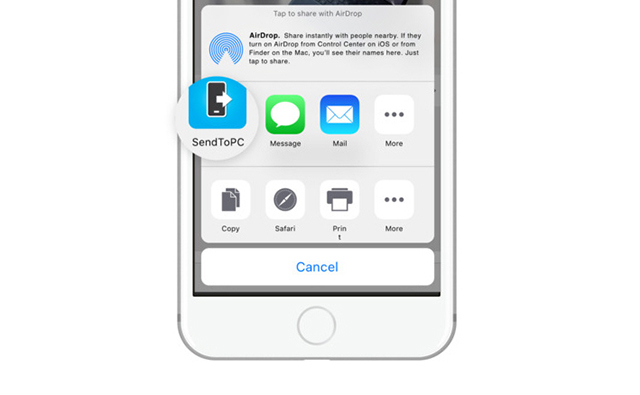
Microsoft's 'Continue on PC' for Windows 10 now available for iOS
The big, standout new feature in Windows 10 Fall Creators Update Build 16251 is cross-device web-browsing. This lets you start browsing on your phone, and then switch to your PC and continue from where you left off.
The feature was initially only available for Android, but Microsoft promised that it would arrive on iOS "soon." Well, it’s here even sooner than expected and iPhone and iPad users can grab it now.

How to enable and use Dolby Atmos surround sound in Windows 10
Dolby Atmos is a surround sound technology from Dolby Laboratories. It debuted in 2012, and is designed to "pull you inside the action" with sound that moves around you in a three-dimensional space without being constrained to channels.
Microsoft supports Dolby Access in Windows 10 Creators Update, and enabling it and using it is straightforward, but there are some catches to be aware of.



