

Pale Moon 15 improves speed, skips Windows 8 Modern UI
Moonchild Productions has released Pale Moon 15, the latest edition of its custom Firefox build, an important upgrade that sees the program take a new direction.
While previously the browser has focused very much on low-level JavaScript benchmarking as a measure of success, that’s now changed, the developer told us: "I’m going by (subjective) overall speed and smoothness as that is what really matters to end users".

Go back to school with one of these 25 downloads
After a brief vacation, it’s time for another software roundup to catch up on the biggest and best releases from the last week. We’ll start by taking a look at some of the apps that have been release for mobile device.
Facebook for iOS 5.0 is a release largely concerned with improving the performance of the app with news load times being improved and a new tappable banner making it possible to load new posts without the need to refresh. Android users have Facebook for Android 1.9.8, which now includes the ability to create events and allows for faster sharing of photos.
Chrome 22 Beta improves Windows 8 support
Hot on the heels of the latest stable release, Google has updated both pre-release channels of Google Chrome to version 22 (Beta) and 23 (Dev) respectively. Google Chrome 22.0.1229.14 Beta features Windows 8 enhancements, better mouse control for web-based gaming and improvements from those using high-def screens, including the latest Mac Retina displays.
Google Chrome 23.0.1243.2 Dev has also been updated -- at this early point in its existence, the only notable changes are updates to the Chromium v8 core and various bug fixes.

View Chrome, Firefox, IE and Safari histories all in a single table
When you’re trying to remember that important URL you visited yesterday then viewing your browser’s history will probably provide the details you need. But if you’ve more than one browser installed then it could still take quite some time to trawl through your previous online sessions.
Fortunately there’s now a simpler option in the shape of BrowsingHistoryView, the latest NirSoft release, which presents your Firefox, IE, Chrome and Safari histories all in a single table.
Chrome for iOS adds Facebook, Google+ sharing
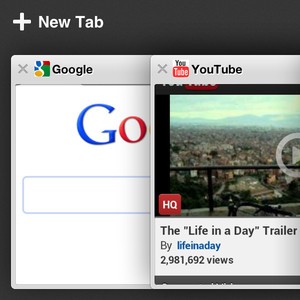
Just like Firefox, Chrome rockets through version numbers as though it is going out of fashion. Although Google’s foray into the world of web browsers for iPhone and iPad is fairly recent, Chrome for iOS already is version 21. The latest release is a relatively minor one, but there is still one feature that brings the browser in line with other more socially aware apps.
The big news in this release: addition of new sharing options. Found a website that you think your friends will love? There is no need to copy and paste the URL into an email as there are now new sharing options built directly into the app. A new popup menu lets you share pages through Google+, Facebook, Twitter or via email.
Windows 8 sports a spunky new UI, while Chrome OS gets an apps list
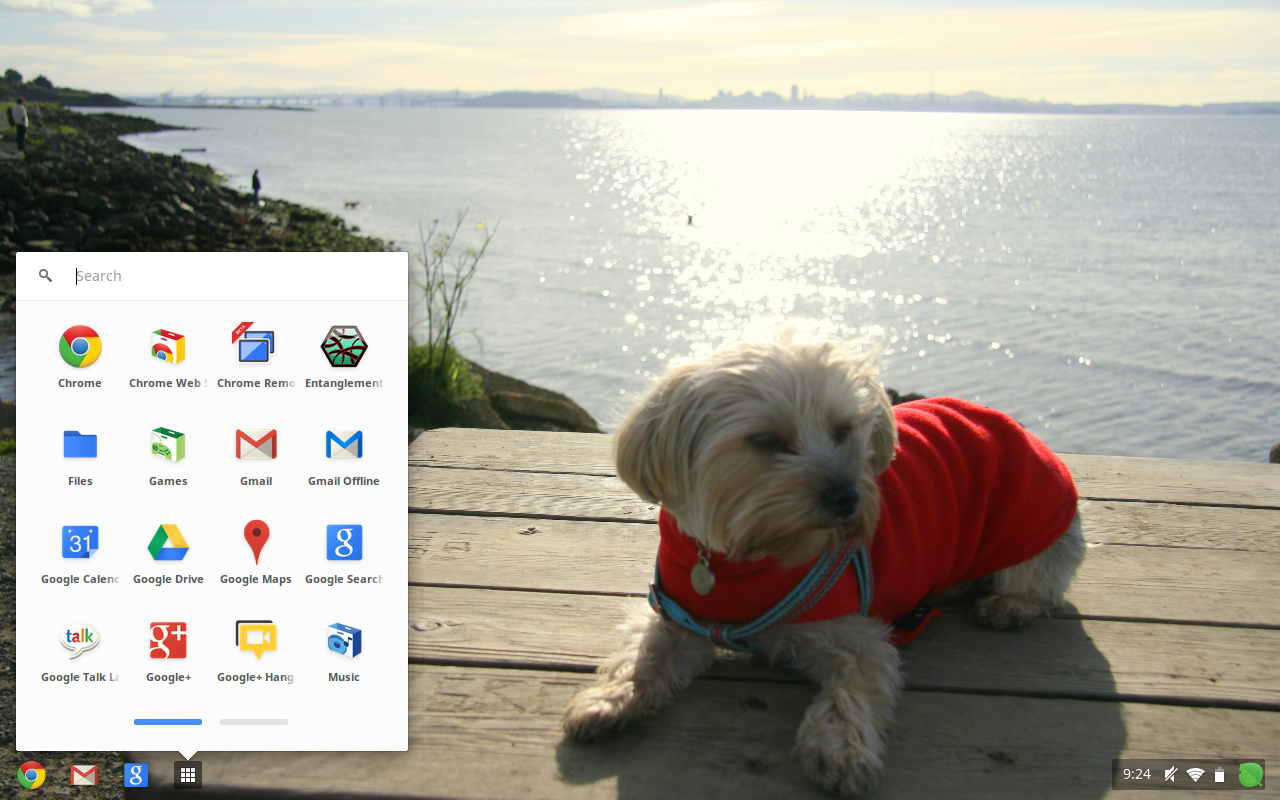
For the other three people using Chromebook, Google hasn't forgotten us. Whoo-hoo! The company continues to iterate Chrome OS, and with each rev takes it further from the cloud and closer to earth. I like my Chromebook, but even I shake my head and laugh at the amazing innovations. Well, they were in 1995.
Last year when first introduced to Chromebook, I worked solely in a browser. Now Chrome OS is this molten half-browser/cloud, half-desktop mutation -- like the two-headed creature from "The Thing". But the motifs are all ancient desktop OS, which is such a step back from the cloud-connected device era. Shouldn't Chrome OS move forward.

Spend your vacation with one of these 18 software downloads
The release of Windows 8 draws ever closer and this means that there is a slew of apps being updated to add support it. Paragon Image Backup for Windows 8 is one such program, giving you the chance to backup and restore your data free of charge. Fans of system tweaking and optimization should take a look at Auslogics Disk Defrag 3.5.0.0 and Auslogics BoostSpeed 5.4.0.0, which can be used to ensure the best possible performance from your hard drive as well as giving you a raft of tools to help boost the speed of Windows.
Whether you’re upgrading to Windows 8 or not, you should keep an eye on your internet connection to check how it is being used by different programs, or malware, and this is something that Net Guard 2.0.7.0 enables you to do. This week also saw the release of Windows Essentials 2012, the latest collection of free tool from Microsoft including Live Messenger, Movie Maker, SkyDrive and more.

Google pays record $22.5 million for Safari cookies
The rumors were true. Today, the US Federal Trade Commission fined Google $22.5 million for putting its hand in the Safari cookie jar. Technically, the amount is a settlement, but effectively a fine. The search and information giant circumvented Apple browser privacy controls to mine personal data.
Google isn't the only company accused of bypassing Safari privacy controls, but it is most answerable to regulators. The search company already is under 20-year oversight for violating the FTC Act. In October 2011, Google agreed not to misinterpret its consumer privacy practices.
Opera 12.01 FINAL released with minor changes the order of the day
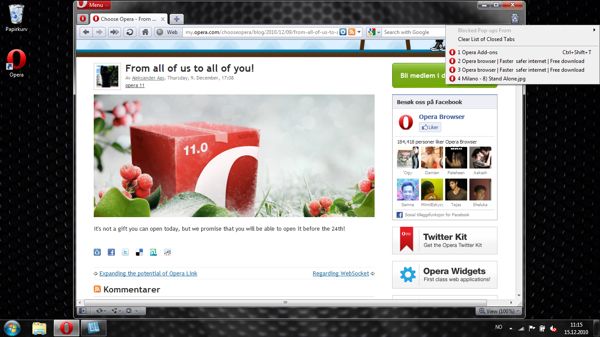
Norwegian browser developer Opera Software ASA has released Opera 12.01 FINAL, the latest stable build of its cross-platform, freeware web browser. Version 12.01 is a minor release, consisting mainly of bug fixes and security patches.
This follows the release of version 12, which boasted vastly improved startup times, experimental hardware acceleration, Do Not Track privacy features and 64-bit support on Windows and Mac. Version 12.01 follows shortly after Opera NEXT 12.50 released a new snapshot, previewing new features via a publicly available alpha build.
Google releases Chrome 21 -- Get it NOW!
The first stable release of Google Chrome 21 has hit the download servers, and the open-source, cross-platform browser has a number of new features and improvements to share. The headline new feature is that, with your permission, web apps can now directly access your webcam and microphone without requiring a plugin.
Version 21 also includes deeper Google Cloud Print integration and expanded support for gamepads. Those lucky enough to own the MacBook Pro with Retina Display will be pleased to learn the new release fully supports the higher resolution, providing smoother fonts and graphics when web browsing.

Cool the summer heat with one of these 24 software downloads
It’s the end of another month and the end of another busy week of software releases. If you’ve been too caught up with other things to keep an eye on the titles that have been hitting the download servers over the past seven days, this roundup will bring you up to speed.
Tomahawk 0.5.5 is a social media player that enables you to play your local music collection as well as tracks from the web, and also enables you to browse through the collections of your friends. If you’re keen to share your musical taste with your friends, look no further than ON AIR 4.0.0.834, which will automatically update your Skype status with the track you are currently listening to.
Apple releases Safari 6 for Lion -- get it NOW!
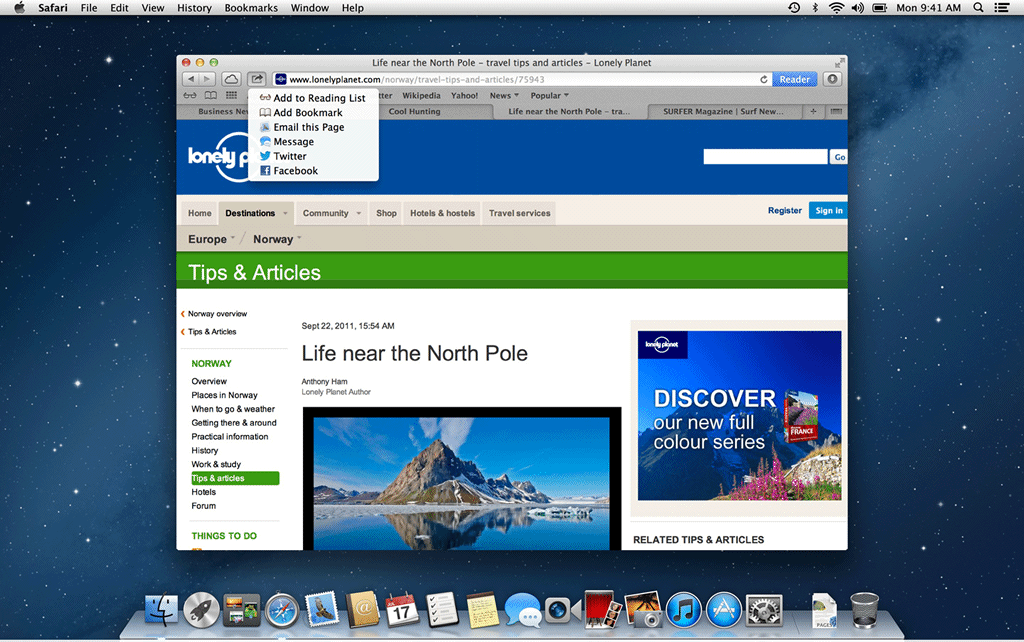
Hot on the heels of its official launch of OS X Mountain Lion, Apple has also updated its own web browser for Lion users. Safari 6 for Lion includes some of the improvements found in the browser shipped with Mountain Lion, while missing out on others.
Key improvements found in Safari 6 for Lion include a unified search and Address bar, bringing Safari into line with rival browsers. It also sees the introduction of an Offline Reading List, Do Not Track privacy feature and new password pane.

Want the benefits of Firefox but more security? Try Comodo IceDragon 13.0.3.0
Going online means having to decide which web browser you’re going to use to find your way around the Internet. If security is your primary concern, a new browser just entered the arena and vies for attention. If Comodo IceDragon sounds familiar, you’ve probably been put in mind of Comodo Dragon, the security focused web browser based on Chromium. IceDragon is very much the same idea but this time around there is a Mozilla core.
Comodo have recognized that not everyone wants to use the same web browser just to get the benefits of added security, and Chrome is not a browser that suits everyone. The unveiling of a Mozilla based version of the same tool opens up a world of more secure web browsing to a wider audience. If you are already a Firefox user, you’ll be pleased to find that your bookmarks history, passwords and more can be imported into IceDragon.

36 software downloads you shouldn't miss this week
This has been another action-packed week for software releases, but it is one dominated by one name -- Microsoft Office 2013 Consumer Preview. The latest version of Microsoft’s office suite has received a public preview, meaning that anyone keen to get a glimpse of the Windows 8-friendly, metro-interface suite can do so right now.
Olympic fever is starting to take hold and two new mobile apps BBC Olympics 1.0.0 (UK ONLY) and London 2012: Official Join In App for the Olympic and Paralympic Games 2.0 have been released to help you to keep up to date with the latest news and events, whether you are attending or not.
EU trustbusters tire of Microsoft tricks, probe Windows 8
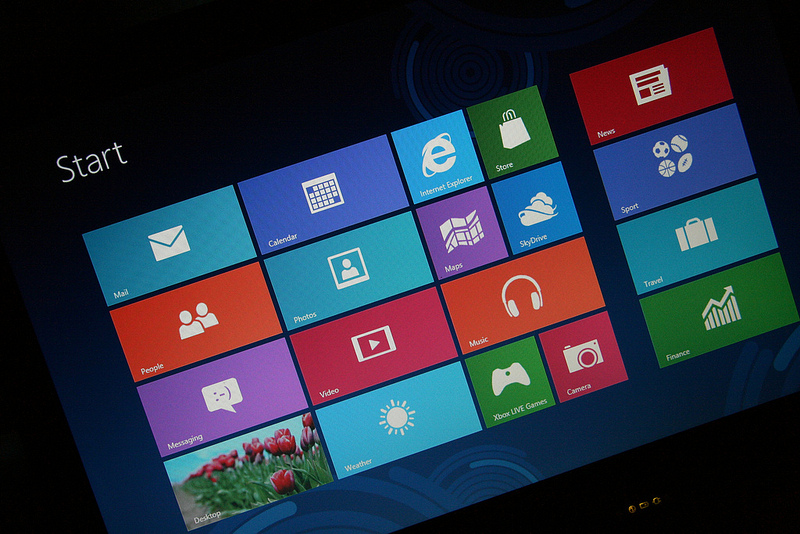
Just days after opening a new Microsoft investigation, European antitrust regulators have broadened the scope. The software giant already faces possible multi-billion dollar sanctions for non-compliance with a 2009 agreement. European Windows users are supposed to get browser choice, but a ballot box mysteriously disappeared when Windows 7 Service Pack 1 released in February 2011. The European Competition Commission has since added Windows 8 to the investigation.
The agreement, which expires at the end of 2014, requires that a browser choice screen must appear in all copies of Windows, including version 8. The browser choice screen allows a dozen alternate third-party browsers to be shown as options for installation besides Internet Explorer -- when starting IE each time, or starting Windows for the first time. Microsoft faces new allegations the browser choice screen is missing from the final version of Windows 8 and Windows RT.



