Microsoft previews new tool to control Windows 10 telemetry
For many people, the telemetry data collected by Windows 10 is an unacceptable invasion of privacy, and numerous tools have sprung up to give users control of just what information is collected and sent back to Microsoft. Now the Windows maker has a preview of a new tool for controlling Windows 10 telemetry data -- or diagnostic data as the company prefers to call it.
While Microsoft is eager for everyone to leave telemetry settings alone, its new tool gives some users a greater degree of control over things.

PowerToys v0.20 is ready to impress with fixes and a new toy
Since the beloved PowerToys was resurrected for Windows 10, Microsoft has been busy pushing out new versions with fixes and new tools -- although it has been a little while since new utilities were added.
With PowerToys v0.20, however, this change. Not only are there the bug fixes and improvements you'd expect in a new version, there is also a new tool to play with: ColorPicker.
Microsoft releases Windows 10 Build 19042.421 (20H2) to the Beta Channel with theme-aware tiles in Start and much more
Earlier in the week, Microsoft rolled out a new Windows 10 build for Insiders on the Dev Channel, introducing quick access to tabs on pinned sites, the ability to reset UWP apps via PowerShell, and more.
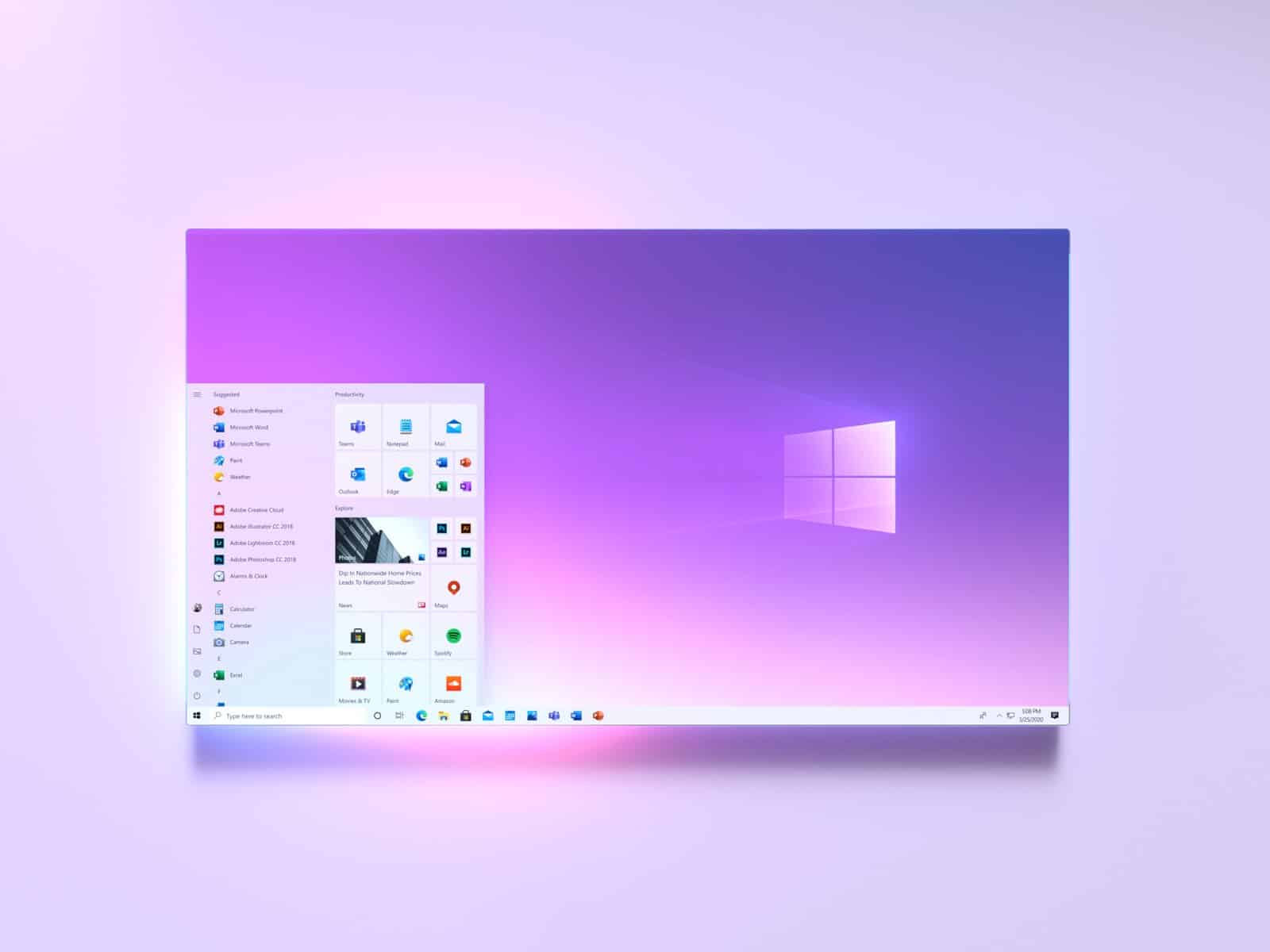
Today, the software giant delivers a new build to those on the Beta Channel (what used to be the Slow ring), with the main new change affecting the Start menu, but there's a lot more than just that.
Best Windows 10 apps this week
Three-hundred-and-ninety-six in a series. Welcome to this week's overview of the best apps, games and extensions released for Windows 10 on the Microsoft Store in the past seven days.
Some Windows 10 users noticed after the installation of a recent update for Windows 10 that certain applications, Notepad and Paint in particular, were no longer available on their system. Mark explains how these can be restored here.

Quickly batch-remove built-in and sponsored apps from Windows 10
Windows 10 comes with a large number of bundled apps, some of which you may find useful, but most of which you’ll never use and which just consume disk space unnecessarily.
There are a number of ways to remove these -- you may be able to do so through the Windows uninstaller, or using a third-party tool. But you usually need to know what the bundled apps are, and then have to go through the process of removing them one at a time, meaning you’ll probably miss a few. Thankfully there’s an easy way to batch-remove all of this unwanted bloat.

Microsoft releases Windows 10 Build 20175 to the Dev Channel, with quick access to tabs on pinned sites
Last week, Microsoft rolled out Windows 10 Insider Build 20170 to the Dev Channel with sound and search improvements, but unfortunately the test build wasn’t available to those running PCs with AMD processors due to a bug affecting overall usability.
Today the software giant releases Build 20175 with a number of new features, and the good news is it’s available to everyone, including those on AMD systems.

Microsoft teases a new look for Office and Microsoft 365
Microsoft has given us a sneaky glimpse into the future, showing off some of the design changes that are coming to its Office apps. The company has revealed the updated UX that Microsoft 365 users can expect to see.
In addition to introducing a more muted color palette and fully embracing the Fluent Design language, Microsoft is also making some key changes to the ribbon. Part of this involves incorporating AI into the software so that a more flexible ribbon can contextually adapt to what you are doing.
Microsoft is bringing some important new features to Edge, including browsing history syncing
Since adopting the Chromium engine, Microsoft Edge has been making great progress and gained a batch of new features that place it head and shoulders above its predecessor. Now in an update addressing the feedback received from people on the Edge Insider program, Microsoft has revealed some of the new features that are coming to the browser.
The company has also reiterated that Edge is coming to Linux, but it's the new additions that are of more interest at the moment. Setting out the timetable of features currently being worked on, Microsoft reveals that the option to synchronize browsing history between devices is on the horizon.
Microsoft releases KB4559003 and KB4559004 to fix problems with File Explorer, LTE connectivity and more
Microsoft has released a couple of updates that address range of problems in Windows 10 caused by previous updates.
Having already acknowledged that the KB4556799 update led to LTE connectivity issues for some people, the company has now released KB4559004 to fix this and other problems. This update also addresses issues with Magnifier and File Explorer, while another update, KB4559003, fixes a large number of other problems.
Windows 10 May 2020 Update may falsely report that there is no internet connection
Some people who have upgraded to Windows 10 version 2004 (or Windows 10 May 2020 Update) are experiencing a strange issue with their internet connections.
A problem has cropped up with the Network Connectivity Status Indicator (NCSI) that sits in the taskbar. Affected users complain that the icon indicate that there is no internet connection available, and Microsoft is at a loss to explain what is going on.
Windows 10 May 2020 Update is slowing down games and causing ESENT warnings
Numerous people who have upgraded to Windows 10 May 2020 Update are seeing ESENT warnings, as well as suffering problems with reduced performance.
Users looking at the Event Viewer see multiple ESENT warnings with the event ID 642. In addition to seeing these warnings, some people are complaining of reduce game performance in titles such as Tom Clancy's Rainbow Six Siege and Call of Duty: Warzone.

Open source champion Microsoft brings Procmon to Linux
Historically, Microsoft was an enemy of the open source community. In more recent years, however, the Windows-maker has become an ally. In fact, under the leadership of Satya Nadella, it can be said that Microsoft is now an open source champion! Crazy, right?
If you want proof, look no further than Windows Subsystem for Linux. I mean, Linux is pretty much inside of Windows now. Not to mention, Microsoft is a huge contributor to open source projects. Hell, the Windows-maker even bought GitHub! And now, the company takes things even further. You see, Microsoft has ported the Windows Procmon tool to Linux.
Microsoft issues another bug-fixing update for PowerToys for Windows 10
It's only a couple of weeks since Microsoft released PowerToys v0.19.0, and the company has now pushed out its second bug-fixing update to the collection of utilities.
Just last week, v0.19.1 addressed a range of issues with the Windows 10 tool collection, and now v0.19.2 has landed. Among the changes are fixes for PowerToys Run and FancyZone, and it also addresses an issue that caused high CPU usage.

Microsoft releases a fix for Outlook crashes after a problematic update causes issues for many users
Microsoft's track record with updates for Windows has been a little wobbly of late, with many updates introducing problems, or creating more issues than they fix. But it seems that it is not just the famous operating system that is jinxed -- Outlook is too.
Following reports from users that the Outlook desktop app was crashing with a 0xc0000005 error, Microsoft launched an investigation. While the company is now in the processing of pushing out a fix, a workaround has been shared online for those affected.
Microsoft releases Windows 10 Build 20170 to the Dev Channel with sound and search improvements
Yesterday, Microsoft rolled out a new Windows 10 Build to the Beta Channel (what used to be the Slow ring) and today the software giant follows that up with a new flight on the Dev Channel (previously the Fast ring).
Build 20170 introduces a couple of new features, but won’t be offered to Insiders running PCs with AMD processors due to a bug affecting overall usability.