

Use CCleaner 3.25 to manage Chrome extensions
Software developer Piriform Ltd has announced the release ofCCleaner 3.25, the latest build of its Windows freeware cleaning tool. Version 3.25, which is also available in portable form as CCleaner 3.25 Portable, adds Google Chrome Extension management to its feature roster amid a number of compatibility and cleaning improvements.
The update follows hot on the heels of Recuva 1.44, a new version of Piriform’s free data recovery tool, which offers improved recovery of large files and Outlook Express messages as well as a host of other minor tweaks and improvements.

Sandcat 3.0 browser is supremely useful for developers
If you’d like more information on the low-level details of how a particular web page works -- for security or web development reasons, say -- then the usual route is find and install a few extensions. Firefox alone has more than 1,000 addons in its Web Development section which could prove very useful.
But if researching all of those seems too much like hard work, you might prefer to simply download the free Sandcat 3.0, a penetration-oriented browser with plenty of advanced functionality already built it.
Firefox for Android update supports older devices
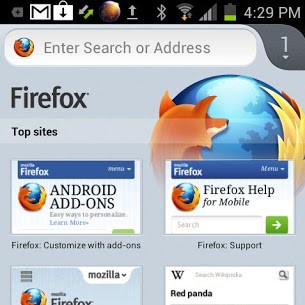
Parent company Mozilla announced that Firefox for Android now supports older green droid devices using ARM v6 architecture. The latest update allows the open-source browser to run on smartphones such as HTC Status, Motorola Fire XT or Samsung Galaxy Ace, but also looks to the present with improvements for newer versions of Android.
Mozilla claims that limiting Firefox for Android to run solely on the ARM v7 architecture would eliminate "roughly half of the nearly 500 million Android phones", obviously making a dent in its market share and popularity among green droid users. The minimum hardware requirements now involve an 800MHz ARM v6 processor accompanied by 512MB of RAM. What about less "ancient" devices?
Opera 12.11 fixes bugs, improves stability and security
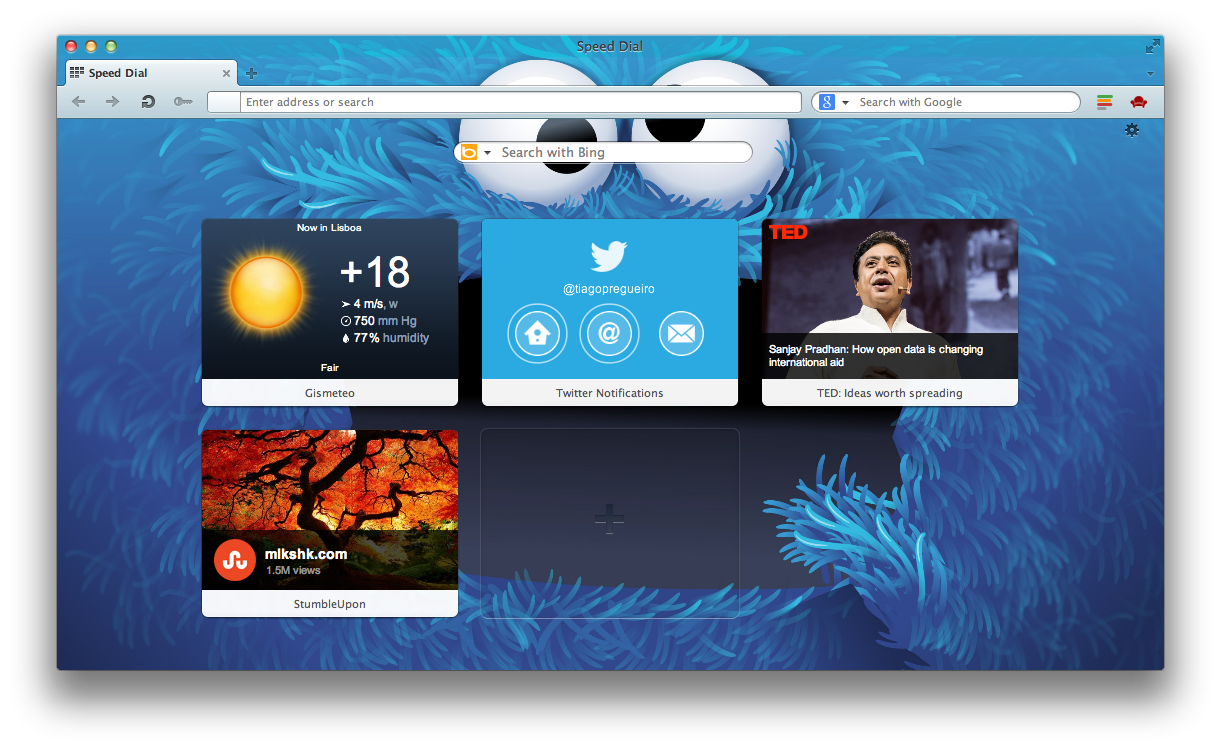
Firefox 17 FINAL isn't the only browser news of the day. Opera 12.11 also is available. This minor release is a maintenance one, promising better security and stability through the implementation of a number of bug fixes, and follows on just two weeks from the more notable launch of version 12.10.
Opera 12.11 is available as a freeware download for PC, Mac and Linux. A separate 64-bit build is also available for Windows users.

Firefox 17 releases, features click-to-play blocklisting
Mozilla has launched Firefox 17 FINAL, the latest stable release of its open-source, cross-platform web browser. Version 17 has one major new feature -- click-to-play blocklisting, which prevents vulnerable plugins from running without the user’s permission.
Other changes include a slight tweak to the Awesome Bar, additional developer tools and web standards, plus fixes and performance improvements. The new release comes on the same day that rival browser Opera 12.11 gets a minor update.

Internet Explorer 10 Release Preview for Windows 7 first-impressions review
When Microsoft first announced that Internet Explorer 10 would be part of Windows 8 most users assumed that this would also mean a release of the browser for the version 7 operating system. The first version of Internet Explorer 10 was released publicly with Windows 8's Developer Preview back in 2011, and then updated whenever new versions of preview builds released. Microsoft at that time was tight lipped about the future of IE10 for Windows 7
October 2012 came and brought along Windows 8's launch. It was in the week prior to the release of Windows 8 that the company shed some light on the future of IE10 for Windows 7. A blog post indicated that Microsoft had plans to release a preview version for Windows 7 in November 2012.

Internet Explorer 10 Release Preview is available for Windows 7 -- get it NOW!
Microsoft has announced the availability of Internet Explorer 10 as a Release Preview edition, in both 32-bit and 64-bit flavors, for Windows 7. (And yes, only Windows 7 users with SP1 installed need apply. Windows Vista and XP are left out of this one.) Changes are mostly under the hood, but the upgrade does deliver some major performance improvements which you may like to try.
In our first tests, the new Release Preview installed much like any other Windows update. It downloads a few files, and whirs for a while before demanding a reboot. Which takes a little longer than usual as various core files are replaced.

The post-PC era already is over
That was fast, if it ever was. Don't blink or the so-called PC era will pass you by. For years, I've called it the cloud-connected device era because of the deeper meaning: Context. But more appropriately, the new epoch is contextual computing, which really extends a transition underway since the World Wide Web opened to the masses about 20 years ago. During the two earlier computing eras, mainframes and PCs, location defined the user. During the contextual computing era, the user defines location. If you listen to analysts obsessed with selling services to enterprises or companies like Apple, post-PC is all about devices. It's anything but.
Context is everything today. I started writing about the concept circa 2004, borrowing from my boss of the day -- Michael Gartenberg. The concept is simple: People are satisfied with what they've got on hand. In context of the airport, a hand-held game console is good enough, while at home the person prefers Xbox and big-screen PC. But because of the cloud connected to an increasing number of mobile devices, context is a much bigger, broader and badder technology trend.

We wish Firefox a happy 8th birthday!
The kids grow up so fast, don't they?
It seems like only yesterday I began using Firefox, but Mozilla has reminded us that today is the eighth birthday of its Firefox browser. Those eight years, while seeming to have flown by, have had their smooth parts as well as their bumpy. The story of the "little browser that could" all began on November 9th 2004.
"The Mozilla Foundation, a non-profit organization dedicated to preserving choice and promoting innovation on the Internet, today announced the worldwide availability of the Mozilla Firefox 1.0 web browser." wrote Mozilla on this day in 2004.

Play live music with friends online in Chrome
The only thing that ever stood in the way of my becoming a major international singer/songwriter was my inability to sing. Or write songs. I took guitar and piano lessons as a kid, and am pretty handy at Rock Band, but I’m not a great musician, so I never really get invited to jam with more musically-minded friends.
However, that might change, if I can persuade some of them to give Google’s latest interactive Chrome experiment a try.

Toolbar Cleaner reclaims your browser from unwanted add-ons
From full commercial applications to simple freeware tools, it’s surprising just how many setup programs will now try to install unwanted browser addons on your PC. And too many of these can slow your system down, make it less stable, maybe even compromise your privacy.
The deceptive techniques used by some software means these “extras” can be difficult to avoid, too. But fortunately help is at hand in the shape of the free Toolbar Cleaner, which can assist you in reviewing and taking control of your IE, Firefox and Chrome addons.
Google releases Chrome 23 -- get it NOW!
Google has announced the release of Chrome 23 to the stable channel, and it’s an interesting update, with some welcome developments.
New support for GPU-accelerated video decoding will reduce the load on your system’s CPU, for instance. And as GPU’s use less power than your primary processor, this can notably extend your battery life (Google’s own testing suggests you could see up to a 25-percent improvement).
Add Internet Explorer 10 Flash support for any domain on Windows 8
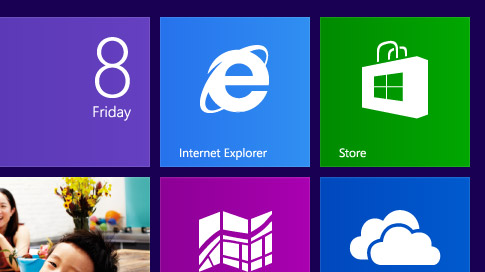
Windows 8 ships with two versions of Internet Explorer 10. First, the regular version that runs on the desktop and packs all the features one would expect from a browser, and then the Start screen version of IE10, which is a plug-in free version that is limited in what you can do with it on the Internet and locally.
Microsoft has integrated Adobe's Flash Player natively into Internet Explorer 10, but there are again differences in the implementation between the desktop and start screen version of the browser.
Opera 12.10 is available -- get it NOW!
Norwegian cross-platform browser Opera 12.10 has been released, promising support for more powerful extensions, the SPDY networking protocol and a number of platform-specific enhancements.
Mac users gain Retina Display support and Notification Center integration in Mountain Lion, for example, while the Windows build, also available in 64-bit, adds support for two additional touch gestures in Windows.

How Firefox's Developer Toolbar is useful to regular users
The Firefox Developer Toolbar is a new tool that landed last month in the stable version of the web browser. It is a console that enables you to issue commands right from the page you are on, and while it has been designed with developers in mind, it makes available features that regular Firefox users can utilize as well.
The basic idea here is to use the Developer Toolbar for things that you normally handle using the menus the browser makes available or third-party tools. To display the toolbar in Firefox press Shift-F2. This opens a small toolbar at the bottom of the browser window. If you want to close it again, either use the same keyboard shortcut to do so or the close icon on the right side of the toolbar.



