
Microsoft releases Windows 10 Redstone 5 Build 17661 for Insiders on the Fast and Skip Ahead rings
Now that the Windows 10 April 2018 Update is done and rolling out to users, Microsoft can focus all of its energy on the next big feature update. Insiders who haven’t yet opted out of the program will, from today, start receiving updates from the Redstone 5 branch.
The first of these updates to be rolled out to Insiders on the Fast ring, as well as Skip Ahead, is Build 17661, and this introduces a number of big changes.

How to rollback and uninstall the Windows 10 April 2018 Update
The Windows 10 April 2018 Update is rolling out to users. If you install it and encounter major problems, as some users doubtless will, you might want to go back to your previous version, and wait until the update is a bit less buggy.
If you've been using Windows 10 for a while you’ll probably know how to do this, although the process may be slightly different to what you've been used to.
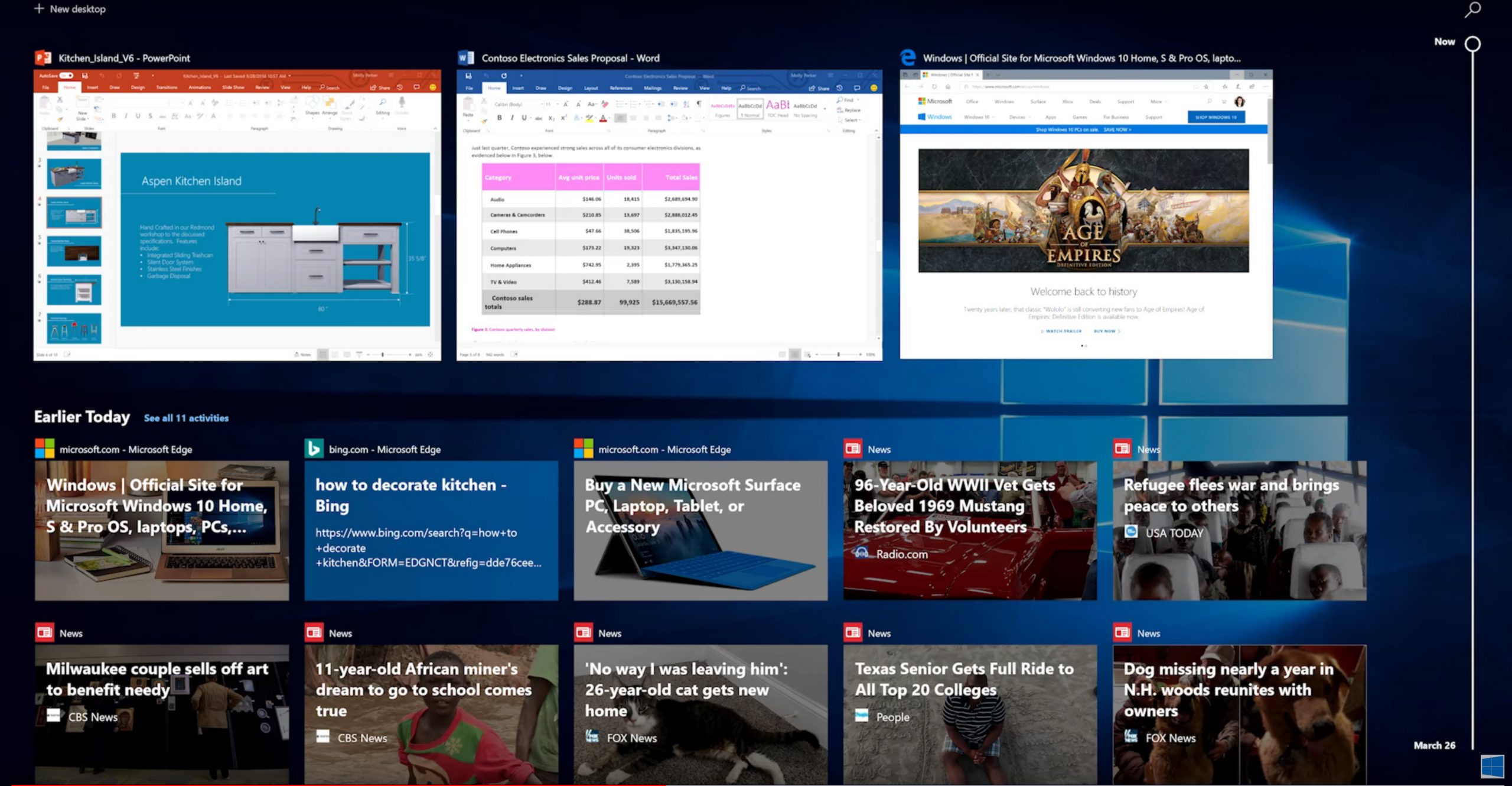
How to use Windows 10's new Timeline feature
Your web browser remembers every page you visit, making it easy to return to a site you saw earlier. Timeline is a similar idea, but for the latest version of Windows 10.
It remembers all of the different tasks, apps and files you’ve been working on, across your various Windows devices. In future it will even work with Microsoft’s many iOS and Android apps, and maybe third-party apps too.
Free up over 30GB of storage space by cleaning up after the Windows 10 April 2018 Update
Microsoft has just released another huge update to Windows 10. The April 2018 Update introduces lots of new features and general improvements, including Timeline, and Focus Assist, as well as some lesser known improvements.
Of course, a big update like this requires a big download, and the files that Microsoft places on your system don’t get removed afterwards. In other words, the April 2018 Update could be responsible for taking a massive bite out of your free hard drive space -- tens of gigabytes in fact. Fortunately it’s easy enough to reclaim this.

Everything removed or deprecated in the Windows 10 April 2018 Update
Microsoft has introduced a number of big new features in Windows 10 1803, the April 2018 Update, including Timeline, Focus Assist, and more.
With each new OS update, however, some existing features get dropped, or stop being actively developed. Here are all the features that have been removed or deprecated in this latest release.

Windows 10 April 2018 -- what's new for IT pros?
As the keenly awaited Windows 10 April 2018 update (Windows 10 1803) begins its roll out, IT professionals will be interested to see what features it offers them.
Among the developments of interest to professionals is the Windows Autopilot feature which offers cloud powered device management. Using Intune, Autopilot now allows the device to be locked during provisioning until policies and settings for the device get provisioned, ensuring that by the time the user gets to the desktop, the device is secured and configured correctly.
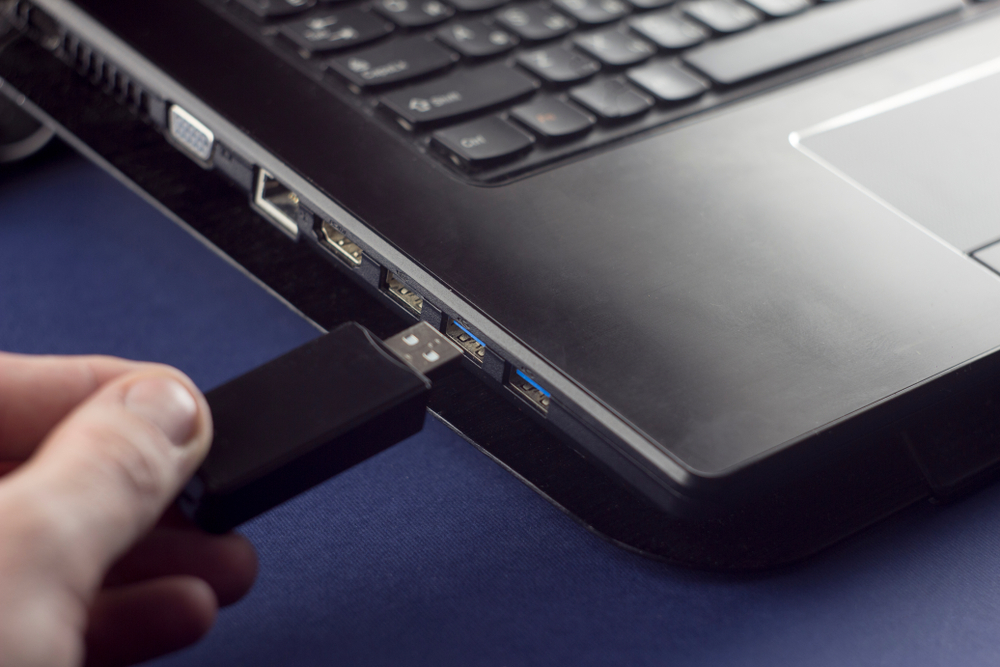
How to download the Windows 10 April 2018 Update and create your own installation USB flash drive or DVD
Windows 10 April 2018 Update is slowly rolling out to users with compatible systems, but don’t expect to be offered it any time soon.
If you can’t wait to try the new features, the good news is Microsoft has updated its Media Creation tool to include the update and you can use this to download Windows 10 now and create your own installation media on either a USB flash drive or DVD. This is particularly handy if you want to perform a clean install, or update multiple computers in quick succession.

Privacy: How to disable Timeline in Windows 10 April 2018 Update
We've already written quite a bit about Windows 10 April 2018 Update, and there's a reasonable chance that you've taken the plunge and installed it. While there are new features to get excited about, some have people more concerned than excited -- such as Timeline.
In theory, the feature sounds great, making it possible to synchronize your activities between devices, but it's also something of a privacy nightmare. Timelime -- by design and because of its very nature -- gathers a huge amount of information about you and what you do within Windows 10. Thankfully, you can disable it.

How to upgrade your PC to the Windows 10 April 2018 Update now
The latest feature update for Windows 10 is available to users now. But while Microsoft might have started the process today, it will likely be quite a while before you’ll be offered it. Only newer PCs will get it at first, and it might take weeks, or months, before it reaches your system.
The good news is, if you’re willing to take a bit of risk, you can start the upgrade immediately.

Windows 10 April 2018 Update rolling out now
After months of testing, and a bit of a delay due to the last minute discovery of a blocking bug, the Windows 10 April 2018 Update is now available to install. Microsoft is taking things slowly, with the global rollout out via Windows Update beginning on May 8.
There’s a good chance you won’t be offered the download immediately, but you will be able to manually update your system from now if you want.

Six great hidden features in the Windows 10 April 2018 Update
The Windows 10 April 2018 Update, which begins its rollout today, has a number of big new features, most notably Timeline, Focus Assist, and numerous Edge improvements.
But some of the lesser known features and changes found in the new feature update are arguably even more welcome. Here are six improvements you should know about.

How to delay the Windows 10 April 2018 Update
The latest feature update for Windows 10 is about to start rolling out, although it may be months before it comes to your device.
While you might be keen to update your installation, the truth is it’s often best to wait. Big updates like this usually introduce bugs and problems alongside new features, and unless you’re desperate to screw up your copy of Windows 10, I’d recommend holding off for a while. If you’re not in a hurry to get the April 2018 Update you can delay it.

Microsoft officially announces the Windows 10 April 2018 Update, available on April 30
For a long time, it was believed that the next big feature update for Windows 10 would be called the Spring Creators Update, following in the footsteps of the Fall Creators Update, and the Creators Update.
Then it was discovered that Microsoft was intending to call it the April Update, even though it looked increasingly like the new release wouldn’t arrive this month. Finally though, we have an official name, and a release date.
Best Windows 10 apps this week
Two-hundred-and-eighty in a series. Welcome to this week's overview of the best apps, games and extensions released for Windows 10 on the Windows Store in the past seven days.
Microsoft seems to be working on a new edition of Windows 10. Windows 10 Lean is a compact version of the OS that has a much smaller footprint than other editions of the operating system. Check out Mark's article on Windows 10 Lean for additional information.
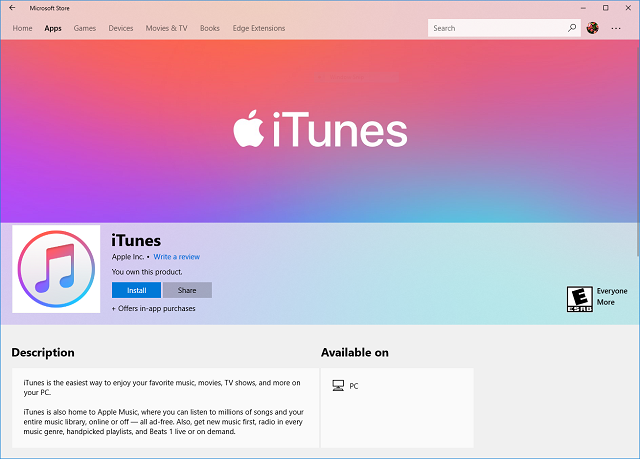
Apple embraces the Microsoft Store with iTunes for Windows 10
Windows 10 is a great operating system, but its app store? Not so much. Don't get me wrong, the Microsoft Store is a serviceable solution, but it is deficient in many ways. Most notably, there is a lack of quality apps, as many developers haven't truly embraced the store. The apps that are there, however, are often fakes/imitations and low quality. If Microsoft wants to legitimize its app store, it needs to score some major software.
I was in attendance at Build 2017 when Microsoft announced an impressive score -- iTunes was coming to the store. Believe it or not, that announcement elicited a gasp from the Build crowd. True, Apple's media program is in dire need of a UI refresh, and it is quite bloated, but many people still use it daily -- especially for Apple Music. Unfortunately, the promised iTunes never came to the Microsoft Store -- until today. Yes, damn near a year after the announcement, iTunes is finally in the store. Better late than never, I suppose.



