
Google brings the Bookmarks bar to Chrome for Android
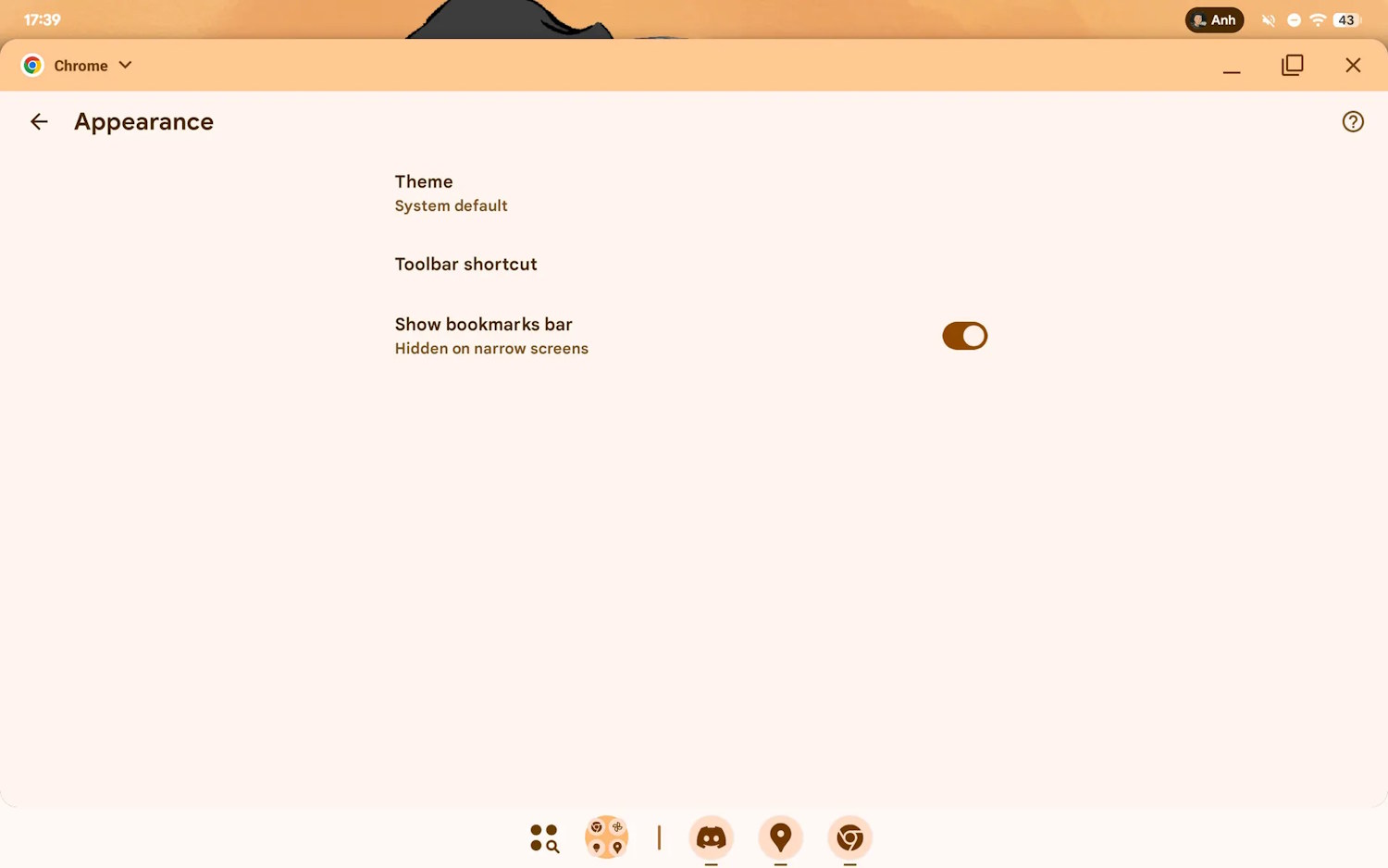
Google is making it much easier for Chrome users to access their bookmarks in the Android version of the app. Borrowing a feature from the desktop version of the browser, there is a new feature that can be used to toggle the display of the bookmarks bar.
It is a simple idea, but it is one that makes a lot of sense. There are, however, some caveats, so try not to get too excited just yet.

Mozilla has a new CEO and plans to make Firefox an AI browser
Mozilla now has a new CEO in Anthony Enzor-DeMeo, and this should be news enough. But the appointment has been accompanied by the announcement that the organization plans to transform Firefox into an AI Browser over the course of the next three years.
More than this, Firefox is set to evolve into something more than just a web browser. Details are scant at the moment, but the new CEO says that “Firefox will grow from a browser into a broader ecosystem of trusted software”.
Mozilla expands Firefox’s translation and custom icon availability
It is far from uncommon for the Android and iOS versions of the same app to have different features, and Firefox is no different in this regard. Now Mozilla is leveling the playing field by bringing a previously Android-only feature to iPhone users, and an iOS-only option to its Android app.
While it may seem a little strange considering the widespread availability of the option in other web browsers, the iOS version of Firefox has not featured a web translation option. Now this changes. But there is also a nice change to Android users.
Google thinks that Chrome autofill will make the holiday season easier
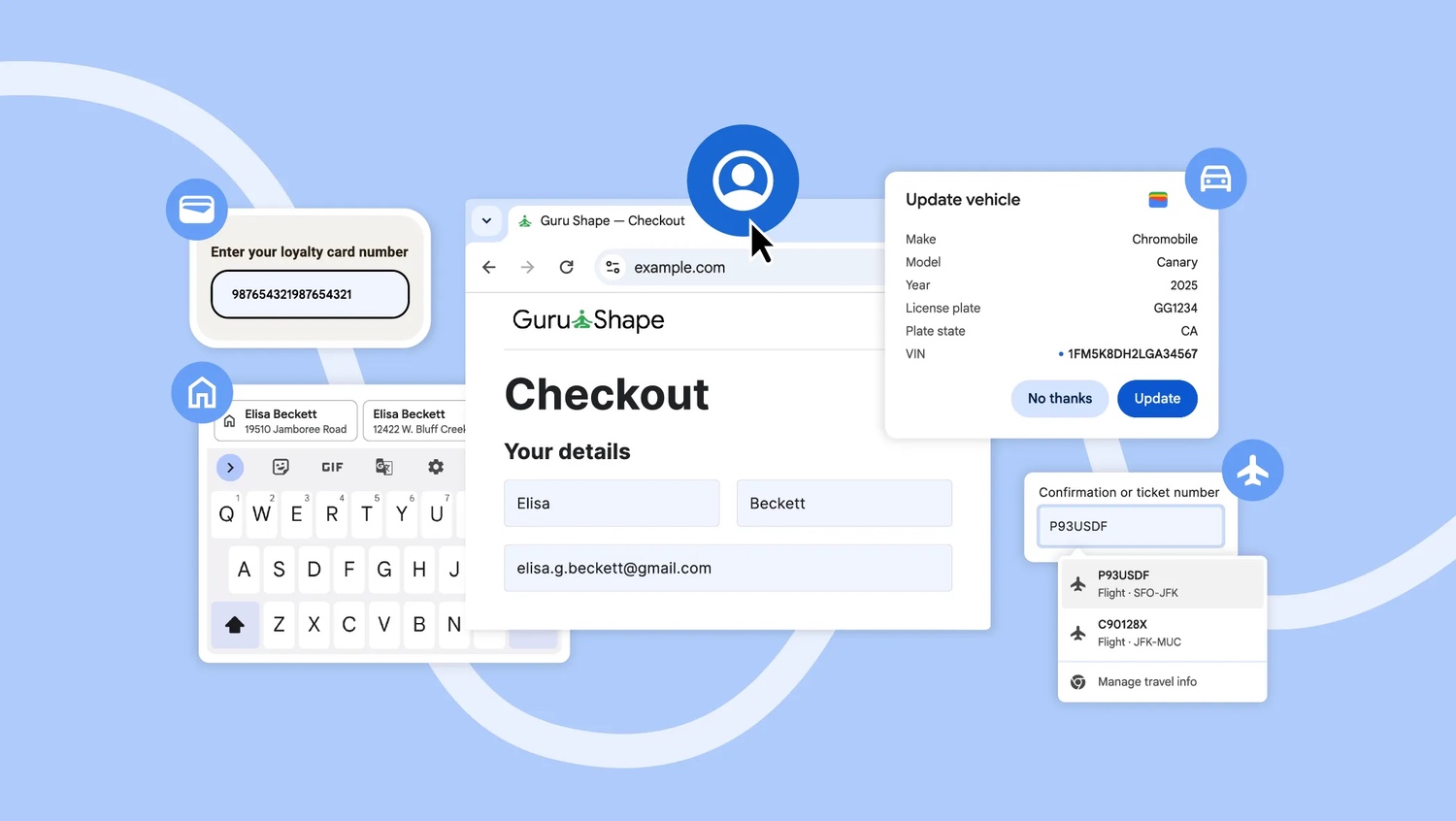
The holiday season is seen by many companies as being as good a reason as any to highlight the benefits of their products and services, and Google is no different in this regard. Using the perceived stress of preparing for everything that this time of year involves for many people, Google says that Chrome autofill is here to make life easier.
The company points to now fewer than four ways in which this feature of the web browser can help you out, trying to show how it is about more than just saving time filling in your address.
Google will make it easy to switch to vertical tabs in Chrome
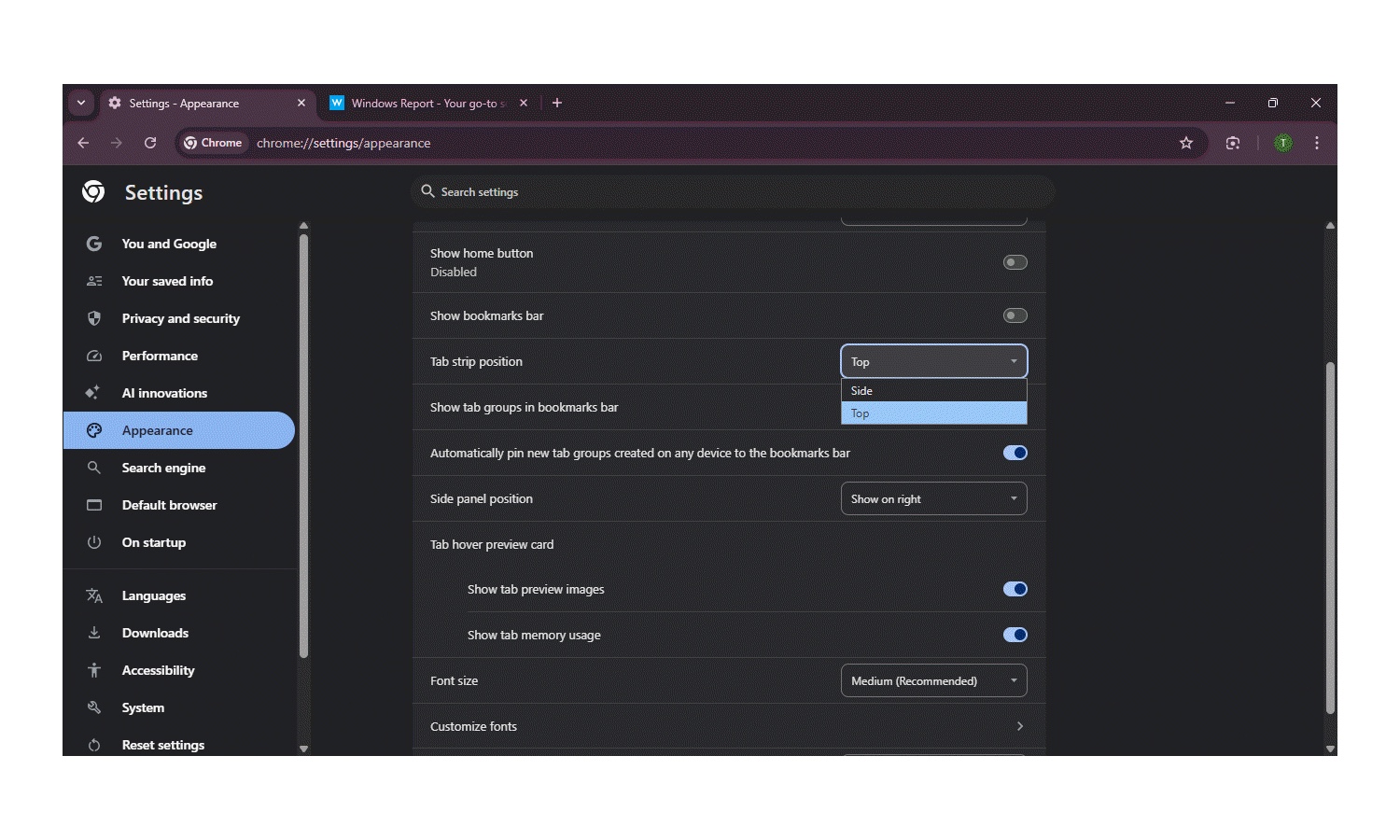
Browser tabs have been positioned in a horizontal strip in just about every browser since they first appeared, Chrome included. There have been various attempts to disrupt this – and to cater to different tastes and needs – by introducing vertical tabs, and Google is still working on this feature.
As is so often the case, the preview builds of Chrome give a very good sign of things to come, and this is where we have already seen vertical positioning of the tab strip. While this is still very much a work in progress, details have emerged about changes that have already been made.
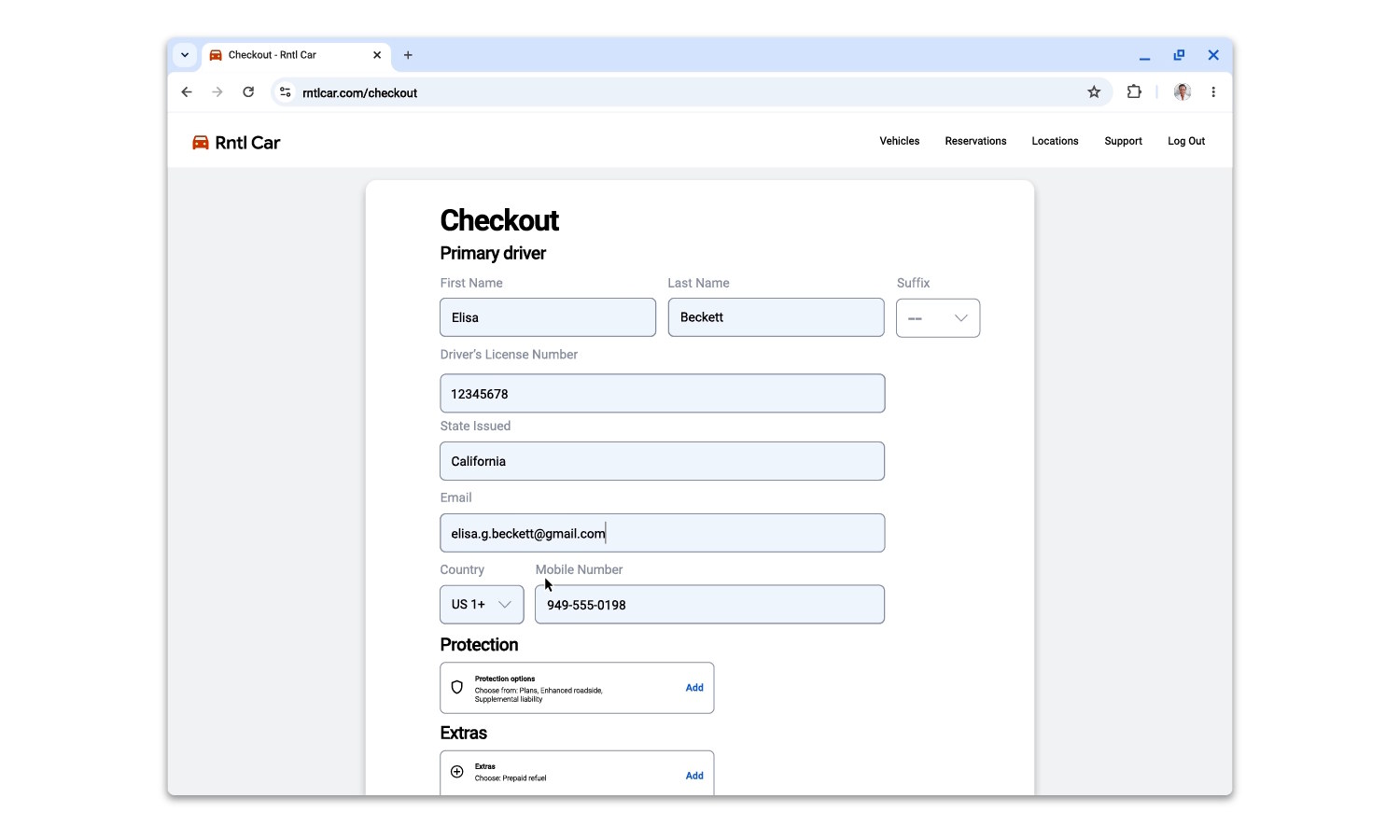
Google Chrome can now fill in passport and driving license details and more
Google has, over the years, added a lot of time-saving features to Chrome. Chief among these are the autofill features which can make light work of filling in forms by automatically entering frequently used snippets of data such as names and addresses.
When it comes to shopping, Chrome can also enter your credit card details for you, so you do not have to keep tracking down the physical card. Now Google has announced new time-saving functions.
Mozilla commits to updating Firefox on Windows 10
Microsoft may have all but abandoned Windows 10, but this is not true of its users. There are still millions of Windows 10 systems in use around the world, causing security concerns for many. But not all software developers are turning their backs on Windows 10 – Mozilla included.
The company has announced that “Firefox will continue to support Windows 10 for the foreseeable future”.

Perplexity releases AI web browser, Comet, for free; security warnings follow
Perplexity is the latest company to release an AI-powered web browser. Comet is available free of charge for Windows and macOS, and it is looking to compete with the likes of Opera’s Neon.
Comet is not brand new. It launches in July to a limited audience, but now its AI powers are being made available to everyone. But while there is much excitement from Perplexity about the launch, and excitement from users, there is also a warning from security experts.
Chrome prefetching will make your browsing seem faster – even if it’s not
Can your online experience ever be fast enough? Probably not. And this is why Google is taking steps to speed up Chrome – or at least to make the browser feel as though it is faster.
The company is testing a method of loading pages in the background before they are needed so the experience of a page appearing is faster. Currently in testing is an optional feature called prefetching which works much as you might expect it to.
Google tests fingerprinting block to boost Chrome Incognito Mode privacy
Every web browser has a browsing mode designed to be more private; in Chrome, it is Incognito Mode. But while switching to this mode can help with improving privacy at a local level, it is not flawless when it comes to blocking external privacy invasions.
Tackling the problem of websites using invisible images to track visitors who have cookies disabled, Google is currently testing a new method of making Incognito Mode more secure and private.
Google is making it easier to switch your default browser to Chrome
Every company with a web browser wants you to choose it as your default. Google is no different with Chrome than Microsoft is with Edge or Mozilla is with Firefox.
Microsoft has received a lot of flak for the heavy-handed way in which it has prompted Edge and attempted to get users to switch to it. More than this the company has made it more difficult to set other browsers as default, although this has changed in recent times. Now Google is taking steps to promote Chrome, pushing a one-click-to-switch capability.
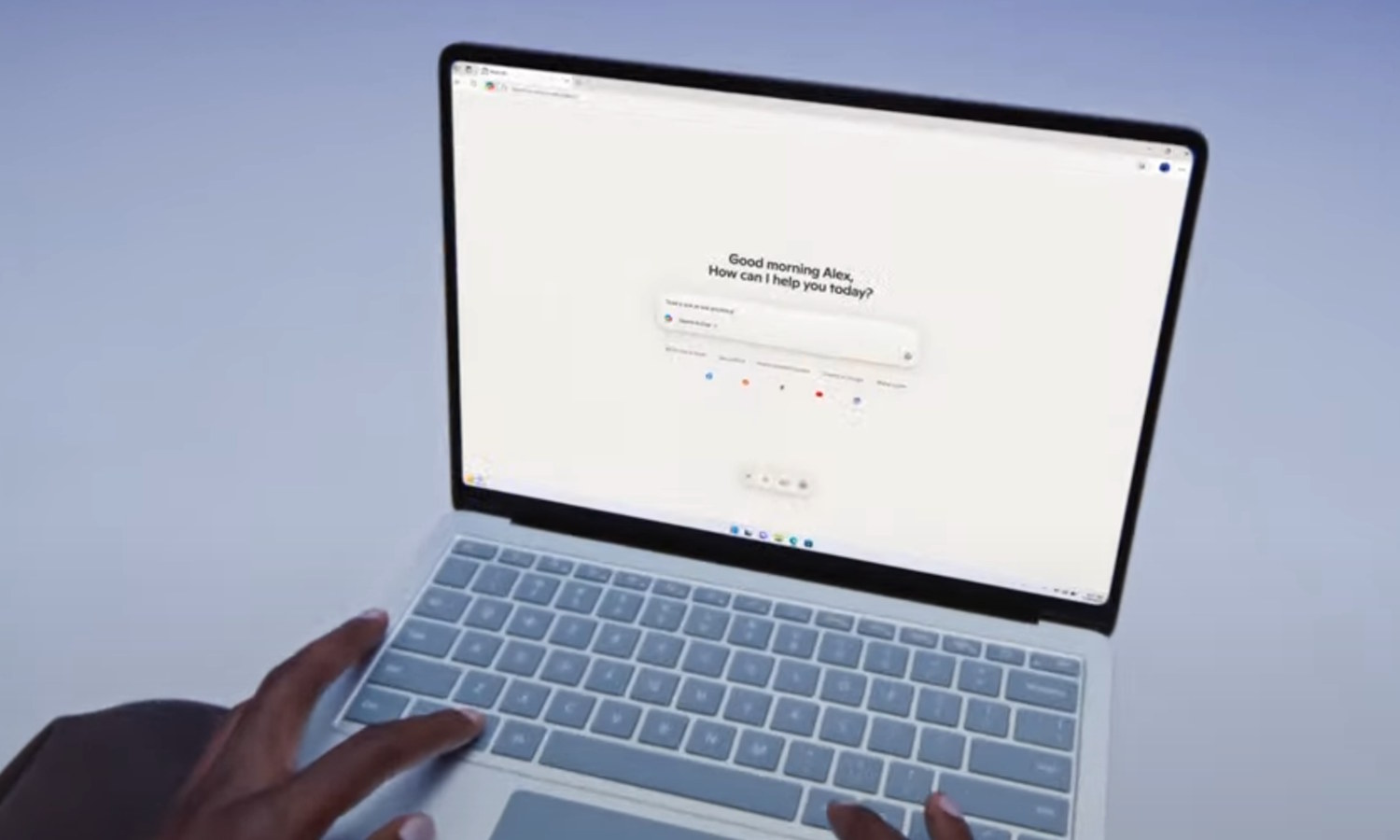
Microsoft launches Copilot Mode in Edge – is it heaven or hell?
Microsoft has a new experiment for its web browser. Copilot Mode in Edge is an AI-powered mode which is perfect for anyone who wants to completely embrace artificial intelligence when browsing the web.
For anyone who feels that AI is already difficult to avoid, there is good news. Copilot Mode in Edge is optional, so you are not obliged to use it even if you have made Microsoft Edge your browser of choice.
Brave browser blocks Microsoft Recall to protect your browsing activity
The Brave Privacy Team has announced that its web browser will block Microsoft Recall from taking screenshots.
The privacy measure comes after Microsoft started the rollout of the controversial feature, having been forced to make significant changes to the way it works. While Recall is now an opt-in feature, Brave’s announcement caters for those who would like not only more privacy, but more control.
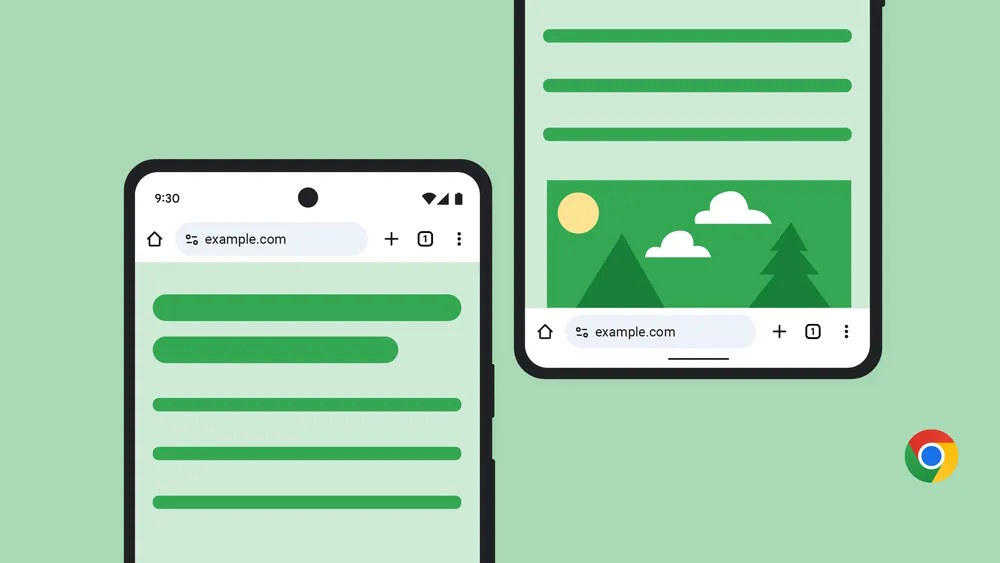
Google Chrome address bar – are you a top or a bottom?
Across all platforms, Google Chrome remains one of the most popular – if not the most popular – web browser. But while the desktop version of the software is versatile, customizable and flexible, the same cannot be said of the mobile apps.
And this is why an announcement made by Google several weeks ago caused a flurry of excitement. On the face of things, the news that it would be possible to move the address bar from its familiar position at the top of the browser may not seem huge, but now that it is rolling out, it is becoming clear that it is actually pretty significant for Android users.

How safe are your browser extensions? New free database helps you find out
Not all browser extensions are created equal, and just because one is available in a high-profile store doesn't mean it's safe. Stores may do simple verifications to check for obvious red flags, but it's not part of their workflow to investigate deeper indicators of suspicious or malicious behavior.
ExtensionPedia, a new database developed by LayerX, changes that by providing individuals and businesses with detailed risk analyses on over 200,000 extensions to distinguish between safe, risky and malicious tools.



