
Google is making it easier to change your Gmail address
Depending on when you signed up for a Gmail account, and factoring in the uniqueness or otherwise of your name, your email address may be one you are happy with, or it could feel like a burden.
If you have become unhappy with the @gmail.com address you chose years ago, you have always been able to sign up for another account. But actually changing your email address is a different matter – and it is something that Google appears to be experimenting with.
Google is enhancing Gmail with new organizational labels
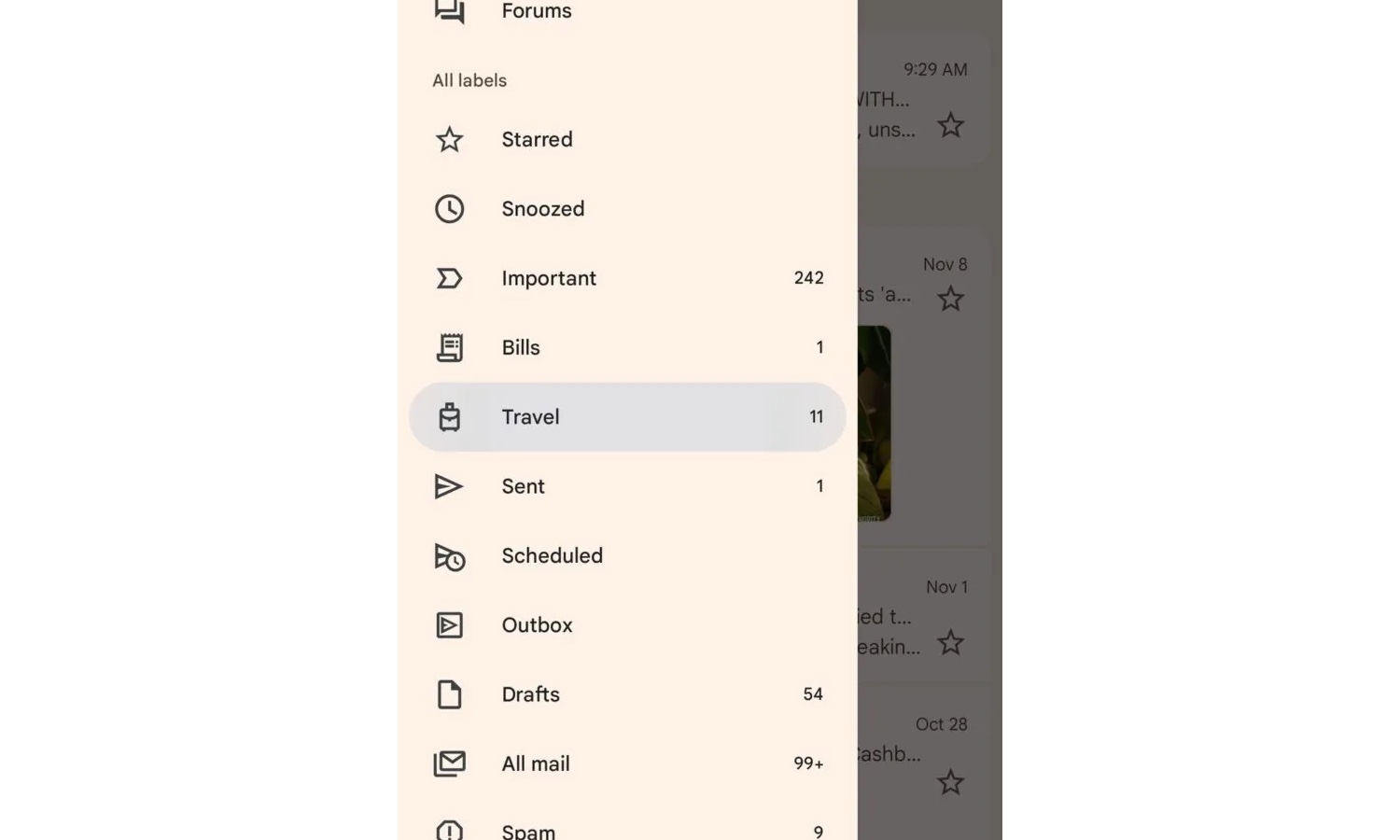
For anyone embedded in the Google ecosystem, Gmail is indispensable. The search giant’s email tool has an extraordinarily large userbase, and Google continues to find new ways to make it more useful. The focus of so much of the company’s efforts have been AI-related in recent times, so it is refreshing to see that other options have not been completely abandoned.
With email communication now the default for pretty much everything, it is little wonder that inboxes are chaotic explosions. And it is with a simple change that Google is looking to make it easier to manage your emails with as little effort as possible.

New AI assistant verifies unknown email senders to protect your inbox
Employees receive large numbers of emails every day and it’s estimated that 25 to 35 percent of these will be from people they haven’t communicated with before. Knowing whether or not a message has come from a legitimate new sender is almost impossible.
Until now that is. Email security specialist StrongestLayer is launching AI Advisor, a security assistant designed specifically to verify first-time senders and unknown contacts in real-time.
Gmail makes encrypted emails more useful for business users
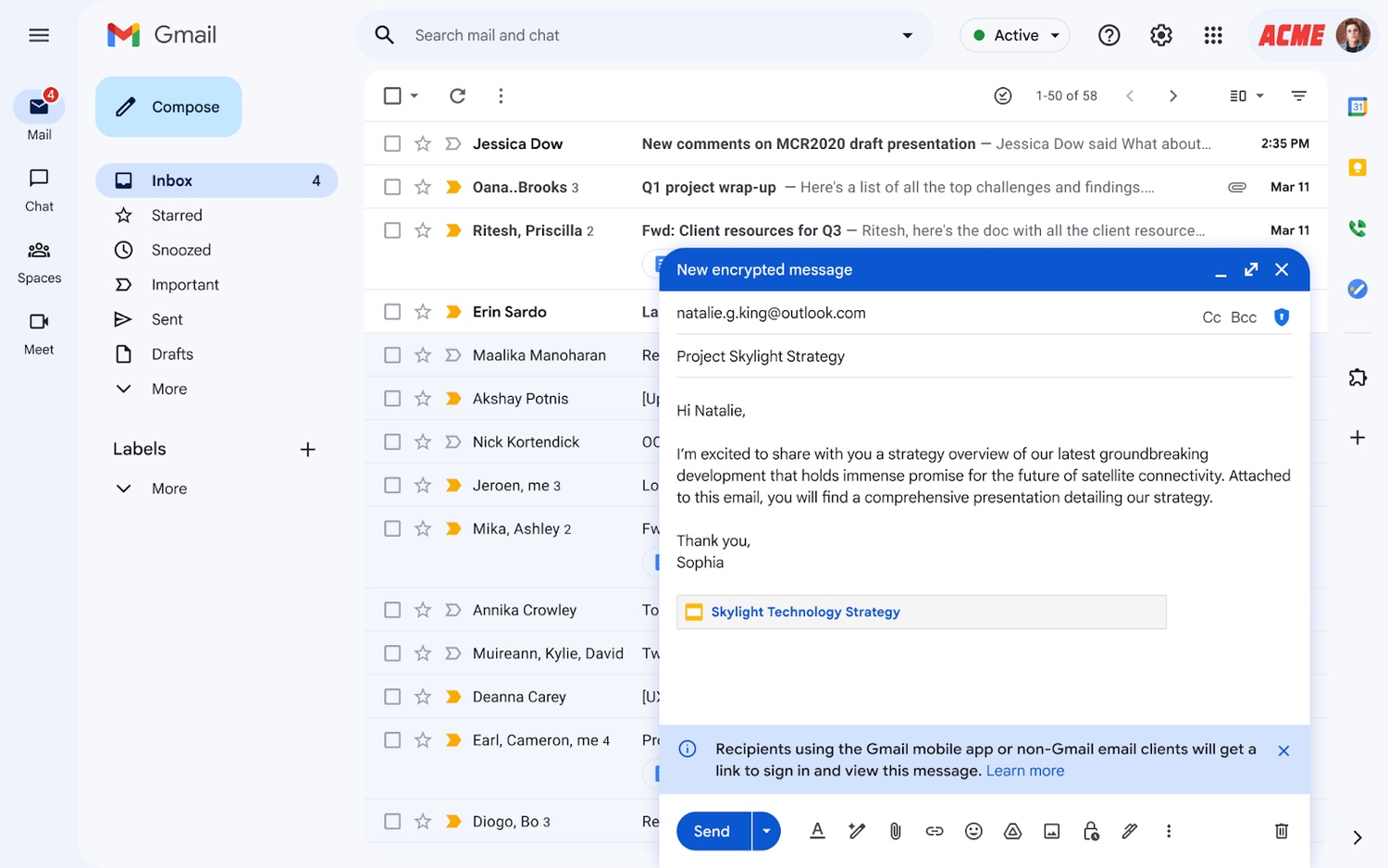
Google has announced that it is now possible to send Gmail end-to-end encrypted emails to anyone. Until this change was introduced, E2E emailing was only supported between Gmail to Gmail communications.
But now email encryption is being opened up and made platform agnostic. While this means that encrypted emails can be sent to anyone, it is something that needs to be enabled, and there are a few things to keep in mind.
Google hits out at ‘entirely false’ claims of a major Gmail security issue
Google has taken the unusual move of addressing claims about a major Gmail security issue – claims the company says are “entirely false”.
Insisting that “Gmail’s protections are strong and effective”, Google does not specify which claims it is referring to or where they stem from. What is clear, though, is that the company has been rattled by whoever has tried to bring into question the security of its email platform.
Gmail finally has a Mark As Read option in Android notifications
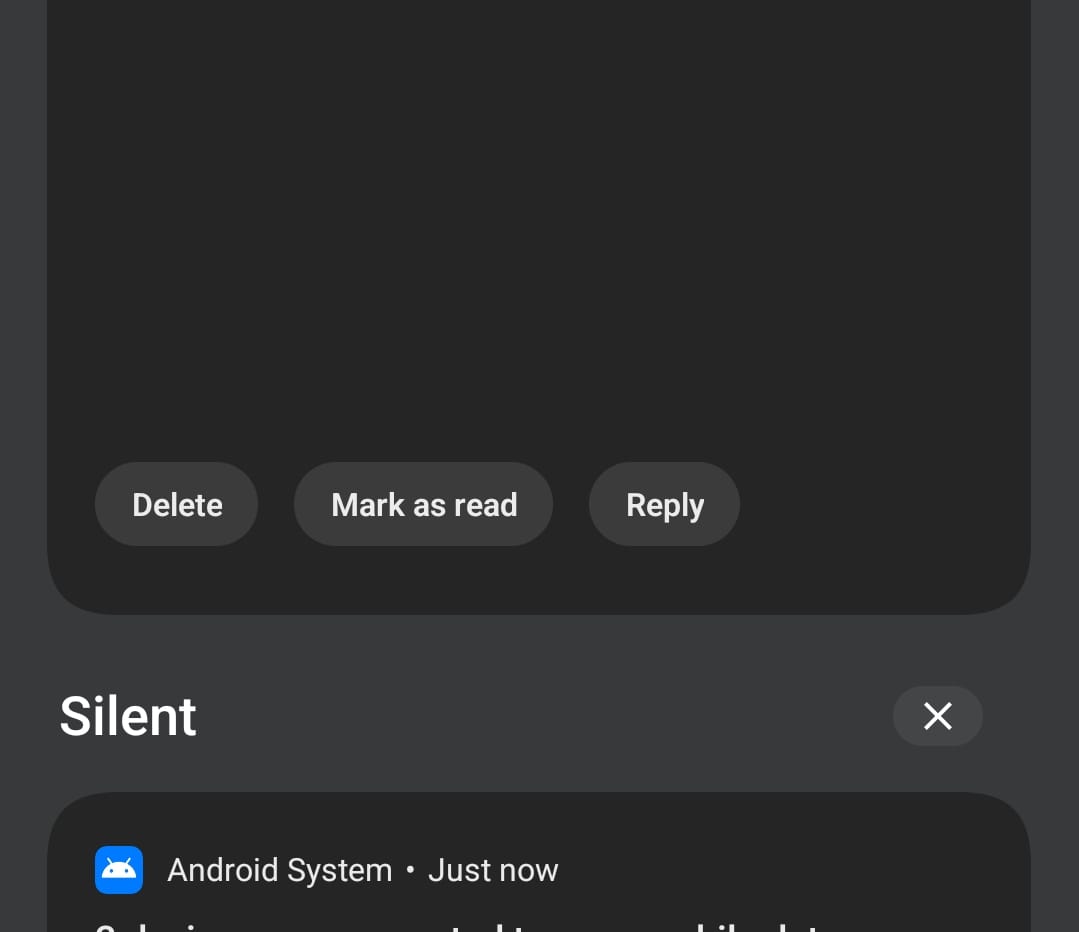
Google has introduced a handy new way for Android users to keep on top of their emails – a Mark As Read option.
This may sound like nothing new, but this is not just any Mark As Read option. It is a new Mark As Read option that can be accessed from. The notification that appears when a new email arrives.

The searches that reveal the most common email mistakes
It’s known as an ohnosecond -- that moment just after you realize that you’ve made a mistake. Something that happens frequently with emails when you press send too soon, do reply all when you didn’t meant to, or just send a message to the wrong person.
A new study from ZeroBounce has analyzed search data from Google Keyword Planner to determine which email mistakes UK residents commonly make and need help fixing.
Google launches Manage Subscriptions for Gmail to kill unwanted email
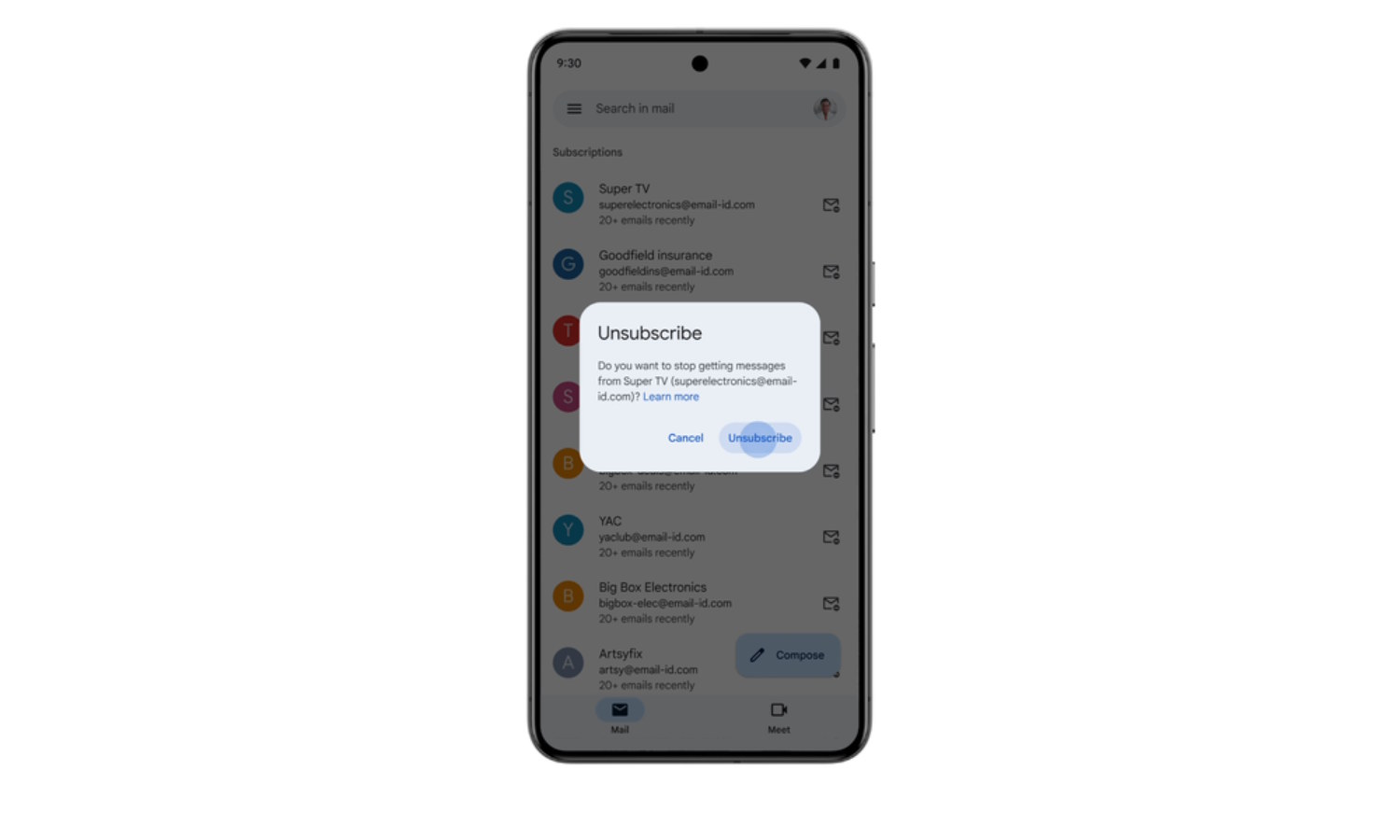
Keeping on top of emails can feel like a full-time job, but Google is making things easier for Gmail users. We learned about the Manage Subscriptions feature earlier in the year, but it is now starting to hit inboxes.
Everyone receives huge volumes of emails these days, and a lot of time can be spent sorting the wheat from the chaff, determining which email need attention and which are junk to be deleted. Google’s new Manage Subscription option provides a way to quicky see a list of the mailing lists you have subscribed to.

Gmail introduces a Manage Subscriptions tab so you can unsubscribe from junk mailing lists en masse
Your Gmail inbox is home to all manner of useful correspondence, but it’s almost certainly littered with lots of unwanted crap as well. Junk emails, unwanted newsletters, site update messages and the like are serious annoyances with no sign of abating. But Google has taken steps to put users back in charge.
Having previously introduced an Unsubscribe button to provide a one-click means of ending the receipt of unwanted emails, there is now another option available to its users. A new Manage Subscriptions feature makes ditching the junk easier than ever.

Gmail search gets worse as Google forces AI powered results on users
Google is once again injecting AI where it doesn’t really belong. This time, sadly, it’s Gmail search -- something many of us use often. The search giant has started rolling out a change that sorts email search results by “most relevant” instead of the usual chronological order, and to be honest, it feels more like a nuisance than a helpful upgrade.
According to Google, this new AI-powered system will take things like recency, click behavior, and frequent contacts into account when surfacing results. In theory, that sounds useful. In practice, however, it will probably just bury what you’re actually looking for under a pile of algorithmic guesses.

Elon Musk seems to confirm some details of his Gmail rival X Mail
There have been rumors circulating for some time that creating an email service to compete against Gmail was on Elon Musk’s to-do list. While concrete details about what it might look like and when it might appear have been elusive, Musk has started to give something of an idea of his vision.
The billionaire has said on multiple occasions, including in the last few days, that X Mail is on the cards, but now he has given a clearer indication of what it might involve. The question is -- are people ready for it?
Google is making your inbox more useful with vastly improved summary cards in Gmail
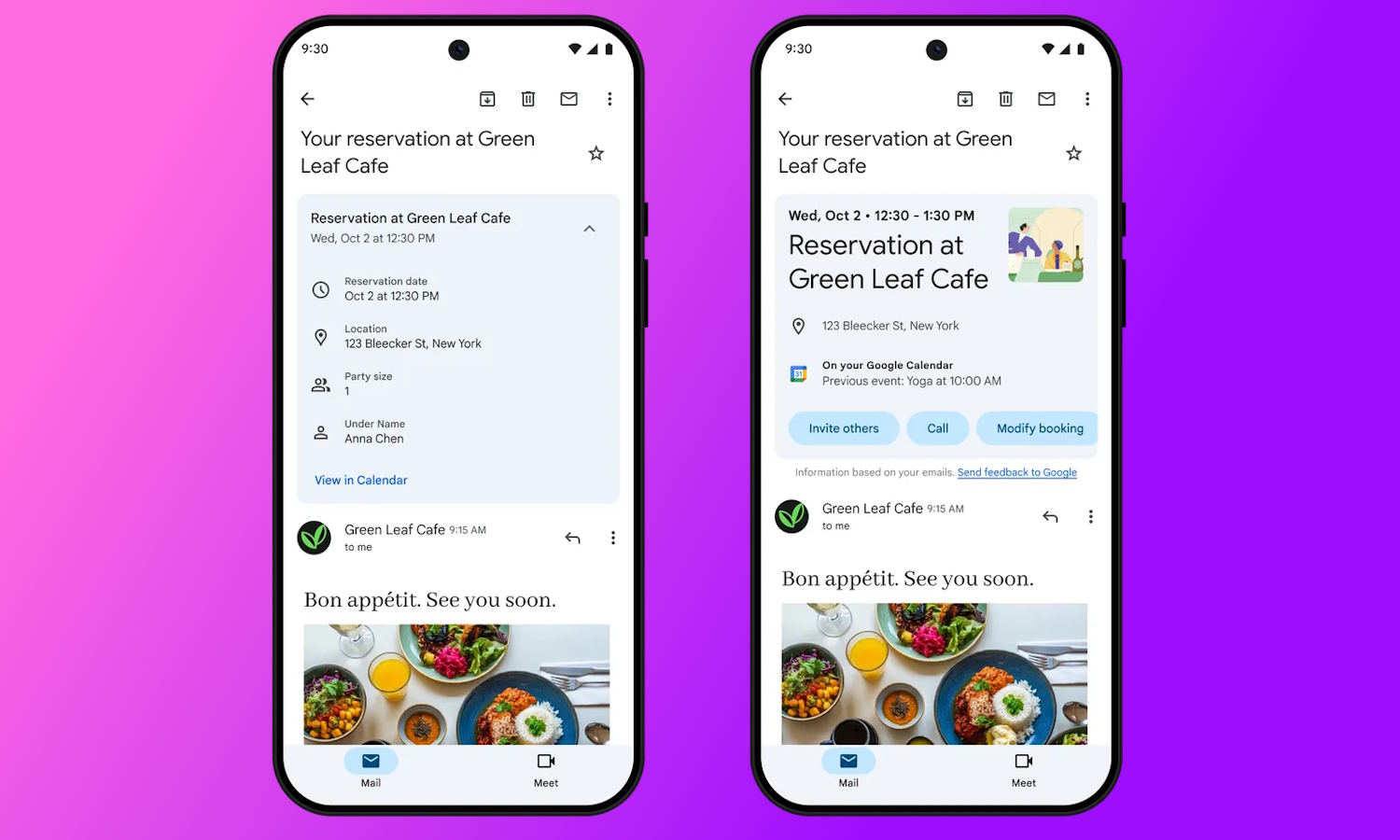
The “summary cards” feature of Gmail is not new; it is Google’s way of helping to make your emails easier to manage, consolidating information about, for instance, purchases you’ve made. Now things are being updated with live updates and “action buttons”.
Across four categories -- purchases, events, bills and travel -- summary cards provide at-a-glance information at the top of your emails. The new actions buttons make it possible to quickly add entries to Google Calendar or Google Tasks so you don’t forget important events, but there is much more to the update, including a Happening Soon section.
The Gmail DMARC policy update you may not know about
Back in October 2023, Google and Yahoo jointly announced new email sender requirements for inbound mail to their domains that they would be putting in place early in 2024, requirements that, for now, are focused on bulk senders.
This announcement and its subsequent updates have rightly gotten the full attention of the email industry. However, there was one other item buried in Google’s announcement that we don’t think people are talking about enough. One of the bullet items in Gmail’s guidelines reads as follows:
Google begins deleting inactive accounts
Starting from today, a new Google inactive account policy comes into effect which means that accounts that haven't been active for two years will be deleted.
So, what counts as 'activity'? Google provides a helpful list:

Google's new emoji email reactions are really going to irritate non-Gmail users
Google has decided to bring emoji reactions to Gmail, giving users the chance to respond to email with little more than a tap. Can't be bothered to type a proper reply? Just send a smile instead. It's an idea that has worked well on social platforms, so Google appears to believe it's something that will work with email too.
For anyone happy to send a quick and impersonal response in this way, the arrival of emoji reactions is great news. But for anyone who is not a Gmail user it is likely to be a serious source of irritation.



