

Zorin OS 15.2 Linux distribution is here, and you should switch from Windows immediately
Microsoft's Windows 10 is hardly a new operating system anymore. In fact, it has been available to the public for damn near five years now. And yet, despite existing half a decade, it still feels very incomplete. The Control Panel still hasn't been merged with Settings, for instance, and the user interface still feels like a work in progress. Hey, at least those terrible Live Tiles are seemingly on their way out. Ultimately, using Windows 10 feels like you are in a constant state of beta. It shouldn't be this way -- Microsoft's operating system should be much better than it is. After all, the company essentially has unlimited resources.
Thankfully, Linux is here to save the day. Yes, thanks to Linux distributions, computer users can experience a sane operating system -- one that actually makes sense. There are countless great Linux-based operating systems, such as MX Linux 19.1, Netrunner 20.01, elementary OS 5.1.2, and Manjaro 19.0. One of my favorite Linux distros -- particularly for those switching from Windows -- is the excellent Zorin OS. Why? Well, it is very secure, looks great, offers a familiar user experience, and comes with some great free software. Today, a new version of that operating system -- Zorin OS 15.2 -- becomes available for download, and it looks awesome.
Install the latest PowerToys update for important bug fixes
Microsoft has pushed out two updates in quick succession to the preview version of PowerToys for Windows 10.
PowerToys 0.15 was released and included fixes for nearly 100 problems, as well as a making other key changes -- including notifications about the availability of updates. But mere hours later, PowerToys 0.15.1 was unleashed to fix a further bug.
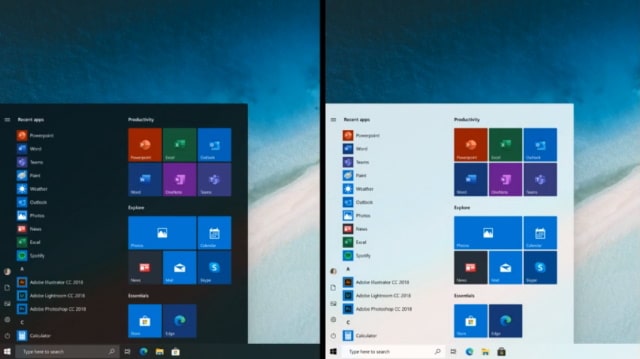
Microsoft gives us a preview of a new Start menu concept for Windows 10
During a Windows Insider webcast, Microsoft shared a new design concept for the Start menu in Windows 10.
In the video stream, the Windows Insider team showed off a new look that is being explored. The team confirmed that Live Tiles are here to stay, but they are not visible in the new design. This is because the new look is only going to be available when Live Tiles are disabled.
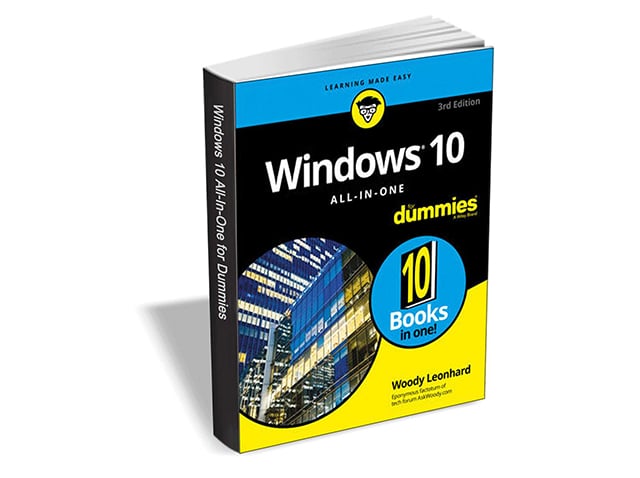
Get 'Windows 10 All-In-One For Dummies, 3rd Edition' ($39.99 value) FREE for a limited time
Are you ready to become the resident Windows 10 expert in your office? Look no further! This book is your one-stop shop for everything related to the latest updates to this popular operating system.
With the help of this comprehensive resource, you'll be able to back up your data and ensure the security of your network, use Universal Apps to make your computer work smarter, and personalize your Windows 10 experience.
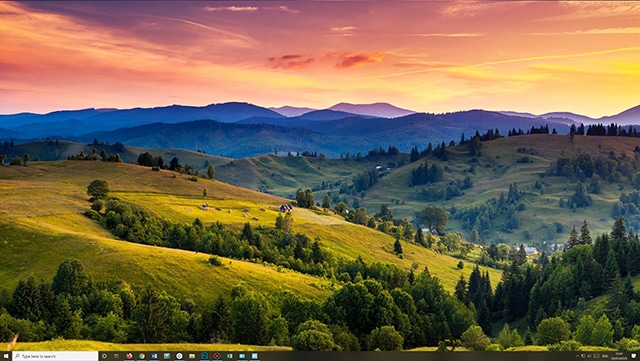
How to set gorgeous Windows 10 Spotlight lock screen images as wallpaper
Windows 10 has a lock screen mode called Windows Spotlight that pulls attractive, high resolution images from the web on a daily basis. In most instances, you’ll only see these when you log on, or lock your PC.
If you see an image that you’d like to use as Windows wallpaper, you can’t simply right-click and save it, but there is a way to easily use Windows Spotlight images as your desktop background.
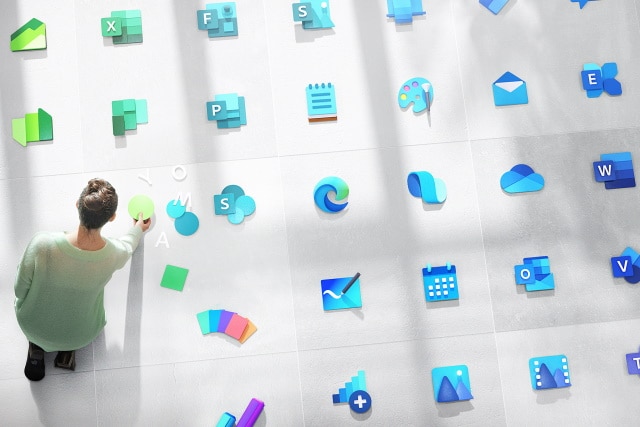
Microsoft starts rolling out new icons to all Windows 10 users
It is a few months since Microsoft first unveiled the new look icons for Windows 10 and various applications.
Now, having started the roll out of the new icons to Windows Insiders, the company is giving everyone access to the new designs. At the moment, it seems to be people running Windows 10 version 1909 that are affected, and this means they can enjoy new icons for Mail, Calendar, Calculator, Photos and more apps.
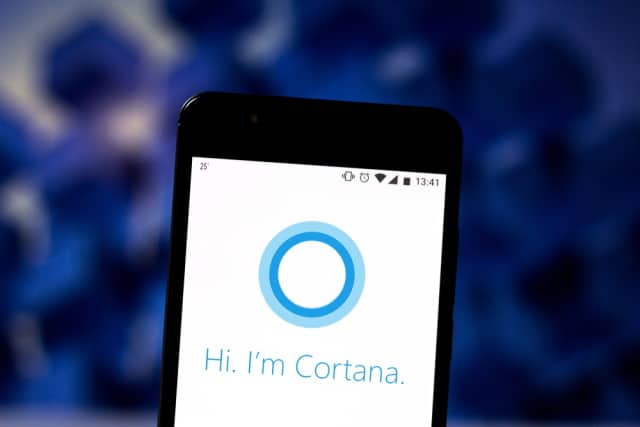
Microsoft is making Cortana much less useful for most people in a business-focused pivot
Microsoft is planning a major re-focus for Cortana; one that will mean the digital assistant becomes far less useful for most people. When Windows 10 version 2004 (or Windows 10 20H1) arrives, users will lose many of Cortana's consumer and third-party skills as Microsoft gives the assistant more of a business focus.
In dropping feature, Microsoft says that Cortana will be "focused on your productivity with enhanced security and privacy". Other significant change is the impending removal of Cortana from the Android Launcher app and a closer relationship with Microsoft 365.

How to activate all of Windows 10's secret God Modes
Windows 7 introduced a useful hidden God Mode that displays all of the admin tools and control options on a single screen. Because Microsoft has yet to phase out Control Panel entirely, this feature works just fine in Windows 10.
It’s very easy to action God Mode -- you just need to create a folder and give it a special name -- and there’s actually quite a few alternative God Modes available. Here’s what you need to do.
Best Windows 10 apps this week
Three-hundred-and-seventy-five in a series. Welcome to this week's overview of the best apps, games and extensions released for Windows 10 on the Microsoft Store in the past seven days.
It appears that Microsoft has started to roll out a change to the setup process of Windows 10 that makes it harder to create local accounts on systems.
Microsoft releases KB4535996 update to fix Windows 10 search and printing problems
Microsoft has released a new cumulative update that, among other things, addresses problems introduced by previous updates to Windows 10.
The KB4535996 update applies to both Windows 10 1903 and Windows 10 1909. It fixes issues such as the Wiindows Search box failing to render properly, as well as network printing problems.
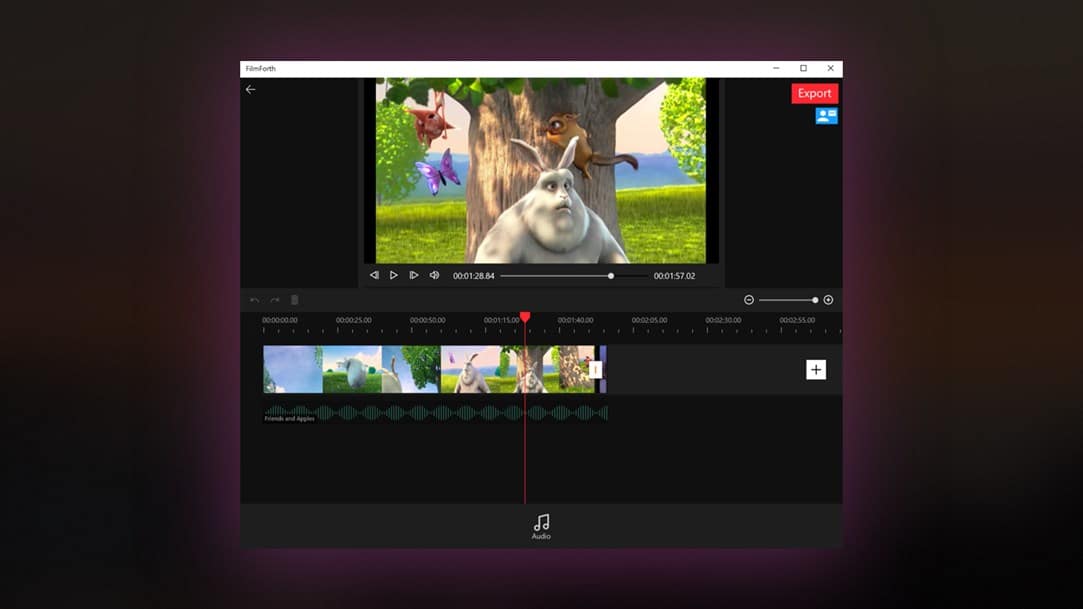
Best Windows 10 apps this week
Three-hundred-and-seventy-four in a series. Welcome to this week's overview of the best apps, games and extensions released for Windows 10 on the Microsoft Store in the past seven days.
Microsoft started to roll out important changes to Windows Update recently that improve the installation of optional updates and third-party drivers.
Microsoft is making it harder and harder to use a local account in Windows 10
Microsoft has always encouraged Windows 10 users to make use of a Microsoft account rather than a local one -- and it has been piling on the pressure.
In the US, Microsoft had already taken the step of hiding the option to create a local account during the installation of Windows 10, and now this seems to be spreading to other parts of the world. While there are undeniable benefits to working with a Microsoft account, the company appears to be reducing users' choices.
Microsoft releases Windows 10 Insider Build 19569, plus new colorful icons
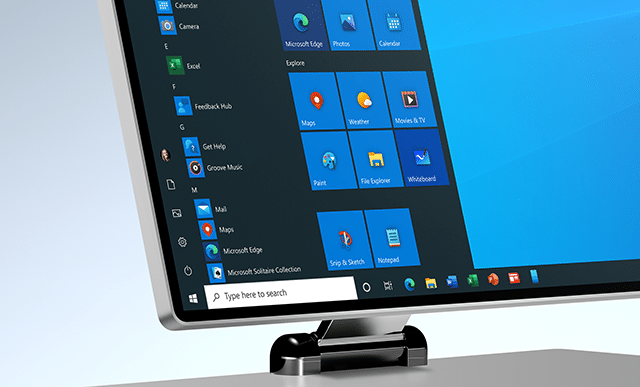
Today, Microsoft rolls out the latest Windows 10 Preview build to Insiders on the Fast ring.
Build 19569 delivers the usual round of improvements and fixes, but Windows Insiders will from today also begin to start seeing new icons for built-in Windows 10 apps like Mail and Calendar.
Microsoft rolls out important changes to Windows Update for Windows 10
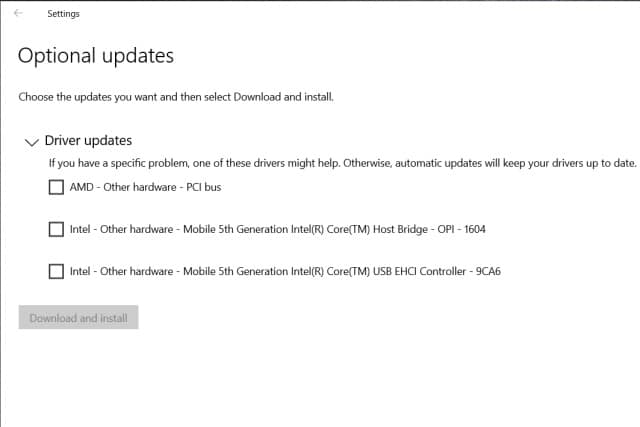
Microsoft has started the roll out of changes to Windows Update that give Windows 10 users more control over the process of updating. There has been a spate of problematic updates from Microsoft recently, and the change that is rolling out now introduces a new "Optional updates" section to Windows Update.
An important aspect of the new Windows Update user experience is that driver updating has been dramatically improved. Microsoft says that the changes will help users to get hold of the "highest quality, and most reliable drivers faster and with less friction".

Windows as a Service: A method of life cycle management
A moment five years in the making is here. Support for Windows 7 officially ended on January 14. While not every enterprise has completed the migration to Windows 10, it is the operating system IT teams must focus on moving forward -- and it means big changes in how they operate. "Set it and forget it" is done. At the same time, the pain of migrating thousands of endpoints over to an entirely different OS is too, replaced instead by a new method of ongoing life cycle management.
We’ve entered the era of Windows as a Service. This is not just clever marketing but rather a genuine shift in how new Windows features are introduced and updates are conducted. Essentially, this model requires delivery of new features twice a year and security updates every month. Feature updates also receive ongoing quality updates over the course of either 18 or 30 months, replacing what previously occurred over the course of several years. The new model translates to a continuous rollout of Windows through internal testing. As with any major change, Windows as a Service has its pros and cons. Let’s dive in.



