
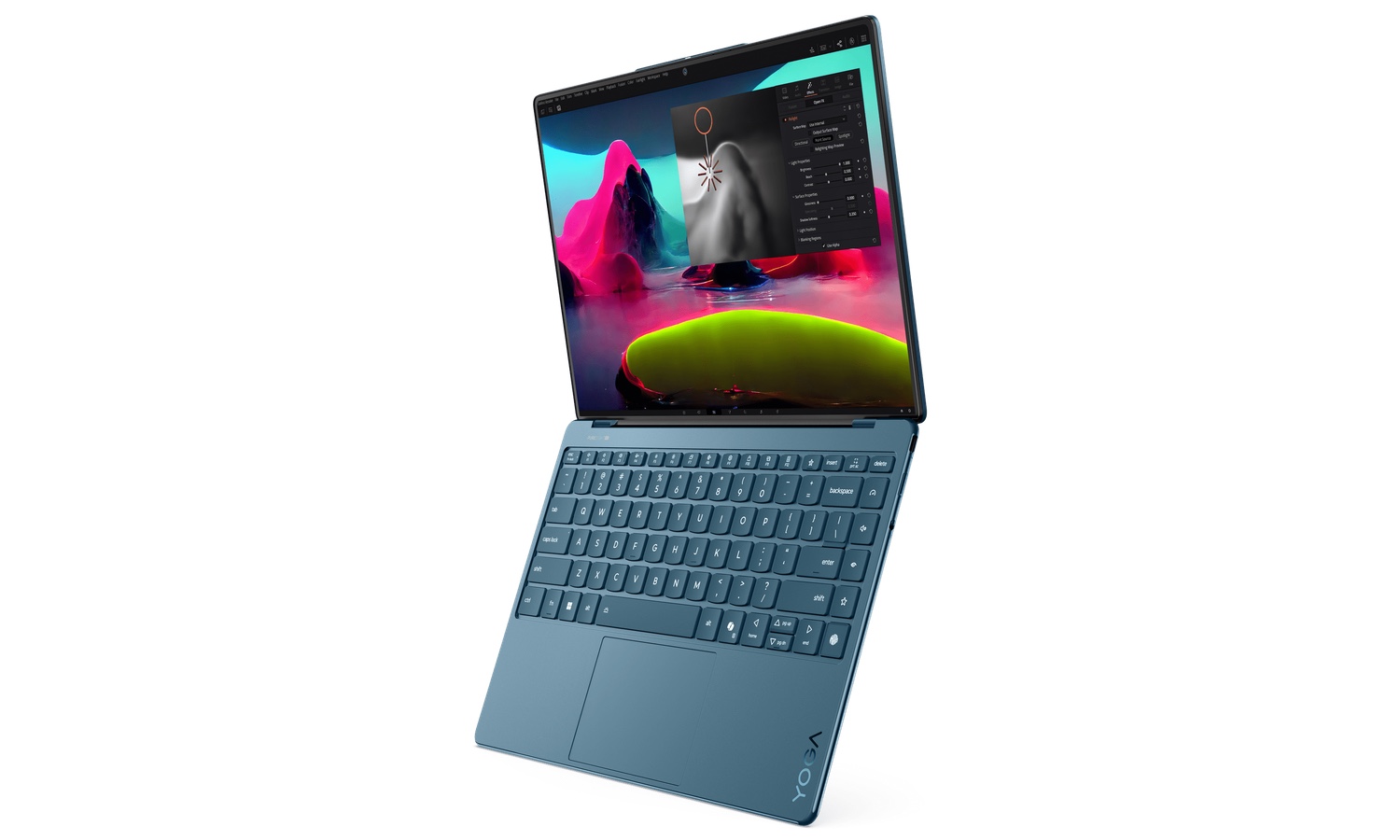
New Lenovo Yoga Slim 9i is the first Windows laptop with camera-under-display technology
Lenovo made several big reveals at CES, but perhaps the most interesting is the Lenovo Yoga Slim 9i (14”, 10). This laptop has numerous features that make it stand out from the crowd.
Not only is this a Windows 11 Copilot+ PC, it is a laptop with virtually no bezel; Lenovo boasts of a 98 percent screen-to-body ratio. The most interesting innovation, though, is the inclusion of an under-display camera (or camera-under-display/CUD) which means a webcam without the need for a notch or a bezel.
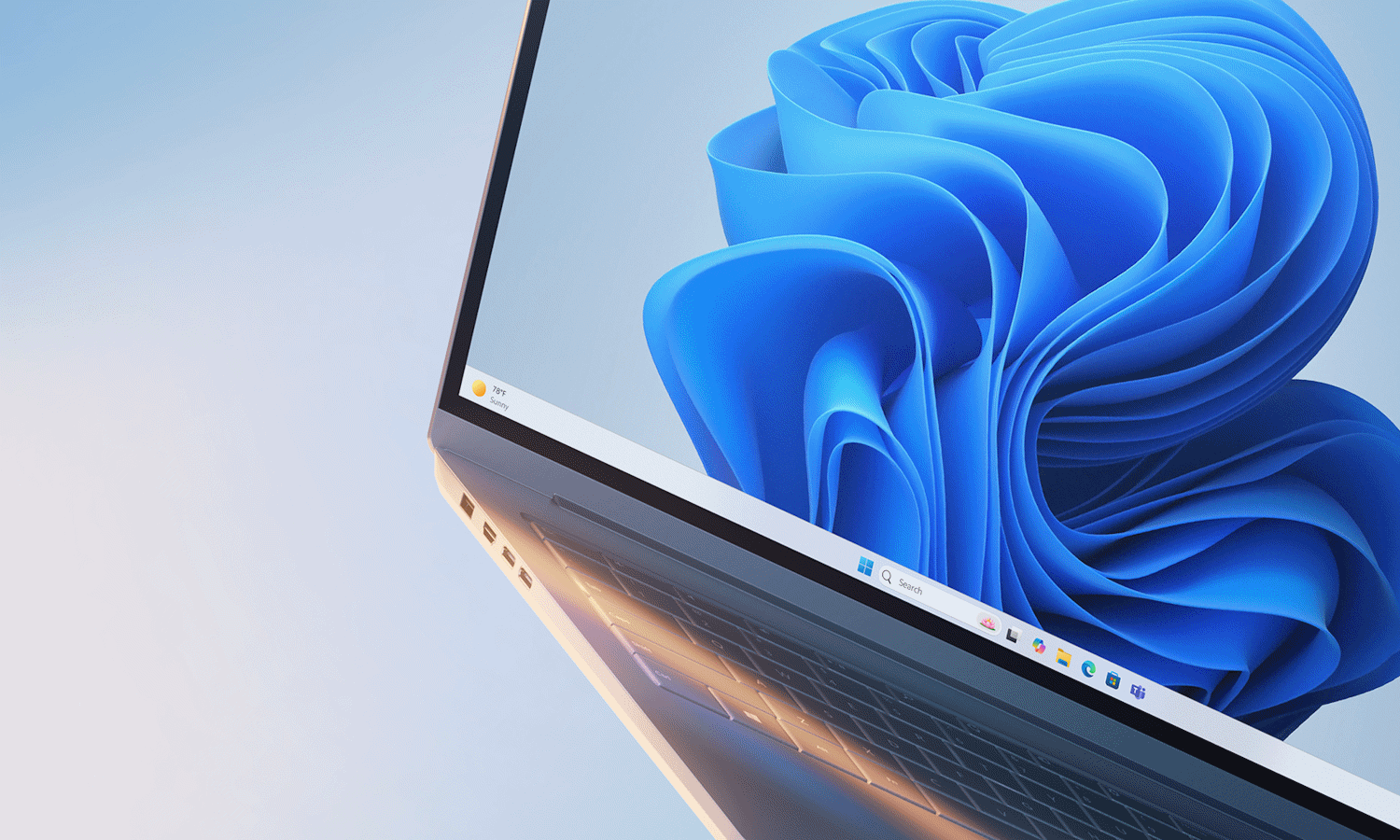
Microsoft says 2025 is the year to ditch Windows 10 and embrace Windows 11
Every time January rolls around there are declarations that this will be the year of Linux on the desktop -- and of course, it never is. This year is no different, and Microsoft would much rather you consider 2025 to be the “year of the Windows 11 PC refresh”.
The company is using CES as a platform to encourage people who are still hanging on to Windows 10 to loosen their grip and move to Windows 11. The end of support for Windows 10 is being used as a stick, but the carrot is the new breed of AI-powered Copilot+ PCs. Microsoft is hoping that the artificial intelligence driven capabilities of this recently launched range of PCs will also encourage existing Windows 11 users to invest in new hardware.
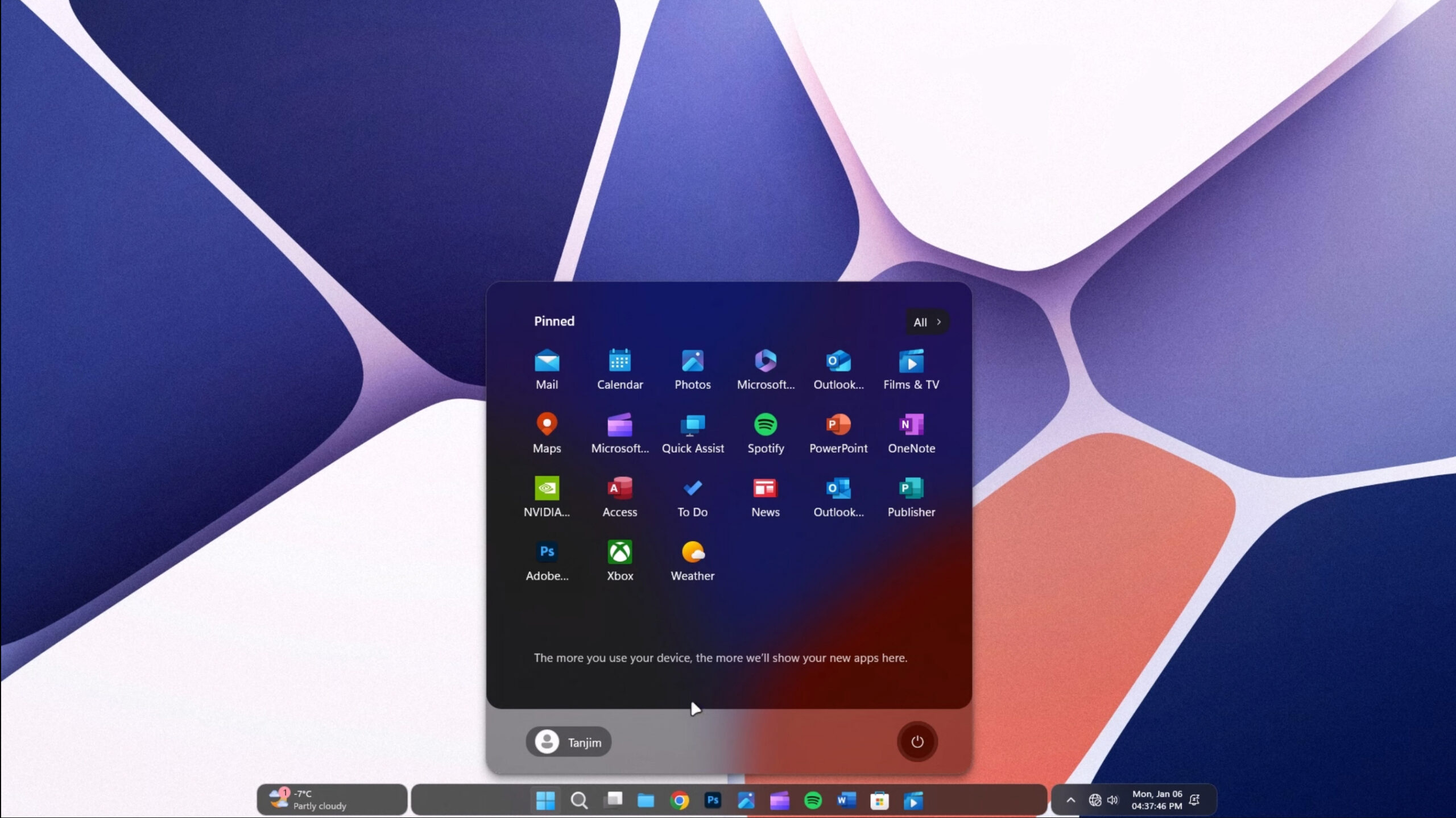
Like magic! Transform Windows 11 into the Microsoft OS you've always wanted in just a couple of mouse clicks
Windows 11, despite being marketed as a modern operating system, often feels visually uninspired and inconsistent. The rounded corners and glass-like transparency effects attempt a minimalist look but come across as bland rather than innovative.
Microsoft stepped out of its comfort zone with a centered taskbar and Start Menu, but that’s about as bold as the tech giant was prepared to go. Key UI elements, like the Start Menu, feel oddly sterile, with a basic grid of icons and limited customization, making it look more like a placeholder design than a refined final product.
Best Windows apps this week
Six-hundred-twenty-eight in a series. Welcome to this week's overview of the best apps, games and extensions released for Windows 10 and Windows 11 on the Microsoft Store and elsewhere in the past seven days.
The last week of December has been a slow news week, as usual. Reports suggest that some Path of Exile 2 players experience high CPU loads on Windows 11, but the issue has not been added to the official known issues list yet by Microsoft.

Best Windows apps this week
Six-hundred-twenty-seven in a series. Welcome to this week's overview of the best apps, games and extensions released for Windows 10 and Windows 11 on the Microsoft Store and elsewhere in the past seven days.
Microsoft confirmed a new Windows 11 issue this week that prevents future installations of security updates. The issue affects Windows 11 devices that were installed using installation media, but only if the October or November 2024 security updates were included. No workaround at the time for affected users.
Microsoft warns of Windows 11 24H2 installation issue that blocks all future security updates
Microsoft is vocal about the importance of ensuring that Windows users have all of the latest security updates installed, and rightly so. Now the company has warned that using certain installation media to install Windows 11 24H2 could result in not being able to receive any further security updates.
The root cause of the problem has not been revealed as Microsoft is still investigating, but the issue can occur when using media such as CDs or USB drives to install the latest version of Windows 11. While the cause is not known, and there is no specific fix, there is a workaround.

Can siduction OS seduce you into saying goodbye to Windows 11 in 2025?
The start of a new year is always a chance to reassess priorities, try to break old habits, and make lifestyle changes that bring us closer to the life we want to live. New Year’s resolutions typically center around health, career, or relationships, but there’s another area worth considering -- the software and tools we rely on daily.
If you’ve been thinking about leaving Microsoft Windows 11 behind and diving into the world of Linux, this could be the perfect time to do so. (Like all resolutions there’s no guarantee you’ll stick to it of course, but like that well-meaning health kick, it’s worth giving it a go.)
The latest obstacles to updating to Windows 11 24H2 are an audio bug and an Auto HDR glitch
The number of issues standing in the way of people hoping to update their computers to Windows 11 24H2 just seems to keep on growing. The latest problems confirmed by Microsoft are an issue with Auto HDR, and another relating to Dirac Audio.
In both cases, Microsoft has implemented a compatibility safeguard hold that prevents automatic upgrades to Windows 11 24H2; the company also strongly recommends against forcing a manual upgrade because of the severity of the issues. So, what are the details?

Discover the Windows tool everyone's talking about: Flow Launcher adds powerful search and app-launching capabilities -- and then some
Jealous of macOS’s Spotlight feature? Want a more accessible -- never mind powerful and customizable -- alternative to Windows’ own dated search and app launching tools? Then Flow Launcher could be just the tool you’re looking for.
Flow Launcher, or “Flow” for short, lets you search for and open apps, files, system settings, and web pages from a single, easily accessible search bar. Triggered by a custom hotkey of your choice, it provides a seamless way to navigate your system. However, its modular design is what truly sets it apart.

Best Windows apps this week
Six-hundred-twenty-six in a series. Welcome to this week's overview of the best apps, games and extensions released for Windows 10 and Windows 11 on the Microsoft Store and elsewhere in the past seven days.
Microsoft confirmed new issues this week, some of which are blockers that prevent the upgrade to version 24H2 of Windows 11. Notable is an Auto HDR issue, that can cause game freezes and color distortions. You can check out the full list here as usual.
At long last, Microsoft makes it possible to use your webcam with multiple apps simultaneously in Windows 11
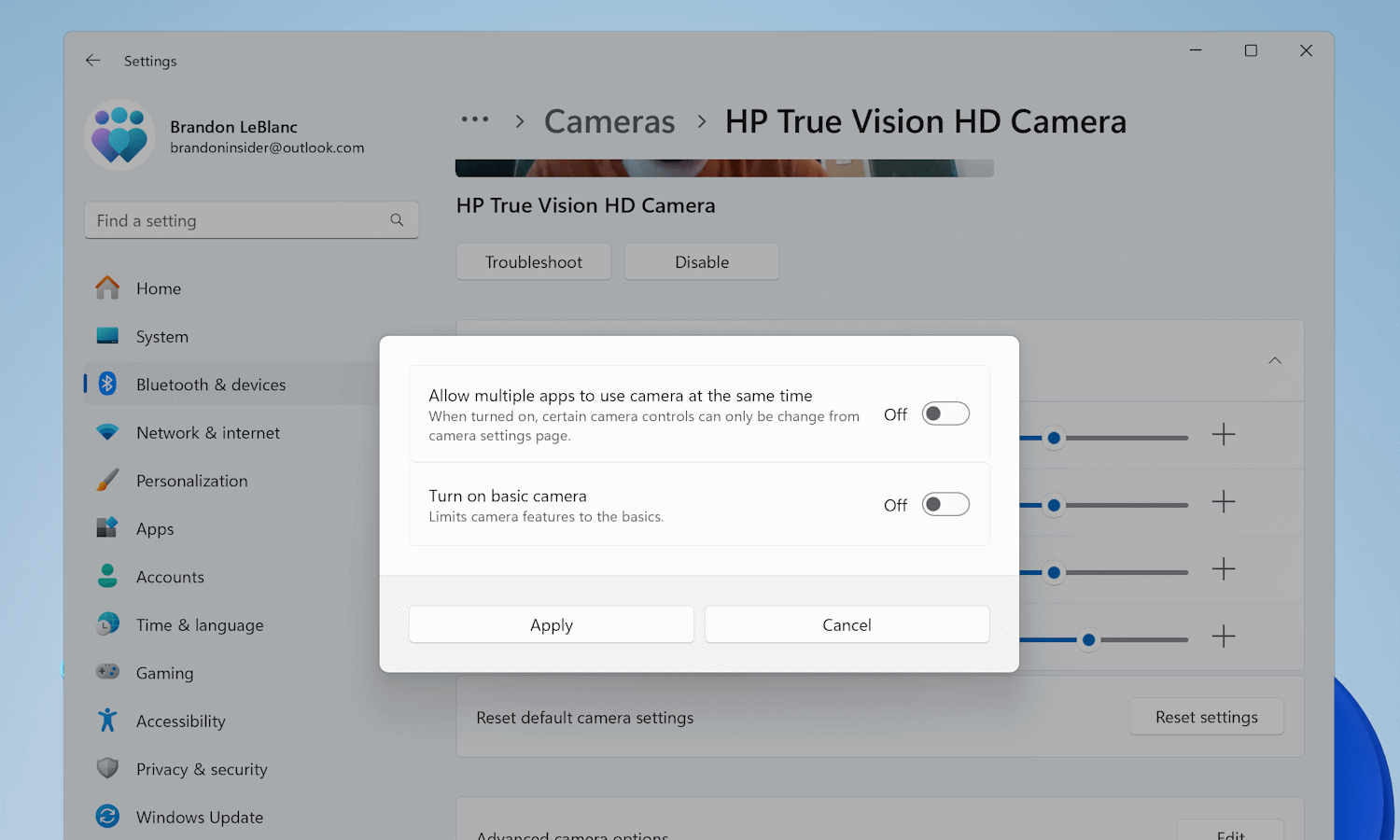
Webcam users rejoice: the end of the “Another App Is Using the Camera Already” error message could be nigh.
People have been asking for the ability to use a single webcam in two or more apps at the same time for what feels likes forever. Built ostensibly as an accessibility feature, Microsoft is finally bringing what it is calling “Multi-app camera” to Windows 11.

Yes, there is a way to get a vertical taskbar in Windows 11
One of the changes in Windows 11 that continues to generate lots of complaining is the removal of a vertical taskbar option. Microsoft decided that it wanted everyone to have their taskbar anchored to the bottom of the screen, and that was the end of that.
But not anymore. Now there is a way to vertically align your taskbar in Windows 11, giving you the chance to make better use of a widescreen/ultra-widescreen monitor’s available space. It doesn’t matter whether your preference is for the left or the right -- both are possible.

Microsoft is pulling the Suggested Actions feature from Windows 11
Introduced a couple of years ago, the Suggested Actions feature of Windows 11 was designed to make life easier, simplifying dealing with information encountered on websites, in documents and so on. Now the feature is being ditched.
Microsoft introduced Suggested Actions as a productivity-enhancer that worked across all aspects of Windows. While the company has said nothing about why it is killing off what is ostensibly a useful tool, the answer can probably be summed up in two letters: AI.

Best Windows apps this week
Six-hundred-twenty-five in a series. Welcome to this week's overview of the best apps, games and extensions released for Windows 10 and Windows 11 on the Microsoft Store and elsewhere in the past seven days.
Microsoft lifted several blockers that prevented earlier Windows 11 systems from upgrading to version 24h2. The company announced that the update will be offered to more devices going forward.
Microsoft releases KB5048667 update, removing another Windows 11 24H2 block and introducing a questionable change
There are still various obstacles in the way of updating to Windows 11 24H2, but Microsoft has just removed one of them. Until now, systems with a USB scanner that used the eSCL scan protocol were blocked from installing the update, but this block has now been lifted.
This is not all that is to be found in the update, of course. There is a somewhat controversial switch to a shortened date format in the taskbar as well as a batch of important security fixes.



