
Canonical publishes laughably simple guide to upgrading to the Ubuntu app for Windows
It is not long since Ubuntu made its debut in the Windows Store, much to the excitement of Linux fans.
Now Canonical has provided a guide to upgrading from the "bash on Ubuntu on Windows" experience that's built into Windows 10, to the full-blown Windows Store version.
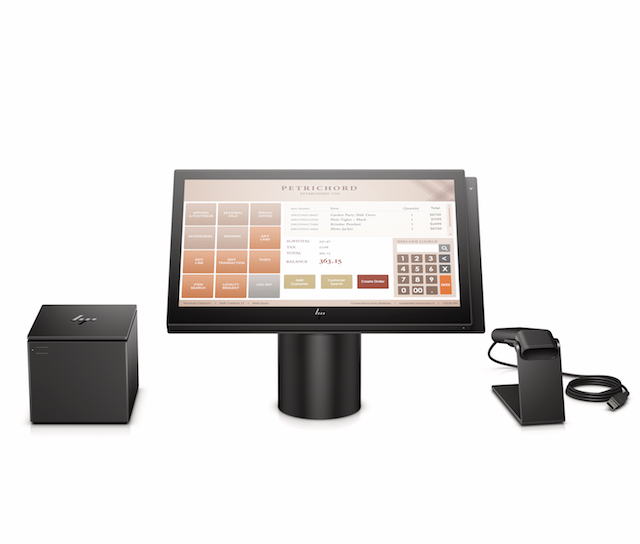
HP ElitePOS is a secure retail point-of-sale system powered by Microsoft Windows 10
Windows 10 has proven to be a bit disappointing for some users, but for others, it can be a satisfying experience. If you cannot afford a Mac, and learning Linux is out of the question, Microsoft's desktop operating system is your best bet. Look, Windows 10 isn't a bad OS at all. Actually, it scales rather well to many computer types and screen sizes. For instance, no other desktop OS can match it on a touch screen.
To highlight this, today, HP announces a beautiful Windows 10 point-of-sale system. Called "ElitePOS," it leverages many of Windows 10's strengths, such as touch-input and security. The little business computer is quite attractive too, which is very important for a customer-facing machine. The machine has solid hardware on the inside as well, featuring Kaby Lake processors and DDR4 memory. The body doesn't just look good, it is built well too, with military-grade ruggedness. In other words, this POS computer is not a "POS."

Microsoft releases Windows 10 Fall Creators Update Build 16257, with one big unexpected change
Windows 10 Fall Creators Update isn’t too far off being ready for release, which should mean that the new builds we see are pretty unexciting, with bug fixes and minor improvements the order of the day.
But it appears Microsoft didn’t get that memo, as there’s several big changes in new Build 16257, including one that no one saw coming, and which won't be visible to most.
From hack to product: soon you'll be able to control Windows 10 with your eyes
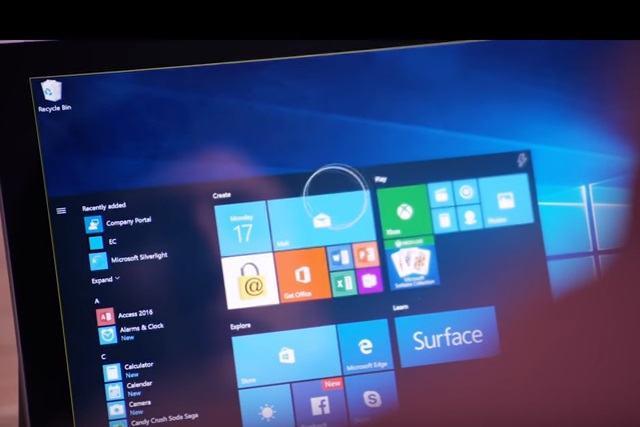
There are a lot of accessibility options built into Windows 10 at the moment, and soon there'll be a new feature. Brought about by an idea raised at Microsoft's 2014 hackathon, the company is bringing Eye Control to its operating system.
As the name suggests, Eye Control gives users the ability to control and interact with Windows 10 using eye movements -- something which is incredibly useful for anyone with limited movement. The feature is destined for inclusion in a future version of Windows 10, but a beta version will be made available to Windows Insiders.
How to download and install Windows 10 S
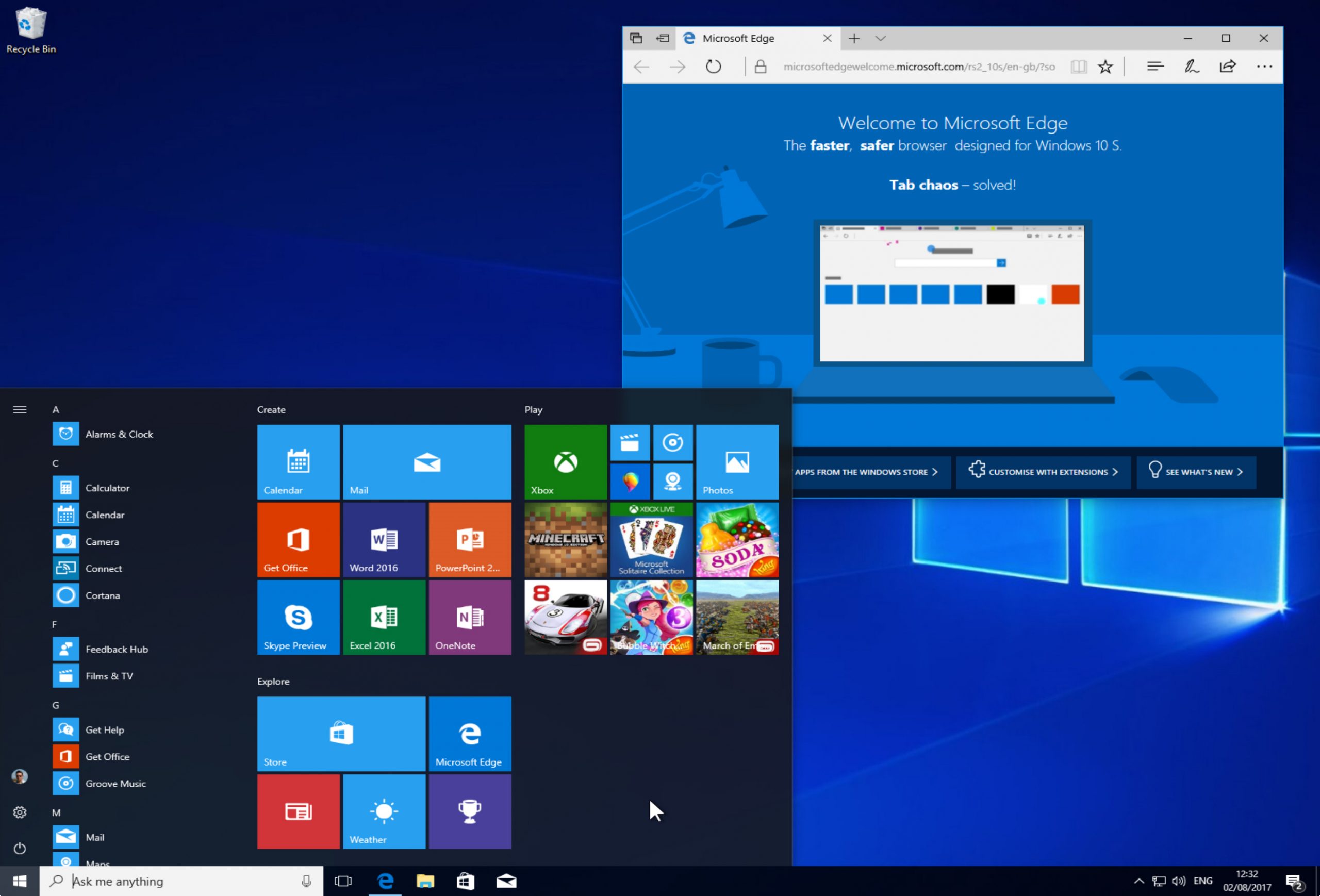
Windows 10 S is a special locked down version of Microsoft’s new operating system. It’s aimed primarily at those in education, and can only run apps from the Windows Store, which offers security benefits, including protection from ransomware.
While the OS is predominately to be found on new hardware like the Surface Laptop, Microsoft last week made it available for developers, and from today anyone can officially download and install it. Here’s how.

Minecraft's 'Better Together' Beta lets you play with friends across Windows 10 and Android devices
Minecraft fans can play the Microsoft-owned game on a variety of platforms, including PC, Android, iOS, and console.
It’s great fun as it is, but things are about to get even better, as from today Microsoft releases a beta that will let you play the game with friends across different devices.
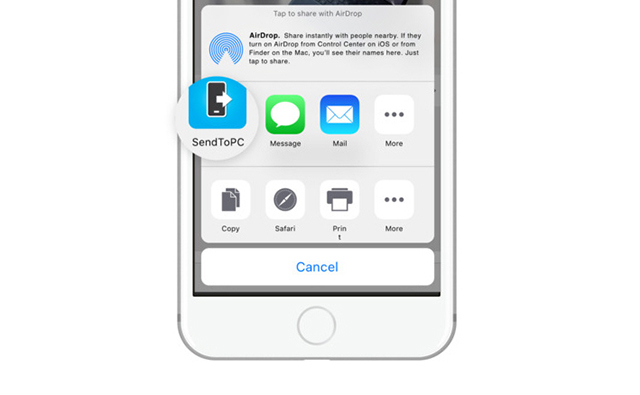
Microsoft's 'Continue on PC' for Windows 10 now available for iOS
The big, standout new feature in Windows 10 Fall Creators Update Build 16251 is cross-device web-browsing. This lets you start browsing on your phone, and then switch to your PC and continue from where you left off.
The feature was initially only available for Android, but Microsoft promised that it would arrive on iOS "soon." Well, it’s here even sooner than expected and iPhone and iPad users can grab it now.

Microsoft removes 'beta' tag from 'Windows Subsystem for Linux' in Fall Creators Update
As Windows 10 continues to disappoint some users, Microsoft is increasing its focus on Linux. Whether or not the company will ever take the big step of making its own distribution based on the kernel remains to be seen. With that said, the company has sort of come close -- it has allowed Linux to infiltrate its beloved Windows operating system by way of the "Windows Subsystem for Linux" feature. Bill Gates and Steve Ballmer would probably be rolling in their graves right now -- if they weren't alive, of course.
Today, Microsoft takes its commitment to Linux a bit further. You see, it has announced that "Windows Subsystem for Linux" will be shedding its "beta" designation in Windows 10 Fall Creators Update. In fact, the Beta tag has already been removed in Windows 10 Insider Build 16251. In other words, the beta label on the feature has been taken off in a beta version of the operating system. Confused? Welcome to the party, pal!

How to enable and use Dolby Atmos surround sound in Windows 10
Dolby Atmos is a surround sound technology from Dolby Laboratories. It debuted in 2012, and is designed to "pull you inside the action" with sound that moves around you in a three-dimensional space without being constrained to channels.
Microsoft supports Dolby Access in Windows 10 Creators Update, and enabling it and using it is straightforward, but there are some catches to be aware of.
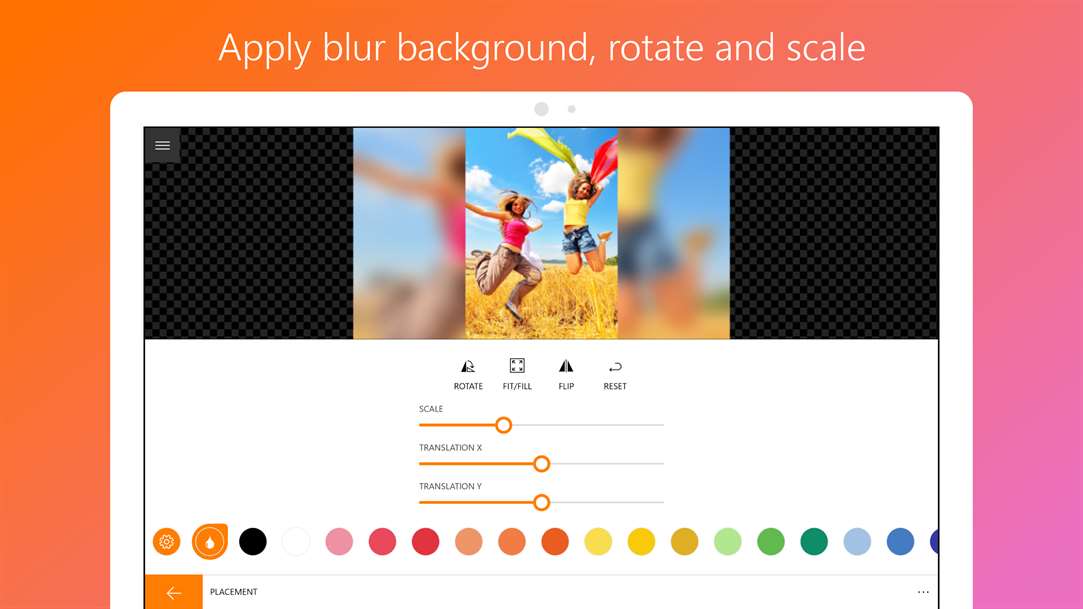
Best Windows 10 apps this week
Two-hundred-and-forty-one in a series. Welcome to this week's overview of the best apps, games and extensions released for Windows 10 on the Windows Store in the past seven days.
Microsoft revealed the features that are being removed or deprecated in the Fall Creators Update this week. The company announced as well that it would make the classic MS Paint program available through Windows Store after its deprecation.
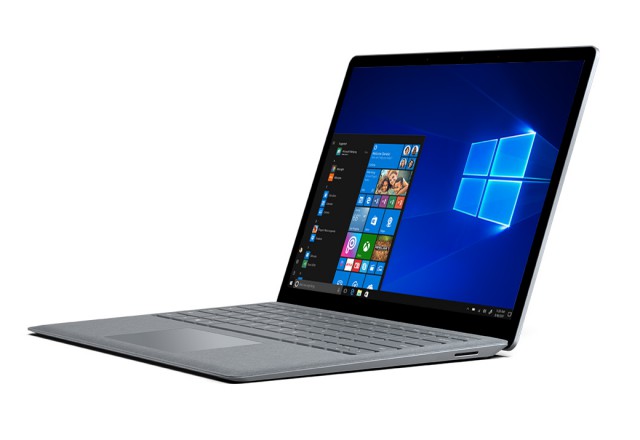
Windows 10 S now available for developers to download
Microsoft today announced that it’s finally making the Windows 10 Creators Update available to all, and it’s also opening up Windows 10 S to developers.
Windows 10 S is a locked down version of the new operating system that’s designed to only run Windows Store apps. It’s to be found on hardware like the Surface Laptop.

Windows 10 Creators Update finally available to (almost) all
The Windows 10 Creators Update rollout has been glacially slow, and -- at times -- problematic. Shortly after it began, back at the start of April, Microsoft suggested people didn’t manually install it, and three months after its official release only half of Windows 10 users were running it.
Finally, though, with the horrendously named Fall Creators Update due soon, Microsoft has made the decision to finally offer the current feature update to all -- well nearly all.
Microsoft launches Windows Bounty Program to weed out Windows 10 bugs
Microsoft is one of many technology companies to run bounty programs giving people the opportunity to earn a bundle of cash for finding bugs and security issues with software. Now the software giant has launched the Windows Bounty Program, offering rewards of up to $250,000.
Of course, the starting point for rewards is much lower -- just $500, but still better than a kick in the teeth. This new bounty program has four key areas of focus in addition to the Windows Insider program: Microsoft Hyper-V, Mitigation bypass and Bounty for defense, Windows Defender Application Guard, and Microsoft Edge.

How to use the new cross-device web-browsing feature in Windows 10 Fall Creators Update
New Windows 10 Fall Creators Update Build 16251 is rolling out now and brings with it lots of changes and some great new features, such as the ability to shut down or restart your PC using Cortana voice controls.
The standout feature though is cross-device web-browsing that lets you browse the web on an Android phone and then switch to continue browsing the same site on your Windows 10 PC. Here’s how to use it.
Action-packed Windows 10 Fall Creators Update Build 16251 arrives on the Fast ring, with cross-device web-browsing and more
It’s been two weeks since Microsoft rolled out a new Windows 10 build to Insiders on the Fast ring. Build 16241 came with a sizeable number of improvements and fixes, with a large number of those focused on the Mixed Reality side of things.
Today the software giant pushes out Build 16251, and the main focus here is on cross-device web-browsing -- that is linking your PC and Android phones together (support for iPhone is coming soon) so you can browse the web on your mobile device and then continue browsing the same site on your PC.



