
Best Windows apps this week
Six-hundred-forty-two in a series. Welcome to this week's overview of the best apps, games and extensions released for Windows 10 and 11 on the Microsoft Store and elsewhere in the past seven days.
Microsoft released security updates for Windows this week that introduce a few new features to Windows 11 as well. The update creates a mysterious inetpub folder in the root drive next to that, which is empty and can be deleted.
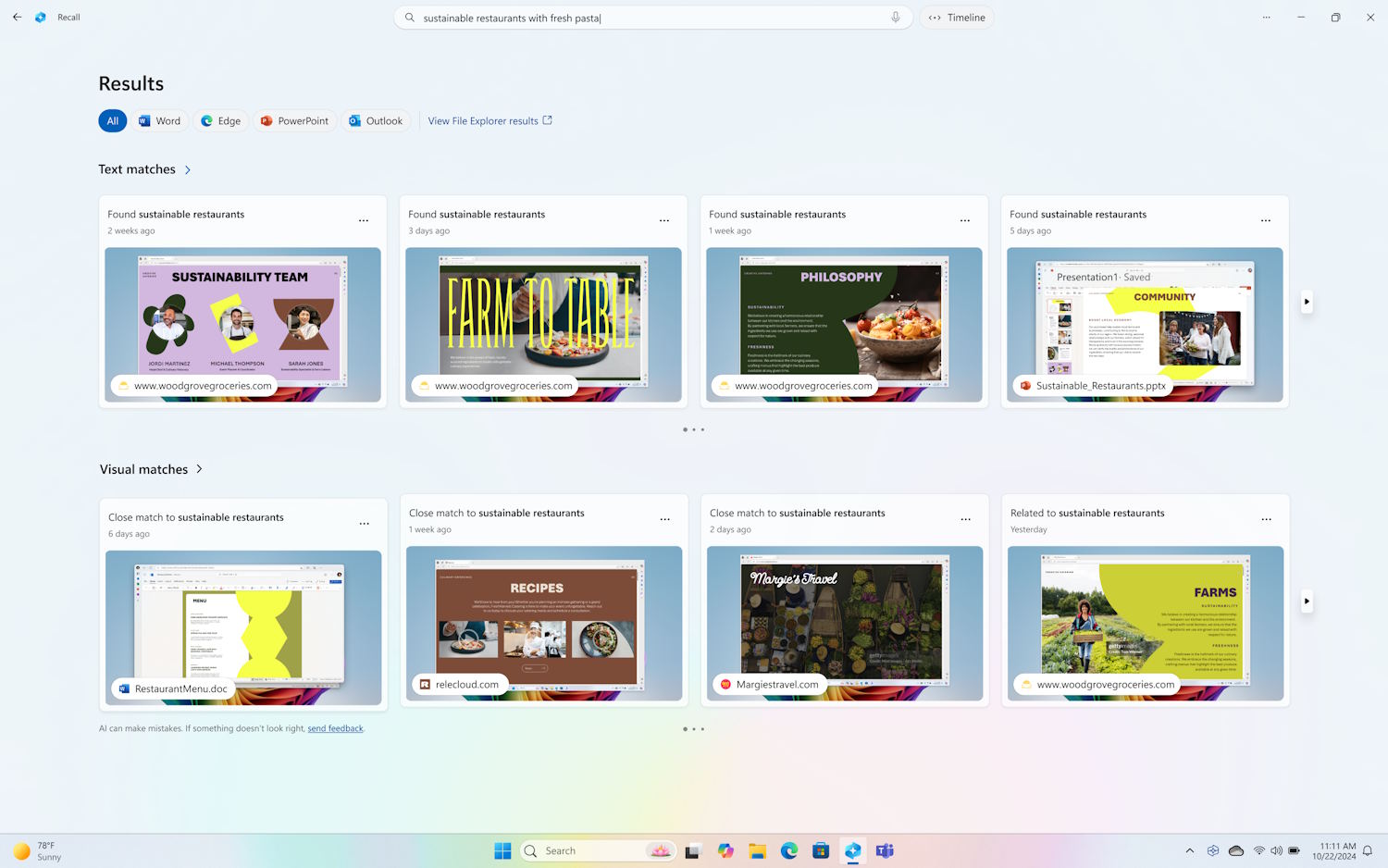
Microsoft thinks its controversial Recall feature is ready for some Windows 11 users to try out... install it if you dare
When Microsoft first added the AI-powered Recall feature to Windows 11, it could hardly have been expecting the backlash that came from users. Concerns about privacy and security forced the company to delay the rollout of the activity and screen monitoring snapshot tool.
Now Microsoft thinks it has made the improvements required to calm the concerns of those who spoke out very loudly against the tool. A new preview version of Recall is making its way to some users right now.
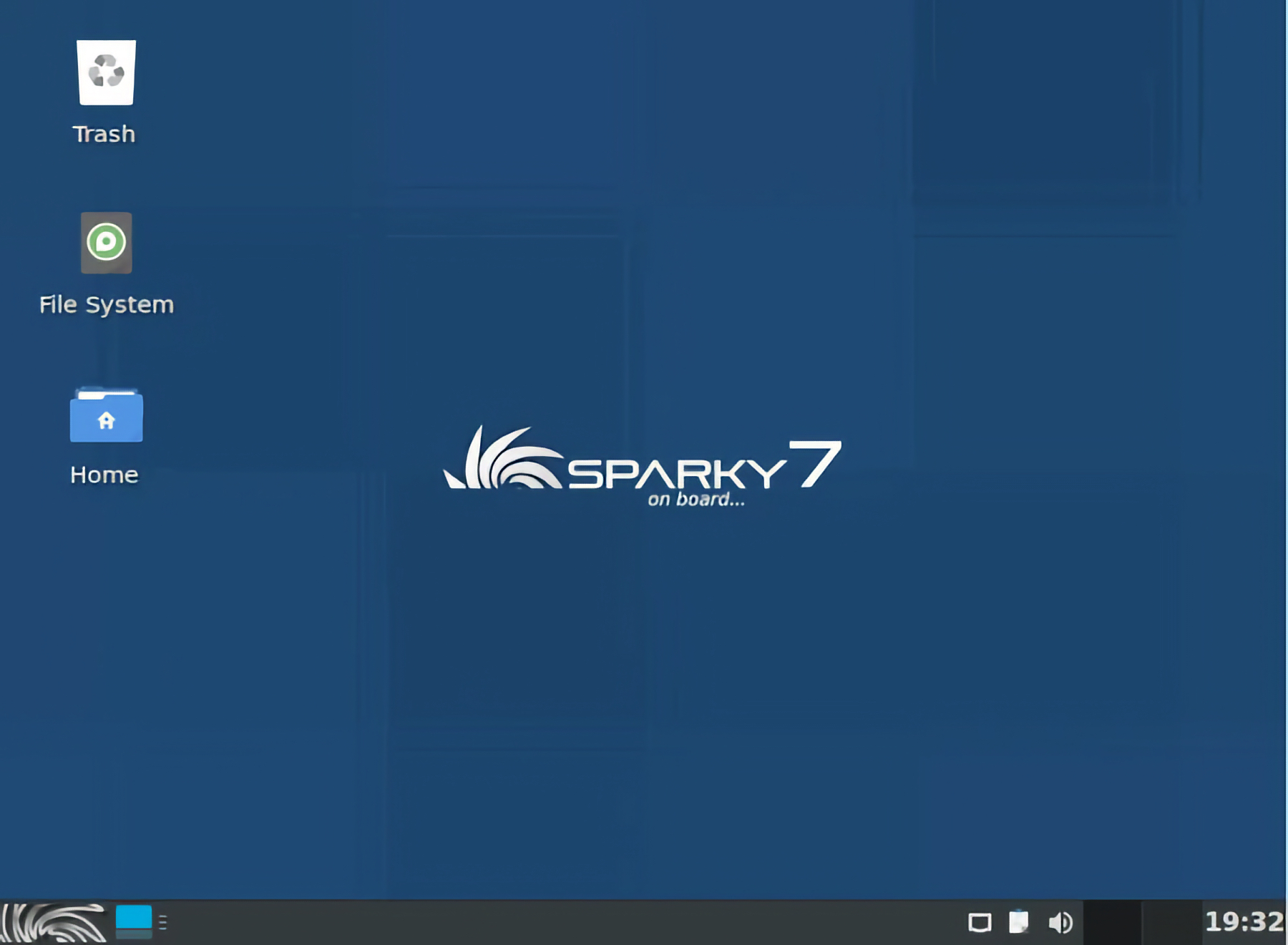
SparkyLinux 7.7 is the free Windows 11 alternative you didn’t know you needed
Are you tired of the constant updates, ads, and restrictions in Windows 11? Well, folks, you’re certainly not alone. Thankfully, SparkyLinux 7.7 “Orion Belt” just dropped, and this open source operating system might be the escape hatch you’ve been looking for. Built on Debian 12 “Bookworm,” this is exactly the kind of no-nonsense Linux distro that gives users freedom, speed, and stability without all the Microsoft bloat.
Unlike Windows 11, SparkyLinux doesn’t shove AI assistants in your face or lock you into a Microsoft account. Instead, it quietly gets the job done. Quite frankly, that’s what makes it a solid choice for folks who just want their computers to work.

What is the inetpub folder that’s suddenly appeared on Windows 11 systems?
If you’ve installed the updates for Windows 11 released by Microsoft earlier this week, you may have noticed several things. Firstly, you likely found that several bugs have been fixed but, secondly, new problems have been introduced.
Thirdly, you may be one of many people to install the KB5055523 update for Windows 11 and then found that a strange folder called “inetpub” has appeared. What’s the story here?

Whoops! Microsoft just broke Windows Hello with the latest Windows 11 update
There can’t be a silver lining without a cloud, and for all of the problems Microsoft managed to fix with the KB5055523 update for Windows 11, there is the small issue of it causing Windows Hello authentication to stop working for some.
While the problem is limited to users who meet fairly narrow criteria, the impact for those affected is significant. If you’re running System Guard Secure Launch or Dynamic Root of Trust for Measurement on Windows 11 and Server 2025, caution is advised.

Microsoft releases KB5055523 update to fix a glut of Windows 11 problems
It's time to update Windows 11 again. Microsoft has just unleashed the KB5055523 update, and it is chock full of fixes for a series of bugs, problems and irritations in the operating system.
One of the most frustrating issues addressed by the KB5055523 update is a peculiar flaw in Explorer that rendered the ... menu all but useless. But there are lots of other fixes to be found in this security update, as well as new features and options -- especially for Copilot+ PCs.
Best Windows apps this week
Six-hundred-forty-one in a series. Welcome to this week's overview of the best apps, games and extensions released for Windows 10 and 11 on the Microsoft Store and elsewhere in the past seven days.
Microsoft is bringing hotpatching support to Windows 11 clients. This allows some updates to be installed without restarts of the system. Downside is that the feature is only available for Enterprise editions of Windows 11 at the time.
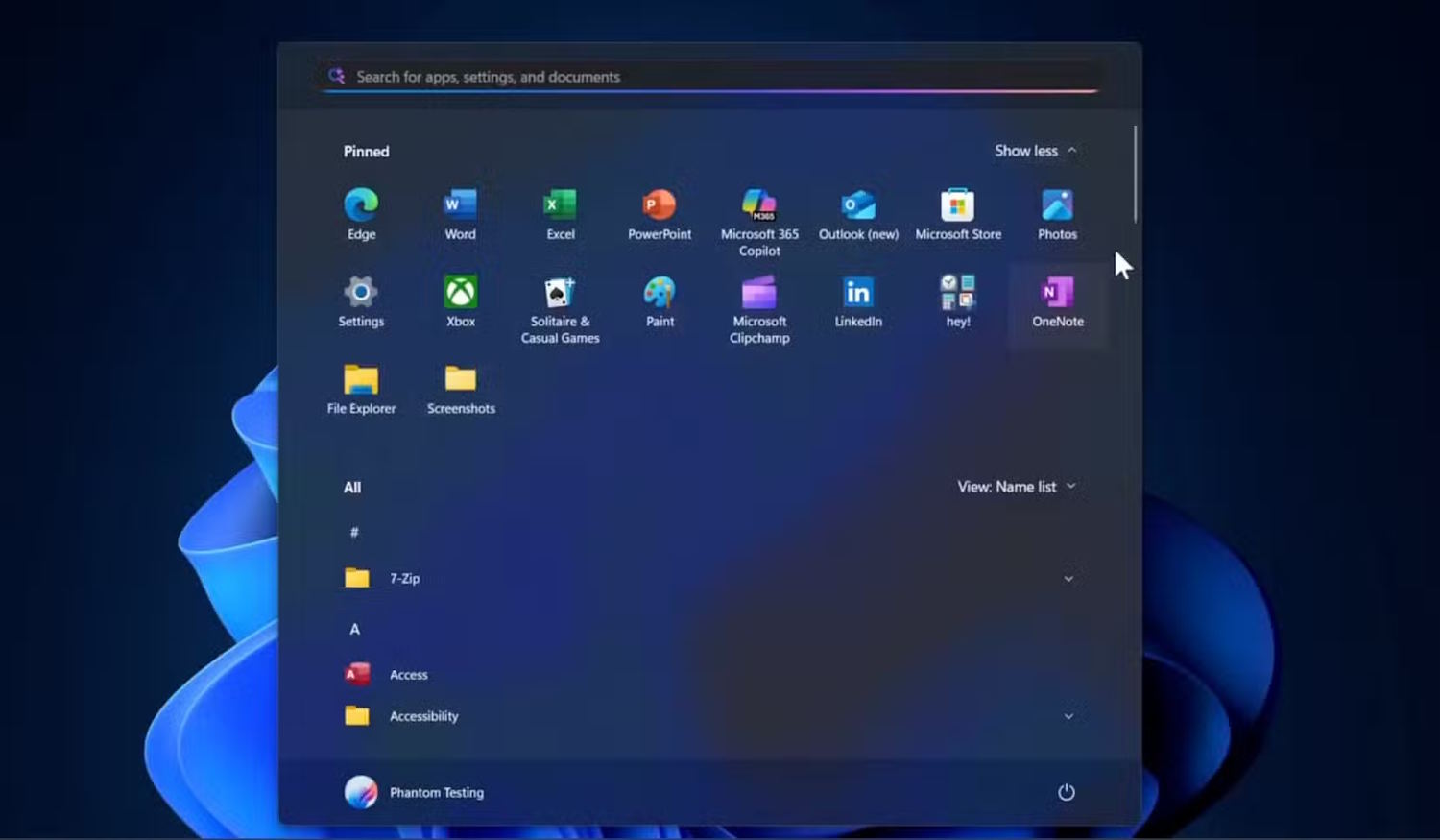
Microsoft is giving the Windows 11 Start menu a major overhaul -- and you’re going to love it!
The creation of the Start menu was revolutionary all those years ago. Since then, Microsoft has, variously, refined, improved, messed up, broken, and ruined this central component of Windows.
The version of the Start menu seen in Windows 11 has proved quite unpopular, but there is a revamp on the way that could win over a lot of users who fell out of love with it. We’re talking a new layout and -- even better -- “recommended” sections that can be disabled.
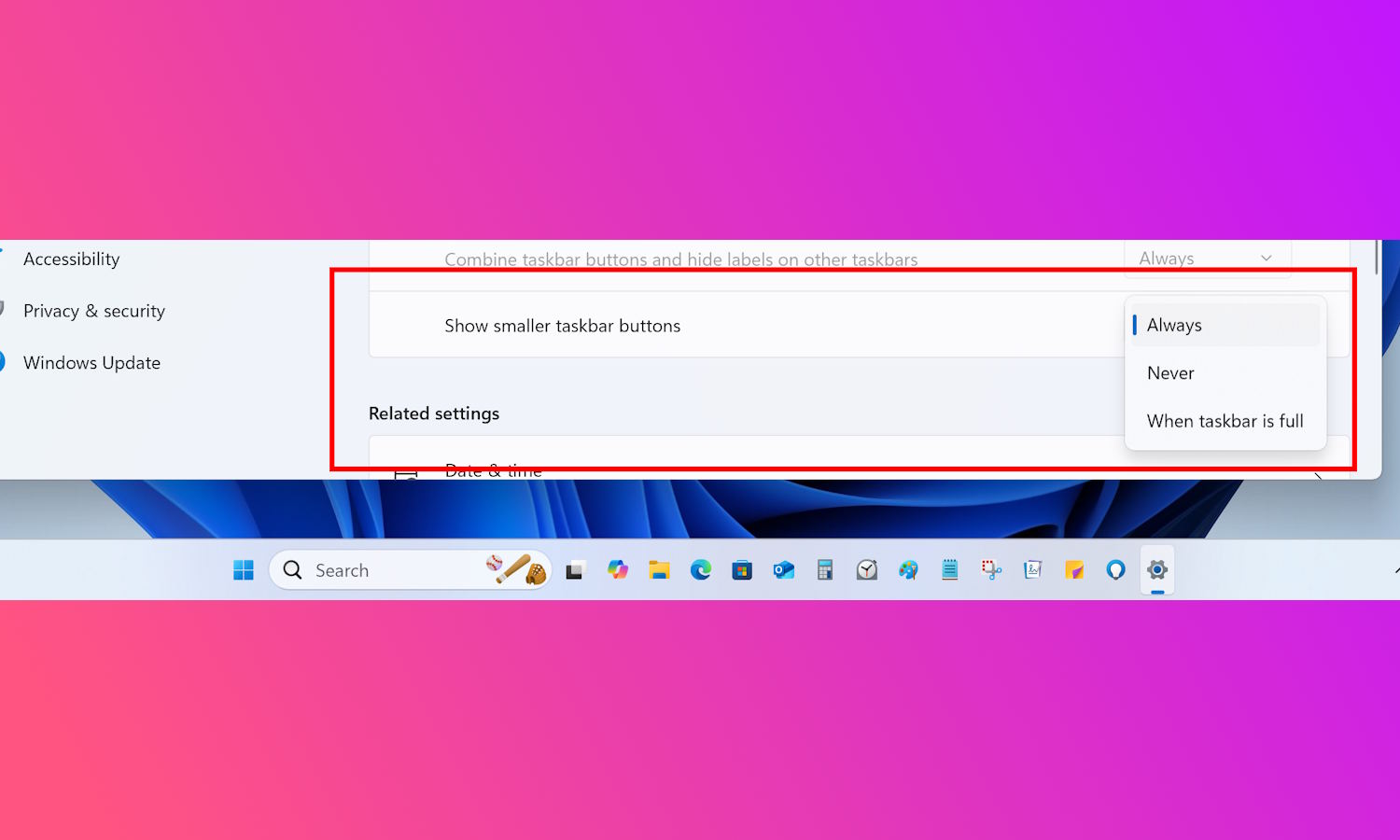
Microsoft is finally letting you change the size of taskbar icons in Windows 11
There are many complaints that can be levelled against Windows 11, but a very common one is the number of customization options that Microsoft has removed. Frequent subjects of these complaints are the taskbar and Start menu, and changes are finally being introduced that gives user greater control over the look and feel of both.
If you’ve ever balked at the size of icons in the taskbar, you’ll be pleased to hear that you will be able to make them smaller. As ever, it is Windows Insiders who get first dibs on this option, but it’s already being made available to the Beta Channel, so it is likely everyone will get it soon. Here’s what you need to know.

Microsoft makes time-saving hotpatching update method available to Windows 11 Enterprise users
Updates to Windows can be important, but they can also be a huge inconvenience. We’re not just talking about the number of times things go wrong with updates, but the downtime associated with installing them and restarting systems.
With the arrival of hotpatching in Windows 11, however, some of this frustration is eliminated. Microsoft has enabled the (mostly) restart-free update method for organizations running Windows 11 Enterprise.
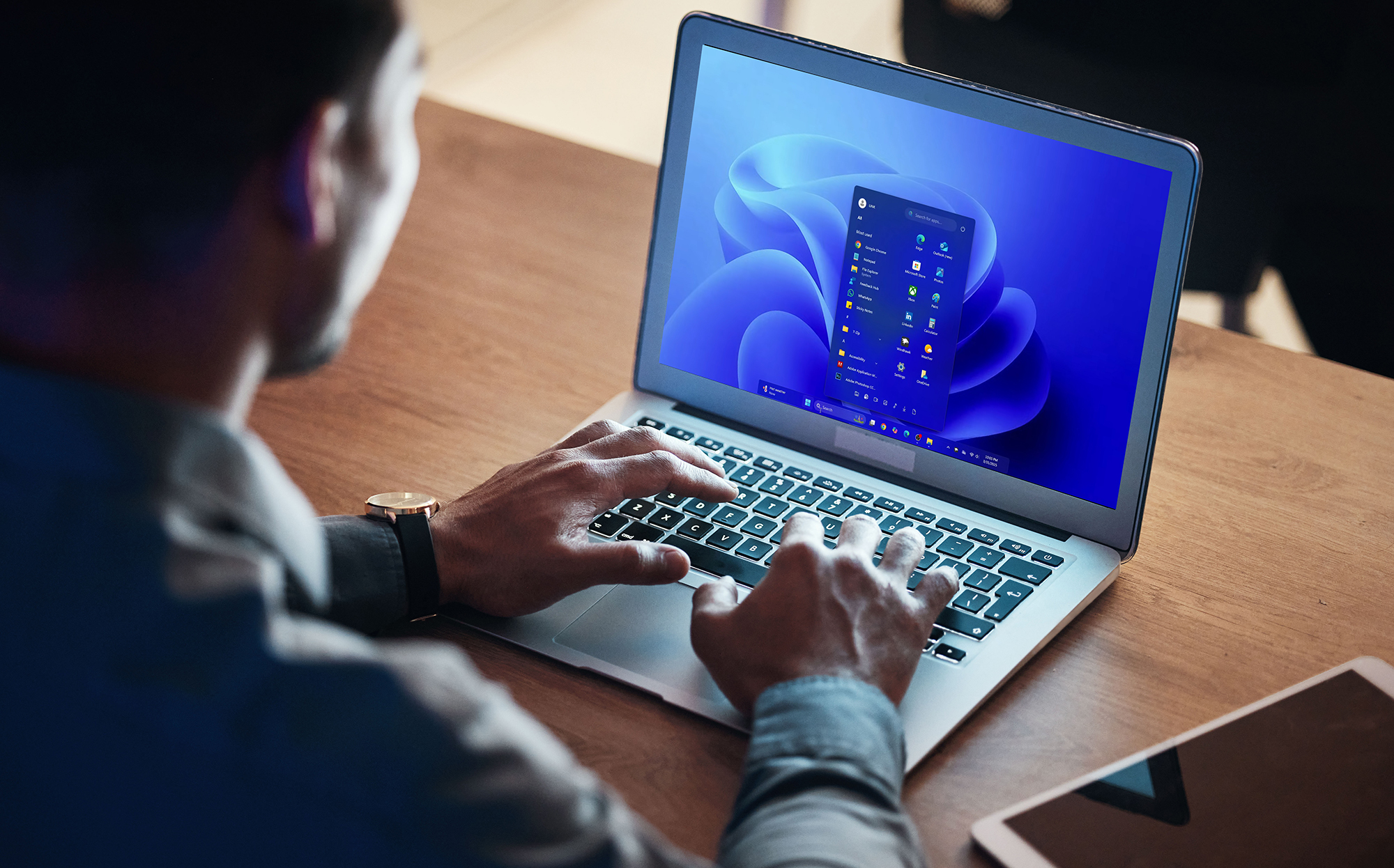
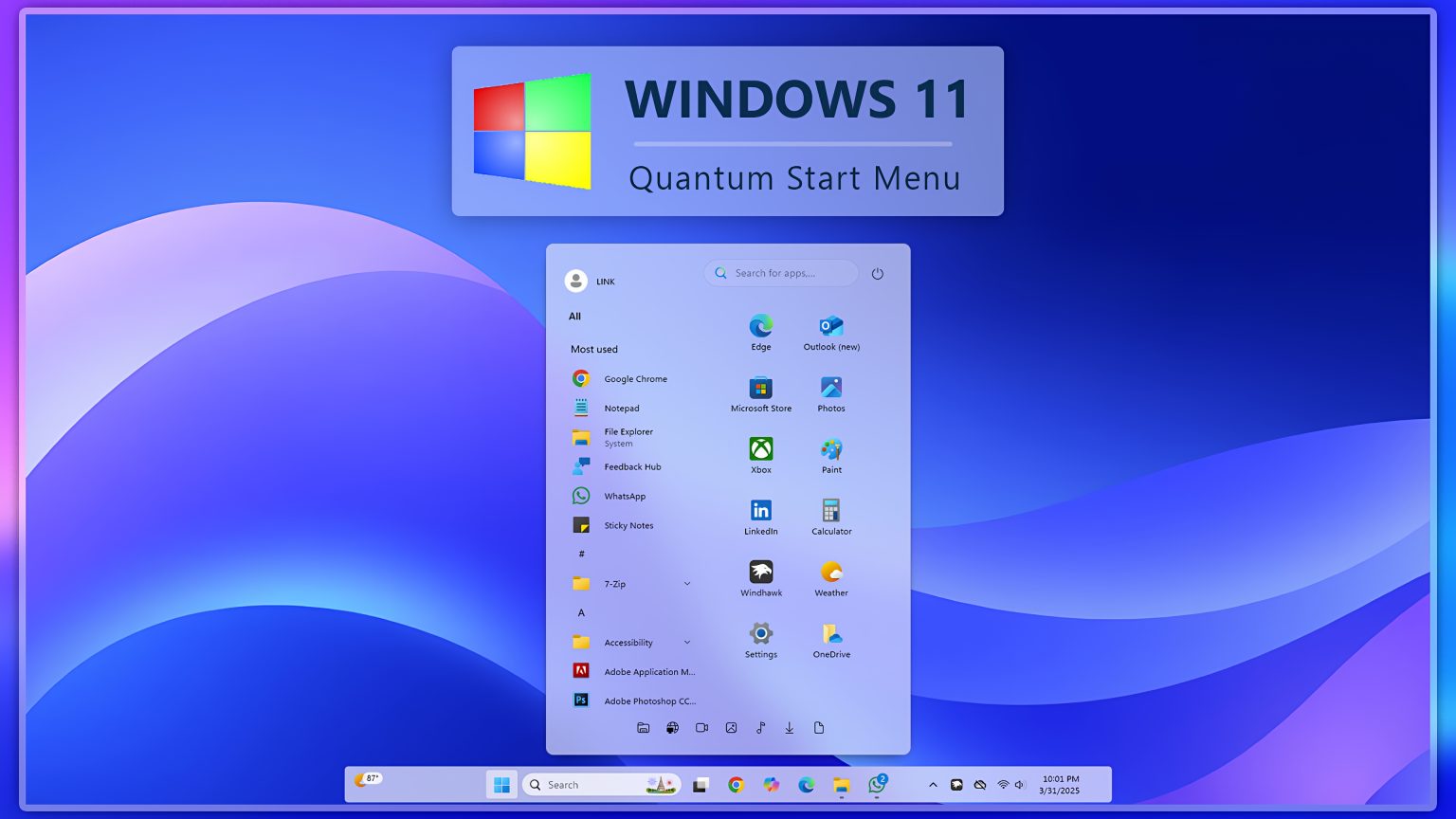
Windows 11 finally gets a proper Start menu with this Quantum upgrade -- install it now
If you’ve ever thought that Windows 11 is a little lacking in visual polish, you’re not alone. Microsoft’s decision to center the Start menu and taskbar was meant to modernize the look of the OS and reduce mouse travel -- especially for users with ultra-wide or high-resolution displays -- but it’s not exactly what you’d call inspiring.
If you think Windows 11 looks like it’s straight out of 2011, we have a free solution to that problem: Quantum Start Menu.
There is still a way to use Windows 11 without a Microsoft Account
Microsoft has been gradually shutting down the various ways people found to install and use Windows 11 without a Microsoft Account. The company has made it all but impossible to install the operating system without creating or signing into an account.
With the most recent preview build of Windows 11, Microsoft nixed a script that could be used to sidestep the requirement -- although it can still be manually applied via the registry. But there is still an easy way to avoid having to use a Microsoft Account.

Microsoft is making Copilot+ experiences available to more systems, and that’s great news for accessibility
When talking about AI in general -- including Copilot -- the focus tends to be on the impressive time-saving capabilities and futuristic features. What is often overlooked is the potential for artificial intelligence to improve accessibility.
But this is exactly what Microsoft is doing with the features it has for Copilot+ PCs. And now the company has made many of the Copilot+ experiences available to a wider range of processors, so systems with AMD Ryzen AI 300 series, Intel Core Ultra 200V and Snapdragon X Series chips can feel the benefits. There are huge advances in accessibility to be explored.

Say goodbye to Microsoft Windows 11 and hello to Nitrux Linux 3.9.1
Windows 11 offers a familiar environment for users, but it’s not without its share of frustrations, particularly regarding performance issues and resource consumption on older hardware. Microsoft's updates frequently add new problems while fixing old ones, which is another annoyance.
If you’ve been considering a switch from Windows 11, Nitrux is the perfect alternative. The Debian-based distribution, known for its focus on simplicity and performance, has just been updated to version 3.9.1, codenamed “mk.” This release includes new features and a series of updates and fixes aimed at improving the overall experience for both new and existing users.
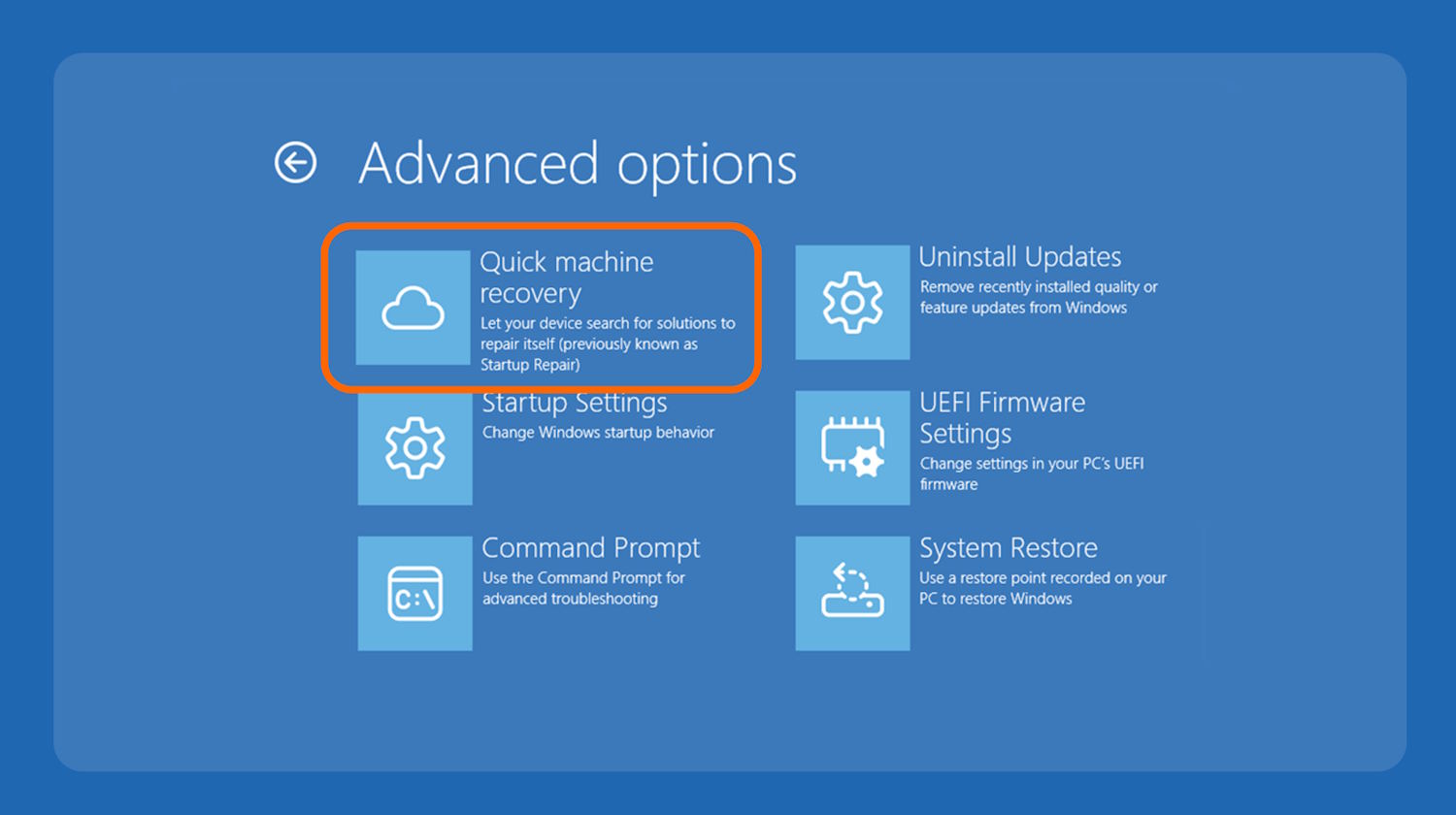
Microsoft launches Quick Machine Recovery to automatically fix your Windows 11 problems
When things go wrong with a Windows 11 device, downtime is not only frustrating but also expensive. In a bid to reduce the time lost to computer issues, Microsoft has launched Quick Machine Recovery, a new automated tool for addressing problems.
The tool is undergoing testing with Windows Insiders on the Beta Channel at the moment, so it probably won’t be long before it is promoted for general availability. Billed as a tool that “automatically detects, diagnoses, and resolves critical issues on your device”, Microsoft is looking to save users and sysadmins from having to delve into the Windows Recovery Environment.



